Certificate template
Blush Studio Mirror Dance Superlative Certificate
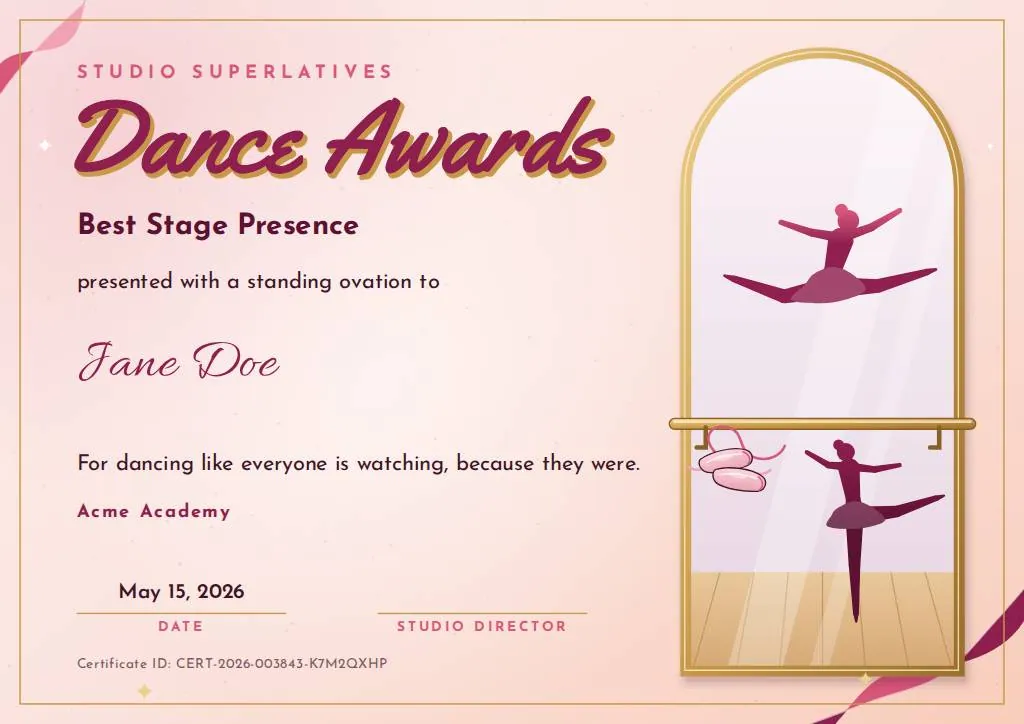
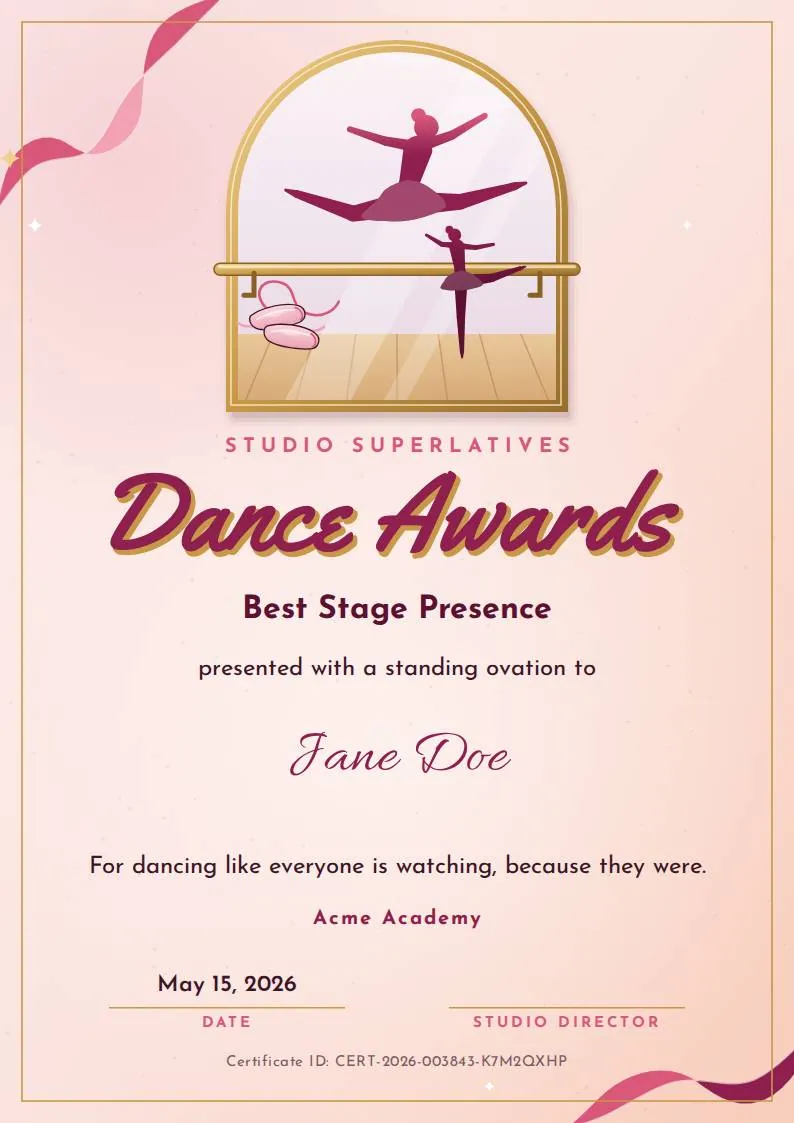
Dance studio superlative in blush and berry, with an arched mirror, barre and dancers.
Free to customize. Issue verifiable credentials with a CertSeal account.
About this template
When to reach for it
A graceful superlative for dance studios, dance teams and recital season. A gold-framed arched studio mirror with a barre and a maple floor holds two dancers, one mid-leap and one in an arabesque, on a blush-to-peach page with twisting silk ribbons in the corners. "Dance Awards" flows in a berry script with a gold shadow.
The text is set flush left beside the mirror. Both dancers and the pointe shoes hanging from the barre are separate layers, and the superlative ("Best Stage Presence", "Most Likely to Dance Through the Grocery Store") gets its own big line.
Wording
What the certificate says
Every line of text on this template, top to bottom. Highlighted parts fill in for each recipient, and you can reword any line in the editor.
- STUDIO SUPERLATIVES
- Course or achievement
- presented with a standing ovation to
- Recipient name
- For dancing like everyone is watching, because they were.
- Issued by
- Date
- DATE · STUDIO DIRECTOR
- Certificate ID: Certificate ID
Typography
Fonts used in this template
Swap, mix, or replace any of these in the editor — every CertSeal template ships with 1,000+ Google Fonts plus your own brand uploads.
-
Font family
Allura
Allura
-
Font family
Josefin Sans
Josefin Sans
Color palette
Colors used in this template
The five most prominent colors sampled straight from the rendered design. Recolor any of them in the editor to match your brand.
-
#fbe9e5
-
#f4cbb9
-
#dab486
-
#9a394a
-
#ab5779
How to use it
From template to issued credential in four steps
- 01
Open the template
Click "Use this template" to open the Blush Studio Mirror Dance Superlative Certificate in the CertSeal editor, or customize it free without signing up.
- 02
Fill in the details
- Course or achievement
- Recipient name
- Issued by
- Date
Type these in, or upload a spreadsheet to make one for every recipient.
- 03
Add your brand
Swap the Allura and Josefin Sans fonts and the colors, and add your logo.
- 04
Issue & verify
Generate PDFs and verifiable links your recipients can share anywhere. Each certificate is printed with its own ID.
More templates
You might also like
-
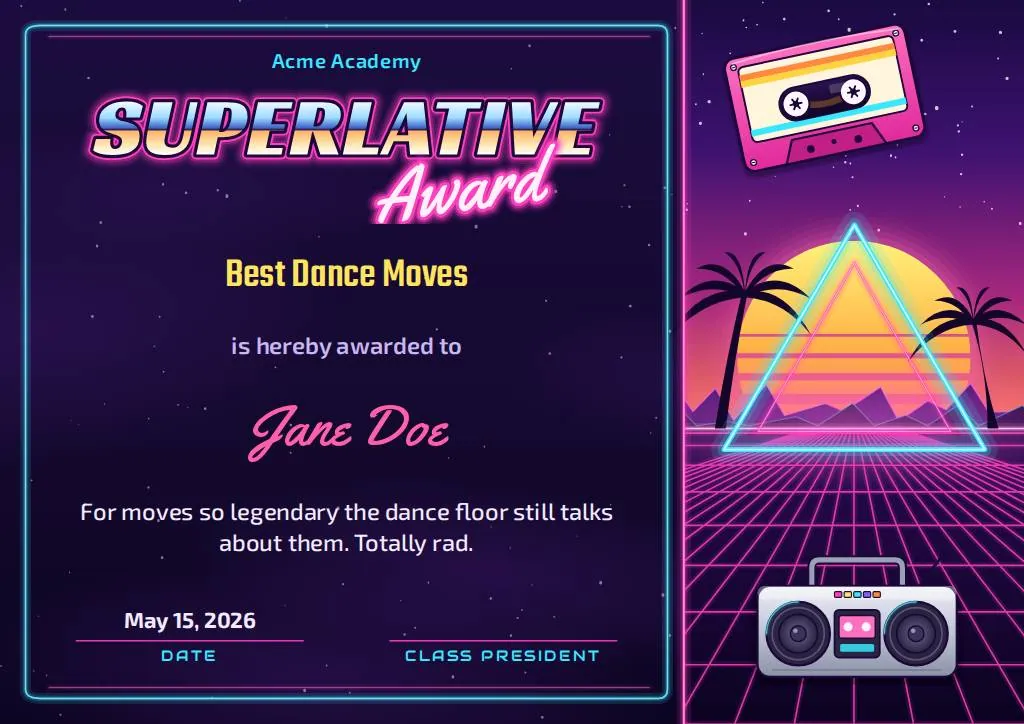
Retro 80s Neon Synthwave Superlative Award Certificate
Midnight-purple 80s superlative with a synthwave sunset, chrome lettering and a cassette.
-
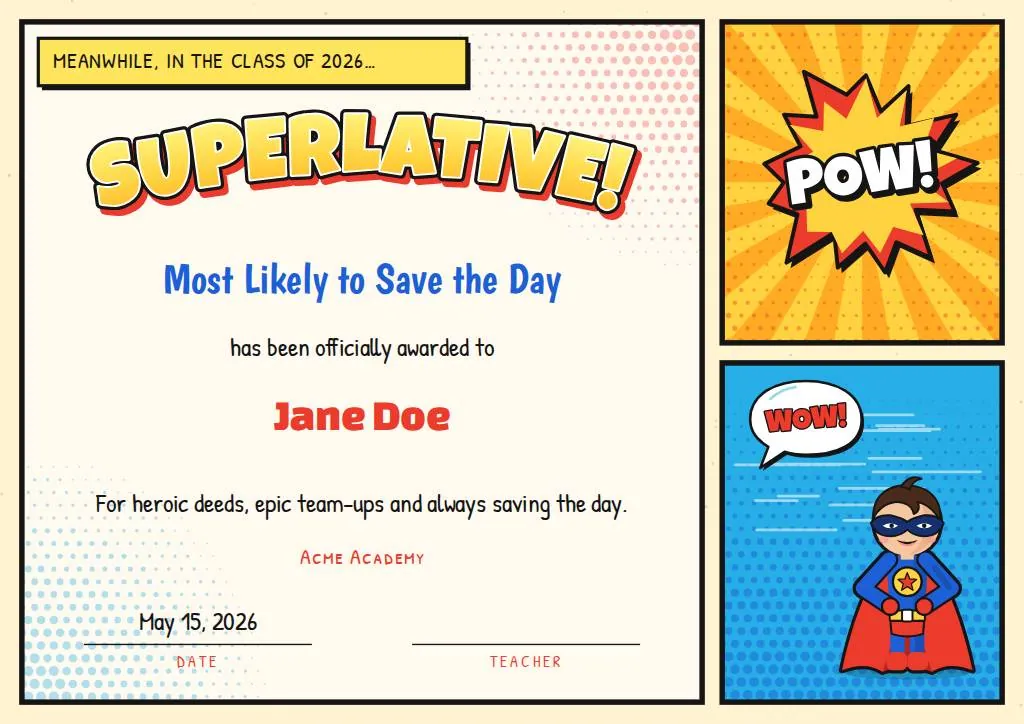
Comic Book Hero Superlative Award Certificate
Comic-page superlative with halftone panels, a POW burst, a caped kid hero and a speech bubble.
-

Red Carpet Star of the Show Superlative Certificate
Midnight-blue red-carpet superlative with searchlights, a lit marquee and a gold star trophy.
-

Summer Camp Trail Map Merit Badge Superlative Certificate
Camp superlative on a canvas trail map with a merit-badge sash, a wooden sign and a compass.
-
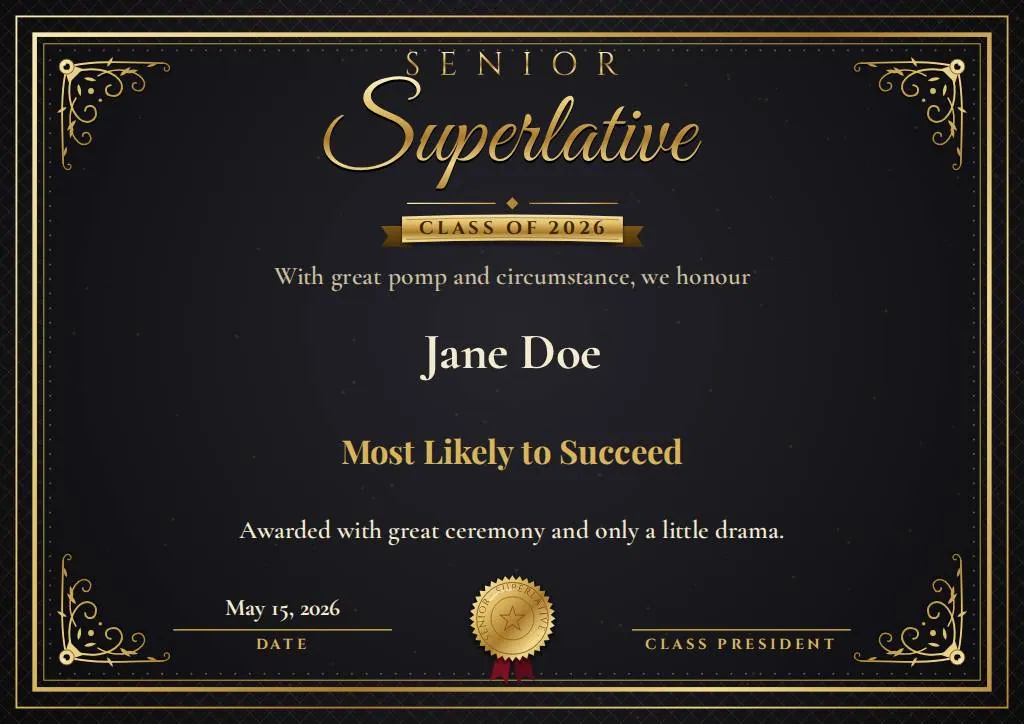
Black and Gold Senior Superlative Award Certificate
Black-tie senior superlative with gold filigree corners, a scroll banner and a gold seal.
-
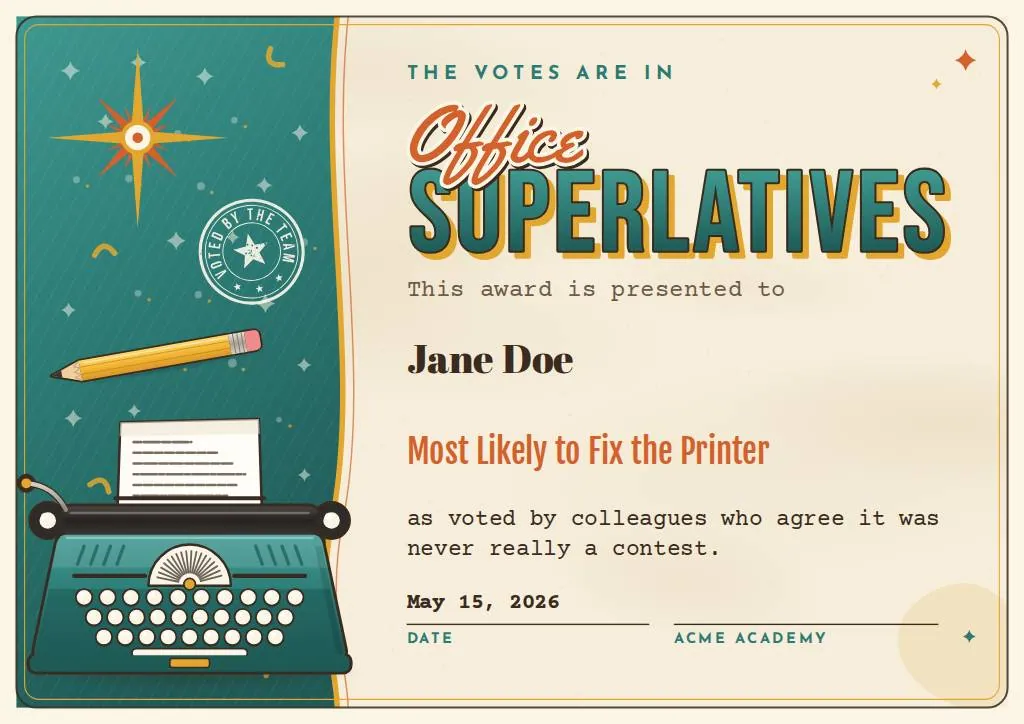
Retro Typewriter Office Superlatives Award
Mid-century cream and teal office superlative with a typewriter, starburst and voting stamp.
-
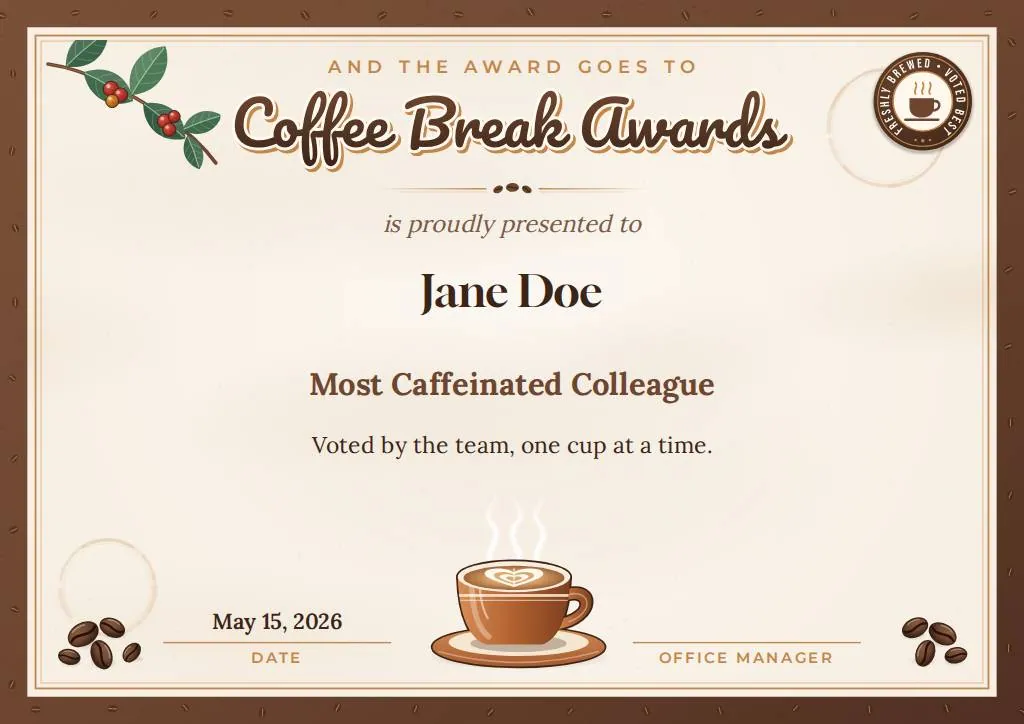
Coffee Break Awards Office Superlative Certificate
Warm café certificate with a latte-art cup, coffee beans, a coffee branch and a brew badge.
-
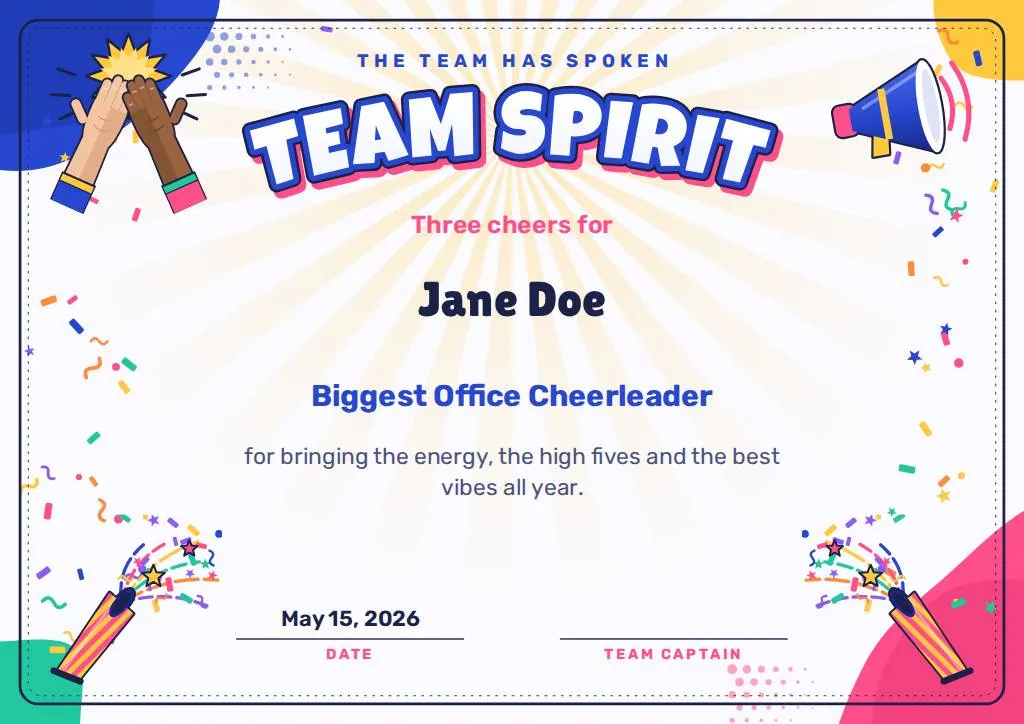
Team Spirit Office Cheerleader Superlative Certificate
Bright team-spirit superlative with a high five, confetti cannons, a megaphone and colour pops.
Issue your first credential today
Open this template in the CertSeal editor, customize in minutes, and send verifiable certificates your recipients can share anywhere.