Certificate template
Team Spirit Office Cheerleader Superlative Certificate
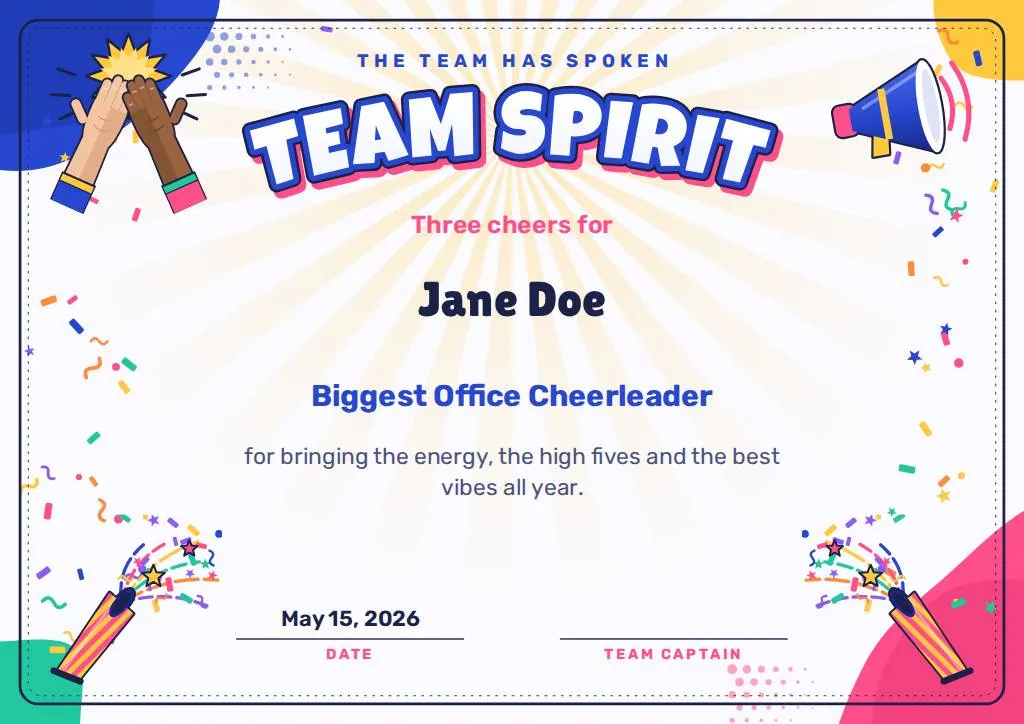
Bright team-spirit superlative with a high five, confetti cannons, a megaphone and colour pops.
Free to customize. Issue verifiable credentials with a CertSeal account.
About this template
When to reach for it
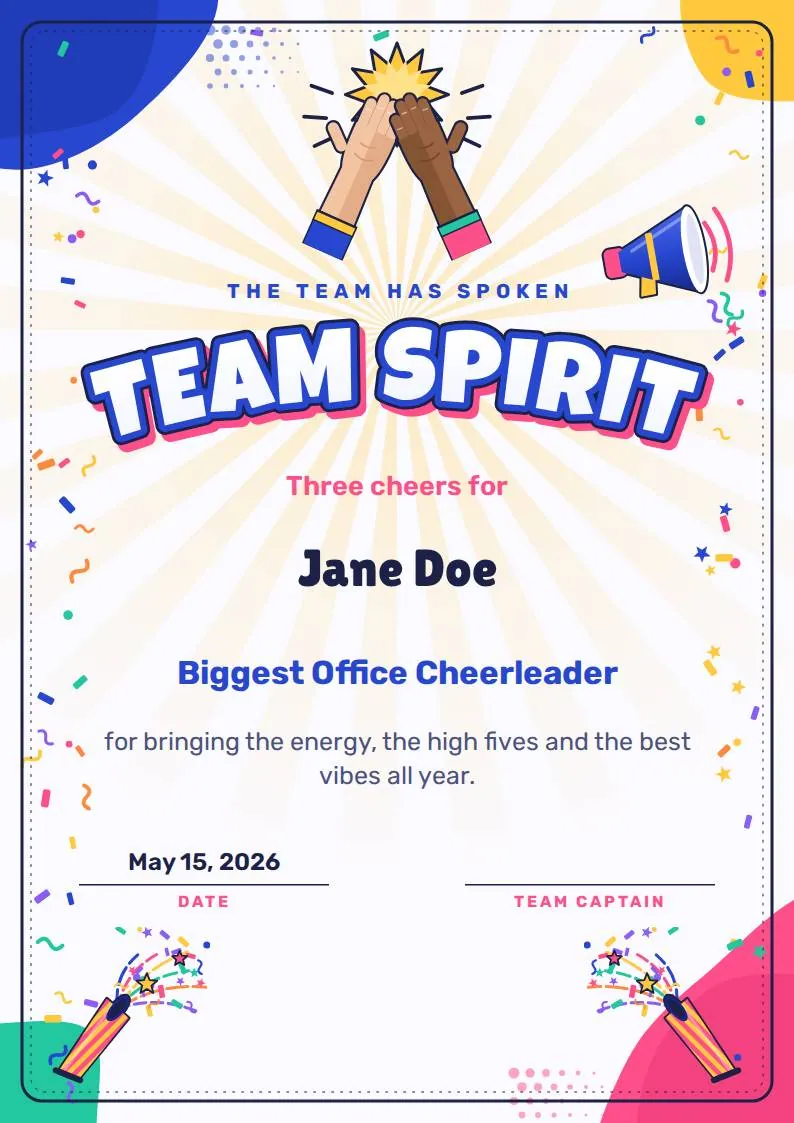
For the office cheerleader who lifts everyone's mood. Two hands meet in a high five over a yellow star burst, striped confetti cannons fire streamers from the bottom corners and a cheer megaphone calls it out, on bright paper with sun rays, blue and pink splashes, halftone dots and confetti round a dotted frame.
The headline reads "Team Spirit" in chunky outlined letters. Put the superlative in the course field ("Biggest Office Cheerleader", "Most Likely to Start a Slow Clap") and it prints large under the winner's name. Every illustration is a separate layer.
Wording
What the certificate says
Every line of text on this template, top to bottom. Highlighted parts fill in for each recipient, and you can reword any line in the editor.
- THE TEAM HAS SPOKEN
- Three cheers for
- Recipient name
- Course or achievement
- for bringing the energy, the high fives and the best vibes all year.
- Date
- DATE · TEAM CAPTAIN
Typography
Fonts used in this template
Swap, mix, or replace any of these in the editor — every CertSeal template ships with 1,000+ Google Fonts plus your own brand uploads.
-
Font family
Lilita One
Lilita One
-
Font family
Rubik
Rubik
Color palette
Colors used in this template
The five most prominent colors sampled straight from the rendered design. Recolor any of them in the editor to match your brand.
-
#fbfafc
-
#c8c8d5
-
#203cba
-
#f94483
-
#98a6e6
How to use it
From template to issued credential in four steps
- 01
Open the template
Click "Use this template" to open the Team Spirit Office Cheerleader Superlative Certificate in the CertSeal editor, or customize it free without signing up.
- 02
Fill in the details
- Recipient name
- Course or achievement
- Date
Type these in, or upload a spreadsheet to make one for every recipient.
- 03
Add your brand
Swap the Lilita One and Rubik fonts and the colors, and add your logo.
- 04
Issue & verify
Generate PDFs and verifiable links your recipients can share anywhere.
More templates
You might also like
-
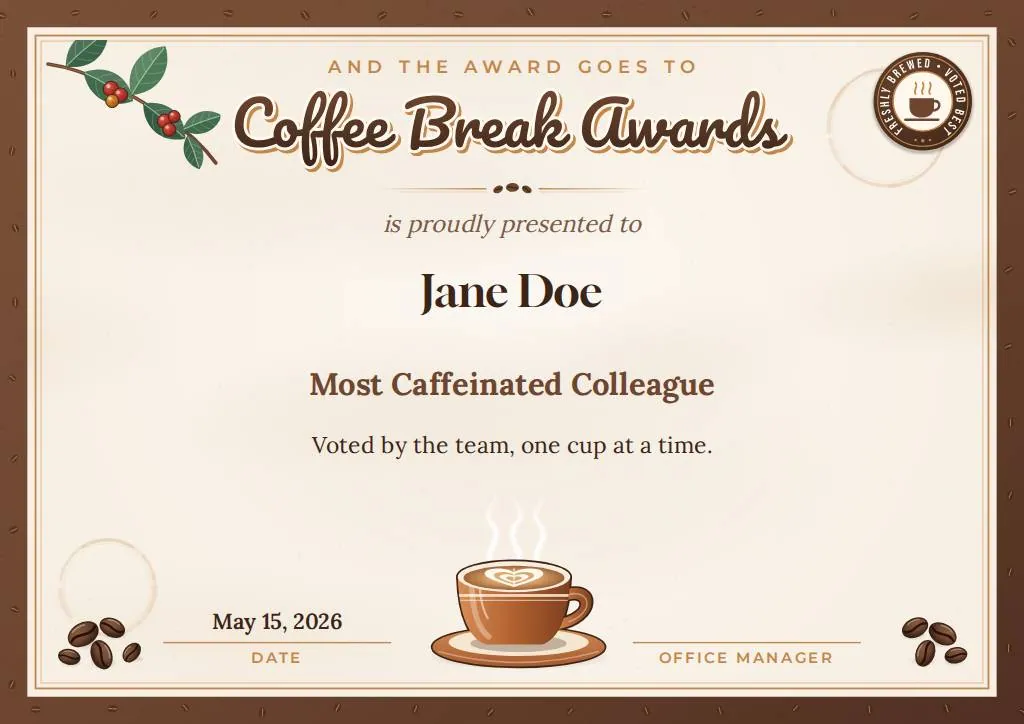
Coffee Break Awards Office Superlative Certificate
Warm café certificate with a latte-art cup, coffee beans, a coffee branch and a brew badge.
-
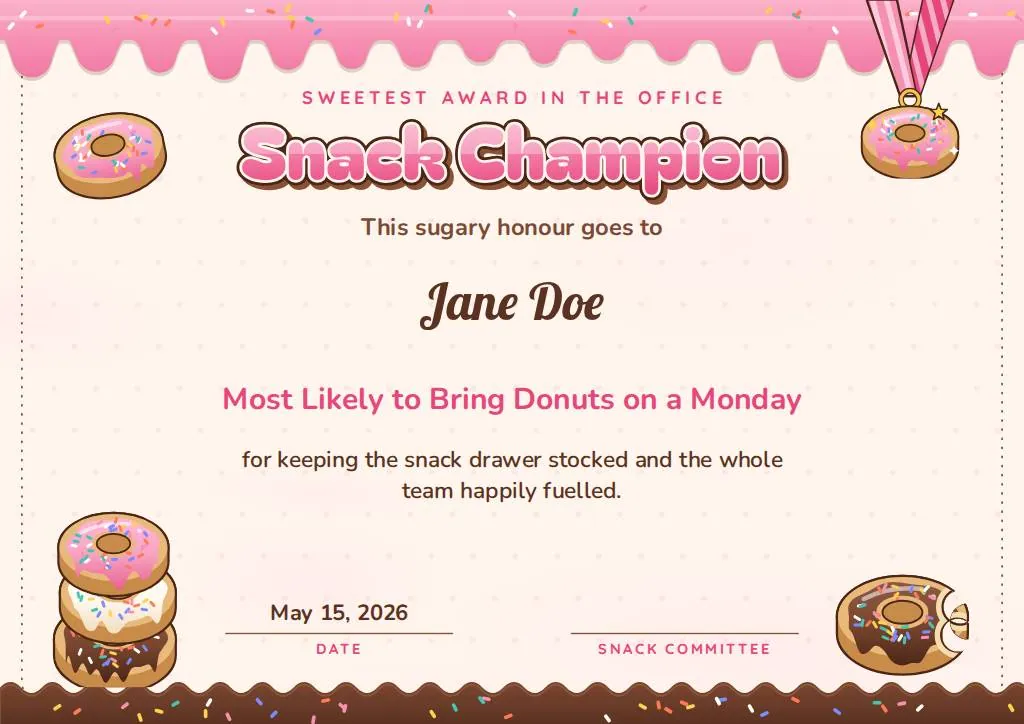
Snack Champion Donut Office Superlative Certificate
Sweet pink and chocolate superlative with icing drips, a donut medal, a donut stack and sprinkles.
-

Holiday Party Awards Festive Office Superlative Certificate
Midnight-navy holiday party superlative with string lights, hanging baubles, gifts and a gold-foil script.
-
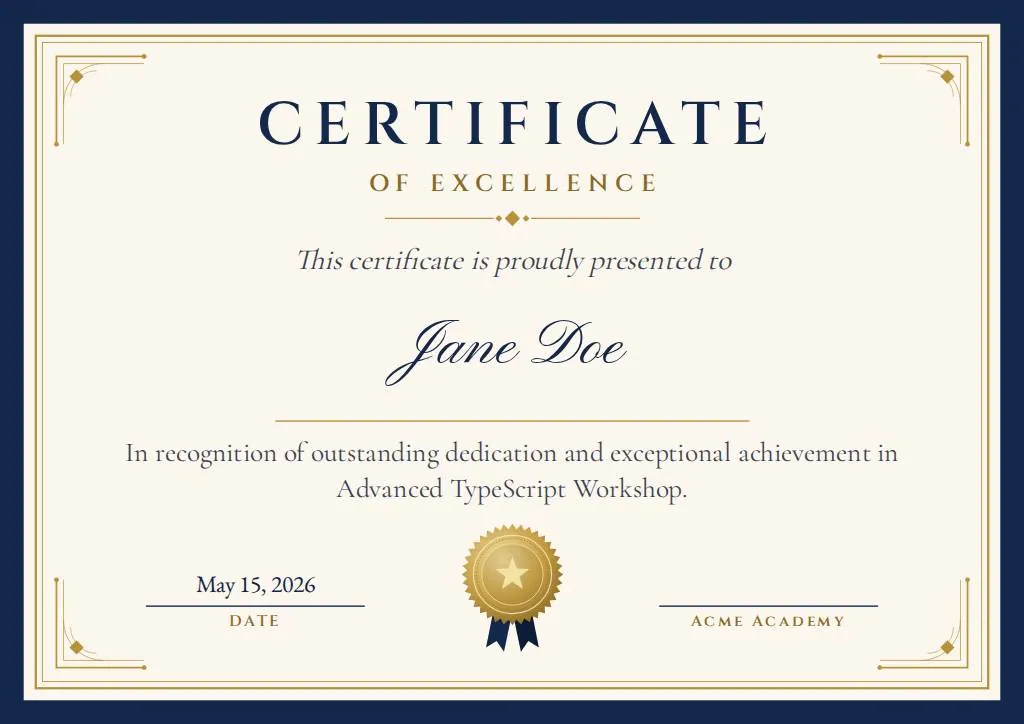
Navy and Gold Classic Certificate of Excellence
Ivory certificate with a navy border, gold corner ornaments and a gold rosette seal.
-
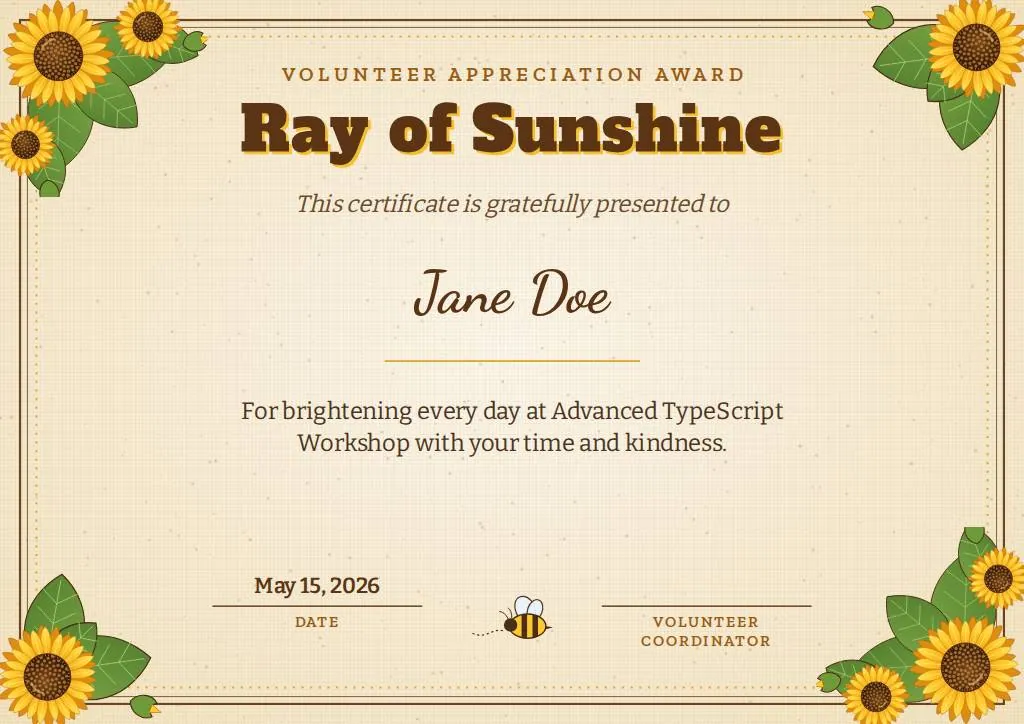
Sunflower Border Volunteer Appreciation Certificate
Warm linen certificate framed by sunflowers and leaves, with a "Ray of Sunshine" slab headline and a bee.
-
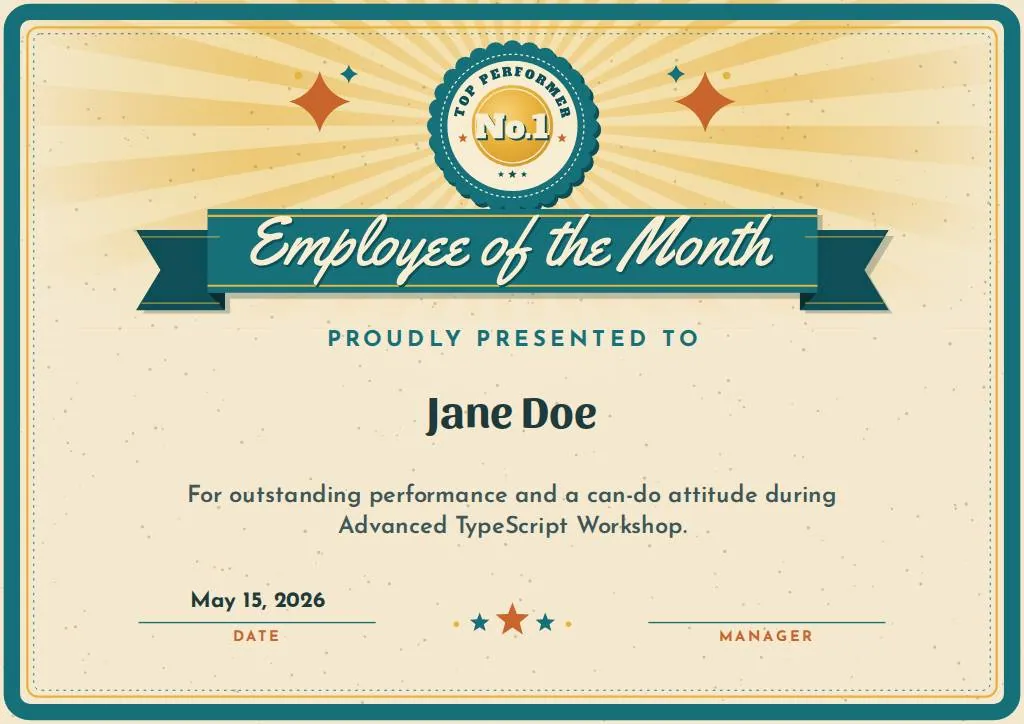
Mustard and Teal Retro Sunburst Employee of the Month Certificate
Retro certificate with a sunburst, a scalloped No. 1 badge and a script banner.
-
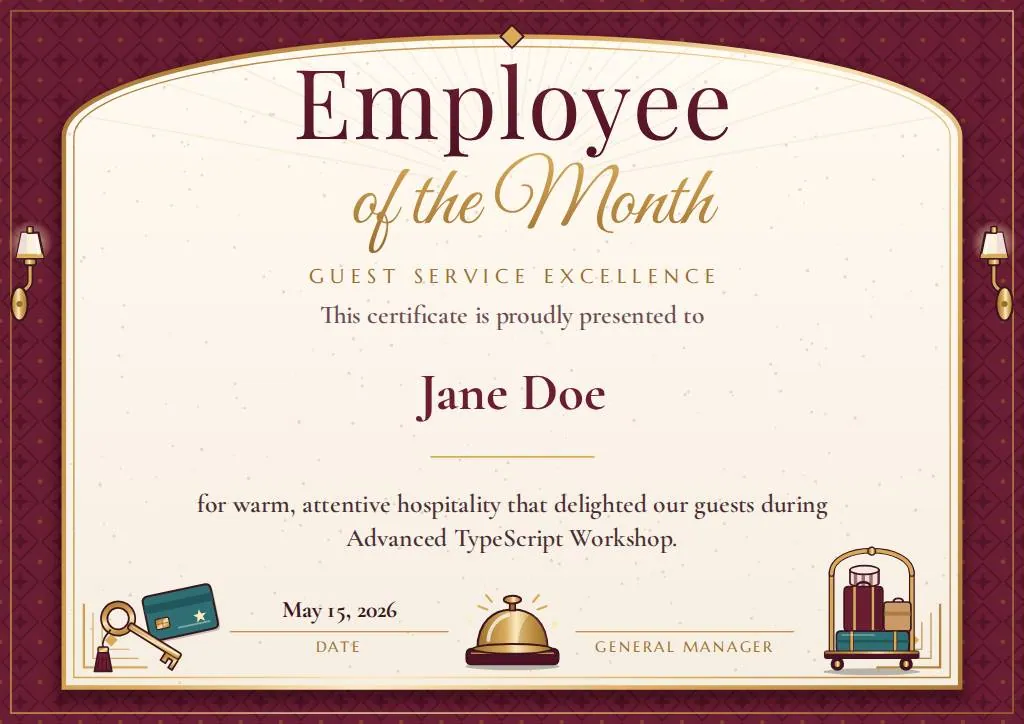
Hotel and Hospitality Employee of the Month Certificate
Grand-hotel certificate with an ivory arch on burgundy damask, a brass bell, key and luggage trolley.
-
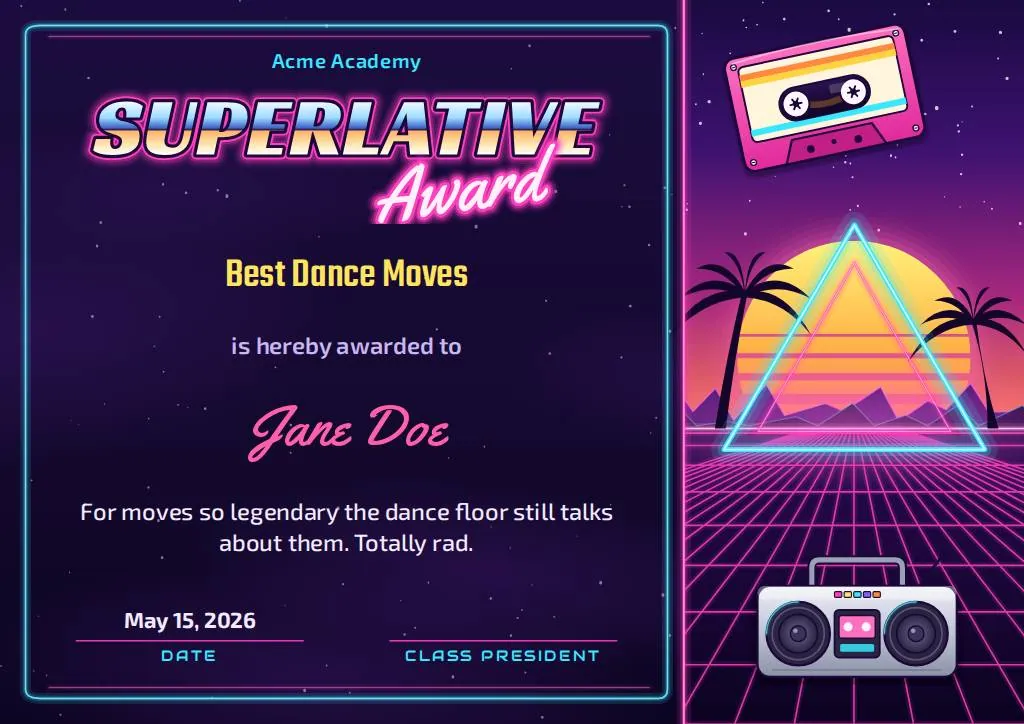
Retro 80s Neon Synthwave Superlative Award Certificate
Midnight-purple 80s superlative with a synthwave sunset, chrome lettering and a cassette.
Issue your first credential today
Open this template in the CertSeal editor, customize in minutes, and send verifiable certificates your recipients can share anywhere.