CPD & training providers
CPD certificates with the hours, the ID, and the dates
Print each learner's CPD hours, a unique certificate ID, and issue and expiry dates on every certificate — issued from a spreadsheet, your LMS, or the REST API.
Built for training providers
The details CPD certificates need, filled in for every learner
Learners need proof they can log. You need records you can trace. Both come from the same data.
CPD hours and points on every certificate
Keep hours, points, or credits in a column and print them with a field like {{cpd_hours}}. Each learner's certificate shows their own number.
A certificate ID for every record
Every certificate gets a sequential ID per workspace and year, or keeps the number from your own records. Learners quote it, you look it up.
Issue and expiry dates
Print the issue date and, for time-limited training, an expiry date — formatted the way your accrediting body expects.
Connected to your LMS through the API
Issue a certificate with one API call when a learner completes, and get signed webhooks when it's issued, sent, failed, or first viewed.
A workspace per program
Keep each course, client, or accreditation in its own workspace, with editor and viewer roles for the people who run it.
Evidence learners can file
Learners download a PDF for their CPD log, and the QR code on it opens the hosted certificate if an auditor wants to check it.
From completion to certificate
Four steps, run by hand or fully automated
- 01
Design the certificate
Start from a training template and add fields for the learner, course, hours, certificate ID, and dates.
- 02
Choose how learners arrive
Import a completion export from your LMS, connect a Zap, or call the REST API when a course is completed.
- 03
Issue and email
CertSeal renders each certificate and emails the learner a link to it, with the PDF one click away.
- 04
Keep your records in sync
Webhooks report each certificate's ID and status back to your system as it's issued and sent.
Templates
Training certificates ready for your CPD details
Start from a training design, add fields for hours and certificate ID, and reuse it for every course.
-
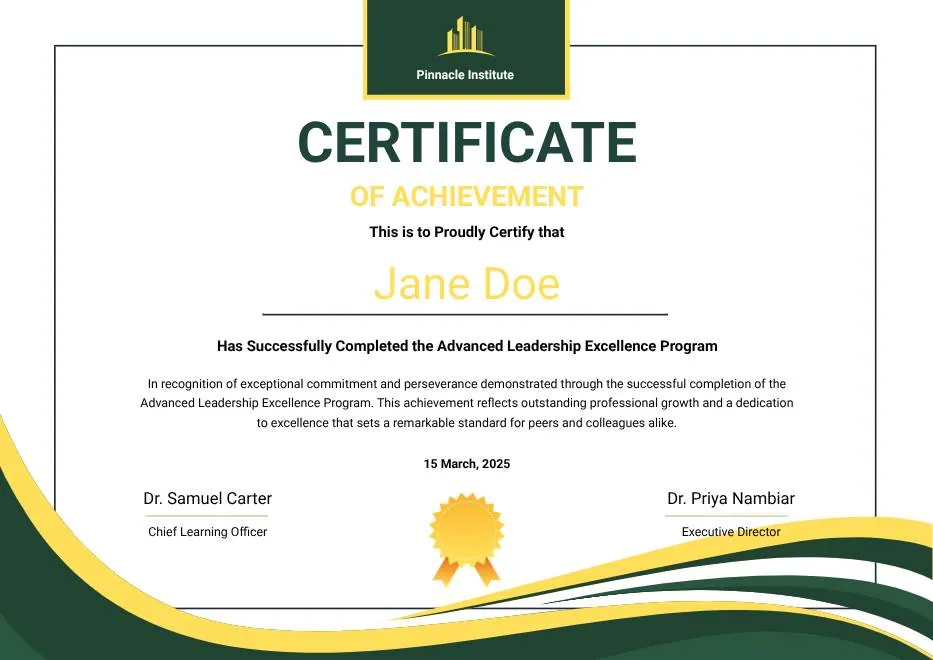
Green and Gold Modern Leadership Achievement Certificate
-

Classic Floral Border Certificate of Achievement
-

Beige Classic Certificate of Achievement
-
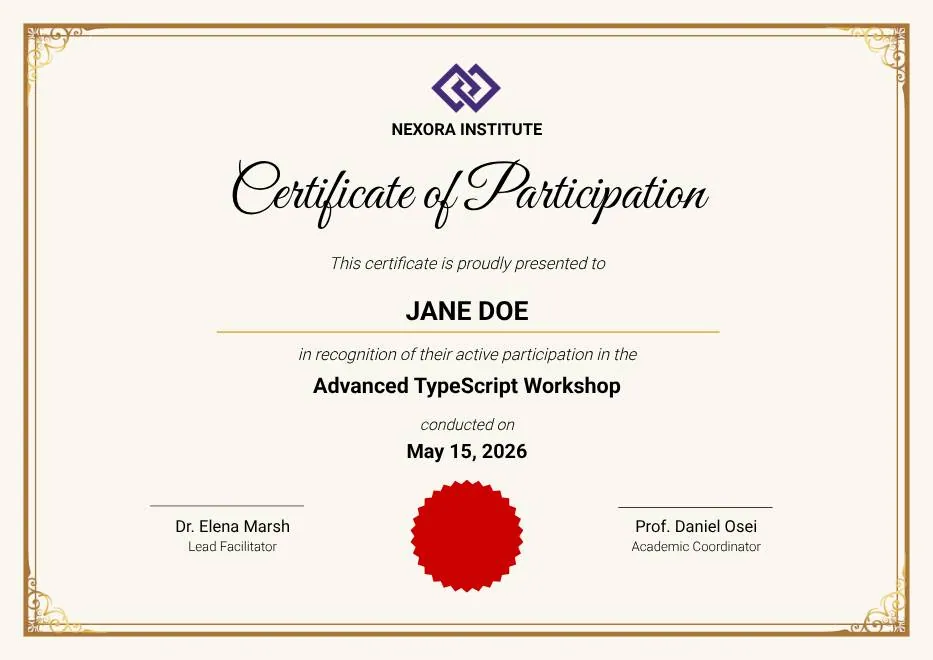
Gold Elegant Workshop Participation Certificate
-
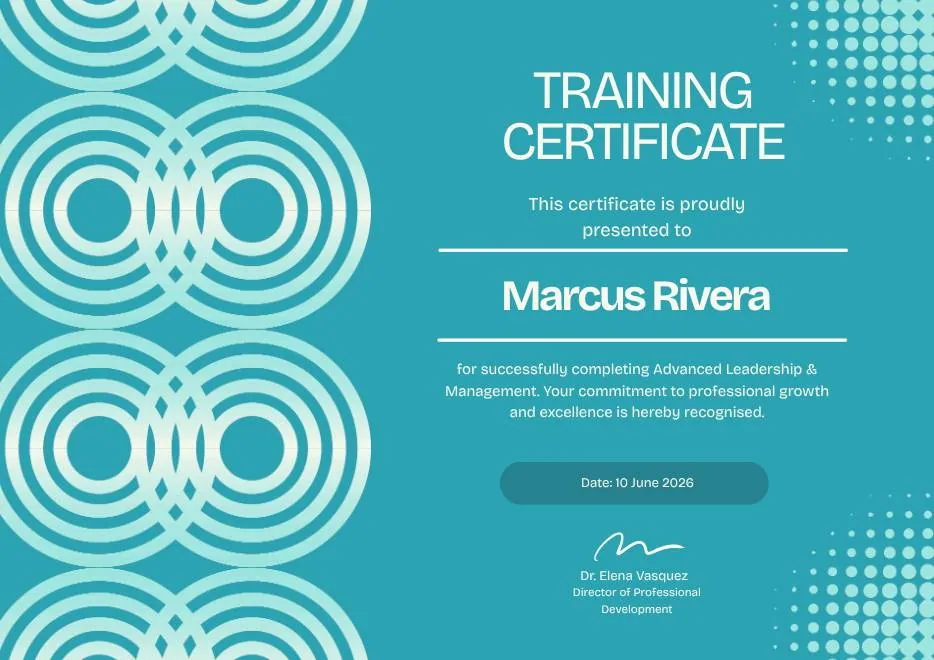
Blue Tosca Geometric Training Certificate
-
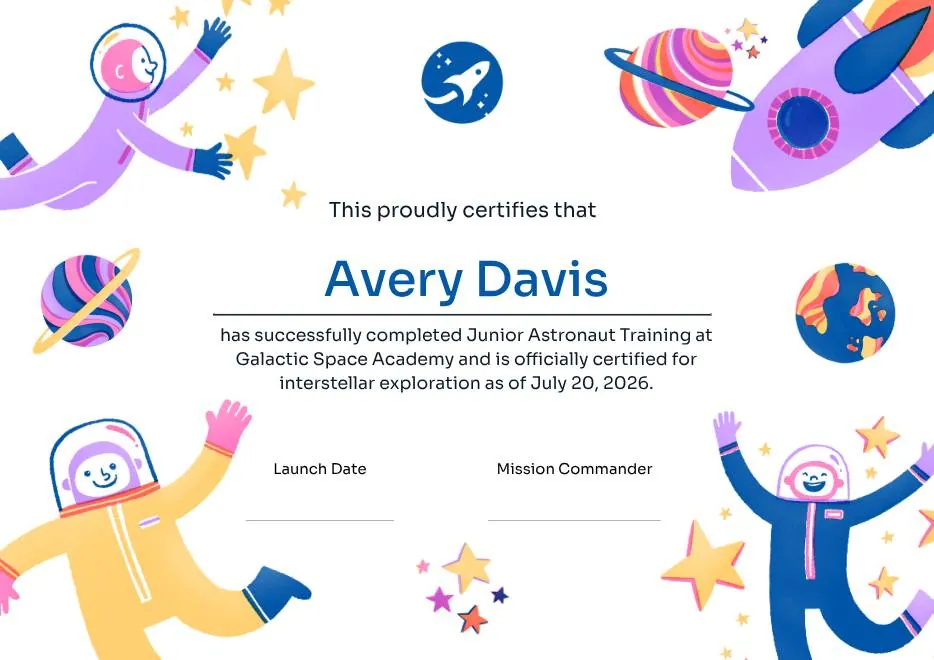
Junior Astronaut Training Certificate in Colorful Playful Style
-
Green and Gold Modern Leadership Achievement Certificate
-
Classic Floral Border Certificate of Achievement
-
Beige Classic Certificate of Achievement
-
Gold Elegant Workshop Participation Certificate
-
Blue Tosca Geometric Training Certificate
-
Junior Astronaut Training Certificate in Colorful Playful Style
-
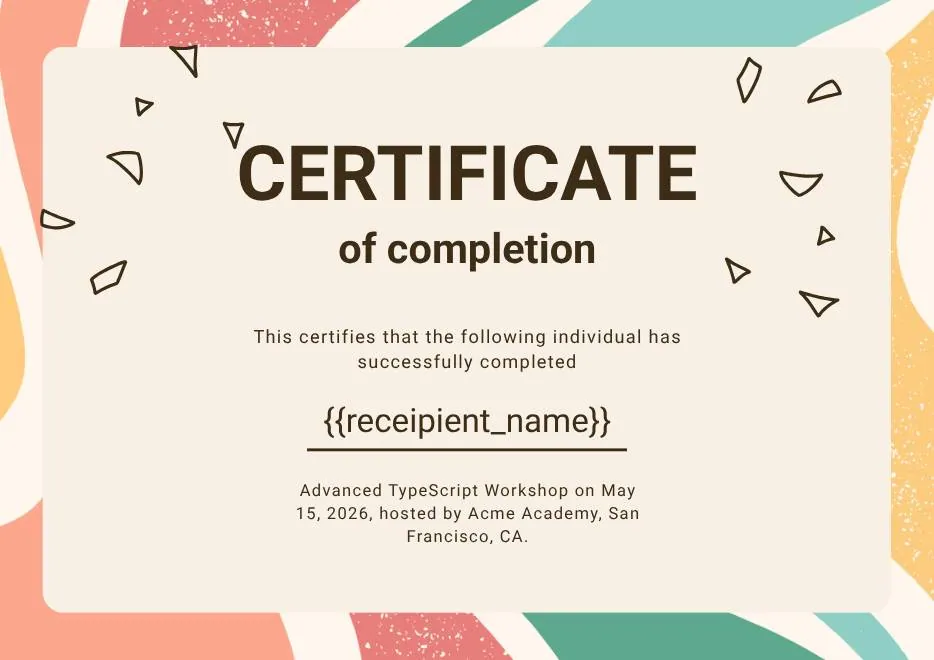
Certificate of Completion in Colorful Abstract Modern Style
-

Red and Gold Achievement Certificate
-
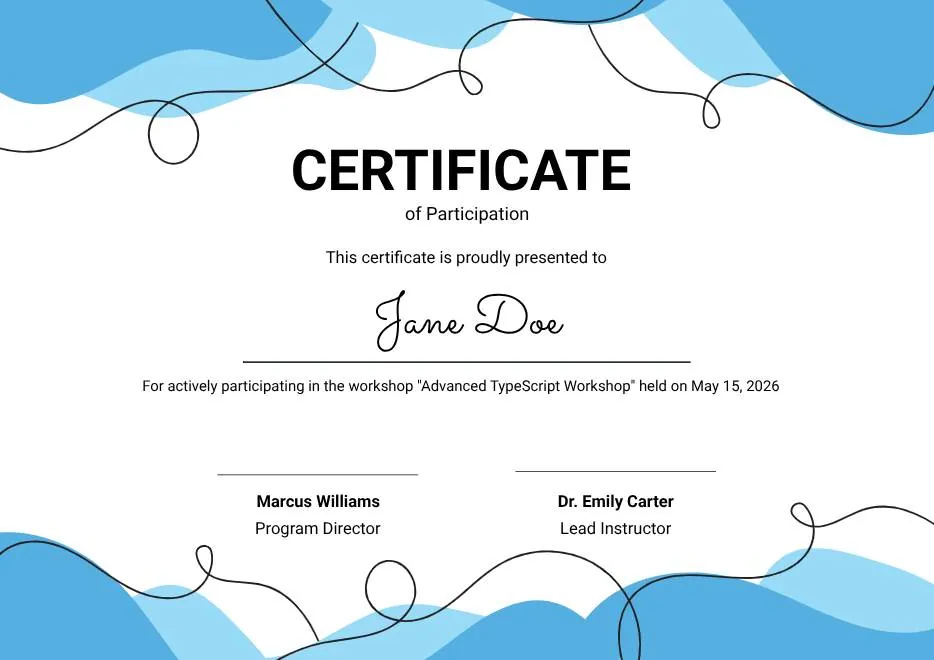
Blue Abstract Waves Participation Certificate
-
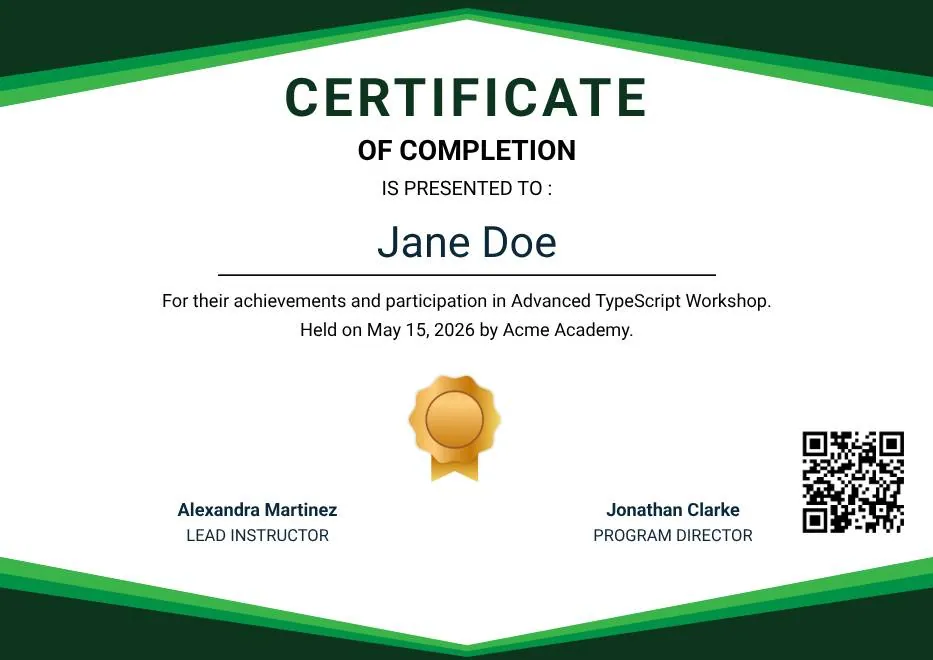
Green Modern Event Completion Certificate
-

White and Yellow Modern Leadership Training Certificate
-
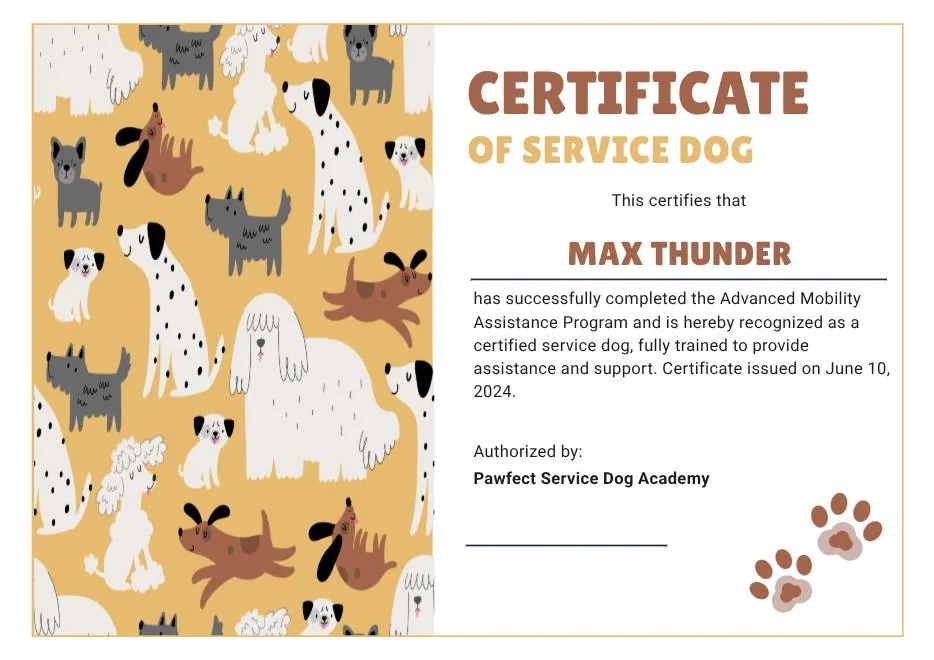
Tan White and Black Illustrated Service Dog Certificate
-
Certificate of Completion in Colorful Abstract Modern Style
-
Red and Gold Achievement Certificate
-
Blue Abstract Waves Participation Certificate
-
Green Modern Event Completion Certificate
-
White and Yellow Modern Leadership Training Certificate
-
Tan White and Black Illustrated Service Dog Certificate
Questions about CPD certificates
What training providers ask first
Can the certificate show CPD hours, points, or CE credits?
cpd_hours to your recipient data, or send it as custom data through the API, and place {{cpd_hours}} on the design.Does CertSeal connect directly to my LMS?
Can I keep using our existing certificate numbers?
certificate_id in the import file or API call and CertSeal uses it instead of generating one.What happens when a certificate's expiry date passes?
Is CertSeal a CPD accreditation body?
Issue your next CPD certificates with CertSeal
Free for your first 100 certificates a year — no credit card required.