Skip to content

Video tutorials

Learn CertSeal in a few minutes

Short videos that show one task each: make certificates from a spreadsheet, edit your template and email, collect entries with a form, and set up your team.

All videos

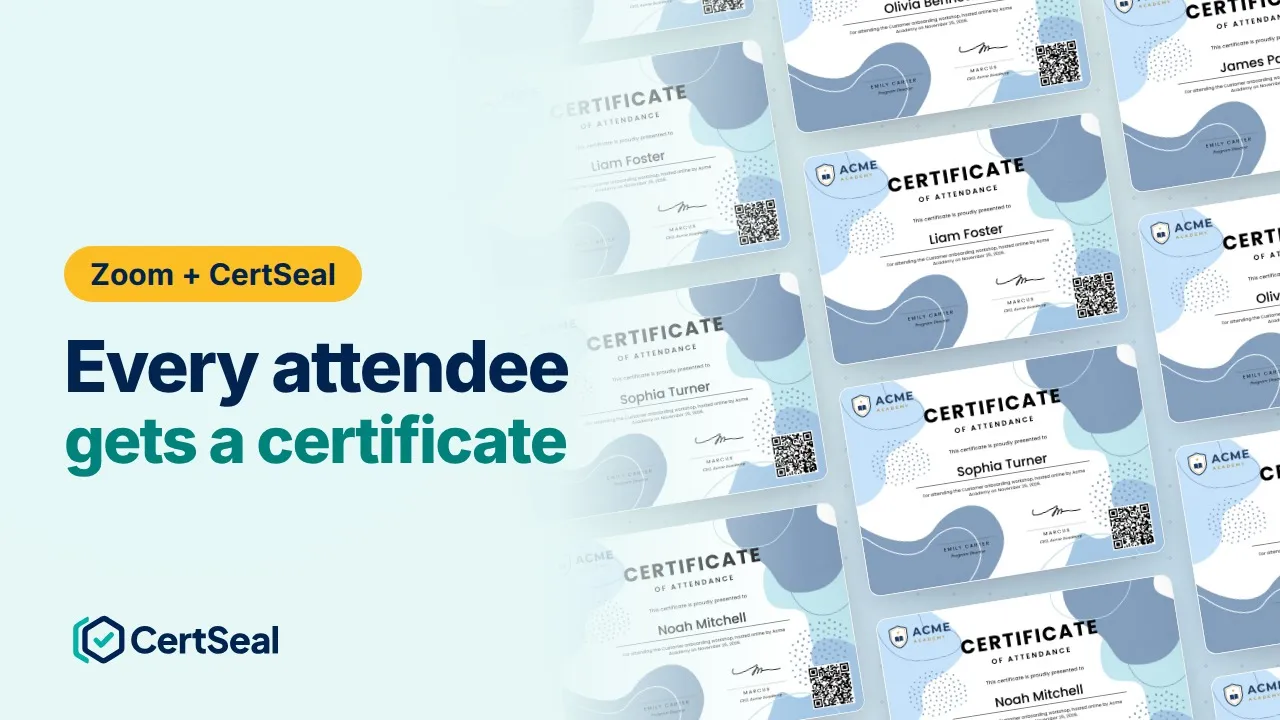
  • The words "Every attendee gets a certificate" and a "Zoom + CertSeal" label next to a wall of certificates of attendance 3:10

    Zoom Attendance Report to Certificates, Automatically

    Send a certificate to everyone who attends your Zoom meeting or webinar, automatically: connect Zoom to CertSeal once, create an automation, and when the meeting ends, every attendee gets their certificate by email.

  • The words "One account, every team" and a "Team setup" label next to a diagram of an organization, three workspaces and their members 1:58

    Organizations and Workspaces: Set Up Your Team

    Set up your team in CertSeal: one organization holds the plan and the certificate allowance, workspaces keep each program's designs, batches and email templates apart, and teammates get editor or viewer access.

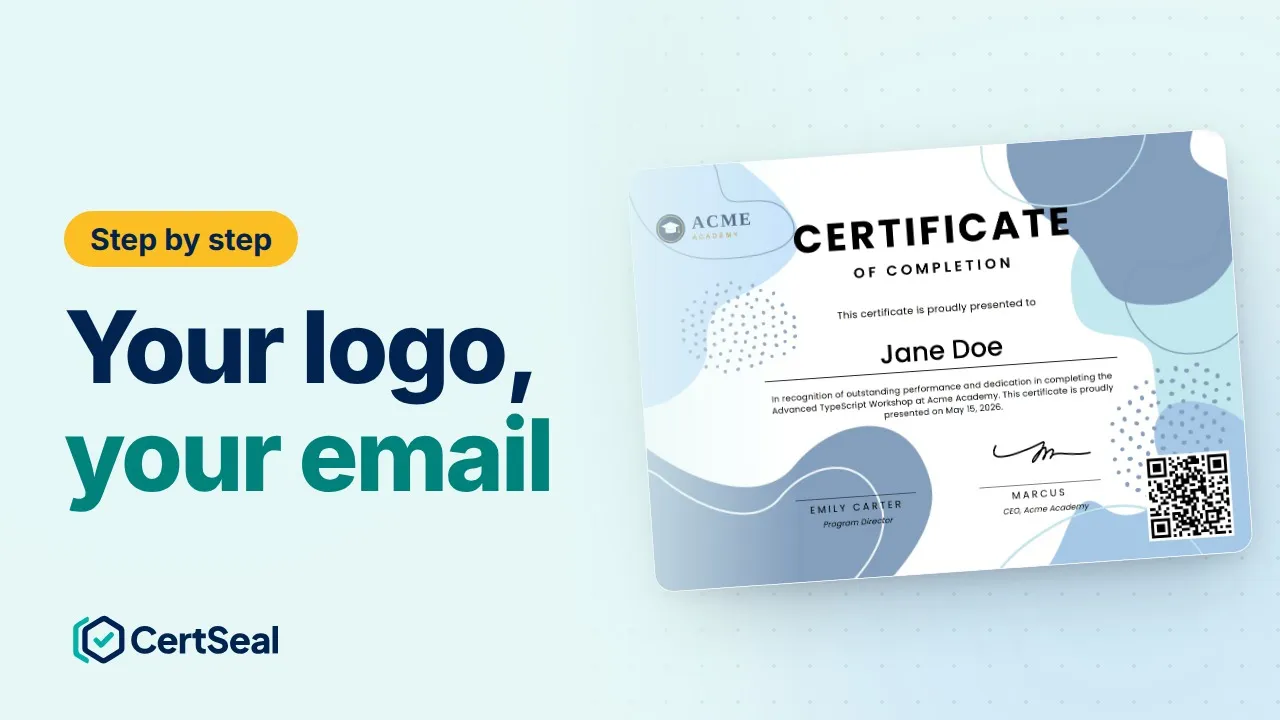
  • The words "Your logo, your email" and a "Step by step" label next to a blue certificate of completion with a logo and a QR code 3:39

    Certificate Templates: Edit the Design and the Email

    Edit a certificate template in CertSeal: change the text, add your logo and a QR code, and use fields like {{recipient_name}} that fill in for each person. Then write the email template that sends it, and use both in a batch.

Issue credentials your recipients are proud to share

Built for training teams, education providers, and anyone who issues proof of achievement.