Certificate template
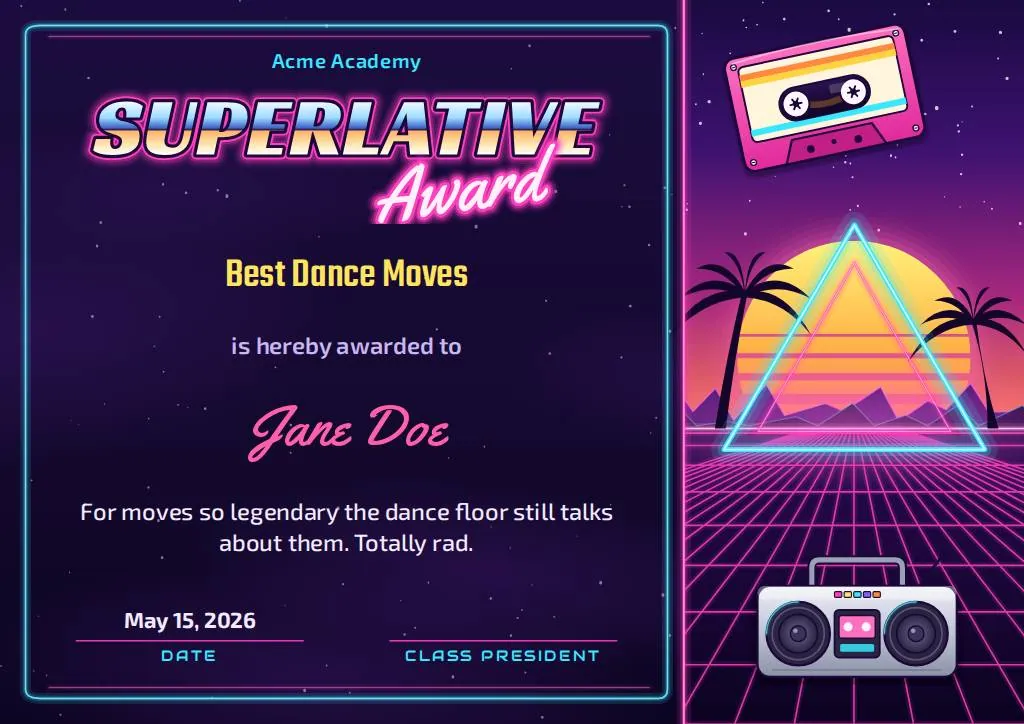
Retro 80s Neon Synthwave Superlative Award Certificate
Midnight-purple 80s superlative with a synthwave sunset, chrome lettering and a cassette.
Free to customize. Issue verifiable credentials with a CertSeal account.

About this template
When to reach for it
A totally rad class superlative straight out of the 80s. A synthwave sunset fills one side: a striped sun sinking behind violet mountains and palm silhouettes, over a glowing pink perspective grid. The headline is chrome lettering with a neon-pink "Award" script, the text sits in a cyan neon frame, and a hot-pink cassette tape, a boombox and a neon triangle are separate pictures you can move.
Put the superlative in the course field, for example "Best Dance Moves" or "Most Likely to Start a Band". The winner’s name glows in neon-pink script.
Wording
What the certificate says
Every line of text on this template, top to bottom. Highlighted parts fill in for each recipient, and you can reword any line in the editor.
- Issued by
- Course or achievement
- is hereby awarded to
- Recipient name
- For moves so legendary the dance floor still talks about them. Totally rad.
- Date
- DATE · CLASS PRESIDENT
Typography
Fonts used in this template
Swap, mix, or replace any of these in the editor — every CertSeal template ships with 1,000+ Google Fonts plus your own brand uploads.
-
Font family
Audiowide
Audiowide
-
Font family
Teko
Teko
-
Font family
Yellowtail
Yellowtail
Color palette
Colors used in this template
The five most prominent colors sampled straight from the rendered design. Recolor any of them in the editor to match your brand.
-
#190a35
-
#25486a
-
#571658
-
#87237a
-
#ffc857
How to use it
From template to issued credential in four steps
- 01
Open the template
Click "Use this template" to open the Retro 80s Neon Synthwave Superlative Award Certificate in the CertSeal editor, or customize it free without signing up.
- 02
Fill in the details
- Issued by
- Course or achievement
- Recipient name
- Date
Type these in, or upload a spreadsheet to make one for every recipient.
- 03
Add your brand
Swap the Audiowide, Teko and Yellowtail fonts and the colors, and add your logo.
- 04
Issue & verify
Generate PDFs and verifiable links your recipients can share anywhere.
More templates
You might also like
-

Red Carpet Star of the Show Superlative Certificate
Midnight-blue red-carpet superlative with searchlights, a lit marquee and a gold star trophy.
-

Black and Gold Senior Superlative Award Certificate
Black-tie senior superlative with gold filigree corners, a scroll banner and a gold seal.
-

Maroon and Gold Varsity Pennant Student of the Month Certificate
School-spirit certificate in a knitted maroon border with felt pennants and a chenille star.
-

Navy and Gold School Crest Principal’s Award Certificate
Semi-formal cream certificate in a navy and gold frame with a school crest and gold seal.
-
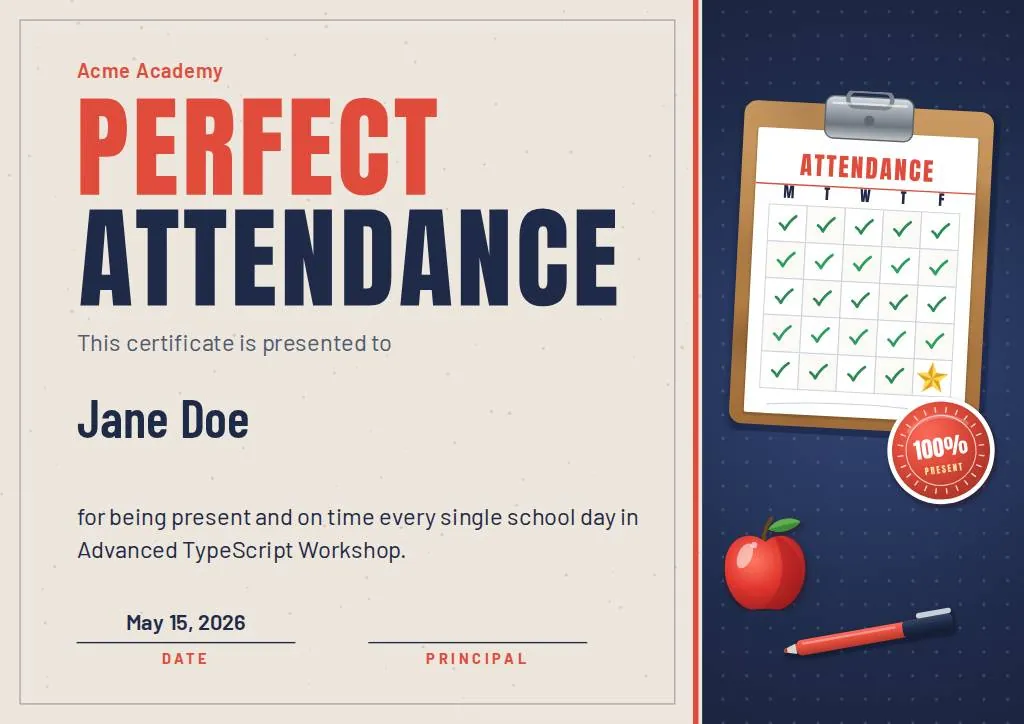
Navy and Red Clipboard Perfect Attendance Certificate
Crisp navy and red certificate with a clipboard calendar where every school day is ticked.
-

Navy and Gold Crest Honor Roll Certificate
Formal honor roll certificate in navy and gold with a school crest, foil lettering and a gold seal.
-

Emerald and Silver Principal's List Certificate
Distinguished honor roll certificate on deep emerald marble with silver deco frame, laurels and a rosette.
-
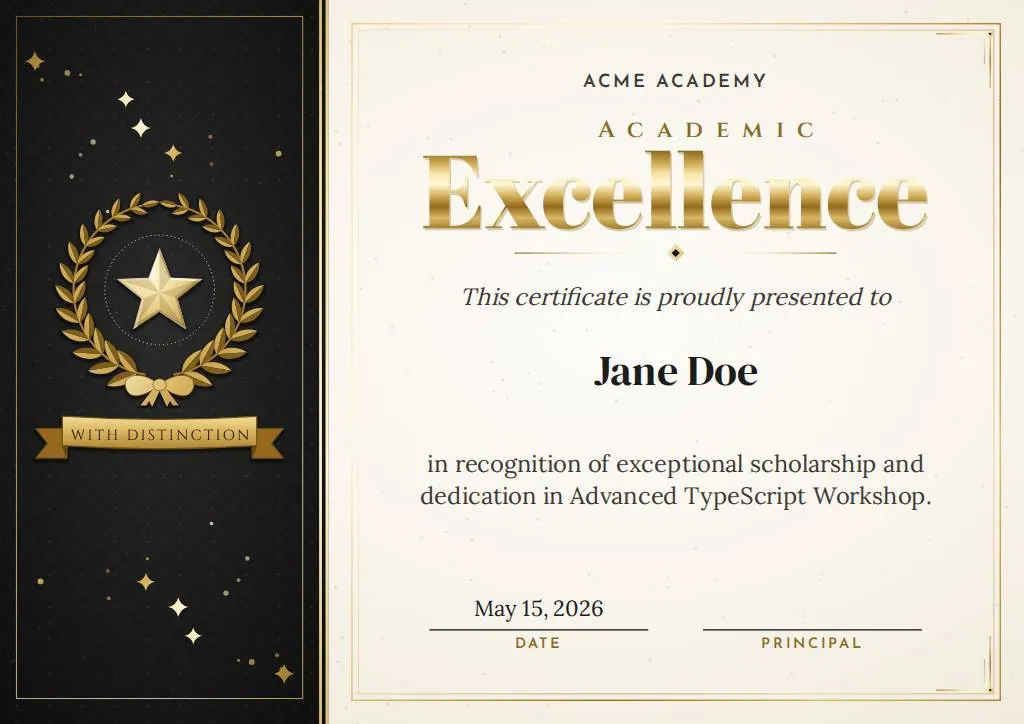
Black and Gold Laurel Academic Excellence Certificate
Academic excellence award with a black panel, a gold-foil laurel wreath and star, and foil lettering.
Issue your first credential today
Open this template in the CertSeal editor, customize in minutes, and send verifiable certificates your recipients can share anywhere.