Event certificates
Certificates for every attendee, before the venue clears
Import your attendee list, print names, roles, and sessions onto one design, and email every delegate, speaker, and volunteer their own certificate.
Built for event teams
One design, every attendee, every role
Your attendee list already knows who came, what they attended, and in what role. CertSeal prints it.
Straight from your attendee list
Export the check-in or registration list as CSV or Excel and import it. Every row becomes a recipient with their own certificate.
Speakers, volunteers, attendees
Add a role column and print {{role}} on one shared design, or run a separate batch per role when speakers deserve their own certificate.
Sessions and tracks
Any column becomes a field. Print the workshop, track, or hackathon team name from your spreadsheet without making a design for each one.
Emailed the same day
Select everyone and send. Each person gets an email with a link to their own certificate, and you can see who's sent and who failed.
A QR code on every certificate
Each certificate has a unique link and certificate ID. Add a QR code to the design and printed certificates link back to the hosted copy.
Next year's event, already set up
Archive the batch when the event is over — its links keep working — and reuse the same design for next year's edition.
After the event
Four steps from attendee list to inbox
- 01
Design once
Pick a participation template, add your event branding, and place fields for name, role, and session.
- 02
Import attendees
Upload the attendee list from your registration or check-in tool as CSV or XLSX.
- 03
Spot-check
Preview a few certificates, especially the long names and the speakers, before anything is sent.
- 04
Send
Email every attendee their certificate in one go, then re-send any that failed after fixing the address.
Event types
Built for every kind of event
Conferences
Certificates of attendance for delegates, plus speaker certificates.
Workshops & masterclasses
Participation certificates with the session name on each one.
Hackathons
Participation for every hacker, with the team or project name printed in.
Volunteer programs
Thank-you certificates with hours or role pulled from your roster.
Templates
Participation certificates for your event
Start from a participation design, add your event branding, and reuse it for every edition.
-
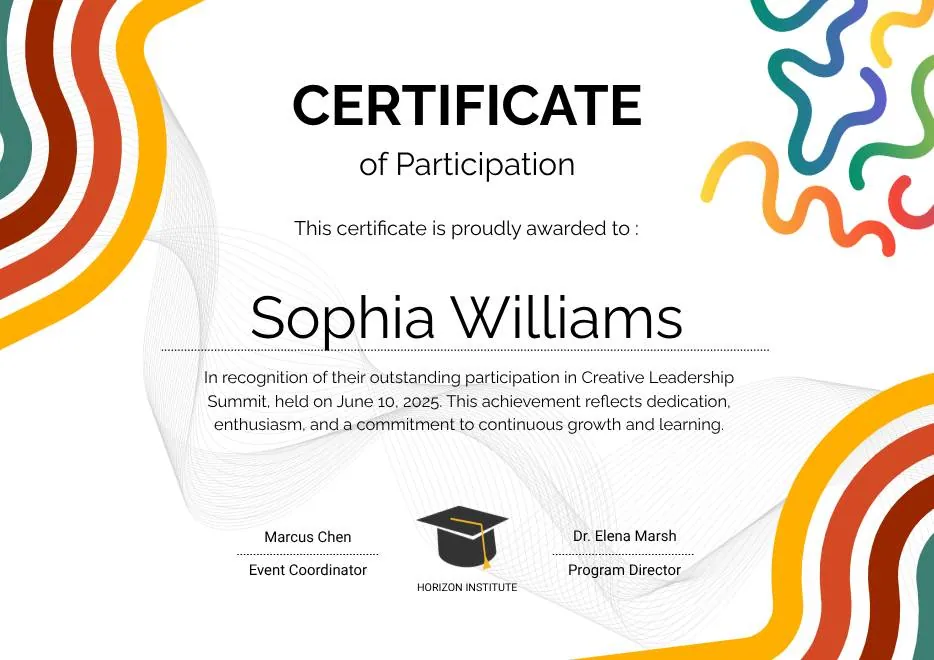
Colorful Abstract Waves Modern Participation Certificate
-
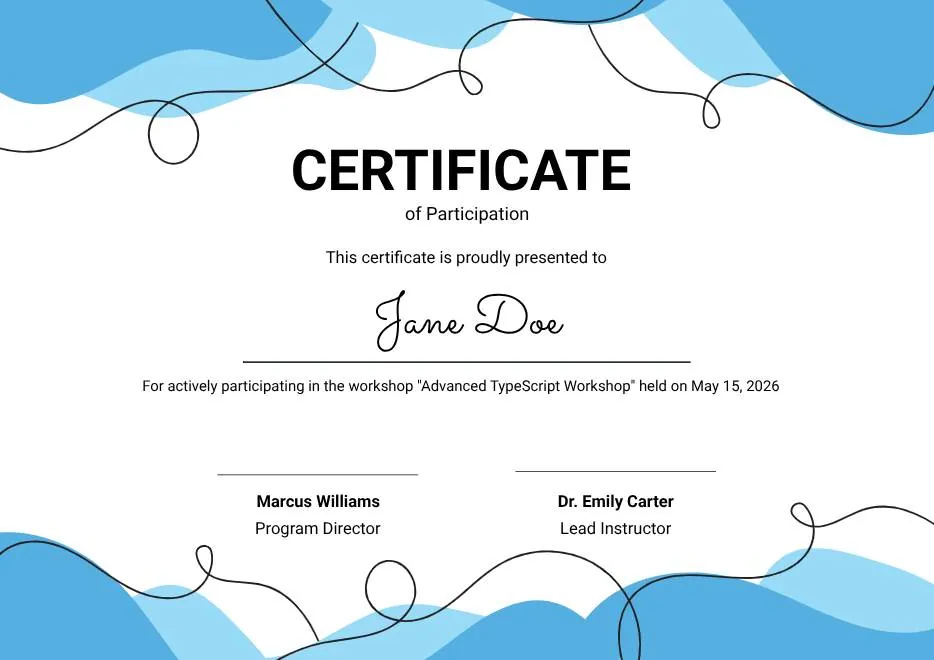
Blue Abstract Waves Participation Certificate
-
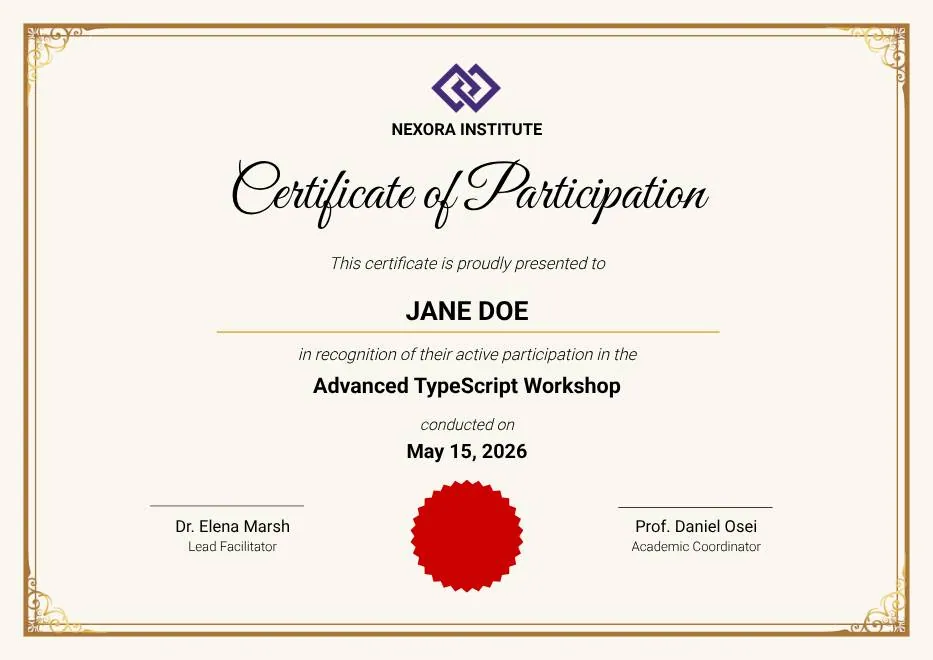
Gold Elegant Workshop Participation Certificate
-
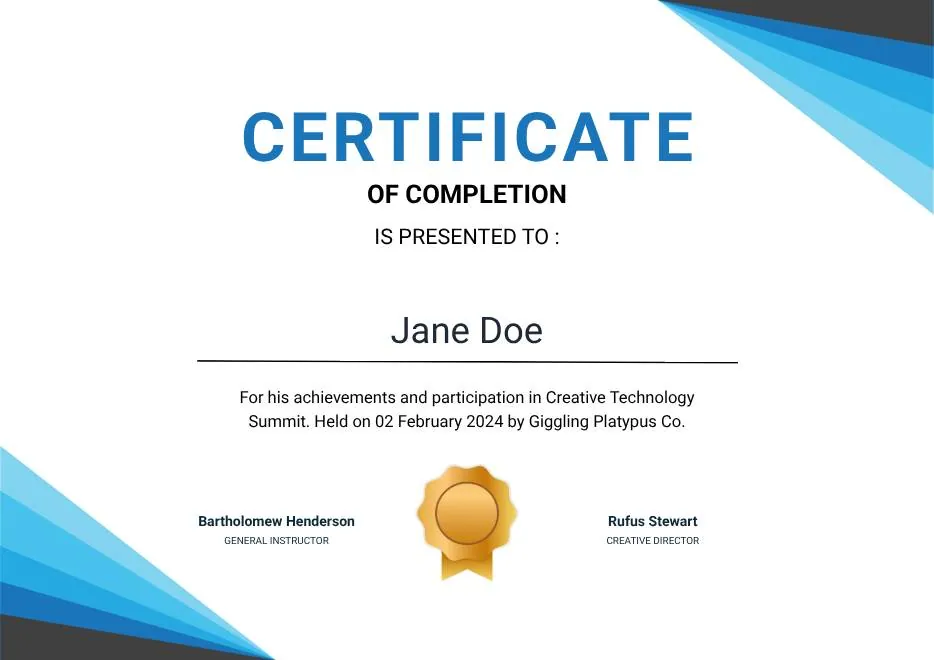
Blue Modern Event Completion Certificate
-
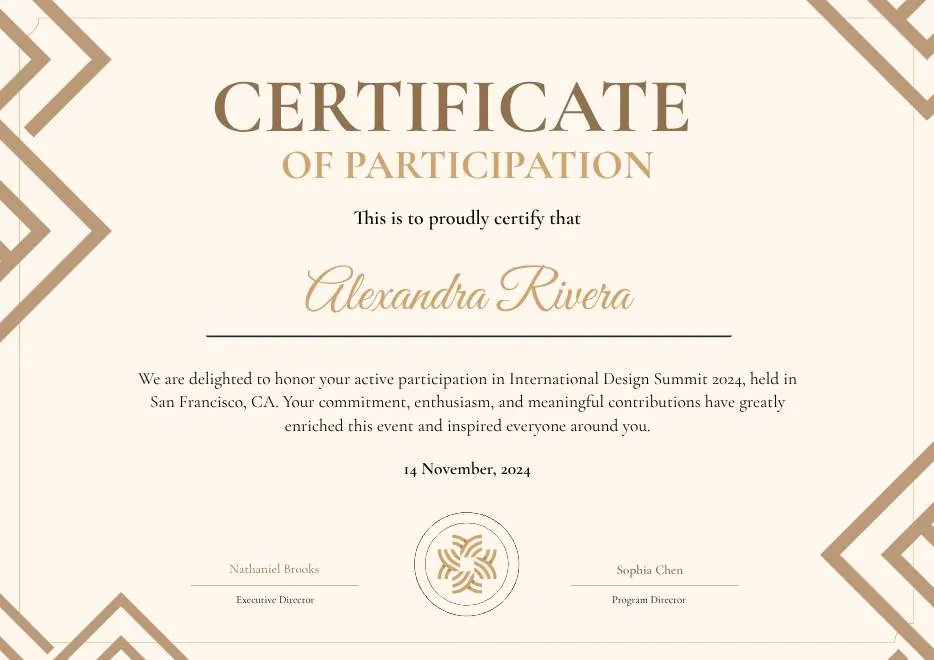
Brown Modern Geometric Participation Certificate
-
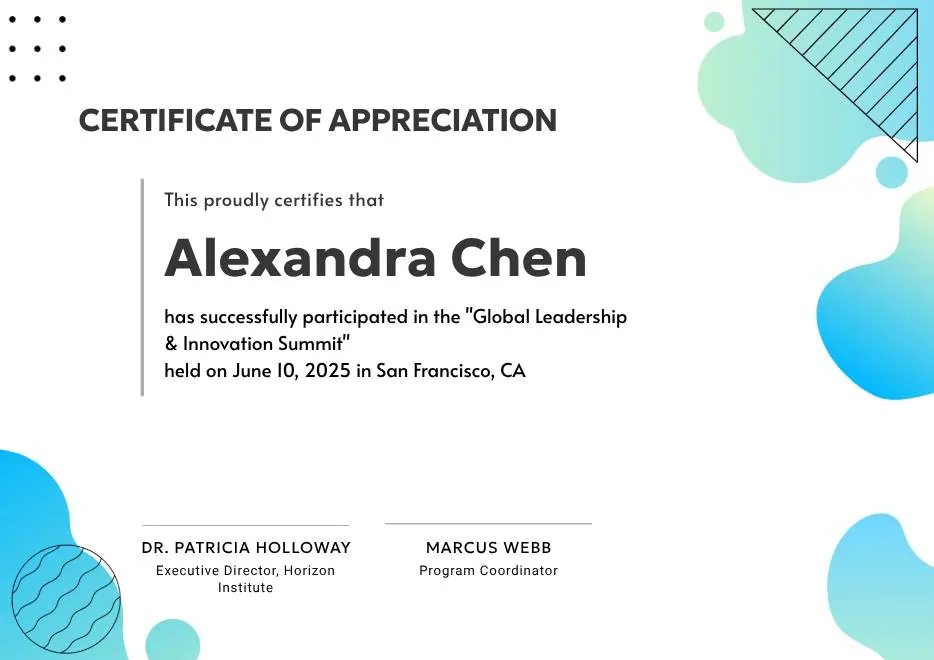
Certificate of Appreciation — Summit & Event Participation
-

Gray Teal Simple Internship Certificate
-
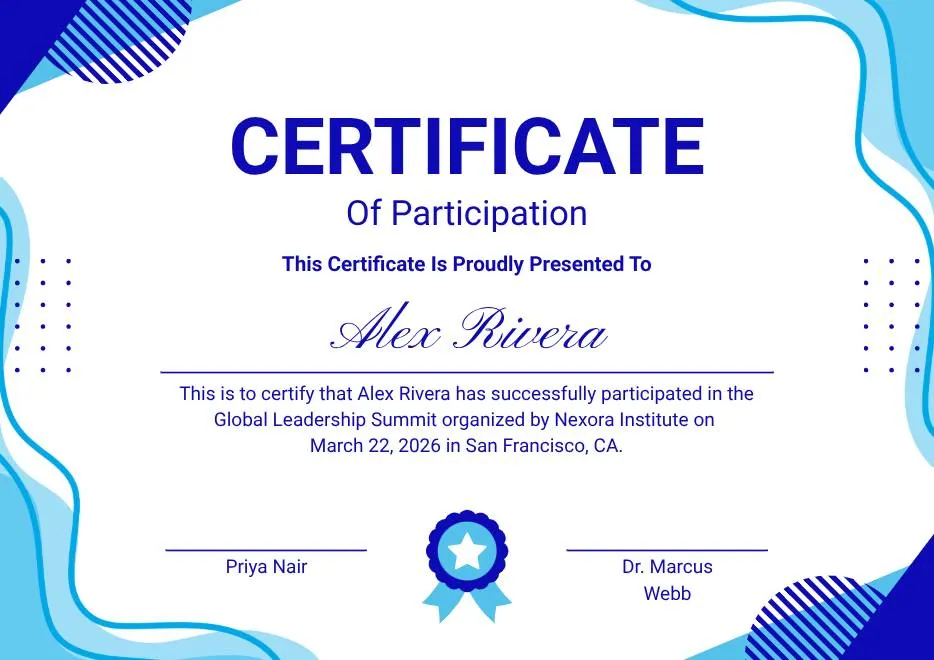
Blue and White Modern Participation Certificate
-
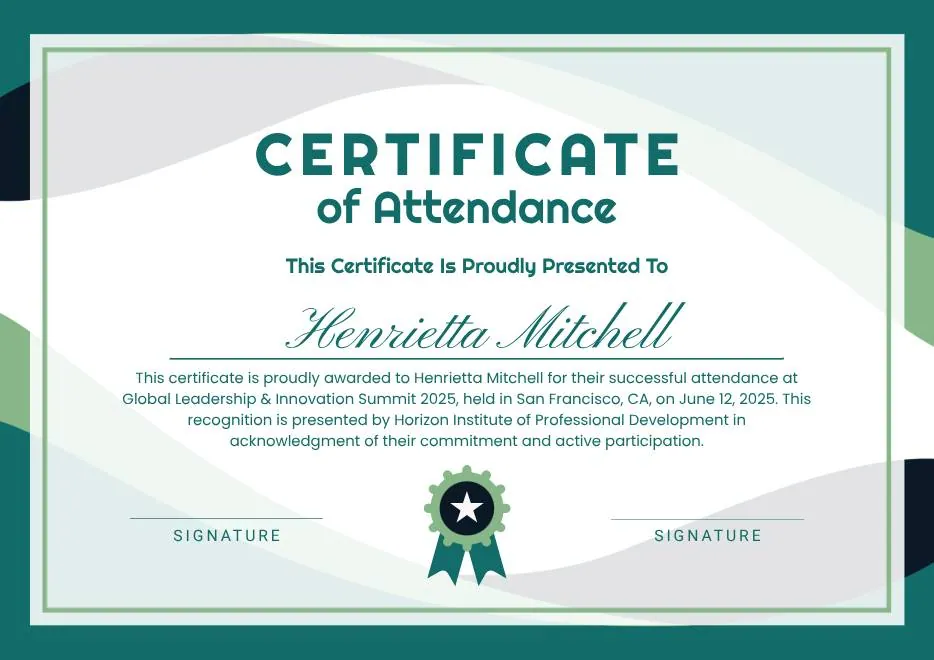
White and Green Minimalist Certificate of Attendance
-
Colorful Abstract Waves Modern Participation Certificate
-
Blue Abstract Waves Participation Certificate
-
Gold Elegant Workshop Participation Certificate
-
Blue Modern Event Completion Certificate
-
Brown Modern Geometric Participation Certificate
-
Certificate of Appreciation — Summit & Event Participation
-
Gray Teal Simple Internship Certificate
-
Blue and White Modern Participation Certificate
-
White and Green Minimalist Certificate of Attendance
-
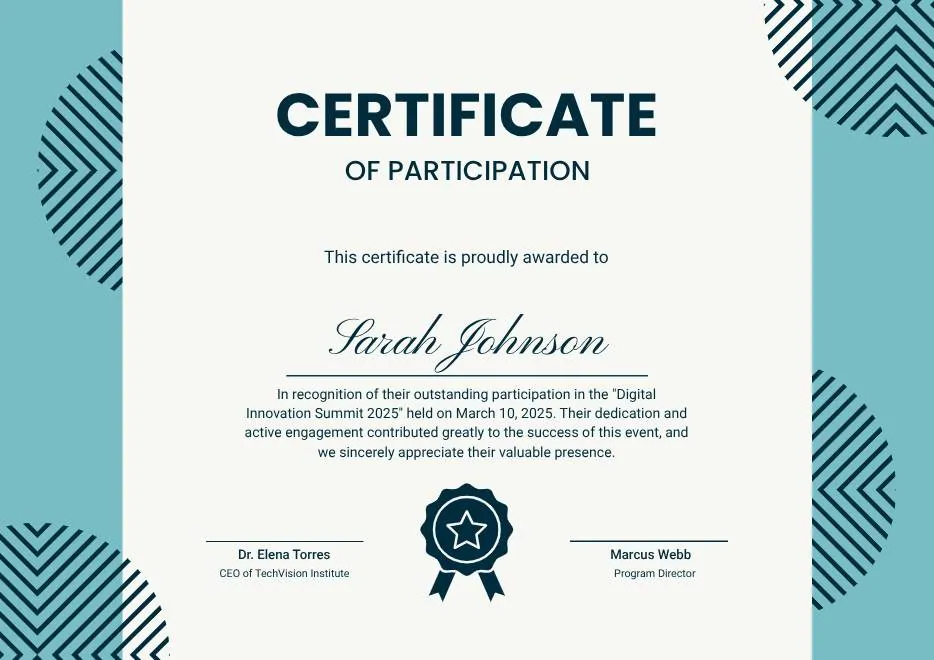
Teal Geometric Participation Certificate
-
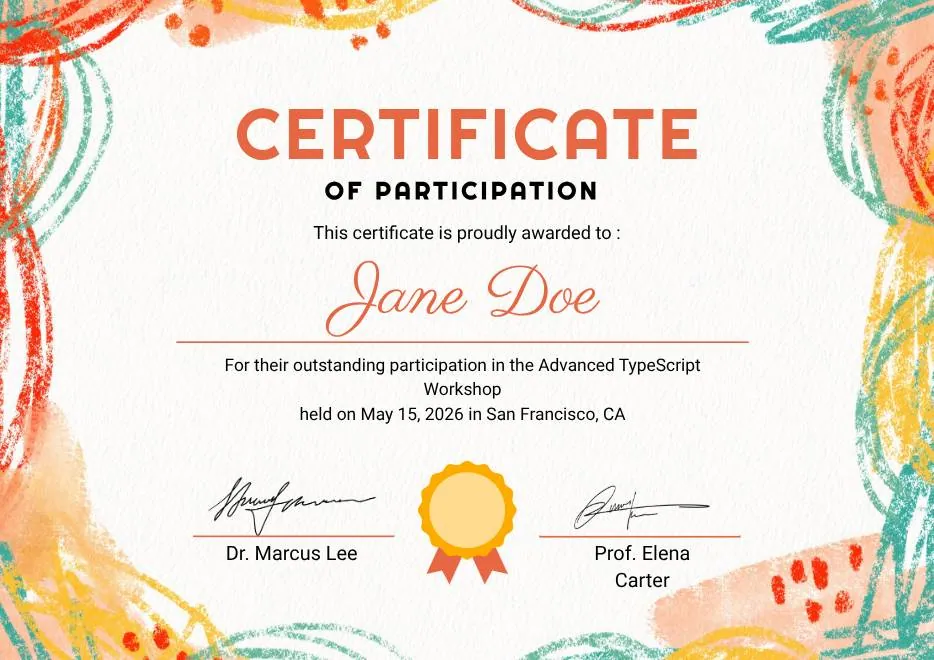
Colorful Brushstroke Art Certificate of Participation
-
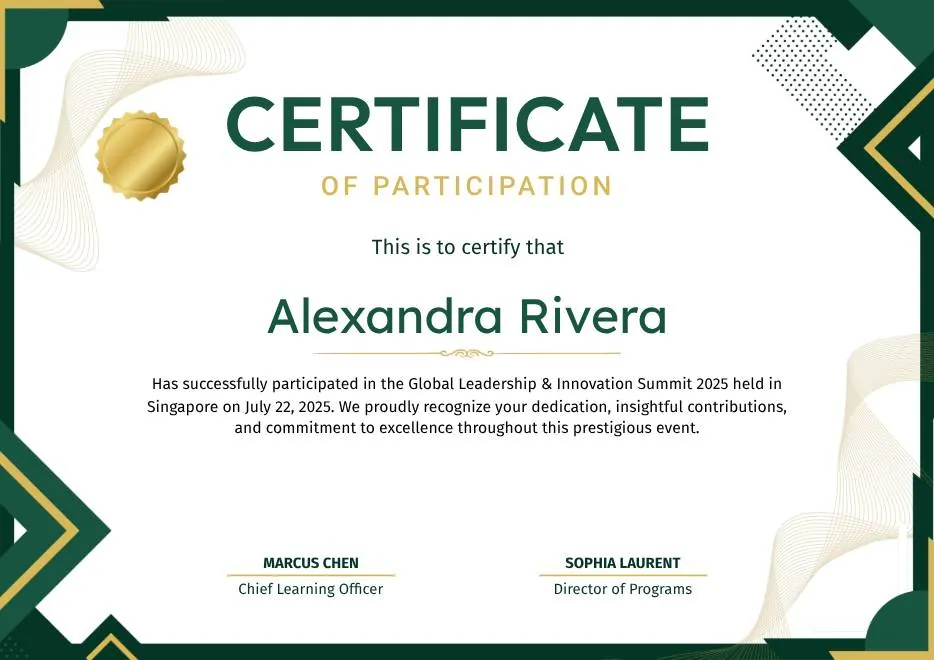
Green and Gold Geometric Modern Certificate of Participation
-

Colorful Funny Dinosaur Kids Certificate
-
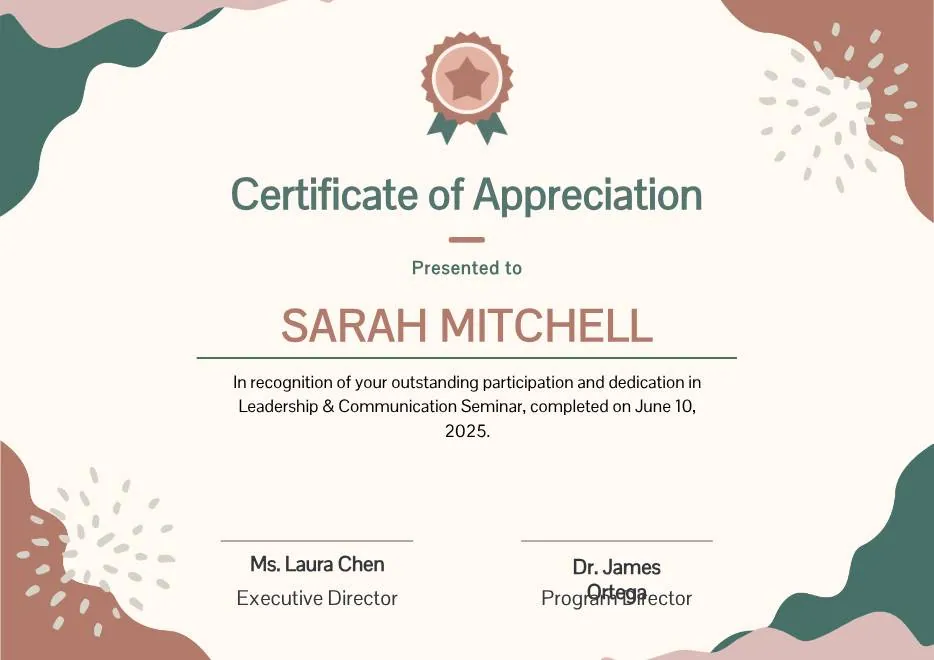
Beige Blob Appreciation Seminar Certificate
-
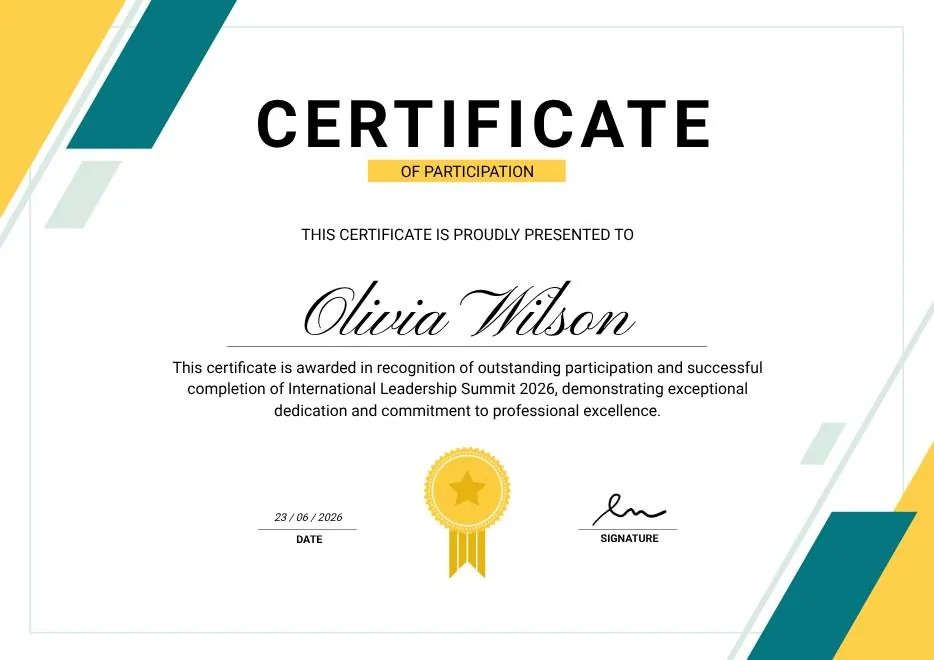
Green & Yellow Minimalist Certificate of Participation
-
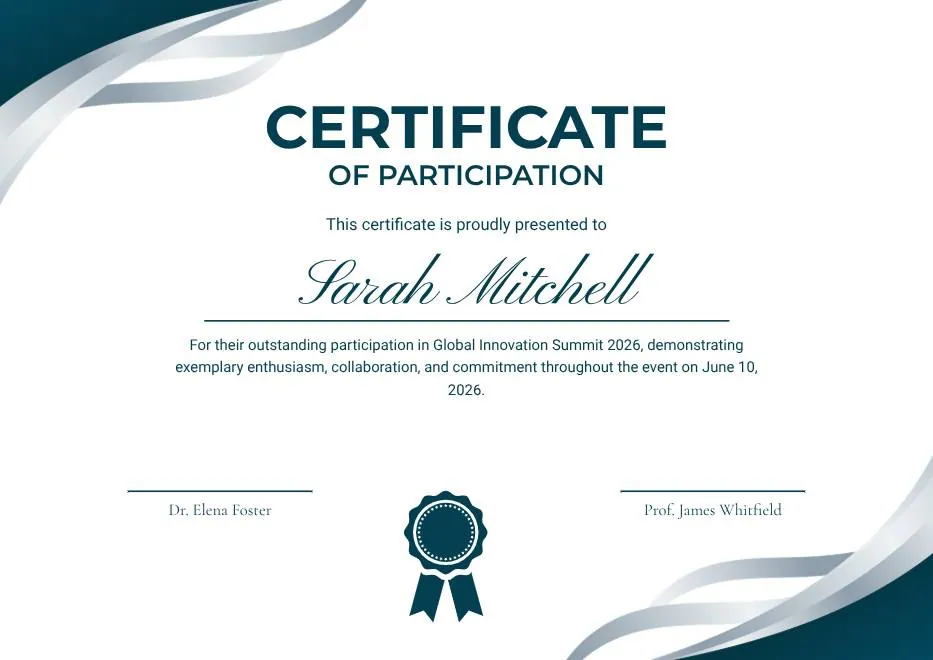
Teal and White Modern Participation Certificate
-
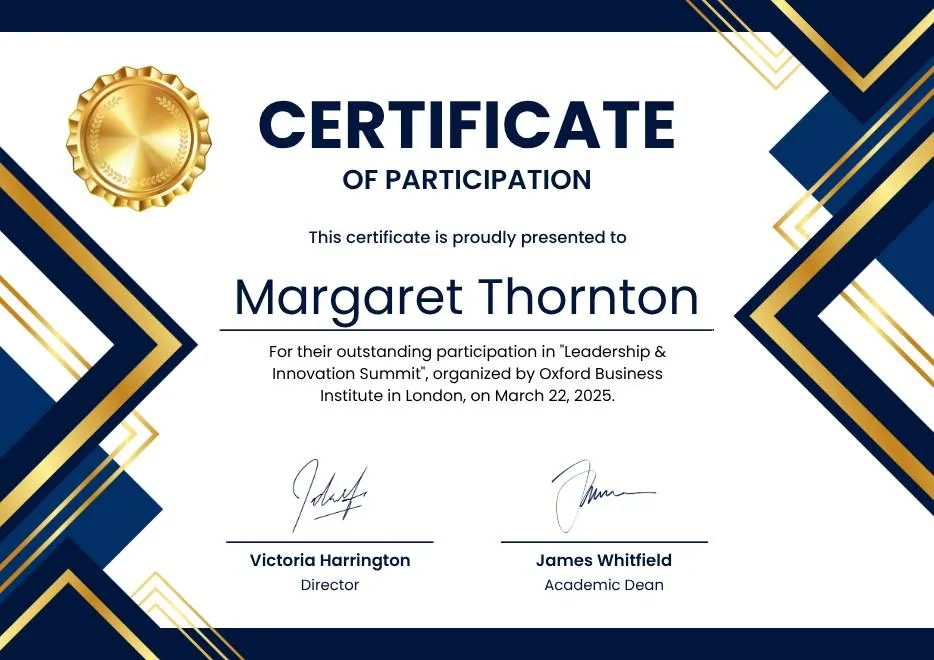
Blue White Gold Modern Participation Certificate
-
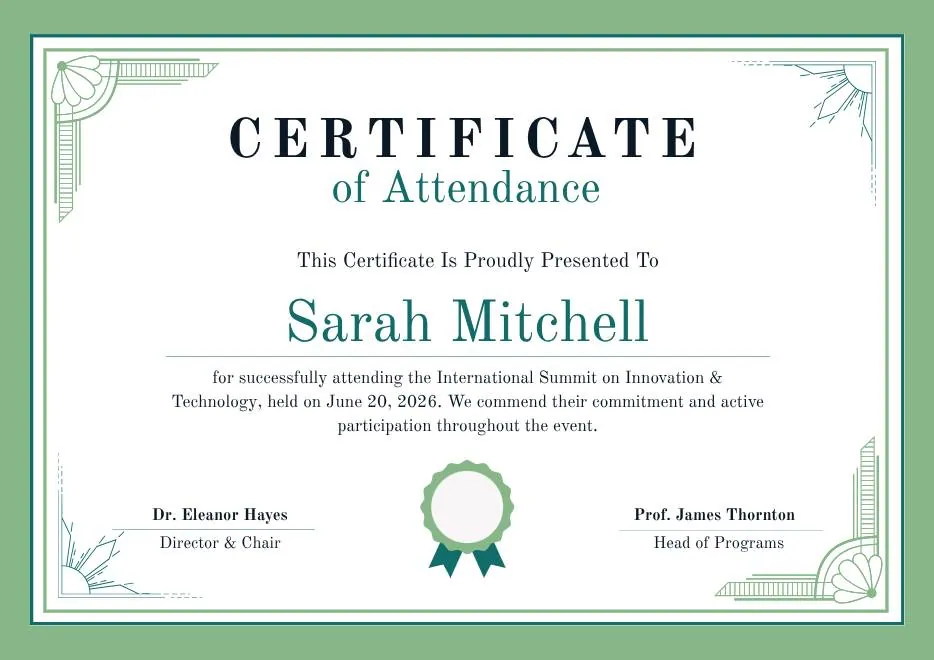
Green White Classic Minimalist Attendance Certificate
-
Teal Geometric Participation Certificate
-
Colorful Brushstroke Art Certificate of Participation
-
Green and Gold Geometric Modern Certificate of Participation
-
Colorful Funny Dinosaur Kids Certificate
-
Beige Blob Appreciation Seminar Certificate
-
Green & Yellow Minimalist Certificate of Participation
-
Teal and White Modern Participation Certificate
-
Blue White Gold Modern Participation Certificate
-
Green White Classic Minimalist Attendance Certificate
Questions about event certificates
What organizers ask before the event
Can speakers and attendees get different certificates?
Which registration tools does it work with?
Some sessions were online. Can those be automated?
Can attendees print their certificate?
What if someone's name is misspelled?
Certify your next event's attendees
Free for your first 100 certificates a year — no credit card required.