Webinar certificates
Certificates of attendance the moment your webinar ends
Connect Zoom and CertSeal turns the participant report into personalized certificates — emailed automatically or held as drafts for you to review.
Built for webinar hosts
No more exporting attendee lists after every session
The hour after a webinar used to go on downloading reports and pasting names. Now it happens without you.
Issued when the webinar ends
Connect Zoom once. When a matching meeting or webinar ends, CertSeal pulls the participant report and creates a certificate for every attendee.
Send now or review first
Choose Send immediately to email certificates as soon as the session closes, or Create drafts to check the attendee list before anything goes out.
One certificate per person
Dropped connections happen. Merge re-joins and an attendee who left and came back three times still gets one certificate, not three.
Only the sessions you choose
Filter an automation by topic ("Onboarding") or by a specific meeting ID, so your internal stand-ups don't produce certificates.
Session details on the certificate
Map Zoom data such as the topic and start time — and, for webinars, minutes attended — into your design's fields, alongside the attendee's name.
A link and QR code for every attendee
Each certificate has its own page and certificate ID. Add a QR code to the design and printed copies link back to the hosted certificate.
Set up once
Four steps, then every webinar certifies itself
- 01
Design the certificate
Start from a participation template and add fields for the attendee's name and the webinar title.
- 02
Connect Zoom
Authorize CertSeal in Zoom. It gets read-only access to meetings, webinars, and participant reports.
- 03
Create an automation
Pick the batch, choose drafts or send immediately, add a topic filter, and map Zoom fields to your certificate.
- 04
Host as usual
Run the webinar in Zoom. Attendees get their certificate after it ends — nobody exports a participant CSV.
Templates
Participation certificates for your attendees
Start from a participation design, add your logo and the webinar title, and reuse it for every session.
-
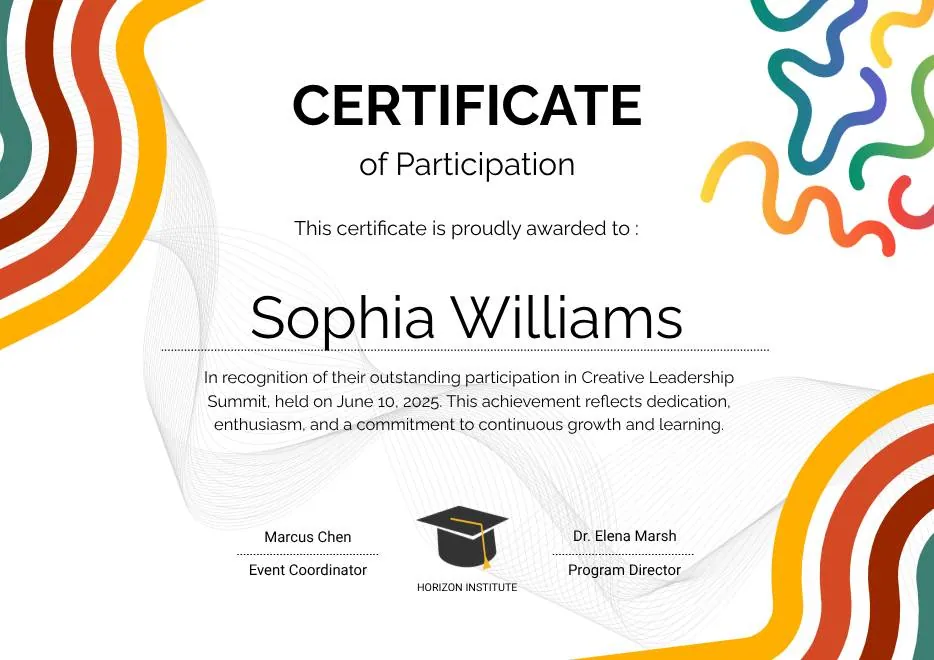
Colorful Abstract Waves Modern Participation Certificate
-
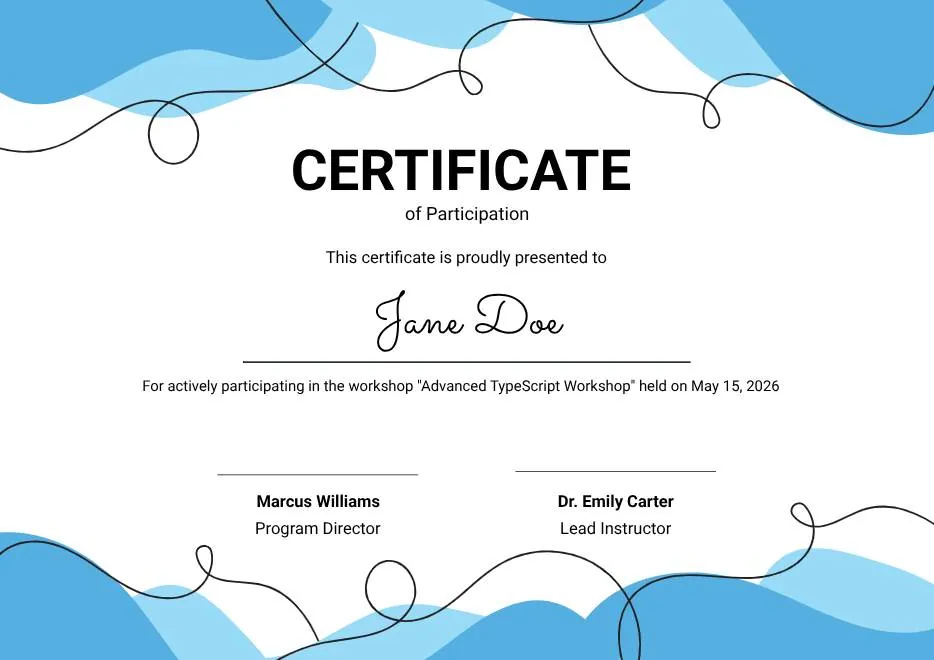
Blue Abstract Waves Participation Certificate
-
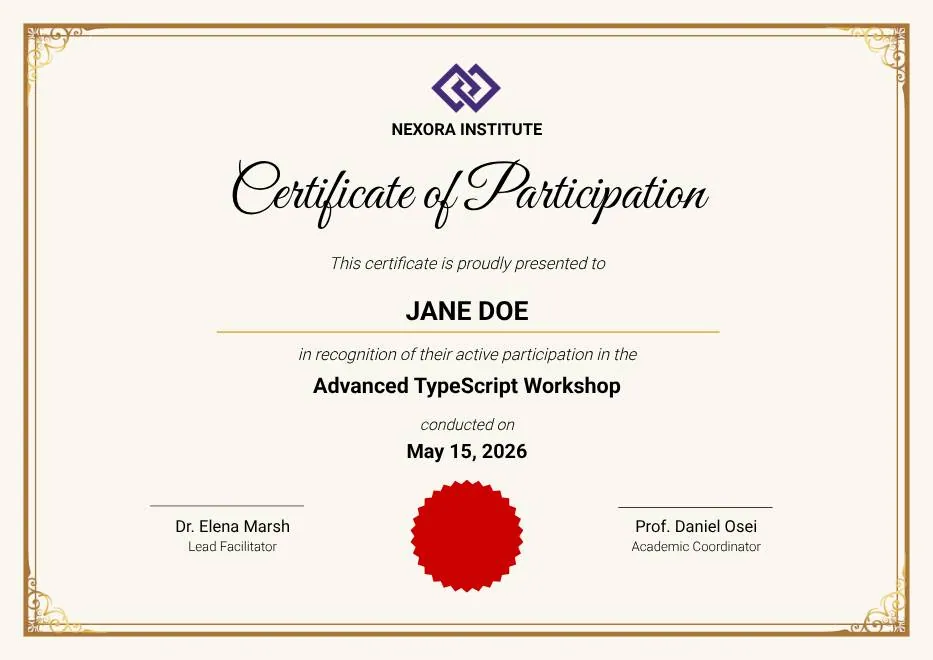
Gold Elegant Workshop Participation Certificate
-

Blue Modern Event Completion Certificate
-
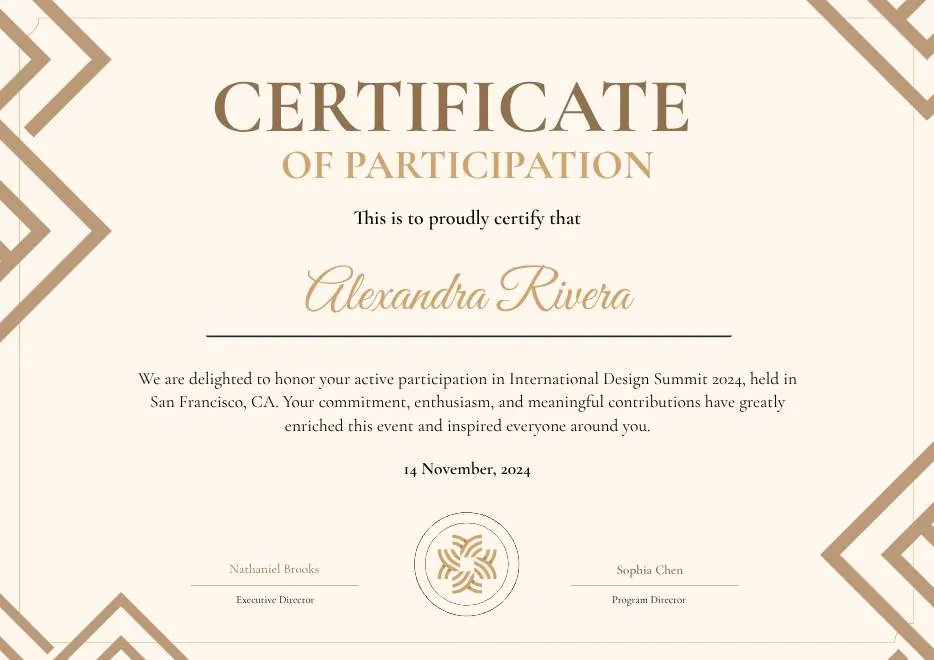
Brown Modern Geometric Participation Certificate
-
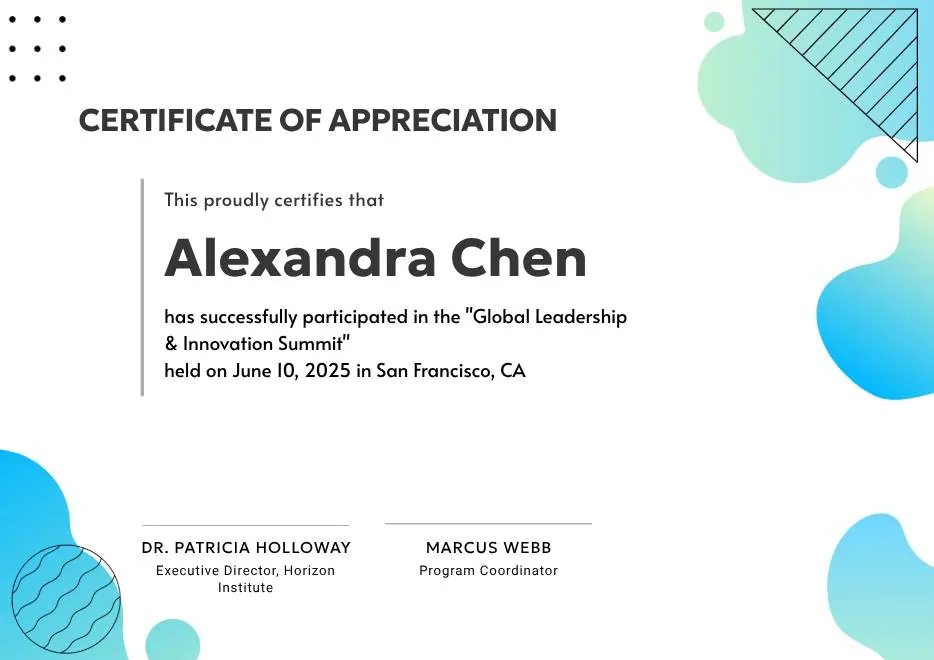
Certificate of Appreciation — Summit & Event Participation
-

Gray Teal Simple Internship Certificate
-
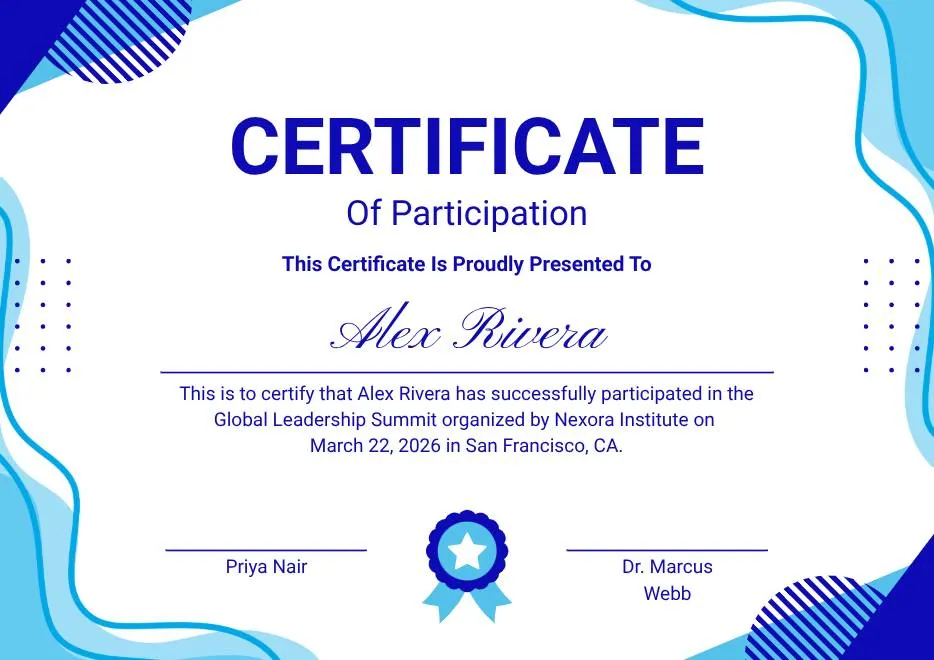
Blue and White Modern Participation Certificate
-
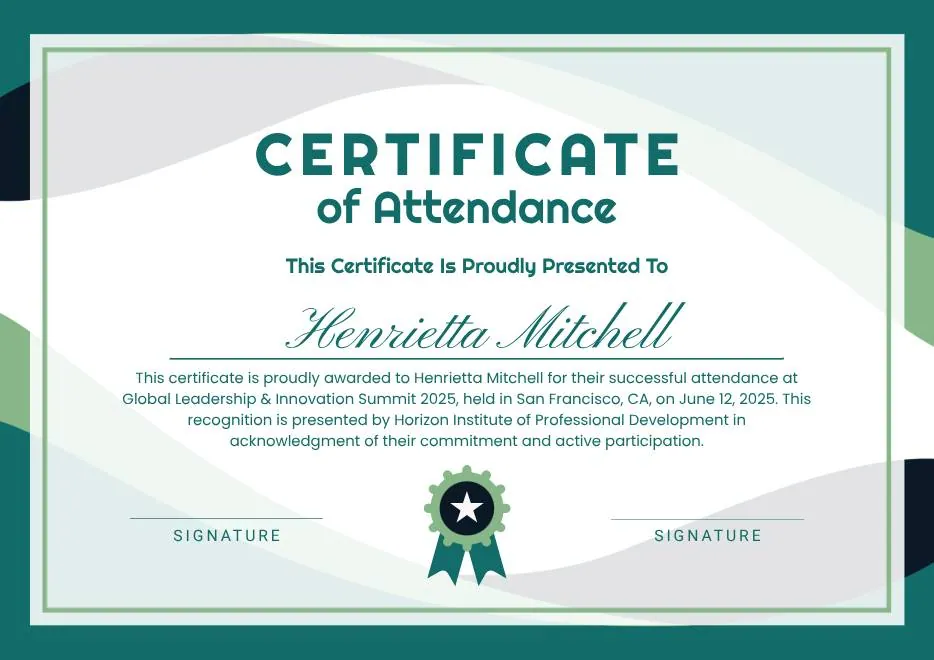
White and Green Minimalist Certificate of Attendance
-
Colorful Abstract Waves Modern Participation Certificate
-
Blue Abstract Waves Participation Certificate
-
Gold Elegant Workshop Participation Certificate
-
Blue Modern Event Completion Certificate
-
Brown Modern Geometric Participation Certificate
-
Certificate of Appreciation — Summit & Event Participation
-
Gray Teal Simple Internship Certificate
-
Blue and White Modern Participation Certificate
-
White and Green Minimalist Certificate of Attendance
-
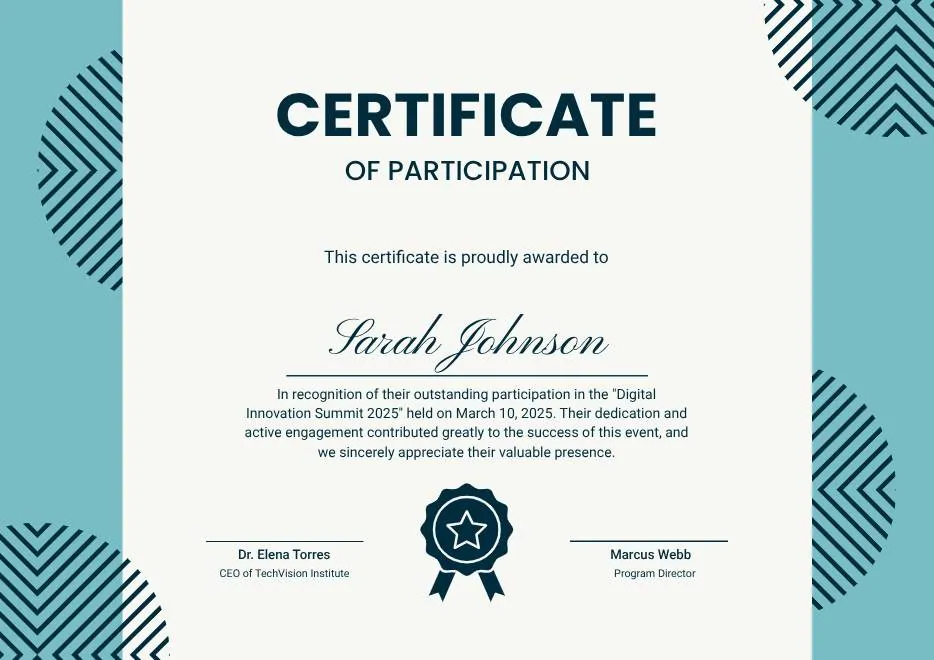
Teal Geometric Participation Certificate
-

Colorful Brushstroke Art Certificate of Participation
-
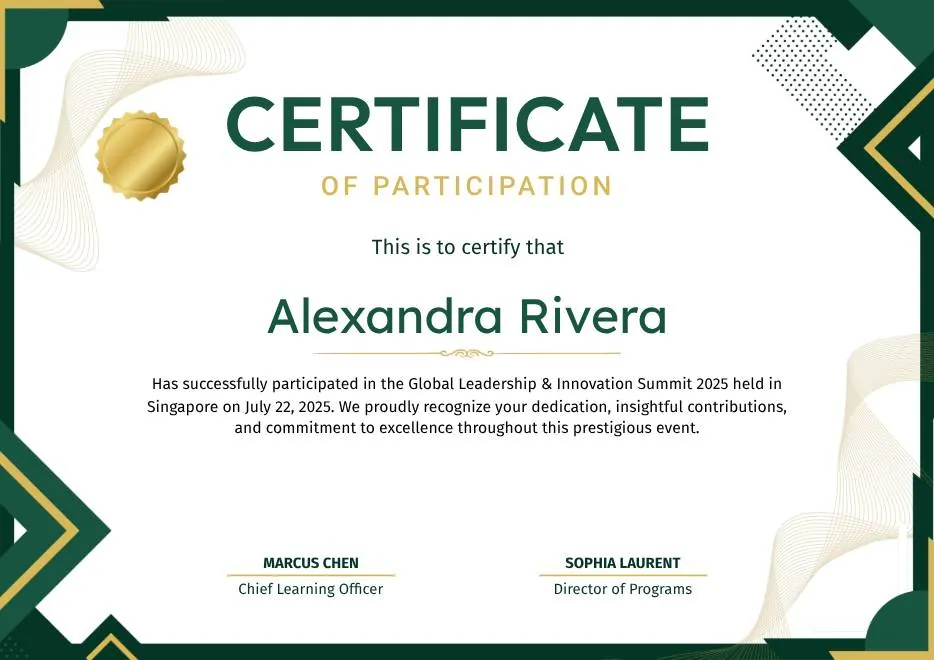
Green and Gold Geometric Modern Certificate of Participation
-

Colorful Funny Dinosaur Kids Certificate
-
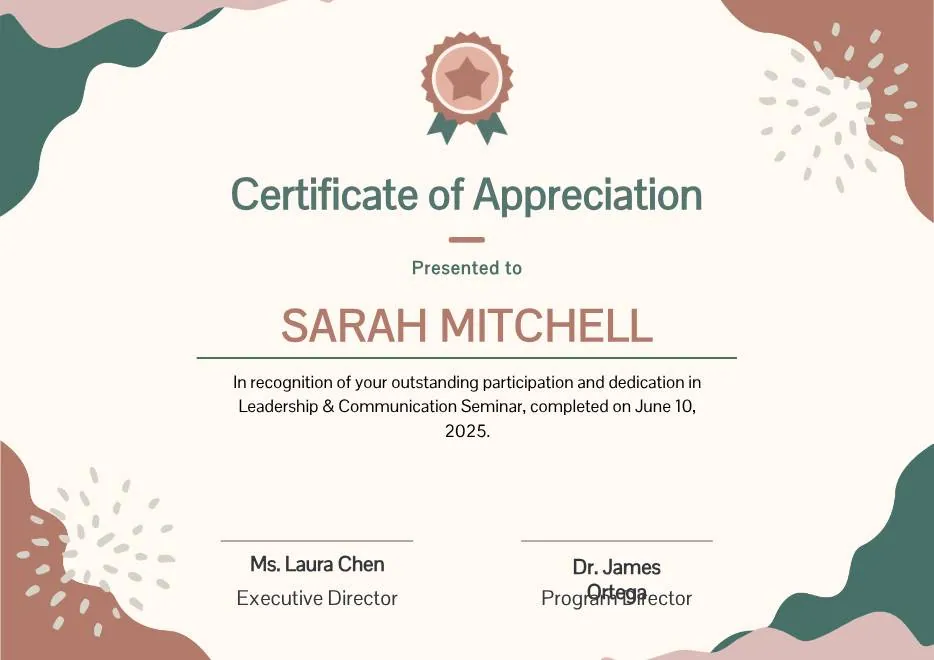
Beige Blob Appreciation Seminar Certificate
-
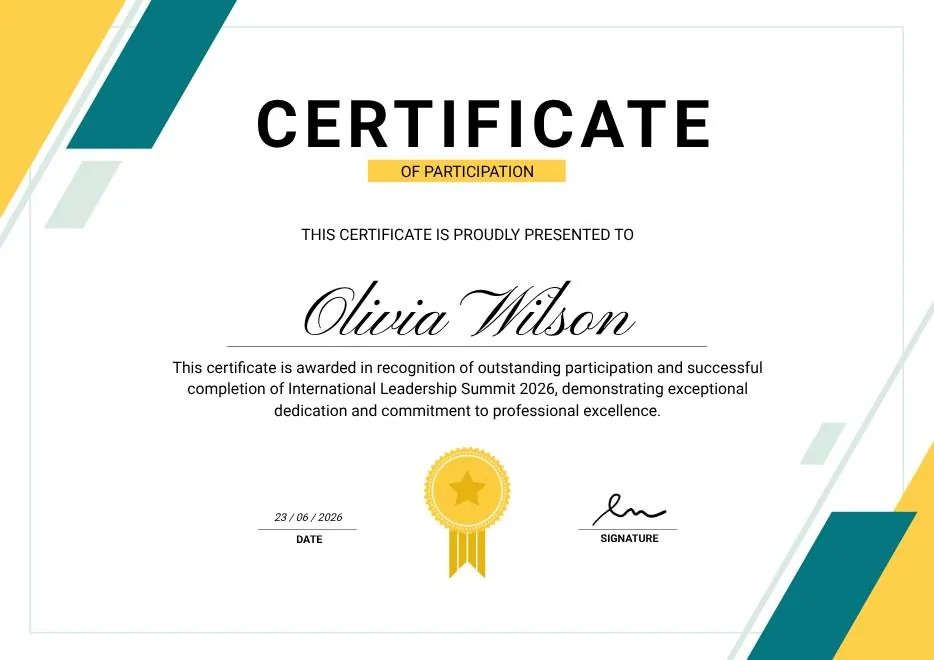
Green & Yellow Minimalist Certificate of Participation
-
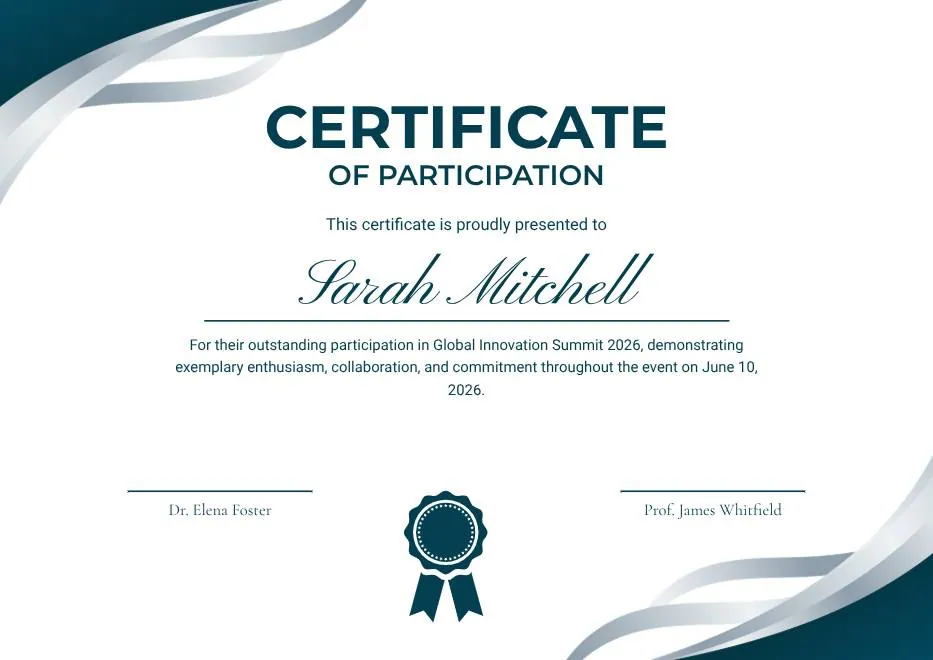
Teal and White Modern Participation Certificate
-
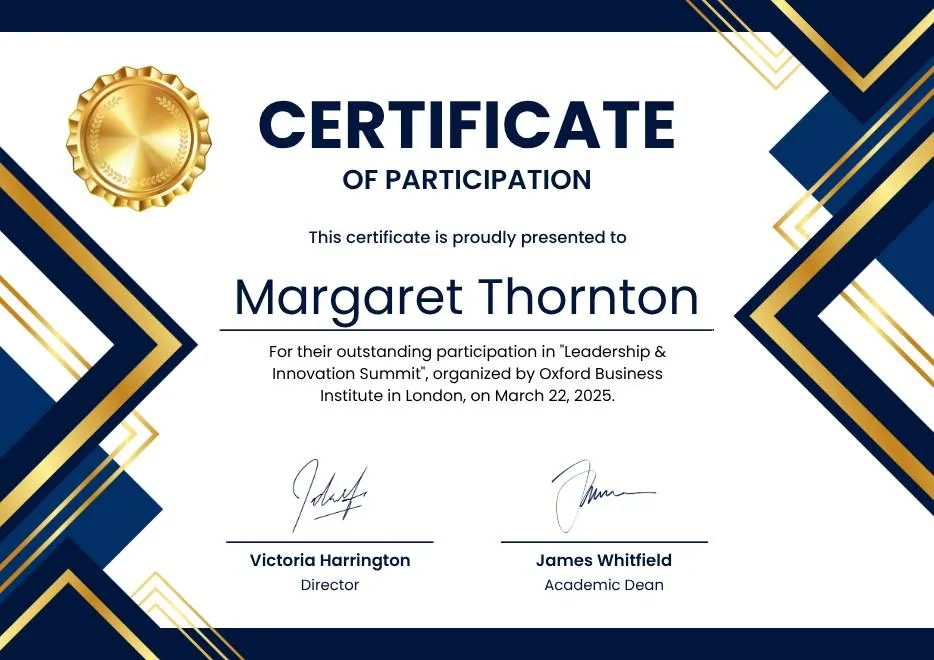
Blue White Gold Modern Participation Certificate
-
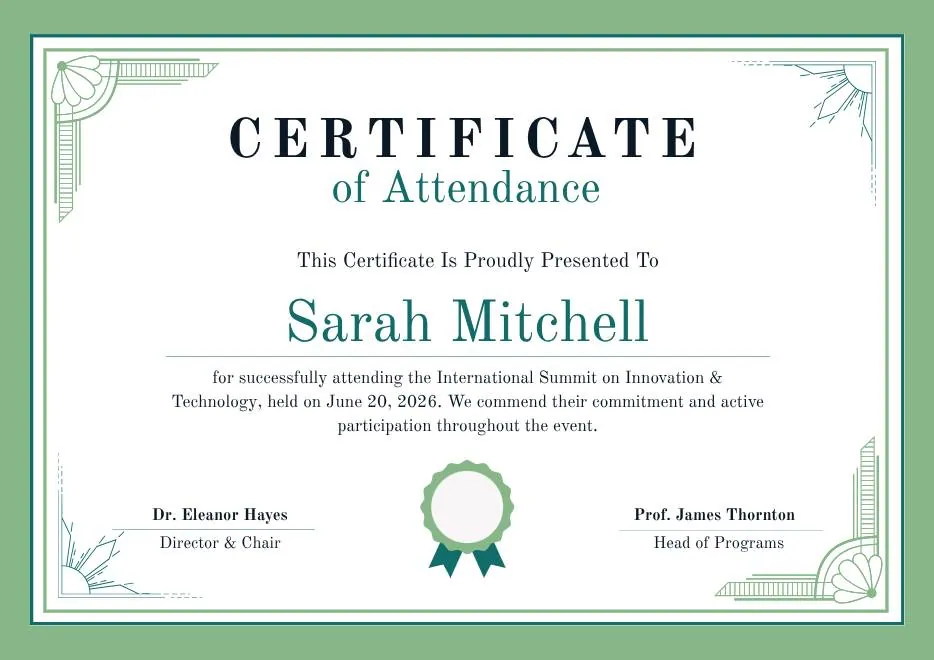
Green White Classic Minimalist Attendance Certificate
-
Teal Geometric Participation Certificate
-
Colorful Brushstroke Art Certificate of Participation
-
Green and Gold Geometric Modern Certificate of Participation
-
Colorful Funny Dinosaur Kids Certificate
-
Beige Blob Appreciation Seminar Certificate
-
Green & Yellow Minimalist Certificate of Participation
-
Teal and White Modern Participation Certificate
-
Blue White Gold Modern Participation Certificate
-
Green White Classic Minimalist Attendance Certificate
Questions about webinar certificates
What hosts ask before they connect Zoom
Does it work with both Zoom Meetings and Zoom Webinars?
Can I only certify people who stayed for most of the session?
I run webinars on Teams, Google Meet, or another platform. Can I still use CertSeal?
How do attendees receive their certificate?
Can I use the same certificate for a recurring webinar series?
Certify your next webinar automatically
Sign up free, connect Zoom, and your next session's attendees get their certificates when it ends.