Certificate template
Paper Plane Most Improved Attendance Award
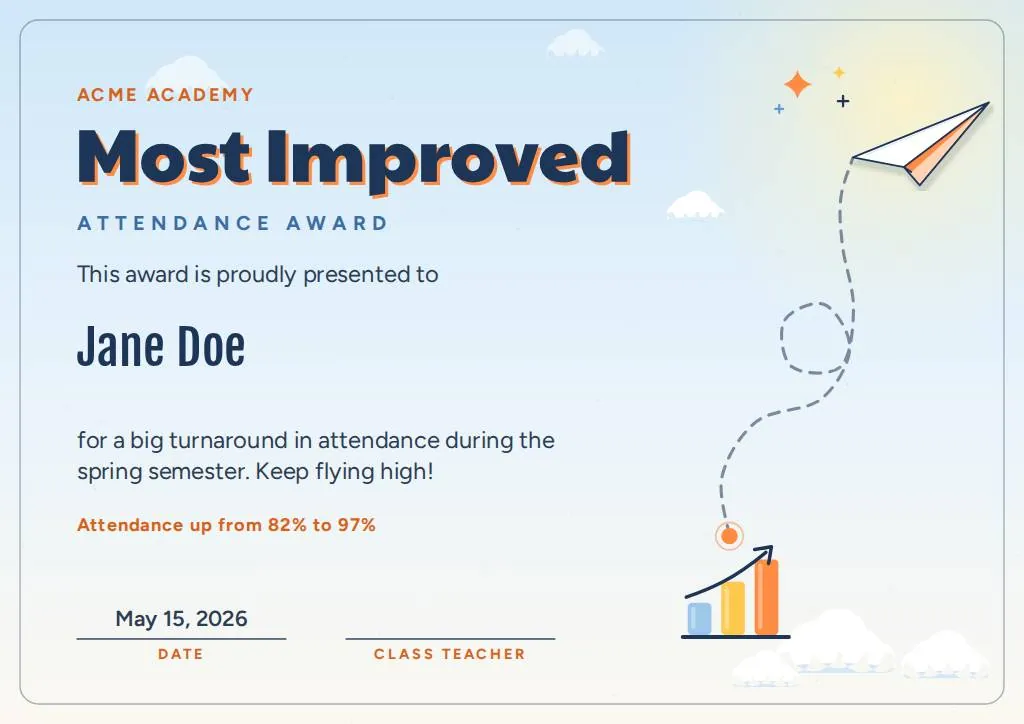
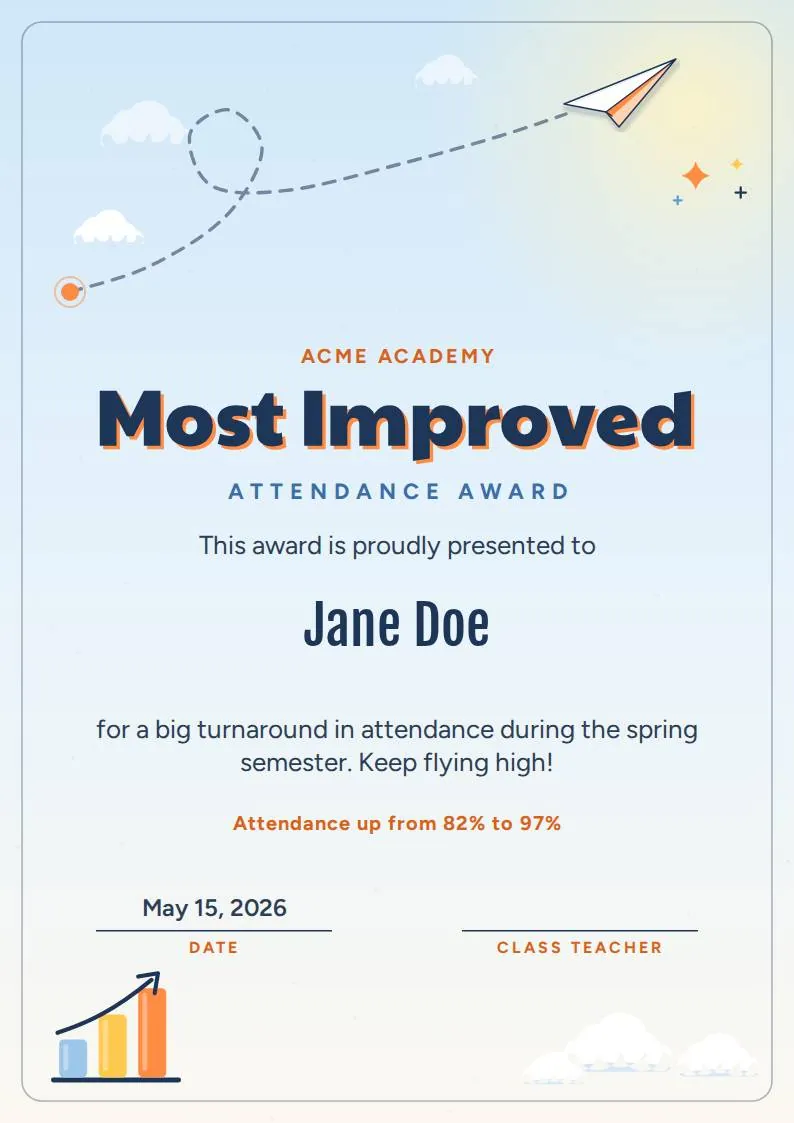
Most Improved Attendance award: a paper plane takes off from rising bars and loops up into a pale sky.
Free to customize. Issue verifiable credentials with a CertSeal account.
About this template
When to reach for it
Celebrate the student who turned things around. A folded paper plane in white and tangerine climbs a looping dashed flight path that takes off from a little rising bar chart, up into a pale blue sky with soft clouds and warm sunlight. "Most Improved" is set in a bold rounded face with a tangerine shadow, over clean left-aligned text.
Encouraging without being babyish, so it suits elementary through high school. The plane, flight path, bar chart, clouds and twinkles are separate layers, and the "Attendance up from 82% to 97%" line is editable for each class.
Wording
What the certificate says
Every line of text on this template, top to bottom. Highlighted parts fill in for each recipient, and you can reword any line in the editor.
- Issued by
- ATTENDANCE AWARD
- This award is proudly presented to
- Recipient name
- for a big turnaround in attendance during Course or achievement. Keep flying high!
- Attendance up from 82% to 97%
- Date
- DATE · CLASS TEACHER
Typography
Fonts used in this template
Swap, mix, or replace any of these in the editor — every CertSeal template ships with 1,000+ Google Fonts plus your own brand uploads.
-
Font family
Figtree
Figtree
-
Font family
Fjalla One
Fjalla One
Color palette
Colors used in this template
The five most prominent colors sampled straight from the rendered design. Recolor any of them in the editor to match your brand.
-
#f5f7f5
-
#c7d9e8
-
#aab8c5
-
#e9cbb8
-
#464756
How to use it
From template to issued credential in four steps
- 01
Open the template
Click "Use this template" to open the Paper Plane Most Improved Attendance Award in the CertSeal editor, or customize it free without signing up.
- 02
Fill in the details
- Issued by
- Recipient name
- Course or achievement
- Date
Type these in, or upload a spreadsheet to make one for every recipient.
- 03
Add your brand
Swap the Figtree and Fjalla One fonts and the colors, and add your logo.
- 04
Issue & verify
Generate PDFs and verifiable links your recipients can share anywhere.
More templates
You might also like
-
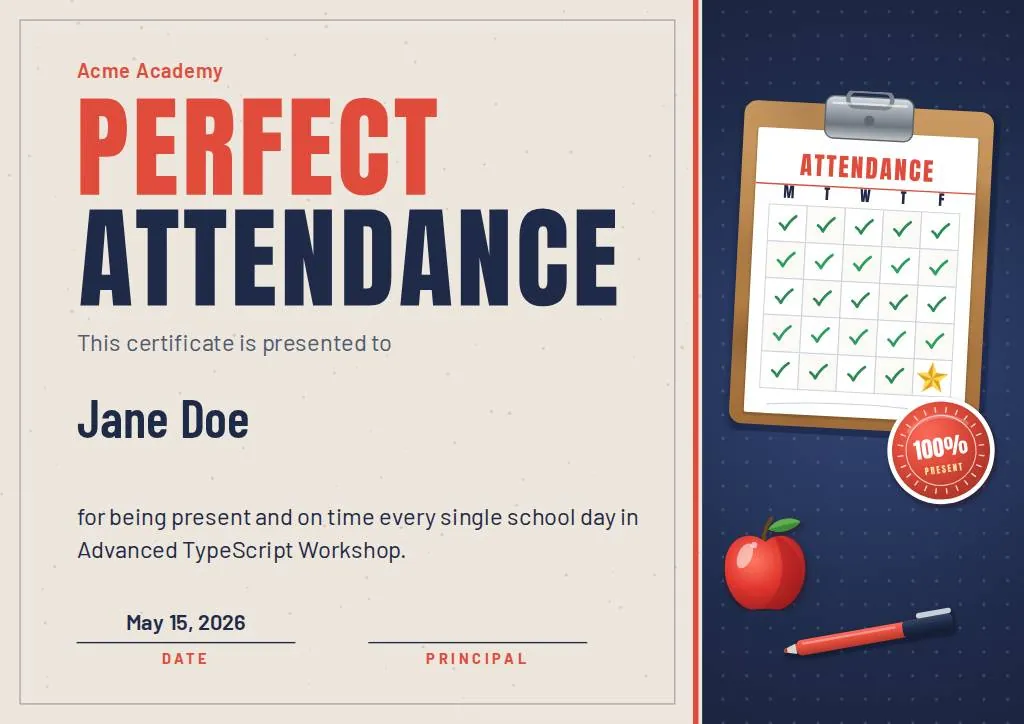
Navy and Red Clipboard Perfect Attendance Certificate
Crisp navy and red certificate with a clipboard calendar where every school day is ticked.
-
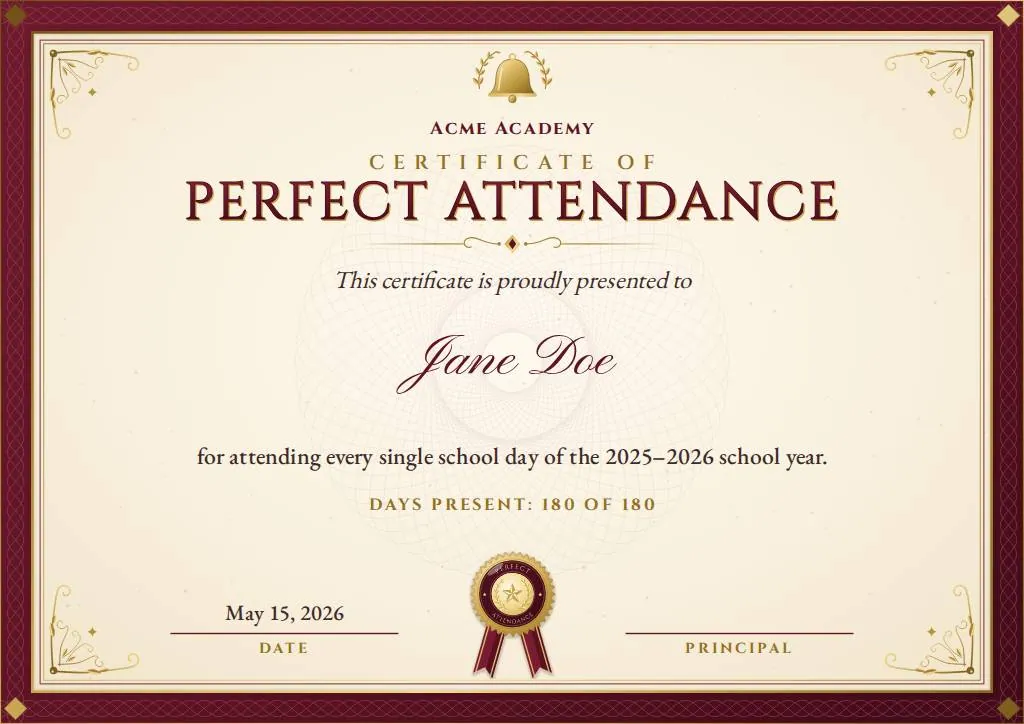
Burgundy and Gold Seal Perfect Attendance Certificate
Formal Perfect Attendance certificate: burgundy guilloche border, gold filigree and a ribboned gold seal.
-
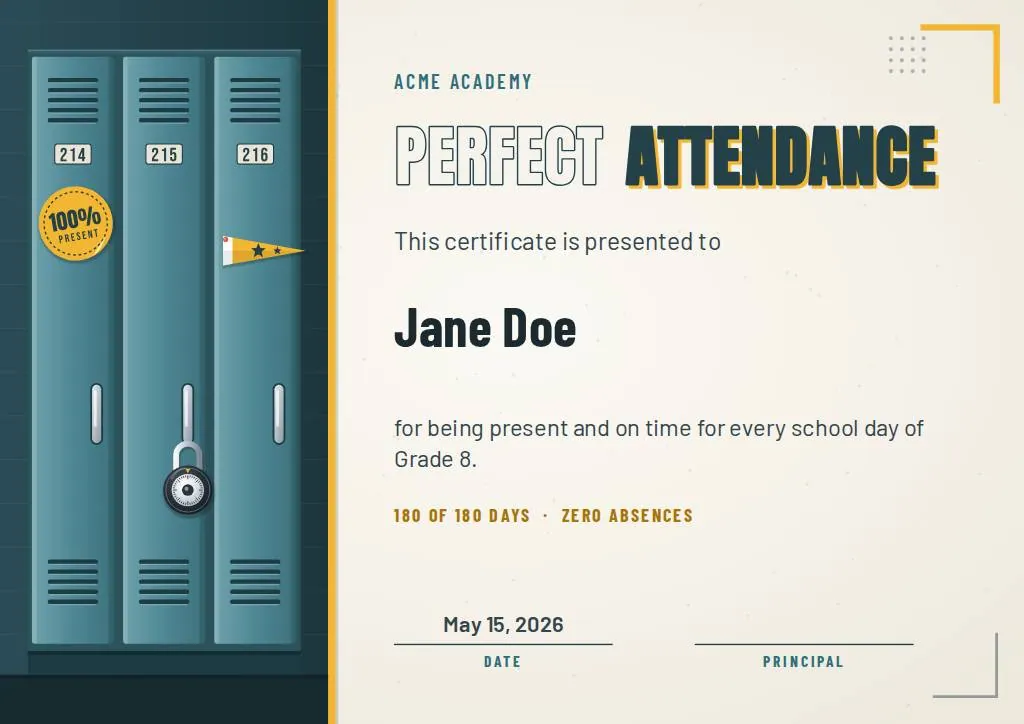
Slate and Mustard School Lockers Perfect Attendance Certificate
Modern Perfect Attendance certificate for middle and high school: a bank of steel lockers, a padlock and bold type.
-
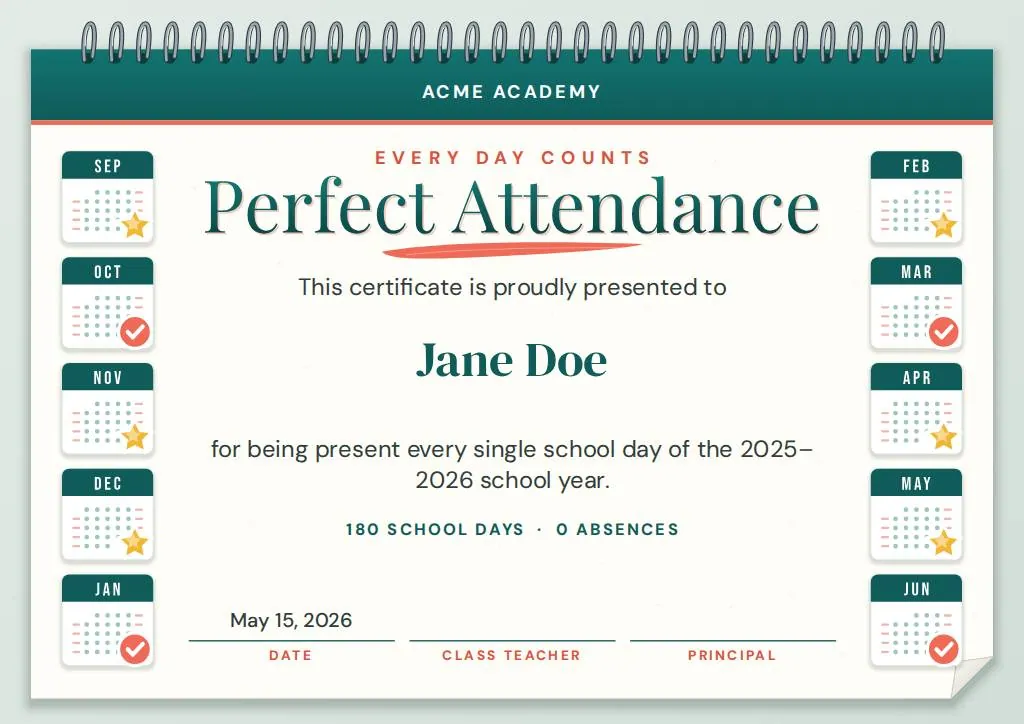
School Year Calendar Perfect Attendance Certificate
Perfect Attendance certificate drawn as a wall calendar: spiral binding and ten starred school-month tiles.
-
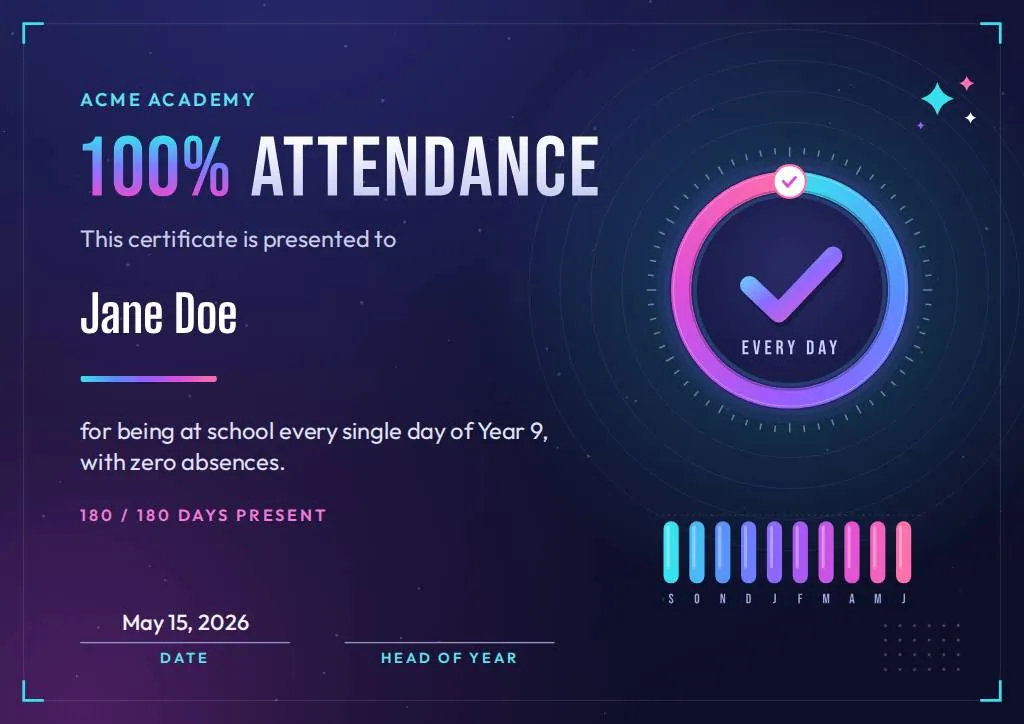
100% Attendance Progress Ring Certificate
Modern 100% Attendance certificate: a completed neon progress ring and month bars on midnight blue.
-
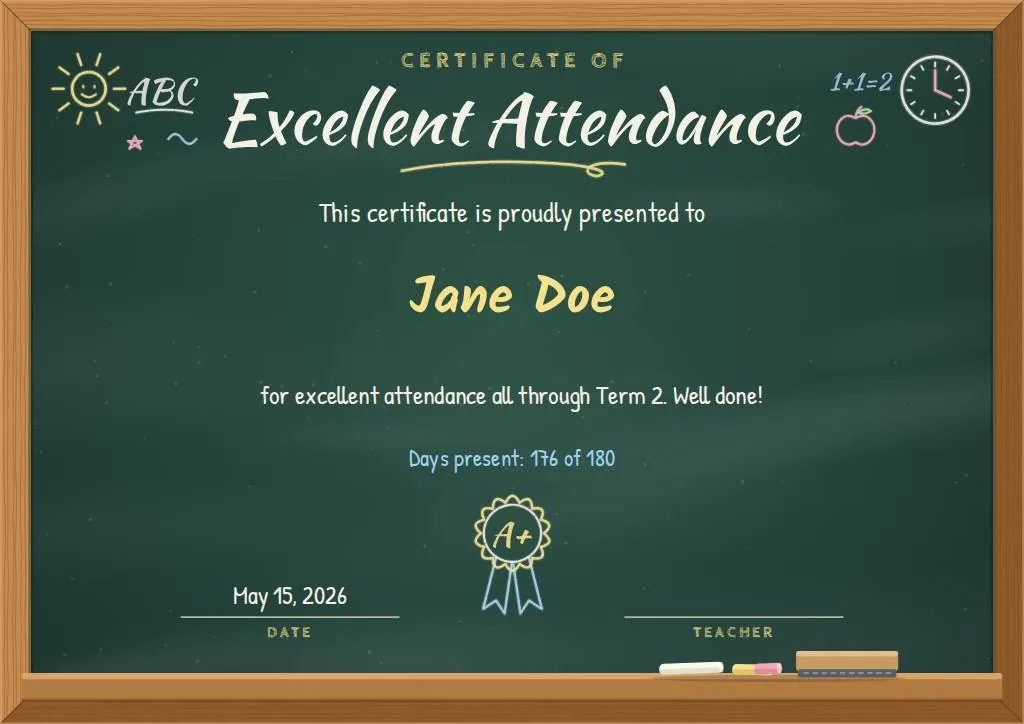
Chalkboard Excellent Attendance Award
Excellent Attendance award drawn on an oak-framed green chalkboard with chalk lettering and doodles.
-
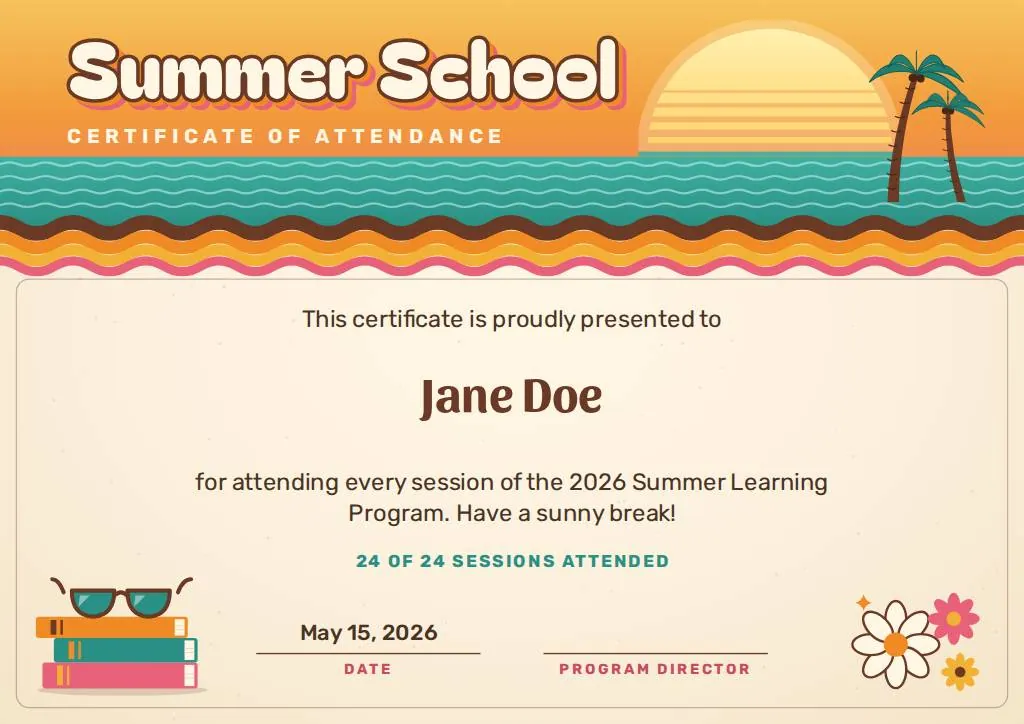
Retro Sunset Summer School Attendance Certificate
Summer School attendance certificate with a 70s sunset, palm trees, wavy stripes and groovy lettering.
-

Blue Modern Webinar Certificate of Attendance
Clean left-aligned attendance certificate with soft blue circles and a verification QR code.
Issue your first credential today
Open this template in the CertSeal editor, customize in minutes, and send verifiable certificates your recipients can share anywhere.