Certificate template
Blue Modern Webinar Certificate of Attendance
Clean left-aligned attendance certificate with soft blue circles and a verification QR code.
Free to customize. Issue verifiable credentials with a CertSeal account.


About this template
When to reach for it
A crisp, left-aligned certificate of attendance for webinars and online events. Soft blue circles and a slim accent bar keep it light, and the webinar title is set large in blue so it reads at a glance.
The certificate ID and QR code link to the certificate’s public verification page, which makes it suitable for CPD and continuing-education records.
Wording
What the certificate says
Every line of text on this template, top to bottom. Highlighted parts fill in for each recipient, and you can reword any line in the editor.
- CERTIFICATE OF ATTENDANCE
- This certifies that
- Recipient name
- attended the live webinar
- Course or achievement
- Held on Date · Hosted by Issued by
- CERTIFICATE ID
- Certificate ID
- ORGANIZER
- Scan the QR code to verify
Typography
Fonts used in this template
Swap, mix, or replace any of these in the editor — every CertSeal template ships with 1,000+ Google Fonts plus your own brand uploads.
-
Font family
DM Sans
DM Sans
-
Font family
Plus Jakarta Sans
Plus Jakarta Sans
Color palette
Colors used in this template
The five most prominent colors sampled straight from the rendered design. Recolor any of them in the editor to match your brand.
-
#f7f8fd
-
#3b5ee5
-
#d4d7dc
-
#a7b8f2
-
#b3b6bc
How to use it
From template to issued credential in four steps
- 01
Open the template
Click "Use this template" to open the Blue Modern Webinar Certificate of Attendance in the CertSeal editor, or customize it free without signing up.
- 02
Fill in the details
- Recipient name
- Course or achievement
- Date
- Issued by
Type these in, or upload a spreadsheet to make one for every recipient.
- 03
Add your brand
Swap the DM Sans and Plus Jakarta Sans fonts and the colors, and add your logo.
- 04
Issue & verify
Generate PDFs and verifiable links your recipients can share anywhere. The QR code on this design opens each certificate's verification page. Each certificate is printed with its own ID.
More templates
You might also like
-

Keynote Stage Attendance Certificate
Dark theatre stage with velvet curtains, amber spotlights, a podium and gold-foil lettering.
-

Tech Meetup Attendance Certificate
Dark neon certificate with a circuit grid, a sticker-covered laptop, a terminal window and a code-tag headline.
-
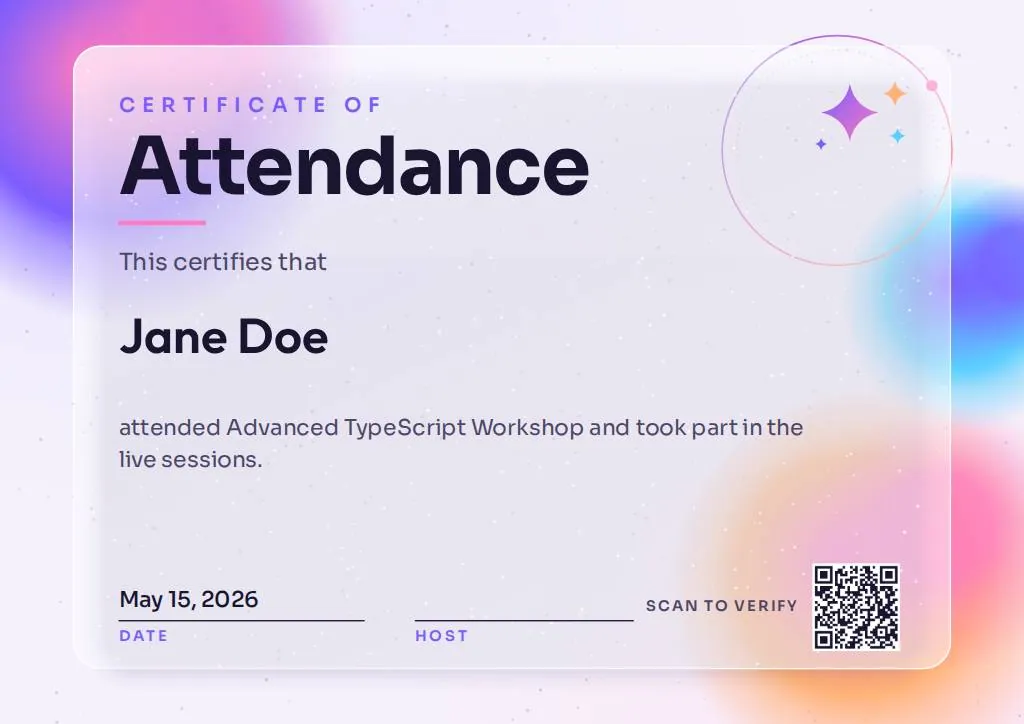
Gradient Aura Attendance Certificate
Modern certificate with glowing mesh-gradient orbs behind a frosted-glass card and a QR code.
-

Video Call Grid Webinar Attendance Certificate
Lavender webinar certificate with a laptop full of video tiles, a cursor, reactions and a desk plant.
-

Podcast Mic Live Session Participation Certificate
Purple-gradient certificate with a studio microphone, sound waves, headphones and an audio waveform.
-

Ribbon Waves Webinar Attendance Certificate
Light, elegant attendance certificate with flowing iridescent ribbons, glass orbs and a glass rosette.
-

Marketing Growth Webinar Certificate of Attendance
Pop-colour marketing webinar certificate with a megaphone, sales funnel, growth chart and target.
-

Health and Wellness Webinar Certificate of Attendance
Soft watercolour wellness webinar certificate with leafy branches, a heart and a lotus.
Issue your first credential today
Open this template in the CertSeal editor, customize in minutes, and send verifiable certificates your recipients can share anywhere.