Certificate template
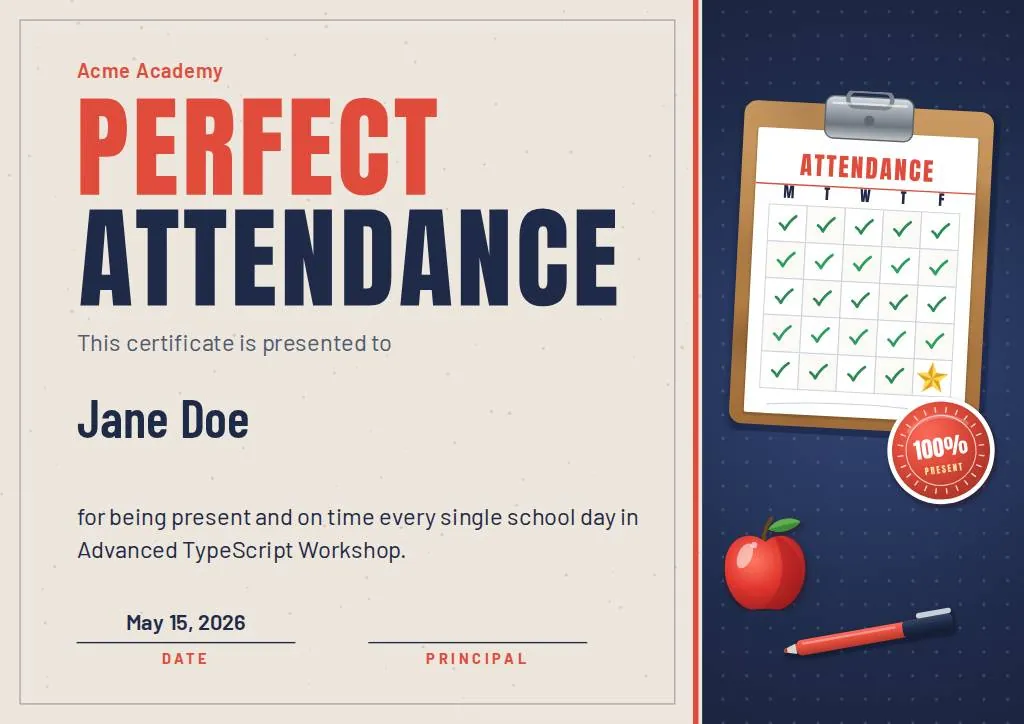
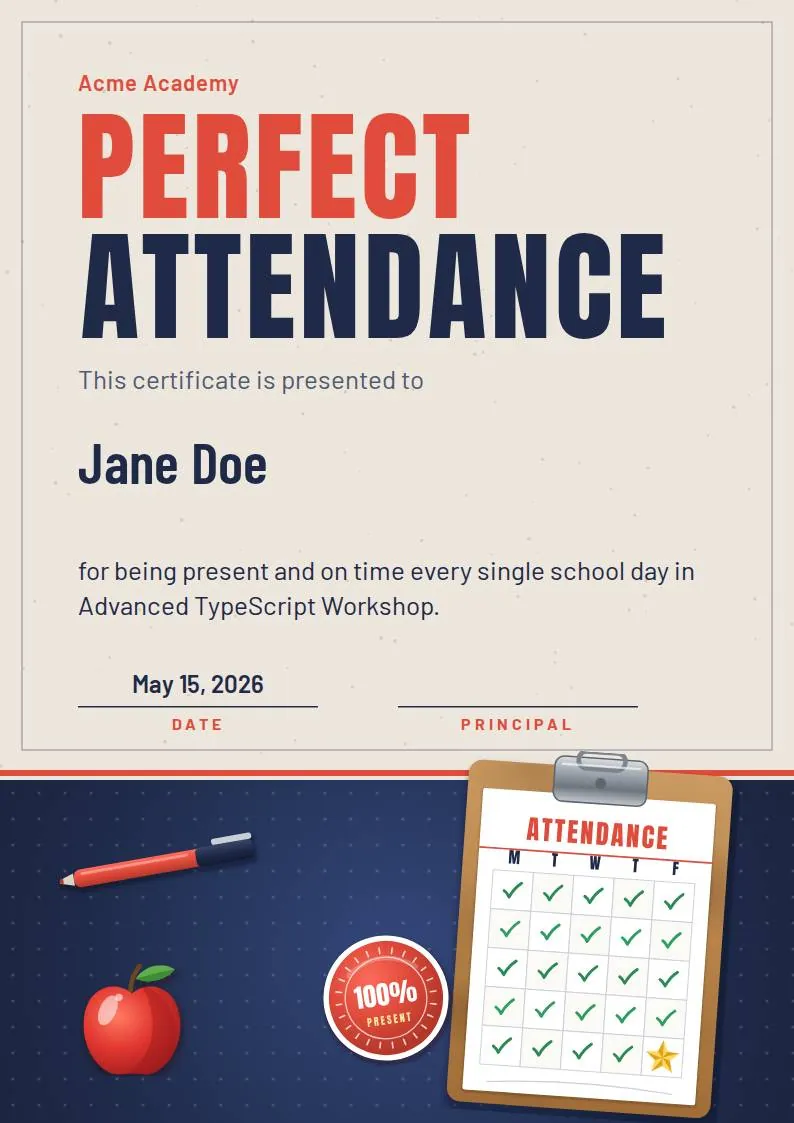
Navy and Red Clipboard Perfect Attendance Certificate
Crisp navy and red certificate with a clipboard calendar where every school day is ticked.
Free to customize. Issue verifiable credentials with a CertSeal account.
About this template
When to reach for it
A crisp, classroom-official Perfect Attendance award. A wooden clipboard holds an attendance sheet with every school day ticked in green and a gold star on the last day, on a navy panel with a red edge stripe, joined by a red 100% PRESENT sticker, a shiny apple and a red marking pen. The headline is set in tall condensed poster lettering.
Use the course field for the class and period, for example "Grade 5 · 2025–2026 School Year", and the issuer for the school name.
Wording
What the certificate says
Every line of text on this template, top to bottom. Highlighted parts fill in for each recipient, and you can reword any line in the editor.
- Issued by
- This certificate is presented to
- Recipient name
- for being present and on time every single school day in Course or achievement.
- Date
- DATE · PRINCIPAL
Typography
Fonts used in this template
Swap, mix, or replace any of these in the editor — every CertSeal template ships with 1,000+ Google Fonts plus your own brand uploads.
-
Font family
Barlow
Barlow
-
Font family
Barlow Condensed
Barlow Condensed
Color palette
Colors used in this template
The five most prominent colors sampled straight from the rendered design. Recolor any of them in the editor to match your brand.
-
#ede6dc
-
#1d2746
-
#cac6c3
-
#bb7e7b
-
#e14637
How to use it
From template to issued credential in four steps
- 01
Open the template
Click "Use this template" to open the Navy and Red Clipboard Perfect Attendance Certificate in the CertSeal editor, or customize it free without signing up.
- 02
Fill in the details
- Issued by
- Recipient name
- Course or achievement
- Date
Type these in, or upload a spreadsheet to make one for every recipient.
- 03
Add your brand
Swap the Barlow and Barlow Condensed fonts and the colors, and add your logo.
- 04
Issue & verify
Generate PDFs and verifiable links your recipients can share anywhere.
More templates
You might also like
-

Perfect Attendance Kids Award Certificate
School attendance award with a smiling school bus, a red-brick school, an alarm clock, a ticked calendar and an apple.
-

Maroon and Gold Varsity Pennant Student of the Month Certificate
School-spirit certificate in a knitted maroon border with felt pennants and a chenille star.
-

Navy and Gold School Crest Principal’s Award Certificate
Semi-formal cream certificate in a navy and gold frame with a school crest and gold seal.
-

Navy and Gold Crest Honor Roll Certificate
Formal honor roll certificate in navy and gold with a school crest, foil lettering and a gold seal.
-

Emerald and Silver Principal's List Certificate
Distinguished honor roll certificate on deep emerald marble with silver deco frame, laurels and a rosette.
-

Black and Gold Laurel Academic Excellence Certificate
Academic excellence award with a black panel, a gold-foil laurel wreath and star, and foil lettering.
-

Burgundy and Gold Valedictorian Certificate with Medal
Formal valedictorian certificate in burgundy and gold with a medal on a striped ribbon and foil script.
-

Teal and Coral Science Excellence Certificate
Modern science award with flat lab illustrations on a graph-paper panel and bold teal and coral type.
Issue your first credential today
Open this template in the CertSeal editor, customize in minutes, and send verifiable certificates your recipients can share anywhere.