Digital certification services: a buyer's guide
What digital certification services do, the features worth testing in a demo, how verification and revocation should behave, and how to run a pilot.
Mia Carter
Co-founder & CEO, CertSeal
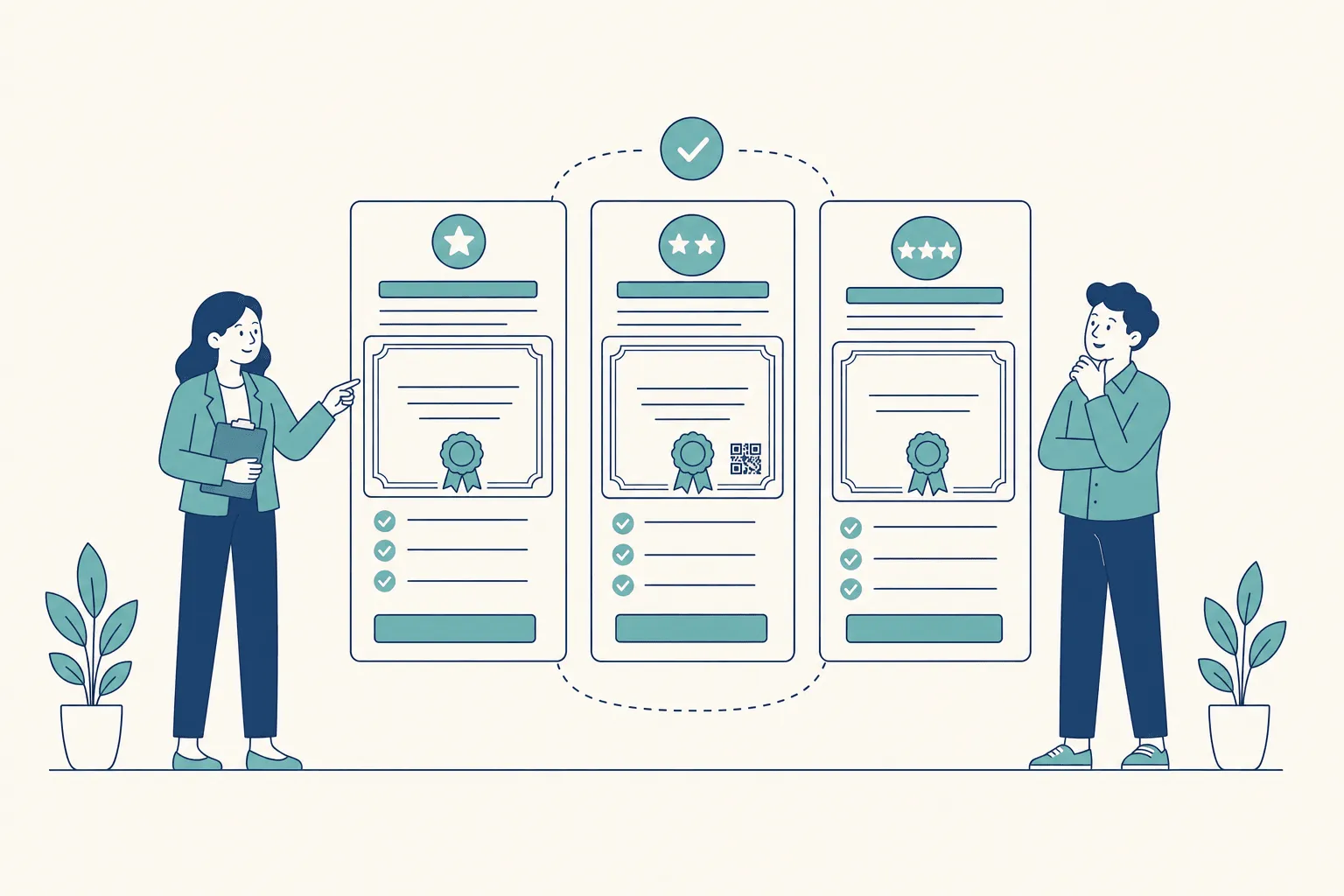
A bootcamp graduate emails a hiring manager a polished PDF with the school’s logo. The manager can read the name, the course, and the grade, but can’t tell whether the grade or the date was changed after the school created the file, or whether the school still stands behind it. A digital certificate has to do more than look official. It has to let a stranger check who issued it, whether it has been altered, and whether it’s still current.
Digital certification services are platforms that design, issue, deliver, and verify certificates and badges for the people who earn them, and keep each record current after it’s sent.
This guide is about certificates people earn: course completions, training records, professional credentials, event attendance. If you’re looking for SSL/TLS certificates for a website, that’s a different market served by certificate authorities.
A PDF is a photocopy of a wax seal. It shows the seal, but nothing about the image proves who pressed it or whether the page underneath was edited. A good certification service works more like a sealed envelope with a phone number on it: the reader can tell if it was opened, and can call the sender to confirm.
What a digital certification service does
A service earns its fee by doing three jobs, in order.
1. Issue a structured record. The service captures the recipient, program, date, and outcome as separate fields rather than baking them into an image. Structured data can be checked, corrected, and searched. Pixels can’t.
2. Make checking practical. Every certificate gets a way back to the issuer’s record: a unique URL, a QR code on the printed copy, and an ID. An employer should be able to check without an account, a phone call, or knowing anything about your organization.
3. Keep the record current. Names get misspelled and certificates get issued in error. The service has to let you correct a record without breaking the link people already shared, and withdraw a certificate so that anyone who checks sees it’s no longer valid.
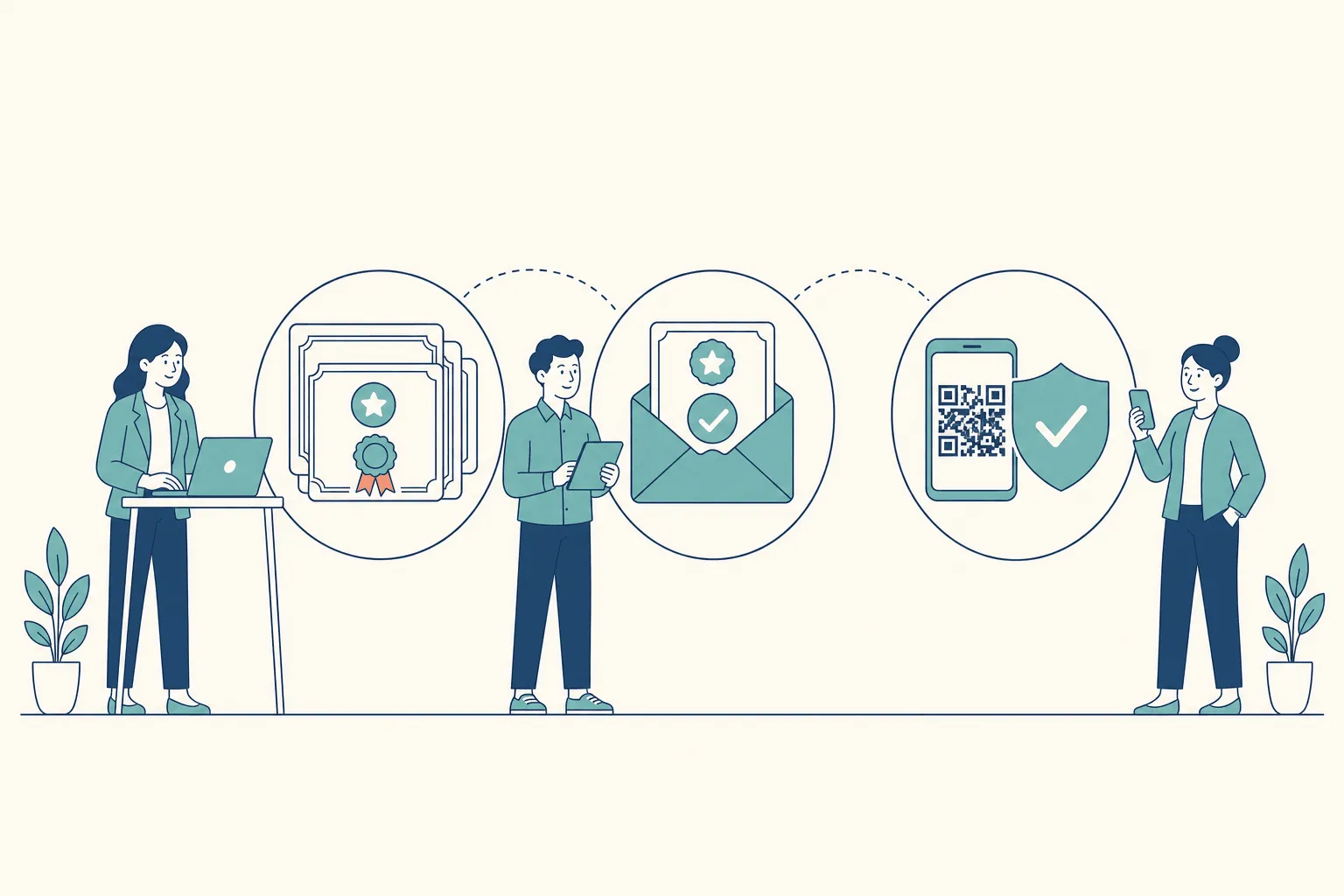
Two ways to prove a certificate is real
Services take one of two approaches to proof, and it’s worth knowing which one you’re buying.
- Signed credentials. The issuer signs the certificate data with a private key, so a verifier with the matching public key can detect any change. Digital signatures are standardized in NIST’s Digital Signature Standard (FIPS 186-5), which describes them as a way “to detect unauthorized modifications to data and to authenticate the identity of the signatory.” Open Badges 3.0 and W3C verifiable credentials use this model, and they let a credential be checked outside the issuer’s platform.
- Issuer-hosted records. The certificate carries a link or QR code to a page the issuer controls, and that page shows the authoritative record. Tampering with the PDF doesn’t change the page. The check depends on the issuer’s page staying online, which is why stable links matter.
Many programs are well served by hosted records. Signed, portable credentials matter most when recipients need to carry credentials between platforms or into digital wallets. Ask each vendor which model it uses, and don’t accept “secure” as an answer.
Features to evaluate in a demo
Use this as a demo checklist, not a ranking. Follow one certificate from design through delivery and later verification, and ask the vendor to show each step live.
| Feature | What it does | Ask the vendor | Why it matters |
|---|---|---|---|
| Template designer | Branded layouts with fonts, logos, dynamic fields | Can we upload our fonts and signatures? How are long names handled? | Keeps every cohort on brand |
| Bulk issuing | Generates certificates from a spreadsheet or API | What happens to a row with a missing email? Are duplicates flagged? | Replaces manual merging and emailing |
| Delivery | Emails each recipient a link to their certificate | Can we see which emails failed and resend them? | A certificate nobody receives is wasted |
| Verification page | Public page reached by URL or QR code | Does it work without a login, on a phone, from a printout? | Lets employers check in seconds |
| Proof model | Signed credential or issuer-hosted record | Which one? Can a third party verify without your site? | Decides portability |
| Corrections | Fixes a record after issuing | Does the link stay the same after a correction? | Recipients have already shared it |
| Revocation | Withdraws a certificate | What does the verification page show after revoking? | Stops a mistaken certificate from verifying |
| Integrations | Connects to forms, LMSs, CRMs, webinar tools | Show us one record flowing from our system to a certificate. | Avoids double data entry |
| Roles and permissions | Controls who can issue, edit, and view | Can we give someone read-only access? | Shows who can change what |
| Data protection | Encryption, retention, processing terms | Where is data stored? Is there a DPA? | Protects learner records |
| Portability | Lets recipients keep credentials elsewhere | What can a recipient download? Which open standards do you support? | Avoids lock-in for your recipients |
Separate the controls from the conveniences
For any certificate that could affect hiring, licensing, or professional standing, treat public verification, corrections, revocation, and data protection as must-haves. Analytics, social sharing, and visual polish are useful, but they don’t make a certificate genuine or current, so score them after the platform passes the lifecycle tests.
Integrations deserve a real test too. If your team lives in Zapier, look at Zapier automation examples for certificates and ask the vendor to show how a record moves from your current workflow into issuing.
How verification should separate authentic, intact, and current
A hiring manager scans a QR code. Behind that scan, a good verifier answers several questions, and each one can fail on its own:
| Check | Question it answers | What failure looks like | What the verifier should show |
|---|---|---|---|
| Issuer | Did this organization issue it? | Unknown issuer, or a look-alike domain | The issuer’s name and where the page lives |
| Integrity | Has the content changed since issue? | The PDF’s name or date differs from the record | The authoritative record, field by field |
| Status | Is it still valid today? | Revoked or replaced | ”Revoked,” with the date |
| Validity period | Is it within its dates? | Past its expiry date | Expired, with the date |
| Reachability | Could the current status be checked? | Status service unreachable | ”Couldn’t confirm status,” not “valid” |
The W3C’s Verifiable Credentials Data Model 2.0, a W3C Recommendation since May 2025, makes the underlying point bluntly: “verifiability of a credential does not imply the truth of claims encoded therein.” A valid check tells you who issued a certificate and that it hasn’t changed. It doesn’t tell you the course was any good. That’s a judgment about the issuer, not the file.
Design rule: show issuer, record, status, and dates as separate lines. Never collapse them into one green tick.
A printed certificate needs a path back to live information, which is what a QR code provides. Dynamic QR codes for verifiable credentials covers what to test there, and the digital certificate verification process walks through the checks from the verifier’s side.
Who buys digital certification services, and what each needs
Different issuers fail in different ways, so they should weight the same features differently.
| Issuer type | Typical pattern | Features that matter most | Main failure risk |
|---|---|---|---|
| Training companies and bootcamps | Recurring cohorts on a schedule | Bulk issuing, branded templates, employer verification | Late or missing batches |
| Universities and colleges | Large batches at set points in the year | Roles, records integration, data protection | One bulk error reaching thousands of records |
| Corporate learning and development | Internal completions, often with renewals | HR or LMS integration, expiry dates | Certificates disconnected from HR records |
| Professional associations | Renewal cycles with expiry dates | Revocation, public verification, status | Withdrawn credentials still looking valid |
| Event organizers | One-off attendance certificates | Fast delivery, simple templates, webinar integration | Attendees never receiving their certificate |
For training providers, employer-facing verification is part of what learners pay for. In Accredible’s 2025 State of Credentialing report, based on a spring 2025 survey of 502 HR and talent leaders, 86% said they’d be more likely to interview a candidate with a digital credential showing proof of a key skill. That doesn’t guarantee anyone an interview, but it’s a reason to show learners how their certificate will be checked.
Event organizers have the simplest job and the tightest deadline. If your sessions run on Zoom, a native integration that issues certificates when the meeting ends saves the export-and-merge step entirely. Training teams should define what counts as completion before automating anything. Completion of course certificates covers that decision.
Why credentials stall after they’re issued
Issuing is only half the job. The same Accredible survey found that 91% of HR and talent leaders intentionally look for digital credentials when reviewing applications, but only 46% regularly encounter them on resumes. Employers can’t use credentials that candidates don’t present.
Presentation isn’t the only gap. Only 68% of those leaders said they felt confident interpreting the meaning and value of a digital credential. 94% wanted credentials to include third-party endorsements, yet only 31% of the issuers surveyed included them. And when asked what would make credentials easier to use or trust, the top answer, at 60%, was integration with applicant tracking systems and HR platforms.
The field is crowded, which makes clarity matter more. Credential Engine’s Counting Credentials 2025 identified 1,850,034 unique credentials offered in the U.S. A reader can’t know all of them, so each certificate has to explain itself.
That leaves three questions every certificate should answer, and only one of them is about software:
- Is it authentic? Did the named issuer issue it, and is it current? The service handles this.
- What does it prove? State the learning outcome, the assessment method, and who endorsed it. You handle this in the design.
- Can an employer use it? Make it easy to paste into an application, readable on a phone, and clear about expiry. You and the service share this one.
A QR code adds verification. It doesn’t add meaning.
Score vendors against clear thresholds
A polished demo makes every platform look complete. Score each vendor at three levels: acceptable, strong, or red flag. For certificates used in hiring or licensing, a red flag on verification, revocation, or data protection should take the vendor off the list.
| Criterion | Acceptable | Strong | Red flag |
|---|---|---|---|
| Verification | Public URL with a QR code | Login-free, mobile-friendly, works from printed copies | Verifying needs an account |
| Corrections | Records can be edited | Corrections keep the same link and ID | Every fix issues a new link |
| Revocation | Status can be changed | The live page shows revoked status and the date immediately | Revoked certificates still look valid |
| Status failure | Shows “unknown” when it can’t check | States how long status is cached | Shows “valid” when it couldn’t check |
| Proof and portability | PDF download for recipients | Standards-based credentials a third party can verify | No export at all |
| Bulk operations | CSV upload | Duplicate warnings, delivery status, resend | Failures you can’t see |
| Integrations | CSV upload | API, webhooks, and connectors for your tools | Manual entry only |
| Data protection | Encryption in transit | Encryption at rest, a DPA, retention controls | Storage location undisclosed |
Test the risky rows, not the easy ones
Verification and export are easy to demo, so weak platforms steer you there. The rows that separate vendors are corrections, revocation, and status failure.
Ask the vendor to issue a test certificate, correct the recipient’s name, and show you that the original link still works. Then revoke it and open the link in a private browser window. If the vendor uses signed credentials, ask how status is published. The W3C’s Bitstring Status List is the standard way to publish revocation for verifiable credentials, and a vendor using it should be able to explain how long status is cached.
Weight the rows by issuer type. Bootcamps and event organizers should put verification and integrations first. Universities should weight roles, data protection, and records integration. Professional associations should put revocation and status first.
Keep one limit in mind: this scorecard measures proof, not meaning. A platform can pass every row and still issue certificates a hiring manager can’t interpret. What a certificate says about skills is decided in how you write it.
Run a pilot before you commit
A workshop attendance certificate and a professional license don’t carry the same stakes. Decide what the certificate is meant to prove, who will rely on it, and what harm follows if it’s wrong or out of date. That sets how much verification and lifecycle control you need.
Then run the same pilot with your top two or three vendors:
- Define the use case. Write down the certificate’s purpose, audience, and risk in a few sentences.
- Issue a small real batch. Issue 20 certificates from your own spreadsheet, including one long name with accents and one row with a deliberate error.
- Print and scan. Print five certificates, scan the QR codes with two different phones, and open one link on a different network.
- Correct and revoke. Fix one name and confirm the link didn’t change. Revoke one certificate and check what a stranger now sees.
- Check delivery. Confirm you can see which emails were delivered and which failed, and resend one.
- Hand it to an outsider. Ask someone outside your team to verify a certificate with no instructions.
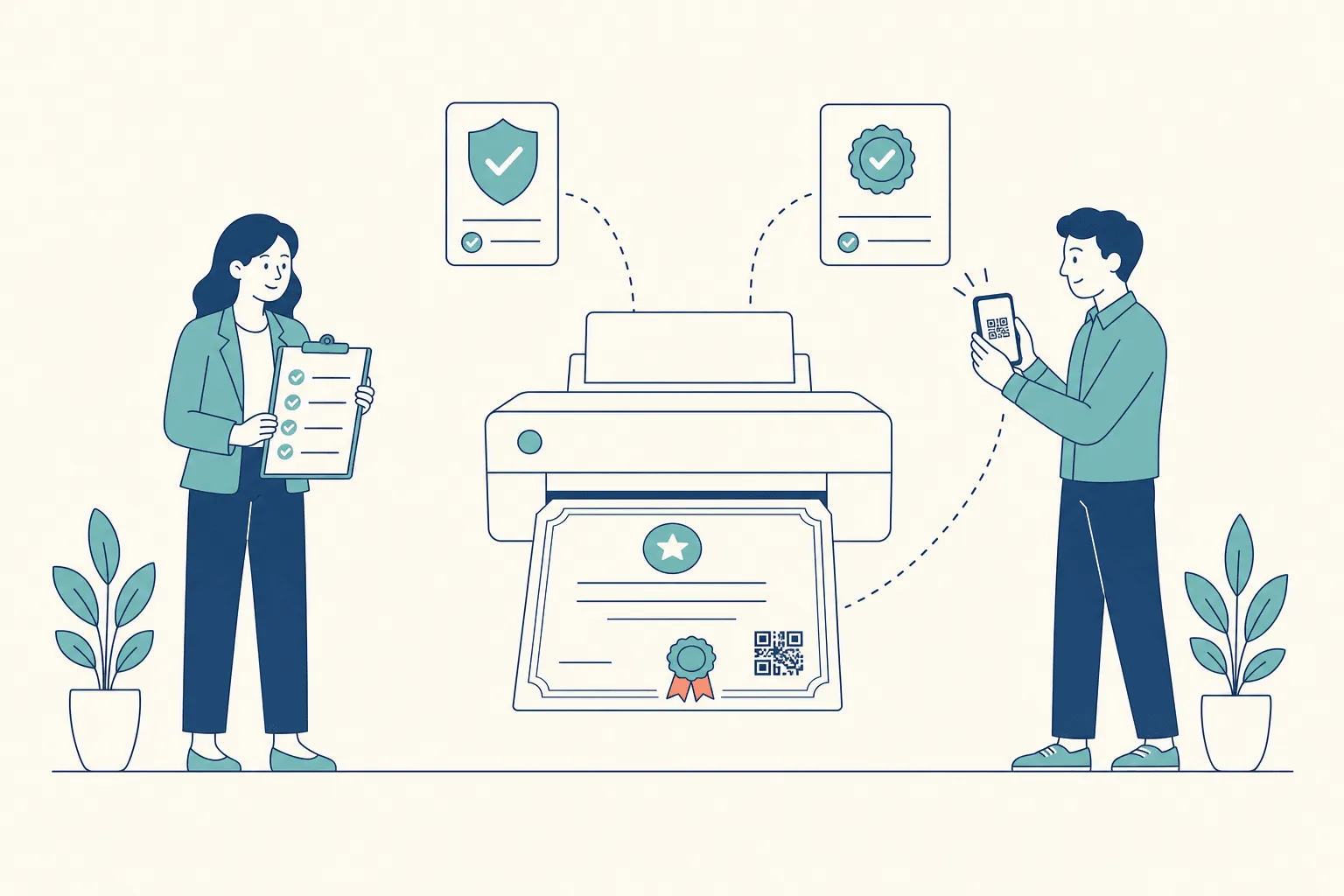
Choose the platform that passes the pilot, not the one with the longest feature list. The online certificate maker guide covers lighter-weight tools if the pilot shows you need less than a full credential platform, and 10 credential verification services, compared profiles specific vendors.
Where CertSeal fits
CertSeal is built for training providers, associations, event organizers, and L&D teams that issue certificates repeatedly and need each one to hold up when someone checks it. It covers:
- Design: a drag-and-drop certificate maker and a template library.
- Bulk issuing: CSV or Excel upload in the bulk generator, with any extra column available as a printed field.
- Automation: the REST API, Zapier, and a native Zoom integration that issues attendance certificates when a meeting or webinar ends, plus signed webhooks.
- Delivery: email delivery of a link to each certificate, with sent and failed status and resend.
- Verification: a hosted page, QR code, and certificate ID for every certificate. See QR code certificates.
- Lifecycle: corrections that re-render at the same link, and revocation that makes the link show the certificate was revoked and when.
- Teams: organizations and workspaces with roles, including read-only access.
It’s just as useful to know where it isn’t the fit. CertSeal verifies through the issuer’s hosted record rather than issuing Open Badges 3.0 or W3C verifiable credentials, and it doesn’t push credentials into digital wallets. If either is a hard requirement, put it at the top of your scorecard and test it first. The comparison pages set out where CertSeal and other platforms differ.
Frequently asked questions
What are digital certification services?
They’re platforms that design, issue, deliver, and verify digital certificates and badges for courses, training, events, and professional programs. A good one also keeps each certificate current after it’s sent, with corrections and revocation that show up wherever someone checks.
How is a digital certificate verified?
Usually by scanning a QR code or opening a link on the certificate. That opens the issuer’s record, which shows who issued it, to whom, and when, and whether it has been revoked. Signed credentials can also be checked with verification software using the issuer’s public key.
Do I need signed credentials such as Open Badges 3.0?
Only if recipients need to carry credentials between platforms or into digital wallets, or a partner requires the format. For most training and event programs, a hosted verification page with a QR code, stable link, and revocation does the job. Decide based on who will check the credentials.
What should happen when a certificate is revoked?
The verification page should say so immediately, with the date, and stop presenting the certificate as valid. The recipient’s old PDF can’t change, so the live record is what a careful verifier relies on.
How much do digital certification services cost?
Most charge by the number of certificates or recipients per year, with tiers for features such as API access, custom email templates, and team seats. CertSeal’s free plan covers 100 certificates a year, and paid plans are listed on the pricing page.
How long does it take to switch platforms?
The work is mostly in rebuilding templates and redirecting automations. The hard part is the certificates you’ve already issued: their links point at your old provider. Ask any vendor how long issued certificates stay verifiable if you leave.
The short version
Buy a digital certification service for what happens after the email goes out. Test whether a stranger can verify a certificate from a printout without logging in, whether a correction keeps the link, and whether a revoked certificate stops looking valid. Score vendors on the risky rows, weight them by what your program needs, and choose the one that passes your own pilot.
CertSeal helps training providers, associations, event organizers, and L&D teams design certificates, issue them in bulk or automatically, and give every recipient a verification link and QR code, with corrections and revocation after the fact. Try the free certificate generator with no account, or compare plans on the pricing page.
Start free with CertSeal: 100 verifiable certificates a year, no credit card.
Related reading
- Online certificate maker guide: how to pick a tool when you need something lighter
- 10 credential verification services, compared: vendor-by-vendor profiles
- Digital certificate verification process: the checks from the verifier’s side
- How to issue digital certificates: the issuing workflow end to end
- Dynamic QR codes for verifiable credentials: how a printed QR code connects to a live record
Keep reading
Certificates
Digital certificate verification process guide
How the digital certificate verification process works: issuer, integrity, status and recipient checks, signatures, revocation, and offline results.
Certificates
How to run a certificate of recognition program
Design a certificate of recognition program employers trust: award types, written criteria, issuing and revocation, and measures that show it works.