Online certificate maker guide: how to pick the right one
Compare online certificate maker options by design, bulk issuance, verification, automation, security, and pricing, and learn how to choose the best fit.
Mia Carter
Co-founder & CEO, CertSeal
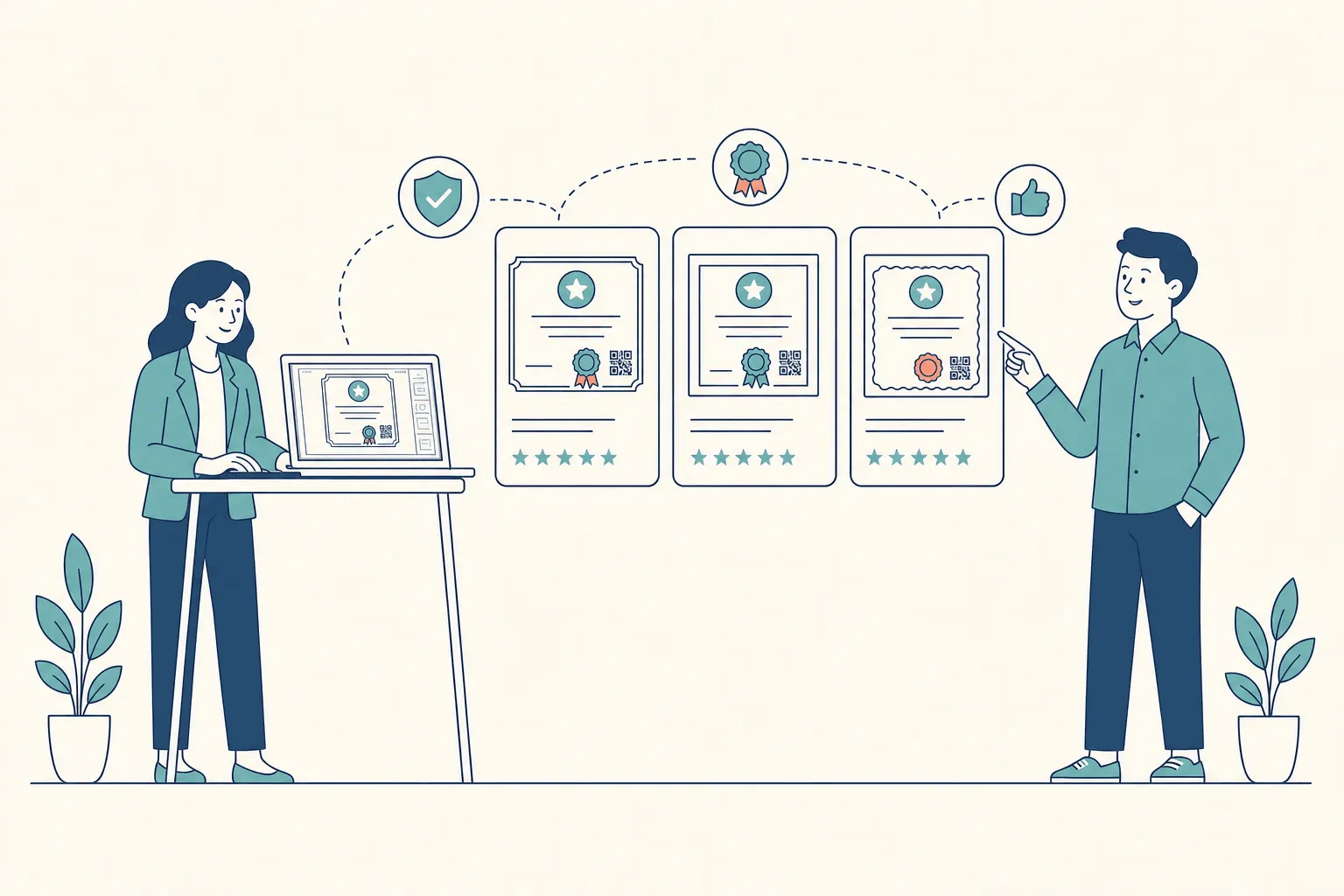
A training director finishes a webinar series at midnight and still has 2,000 certificates to issue. The templates look polished. The real questions start once the design is done. Will every name merge correctly? Can recipients share the credential on LinkedIn? What happens when someone loses the PDF? Can the team revoke a certificate that went to the wrong person?
Those questions expose the weakness in choosing an online certificate maker by appearance and price alone. A certificate is a credentialing workflow, not just a decorative file. The right platform has to handle issuance, delivery, verification, portability, security, and the administrative work that begins after the recipient opens the email.
Evaluate the workflow after the certificate leaves your outbox. That’s the stage where weak platforms turn into support tickets, reputational risk, and manual administration.
This guide is written for the person who has to choose — and then live with the choice. It covers the mistakes buyers make most often, the seven criteria that actually separate platforms, a capability matrix, the gap between issuing a certificate and proving it, and a trial checklist you can run with your own data. If you only need a single certificate today, the free certificate generator will get you there faster than reading on.
What most buyers get wrong about online certificate makers
A training provider can issue a polished certificate and still run a weak credentialing program. Buyers tend to compare templates, fonts, export formats, and the price of generating one certificate, then overlook the work that follows distribution. That approach suits occasional, low-stakes awards. It fails when a university, training company, or corporate learning team has to issue credentials at volume and support them for years.
The operational test is straightforward: can the platform handle duplicate records, misspelled names, failed emails, partial batch jobs, and recipients who need proof months later? A recipient shouldn’t have to forward an attachment that could have been edited. The issuer needs a dependable record and a clear way to manage exceptions.
The certificate isn’t the whole product
A PDF is easy to produce. Design-first software can create a credible document and offer a download. The harder job is preserving a trustworthy record after the file reaches the recipient.
After your next cohort or webinar series ends, assess the workflow rather than the artwork:
- Distribution. Can the platform send branded messages, retry failed deliveries, and show which credentials actually arrived?
- Sharing. Can recipients share a durable credential page instead of only an image or attachment?
- Verification. Can an employer confirm authenticity without contacting you?
- Recovery. Can recipients retrieve the credential after losing the original email?
- Revocation. Can you change its status after an error, a fraud finding, or a policy breach?
- Portability. Can learners keep and reuse the credential outside your platform?
These questions separate a document generator from a credentialing system. A design tool may finish issuance quickly while quietly leaving verification, recovery, and status management to your staff.
Price per certificate hides the true cost
A low advertised price becomes expensive when staff clean spreadsheets, resend failed messages, answer verification emails, and withdraw invalid credentials by hand. A higher subscription can cost less overall if it removes repetitive work and produces reliable audit evidence.
Compare the complete workflow at the volume you actually expect to issue. Test real recipient data, real integrations, and real exception cases, including failed deliveries and corrections. If a vendor demonstrates only the perfect path, expect your team to handle the imperfect one. Choose the tool that fits the operational burden, not the one that produces the prettiest sample certificate.
Seven criteria that matter for credentialing programs
Judge an online certificate maker against seven operational criteria, not a gallery of templates. Training companies, universities, and corporate learning teams face different pressures, so weight each criterion by your issuance volume, how often credentials get checked, how much status control you need, and how portable recipients expect their credentials to be.
- Design flexibility covers templates, dynamic fields, brand fonts, signatures, logos, and long names that don’t break the layout. Universities usually want restrained institutional layouts; coding bootcamps may want program-specific designs with more variation. Settle the visual requirements first with how to design a certificate, then compare vendors against them.
- Bulk issuance decides whether a platform imports spreadsheets, processes batches, exposes an API, and reports errors clearly. A bootcamp should pass completion data from its learning platform, not retype names into a design editor.
- Delivery options include branded email, download links, scheduled releases, and one-click sharing to professional profiles. Corporate learning teams may trigger delivery from an HR event, while associations often need a controlled release date.
- Verification covers public credential pages, QR codes, persistent links, and signed records. An employer should be able to validate a graduate’s achievement without emailing the registrar. Test it after distribution, including from links shared on LinkedIn.
- Automation and integrations connect the certificate maker to your LMS, CRM, HRIS, webinar tool, or workflow service. API access and webhooks matter when completion data already lives in another system — they remove manual entry and make high-volume issuance manageable.
- Security and status control include tamper evidence, access permissions, audit logs, cryptographic proof, and revocation. A credential that looks official but can’t be checked, corrected, or withdrawn is an administrative and reputational liability.
- Pricing has to reflect the complete operating model: per-certificate charges, subscriptions, seats, verification fees, volume commitments, and enterprise services, set against expected issuance and support work. A lower unit price is poor value if staff spend their week correcting records and answering routine verification requests.
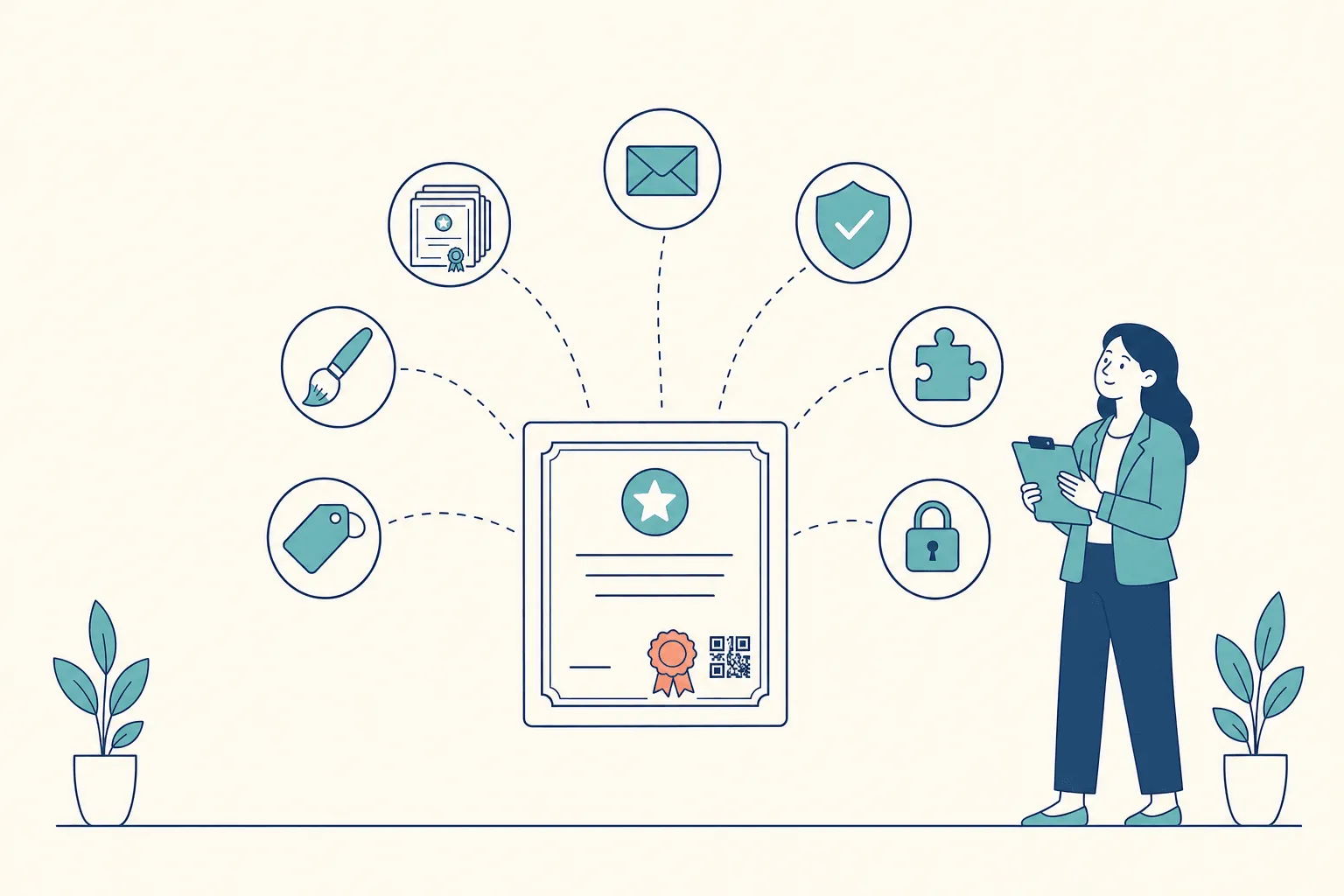
Score each criterion from one to five for your own use case, then multiply by a weight. When credentials support regulated training or professional status, give verification and revocation more weight than visual variety. When certificates are a thank-you for attending a free webinar, design and delivery can reasonably dominate.
Why the buying standard is rising
A university issuing certificates after every course, or a training company running several cohorts at once, outgrows hand-made PDFs quickly. The wider market has been moving the same way.
The 2025 Badge Count from 1EdTech and Credential Engine found that the number of digital badges offered to learners more than tripled, from 521,000 in 2022 to 1,708,774 in 2025, while the number issued rose from 74.7 million to 320.4 million. The authors are careful to note that the survey grew from 15 to 24 platforms and added global platforms for the first time, so the comparison overstates organic growth somewhat. The direction is still unambiguous.
Credential Engine’s Counting Credentials 2025 puts the scale in context: 1,850,034 unique credentials offered in the United States by more than 134,000 providers, including 1,022,028 badges and 486,352 certificates. Any certificate you issue lands in that crowd, in front of a reader who has probably never heard of your program.
What employers actually do with your certificate
Volume would matter less if every certificate were trusted at face value. It isn’t. In a YouGov survey of 526 HR decision makers commissioned by Hedd, part of the UK’s Jisc, 45% of large companies said they had uncovered false claims about applicants’ qualifications — yet only 52% of large businesses check every academic credential, and smaller firms check fewer. The survey’s conclusion is blunt: “simply asking to see a paper or digital qualification certificate is not enough.”
That’s the gap your certificate maker either closes or leaves open. A credential that takes one click to confirm gets confirmed. One that needs an email to your office mostly doesn’t, and in a market where checking is patchy, an unchecked certificate is worth less to the person holding it.
Buyer implication: choose a certificate maker that connects to the system holding your completion data and answers verification requests on its own. A tool that only generates a file covers issuance and leaves verification, status control, and downstream administration to your staff.
At higher volume, manual bottlenecks get expensive fast. Verification protects your reputation, revocation keeps outdated credentials from circulating, integrations remove duplicate entry, and portability gives recipients value beyond your platform. Evaluate those outcomes before comparing template libraries.
How online certificate makers compare across key capabilities
A useful comparison separates table stakes from capabilities that decide long-term reliability. The matrix below describes the minimum a serious platform should offer and the features that distinguish a basic generator from a credentialing system.
| Capability | Table-stakes expectation | Differentiator |
|---|---|---|
| Design flexibility | Editable templates, logos, brand colors, recipient fields | Dynamic layouts, reusable brand systems, signatures, long-name handling |
| Bulk issuance | CSV upload and personalized file generation | API intake, batch monitoring, retries, deduplication, error reporting |
| Delivery | Recipient email and download link | Scheduled sends, branded sender identity, profile sharing, open tracking |
| Verification | Public page or QR code | Cryptographic signatures, persistent status checks, independent validation |
| Automation and integrations | Basic export or import | LMS, CRM, and HRIS connectors, webhooks, Zapier, event-triggered issuance |
| Security | Account permissions and protected records | Tamper evidence, audit logs, access policies, revocation and expiry logic |
| Pricing | Clear plan limits and usage terms | Volume pricing, dedicated infrastructure, service commitments, predictable total cost |
CSV upload is table stakes for anyone issuing more than occasional certificates. A coding bootcamp should ask how the platform handles malformed rows, duplicate recipients, and partial failures — not just whether a spreadsheet can be uploaded.
Verification deserves a sharper distinction. A QR code that opens a static image is a convenience, but it isn’t equivalent to a signed credential with a live status record. The Open Badges 3.0 conformance guide defines verification as checking that a credential is “an authentic and timely statement of the issuer,” and expects verifiers to confirm it is not expired and not revoked. Platforms built around those checks are solving a different problem from tools that only export graphics. Dynamic QR codes for verifiable credentials goes deeper on the difference.
Pricing needs the same scrutiny. A per-certificate model can suit an occasional issuer; a subscription usually works better for recurring cohorts. Ask what happens to hosting, verification, archived records, extra administrators, API access, and support as issuance grows. Starter pricing is not a business case.
The hidden gap between issuance and verification
Issuance is the easy half. Most online certificate makers can turn a template and a list of names into files. The difficult half begins when a recipient shares a screenshot, prints the certificate, changes jobs, or asks for a replacement three years later.
A copied PDF carries no inherent trust. A verifier sees a logo, a signature, a course title, and a date, but none of those prove that you created the document or that the credential is still valid. A verification link can fail too, if it expires, demands an account, or points to a record you can no longer update.
Portability is an ownership issue
Recipients shouldn’t be trapped inside the issuer’s dashboard. They need credentials they can present on professional profiles, in applications and portfolios, and in other systems that store proof of learning. When the W3C published Verifiable Credentials 2.0 as a standard in May 2025, it framed the model around exactly that exchange: the holder presents a credential to a verifier, “who can check that the claims genuinely come from the issuer and were not tampered with.”
That changes the purchase question. Don’t only ask whether the platform hosts a credential. Ask whether the recipient can keep a usable version, share it across contexts, and present it when they no longer have any relationship with you. Digital badges vs digital certificates covers which format travels better for which audience.
Revocation is the neglected control
A certificate can be correct when issued and invalid later. It may have been awarded in error, the underlying qualification may lapse, or an investigation may uncover plagiarism. If the certificate is just a PDF, you have no practical control over the copies already in circulation.
A stronger workflow keeps a live status page and records the change when you revoke or reissue a credential, so a verifier checks current status instead of trusting an old attachment. The W3C’s Bitstring Status List specification exists precisely so verifiers can learn a credential was revoked or suspended without contacting the issuer.
For a public-facing program, this isn’t a minor feature. A university, licensing body, or training provider puts its name behind every credential. If employers can’t confirm authenticity, or can’t see that you withdrew a record, the risk stays with you.
Before comparing vendors, read how credential verification services work in practice. The central test is simple: can an independent verifier establish authenticity and current status without an informal email exchange?
Matching the right tool to your use case
The right tool depends less on the number of templates than on where your completion data comes from and what recipients need afterwards. Start by naming your dominant operational risk, then weight the seven criteria to match.

Bootcamps and training providers need speed and reliable intake
A coding bootcamp issuing credentials after every cohort should prioritize bulk issuance, CSV or API intake, and branded delivery. Completion records already exist in an LMS or student system, so staff shouldn’t export, clean, copy, and paste data through three disconnected tools.
Verification matters, especially when graduates use credentials in job searches, but the first procurement question is throughput. Test a realistic cohort file with accents, compound surnames, missing optional fields, and repeat learners. Look for clear error reporting and safe reprocessing, not a fast happy-path demo.
The credential should also be easy to recover. A login-free public page or durable link stops your support team from becoming the archive for every lost PDF. Completion of course certificates explains how to separate proof of attendance from proof of completed learning, and how to issue digital certificates walks the bulk workflow end to end.
Universities should prioritize ownership and status
Universities issue credentials graduates may rely on for decades. Design matters, but institutional templates rarely change. Verification, portability, revocation, and long-term access deserve far more weight than a large library of decorative layouts.
Ask whether an employer can check the credential without contacting the registrar. Ask how the institution corrects a name, withdraws a credential, or reissues a record. Confirm whether the graduate can share the credential beyond the original platform, and whether the verification record still works after they change jobs or countries.
Corporate L&D teams need controlled automation
Corporate learning programs sit between those two profiles. They issue regularly, but the primary concerns are identity and access, HRIS or LMS integration, permissions, and auditability. A credential should be triggered by an approved completion event, not by a manager downloading a file.
Security teams will want access controls and evidence of administrative activity. HR may need expiry and renewal logic for compliance training. Bring the people who own identity, compliance, and employee data into procurement early — a visually strong certificate maker can still create governance problems if it doesn’t fit the company’s access model.
Match the platform to the consequence of failure. A missed bootcamp email is a service issue. An unverifiable university credential or an uncontrolled compliance record is a trust issue.
Choosing the best fit, and where CertSeal stands out
Start with issuer type, not vendor reputation. A weekly bootcamp cohort needs dependable batch operations. A community college needs durable records and registrar controls. A large corporate L&D team may care most about identity integration, audit evidence, and administrative separation.
A lightweight, template-driven maker is enough when certificates are occasional, recipients are known, and nobody will ever check them. For a one-off workshop, internal recognition, or a small event, a polished PDF is the finished product — and the template library is a reasonable place to start.
A dedicated credential platform earns its place when you issue repeatedly, need authenticity proven independently, manage status after issuance, and want completion data to flow in from existing systems.
| Issuer type | Best-fit category | Capabilities to prioritize |
|---|---|---|
| One-off event or small workshop | Lightweight design-first maker | Fast editing, print-ready export, simple downloads |
| Bootcamp or training provider | Automated credential platform | CSV or API issuance, delivery retries, verification, analytics |
| University or college | Verifiable institutional credential system | Portable records, signed credentials, status management, registrar roles |
| Corporate L&D team | Integrated enterprise credential platform | SSO, HRIS or LMS automation, permissions, audit logs |
| Professional association | Credential and certification platform | Expiry and renewal, revocation, public verification, member portability |
CertSeal is built for the middle rows of that table: training providers, bootcamps, course creators, and L&D teams that issue repeatedly and need every credential to hold up when someone checks it. It covers template design in the certificate maker, bulk generation from CSV, Google Sheets, or the REST API, event-triggered issuance through Zapier and Zoom, branded email delivery, one-tap LinkedIn sharing, and a unique verification URL and dynamic QR code on every cryptographically signed credential. Revocation, re-issuance, and audit logs are included from the Plus plan up.
It’s just as important to know where it isn’t the right fit. CertSeal issues verifiable PDF and PNG certificates rather than Open Badges 3.0 credentials, it doesn’t push credentials into Apple or Google Wallet, and SSO is reserved for Custom plans. If any of those is a hard requirement for your registrar or compliance team, put it at the top of your scorecard and test it first. The comparison pages lay out where CertSeal and other platforms differ.
Don’t buy enterprise machinery for a process that happens once a year. Equally, don’t force a registrar or compliance team to run a graphic design tool as a credential database. The right boundary is the point where manual handling, verification requests, and correction work become recurring operational costs.
A short checklist before you commit
Treat the trial as a controlled procurement test. Use your own data, and make the vendor prove the workflow under normal and failure conditions.
- Verify a real credential. Scan the QR code or open the public link from a separate device. Confirm what an employer sees, and that the record is accessible without an account.
- Run a representative batch. Upload a 500-record sample and measure processing time, error reporting, duplicate handling, and retry behavior. Include real formatting variations, not cleaned test data.
- Trigger revocation. Revoke one test credential, then check the old link, the QR code, the downloaded file, and the verification page. Write down exactly what changes downstream.
- Test the production integration. Connect the trial to the LMS, HRIS, webinar tool, or API workflow you actually plan to use. Don’t accept a slide deck as evidence of compatibility.
- Request an audit record. Ask for a sample log showing issuance, edits, access, revocation, and administrative actions.
- Document the commercial boundaries. Confirm usage limits, verification terms, administrator seats, data residency, retention, support response times, and export options — including what happens to your recipients’ verification pages if you leave.
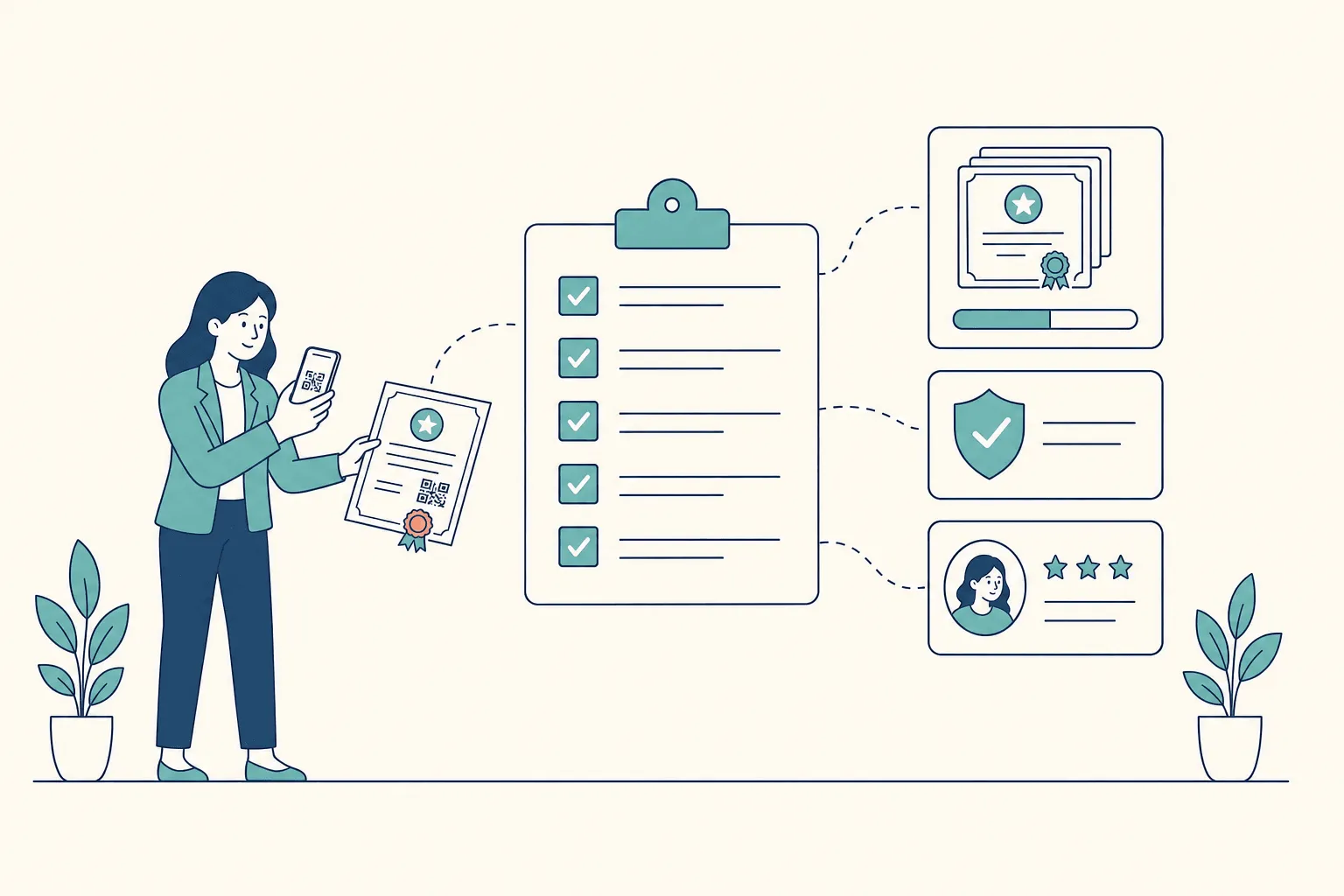
Reject any platform that can’t explain its verification policy, hides material pricing limits, or treats revocation as a manual support request. Choose the tool that passes the operational test, not the one with the most attractive template gallery.
Frequently asked questions
What is an online certificate maker?
It’s browser-based software for designing certificates and generating them for recipients, usually from a template plus a list of names. Simple tools stop at a downloadable PDF. Credential platforms go further: they deliver certificates, host a verification page for each one, and let you revoke or reissue them later.
Is a free online certificate maker good enough?
For occasional, low-stakes certificates, often yes. Free tools become expensive when you issue repeatedly, need certificates verified by third parties, or have to correct and withdraw records — the cost moves from the invoice to staff time. Check what a free plan does to verification pages if you later stop using it.
What’s the difference between a certificate maker and a credential platform?
A certificate maker produces a file. A credential platform maintains a record behind the file: who received it, when, under what criteria, and whether it is still valid. If an employer can confirm the certificate without contacting you, you’re using a credential platform.
Do I need Open Badges 3.0 or W3C Verifiable Credentials?
Only if someone downstream requires them — a registrar, a government program, a skills wallet, or a partner that consumes credentials automatically. Most training providers and L&D teams need fast, reliable human verification through a link or QR code. Decide which you need before shortlisting, because it narrows the field considerably.
How should I compare pricing across certificate makers?
Model a full year at your realistic volume. Include certificates issued, administrator seats, API access, verification hosting, and the staff hours spent on corrections and verification requests. The cheapest unit price rarely survives that calculation if the platform leaves the exception handling to you.
How long should a trial take?
Long enough to run one real batch and one real exception. In practice that’s a week of part-time work: set up a template, import a representative file, verify from an outside device, revoke a test credential, and connect the integration you plan to use in production.
The short version
An online certificate maker is easy to judge by its templates and hard to judge by what happens afterwards — which is exactly where the cost and the risk sit. Score platforms on all seven criteria, weight them by the consequence of failure in your program, and make every vendor prove verification, bulk handling, and revocation on your own data before you sign.
The design decides whether recipients are proud to share a certificate. The platform decides whether it still means anything when they do.
CertSeal helps training providers, institutions, and employers design certificates, issue them in bulk with verification URLs and QR codes, and manage status changes like revocation and reissue. Try the free certificate generator with no account, bulk-issue from a spreadsheet in the bulk generator, or compare plans on the pricing page.
Start free with CertSeal — 100 verifiable certificates a year, no credit card.
Related reading
- 10 credential verification services, compared — how the platforms differ on speed and portability
- How to issue digital certificates in 2026 — bulk delivery, verification, and analytics end to end
- How to design a certificate that looks professional — layout, typography, and a legible verification block
- Digital badges vs digital certificates — which format to issue, and when
- How to launch a certification program in 2026 — the governance behind a stronger claim
Keep reading
Certificates
Professional development certificate: 2026 guide
What a professional development certificate proves, how employers judge one, and how to design, issue, and verify certificates that hold up in hiring.
Certificates
10 Zapier automation examples for certificates
Ten Zapier automation examples that issue CertSeal certificates from forms, sheets, LMSs, events, and CRMs, with the filters that keep each one accurate.