Certificate template
Teal Balloons Team Anniversary Certificate
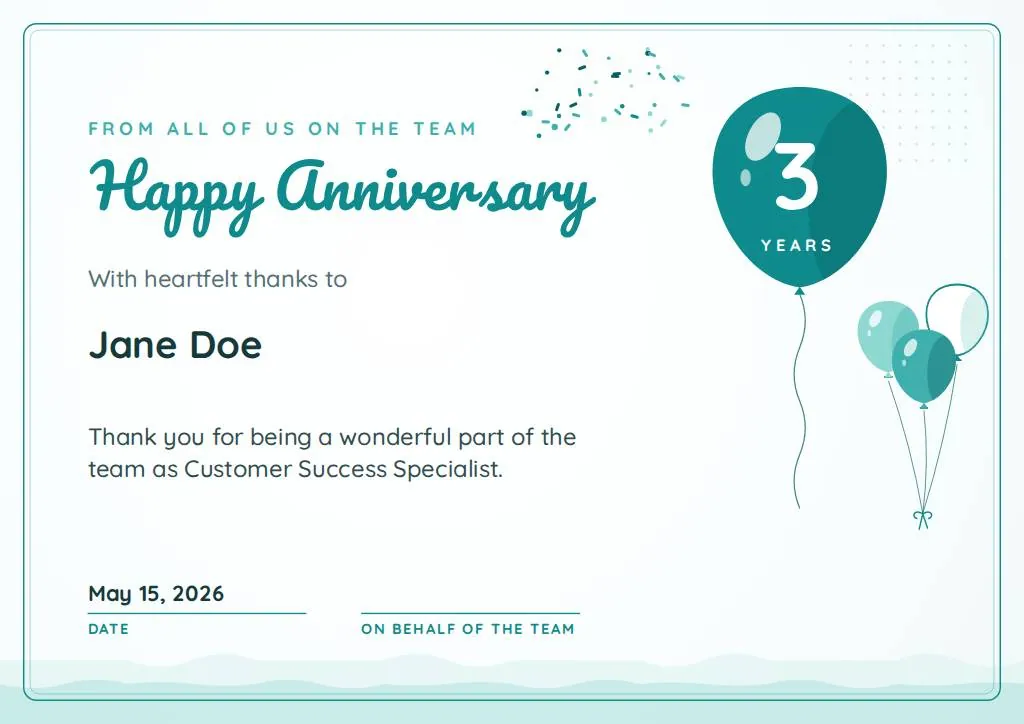
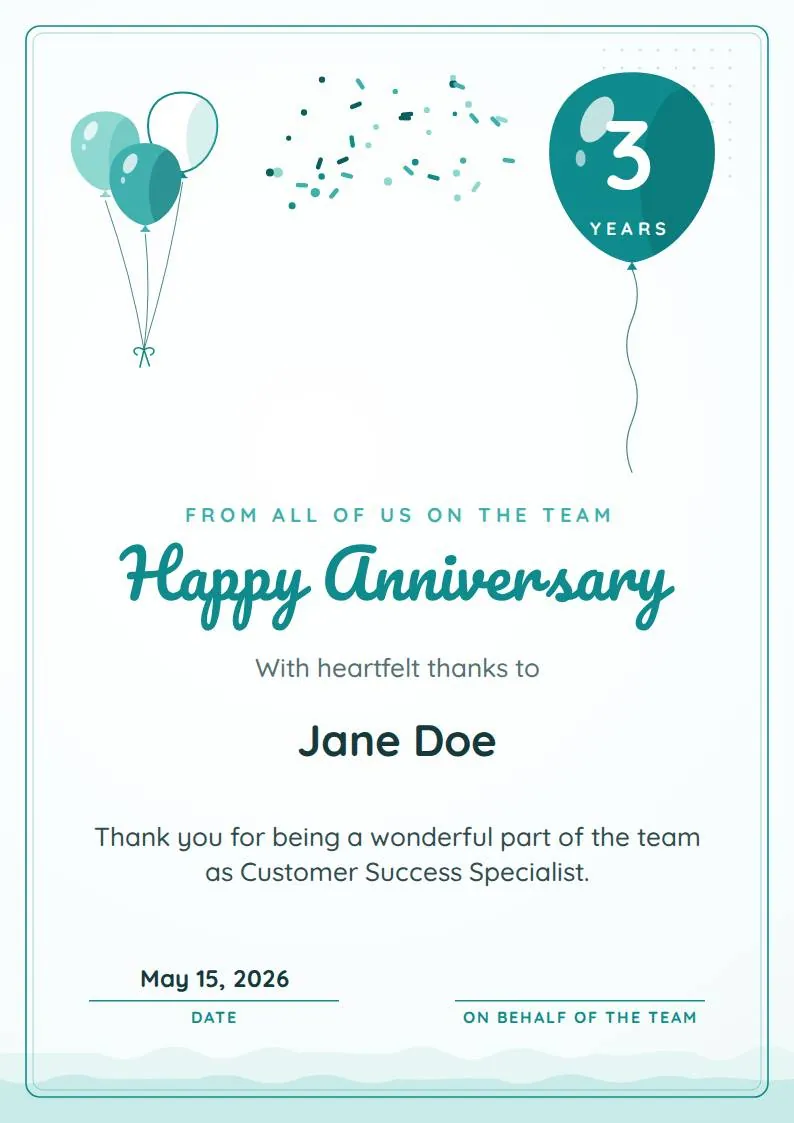
Minimal teal and white team anniversary certificate with balloons and the year number.
Free to customize. Issue verifiable credentials with a CertSeal account.
About this template
When to reach for it
Light and friendly. Clean white paper with soft teal waves along the foot carries a big teal balloon with the year number inside it, a little bunch of three more balloons and a scatter of teal confetti, with a "Happy Anniversary" headline in Pacifico.
The number on the balloon is ordinary text. Type is Quicksand; use the course field for the role or team, and sign it on behalf of the whole team.
Wording
What the certificate says
Every line of text on this template, top to bottom. Highlighted parts fill in for each recipient, and you can reword any line in the editor.
- FROM ALL OF US ON THE TEAM
- With heartfelt thanks to
- Recipient name
- Thank you for being a wonderful part of the team as Course or achievement.
- Date
- DATE · ON BEHALF OF THE TEAM
- 3
- YEARS
Typography
Fonts used in this template
Swap, mix, or replace any of these in the editor — every CertSeal template ships with 1,000+ Google Fonts plus your own brand uploads.
-
Font family
Quicksand
Quicksand
Color palette
Colors used in this template
The five most prominent colors sampled straight from the rendered design. Recolor any of them in the editor to match your brand.
-
#fbfefe
-
#c9e9e7
-
#097a7c
-
#bac6c7
-
#47a6a7
How to use it
From template to issued credential in four steps
- 01
Open the template
Click "Use this template" to open the Teal Balloons Team Anniversary Certificate in the CertSeal editor, or customize it free without signing up.
- 02
Fill in the details
- Recipient name
- Course or achievement
- Date
Type these in, or upload a spreadsheet to make one for every recipient.
- 03
Add your brand
Swap the Quicksand font and the colors, and add your logo.
- 04
Issue & verify
Generate PDFs and verifiable links your recipients can share anywhere.
More templates
You might also like
-
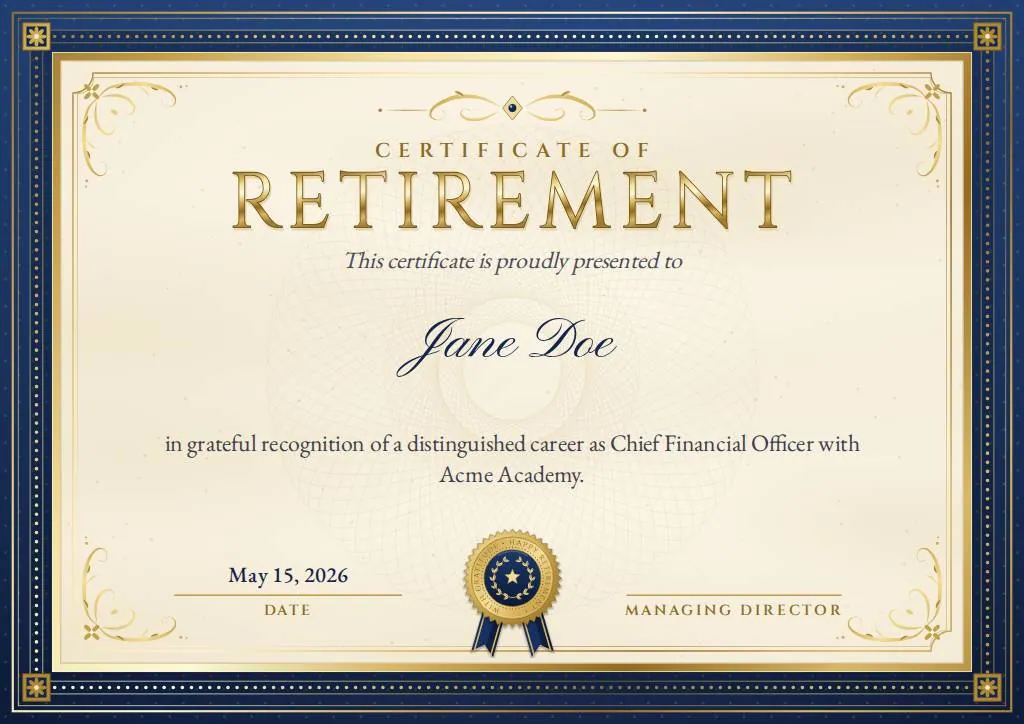
Navy and Gold Ornate Retirement Certificate
Formal navy and gold retirement certificate with an ornate frame, gold filigree and a rosette seal.
-
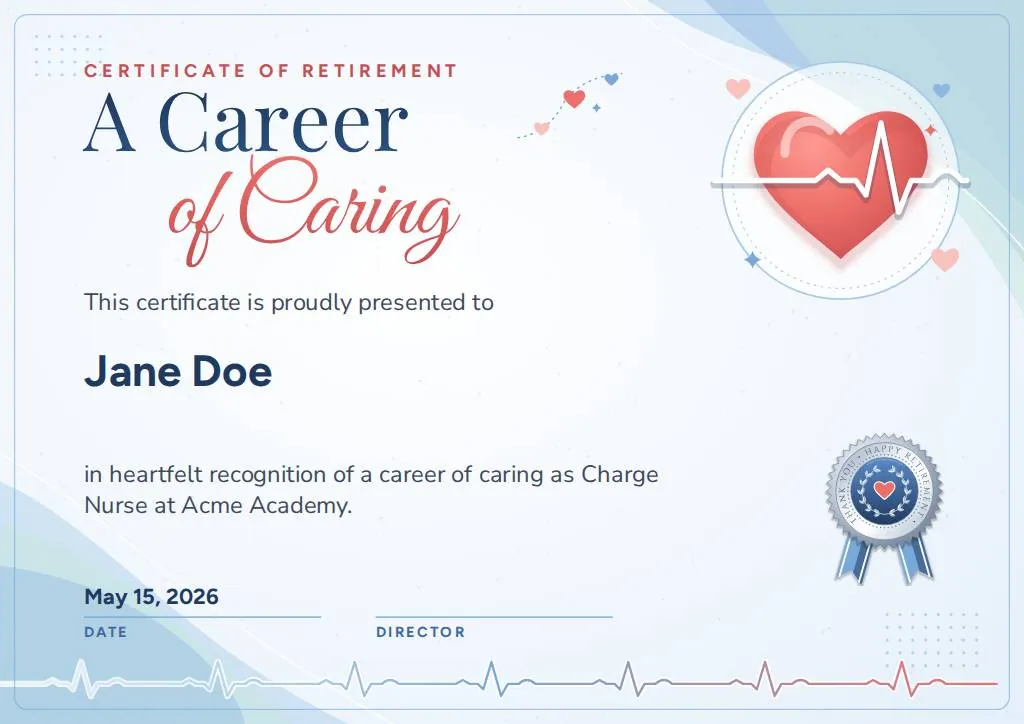
Heart and Pulse Healthcare Retirement Certificate
Soft blue healthcare retirement certificate with a glossy heart, a pulse line and "A Career of Caring".
-
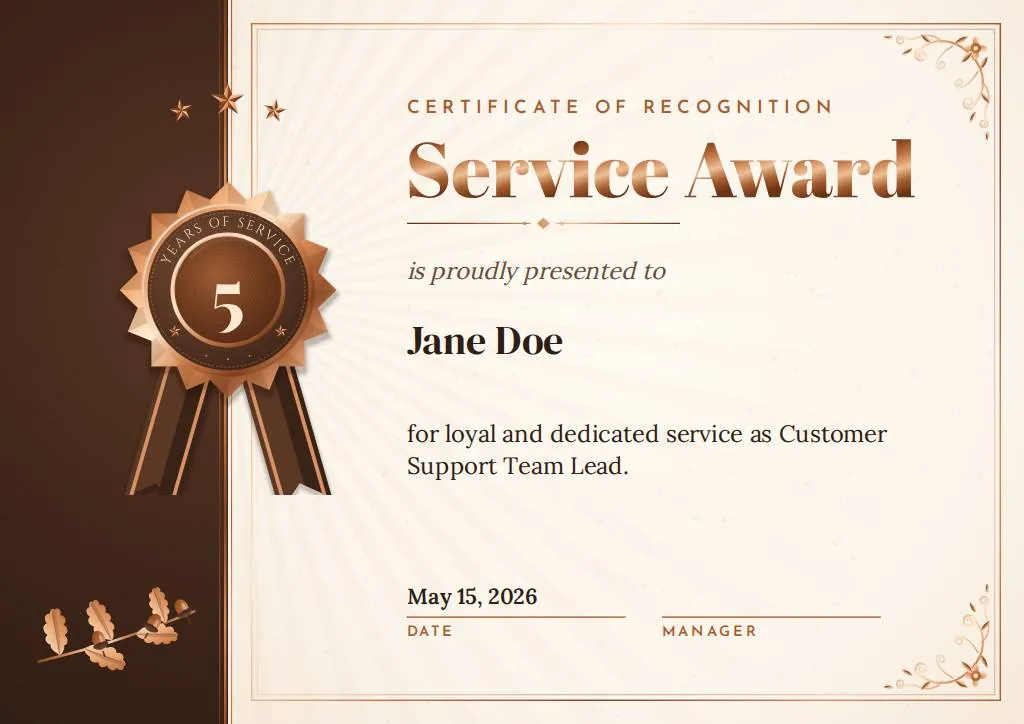
Copper Badge 5 Years of Service Certificate
Warm cream and chocolate service award with a copper starburst badge for 5 years.
-
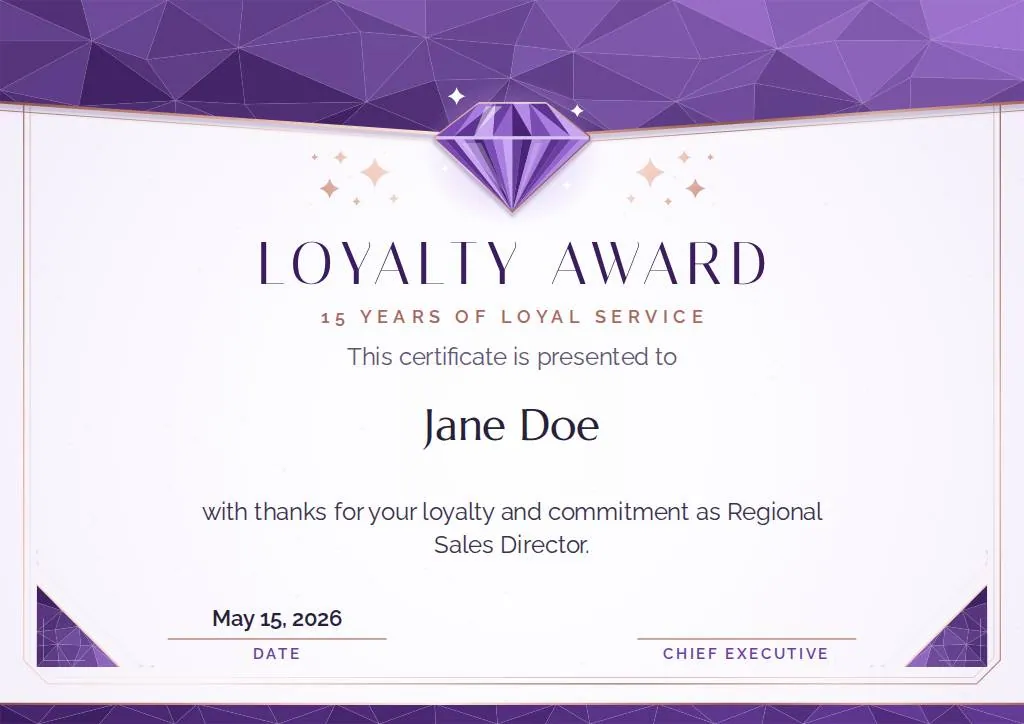
Faceted Gem Corporate Loyalty Award Certificate
Lilac and amethyst loyalty award with a faceted gem, low-poly band and rose-gold frame.
-

Fresh Year Wheel First Work Anniversary Certificate
Fresh mint, peach and butter first work anniversary with a twelve-month year wheel.
-
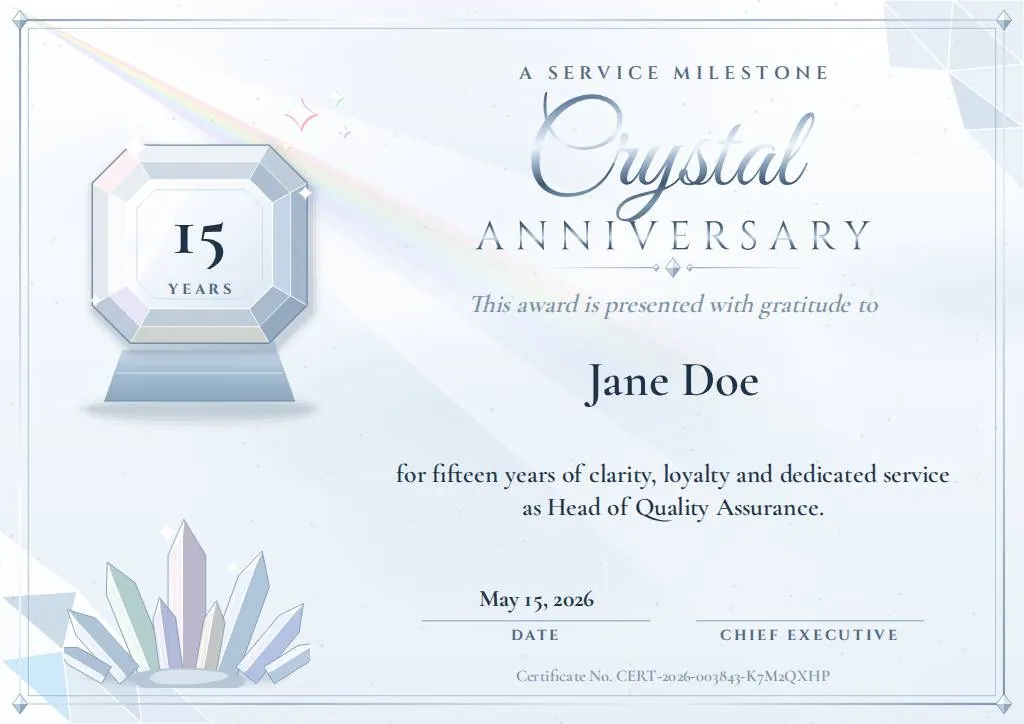
Crystal Award 15 Years of Service Certificate
Icy white 15-year crystal anniversary with a cut-crystal award block and prism light.
-
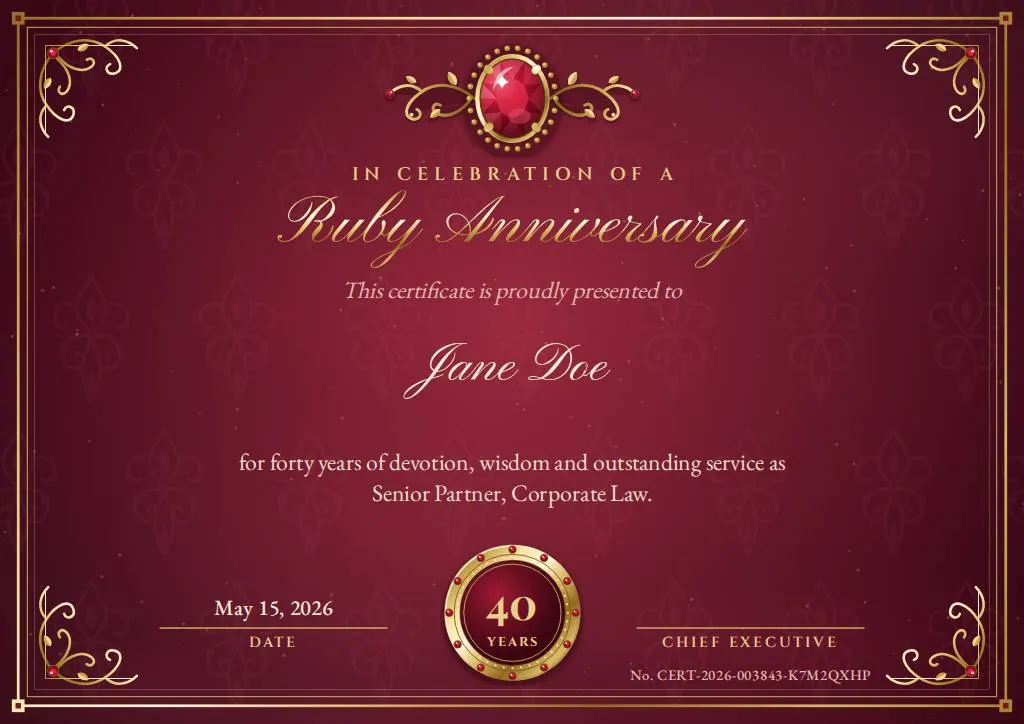
Ruby Velvet 40 Years of Service Certificate
Deep ruby velvet 40-year anniversary with a ruby brooch, jewelled medallion and gold.
-
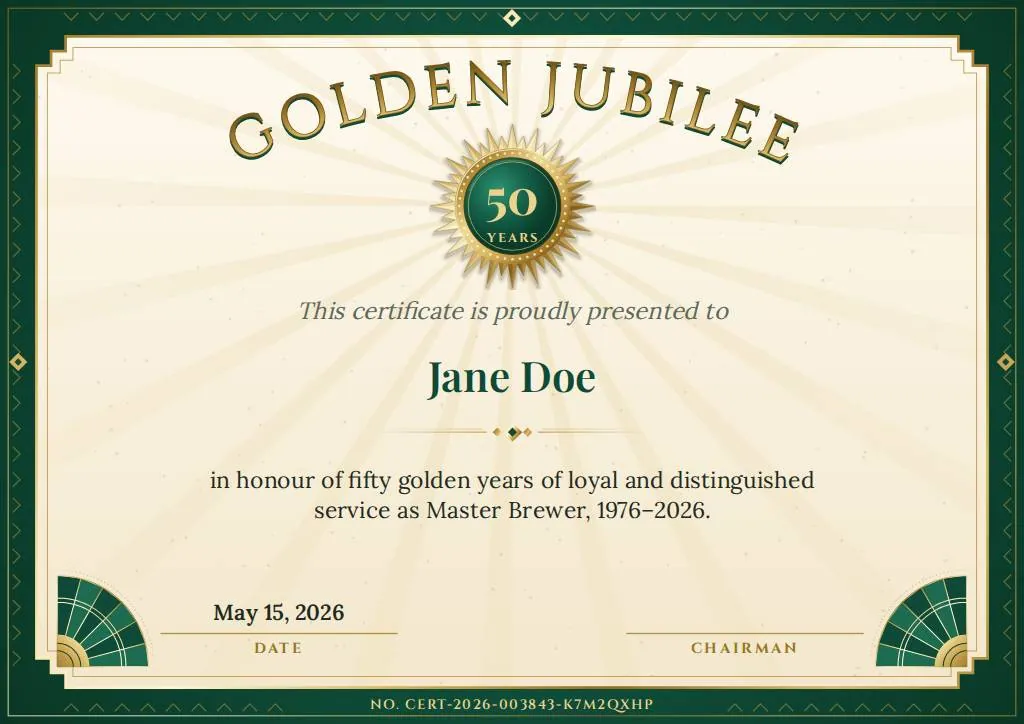
Golden Jubilee 50 Years of Service Certificate
Emerald and gold Art Deco golden jubilee for 50 years, with a gold sunburst medallion.
Issue your first credential today
Open this template in the CertSeal editor, customize in minutes, and send verifiable certificates your recipients can share anywhere.