Certificate template
Navy and Gold Ornate Retirement Certificate
Formal navy and gold retirement certificate with an ornate frame, gold filigree and a rosette seal.
Free to customize. Issue verifiable credentials with a CertSeal account.


About this template
When to reach for it
A formal retirement certificate in deep navy and polished gold. An ivory panel with a faint guilloche rosette sits inside a layered gold frame of beads, fine rules and corner blocks on a navy field; gold pen flourishes curl into each corner, and "Retirement" is set in engraved gold capitals under a jewelled header ornament.
Made for organisations honouring a long career with ceremony: boards, law firms, universities and public services. The retiree's role and the organisation fill in automatically, and a gold rosette seal with navy ribbons sits between the date and the signature.
Wording
What the certificate says
Every line of text on this template, top to bottom. Highlighted parts fill in for each recipient, and you can reword any line in the editor.
- CERTIFICATE OF
- This certificate is proudly presented to
- Recipient name
- in grateful recognition of a distinguished career as Course or achievement with Issued by.
- Date
- DATE · MANAGING DIRECTOR
Typography
Fonts used in this template
Swap, mix, or replace any of these in the editor — every CertSeal template ships with 1,000+ Google Fonts plus your own brand uploads.
-
Font family
Cinzel
Cinzel
-
Font family
EB Garamond
EB Garamond
-
Font family
Pinyon Script
Pinyon Script
Color palette
Colors used in this template
The five most prominent colors sampled straight from the rendered design. Recolor any of them in the editor to match your brand.
-
#f4ecd8
-
#364867
-
#242b3b
-
#cac4b8
-
#d4bb85
How to use it
From template to issued credential in four steps
- 01
Open the template
Click "Use this template" to open the Navy and Gold Ornate Retirement Certificate in the CertSeal editor, or customize it free without signing up.
- 02
Fill in the details
- Recipient name
- Course or achievement
- Issued by
- Date
Type these in, or upload a spreadsheet to make one for every recipient.
- 03
Add your brand
Swap the Cinzel, EB Garamond and Pinyon Script fonts and the colors, and add your logo.
- 04
Issue & verify
Generate PDFs and verifiable links your recipients can share anywhere.
More templates
You might also like
-

Heart and Pulse Healthcare Retirement Certificate
Soft blue healthcare retirement certificate with a glossy heart, a pulse line and "A Career of Caring".
-

Copper Badge 5 Years of Service Certificate
Warm cream and chocolate service award with a copper starburst badge for 5 years.
-

Faceted Gem Corporate Loyalty Award Certificate
Lilac and amethyst loyalty award with a faceted gem, low-poly band and rose-gold frame.
-

Teal Balloons Team Anniversary Certificate
Minimal teal and white team anniversary certificate with balloons and the year number.
-

Fresh Year Wheel First Work Anniversary Certificate
Fresh mint, peach and butter first work anniversary with a twelve-month year wheel.
-
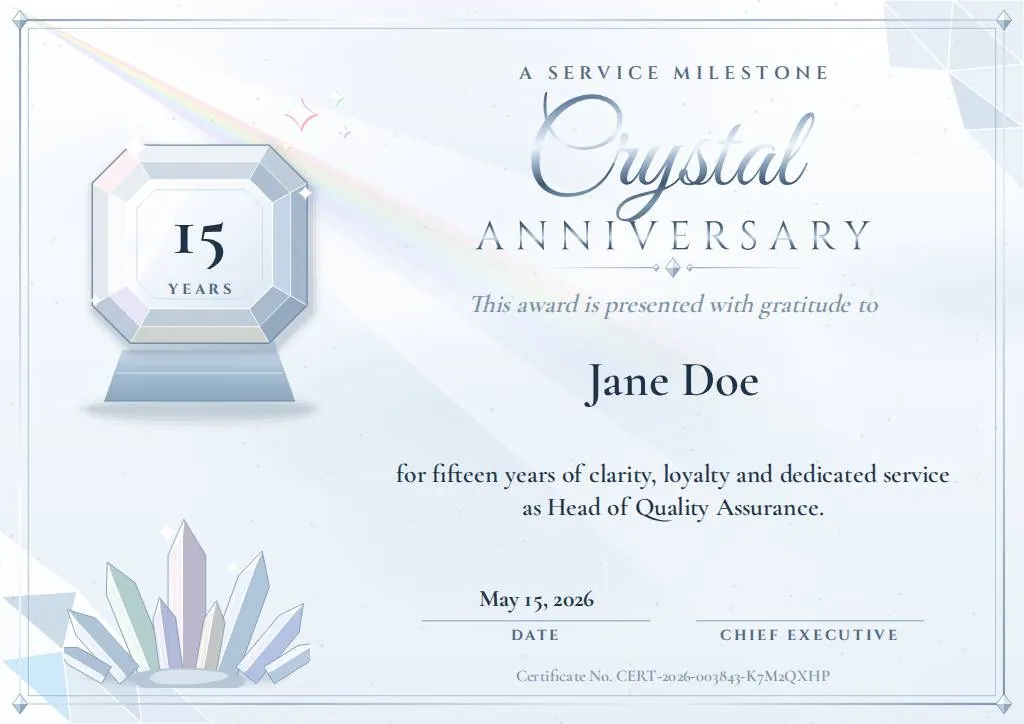
Crystal Award 15 Years of Service Certificate
Icy white 15-year crystal anniversary with a cut-crystal award block and prism light.
-

Ruby Velvet 40 Years of Service Certificate
Deep ruby velvet 40-year anniversary with a ruby brooch, jewelled medallion and gold.
-
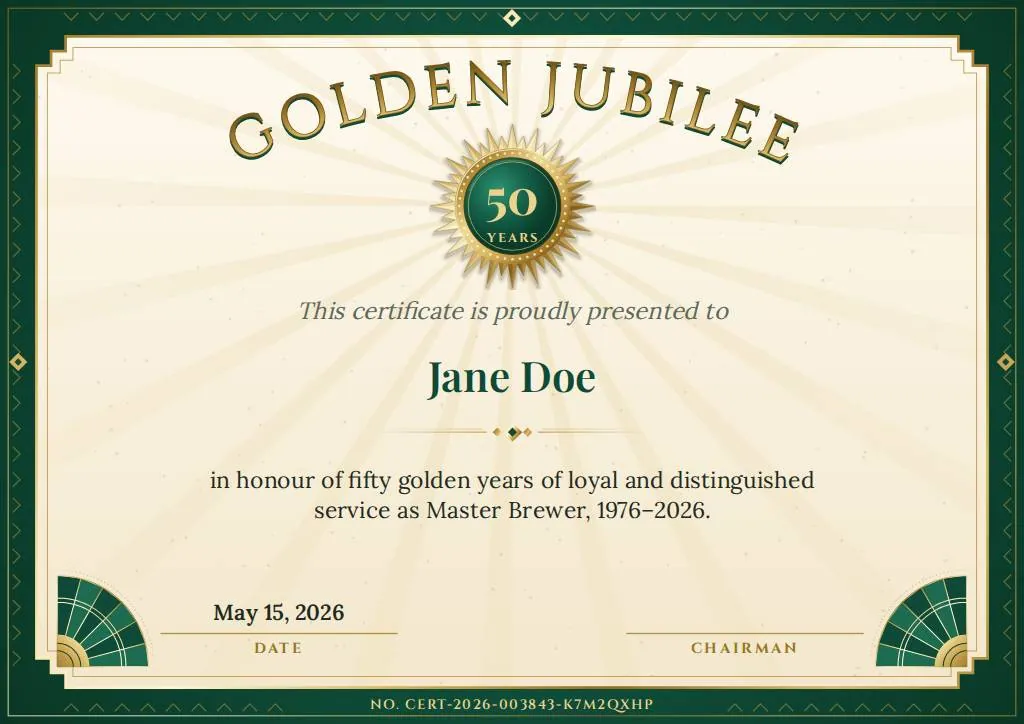
Golden Jubilee 50 Years of Service Certificate
Emerald and gold Art Deco golden jubilee for 50 years, with a gold sunburst medallion.
Issue your first credential today
Open this template in the CertSeal editor, customize in minutes, and send verifiable certificates your recipients can share anywhere.