Certificate template
Whiteboard Sticky Notes Workshop Participation Certificate
Whiteboard certificate with sticky notes, marker doodles and a marker-pen headline.
Free to customize. Issue verifiable credentials with a CertSeal account.


About this template
When to reach for it
Hands-on and friendly, made for workshops, design sprints, bootcamps and training days. The certificate is a clean whiteboard in a brushed aluminium frame with a faint dot grid, with sticky notes in the top corners (a checklist, scribbles, a lightbulb idea and a little chart), marker doodles and a tray of markers along the bottom edge.
The headline is set in Permanent Marker with a red marker swoosh under it, the name in Kalam and the text in Patrick Hand, all editable. Use the course field for the workshop name.
Wording
What the certificate says
Every line of text on this template, top to bottom. Highlighted parts fill in for each recipient, and you can reword any line in the editor.
- CERTIFICATE OF
- Participation
- This certificate is presented to
- Recipient name
- for rolling up your sleeves and taking part in Course or achievement.
- Date
- DATE · FACILITATOR
Typography
Fonts used in this template
Swap, mix, or replace any of these in the editor — every CertSeal template ships with 1,000+ Google Fonts plus your own brand uploads.
-
Font family
Kalam
Kalam
-
Font family
Patrick Hand
Patrick Hand
-
Font family
Permanent Marker
Permanent Marker
Color palette
Colors used in this template
The five most prominent colors sampled straight from the rendered design. Recolor any of them in the editor to match your brand.
-
#fbfbfa
-
#d8dce3
-
#a6acb8
-
#95d5fe
-
#fee46a
How to use it
From template to issued credential in four steps
- 01
Open the template
Click "Use this template" to open the Whiteboard Sticky Notes Workshop Participation Certificate in the CertSeal editor, or customize it free without signing up.
- 02
Fill in the details
- Recipient name
- Course or achievement
- Date
Type these in, or upload a spreadsheet to make one for every recipient.
- 03
Add your brand
Swap the Kalam, Patrick Hand and Permanent Marker fonts and the colors, and add your logo.
- 04
Issue & verify
Generate PDFs and verifiable links your recipients can share anywhere.
More templates
You might also like
-

Blue Modern Webinar Certificate of Attendance
Clean left-aligned attendance certificate with soft blue circles and a verification QR code.
-
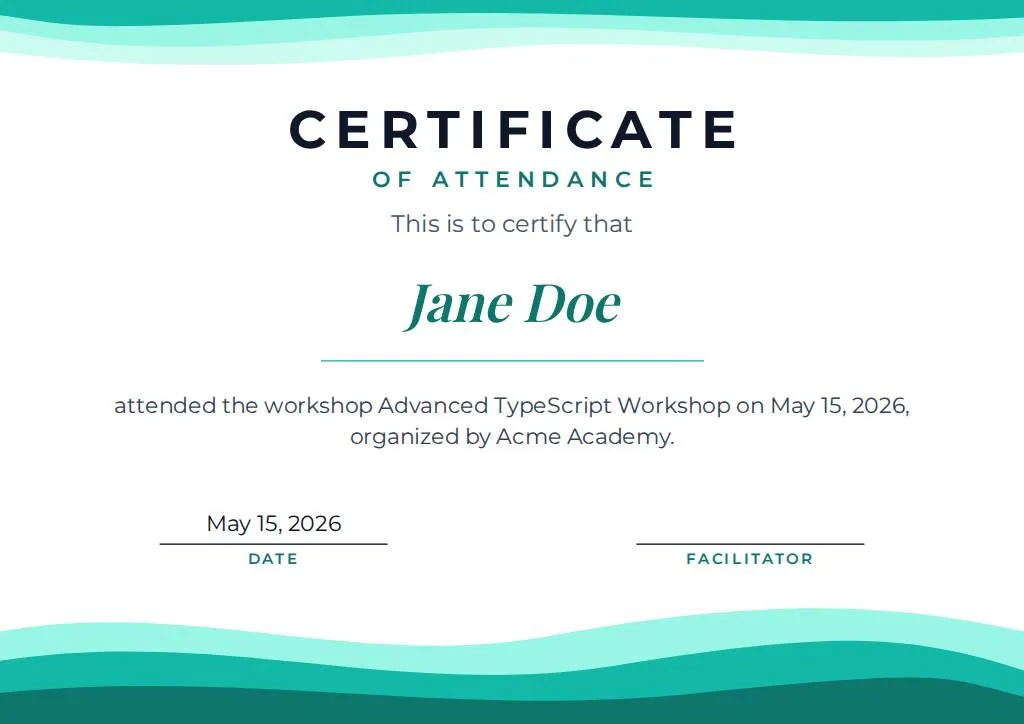
Teal Waves Workshop Certificate of Attendance
Fresh teal certificate of attendance with layered waves top and bottom.
-
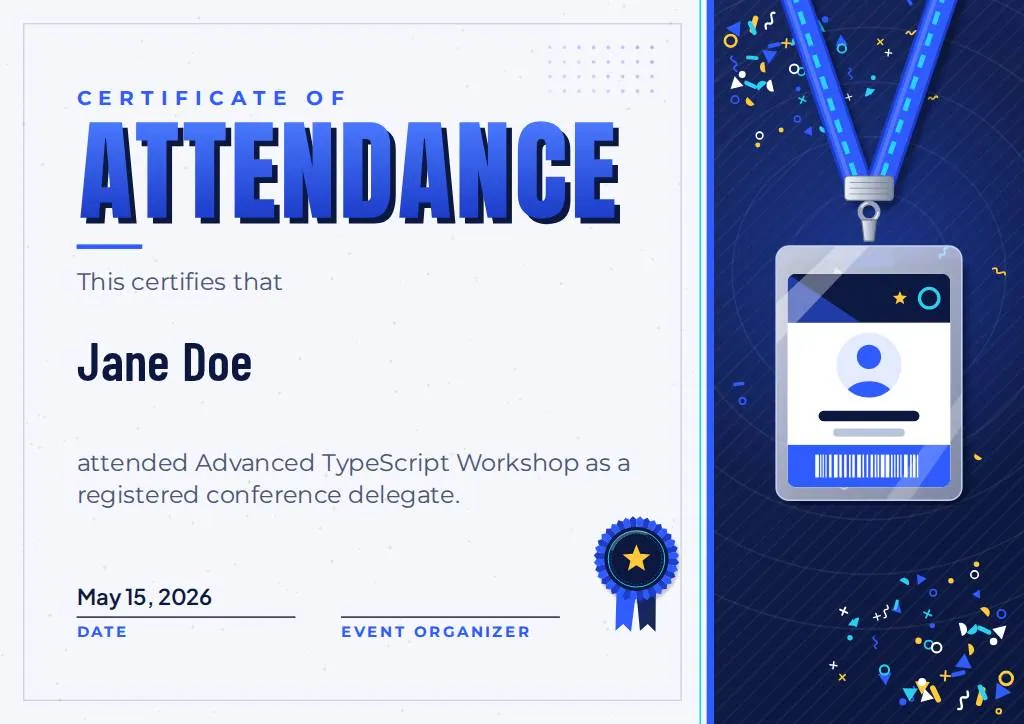
Conference Lanyard Attendance Certificate
Navy and electric-blue conference certificate with a hanging lanyard name badge and geometric confetti.
-

Keynote Stage Attendance Certificate
Dark theatre stage with velvet curtains, amber spotlights, a podium and gold-foil lettering.
-

City Summit Attendance Certificate
City skyline at dusk under a sunset gradient, with rooftop string lights and a bold condensed headline.
-

Admission Ticket Attendance Certificate
Retro coral-and-cream event ticket with a perforated stub carrying the certificate number and date.
-

Expo Hall Attendance Certificate
Teal and mustard trade-show certificate with isometric exhibition booths and hanging banners.
-

Tech Meetup Attendance Certificate
Dark neon certificate with a circuit grid, a sticker-covered laptop, a terminal window and a code-tag headline.
Issue your first credential today
Open this template in the CertSeal editor, customize in minutes, and send verifiable certificates your recipients can share anywhere.