Certificate template
Shooting Star Attendance Superstar Award
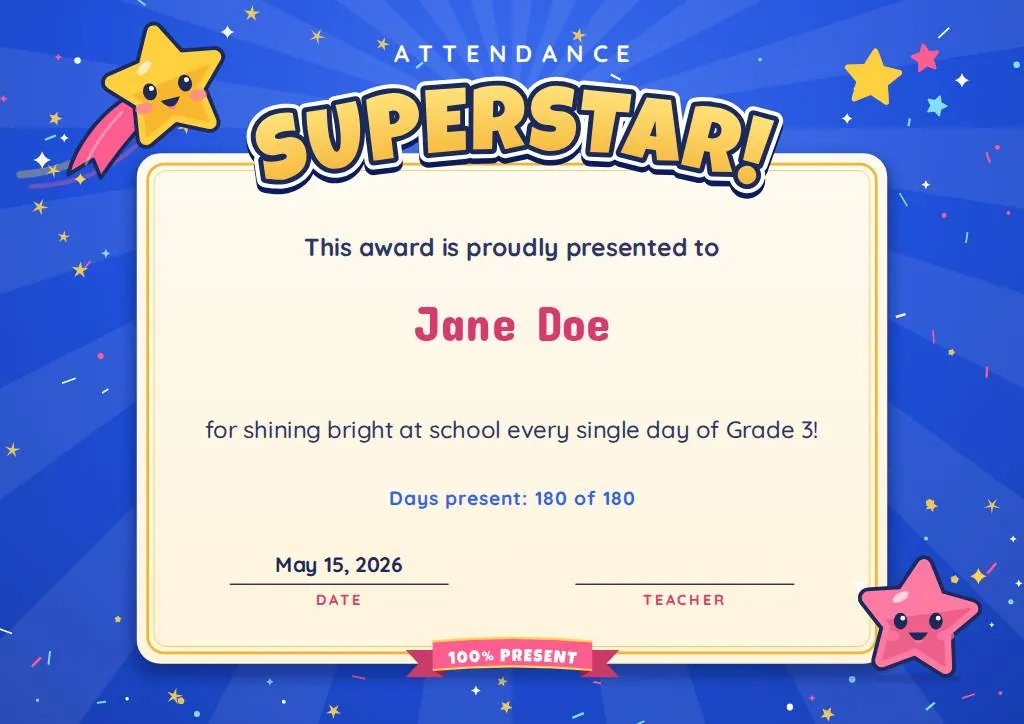
Playful Attendance Superstar award: a caped shooting-star mascot on a cobalt sunburst with gold lettering.
Free to customize. Issue verifiable credentials with a CertSeal account.
About this template
When to reach for it
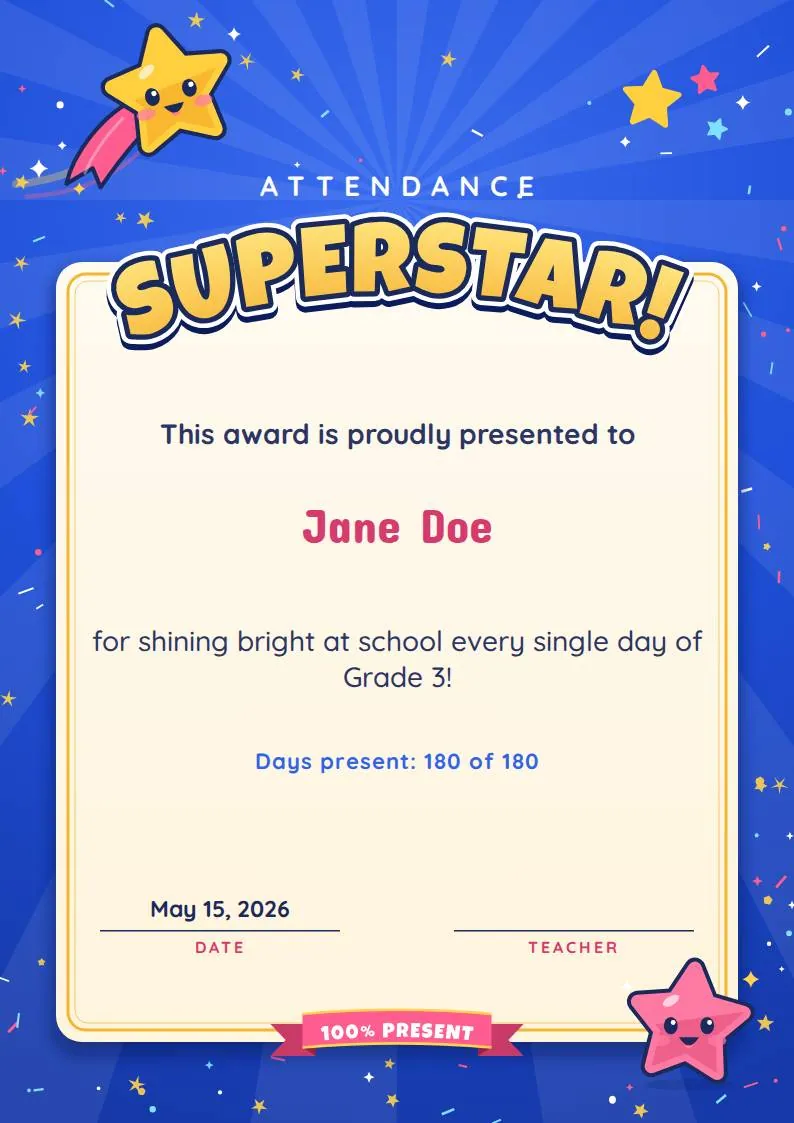
A smiling gold star in a pink cape zooms across the corner of a cobalt-blue sunburst, trailing sparkles, while a little pink star cheers from below. "Superstar!" is set in chunky gold letters with a navy and white outline over a cream card with a double gold border, and a "100% PRESENT" ribbon hangs from the foot of the card.
Fun and bright for elementary students, but drawn with a clean, polished hand. The mascot, star buddy, star cluster and ribbon are separate layers; the "Days present" line is editable.
Wording
What the certificate says
Every line of text on this template, top to bottom. Highlighted parts fill in for each recipient, and you can reword any line in the editor.
- ATTENDANCE
- This award is proudly presented to
- Recipient name
- for shining bright at school every single day of Course or achievement!
- Days present: 180 of 180
- Date
- DATE · TEACHER
Typography
Fonts used in this template
Swap, mix, or replace any of these in the editor — every CertSeal template ships with 1,000+ Google Fonts plus your own brand uploads.
-
Font family
Concert One
Concert One
-
Font family
Quicksand
Quicksand
Color palette
Colors used in this template
The five most prominent colors sampled straight from the rendered design. Recolor any of them in the editor to match your brand.
-
#fef7e6
-
#3867e7
-
#2849b4
-
#cac7c8
-
#647dc7
How to use it
From template to issued credential in four steps
- 01
Open the template
Click "Use this template" to open the Shooting Star Attendance Superstar Award in the CertSeal editor, or customize it free without signing up.
- 02
Fill in the details
- Recipient name
- Course or achievement
- Date
Type these in, or upload a spreadsheet to make one for every recipient.
- 03
Add your brand
Swap the Concert One and Quicksand fonts and the colors, and add your logo.
- 04
Issue & verify
Generate PDFs and verifiable links your recipients can share anywhere.
More templates
You might also like
-
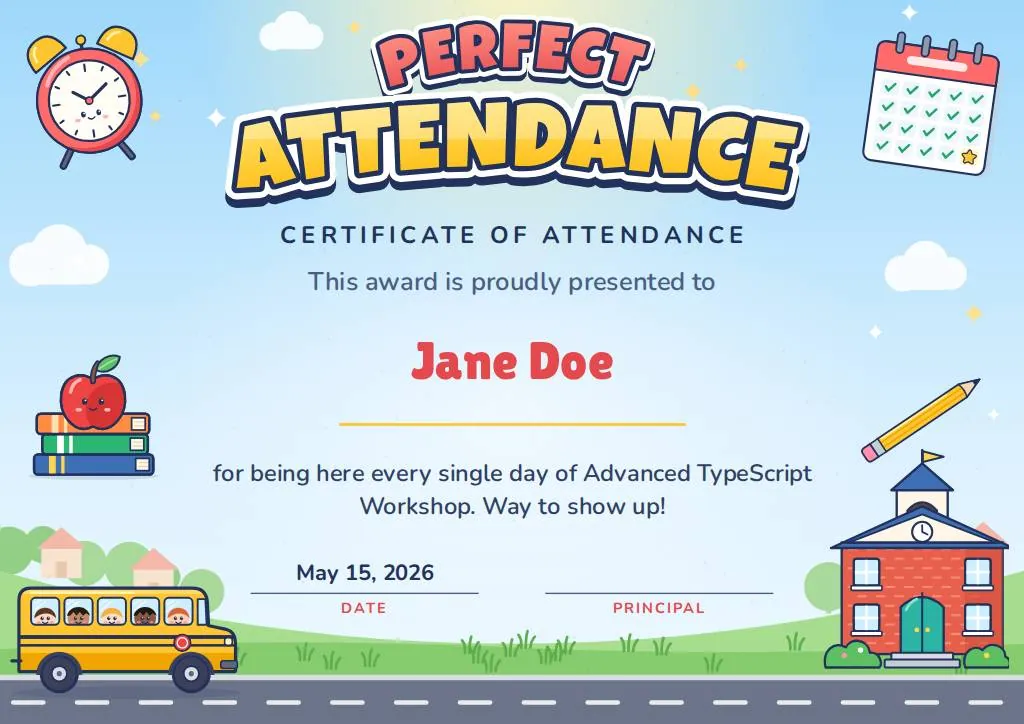
Perfect Attendance Kids Award Certificate
School attendance award with a smiling school bus, a red-brick school, an alarm clock, a ticked calendar and an apple.
-
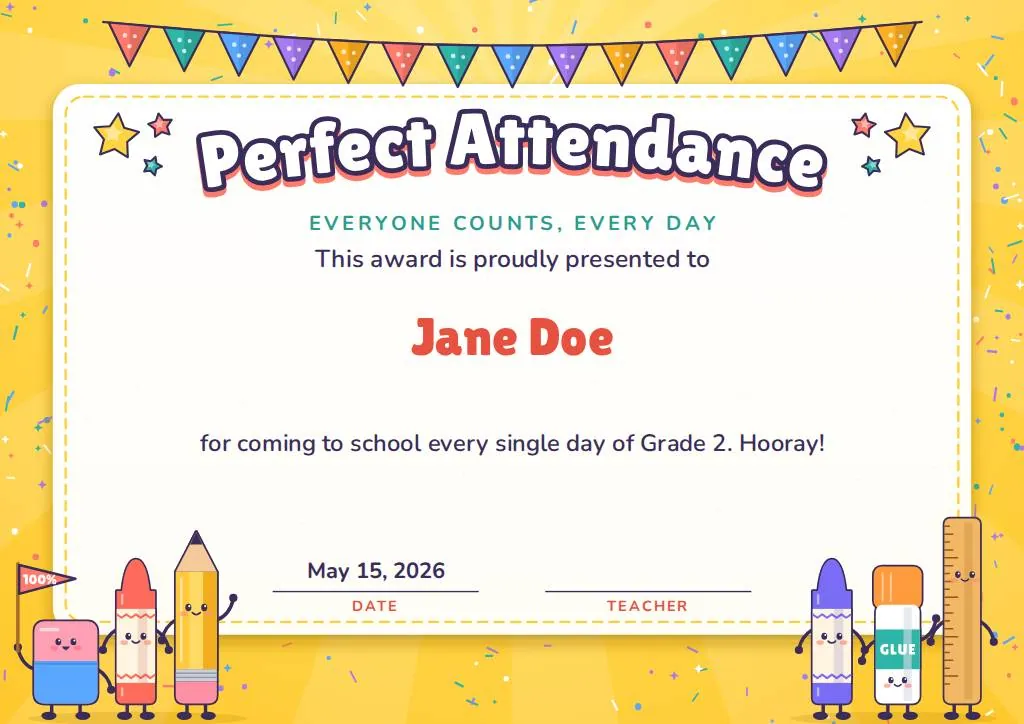
Smiling School Supplies Perfect Attendance Award
Cheerful elementary Perfect Attendance award: smiling pencil, crayons, eraser, glue stick and ruler on sunny yellow.
-

Blue Modern Webinar Certificate of Attendance
Clean left-aligned attendance certificate with soft blue circles and a verification QR code.
-
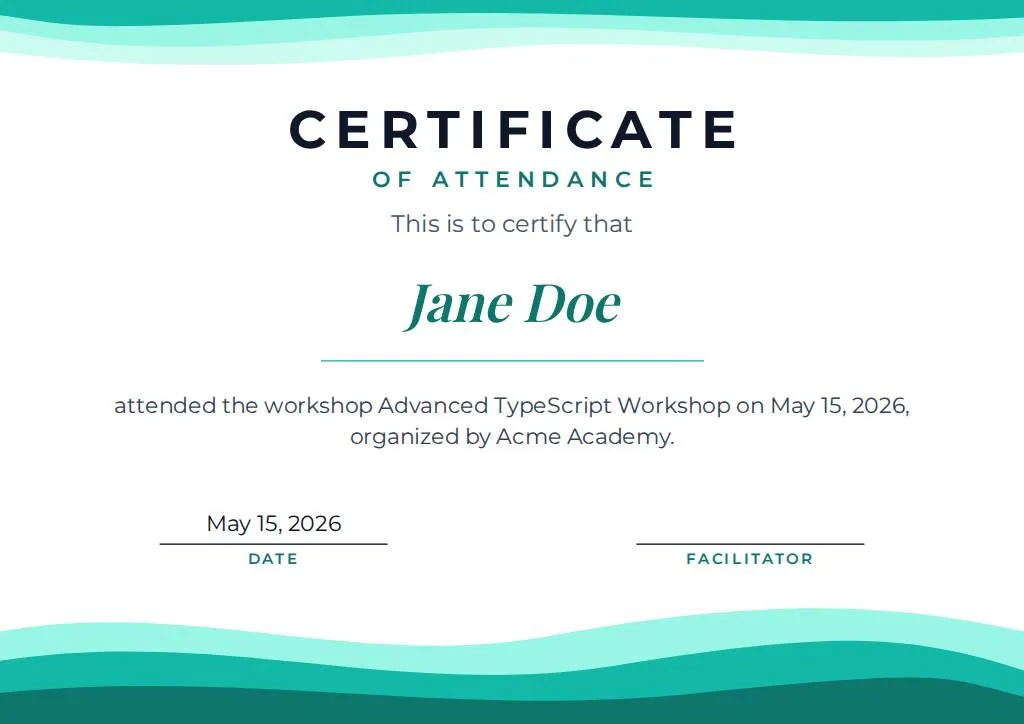
Teal Waves Workshop Certificate of Attendance
Fresh teal certificate of attendance with layered waves top and bottom.
-
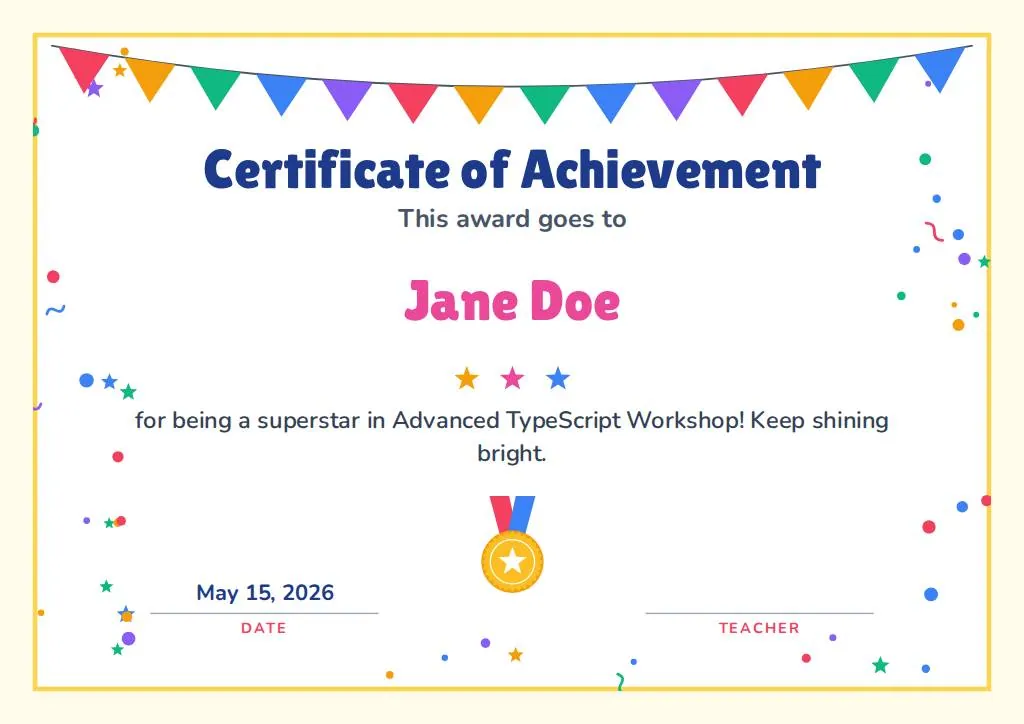
Rainbow Confetti Kids Star Award Certificate
Cheerful kids certificate with rainbow bunting, confetti and a star medal.
-
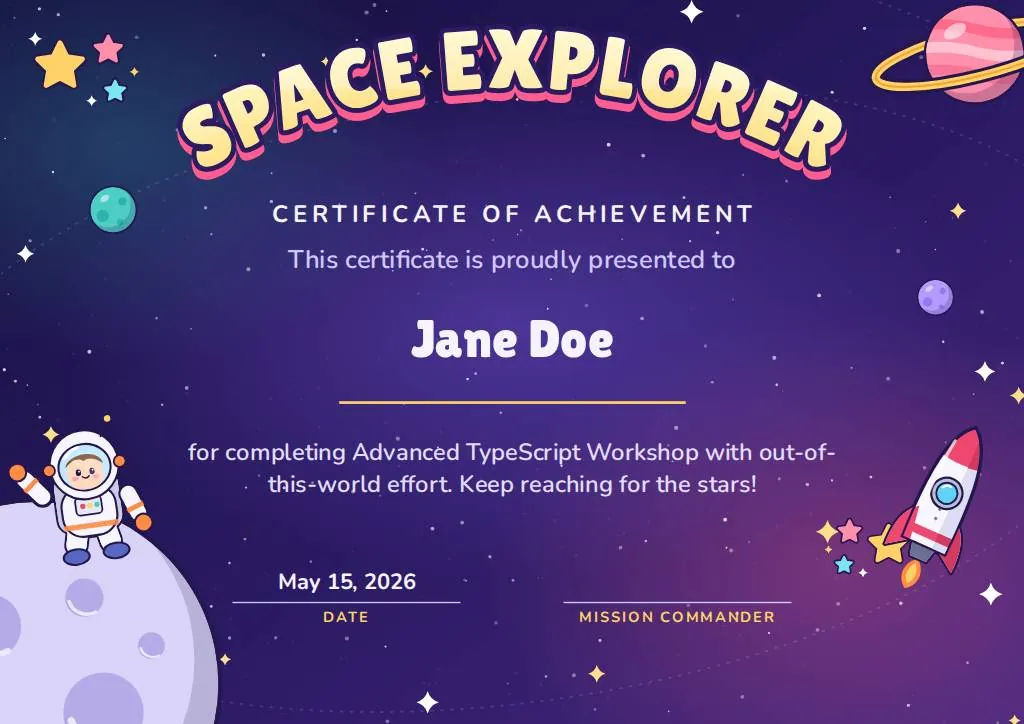
Space Explorer Kids Certificate of Achievement
Illustrated outer-space certificate with an astronaut, rocket, planets and an arched headline.
-
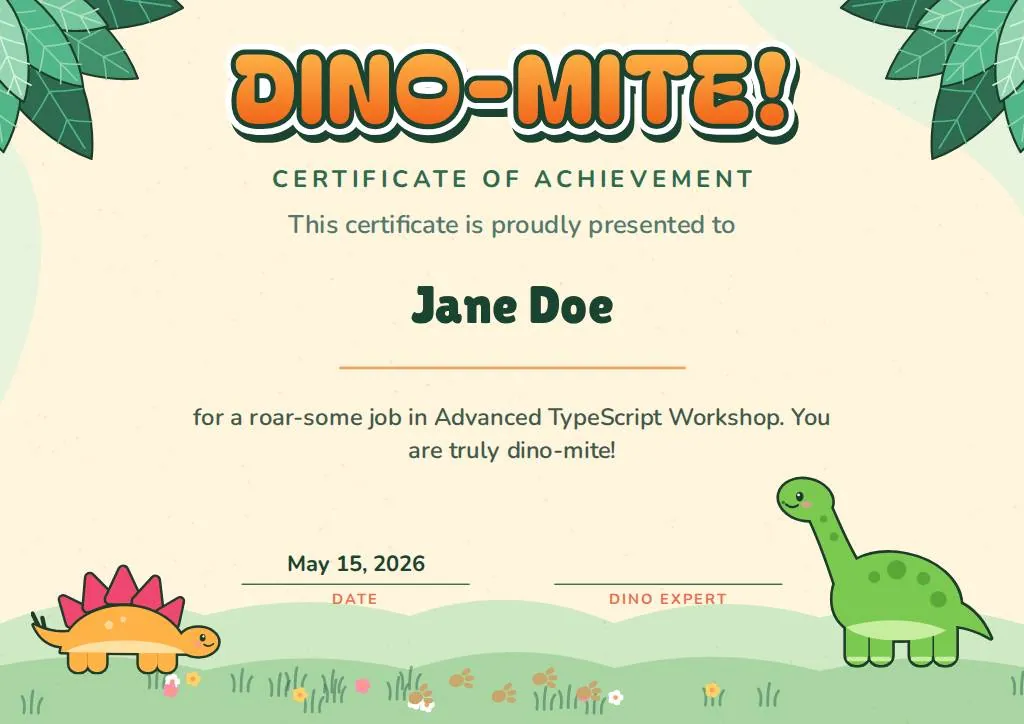
Dino-Mite Kids Certificate of Achievement
Jungle certificate with friendly dinosaurs, tropical leaves, footprints and a "Dino-mite!" headline.
-
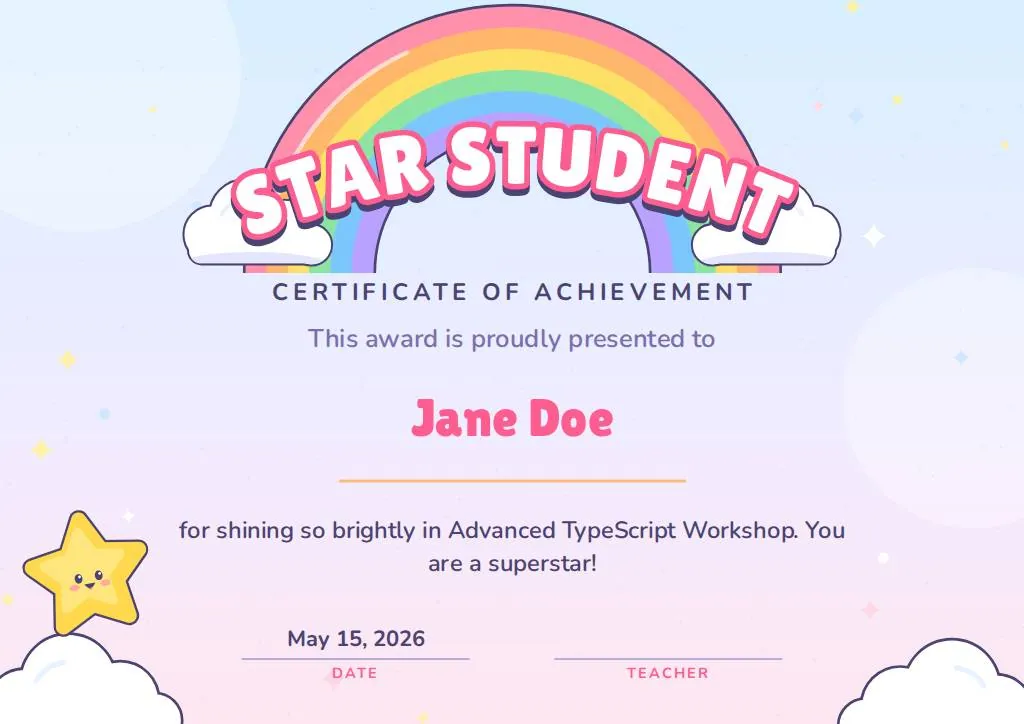
Rainbow Star Student Kids Award Certificate
Pastel sky with a rainbow, fluffy clouds, a smiling star and a "Star Student" headline.
Issue your first credential today
Open this template in the CertSeal editor, customize in minutes, and send verifiable certificates your recipients can share anywhere.