Certificate template
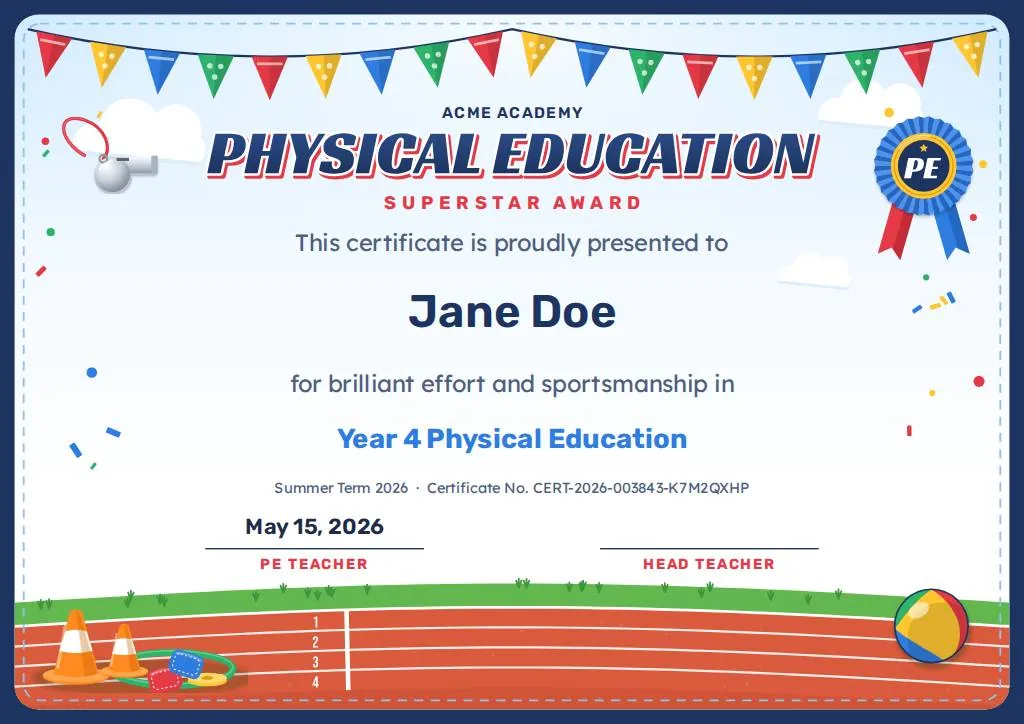
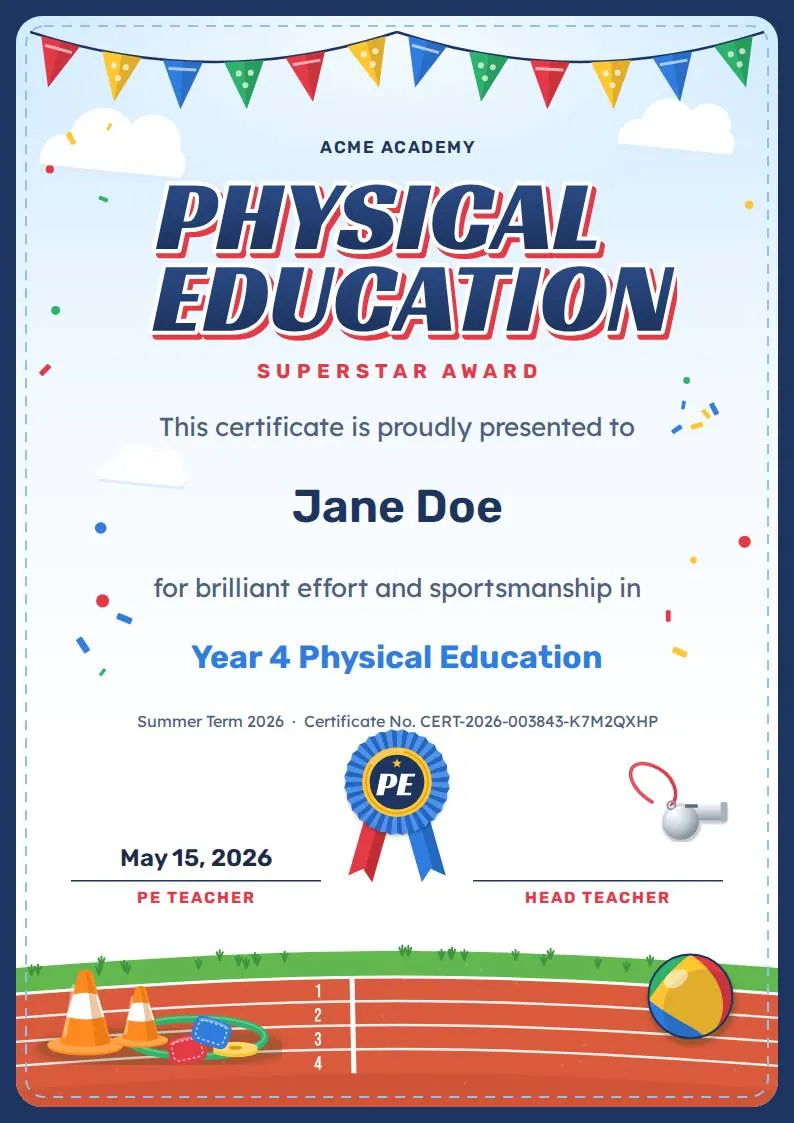
Bunting and Running Track Physical Education Award Certificate
Bright sky with bunting, a four-lane running track, cones, beanbags, a whistle and a rosette.
Free to customize. Issue verifiable credentials with a CertSeal account.
About this template
When to reach for it
A bright, cheerful PE and sports day award for primary schools: a sky-blue page in a navy rounded frame with clouds and confetti, a string of red, yellow, blue and green bunting across the top and a four-lane running track with a start line curving along the bottom.
"PHYSICAL EDUCATION" is set in bold athletic italic capitals with a white outline and a red shadow, the student's name in friendly navy type and the subject in blue. A blue PE rosette, a coach's whistle, training cones with beanbags and a hoop, and a bright playground ball are separate layers, so a school can rearrange them.
Wording
What the certificate says
Every line of text on this template, top to bottom. Highlighted parts fill in for each recipient, and you can reword any line in the editor.
- Issued by
- SUPERSTAR AWARD
- This certificate is proudly presented to
- Recipient name
- for brilliant effort and sportsmanship in
- Course or achievement
- Summer Term 2026 · Certificate No. Certificate ID
- Date
- PE TEACHER · HEAD TEACHER
Typography
Fonts used in this template
Swap, mix, or replace any of these in the editor — every CertSeal template ships with 1,000+ Google Fonts plus your own brand uploads.
-
Font family
Lexend
Lexend
-
Font family
Rubik
Rubik
Color palette
Colors used in this template
The five most prominent colors sampled straight from the rendered design. Recolor any of them in the editor to match your brand.
-
#fbfcfe
-
#0b2453
-
#d65739
-
#a9b6c9
-
#d5dbe5
How to use it
From template to issued credential in four steps
- 01
Open the template
Click "Use this template" to open the Bunting and Running Track Physical Education Award Certificate in the CertSeal editor, or customize it free without signing up.
- 02
Fill in the details
- Issued by
- Recipient name
- Course or achievement
- Date
Type these in, or upload a spreadsheet to make one for every recipient.
- 03
Add your brand
Swap the Lexend and Rubik fonts and the colors, and add your logo.
- 04
Issue & verify
Generate PDFs and verifiable links your recipients can share anywhere. Each certificate is printed with its own ID.
More templates
You might also like
-

Maroon and Gold Varsity Pennant Student of the Month Certificate
School-spirit certificate in a knitted maroon border with felt pennants and a chenille star.
-
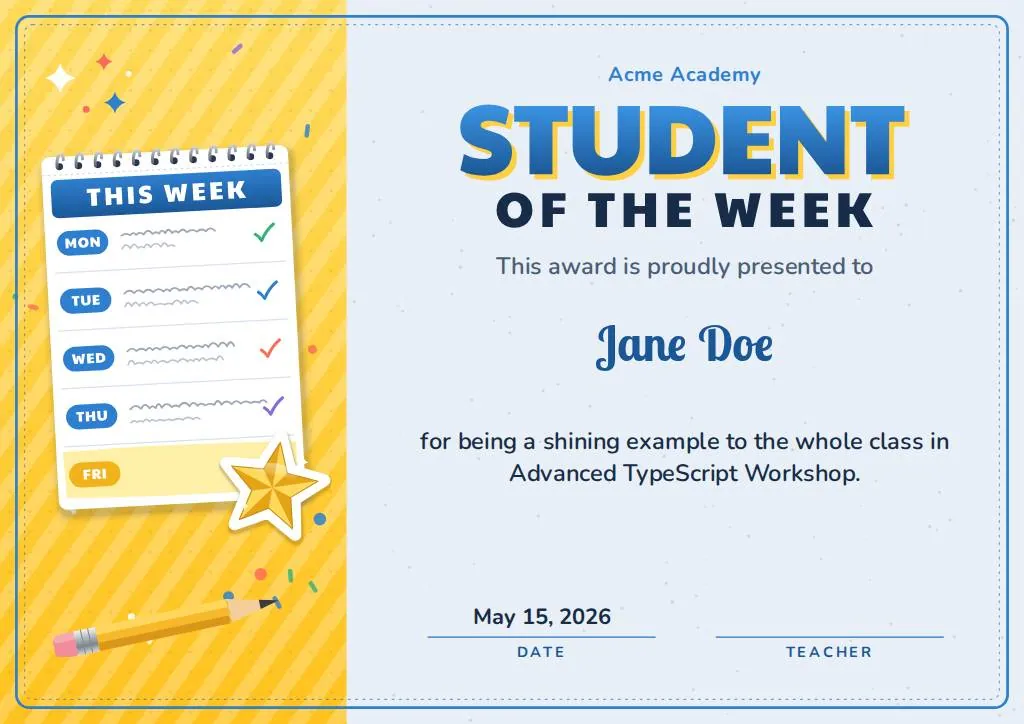
Sunshine Weekly Planner Student of the Week Certificate
Bright classroom certificate with a spiral weekly planner and a gold star sticker on Friday.
-
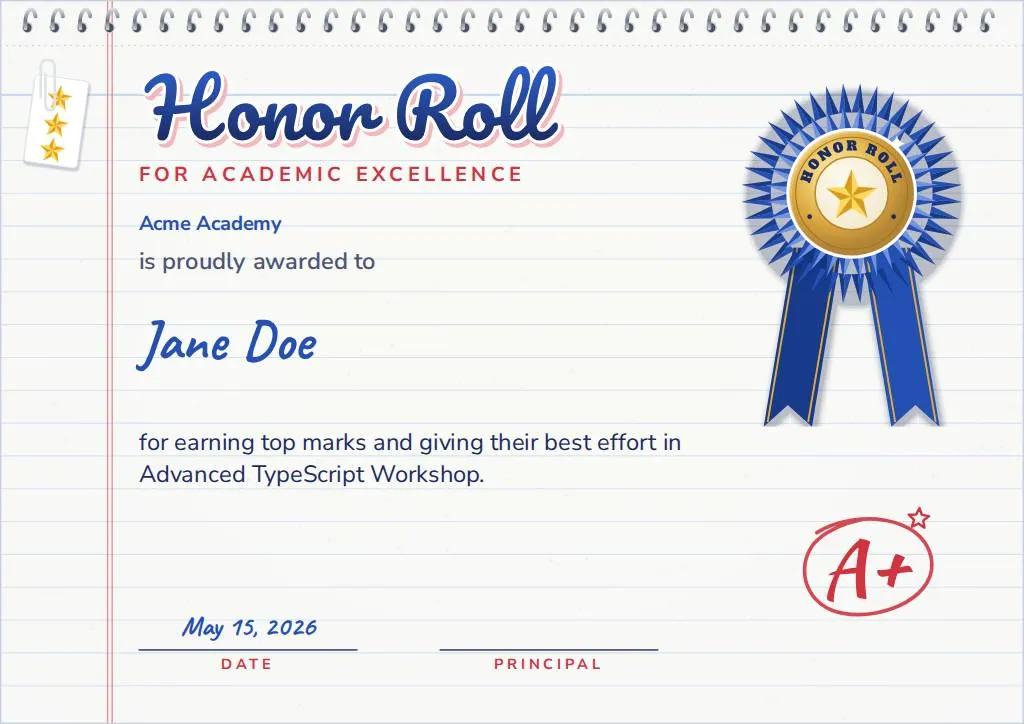
Notebook Paper Blue Ribbon Honor Roll Certificate
Spiral notebook page with a royal-blue Honor Roll rosette, gold stars and a red-pen A+.
-
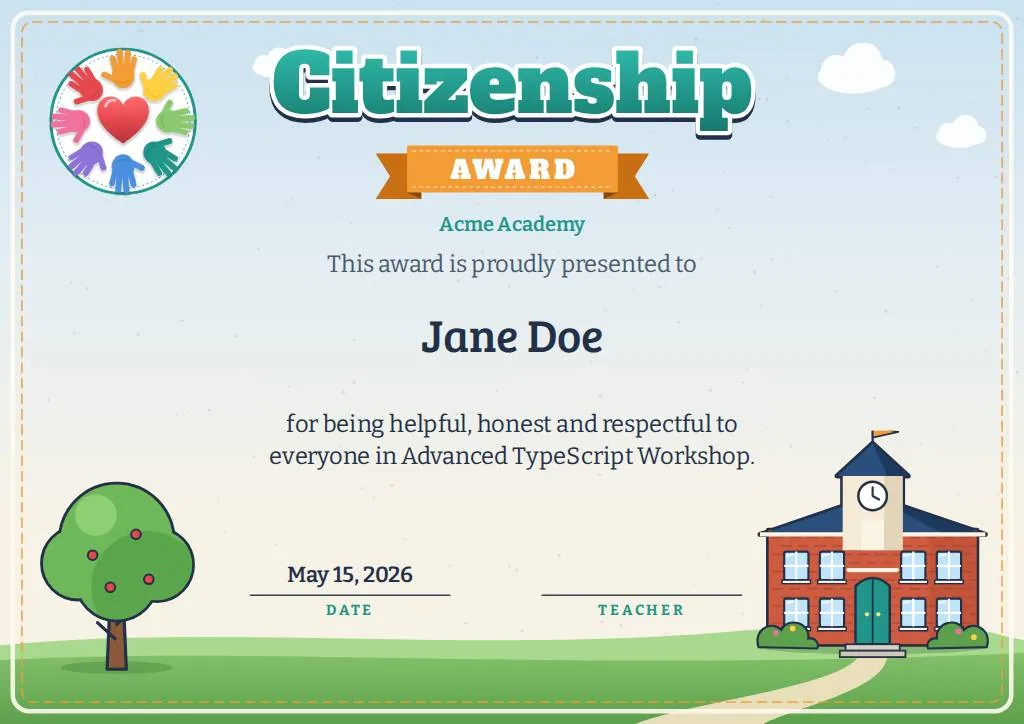
Helping Hands Schoolhouse Citizenship Award Certificate
Sunny schoolyard scene with a red-brick school, a handprint wreath and a teal headline.
-

Mint Rising Steps Most Improved Student Certificate
Fresh mint certificate with colourful rising steps, a growing flower and a dashed up arrow.
-
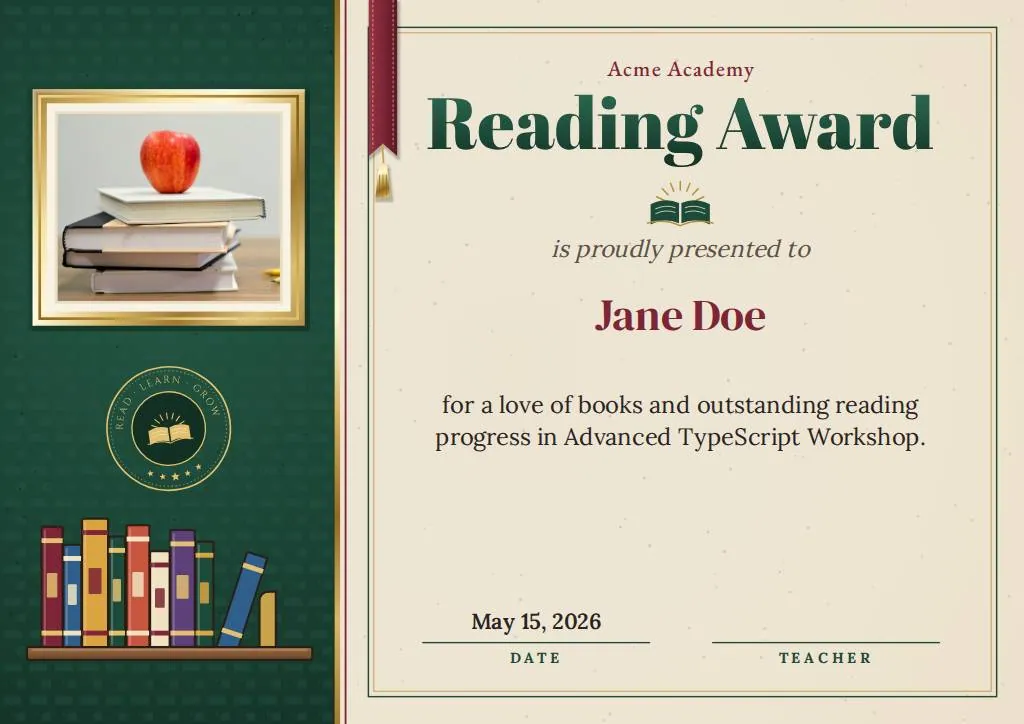
Library Green Bookplate Reading Award Certificate
Library-green bookplate with a gilt-framed photo of books and an apple, a bookshelf and a silk bookmark.
-

Watercolour and Coloured Pencil Art Award Certificate
Watercolour-paper art award with a taped photo of coloured pencils and paint splats.
-

Coral Heart Apple Kindness and Respect Award Certificate
Warm cream certificate with a scalloped border, paper-heart garlands and a heart-apple seal.
Issue your first credential today
Open this template in the CertSeal editor, customize in minutes, and send verifiable certificates your recipients can share anywhere.