Certificate template
Notebook Paper Blue Ribbon Honor Roll Certificate
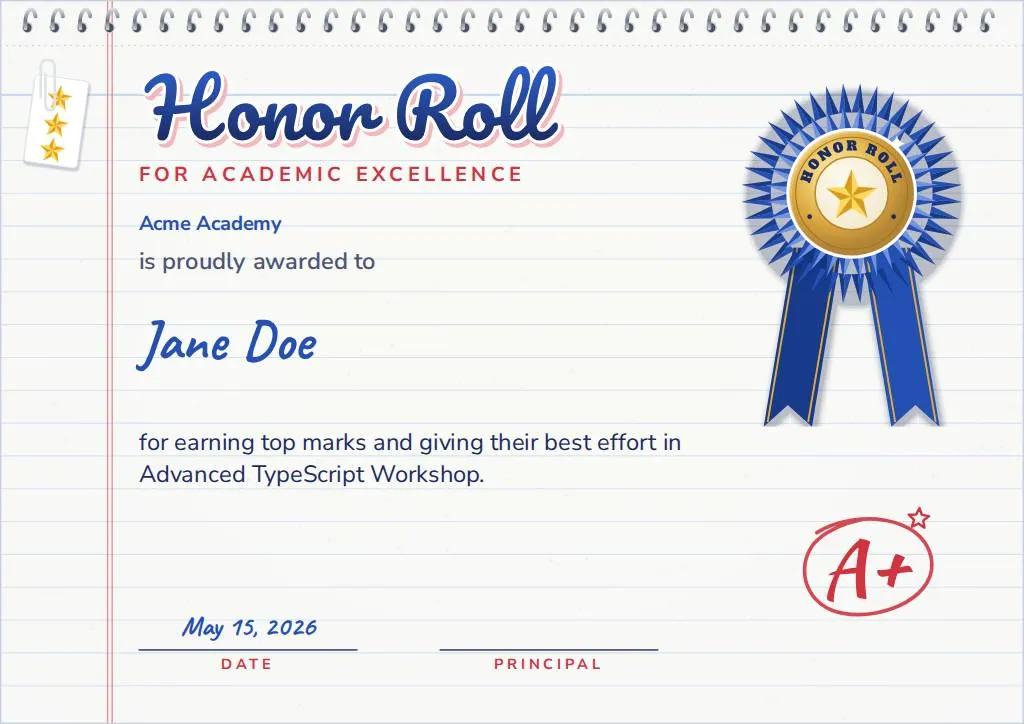
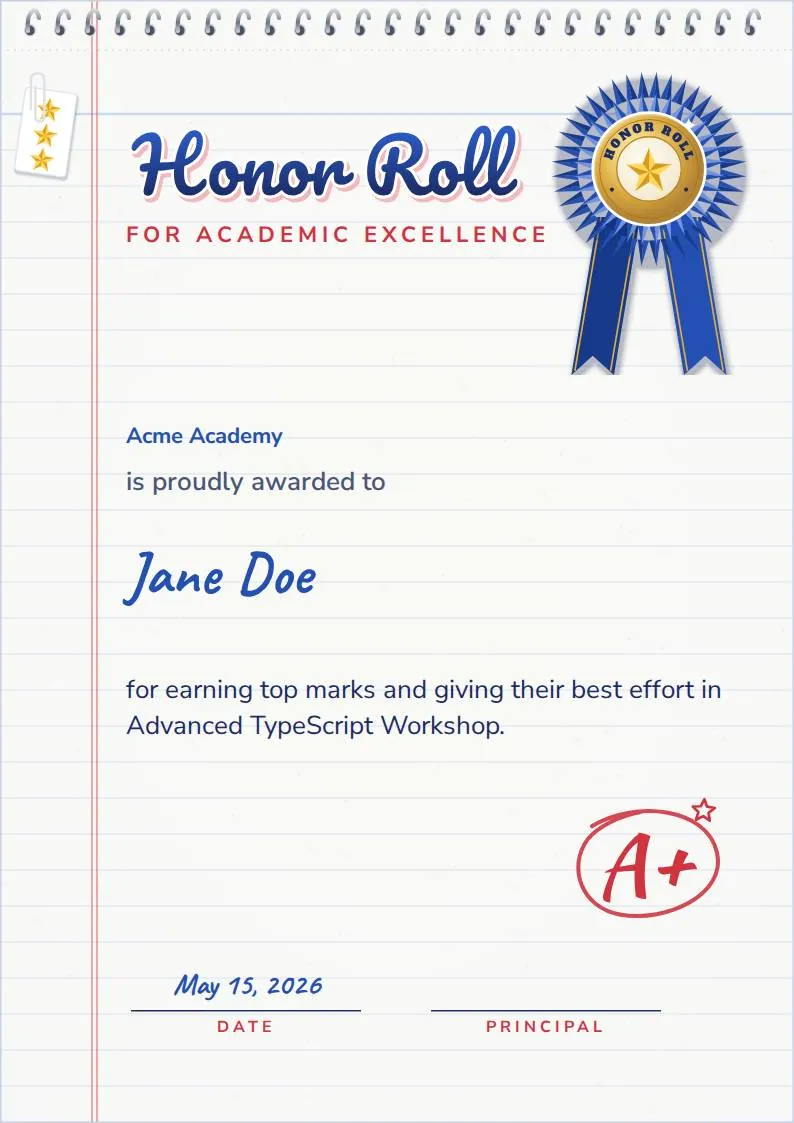
Spiral notebook page with a royal-blue Honor Roll rosette, gold stars and a red-pen A+.
Free to customize. Issue verifiable credentials with a CertSeal account.
About this template
When to reach for it
An elementary Honor Roll certificate drawn on a spiral notebook page: faint blue rules, a red margin line and silver coils along the top. A royal-blue pleated rosette with a gold medallion is the centrepiece, with a strip of gold star stickers clipped to the margin and a red-pen A+. The student’s name is written in a handwritten blue-ink face.
Use the course field for the grade and term, for example "Grade 5 · Second Quarter 2026".
Wording
What the certificate says
Every line of text on this template, top to bottom. Highlighted parts fill in for each recipient, and you can reword any line in the editor.
- FOR ACADEMIC EXCELLENCE
- Issued by
- is proudly awarded to
- Recipient name
- for earning top marks and giving their best effort in Course or achievement.
- Date
- DATE · PRINCIPAL
Typography
Fonts used in this template
Swap, mix, or replace any of these in the editor — every CertSeal template ships with 1,000+ Google Fonts plus your own brand uploads.
-
Font family
Caveat
Caveat
-
Font family
Nunito Sans
Nunito Sans
Color palette
Colors used in this template
The five most prominent colors sampled straight from the rendered design. Recolor any of them in the editor to match your brand.
-
#f8f8f6
-
#b7bac8
-
#edc8c9
-
#7889b6
-
#4a67a8
How to use it
From template to issued credential in four steps
- 01
Open the template
Click "Use this template" to open the Notebook Paper Blue Ribbon Honor Roll Certificate in the CertSeal editor, or customize it free without signing up.
- 02
Fill in the details
- Issued by
- Recipient name
- Course or achievement
- Date
Type these in, or upload a spreadsheet to make one for every recipient.
- 03
Add your brand
Swap the Caveat and Nunito Sans fonts and the colors, and add your logo.
- 04
Issue & verify
Generate PDFs and verifiable links your recipients can share anywhere.
More templates
You might also like
-
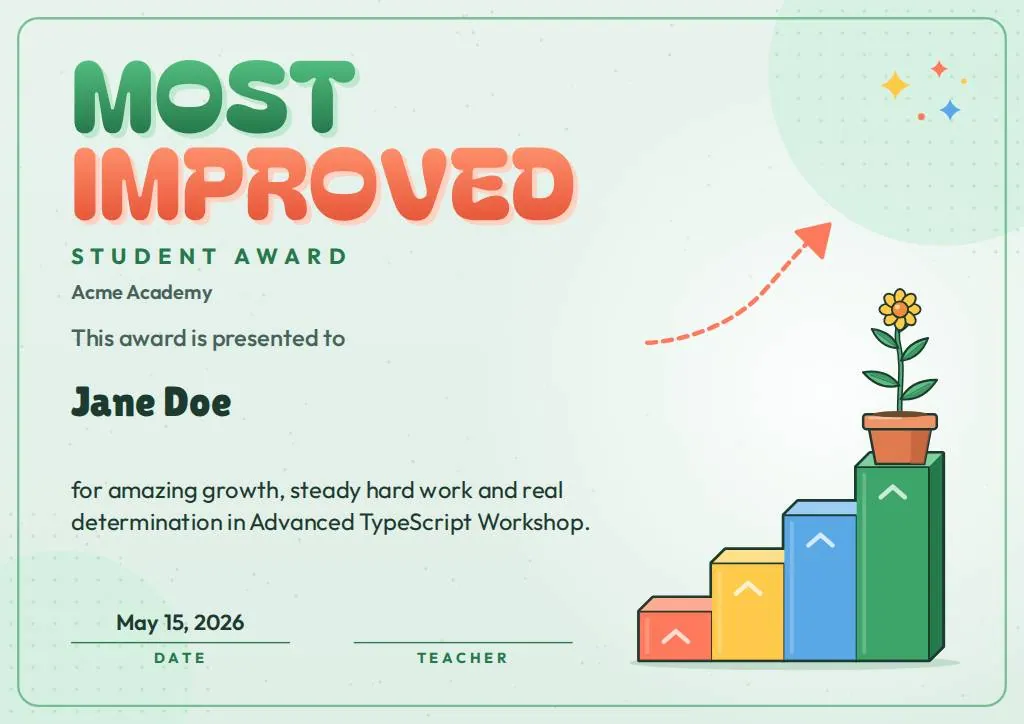
Mint Rising Steps Most Improved Student Certificate
Fresh mint certificate with colourful rising steps, a growing flower and a dashed up arrow.
-
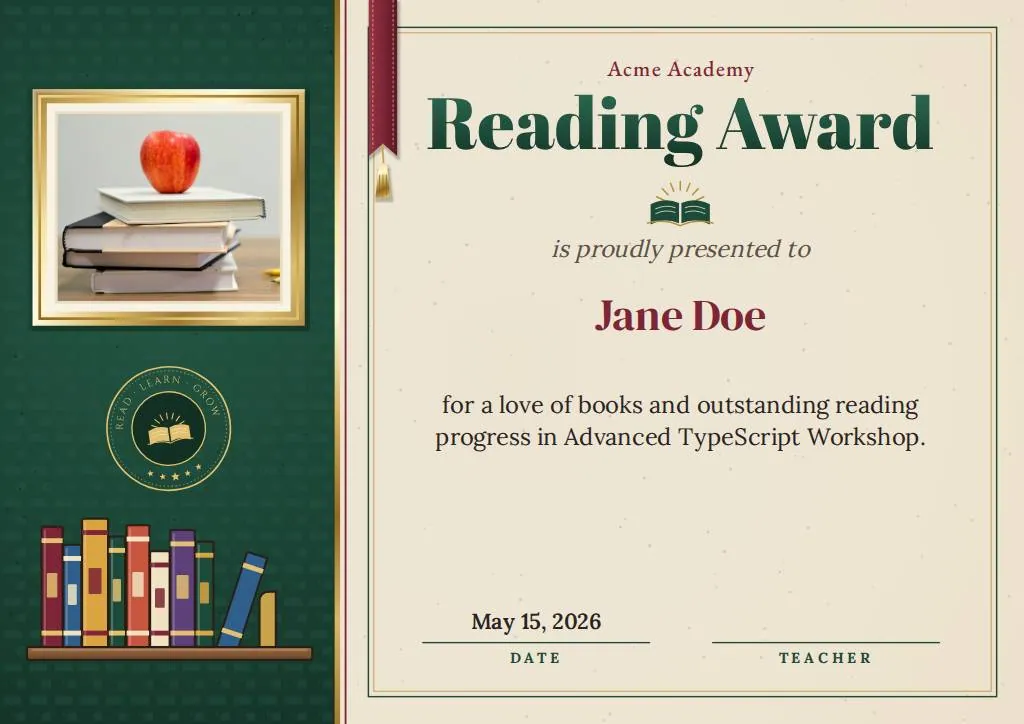
Library Green Bookplate Reading Award Certificate
Library-green bookplate with a gilt-framed photo of books and an apple, a bookshelf and a silk bookmark.
-
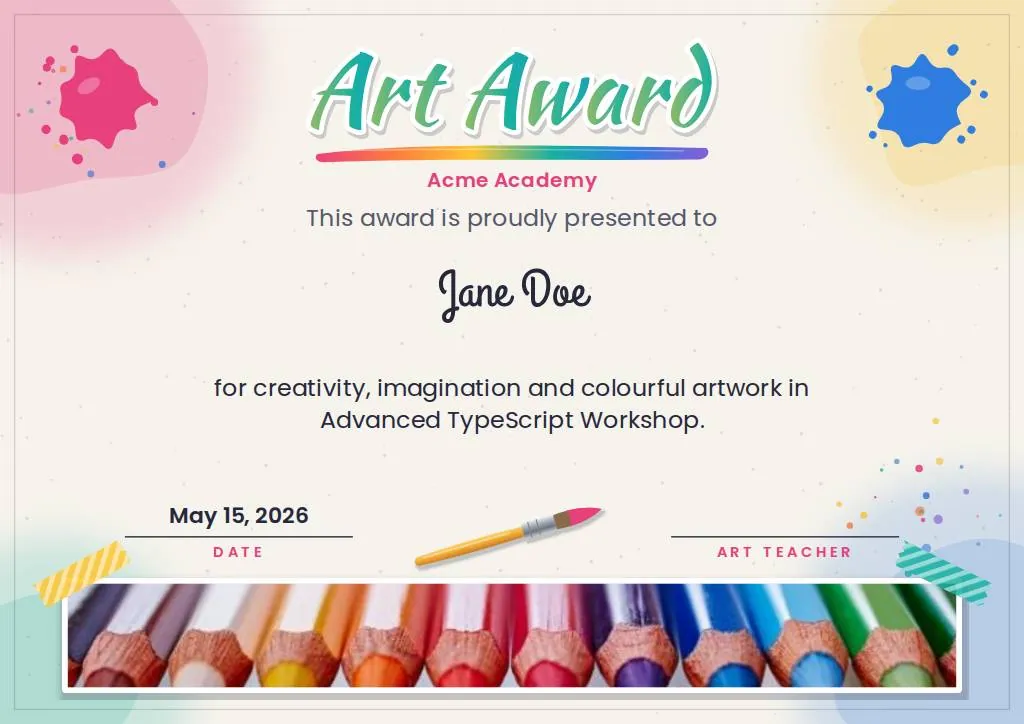
Watercolour and Coloured Pencil Art Award Certificate
Watercolour-paper art award with a taped photo of coloured pencils and paint splats.
-
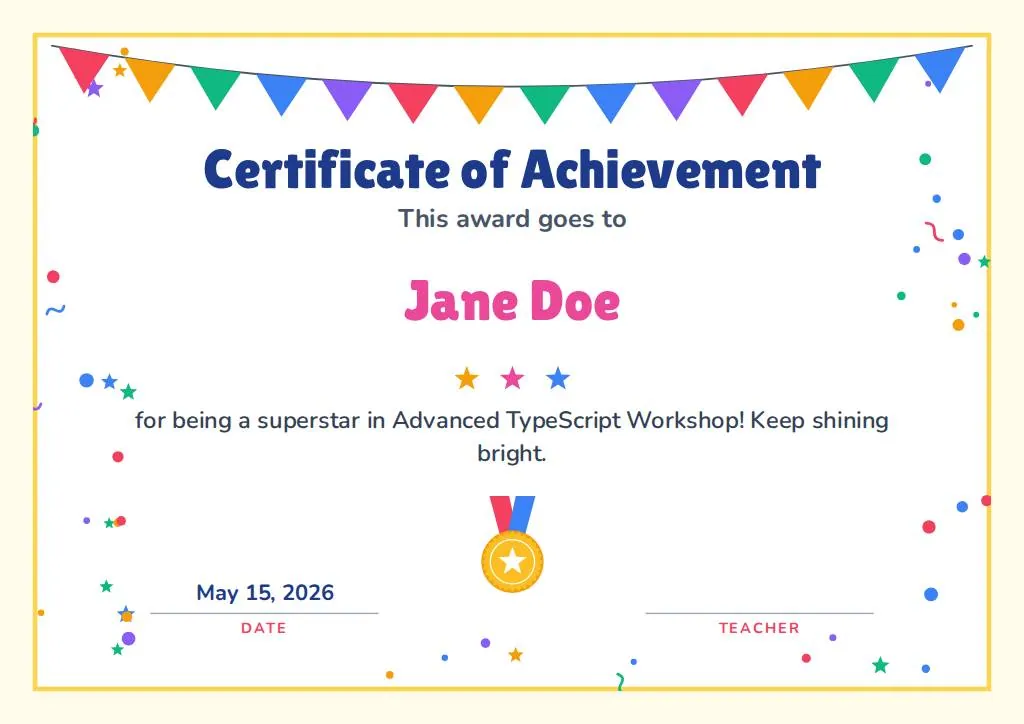
Rainbow Confetti Kids Star Award Certificate
Cheerful kids certificate with rainbow bunting, confetti and a star medal.
-
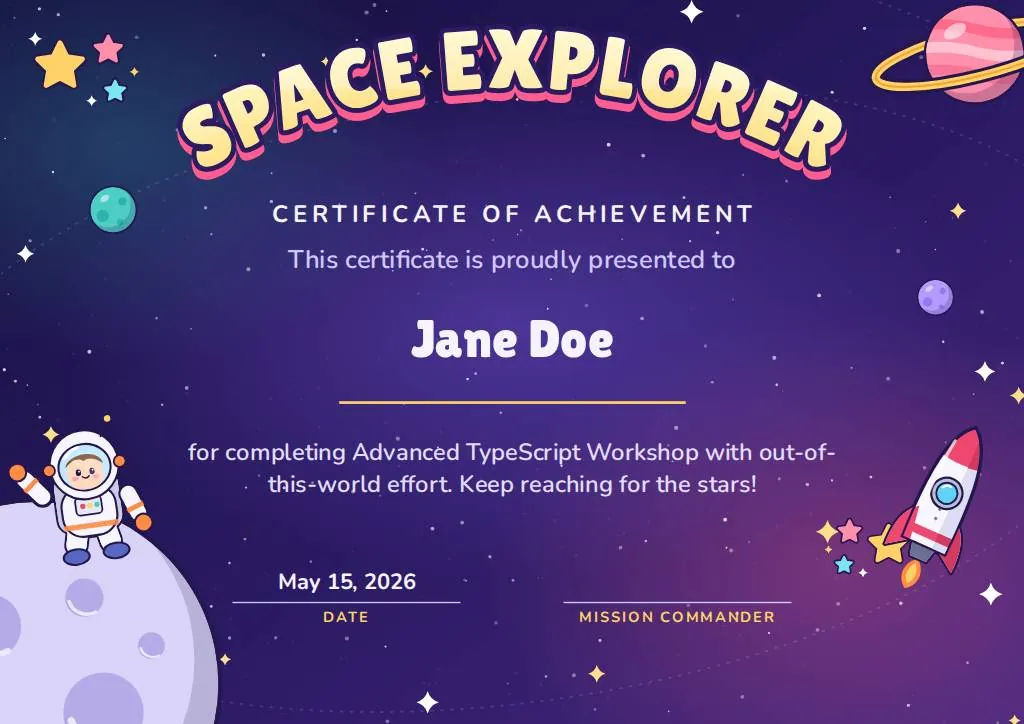
Space Explorer Kids Certificate of Achievement
Illustrated outer-space certificate with an astronaut, rocket, planets and an arched headline.
-
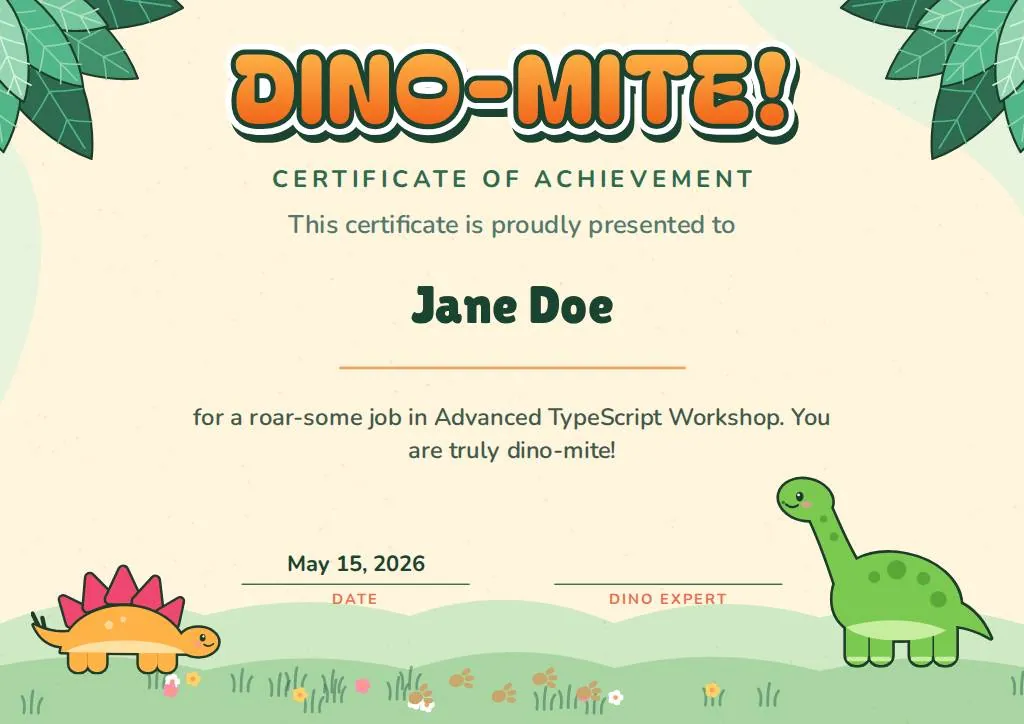
Dino-Mite Kids Certificate of Achievement
Jungle certificate with friendly dinosaurs, tropical leaves, footprints and a "Dino-mite!" headline.
-
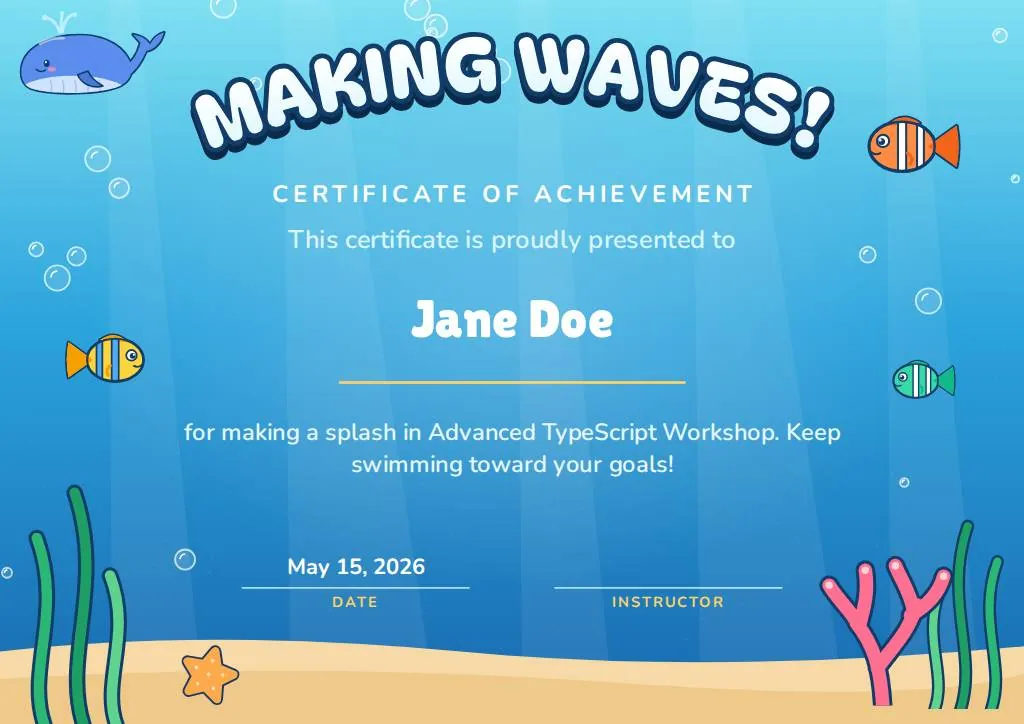
Making Waves Kids Swimming and Ocean Award Certificate
Underwater certificate with a whale, tropical fish, seaweed, coral and a "Making Waves!" headline.
-
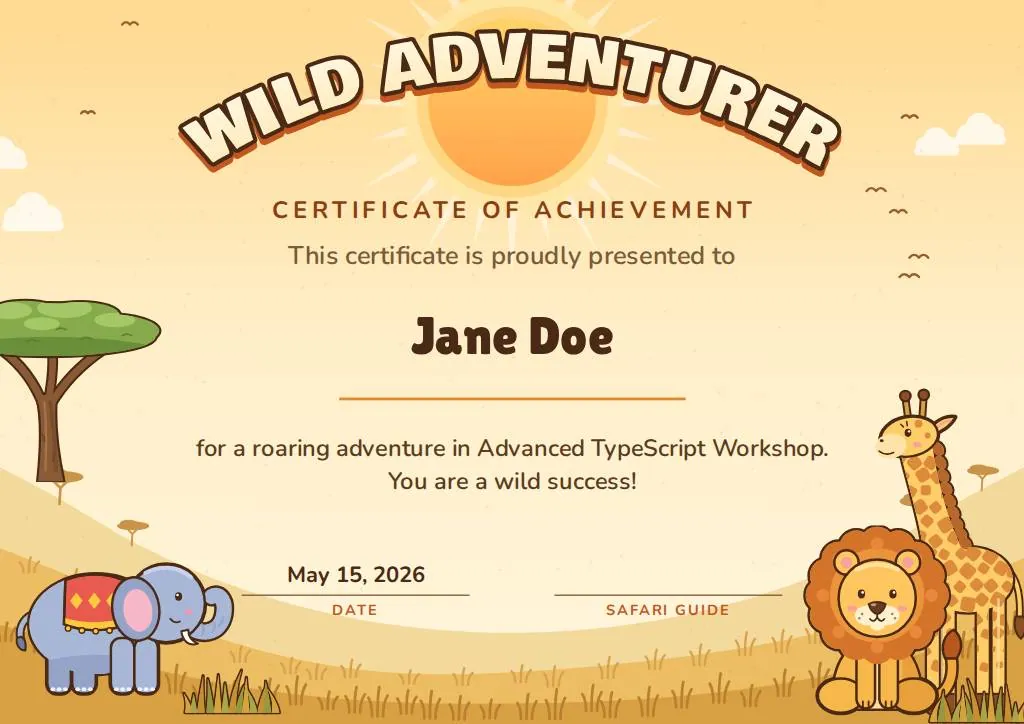
Safari Star Kids Certificate of Achievement
Savanna certificate with a lion, giraffe and elephant under a big sun and a "Wild Adventurer" headline.
Issue your first credential today
Open this template in the CertSeal editor, customize in minutes, and send verifiable certificates your recipients can share anywhere.