Certificate template
Product Demo Live Webinar Attendance Certificate
Product demo webinar certificate on an ice-blue blueprint grid, a generic app window with callouts and QR.
Free to customize. Issue verifiable credentials with a CertSeal account.


About this template
When to reach for it
A certificate of attendance for live product demos, launch webinars and feature walkthroughs. An ice-blue page with a fading blueprint grid holds a generic app window that runs off the page edge: sidebar, KPI cards, an area chart with a tooltip, a cursor clicking the main button and numbered amber callouts.
A round presenter camera bubble, a "Live demo" chip and a new-feature card complete the scene; no real product or platform is shown. Duration, format and session code sit in labelled fields, with the session date, a presenter signature, the certificate number and a verification QR code. Set in Space Grotesk and IBM Plex Mono.
Wording
What the certificate says
Every line of text on this template, top to bottom. Highlighted parts fill in for each recipient, and you can reword any line in the editor.
- CERTIFICATE OF ATTENDANCE
- Product Demo
- This certifies that
- Recipient name
- attended the live product demo webinar
- Course or achievement
- DURATION · FORMAT · SESSION CODE
- 45 minutes · Live online · WB-2026-0418
- Date
- CERTIFICATE NO.
- Certificate ID
- DATE · PRESENTER · SCAN TO VERIFY
Typography
Fonts used in this template
Swap, mix, or replace any of these in the editor — every CertSeal template ships with 1,000+ Google Fonts plus your own brand uploads.
-
Font family
IBM Plex Mono
IBM Plex Mono
-
Font family
Space Grotesk
Space Grotesk
Color palette
Colors used in this template
The five most prominent colors sampled straight from the rendered design. Recolor any of them in the editor to match your brand.
-
#f5f7fc
-
#c8caf3
-
#a5a7eb
-
#8789b7
-
#585a9a
How to use it
From template to issued credential in four steps
- 01
Open the template
Click "Use this template" to open the Product Demo Live Webinar Attendance Certificate in the CertSeal editor, or customize it free without signing up.
- 02
Fill in the details
- Recipient name
- Course or achievement
- Date
Type these in, or upload a spreadsheet to make one for every recipient.
- 03
Add your brand
Swap the IBM Plex Mono and Space Grotesk fonts and the colors, and add your logo.
- 04
Issue & verify
Generate PDFs and verifiable links your recipients can share anywhere. The QR code on this design opens each certificate's verification page. Each certificate is printed with its own ID.
More templates
You might also like
-
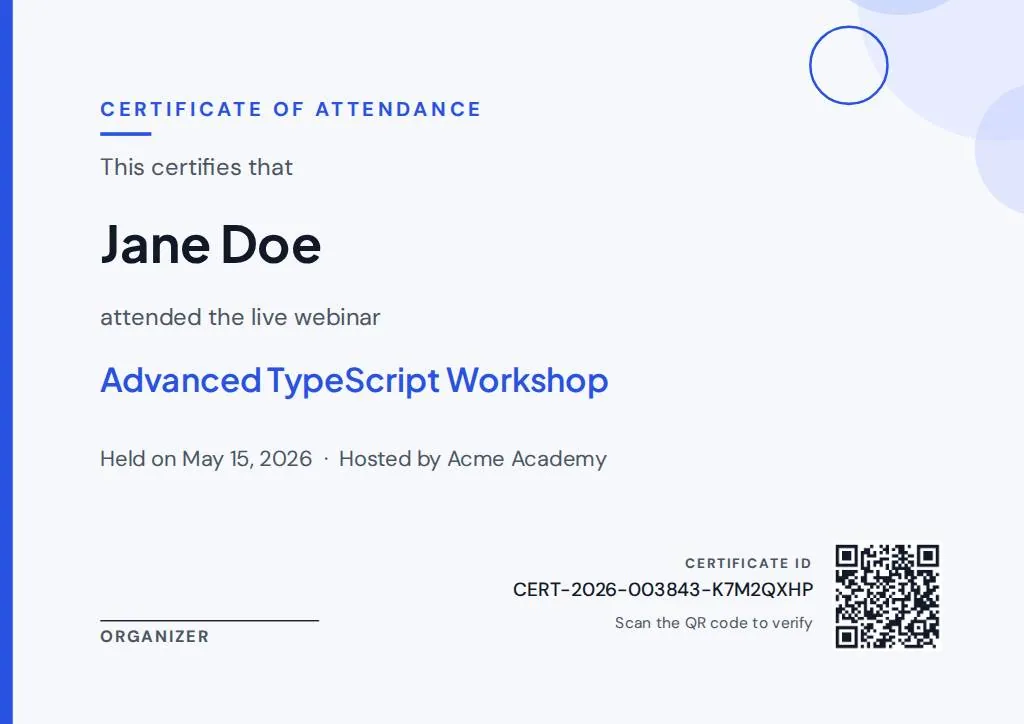
Blue Modern Webinar Certificate of Attendance
Clean left-aligned attendance certificate with soft blue circles and a verification QR code.
-

Keynote Stage Attendance Certificate
Dark theatre stage with velvet curtains, amber spotlights, a podium and gold-foil lettering.
-
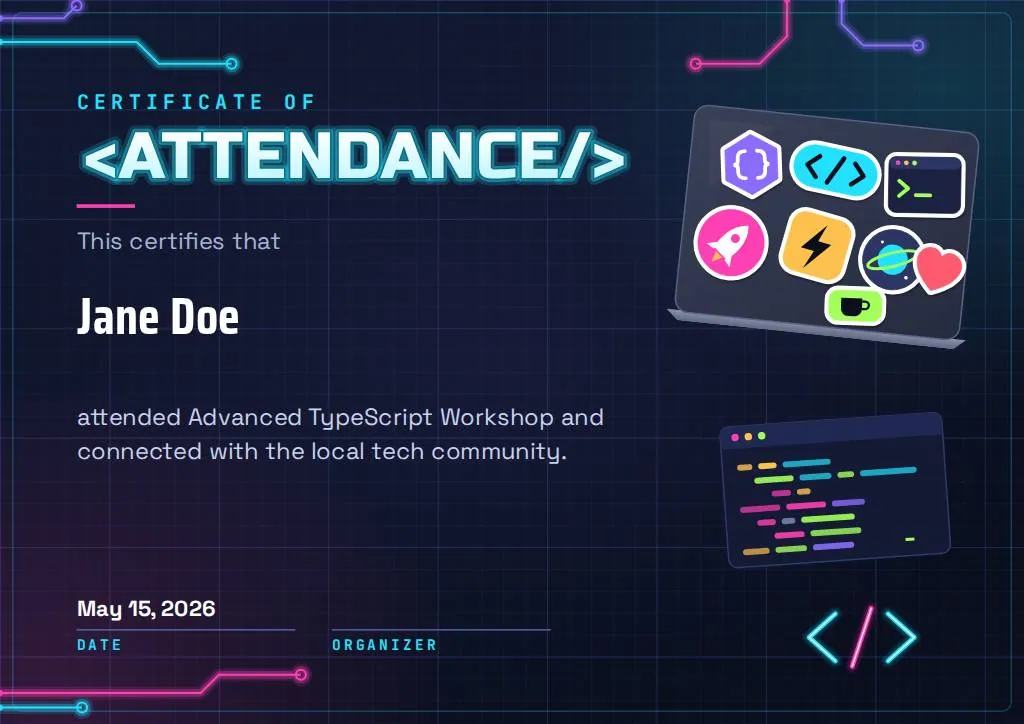
Tech Meetup Attendance Certificate
Dark neon certificate with a circuit grid, a sticker-covered laptop, a terminal window and a code-tag headline.
-
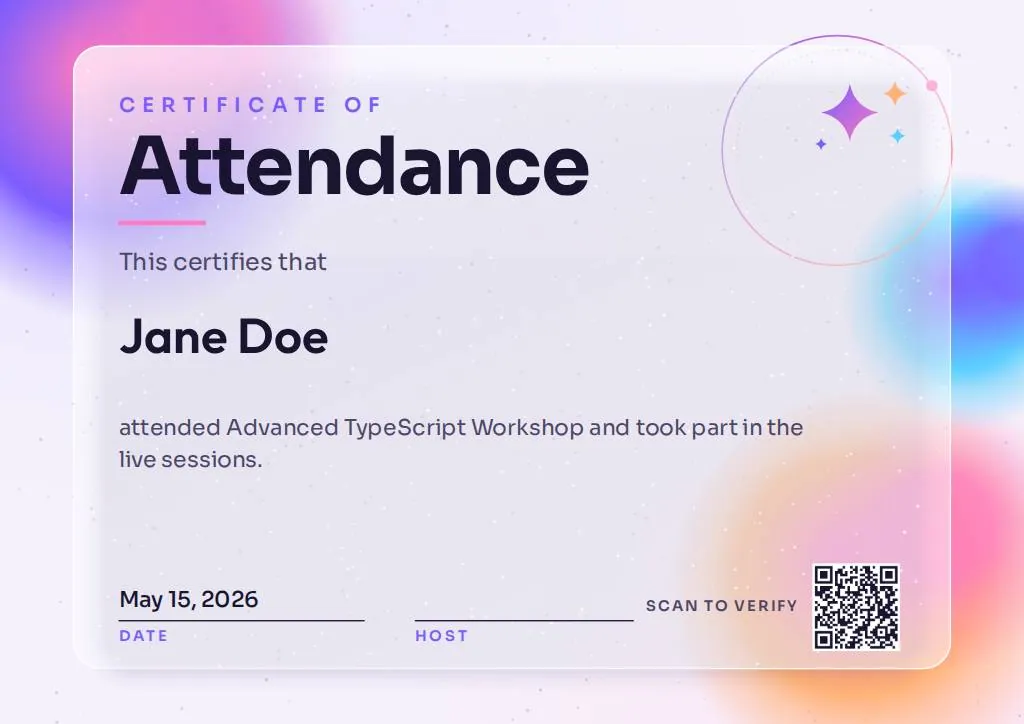
Gradient Aura Attendance Certificate
Modern certificate with glowing mesh-gradient orbs behind a frosted-glass card and a QR code.
-

Video Call Grid Webinar Attendance Certificate
Lavender webinar certificate with a laptop full of video tiles, a cursor, reactions and a desk plant.
-
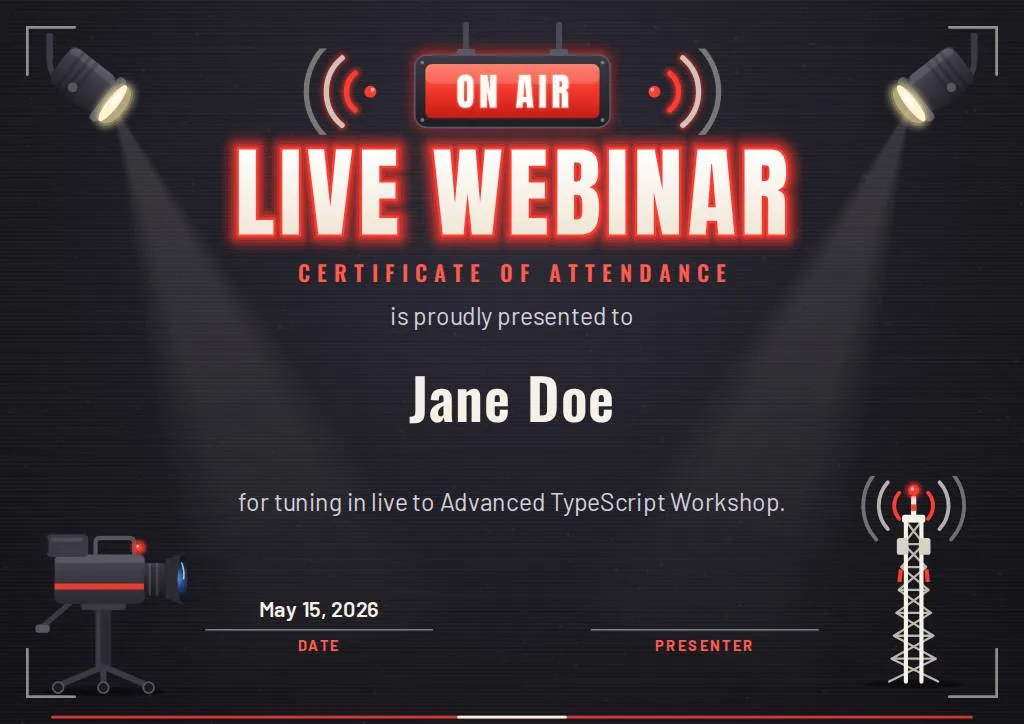
On Air Live Webinar Attendance Certificate
Dark broadcast-studio certificate with a glowing ON AIR sign, a studio camera and a signal tower.
-

Podcast Mic Live Session Participation Certificate
Purple-gradient certificate with a studio microphone, sound waves, headphones and an audio waveform.
-
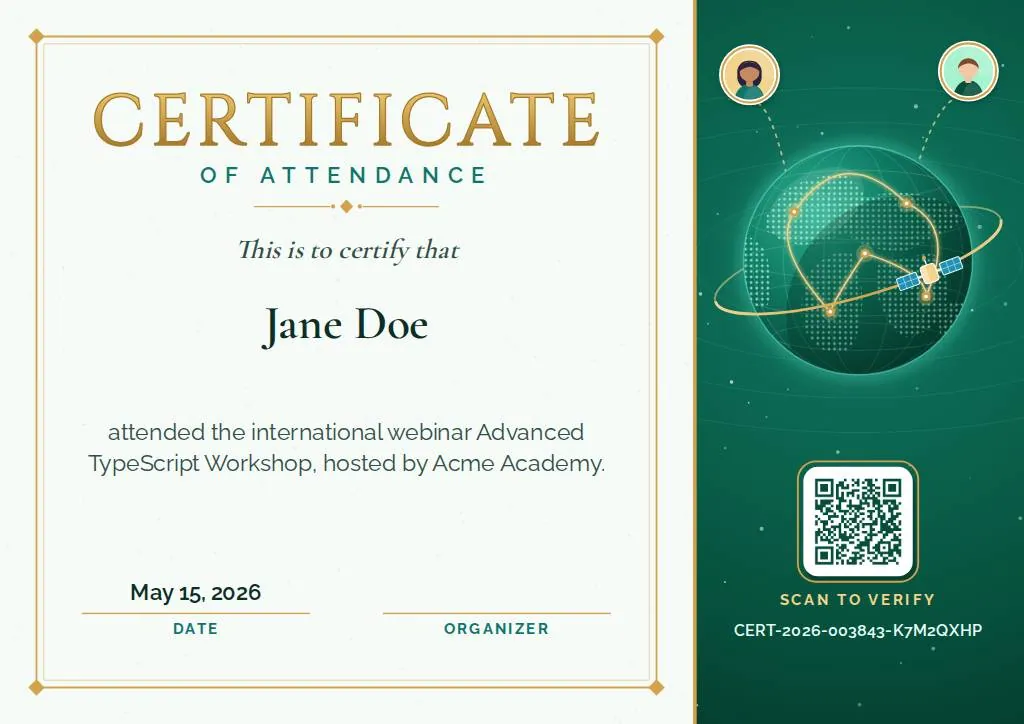
Global Network International Webinar Attendance Certificate
Emerald and gold certificate with a dotted globe, network arcs, an orbiting satellite and a QR code.
Issue your first credential today
Open this template in the CertSeal editor, customize in minutes, and send verifiable certificates your recipients can share anywhere.