Certificate template
Obsidian Gold Shield Professional Certification
Black and gold certification with a geometric gold-foil shield, wide gold lettering and a chamfered frame.
Free to customize. Issue verifiable credentials with a CertSeal account.


About this template
When to reach for it
Dark, sharp and premium. A geometric shield in gold foil, with a star over three rank chevrons, crowns a wide "CERTIFIED" headline in gold on a black sheet with a warm glow, a chamfered double frame, fine chevrons at the sides and gold corner brackets.
The credential title is set in gold on its own line. Certified-on and valid-until dates sit beside the director's signature, with the credential ID above them. Text is set in Montserrat.
Wording
What the certificate says
Every line of text on this template, top to bottom. Highlighted parts fill in for each recipient, and you can reword any line in the editor.
- PROFESSIONAL CREDENTIAL
- This is to certify that
- Recipient name
- has fulfilled every requirement and is hereby certified as
- Course or achievement
- CREDENTIAL ID Certificate ID
- Date · Expiry date
- CERTIFIED ON · VALID UNTIL · CERTIFICATION DIRECTOR
Typography
Fonts used in this template
Swap, mix, or replace any of these in the editor — every CertSeal template ships with 1,000+ Google Fonts plus your own brand uploads.
-
Font family
Montserrat
Montserrat
Color palette
Colors used in this template
The five most prominent colors sampled straight from the rendered design. Recolor any of them in the editor to match your brand.
-
#161517
-
#393327
-
#78643a
-
#998558
-
#c4a867
How to use it
From template to issued credential in four steps
- 01
Open the template
Click "Use this template" to open the Obsidian Gold Shield Professional Certification in the CertSeal editor, or customize it free without signing up.
- 02
Fill in the details
- Recipient name
- Course or achievement
- Date
- Expiry date
Type these in, or upload a spreadsheet to make one for every recipient.
- 03
Add your brand
Swap the Montserrat font and the colors, and add your logo.
- 04
Issue & verify
Generate PDFs and verifiable links your recipients can share anywhere. Each certificate is printed with its own ID. It also shows when the certificate expires.
More templates
You might also like
-
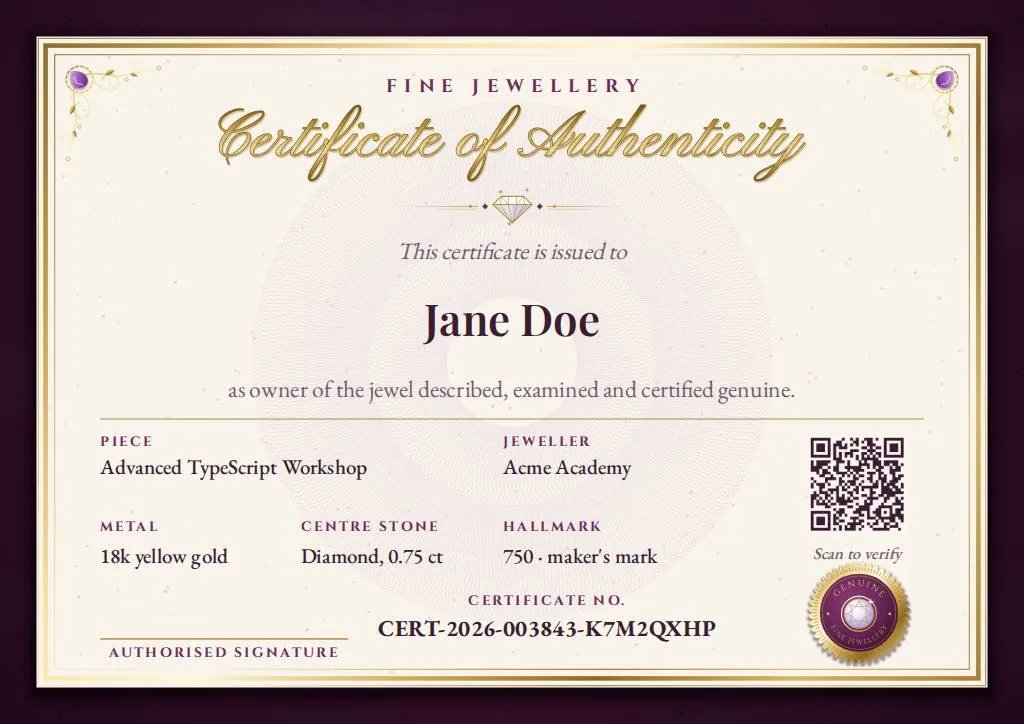
Fine Jewellery Certificate of Authenticity
Ivory card on aubergine velvet with gold foil script, a brilliant-cut diamond and gem-set filigree corners.
-
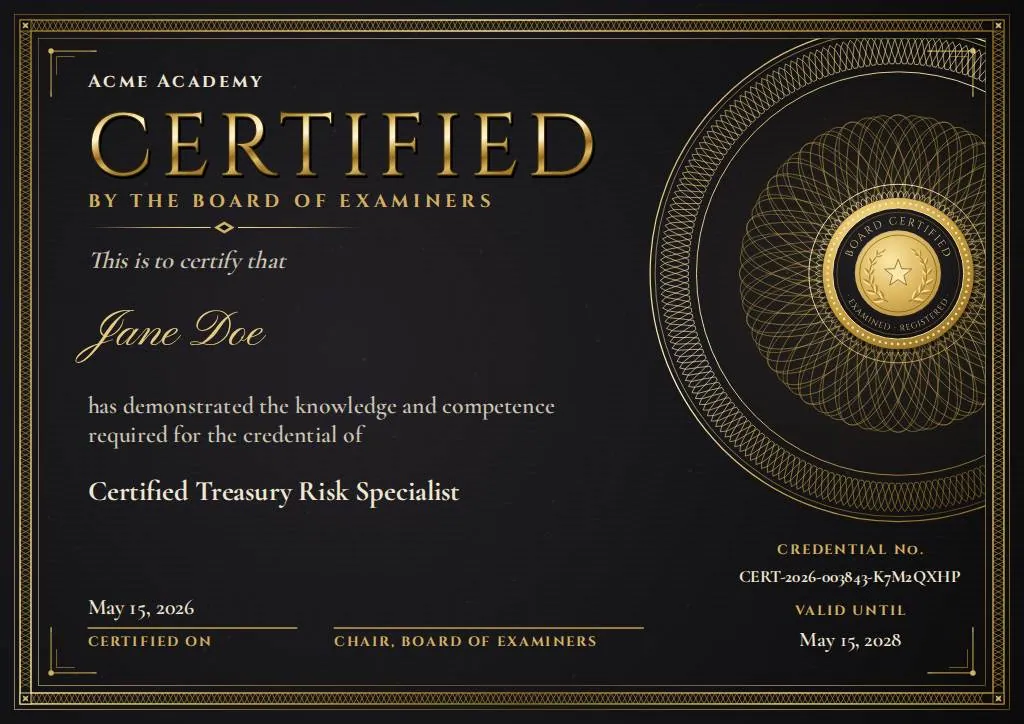
Black and Gold Rosette Board Certification
Black stock with an engraved gold border, a gold lathe rosette and a board seal.
-

Plum and Rose Gold Board Certification
Blush panel in an aubergine lattice border, a pleated rosette on a ribbon and rose gold script.
-

Teal Bands Bronze Medal Certification
Warm white stock between engraved teal bands, with a bronze medal on a striped ribbon.
-

Rose Gold Arch Token Certification
Soft blush certification with a 3D rose-gold credential token in an arch window and rose-gold lettering.
-
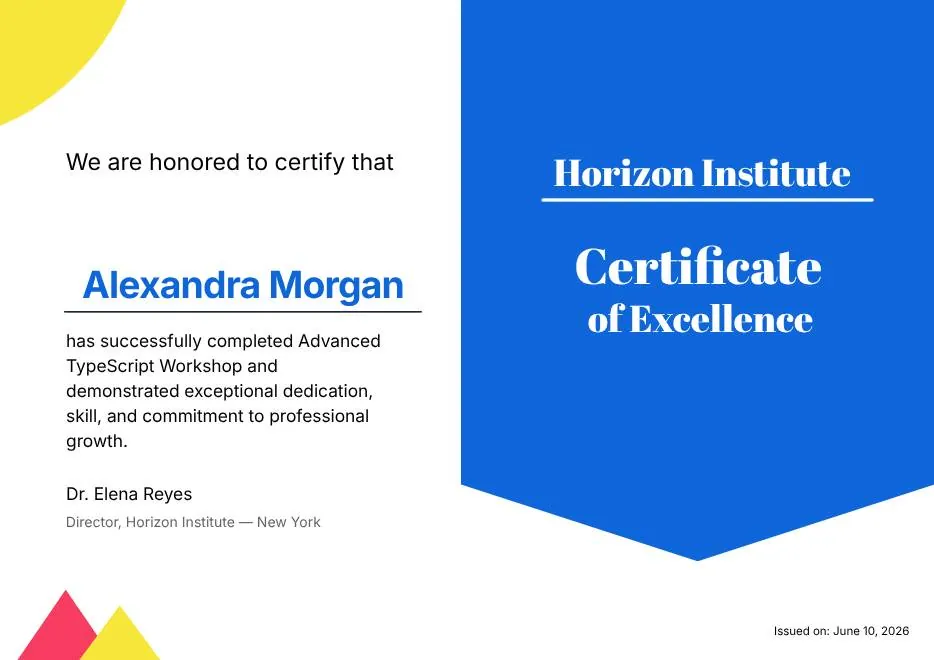
Blue and Yellow Modern Certificate of Excellence
Bold two-panel landscape design with a vivid blue banner and geometric accents for recognizing outstanding achievement.
-

Modern White and Green Certificate of Excellence
A clean, modern portrait template with bold green typography and geometric shapes for recognizing outstanding achievement.
-

Purple Playfun Kids Award Certificate
A vibrant, playful kids' award certificate in purple and pink with a cute cartoon girl illustration, ideal for school ceremonies.
Issue your first credential today
Open this template in the CertSeal editor, customize in minutes, and send verifiable certificates your recipients can share anywhere.