Certificate template
Fine Jewellery Certificate of Authenticity
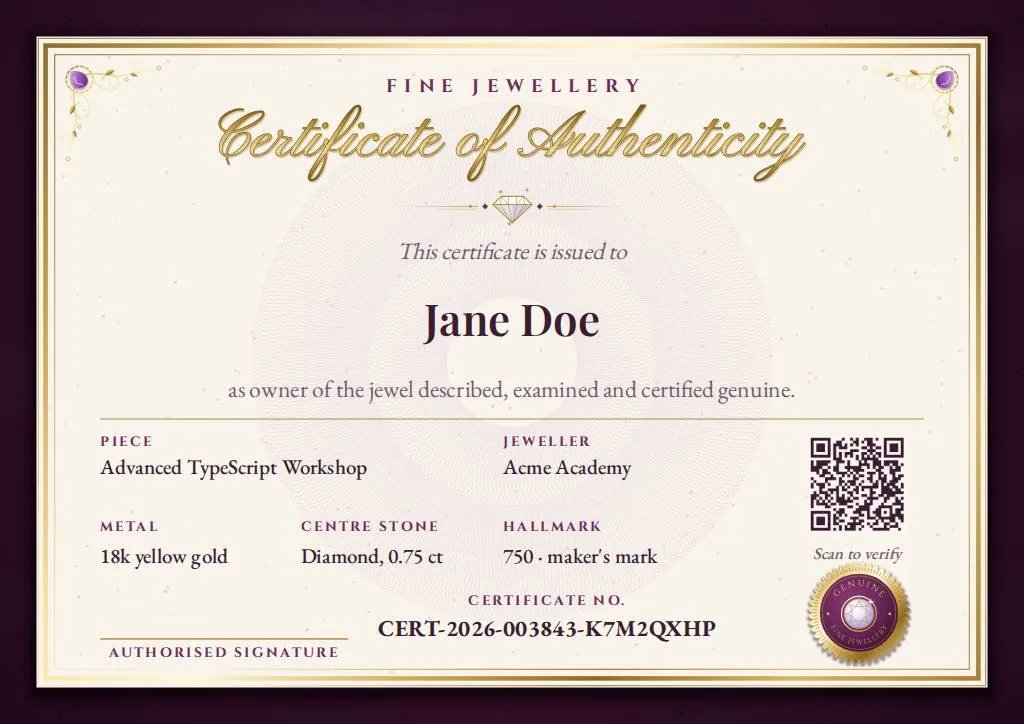
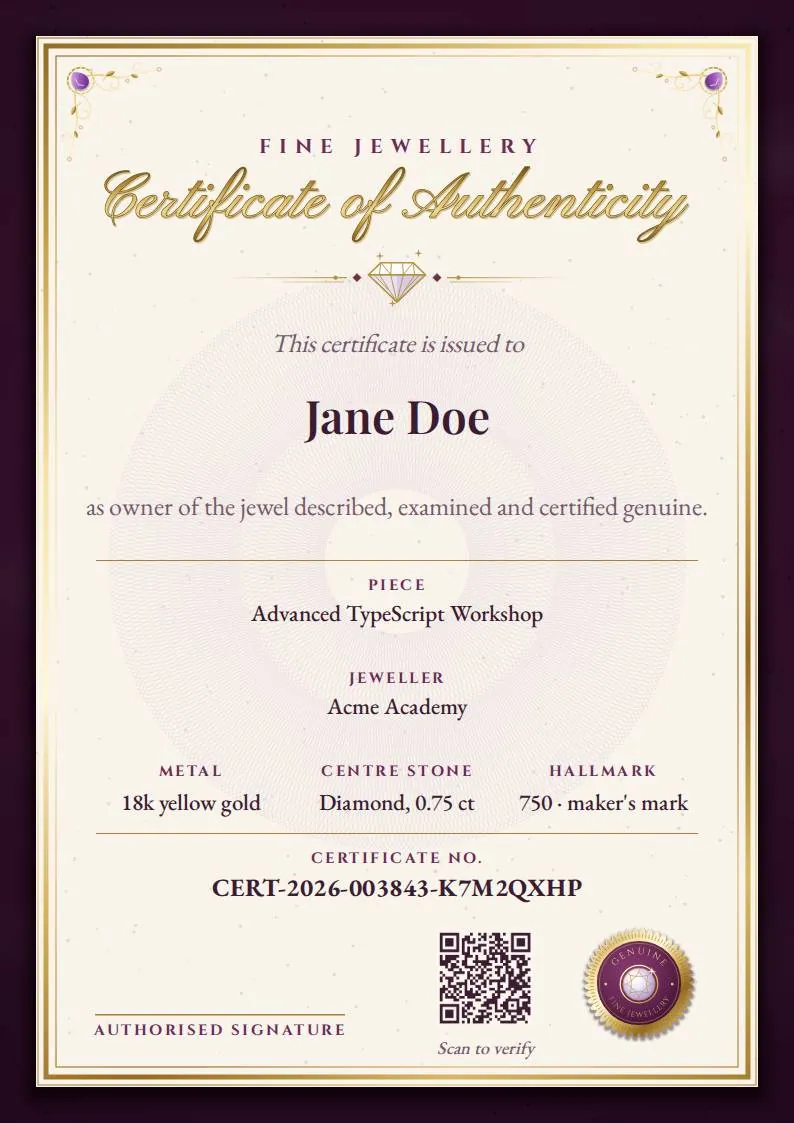
Ivory card on aubergine velvet with gold foil script, a brilliant-cut diamond and gem-set filigree corners.
Free to customize. Issue verifiable credentials with a CertSeal account.
About this template
When to reach for it
A luxurious certificate for jewellers, goldsmiths and boutiques. An ivory card with a faint guilloché watermark rests on aubergine velvet inside a gold foil double frame; filigree corners set with amethysts and seed pearls frame a foil script "Certificate of Authenticity" and a brilliant-cut diamond drawn in gold line.
The details read like a jeweller's report: the piece, the jeweller, metal, centre stone and hallmark, with the certificate number, a QR code to the verification page, an authorised signature and a gold rosette seal set with a diamond. Corners, divider and seal are separate layers.
Wording
What the certificate says
Every line of text on this template, top to bottom. Highlighted parts fill in for each recipient, and you can reword any line in the editor.
- FINE JEWELLERY
- This certificate is issued to
- Recipient name
- as owner of the jewel described, examined and certified genuine.
- PIECE · JEWELLER
- Course or achievement · Issued by
- METAL · CENTRE STONE · HALLMARK
- 18k yellow gold · Diamond, 0.75 ct · 750 · maker's mark · Scan to verify
- CERTIFICATE NO.
- Certificate ID
- AUTHORISED SIGNATURE
Typography
Fonts used in this template
Swap, mix, or replace any of these in the editor — every CertSeal template ships with 1,000+ Google Fonts plus your own brand uploads.
-
Font family
Cinzel
Cinzel
-
Font family
EB Garamond
EB Garamond
-
Font family
Playfair Display
Playfair Display
Color palette
Colors used in this template
The five most prominent colors sampled straight from the rendered design. Recolor any of them in the editor to match your brand.
-
#f8f4eb
-
#2a0c23
-
#d6c8ca
-
#41353e
-
#d6c49a
How to use it
From template to issued credential in four steps
- 01
Open the template
Click "Use this template" to open the Fine Jewellery Certificate of Authenticity in the CertSeal editor, or customize it free without signing up.
- 02
Fill in the details
- Recipient name
- Course or achievement
- Issued by
Type these in, or upload a spreadsheet to make one for every recipient.
- 03
Add your brand
Swap the Cinzel, EB Garamond and Playfair Display fonts and the colors, and add your logo.
- 04
Issue & verify
Generate PDFs and verifiable links your recipients can share anywhere. The QR code on this design opens each certificate's verification page. Each certificate is printed with its own ID.
More templates
You might also like
-
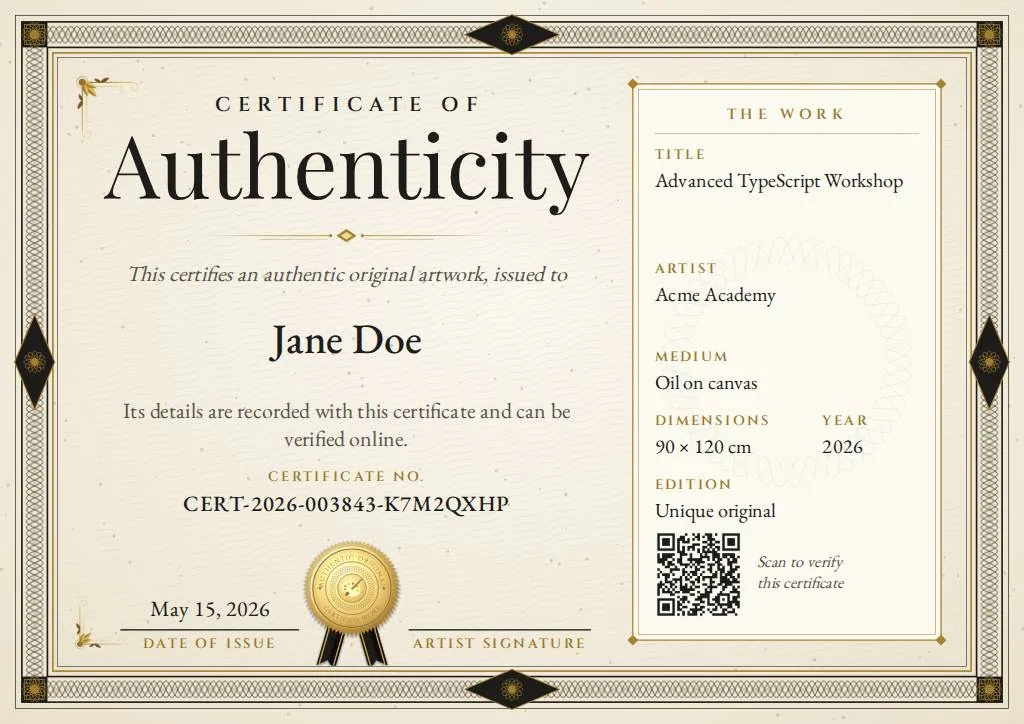
Ivory and Gold Gallery Classic Certificate of Authenticity
Ivory gallery certificate with a black guilloche border, a ledger of the work and an embossed gold seal.
-
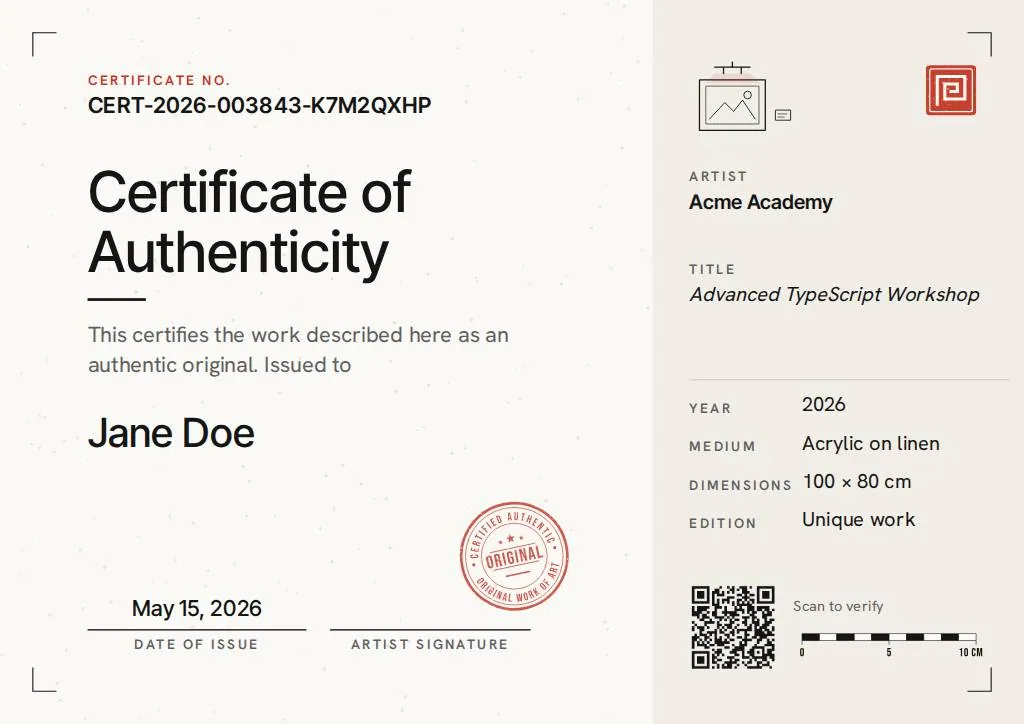
White Museum Label Certificate of Authenticity with Red Stamp
Minimal white certificate set like a museum wall label, with a red ink stamp and artist chop.
-
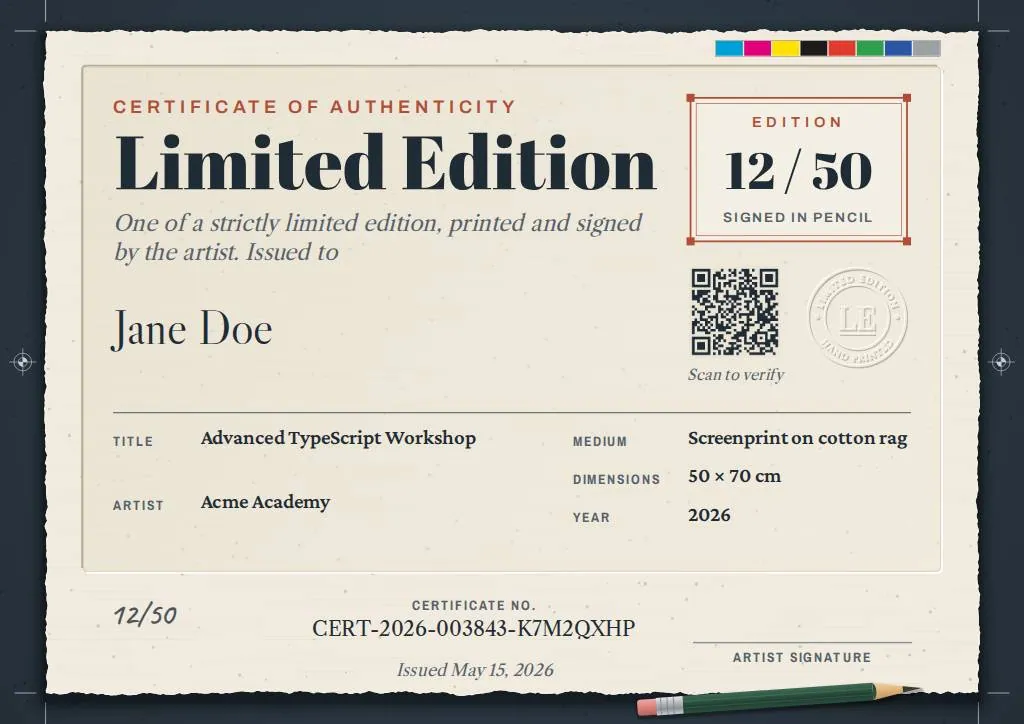
Deckled Limited Edition Print Certificate of Authenticity
Deckled cotton-rag print certificate with a plate mark, blind emboss and a large edition number.
-
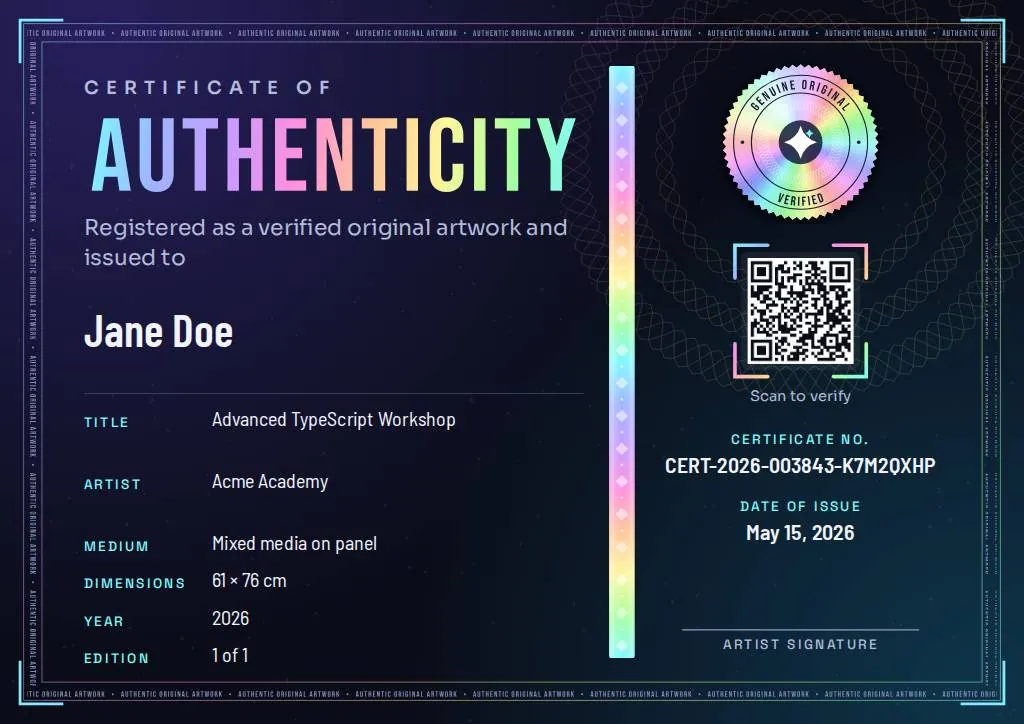
Black Holographic Foil Security Certificate of Authenticity
Dark security certificate with a holographic seal, a foil strip and a microtext border.
-
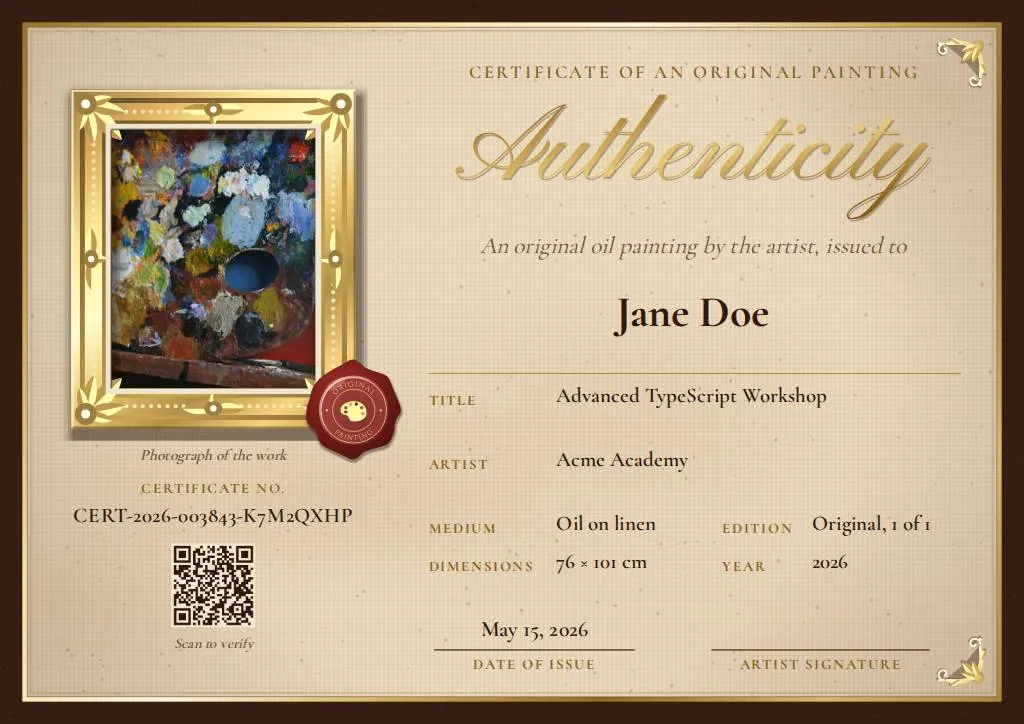
Gilded Frame Oil Painting Certificate of Authenticity
Warm canvas certificate with a gilded frame holding a photo of the painting and a wax seal.
-
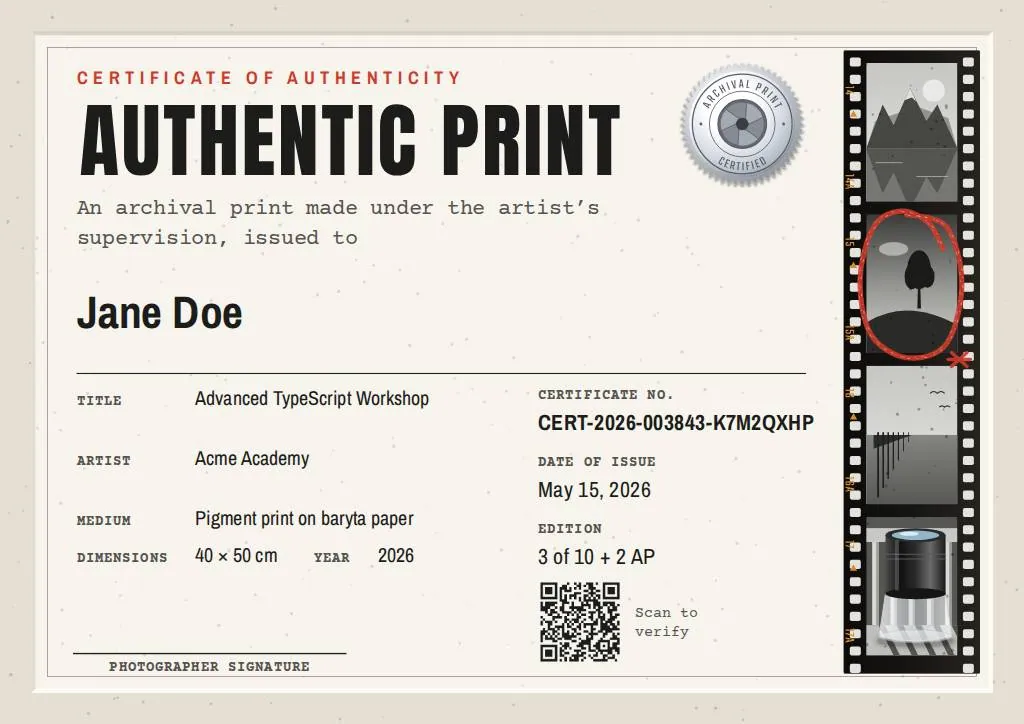
Archival Film Strip Photography Print Certificate of Authenticity
Matted archival certificate for photographs with a contact-print film strip, grease-pencil mark and loupe.
-
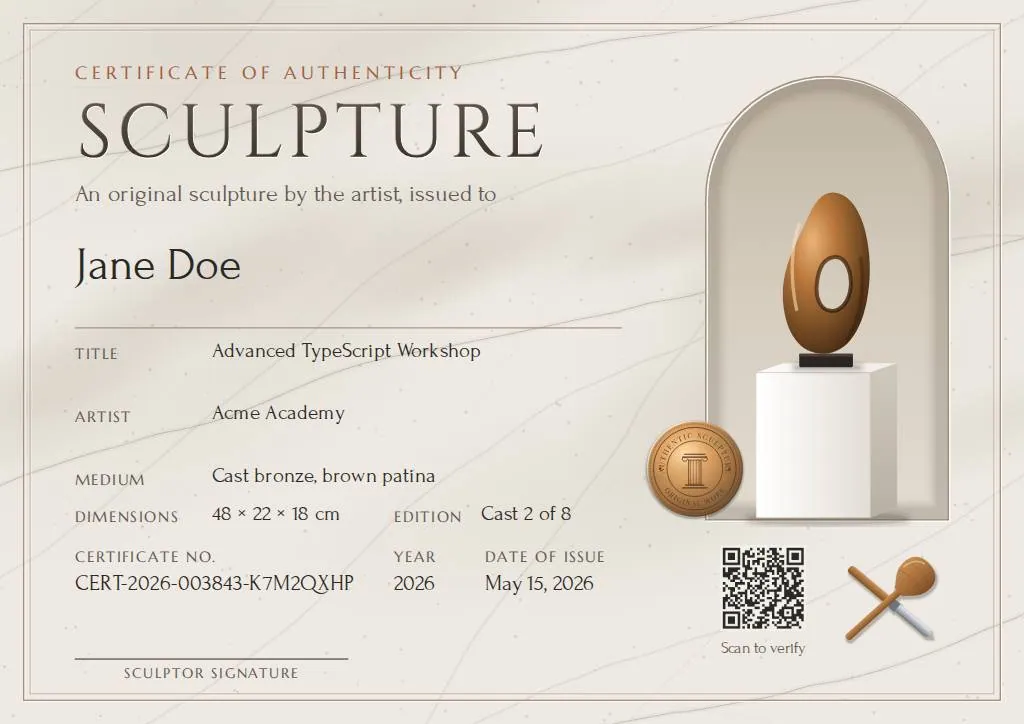
Marble and Bronze Sculpture Certificate of Authenticity
Veined marble certificate with a bronze form on a gallery plinth in an arched niche.
-
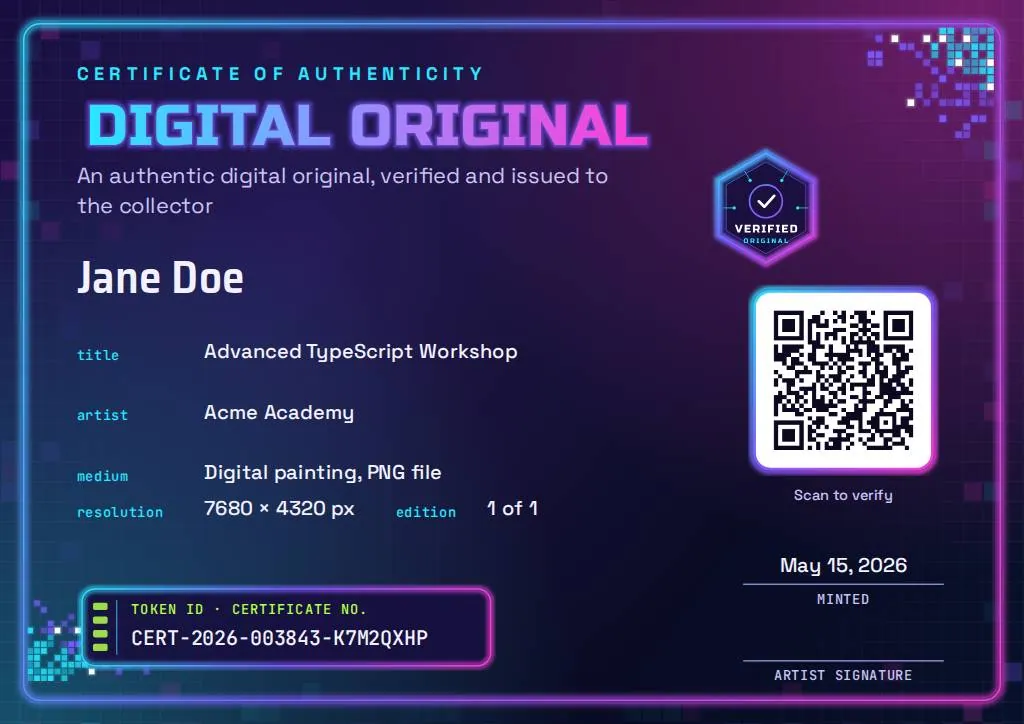
Neon Pixel Digital Art Certificate of Authenticity
Deep indigo certificate for digital work with neon gradients, a pixel grid, a token ID and a large QR.
Issue your first credential today
Open this template in the CertSeal editor, customize in minutes, and send verifiable certificates your recipients can share anywhere.