Certificate template
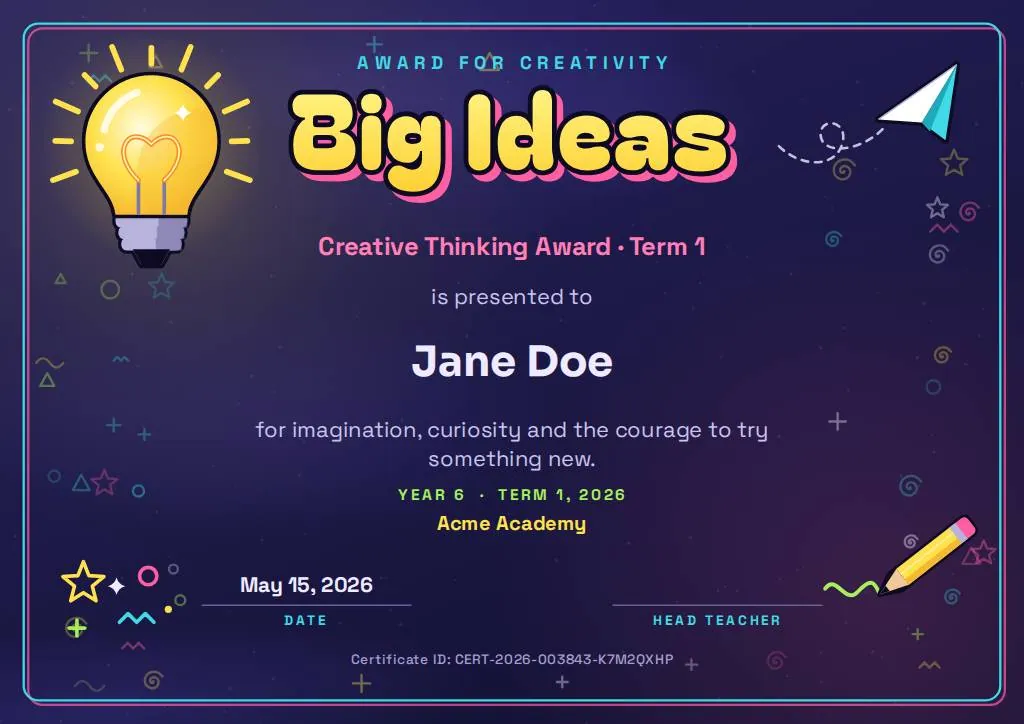
Neon Light Bulb Big Ideas Creativity Award Certificate
Ink-indigo creativity award with a glowing light bulb, paper plane, pencil and neon doodles.
Free to customize. Issue verifiable credentials with a CertSeal account.
About this template
When to reach for it
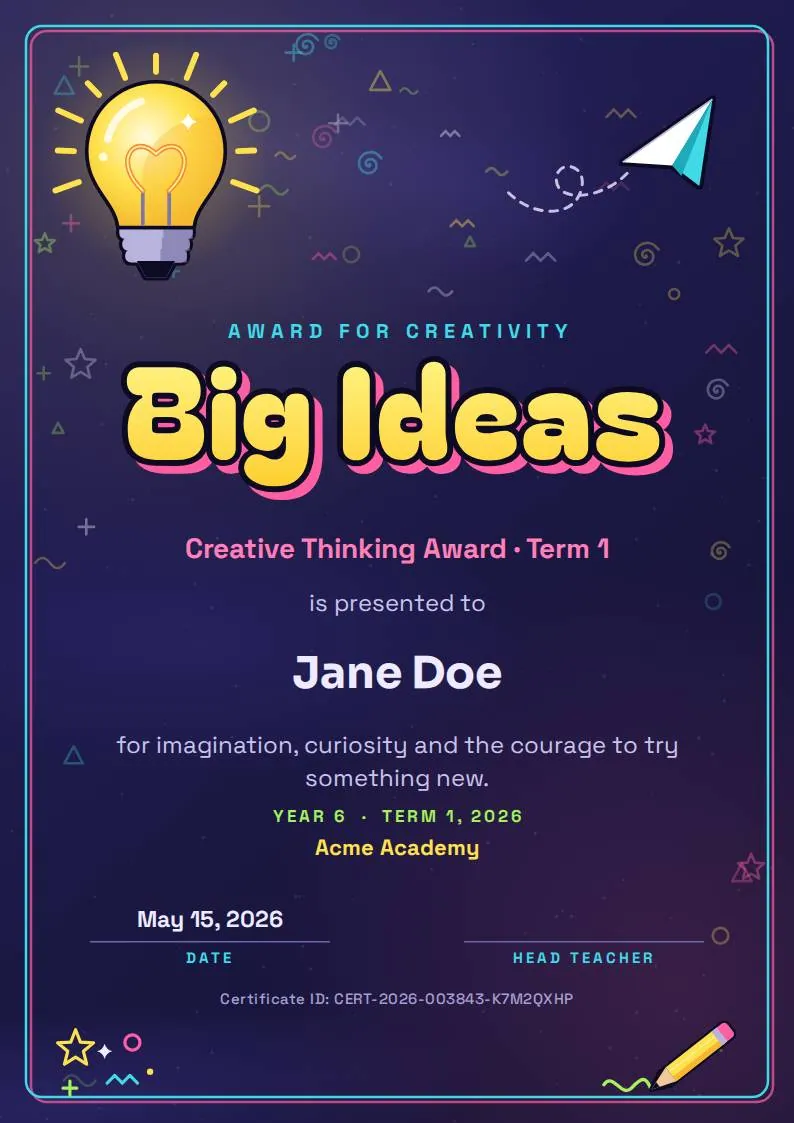
A vivid Creativity award for big thinkers, inventors, makers and storytellers. A glowing light bulb with a heart-shaped filament lights up the corner of an ink-indigo page scattered with neon doodles, while a paper plane loops overhead and a pencil scribbles a lime squiggle. "Big Ideas" is fat yellow lettering with a hot-pink offset shadow, inside a cyan and pink misregistered frame.
Neon sparks finish the look. The award line, year group and term are editable; the bulb, plane, pencil and sparks are separate layers.
Wording
What the certificate says
Every line of text on this template, top to bottom. Highlighted parts fill in for each recipient, and you can reword any line in the editor.
- AWARD FOR CREATIVITY
- Course or achievement
- is presented to
- Recipient name
- for imagination, curiosity and the courage to try something new.
- YEAR 6 · TERM 1, 2026
- Issued by
- Date
- DATE · HEAD TEACHER
- Certificate ID: Certificate ID
Typography
Fonts used in this template
Swap, mix, or replace any of these in the editor — every CertSeal template ships with 1,000+ Google Fonts plus your own brand uploads.
-
Font family
Sora
Sora
-
Font family
Space Grotesk
Space Grotesk
Color palette
Colors used in this template
The five most prominent colors sampled straight from the rendered design. Recolor any of them in the editor to match your brand.
-
#1c1846
-
#3a3564
-
#575c83
-
#665746
-
#ffe757
How to use it
From template to issued credential in four steps
- 01
Open the template
Click "Use this template" to open the Neon Light Bulb Big Ideas Creativity Award Certificate in the CertSeal editor, or customize it free without signing up.
- 02
Fill in the details
- Course or achievement
- Recipient name
- Issued by
- Date
Type these in, or upload a spreadsheet to make one for every recipient.
- 03
Add your brand
Swap the Sora and Space Grotesk fonts and the colors, and add your logo.
- 04
Issue & verify
Generate PDFs and verifiable links your recipients can share anywhere. Each certificate is printed with its own ID.
More templates
You might also like
-
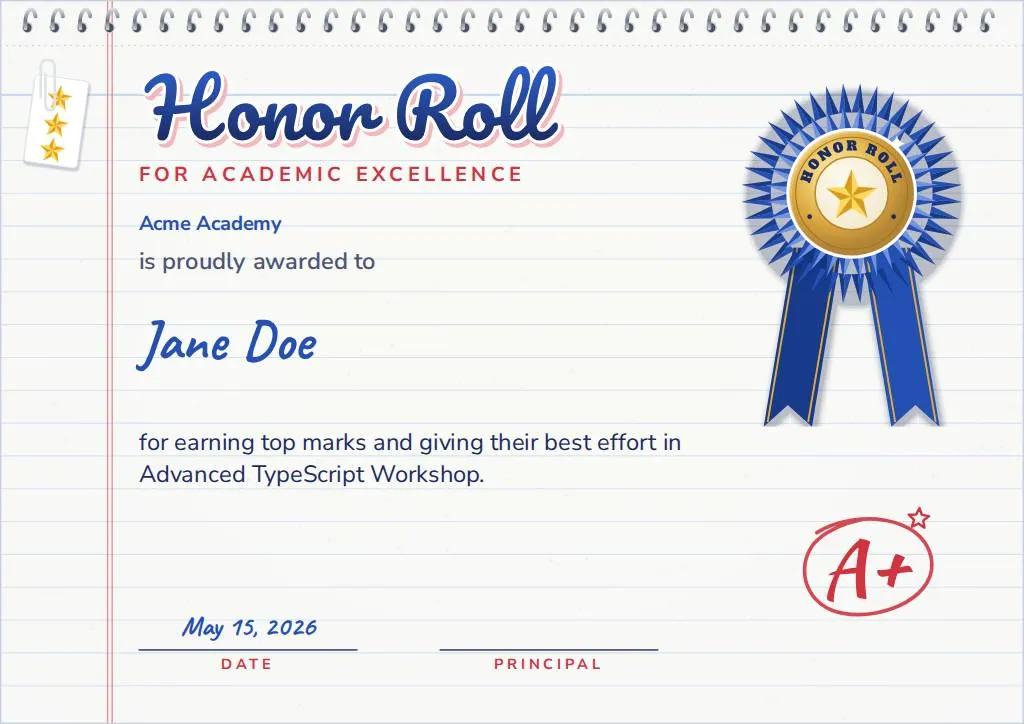
Notebook Paper Blue Ribbon Honor Roll Certificate
Spiral notebook page with a royal-blue Honor Roll rosette, gold stars and a red-pen A+.
-
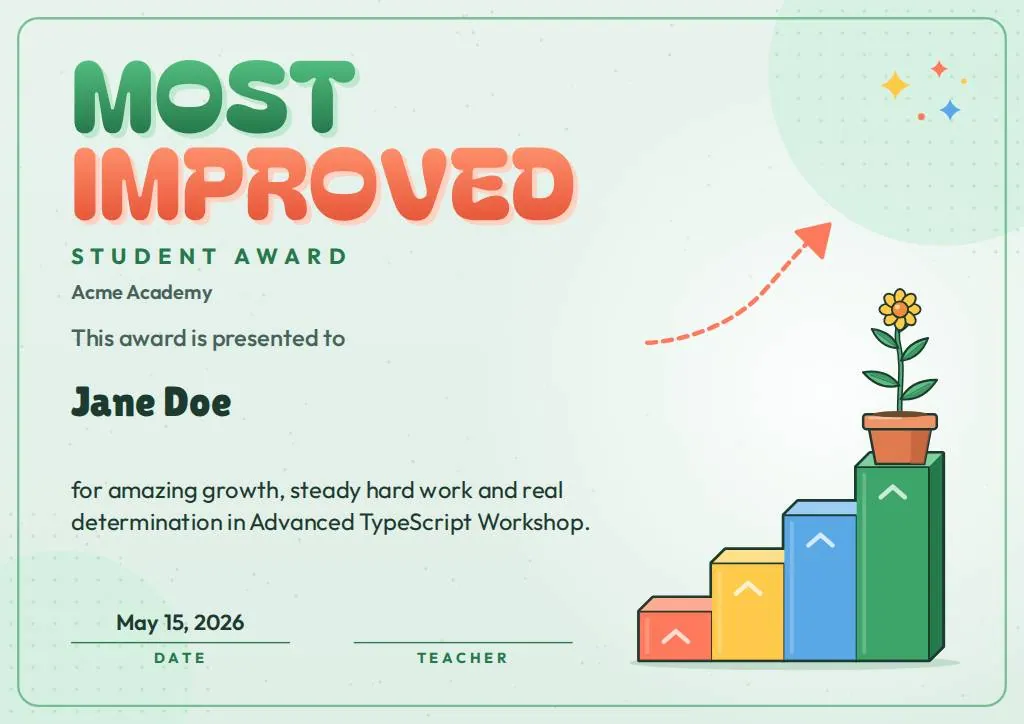
Mint Rising Steps Most Improved Student Certificate
Fresh mint certificate with colourful rising steps, a growing flower and a dashed up arrow.
-
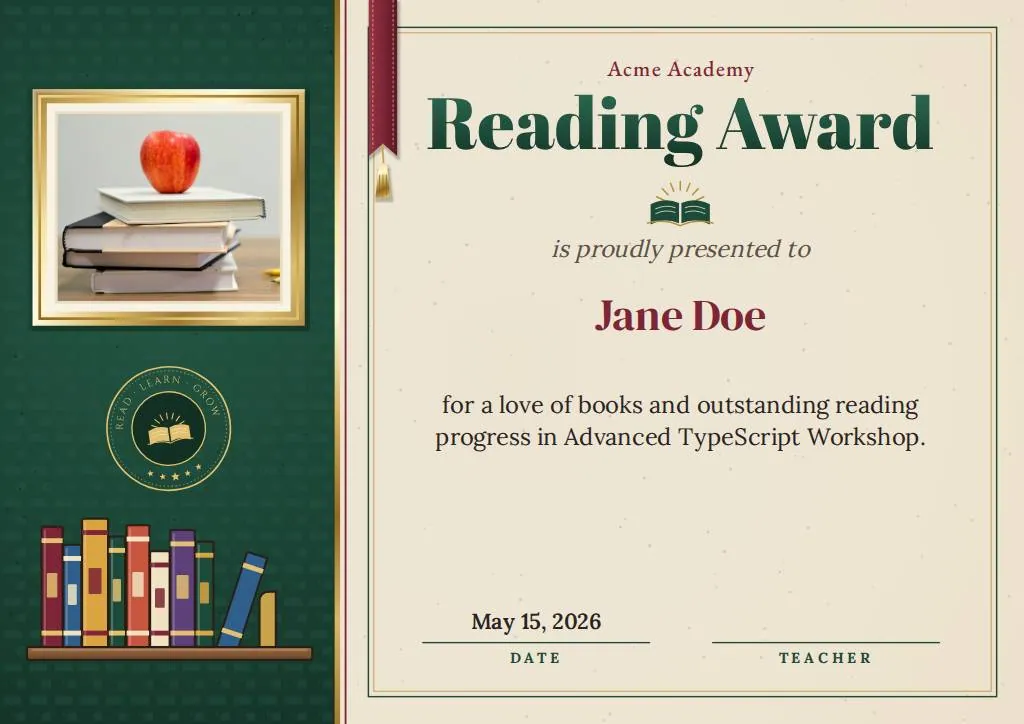
Library Green Bookplate Reading Award Certificate
Library-green bookplate with a gilt-framed photo of books and an apple, a bookshelf and a silk bookmark.
-
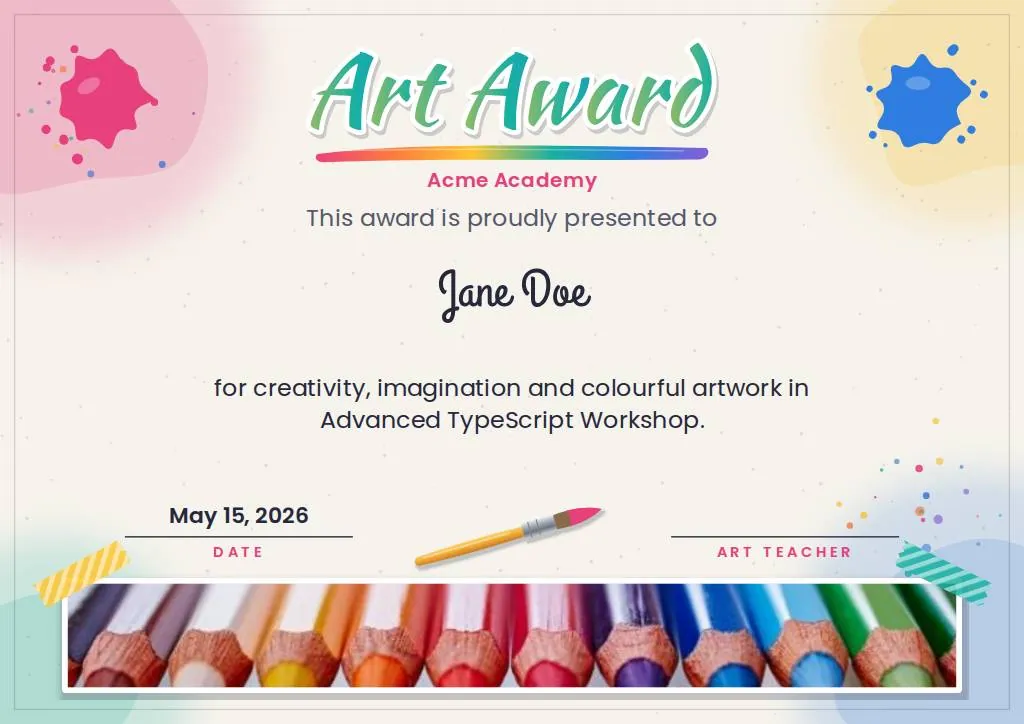
Watercolour and Coloured Pencil Art Award Certificate
Watercolour-paper art award with a taped photo of coloured pencils and paint splats.
-
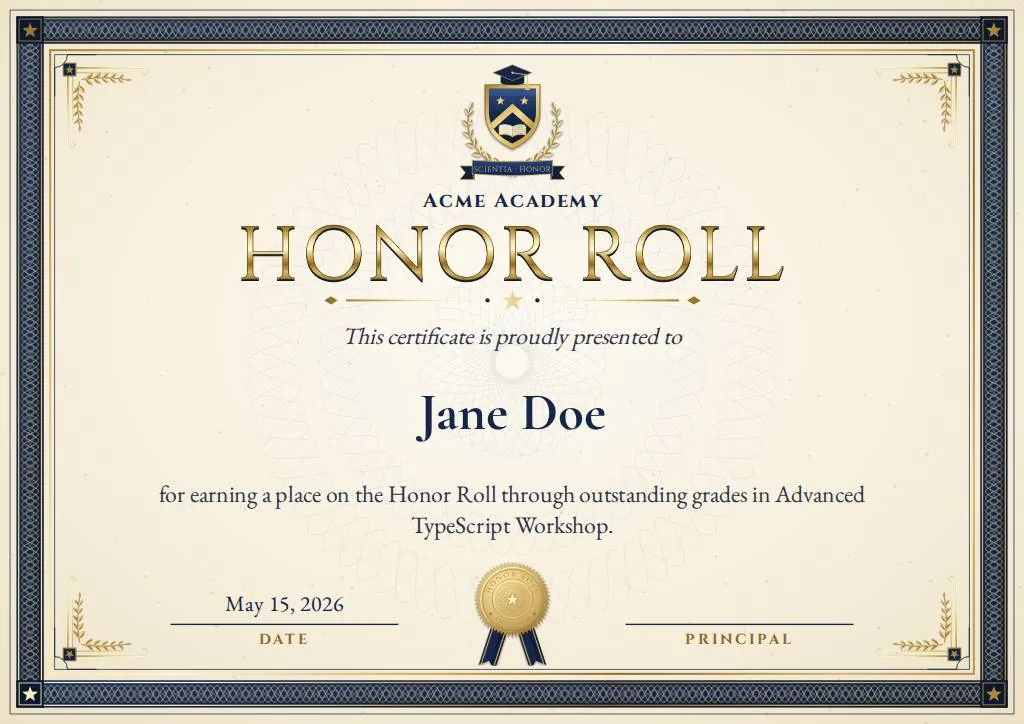
Navy and Gold Crest Honor Roll Certificate
Formal honor roll certificate in navy and gold with a school crest, foil lettering and a gold seal.
-
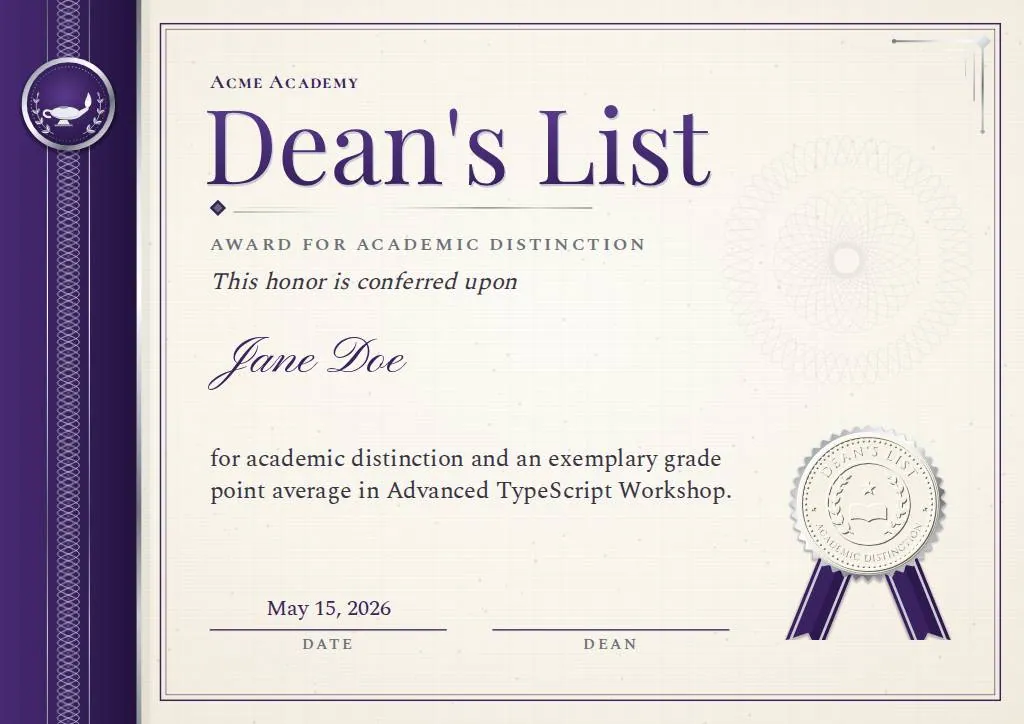
Royal Purple Dean's List Certificate with Embossed Seal
University-formal dean's list certificate on ivory laid paper with a purple band and an embossed seal.
-
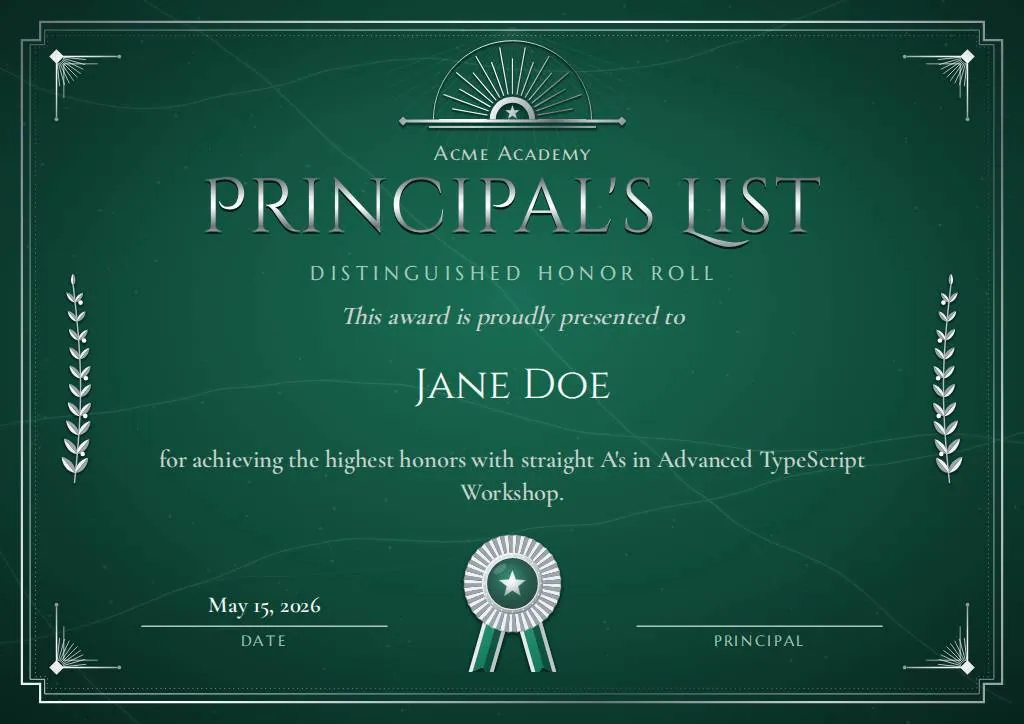
Emerald and Silver Principal's List Certificate
Distinguished honor roll certificate on deep emerald marble with silver deco frame, laurels and a rosette.
-
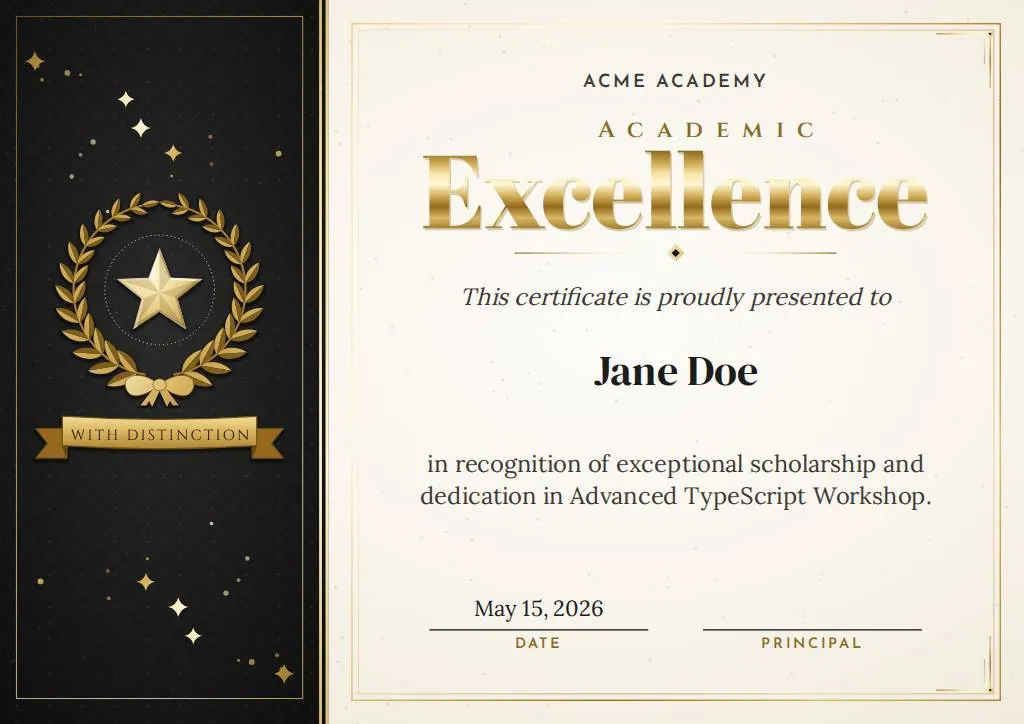
Black and Gold Laurel Academic Excellence Certificate
Academic excellence award with a black panel, a gold-foil laurel wreath and star, and foil lettering.
Issue your first credential today
Open this template in the CertSeal editor, customize in minutes, and send verifiable certificates your recipients can share anywhere.