Certificate template
Ivy Arch Alumni Association Scholarship Award
Alumni scholarship carved on a limestone arch in ivy-covered brick, with lanterns and a class ring.
Free to customize. Issue verifiable credentials with a CertSeal account.


About this template
When to reach for it
For alumni associations and old students' societies that give back to the next class. A limestone arch with voussoirs and a starred keystone is set into a warm brick wall; ivy trails from the top corners, wall lanterns glow on the piers and a gold class ring with a garnet stone rests between the signatures.
The headline is carved into the stone in claret. Below it come the scholar's name, the scholarship's name and an editable award amount, with the date and the alumni president's signature; the certificate number is cut into the step beneath the arch.
Wording
What the certificate says
Every line of text on this template, top to bottom. Highlighted parts fill in for each recipient, and you can reword any line in the editor.
- ALUMNI ASSOCIATION
- is proudly presented to
- Recipient name
- as the recipient of
- Course or achievement
- awarded by Issued by
- AWARD AMOUNT: $3,000
- Date
- DATE · ALUMNI PRESIDENT
- Certificate No. Certificate ID
Typography
Fonts used in this template
Swap, mix, or replace any of these in the editor — every CertSeal template ships with 1,000+ Google Fonts plus your own brand uploads.
-
Font family
Cinzel
Cinzel
-
Font family
Cormorant Garamond
Cormorant Garamond
-
Font family
EB Garamond
EB Garamond
Color palette
Colors used in this template
The five most prominent colors sampled straight from the rendered design. Recolor any of them in the editor to match your brand.
-
#f2ead9
-
#d8c8a7
-
#985946
-
#77271a
-
#b99788
How to use it
From template to issued credential in four steps
- 01
Open the template
Click "Use this template" to open the Ivy Arch Alumni Association Scholarship Award in the CertSeal editor, or customize it free without signing up.
- 02
Fill in the details
- Recipient name
- Course or achievement
- Issued by
- Date
Type these in, or upload a spreadsheet to make one for every recipient.
- 03
Add your brand
Swap the Cinzel, Cormorant Garamond and EB Garamond fonts and the colors, and add your logo.
- 04
Issue & verify
Generate PDFs and verifiable links your recipients can share anywhere. Each certificate is printed with its own ID.
More templates
You might also like
-

Owl and Books Academic Scholarship Award
Deep green academic scholarship with a spectacled owl on a stack of hardbacks and a green-gold rosette.
-

Maroon and Gold Varsity Pennant Student of the Month Certificate
School-spirit certificate in a knitted maroon border with felt pennants and a chenille star.
-
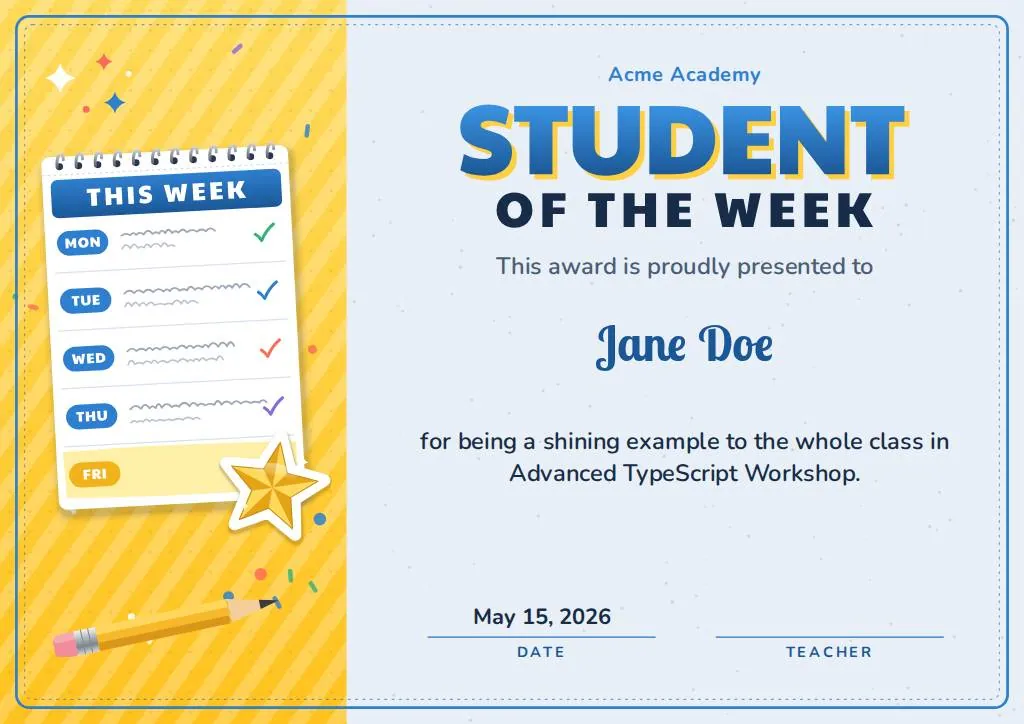
Sunshine Weekly Planner Student of the Week Certificate
Bright classroom certificate with a spiral weekly planner and a gold star sticker on Friday.
-
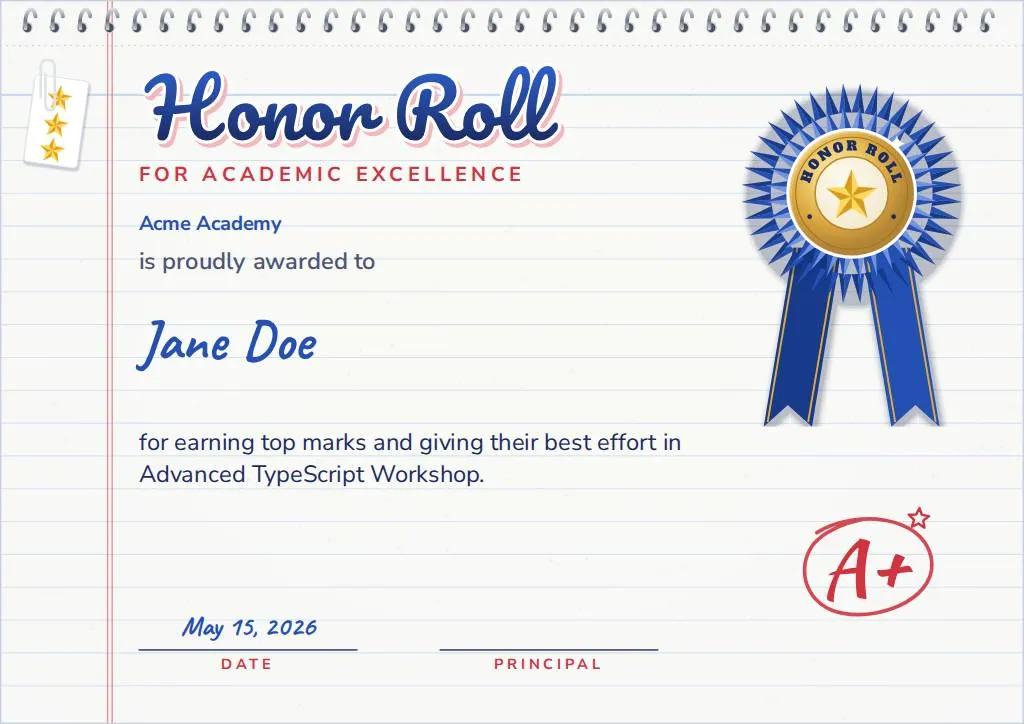
Notebook Paper Blue Ribbon Honor Roll Certificate
Spiral notebook page with a royal-blue Honor Roll rosette, gold stars and a red-pen A+.
-

Navy and Gold School Crest Principal’s Award Certificate
Semi-formal cream certificate in a navy and gold frame with a school crest and gold seal.
-
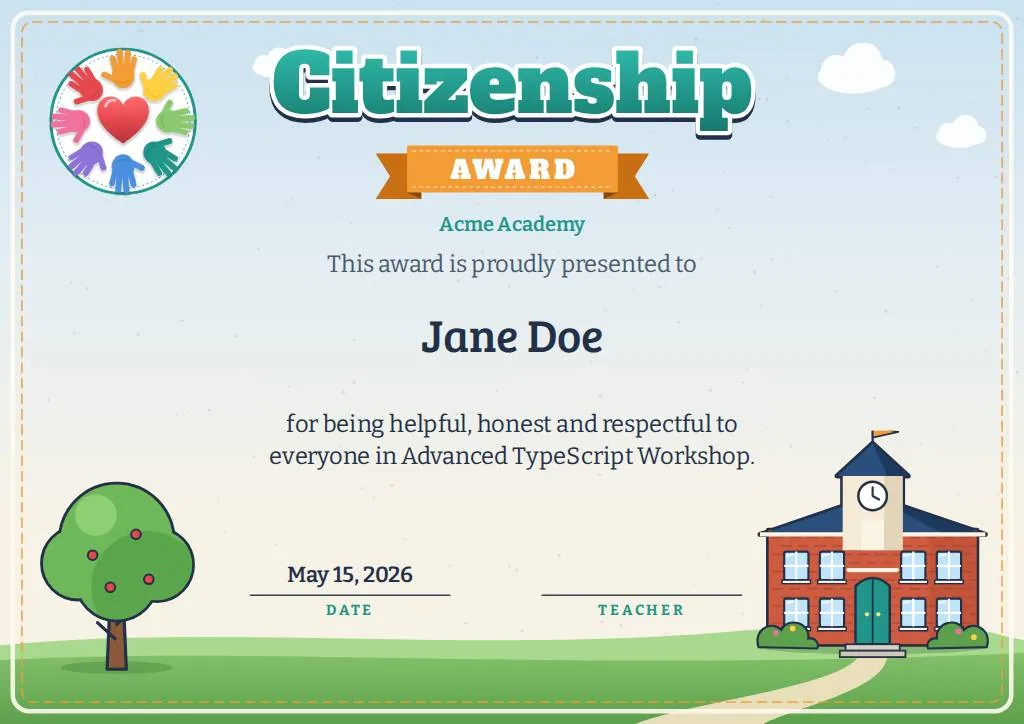
Helping Hands Schoolhouse Citizenship Award Certificate
Sunny schoolyard scene with a red-brick school, a handprint wreath and a teal headline.
-
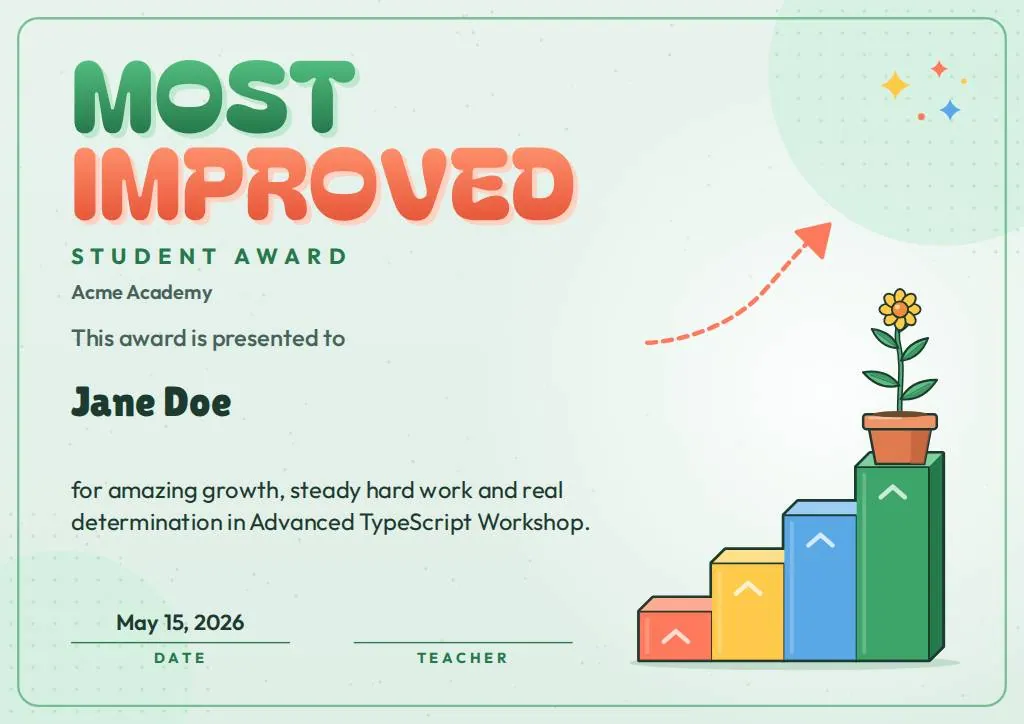
Mint Rising Steps Most Improved Student Certificate
Fresh mint certificate with colourful rising steps, a growing flower and a dashed up arrow.
-
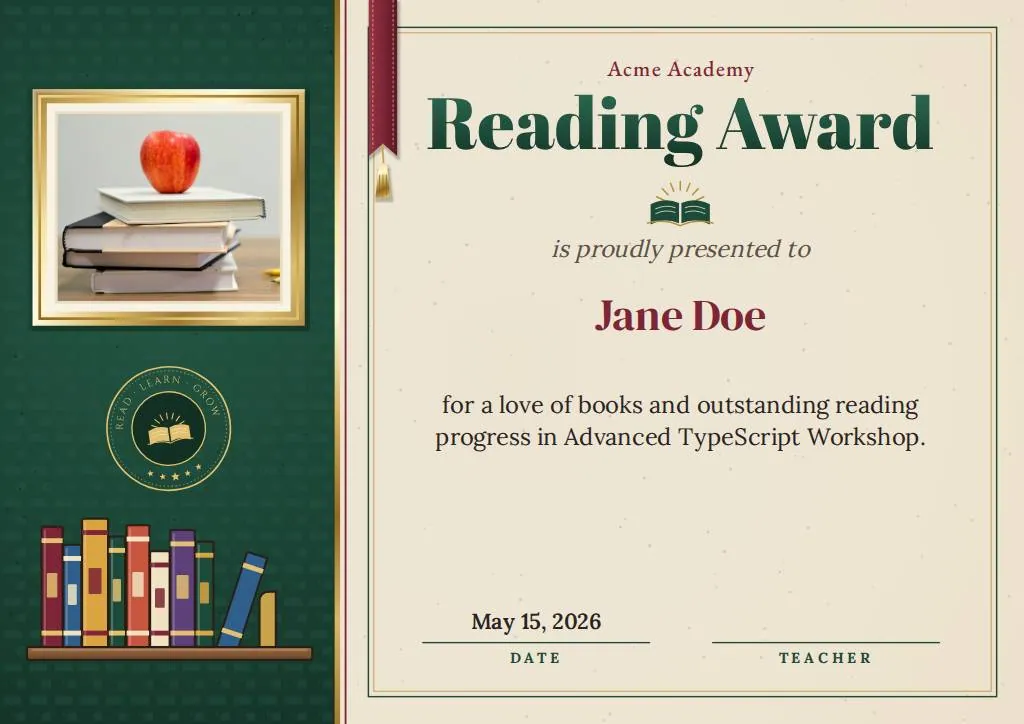
Library Green Bookplate Reading Award Certificate
Library-green bookplate with a gilt-framed photo of books and an apple, a bookshelf and a silk bookmark.
Issue your first credential today
Open this template in the CertSeal editor, customize in minutes, and send verifiable certificates your recipients can share anywhere.