Certificate template
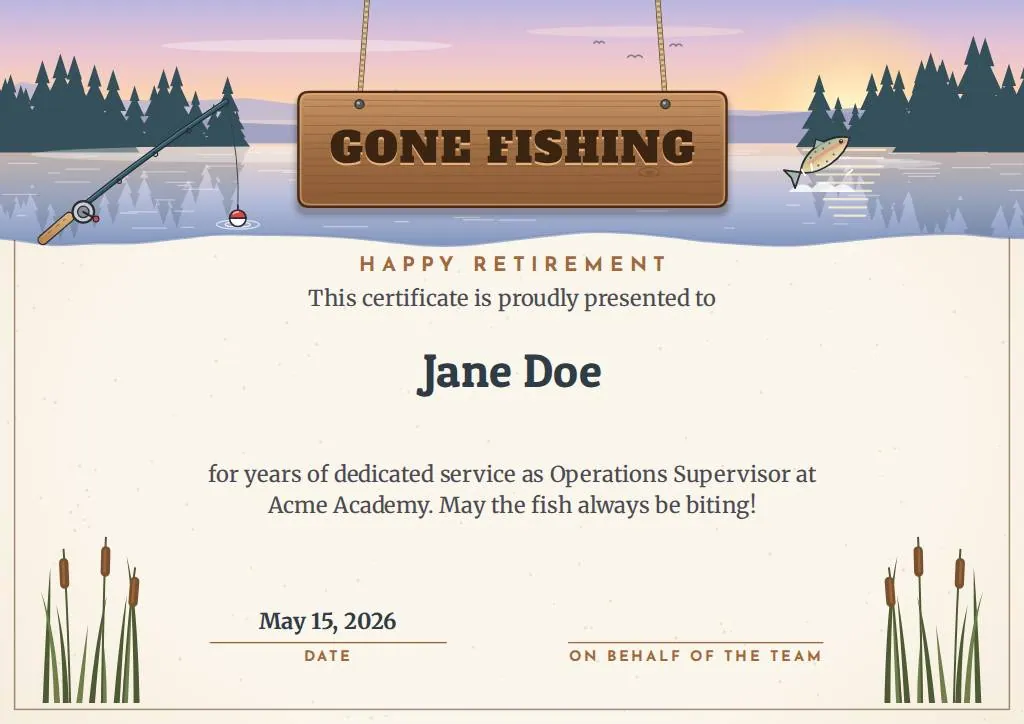
Gone Fishing Lake at Dawn Retirement Certificate
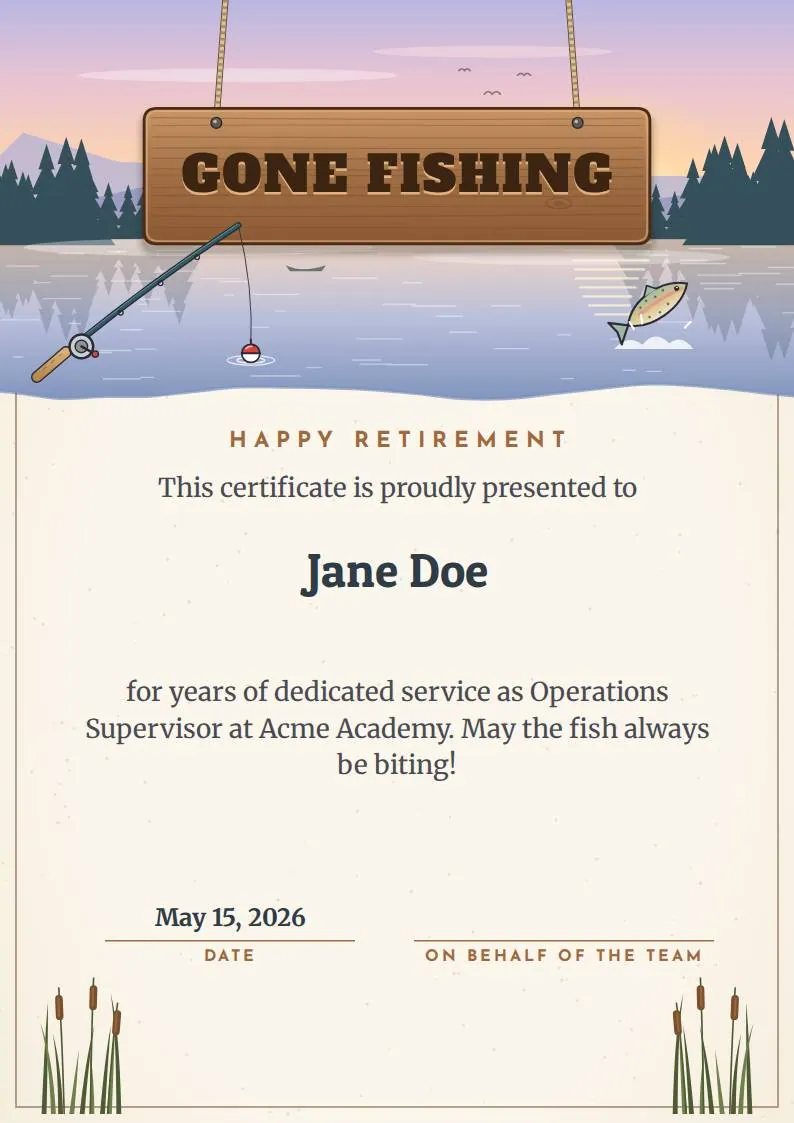
Retirement certificate with a misty lake at dawn, a hanging "Gone Fishing" sign, a rod and a bobber.
Free to customize. Issue verifiable credentials with a CertSeal account.
About this template
When to reach for it
A peaceful outdoor retirement certificate. Across the top, the sun rises over misty mountains and pine-lined shores, mirrored in a still lake, while a wooden "Gone Fishing" sign hangs on twisted ropes with the words burned into the grain. A rod leans out over the water to a red-and-white bobber, a trout leaps by the far shore, and cattails grow at the corners of the cream page.
For anglers trading the office for the dock. Everything below the sign is editable text, and the sign, rod, fish and reeds are separate layers.
Wording
What the certificate says
Every line of text on this template, top to bottom. Highlighted parts fill in for each recipient, and you can reword any line in the editor.
- HAPPY RETIREMENT
- This certificate is proudly presented to
- Recipient name
- for years of dedicated service as Course or achievement at Issued by. May the fish always be biting!
- Date
- DATE · ON BEHALF OF THE TEAM
Typography
Fonts used in this template
Swap, mix, or replace any of these in the editor — every CertSeal template ships with 1,000+ Google Fonts plus your own brand uploads.
-
Font family
Josefin Sans
Josefin Sans
-
Font family
Merriweather
Merriweather
-
Font family
Patua One
Patua One
Color palette
Colors used in this template
The five most prominent colors sampled straight from the rendered design. Recolor any of them in the editor to match your brand.
-
#faf6eb
-
#e5c5d5
-
#98a7ca
-
#8b5d39
-
#b98659
How to use it
From template to issued credential in four steps
- 01
Open the template
Click "Use this template" to open the Gone Fishing Lake at Dawn Retirement Certificate in the CertSeal editor, or customize it free without signing up.
- 02
Fill in the details
- Recipient name
- Course or achievement
- Issued by
- Date
Type these in, or upload a spreadsheet to make one for every recipient.
- 03
Add your brand
Swap the Josefin Sans, Merriweather and Patua One fonts and the colors, and add your logo.
- 04
Issue & verify
Generate PDFs and verifiable links your recipients can share anywhere.
More templates
You might also like
-

Navy and Gold Ornate Retirement Certificate
Formal navy and gold retirement certificate with an ornate frame, gold filigree and a rosette seal.
-

Beach Sunset Hammock Happy Retirement Certificate
Warm "Happy Retirement" certificate with a beach sunset, palm trees, a hammock and a tropical drink.
-
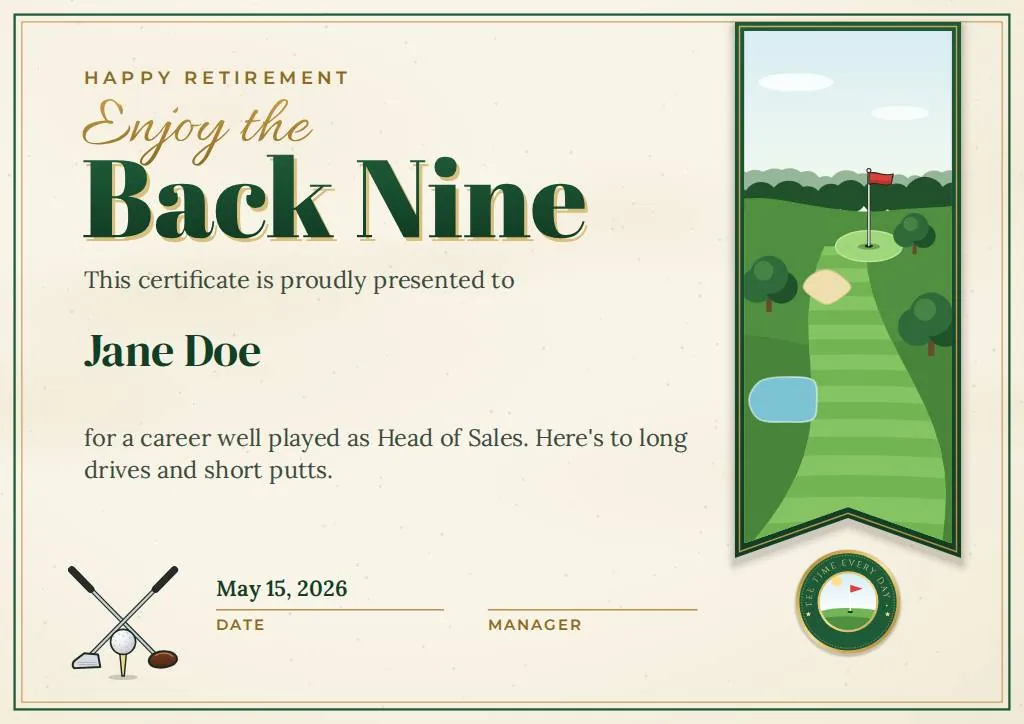
Back Nine Golf Retirement Certificate
Golf retirement certificate with a fairway pennant, a flag pin, crossed clubs and "Enjoy the Back Nine".
-
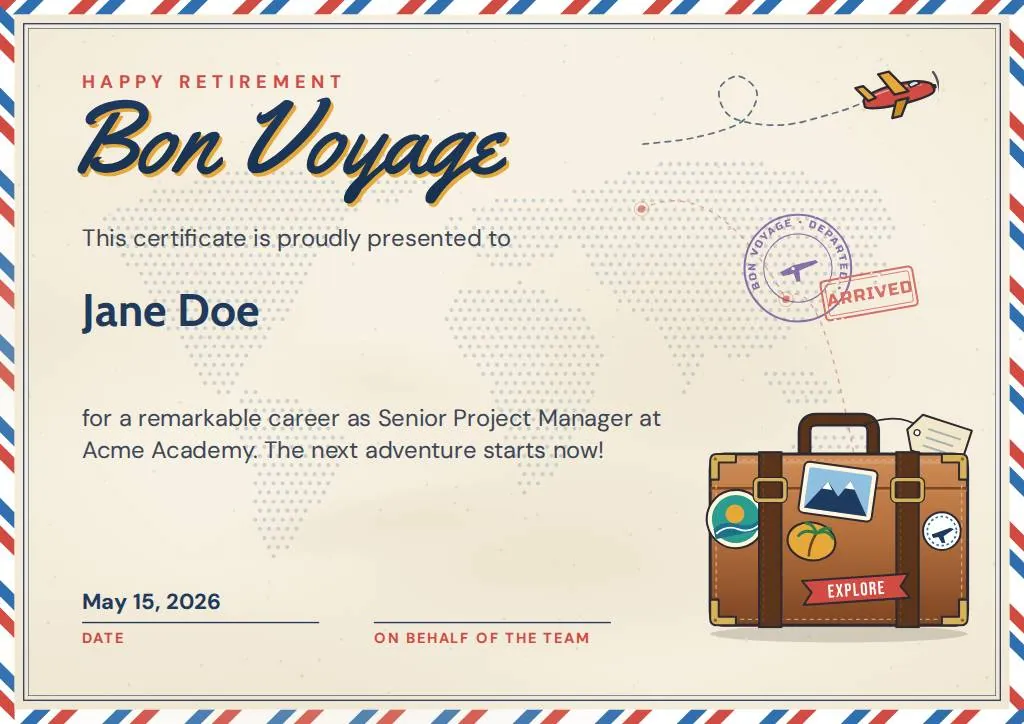
Bon Voyage Travel Retirement Certificate
Airmail-bordered travel retirement certificate with a dotted world map, a stickered suitcase and a plane.
-

Porch Garden Rocking Chair Retirement Certificate
Soft sage retirement certificate with a porch, a rocking chair, potted flowers and a watering can.
-

Class Dismissed Teacher Retirement Certificate
Teacher retirement certificate with a "Class Dismissed!" chalkboard, a pencil frame, books and an apple.
-

Heart and Pulse Healthcare Retirement Certificate
Soft blue healthcare retirement certificate with a glossy heart, a pulse line and "A Career of Caring".
-

Officially Retired Rubber Stamp Kraft Certificate
Humorous kraft-folder retirement certificate with an "Officially Retired" stamp, typed fields and a sticky note.
Issue your first credential today
Open this template in the CertSeal editor, customize in minutes, and send verifiable certificates your recipients can share anywhere.