Certificate template
Employer-Sponsored Corporate Scholarship Certificate
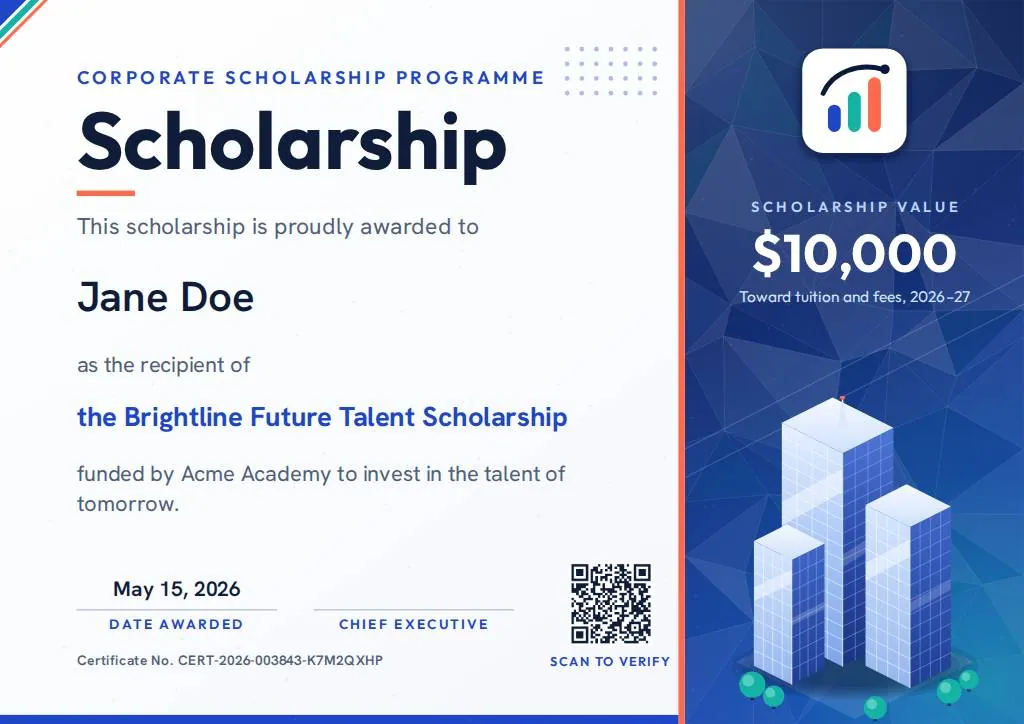
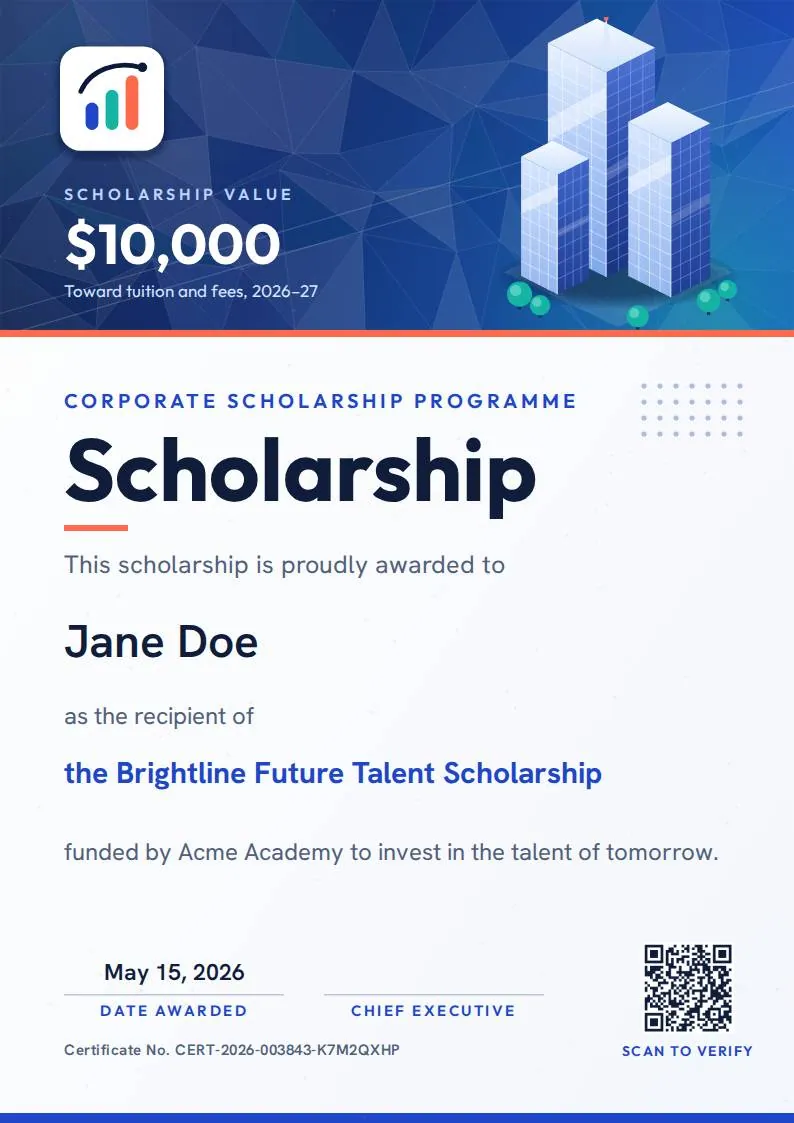
Corporate scholarship with a cobalt glass-tower panel, a swappable logo tile and a QR code.
Free to customize. Issue verifiable credentials with a CertSeal account.
About this template
When to reach for it
For companies that fund scholarships for employees, their families or future talent. A crisp white sheet meets a navy-to-cobalt panel of glass facets with isometric office towers, a coral edge and corner stripes in the brand colours; the sponsor mark on the white tile is a placeholder to replace with your own logo.
The headline and every line of text are editable, so the certificate can take your brand font and colours. The scholarship name sits under the scholar's name, the award value is set large in the panel, and the date, a signature for the chief executive, the certificate number and a QR code for verification sit along the foot.
Wording
What the certificate says
Every line of text on this template, top to bottom. Highlighted parts fill in for each recipient, and you can reword any line in the editor.
- CORPORATE SCHOLARSHIP PROGRAMME
- Scholarship
- This scholarship is proudly awarded to
- Recipient name
- SCHOLARSHIP VALUE
- $10,000
- Toward tuition and fees, 2026–27
- as the recipient of
- Course or achievement
- funded by Issued by to invest in the talent of tomorrow.
- Date
- DATE AWARDED · CHIEF EXECUTIVE
- Certificate No. Certificate ID · SCAN TO VERIFY
Typography
Fonts used in this template
Swap, mix, or replace any of these in the editor — every CertSeal template ships with 1,000+ Google Fonts plus your own brand uploads.
-
Font family
Hanken Grotesk
Hanken Grotesk
-
Font family
Outfit
Outfit
Color palette
Colors used in this template
The five most prominent colors sampled straight from the rendered design. Recolor any of them in the editor to match your brand.
-
#f9fafd
-
#284687
-
#738cdc
-
#d7dbe3
-
#2569b7
How to use it
From template to issued credential in four steps
- 01
Open the template
Click "Use this template" to open the Employer-Sponsored Corporate Scholarship Certificate in the CertSeal editor, or customize it free without signing up.
- 02
Fill in the details
- Recipient name
- Course or achievement
- Issued by
- Date
Type these in, or upload a spreadsheet to make one for every recipient.
- 03
Add your brand
Swap the Hanken Grotesk and Outfit fonts and the colors, and add your logo.
- 04
Issue & verify
Generate PDFs and verifiable links your recipients can share anywhere. The QR code on this design opens each certificate's verification page. Each certificate is printed with its own ID.
More templates
You might also like
-

Navy Laurel Scholarship Award
Deep navy scholarship award with gold foil lettering, a laurel crest and a scalloped foil seal.
-
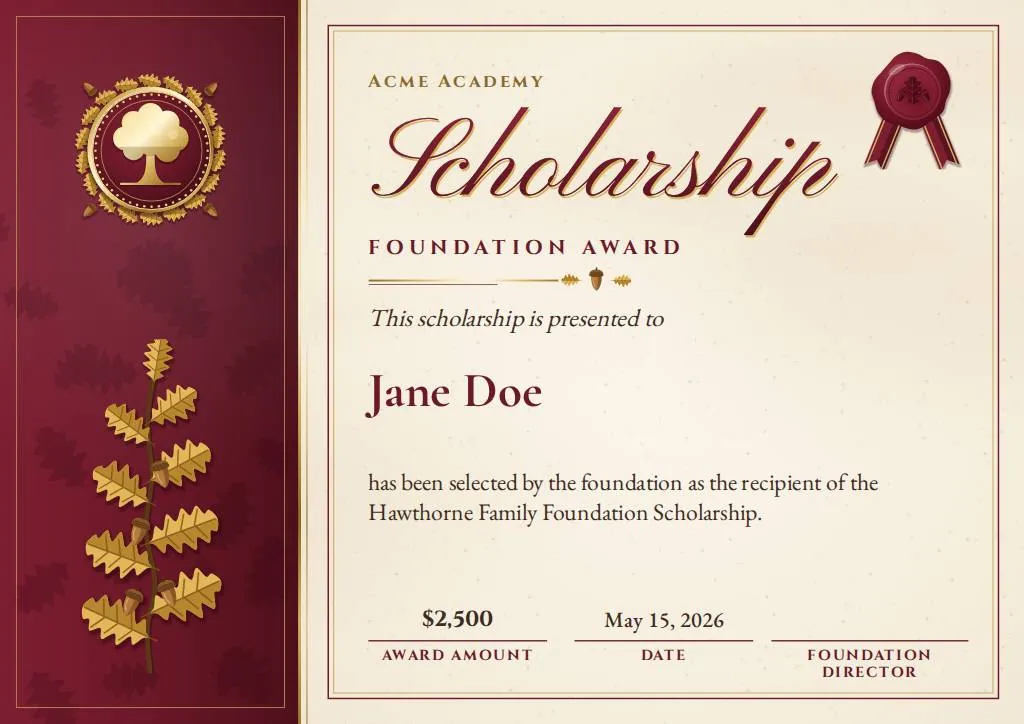
Oak Foundation Scholarship Certificate
Burgundy and cream foundation scholarship with an oak-tree medallion, gold oak leaves and a wax seal.
-

Lily Memorial Scholarship Certificate
Soft grey and silver memorial scholarship with white lilies, an arched panel and an "In memory of" line.
-
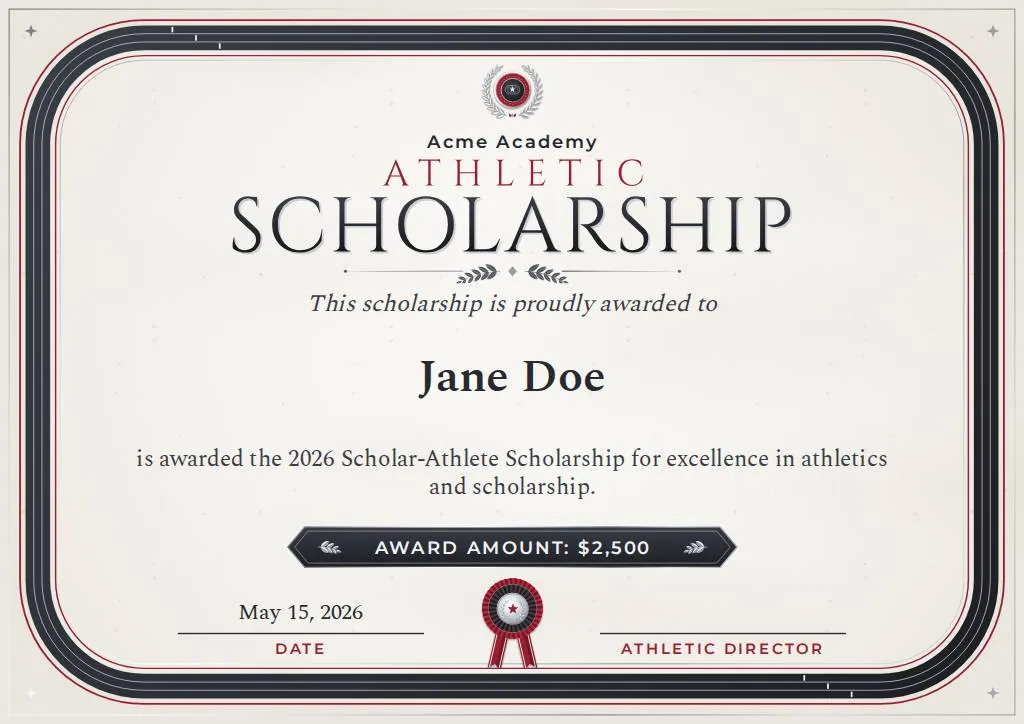
Stadium Athletic Scholarship Award
Formal athletic scholarship framed by a charcoal running track, with a platinum laurel medallion and a crimson rosette.
-

Violin Music and Arts Scholarship Award
Plum velvet music and arts scholarship with a gold violin scroll, golden staves and a treble-clef seal.
-

Hexagon STEM Scholarship Award
Indigo STEM scholarship with a hexagon lattice, an orbit emblem on a dial and a hexagonal silver seal.
-

Hands and Heart Community Service Scholarship
Warm terracotta community service scholarship with hands holding a heart, sage sprigs and a heart rosette.
-

Torch Leadership Scholarship Award
Black and gold leadership scholarship with a lit ceremonial torch in an arched niche and an Art Deco seal.
Issue your first credential today
Open this template in the CertSeal editor, customize in minutes, and send verifiable certificates your recipients can share anywhere.