Certificate template
Stadium Athletic Scholarship Award
Formal athletic scholarship framed by a charcoal running track, with a platinum laurel medallion and a crimson rosette.
Free to customize. Issue verifiable credentials with a CertSeal account.


About this template
When to reach for it
A formal award for student athletes: pale stone paper framed by a charcoal running track with stadium-curved corners, platinum lane lines, staggered start marks and crimson keylines. A platinum laurel medallion with a track oval and star crowns the page, and a crimson-and-charcoal rosette sits between the signatures.
"Athletic Scholarship" is set in engraved Roman capitals in charcoal and crimson, and the award amount sits on a charcoal plaque. Dignified enough for a signing day or awards evening, with no team logos or sports clip art.
Wording
What the certificate says
Every line of text on this template, top to bottom. Highlighted parts fill in for each recipient, and you can reword any line in the editor.
- Issued by
- This scholarship is proudly awarded to
- Recipient name
- is awarded the Course or achievement for excellence in athletics and scholarship.
- Award amount: $2,500
- Date
- DATE · ATHLETIC DIRECTOR
Typography
Fonts used in this template
Swap, mix, or replace any of these in the editor — every CertSeal template ships with 1,000+ Google Fonts plus your own brand uploads.
-
Font family
Montserrat
Montserrat
-
Font family
Spectral
Spectral
Color palette
Colors used in this template
The five most prominent colors sampled straight from the rendered design. Recolor any of them in the editor to match your brand.
-
#f3f2ee
-
#c9c8c7
-
#373c44
-
#898485
-
#5b575a
How to use it
From template to issued credential in four steps
- 01
Open the template
Click "Use this template" to open the Stadium Athletic Scholarship Award in the CertSeal editor, or customize it free without signing up.
- 02
Fill in the details
- Issued by
- Recipient name
- Course or achievement
- Date
Type these in, or upload a spreadsheet to make one for every recipient.
- 03
Add your brand
Swap the Montserrat and Spectral fonts and the colors, and add your logo.
- 04
Issue & verify
Generate PDFs and verifiable links your recipients can share anywhere.
More templates
You might also like
-

Navy Laurel Scholarship Award
Deep navy scholarship award with gold foil lettering, a laurel crest and a scalloped foil seal.
-

Violin Music and Arts Scholarship Award
Plum velvet music and arts scholarship with a gold violin scroll, golden staves and a treble-clef seal.
-

Hexagon STEM Scholarship Award
Indigo STEM scholarship with a hexagon lattice, an orbit emblem on a dial and a hexagonal silver seal.
-
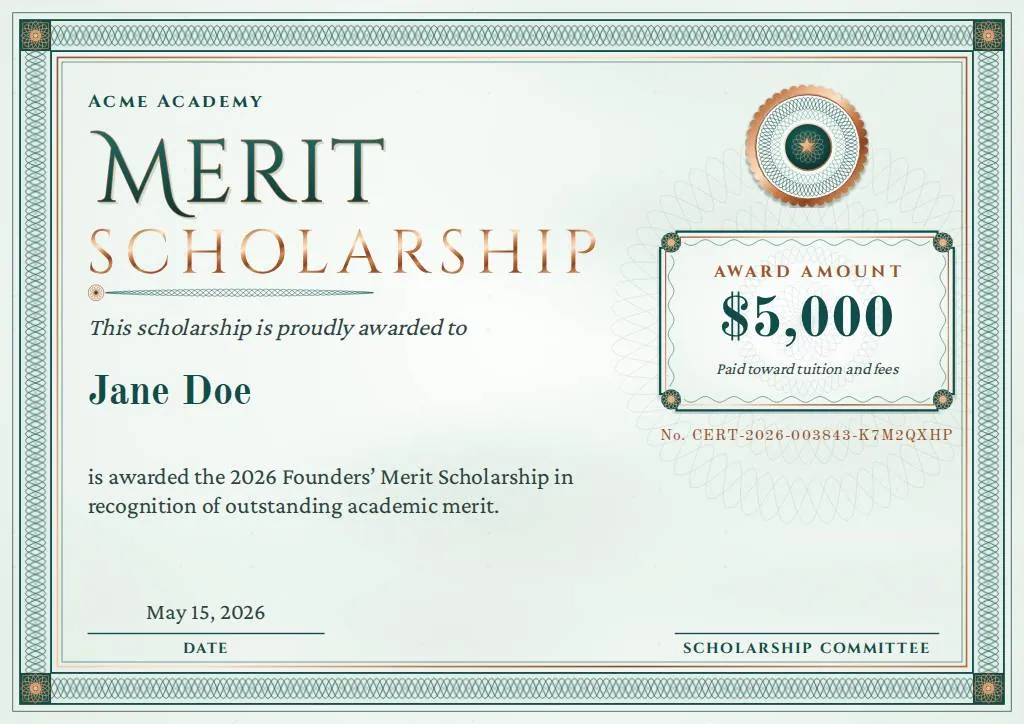
Guilloche Merit Scholarship Award
Teal and copper merit scholarship on guilloche bond paper with a prominent award-amount panel and serial number.
-

Gradient Cap Scholarship Award
Vivid indigo-to-coral mesh gradient with a glossy 3D mortarboard and a clean white card.
-
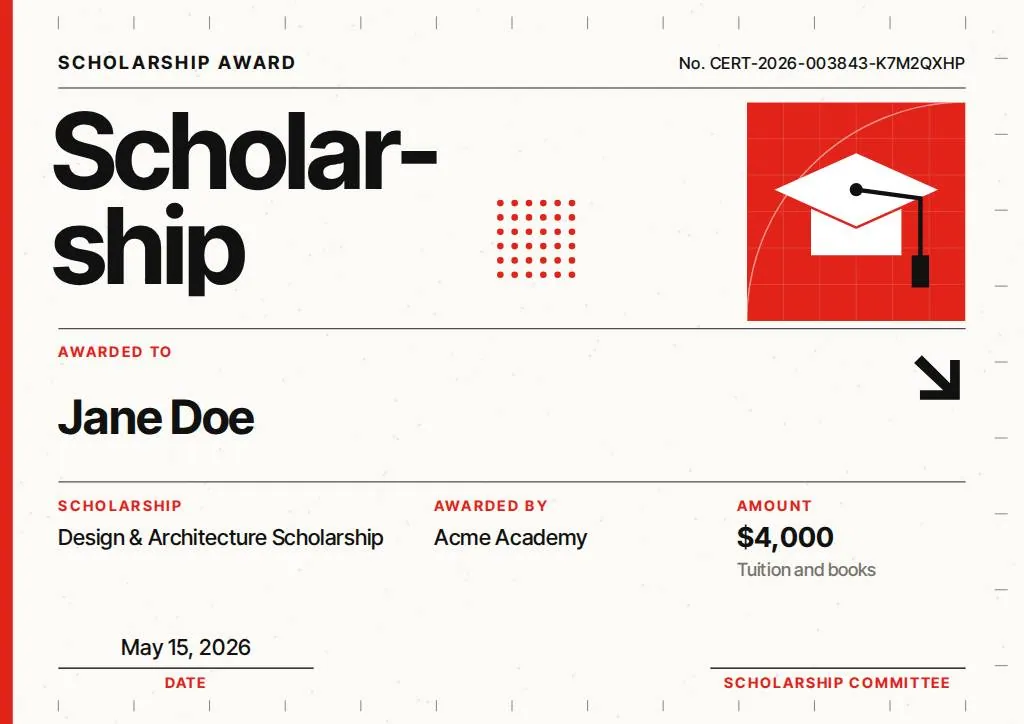
Swiss Grid Scholarship Award
Minimal International Style scholarship award: oversized grotesk headline, hairline grid and a red block.
-

Primary Colour Block Scholarship Award
Bauhaus-inspired scholarship award in red, yellow and blue blocks with a geometric mortarboard.
-

Women in STEM Scholarship Award
Deep purple and teal scholarship award with low-poly shards, an atom, a molecule and a hexagon badge.
Issue your first credential today
Open this template in the CertSeal editor, customize in minutes, and send verifiable certificates your recipients can share anywhere.