Certificate template
Dictionary Teal and Coral Spelling Bee Champion Certificate
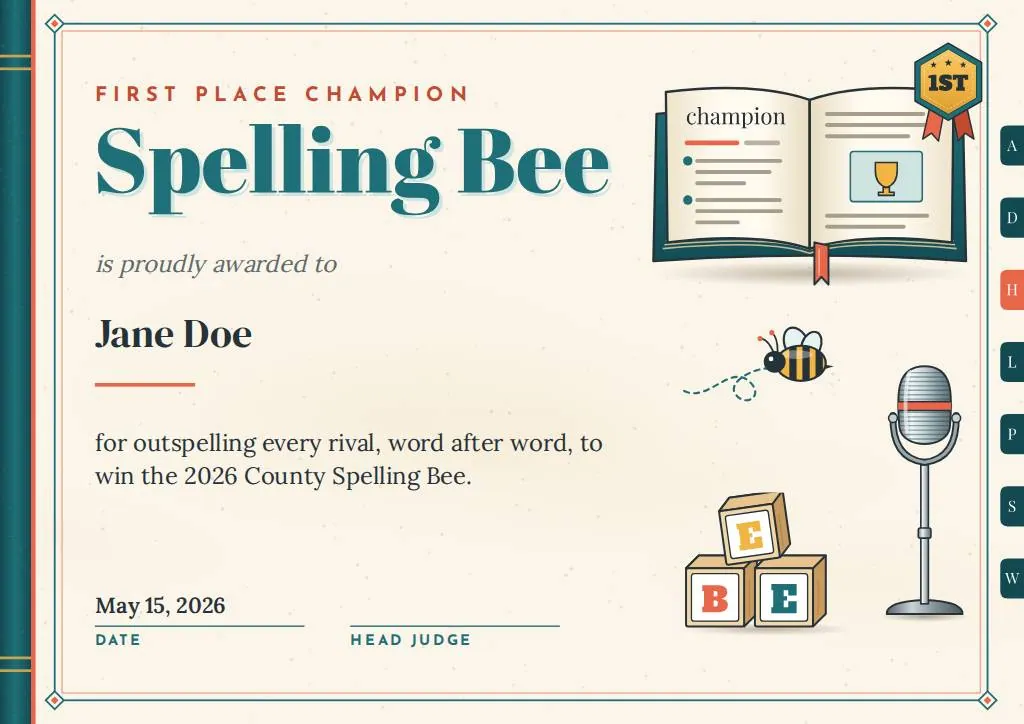
Cream dictionary-page spelling bee certificate with an open book, letter blocks and a vintage microphone.
Free to customize. Issue verifiable credentials with a CertSeal account.
About this template
When to reach for it
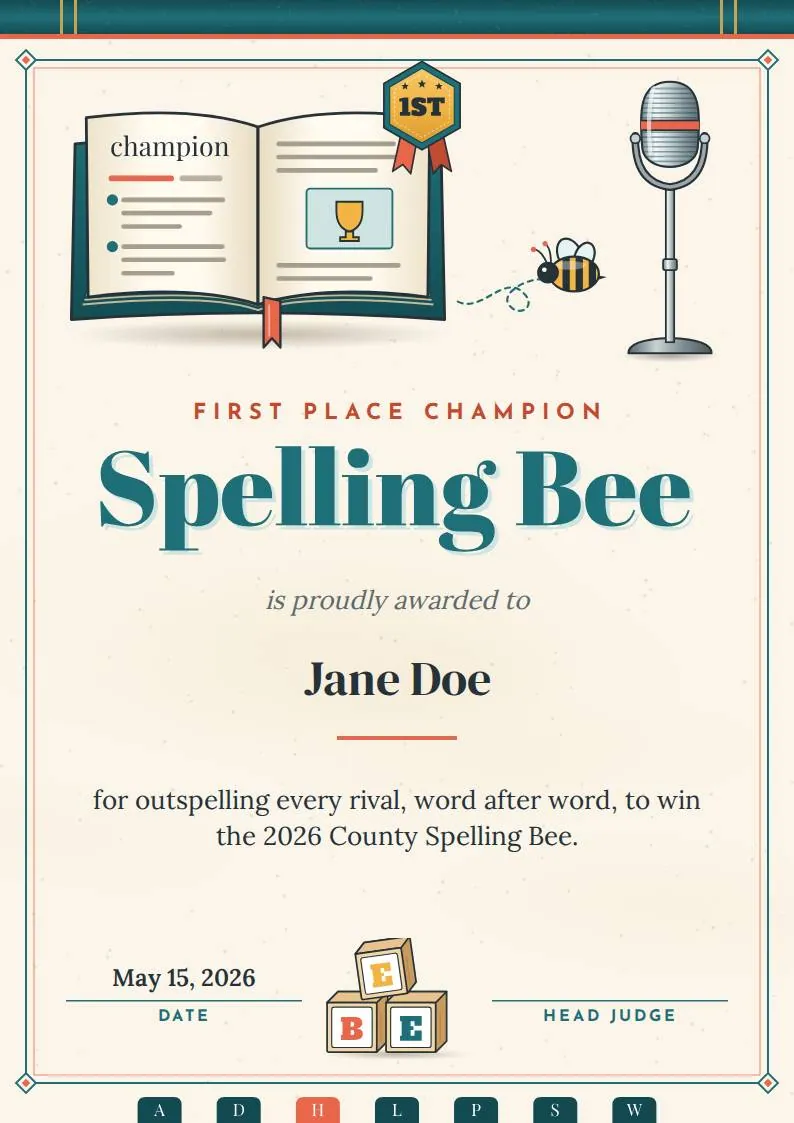
A smart, bookish spelling bee award. An open dictionary with "champion" as its headword, a vintage stage microphone, wooden letter blocks and a little bee on a dashed flight path surround the text, on cream paper with a teal cloth spine, a coral page edge and thumb-index tabs.
The headline is a bold Abril Fatface "Spelling Bee" in teal, with DM Serif Display for the name and a hexagonal "1st Place" badge. Use the course field for the bee, such as a school or county spelling bee.
Wording
What the certificate says
Every line of text on this template, top to bottom. Highlighted parts fill in for each recipient, and you can reword any line in the editor.
- FIRST PLACE CHAMPION
- is proudly awarded to
- Recipient name
- for outspelling every rival, word after word, to win Course or achievement.
- Date
- DATE · HEAD JUDGE
Typography
Fonts used in this template
Swap, mix, or replace any of these in the editor — every CertSeal template ships with 1,000+ Google Fonts plus your own brand uploads.
-
Font family
DM Serif Display
DM Serif Display
-
Font family
Josefin Sans
Josefin Sans
-
Font family
Lora
Lora
Color palette
Colors used in this template
The five most prominent colors sampled straight from the rendered design. Recolor any of them in the editor to match your brand.
-
#fbf5e9
-
#d9d6cb
-
#186975
-
#385356
-
#b8bab6
How to use it
From template to issued credential in four steps
- 01
Open the template
Click "Use this template" to open the Dictionary Teal and Coral Spelling Bee Champion Certificate in the CertSeal editor, or customize it free without signing up.
- 02
Fill in the details
- Recipient name
- Course or achievement
- Date
Type these in, or upload a spreadsheet to make one for every recipient.
- 03
Add your brand
Swap the DM Serif Display, Josefin Sans and Lora fonts and the colors, and add your logo.
- 04
Issue & verify
Generate PDFs and verifiable links your recipients can share anywhere.
More templates
You might also like
-

Navy and Blue Science Fair Winner Certificate
Graph-paper science fair certificate with a tri-fold board, glassware and a blue ribbon.
-
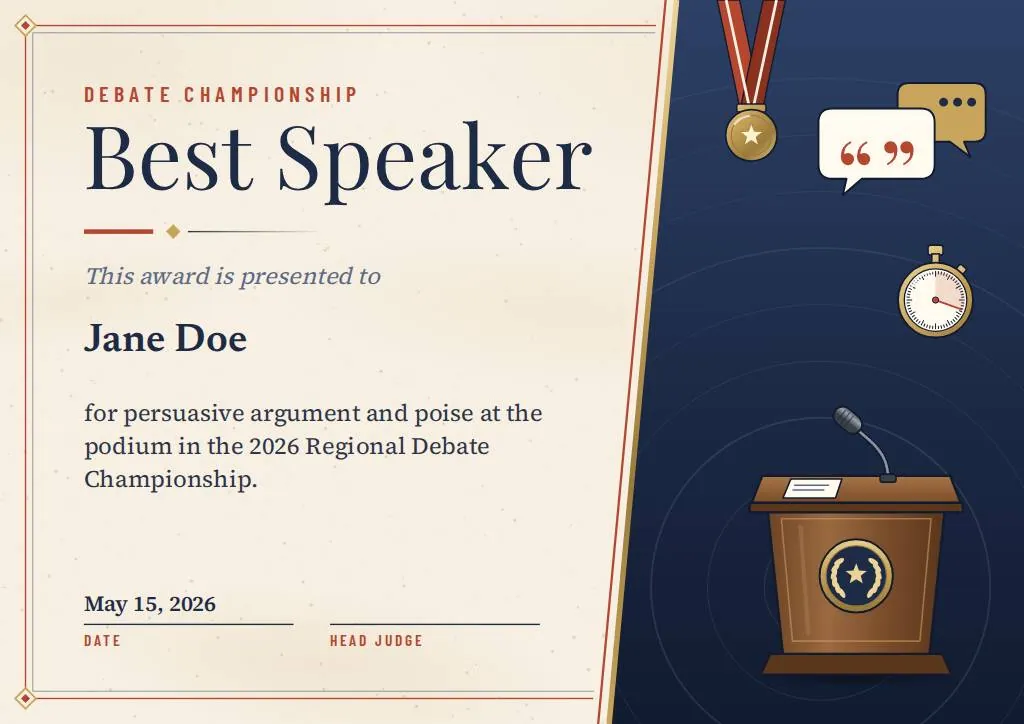
Navy and Brick Best Speaker Debate Certificate
Parchment and navy debate certificate with a lectern, speech bubbles, a stopwatch and a hanging medal.
-

Safety Yellow and Teal Robotics Challenge Winner Certificate
Industrial robotics challenge certificate with hazard stripes, a trophy-raising robot, gears and a hex-nut badge.
-
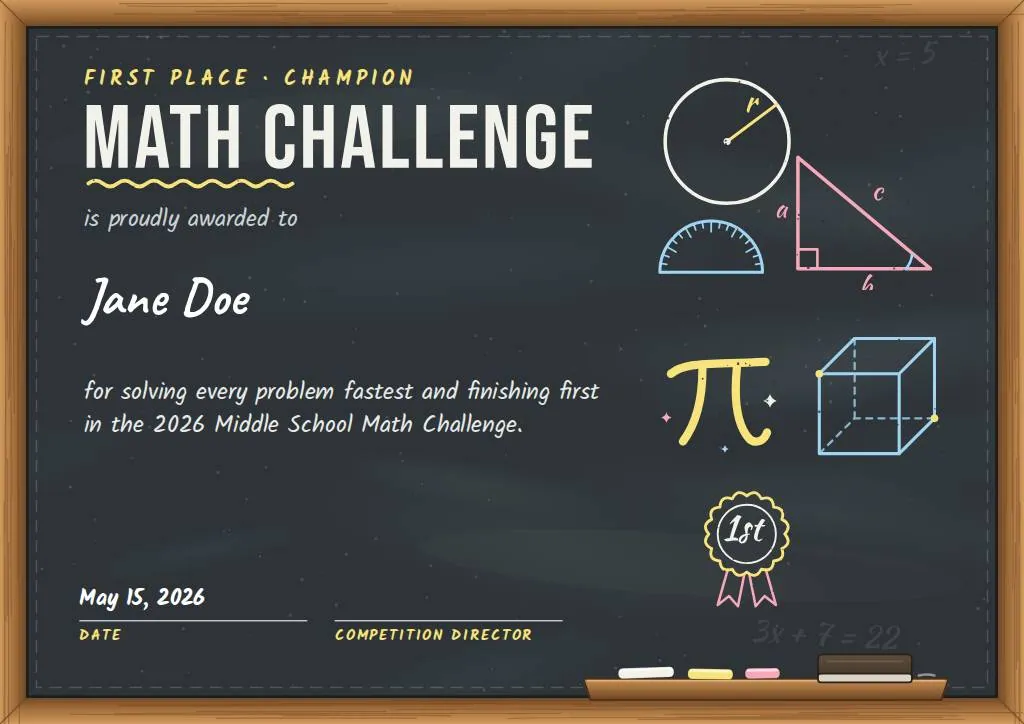
Chalkboard Math Challenge Champion Certificate
Graphite chalkboard math challenge certificate in an oak frame with chalk geometry, a cube, pi and a chalk tray.
-
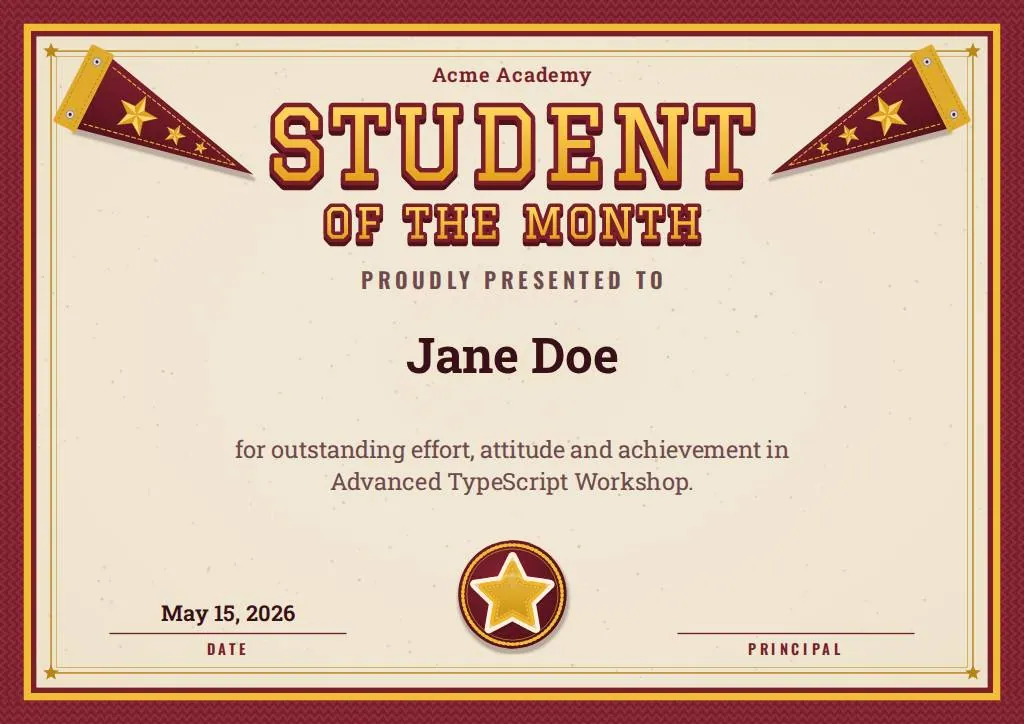
Maroon and Gold Varsity Pennant Student of the Month Certificate
School-spirit certificate in a knitted maroon border with felt pennants and a chenille star.
-
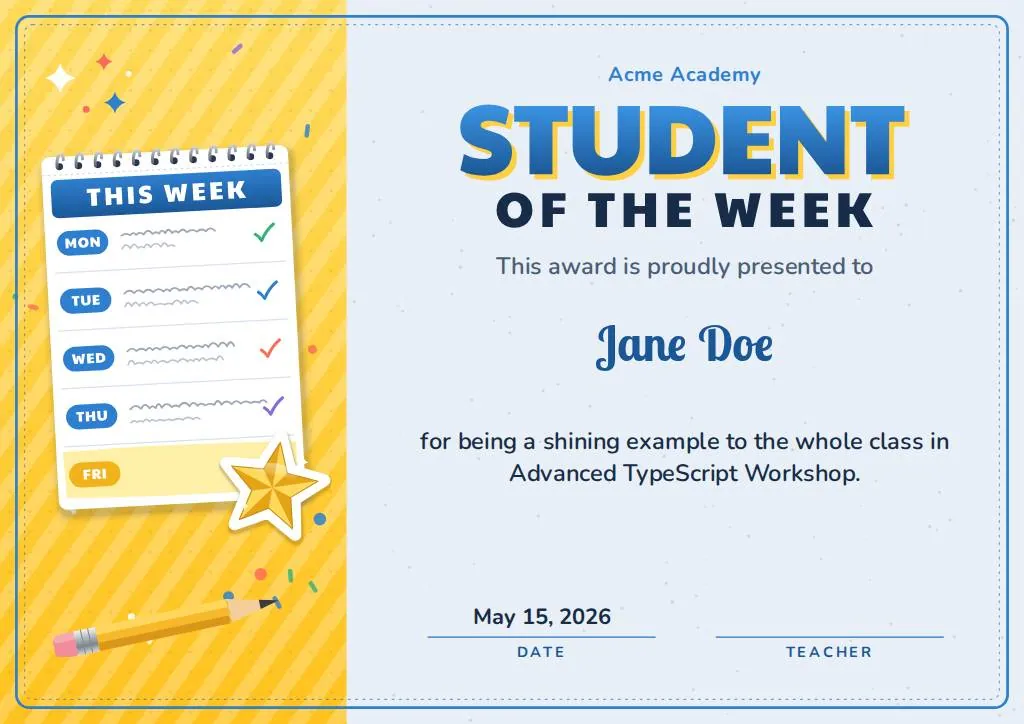
Sunshine Weekly Planner Student of the Week Certificate
Bright classroom certificate with a spiral weekly planner and a gold star sticker on Friday.
-
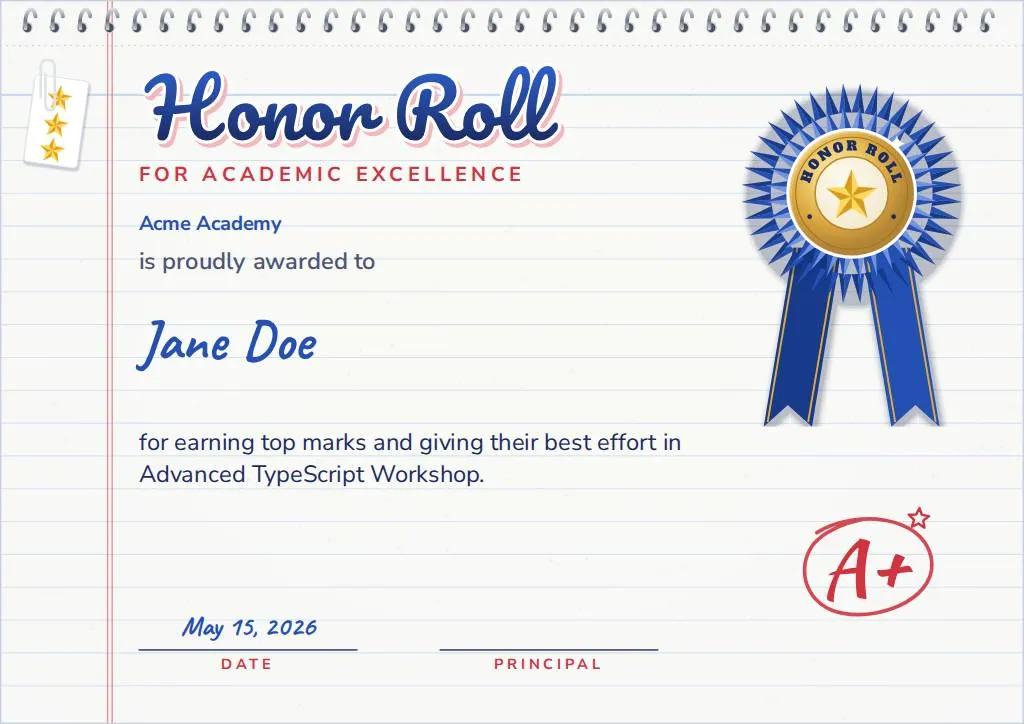
Notebook Paper Blue Ribbon Honor Roll Certificate
Spiral notebook page with a royal-blue Honor Roll rosette, gold stars and a red-pen A+.
-
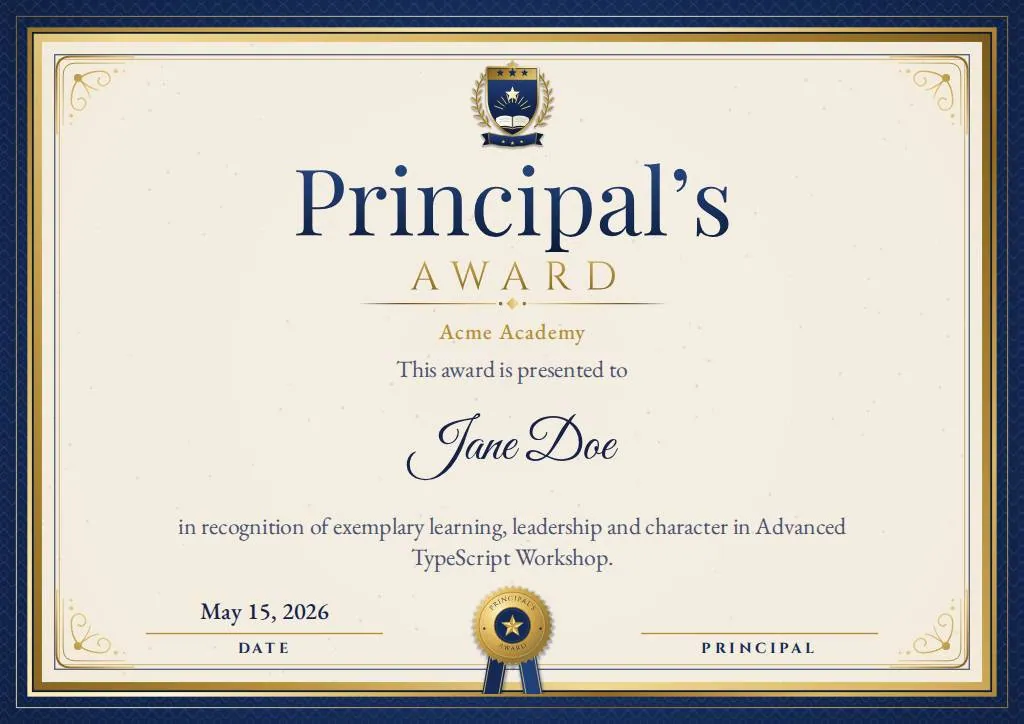
Navy and Gold School Crest Principal’s Award Certificate
Semi-formal cream certificate in a navy and gold frame with a school crest and gold seal.
Issue your first credential today
Open this template in the CertSeal editor, customize in minutes, and send verifiable certificates your recipients can share anywhere.