Certificate template
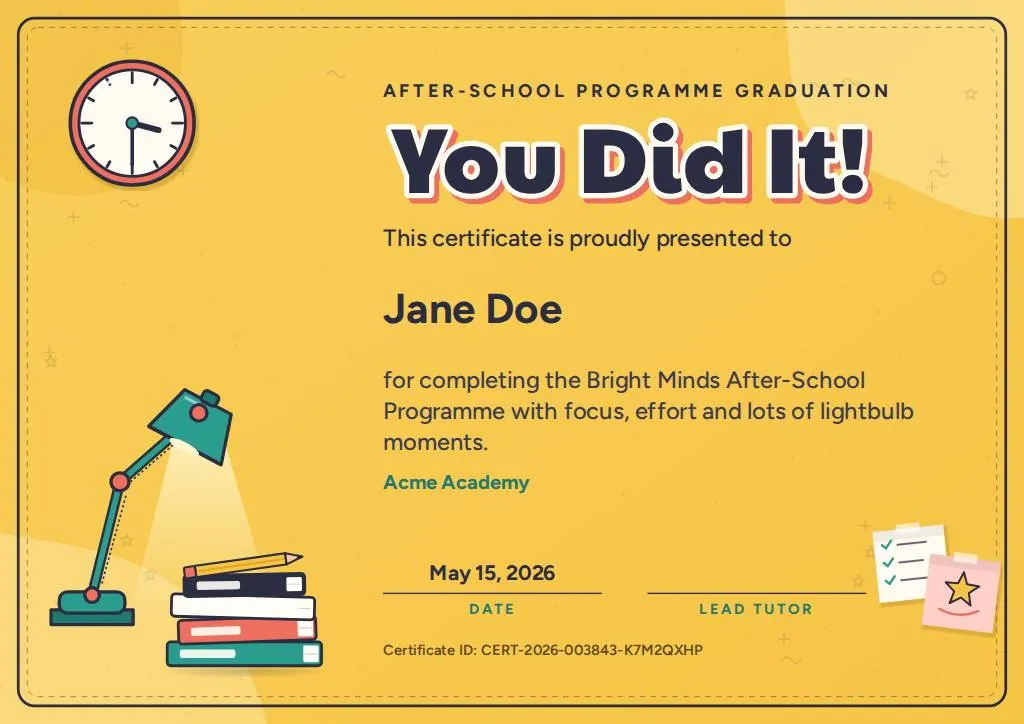
You Did It Mustard Desk Lamp Tutoring and After-School Programme Graduation Certificate
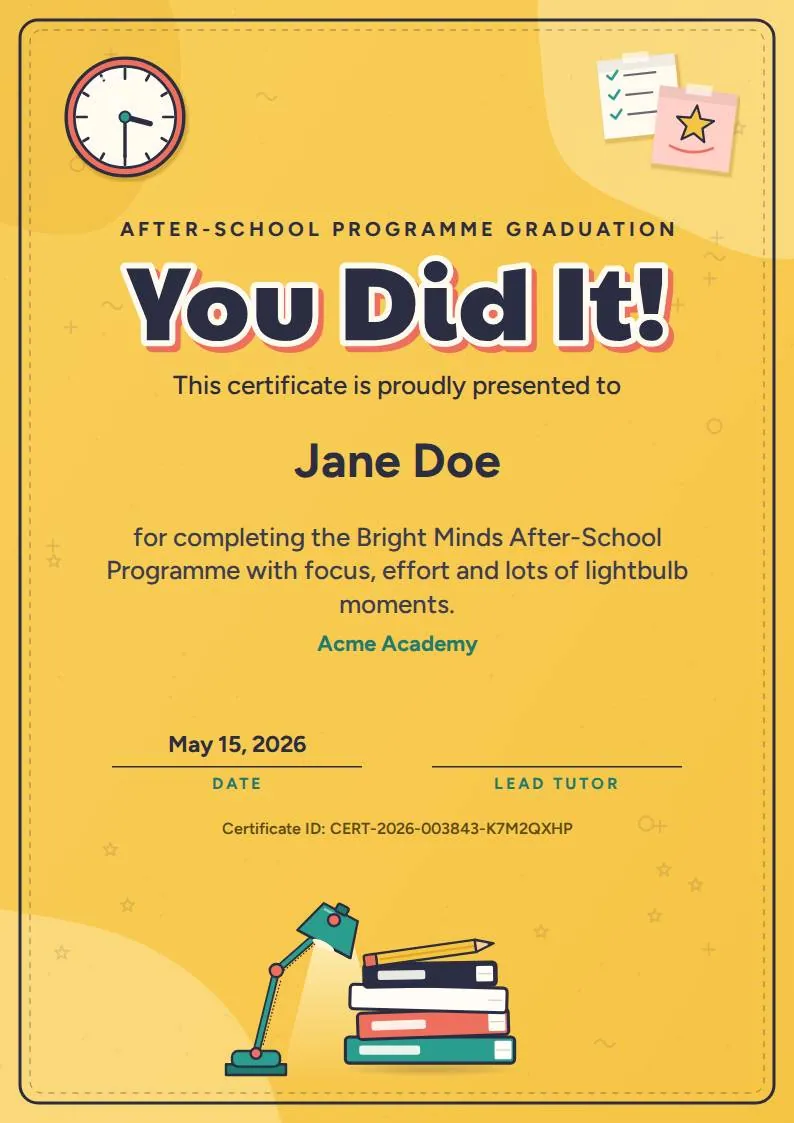
Sunny mustard certificate with a desk lamp over a book stack, a 3:30 clock and sticky notes.
Free to customize. Issue verifiable credentials with a CertSeal account.
About this template
When to reach for it
A cheerful graduation certificate for tutoring centres, homework clubs and after-school programmes. A warm mustard page with a hand-drawn border and faint doodles, and "You Did It!" in chunky charcoal letters with a cream outline and coral shadow.
A teal desk lamp shines on a stack of exercise books topped with a pencil, a wall clock reads half past three, and a pair of sticky notes carries a tick list and a gold star. The text runs flush left beside the desk corner. Each illustration is a separate layer you can move or remove.
Wording
What the certificate says
Every line of text on this template, top to bottom. Highlighted parts fill in for each recipient, and you can reword any line in the editor.
- AFTER-SCHOOL PROGRAMME GRADUATION
- This certificate is proudly presented to
- Recipient name
- for completing Course or achievement with focus, effort and lots of lightbulb moments.
- Issued by
- Date
- DATE · LEAD TUTOR
- Certificate ID: Certificate ID
Typography
Fonts used in this template
Swap, mix, or replace any of these in the editor — every CertSeal template ships with 1,000+ Google Fonts plus your own brand uploads.
-
Font family
Figtree
Figtree
Color palette
Colors used in this template
The five most prominent colors sampled straight from the rendered design. Recolor any of them in the editor to match your brand.
-
#f8c74b
-
#fbd97b
-
#c8a44a
-
#fefdf7
-
#454759
How to use it
From template to issued credential in four steps
- 01
Open the template
Click "Use this template" to open the You Did It Mustard Desk Lamp Tutoring and After-School Programme Graduation Certificate in the CertSeal editor, or customize it free without signing up.
- 02
Fill in the details
- Recipient name
- Course or achievement
- Issued by
- Date
Type these in, or upload a spreadsheet to make one for every recipient.
- 03
Add your brand
Swap the Figtree font and the colors, and add your logo.
- 04
Issue & verify
Generate PDFs and verifiable links your recipients can share anywhere. Each certificate is printed with its own ID.
More templates
You might also like
-
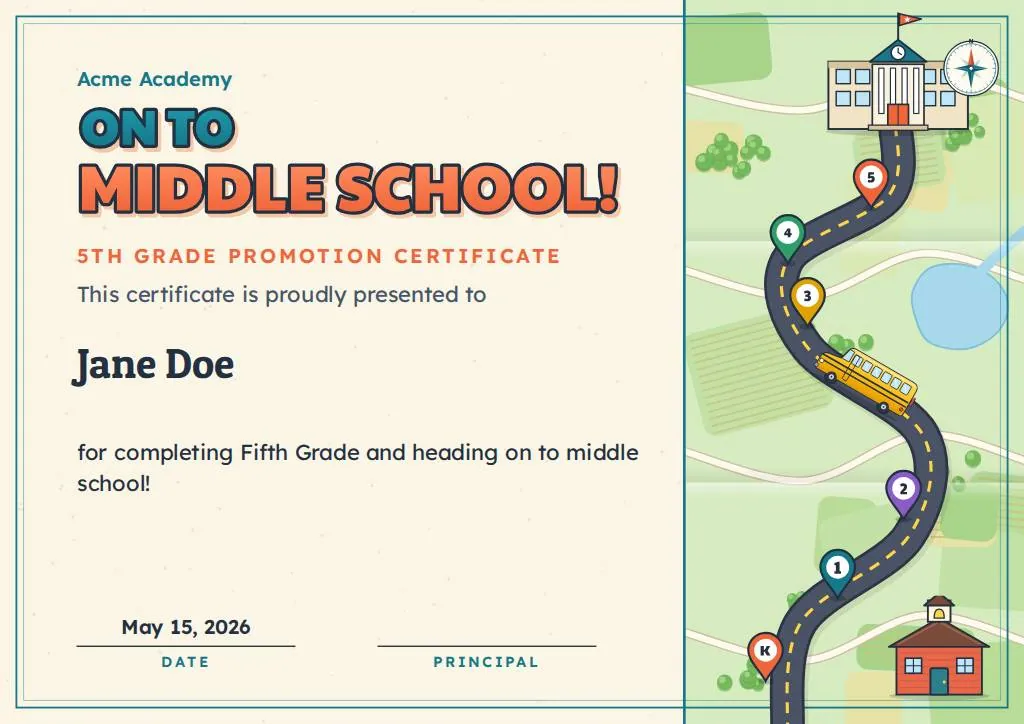
Road Map On to Middle School 5th Grade Promotion Certificate
Folded road map with milestone pins from K to 5, a yellow school bus and the middle school ahead.
-
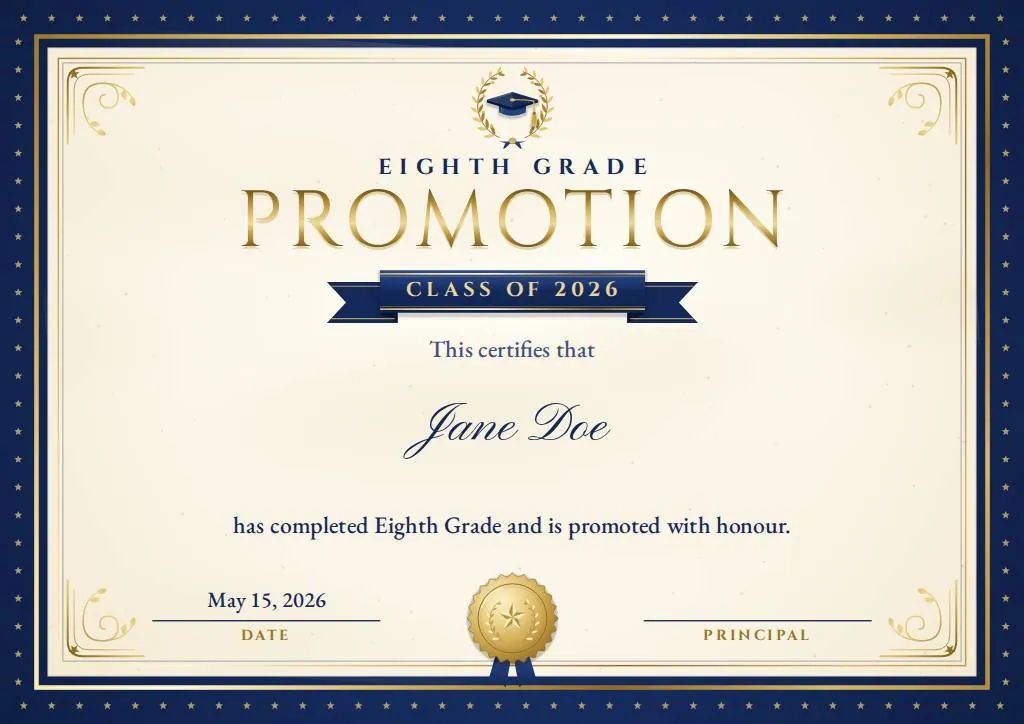
Navy and Gold Laurel Crest 8th Grade Promotion Certificate
Starred navy border, gold foil frame, a laurel-wreathed cap and an editable Class of 2026 ribbon.
-
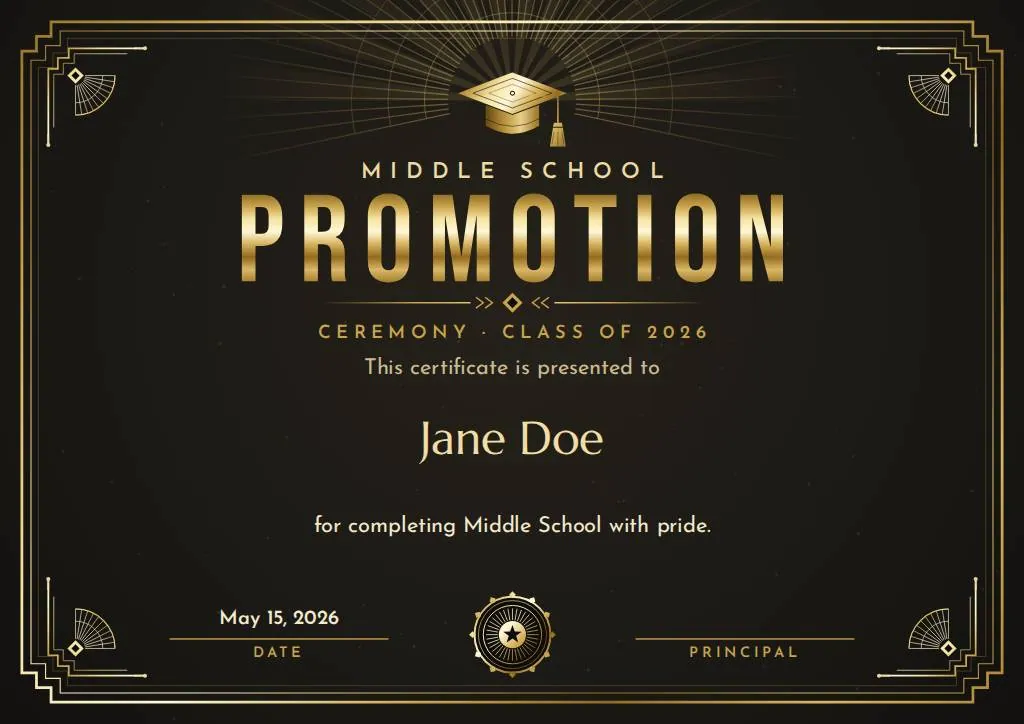
Black and Gold Art Deco Sunburst Middle School Promotion Certificate
Gold sunburst behind a mortarboard silhouette, stepped deco frame and corners on black.
-

Bold Numerals Ink and Tangerine High School Senior Graduation Certificate
Modern ink-black senior certificate with a huge editable class year and a gold tassel.
-
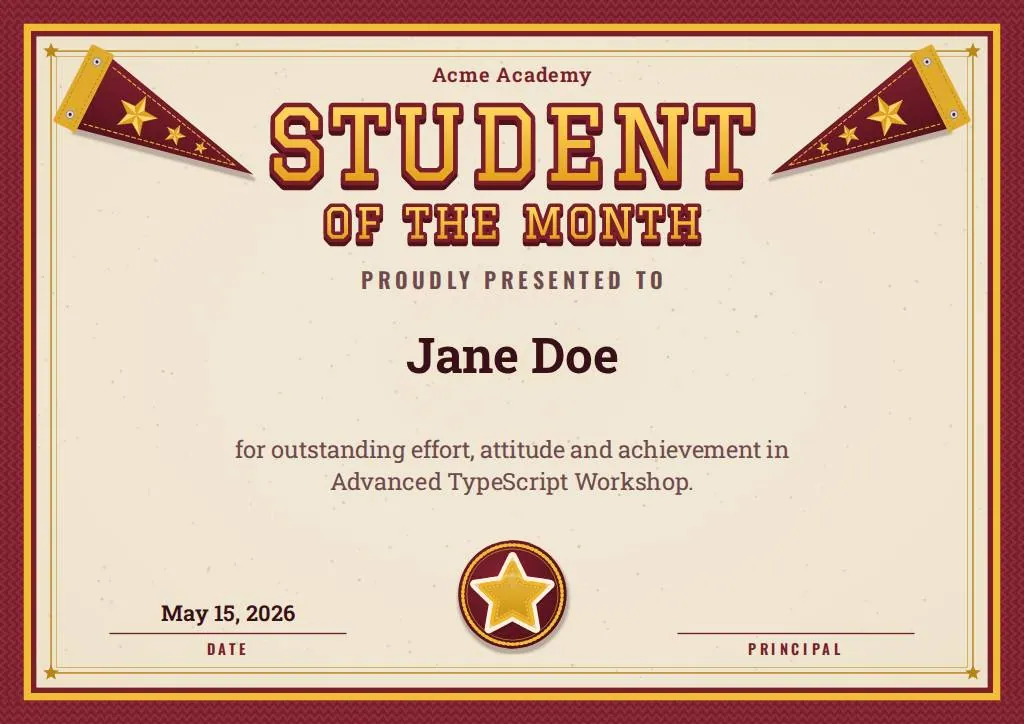
Maroon and Gold Varsity Pennant Student of the Month Certificate
School-spirit certificate in a knitted maroon border with felt pennants and a chenille star.
-
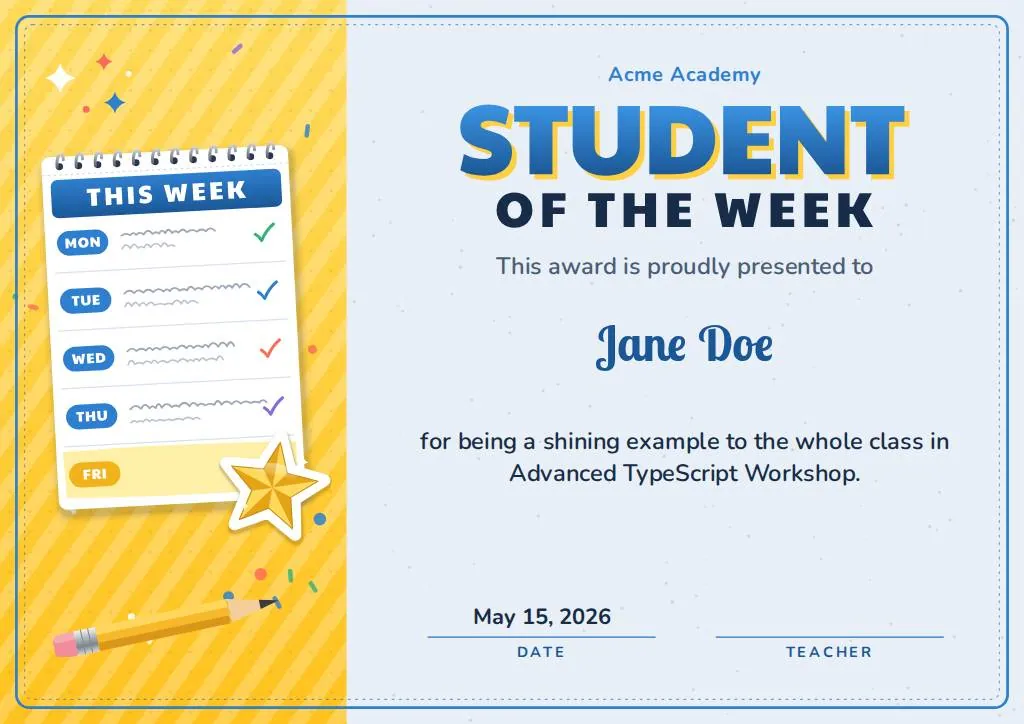
Sunshine Weekly Planner Student of the Week Certificate
Bright classroom certificate with a spiral weekly planner and a gold star sticker on Friday.
-
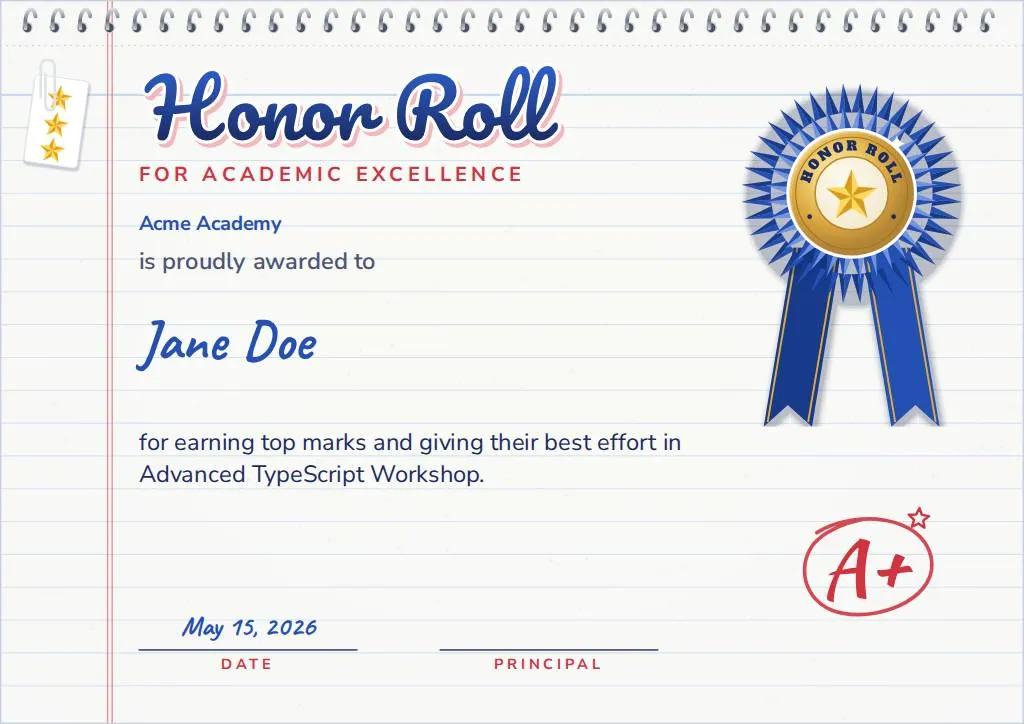
Notebook Paper Blue Ribbon Honor Roll Certificate
Spiral notebook page with a royal-blue Honor Roll rosette, gold stars and a red-pen A+.
-
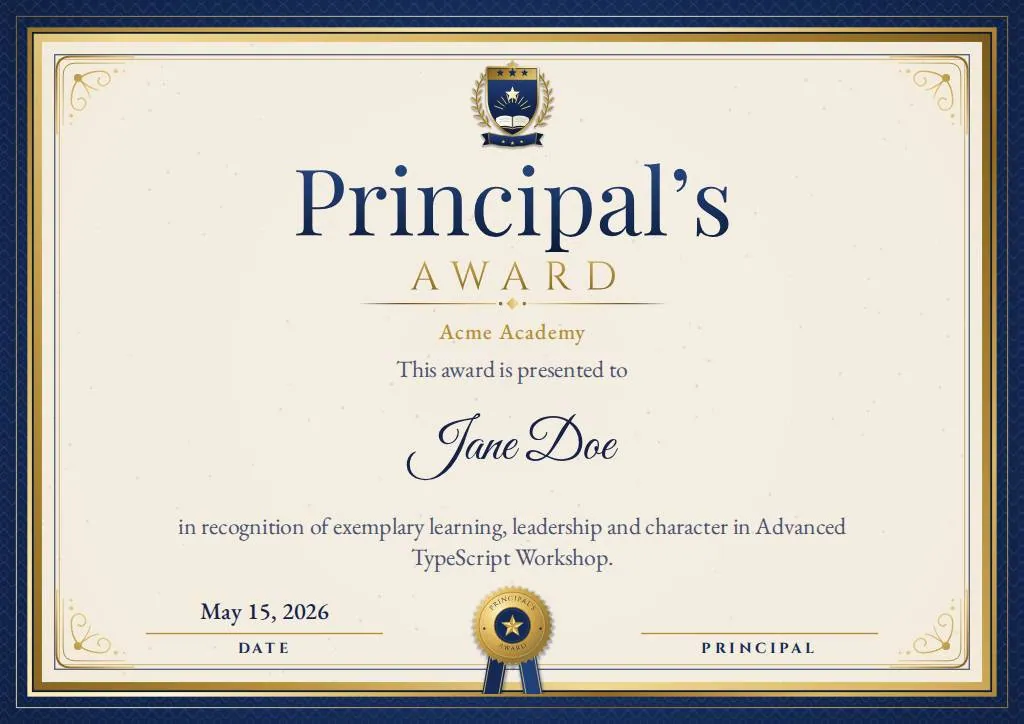
Navy and Gold School Crest Principal’s Award Certificate
Semi-formal cream certificate in a navy and gold frame with a school crest and gold seal.
Issue your first credential today
Open this template in the CertSeal editor, customize in minutes, and send verifiable certificates your recipients can share anywhere.