Certificate template
Crimson App Badge Skills Certification
App-style skills certification with a tilted crimson icon badge, a details card and diagonal bars.
Free to customize. Issue verifiable credentials with a CertSeal account.


About this template
When to reach for it
Fresh and product-like, as if the credential had just unlocked in an app. A tilted crimson squircle icon with a white star and check sits on two stacked cards beside a big "Certification" headline, with a details card underneath and crimson, charcoal and pink diagonal bars in the corner.
The certified-on and valid-until dates, the issuer and the credential ID live in the white details card; the name, description, credential title and two signature lines fill the main column. Set in Bricolage Grotesque and Onest.
Wording
What the certificate says
Every line of text on this template, top to bottom. Highlighted parts fill in for each recipient, and you can reword any line in the editor.
- SKILLS CREDENTIAL
- Certification
- This certifies that
- CERTIFIED ON
- Date
- VALID UNTIL
- Expiry date
- CREDENTIAL ID
- Certificate ID
- Recipient name
- has proven the skills assessed for this credential and is certified as
- Course or achievement
- ISSUED BY
- Issued by
- CERTIFICATION DIRECTOR · PROGRAM LEAD
Typography
Fonts used in this template
Swap, mix, or replace any of these in the editor — every CertSeal template ships with 1,000+ Google Fonts plus your own brand uploads.
-
Font family
Bricolage Grotesque
Bricolage Grotesque
-
Font family
IBM Plex Mono
IBM Plex Mono
-
Font family
Onest
Onest
Color palette
Colors used in this template
The five most prominent colors sampled straight from the rendered design. Recolor any of them in the editor to match your brand.
-
#f9f8f5
-
#c8c7c7
-
#343539
-
#a8a7a8
-
#ecacb3
How to use it
From template to issued credential in four steps
- 01
Open the template
Click "Use this template" to open the Crimson App Badge Skills Certification in the CertSeal editor, or customize it free without signing up.
- 02
Fill in the details
- Date
- Expiry date
- Recipient name
- Course or achievement
- Issued by
Type these in, or upload a spreadsheet to make one for every recipient.
- 03
Add your brand
Swap the Bricolage Grotesque, IBM Plex Mono and Onest fonts and the colors, and add your logo.
- 04
Issue & verify
Generate PDFs and verifiable links your recipients can share anywhere. Each certificate is printed with its own ID. It also shows when the certificate expires.
More templates
You might also like
-

Slate and Green Compliance Training Certificate
Verifiable training certificate with a credential panel: QR code, certificate ID, issue and expiry dates.
-

Orange and Charcoal Safety Training Certificate
High-visibility safety training certificate with a hazard-stripe header, ID, expiry date and QR code.
-

Medical CPD Attendance Certificate
Clinical blue continuing-education certificate with a stethoscope, heartbeat line, QR code and certificate ID.
-

Professional Dog Trainer Certification Certificate
Slate and teal certification for human dog trainers, with whistle, clicker and leash icons, ID, expiry and QR code.
-
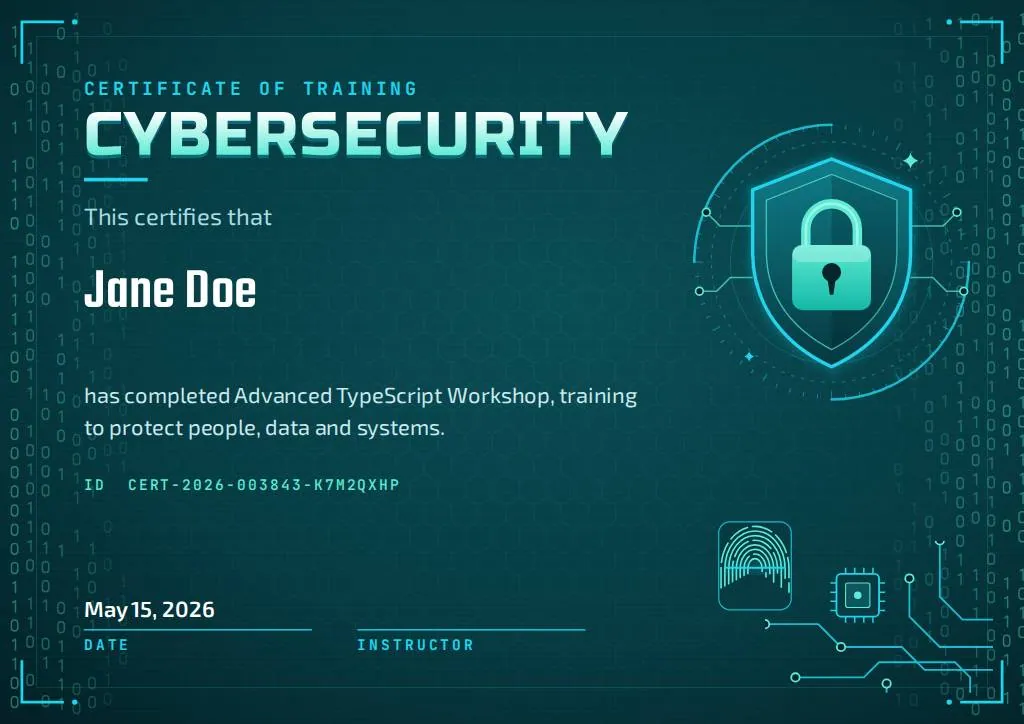
Cybersecurity Shield Webinar Training Certificate
Dark teal cybersecurity webinar certificate with a glowing shield and padlock, circuits and binary.
-

Pilot Wings Flight School Diploma
Navy and silver flight school diploma with pilot wings, a trainer aircraft, clouds, chart lines and a compass seal.
-

Sage Mandala Yoga Teacher Training Diploma
Calm sage and sand yoga teacher training diploma with a mandala rising off the page, a lotus, eucalyptus and a rolled mat.
-
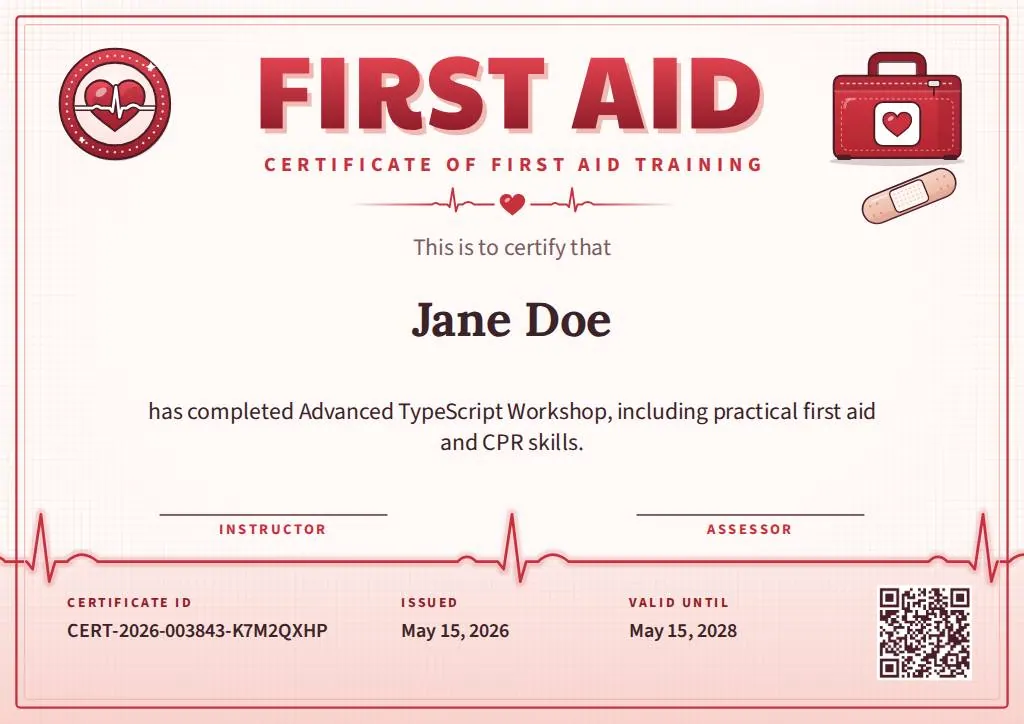
Heartbeat First Aid Training Certificate
Crimson and white first aid certificate with a heart-pulse medallion, ECG grid and a verification band.
Issue your first credential today
Open this template in the CertSeal editor, customize in minutes, and send verifiable certificates your recipients can share anywhere.