Certificate template
Professional Dog Trainer Certification Certificate
Slate and teal certification for human dog trainers, with whistle, clicker and leash icons, ID, expiry and QR code.
Free to customize. Issue verifiable credentials with a CertSeal account.


About this template
When to reach for it
A professional credential for dog trainers and behaviour practitioners. A slate header with a topographic pattern carries a teal certification seal and a bold "Certified Dog Trainer" headline; whistle, clicker and leash icons sit beside the details, and a QR code links to the certificate’s public verification page.
The certificate ID, issue date and expiry date fill in from your batch, which makes it suitable for continuing-education and re-certification records. The seal and the three tool icons are separate layers.
Wording
What the certificate says
Every line of text on this template, top to bottom. Highlighted parts fill in for each recipient, and you can reword any line in the editor.
- PROFESSIONAL CERTIFICATION
- This certifies that
- Recipient name
- has met the assessed standards of practice for
- Course or achievement
- Issued Date · Valid until Expiry date
- Certificate ID Certificate ID
- ASSESSOR · PROGRAM DIRECTOR
- Scan to verify
Typography
Fonts used in this template
Swap, mix, or replace any of these in the editor — every CertSeal template ships with 1,000+ Google Fonts plus your own brand uploads.
-
Font family
Inter
Inter
-
Font family
Inter Tight
Inter Tight
-
Font family
Manrope
Manrope
Color palette
Colors used in this template
The five most prominent colors sampled straight from the rendered design. Recolor any of them in the editor to match your brand.
-
#f4f8f9
-
#2b3949
-
#c4c8cb
-
#449592
-
#969ca4
How to use it
From template to issued credential in four steps
- 01
Open the template
Click "Use this template" to open the Professional Dog Trainer Certification Certificate in the CertSeal editor, or customize it free without signing up.
- 02
Fill in the details
- Recipient name
- Course or achievement
- Date
- Expiry date
Type these in, or upload a spreadsheet to make one for every recipient.
- 03
Add your brand
Swap the Inter, Inter Tight and Manrope fonts and the colors, and add your logo.
- 04
Issue & verify
Generate PDFs and verifiable links your recipients can share anywhere. The QR code on this design opens each certificate's verification page. Each certificate is printed with its own ID. It also shows when the certificate expires.
More templates
You might also like
-

Slate and Green Compliance Training Certificate
Verifiable training certificate with a credential panel: QR code, certificate ID, issue and expiry dates.
-

Orange and Charcoal Safety Training Certificate
High-visibility safety training certificate with a hazard-stripe header, ID, expiry date and QR code.
-

Medical CPD Attendance Certificate
Clinical blue continuing-education certificate with a stethoscope, heartbeat line, QR code and certificate ID.
-

Puppy Kindergarten Dog Training Certificate
Pastel puppy-class certificate with a golden retriever puppy in a pink bow, toy blocks and bunting.
-
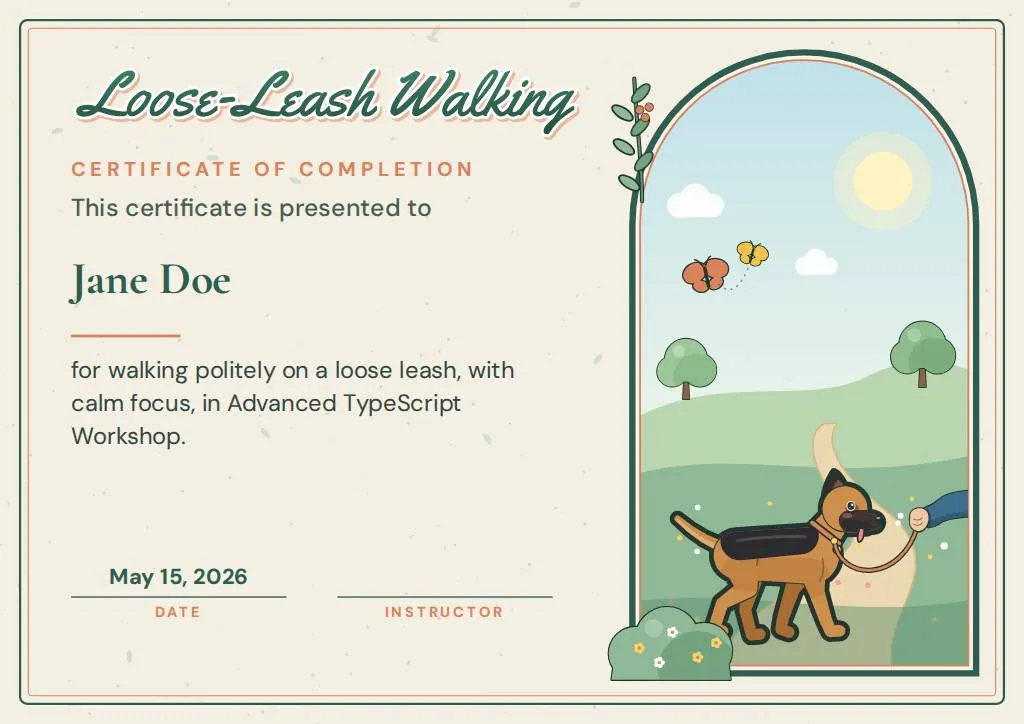
Loose-Leash Walking Dog Training Certificate
Calm park-walk certificate with a German shepherd on a loose leash, seen through an arched window.
-
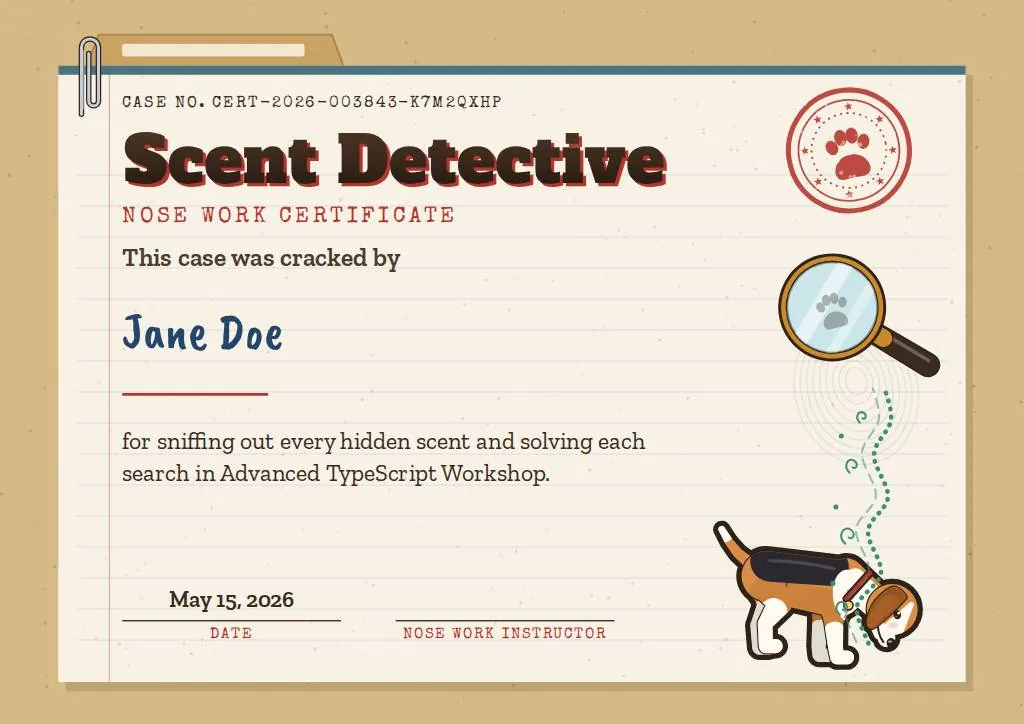
Scent Detective Dog Training Certificate
Case-file nose-work certificate with a beagle following a scent trail, a magnifying glass and a paw stamp.
-

Therapy Dog Team Dog Training Certificate
Soft blue watercolour certificate with a calm chocolate labrador in a heart vest, hearts and leafy branches.
-

Vintage Kennel Badge Dog Training Certificate of Completion
Retro cream and red completion certificate with a round obedience-school badge and a bold "Good Dog!" headline.
Issue your first credential today
Open this template in the CertSeal editor, customize in minutes, and send verifiable certificates your recipients can share anywhere.