Certificate template
Course Map Orienteering Certificate of Participation
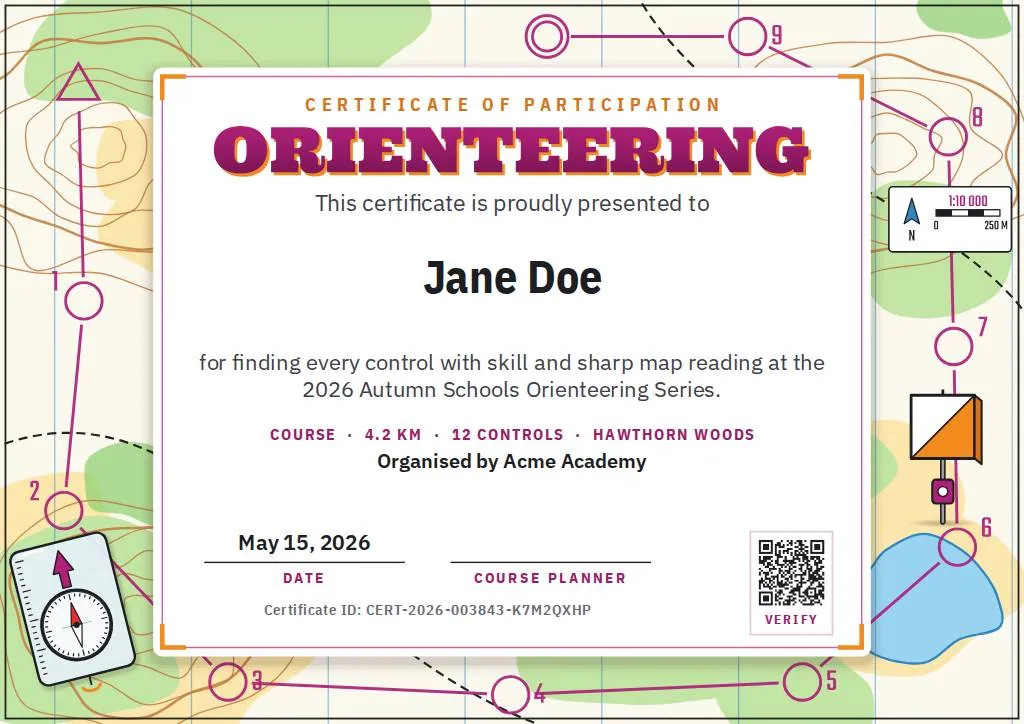
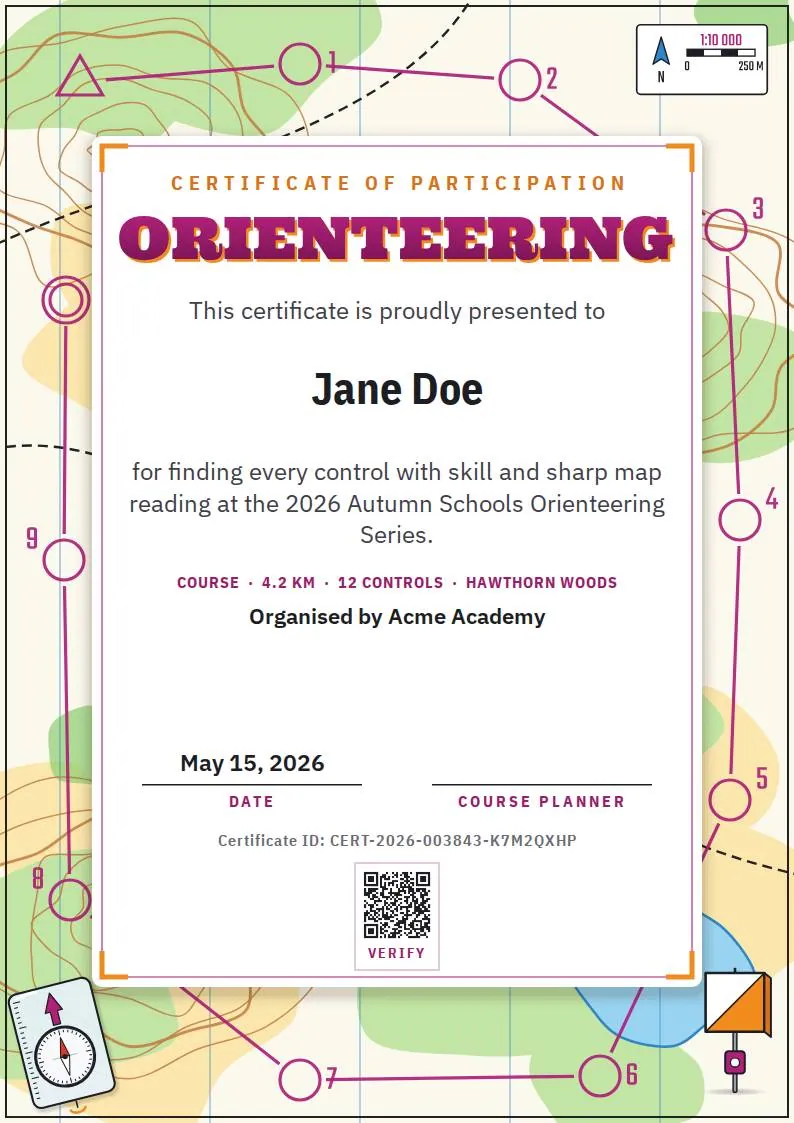
A printed orienteering map with a purple course overprint, a white text card, compass and control flag.
Free to customize. Issue verifiable credentials with a CertSeal account.
About this template
When to reach for it
A smart Certificate of Participation for orienteering clubs, schools, scout groups and park events. The whole sheet is a printed orienteering map, with yellow open land, green vegetation, a blue lake, brown contours, dashed paths and north lines, and a purple course overprint runs round the edges from the start triangle through numbered controls to the finish circle.
The text sits on a white card with orange corner ticks, under "ORIENTEERING" in a heavy purple slab with an orange shadow. A baseplate compass, an orange and white control flag and a scale bar are separate layers, the course line is editable text, and a QR code verifies the certificate.
Wording
What the certificate says
Every line of text on this template, top to bottom. Highlighted parts fill in for each recipient, and you can reword any line in the editor.
- CERTIFICATE OF PARTICIPATION
- This certificate is proudly presented to
- Recipient name
- for finding every control with skill and sharp map reading at Course or achievement.
- COURSE · 4.2 KM · 12 CONTROLS · HAWTHORN WOODS
- Organised by Issued by
- Date
- DATE · COURSE PLANNER
- Certificate ID: Certificate ID · VERIFY
Typography
Fonts used in this template
Swap, mix, or replace any of these in the editor — every CertSeal template ships with 1,000+ Google Fonts plus your own brand uploads.
-
Font family
IBM Plex Sans
IBM Plex Sans
-
Font family
IBM Plex Sans Condensed
IBM Plex Sans Condensed
Color palette
Colors used in this template
The five most prominent colors sampled straight from the rendered design. Recolor any of them in the editor to match your brand.
-
#fefefd
-
#c3e6a6
-
#e7c8d6
-
#fbe6ac
-
#a9c58e
How to use it
From template to issued credential in four steps
- 01
Open the template
Click "Use this template" to open the Course Map Orienteering Certificate of Participation in the CertSeal editor, or customize it free without signing up.
- 02
Fill in the details
- Recipient name
- Course or achievement
- Issued by
- Date
Type these in, or upload a spreadsheet to make one for every recipient.
- 03
Add your brand
Swap the IBM Plex Sans and IBM Plex Sans Condensed fonts and the colors, and add your logo.
- 04
Issue & verify
Generate PDFs and verifiable links your recipients can share anywhere. The QR code on this design opens each certificate's verification page. Each certificate is printed with its own ID.
More templates
You might also like
-
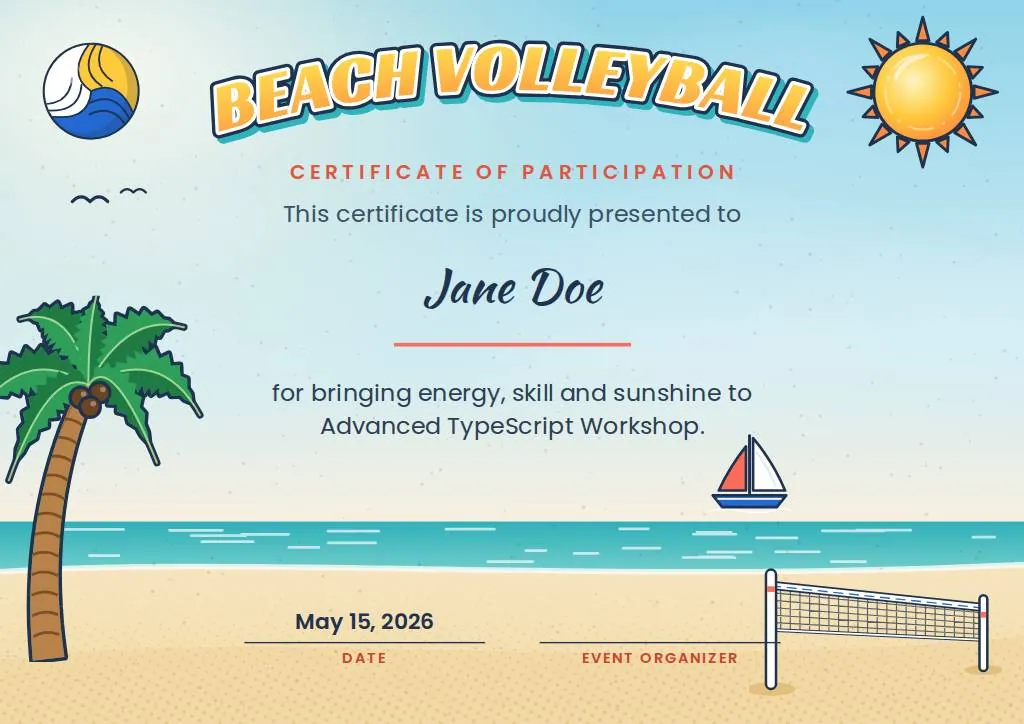
Beach Volleyball Sports Certificate of Participation
Sunny beach volleyball certificate with sky, sea and sand, a palm tree, a net, a blazing sun and a flying ball.
-
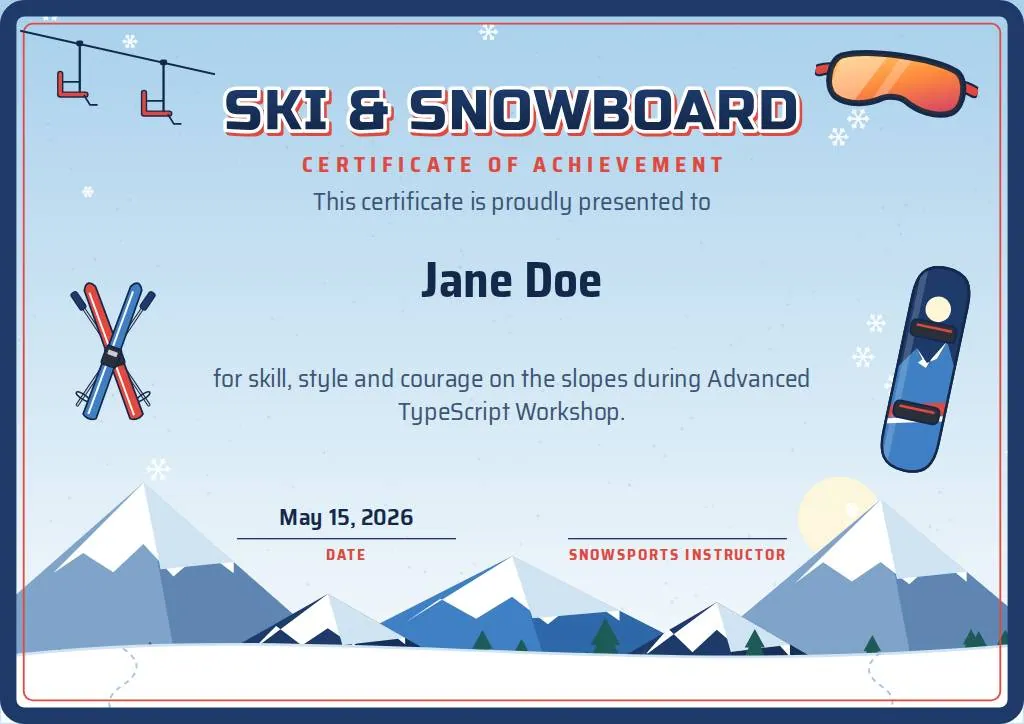
Alpine Ski and Snowboard Certificate of Achievement
Vintage ski-poster certificate with snowy peaks, pines, falling snow, crossed skis, a snowboard, goggles and a chairlift.
-
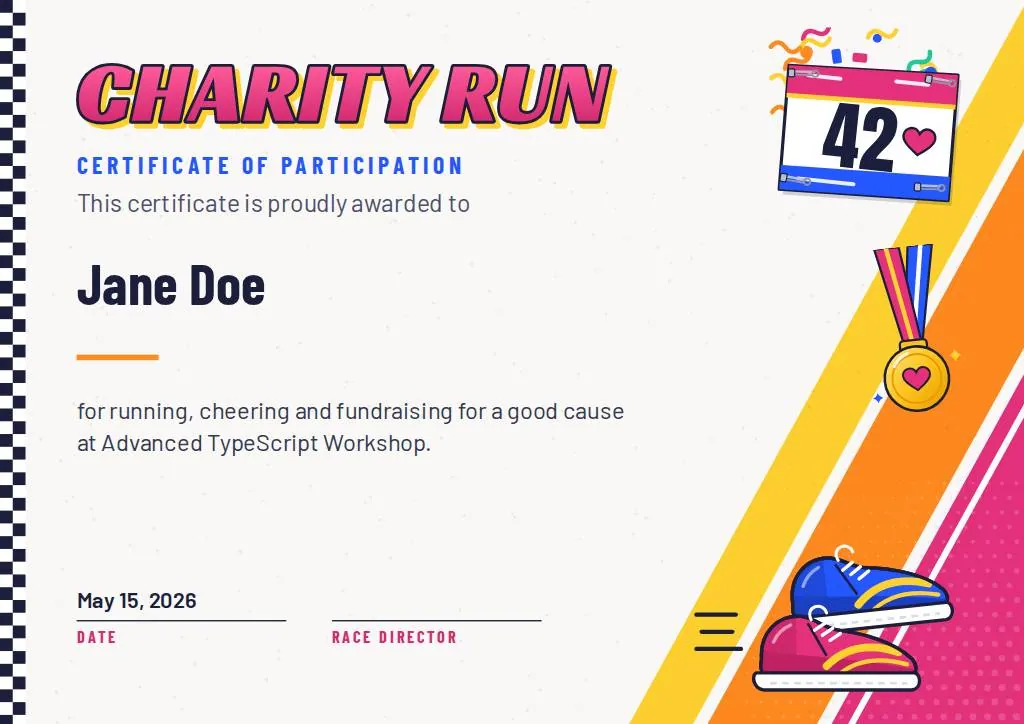
Charity Run Volunteer Participation Certificate
Bold sporty certificate with diagonal stripes, running shoes, a race bib, a medal and a fast italic headline.
-
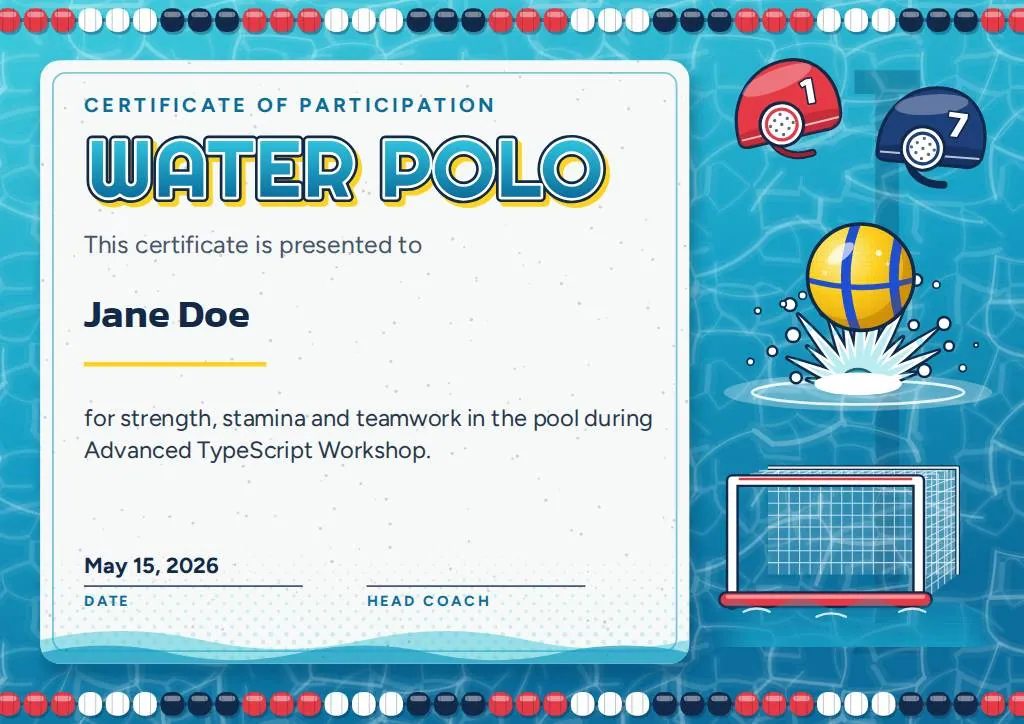
Water Polo Pool Sports Certificate of Participation
Sunlit pool water polo certificate with lane ropes, a white card, a yellow ball in a splash, caps and a goal.
-
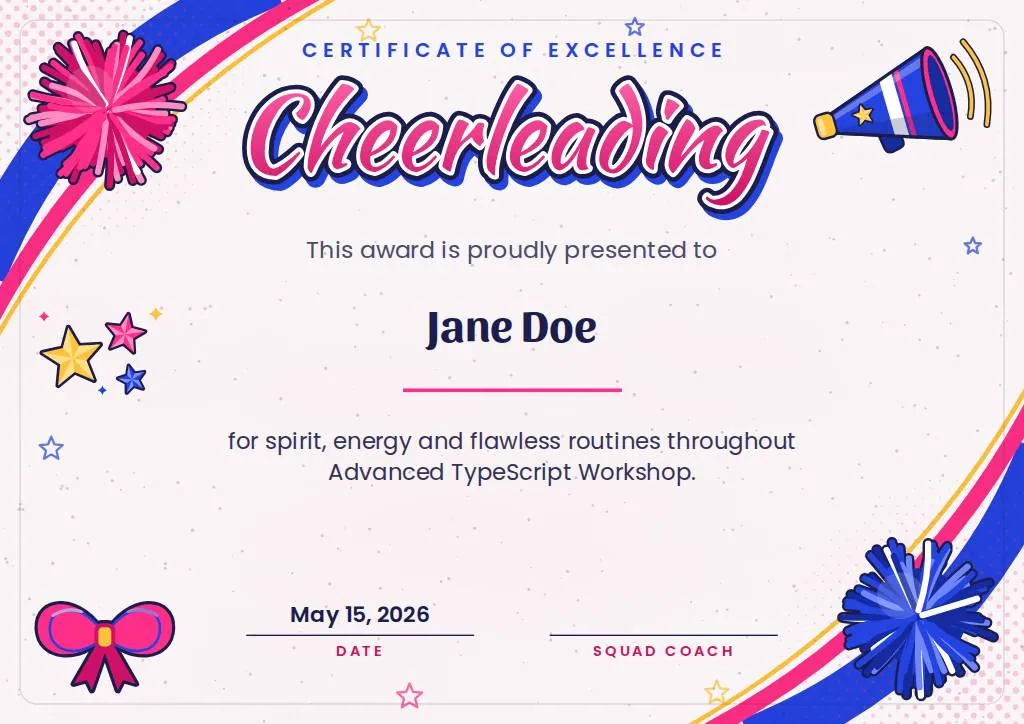
Cheerleading Pom-Pom Sports Award Certificate
Hot pink, royal blue and gold cheerleading award with pom-poms, a megaphone, a bow and starbursts.
-

Esports Arena Tournament Award Certificate
Dark neon esports award with a grid floor, stage beams, a pixel trophy, a controller and a headset.
-
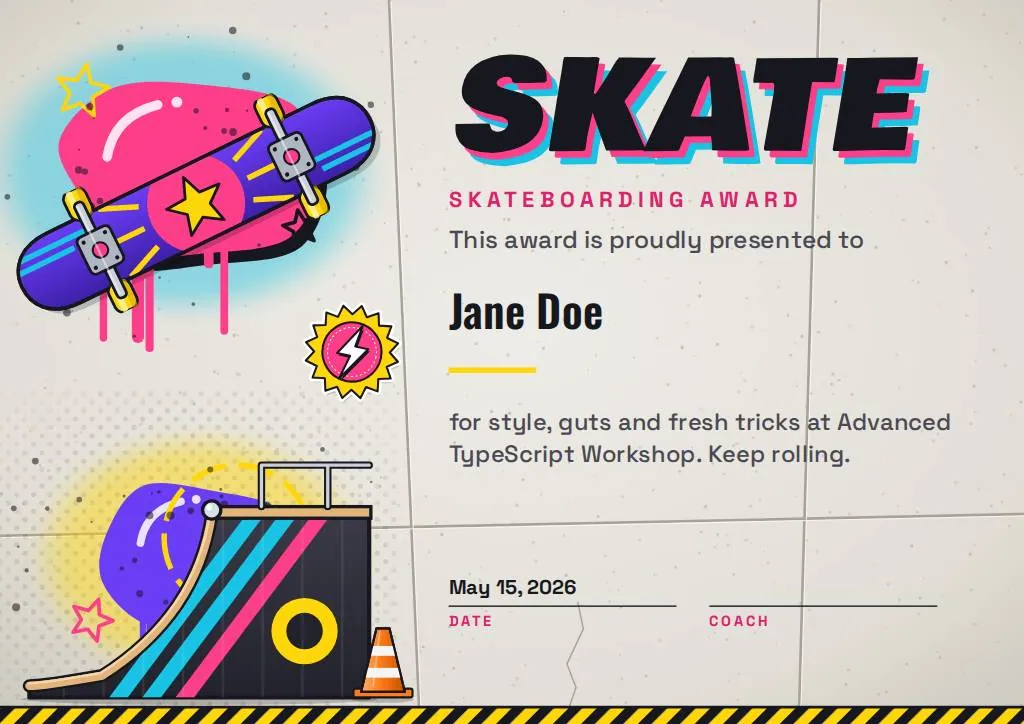
Street Skateboarding Award Certificate
Skate award on a concrete slab with graffiti-style spray shapes, a flying deck, a quarter pipe, a sticker and a cone.
-
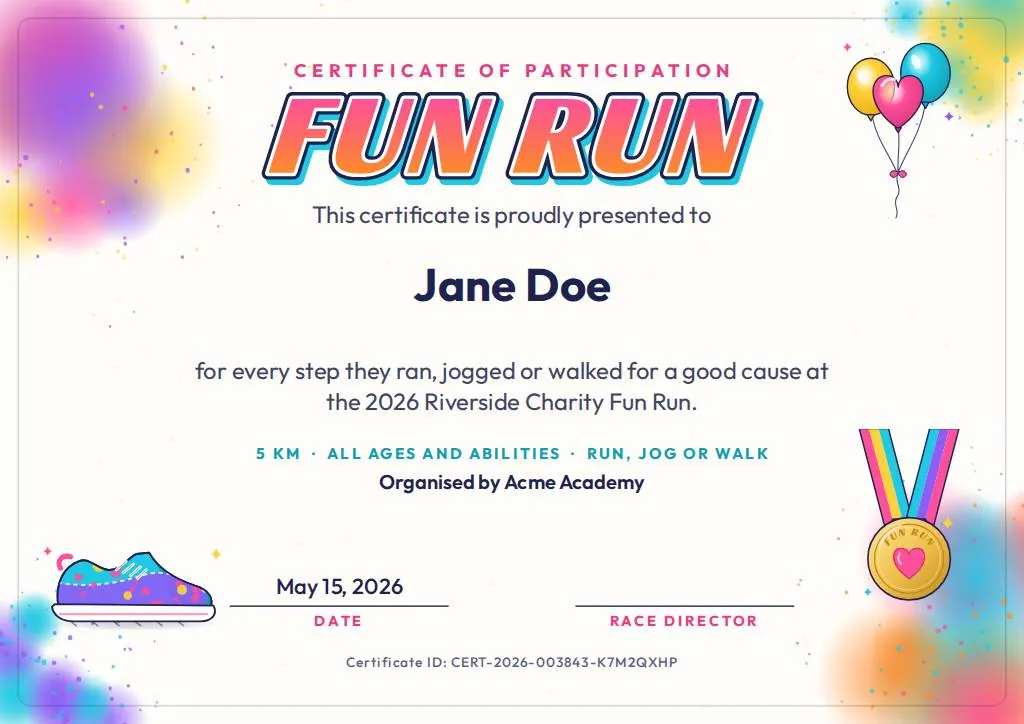
Colour Powder Charity Fun Run Certificate of Participation
Bright white certificate with colour-powder bursts, slanted "FUN RUN" lettering, balloons, a splashed shoe and a medal.
Issue your first credential today
Open this template in the CertSeal editor, customize in minutes, and send verifiable certificates your recipients can share anywhere.