Certificate template
Water Polo Pool Sports Certificate of Participation
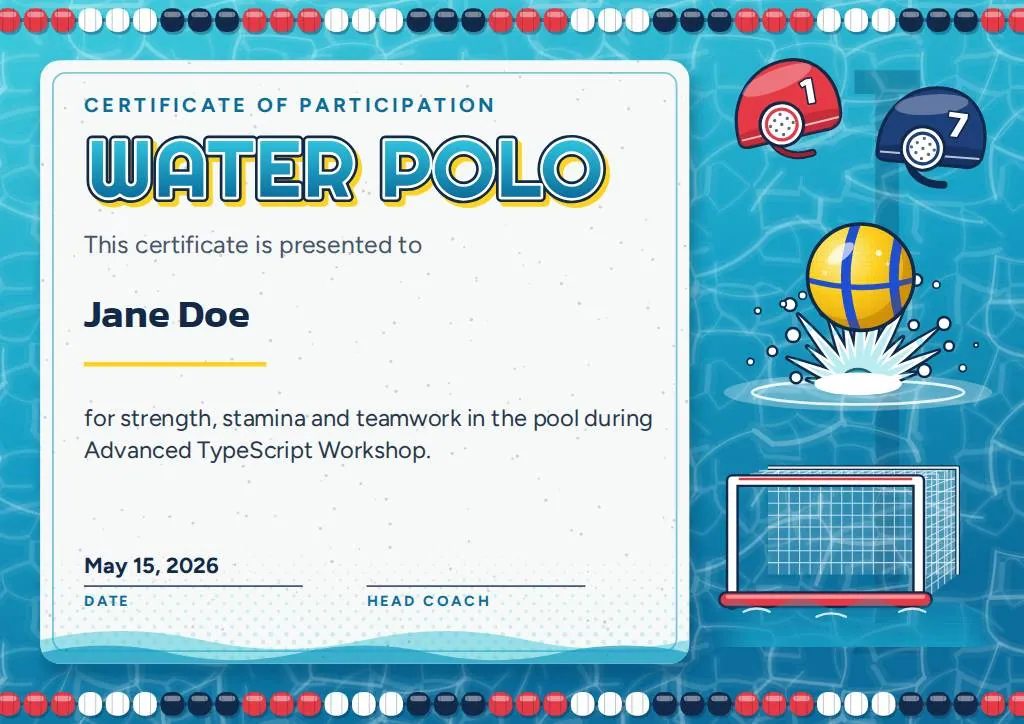
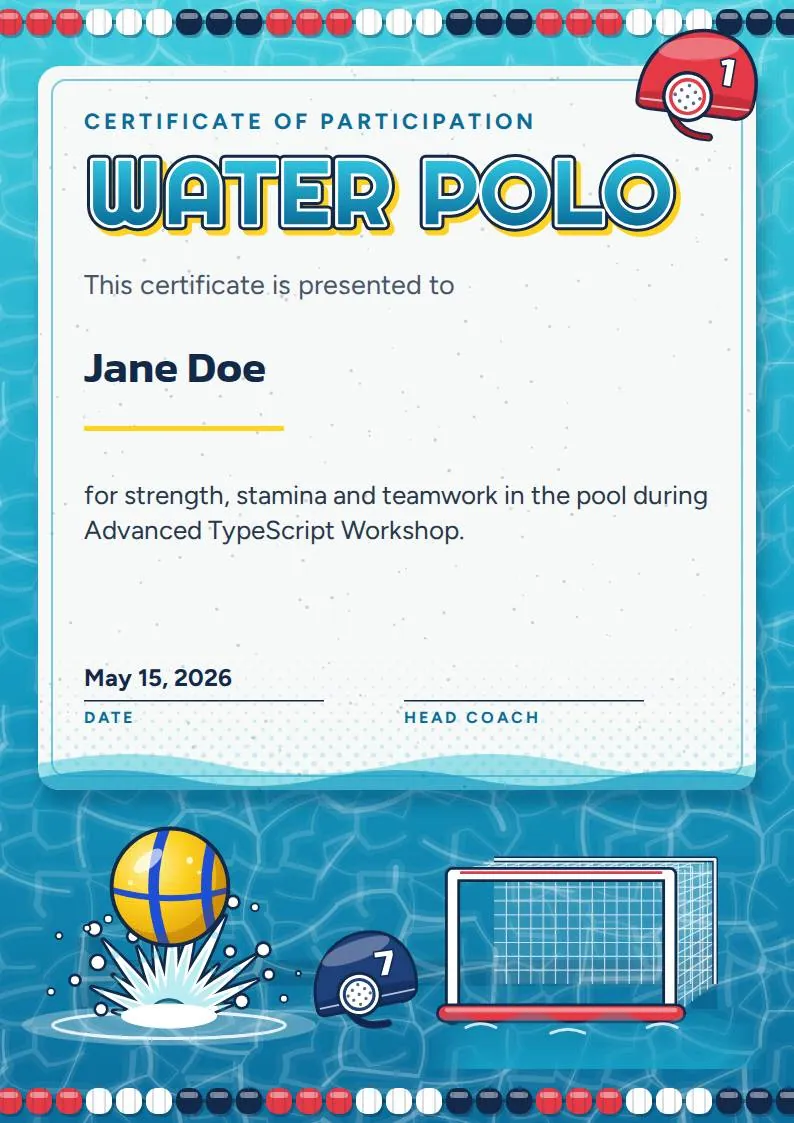
Sunlit pool water polo certificate with lane ropes, a white card, a yellow ball in a splash, caps and a goal.
Free to customize. Issue verifiable credentials with a CertSeal account.
About this template
When to reach for it
A fresh, sunlit certificate for water polo. Caustic light ripples across aqua pool water edged by red, white and navy lane ropes, and a clean white card with a wave-trimmed hem holds left-aligned type under a "Water Polo" headline. A yellow ball bursts out of a splash beside two caps with ear guards and a floating goal.
Made for water polo clubs, school squads, swim clubs and holiday programmes, for juniors and adults: participation, development and season certificates. The goal, ball, splash and caps are separate layers.
Wording
What the certificate says
Every line of text on this template, top to bottom. Highlighted parts fill in for each recipient, and you can reword any line in the editor.
- CERTIFICATE OF PARTICIPATION
- This certificate is presented to
- Recipient name
- for strength, stamina and teamwork in the pool during Course or achievement.
- Date
- DATE · HEAD COACH
Typography
Fonts used in this template
Swap, mix, or replace any of these in the editor — every CertSeal template ships with 1,000+ Google Fonts plus your own brand uploads.
-
Font family
Figtree
Figtree
-
Font family
Kanit
Kanit
Color palette
Colors used in this template
The five most prominent colors sampled straight from the rendered design. Recolor any of them in the editor to match your brand.
-
#f7f9f8
-
#178bb3
-
#46c6da
-
#4799b9
-
#87dae5
How to use it
From template to issued credential in four steps
- 01
Open the template
Click "Use this template" to open the Water Polo Pool Sports Certificate of Participation in the CertSeal editor, or customize it free without signing up.
- 02
Fill in the details
- Recipient name
- Course or achievement
- Date
Type these in, or upload a spreadsheet to make one for every recipient.
- 03
Add your brand
Swap the Figtree and Kanit fonts and the colors, and add your logo.
- 04
Issue & verify
Generate PDFs and verifiable links your recipients can share anywhere.
More templates
You might also like
-
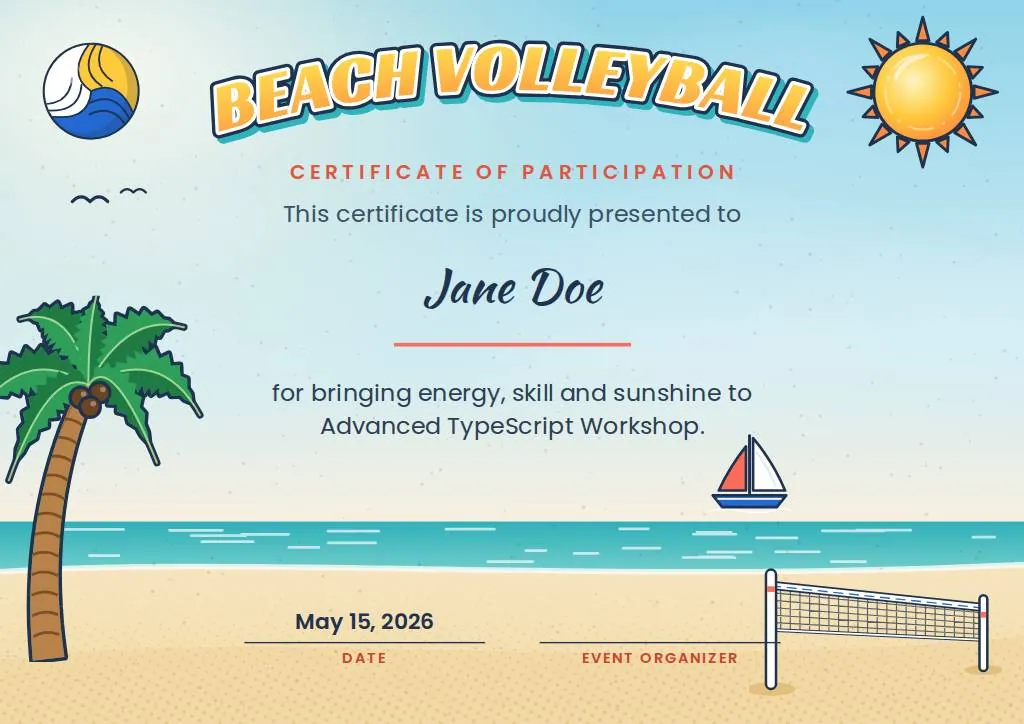
Beach Volleyball Sports Certificate of Participation
Sunny beach volleyball certificate with sky, sea and sand, a palm tree, a net, a blazing sun and a flying ball.
-

Alpine Ski and Snowboard Certificate of Achievement
Vintage ski-poster certificate with snowy peaks, pines, falling snow, crossed skis, a snowboard, goggles and a chairlift.
-
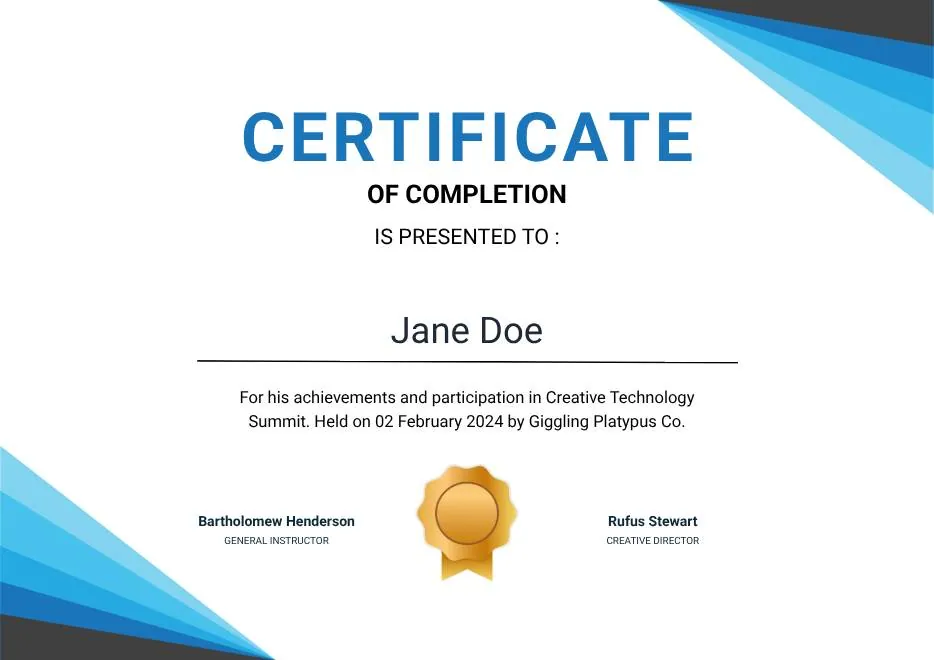
Blue Modern Event Completion Certificate
A sleek, modern portrait certificate with bold blue geometric accents and a gold seal, ideal for events and summits.
-

Colorful Funny Dinosaur Kids Certificate
A playful, blue-background kids certificate decorated with cute cartoon dinosaurs and footprints, perfect for children's programs.
-

Farm Friends Kids Certificate of Participation
Sunny farm certificate with a red barn, cow, pig, chick, sunflowers and a picket fence.
-

Little Artist Kids Certificate of Achievement
Art-class certificate with a smiling paint palette, brushes, crayons, an easel and rainbow paint drips.
-
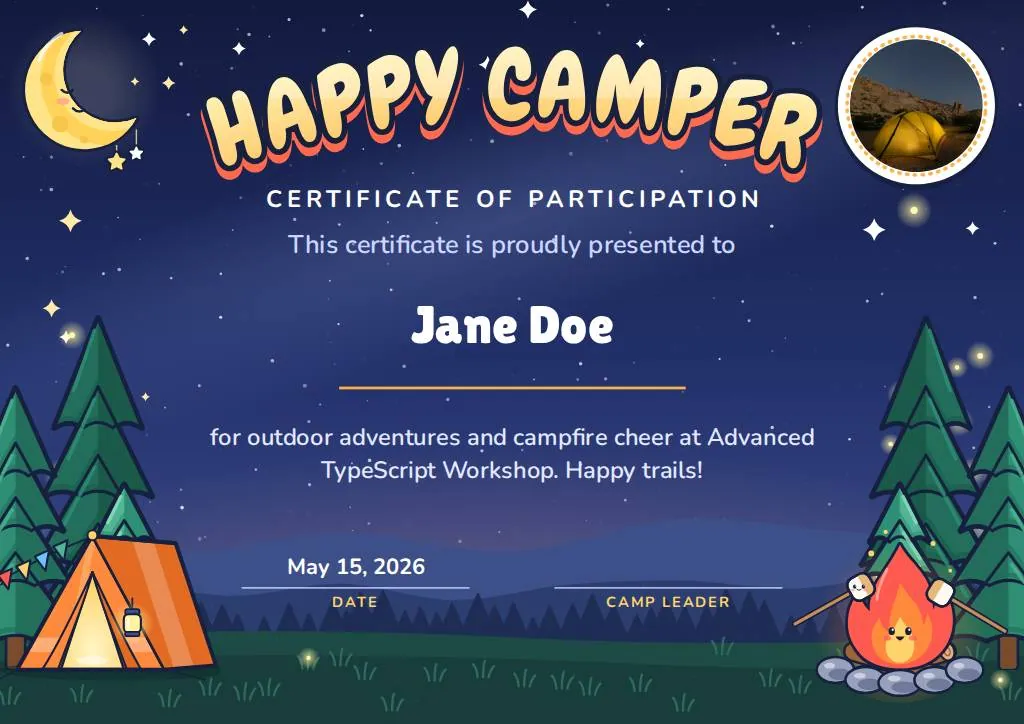
Happy Camper Kids Certificate of Participation
Starry campsite certificate with pine trees, a glowing tent, a campfire with marshmallows, a sleepy moon and a tent photo.
-

Little Builder Kids Certificate of Achievement
Construction-site certificate with a smiling digger, a dump truck, a crane hook, cones, bricks and hazard tape.
Issue your first credential today
Open this template in the CertSeal editor, customize in minutes, and send verifiable certificates your recipients can share anywhere.