Certificate template
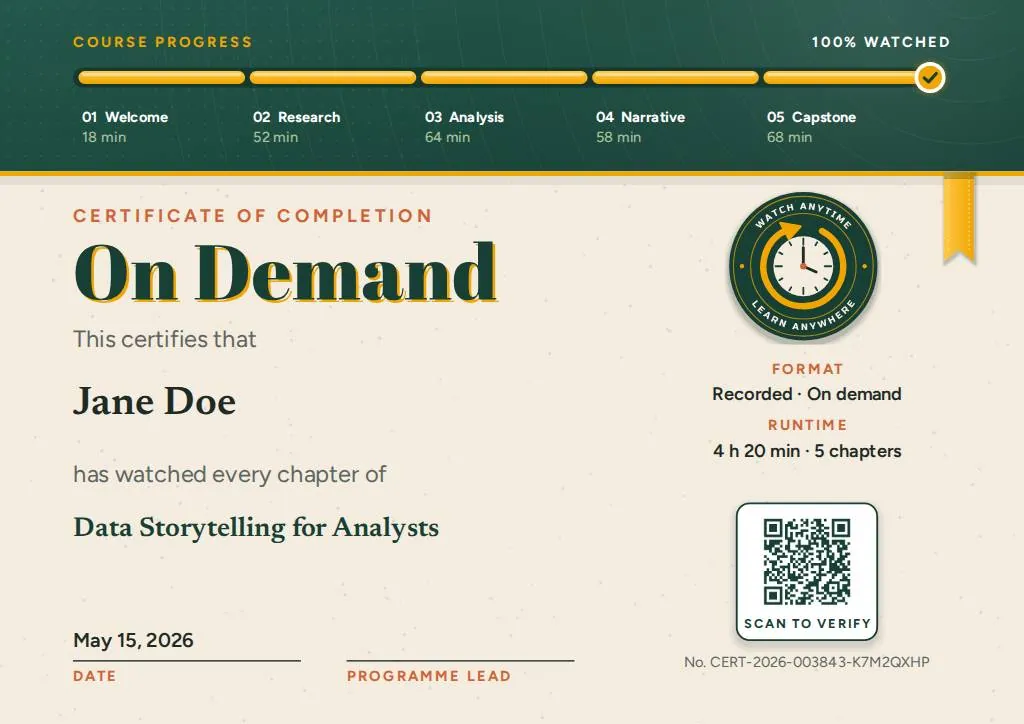
Forest and Saffron On-Demand Recorded Course Certificate with Chapter Progress Bar
Sand and forest-green certificate for recorded courses, led by a 100% progress bar with five labelled chapters.
Free to customize. Issue verifiable credentials with a CertSeal account.
About this template
When to reach for it
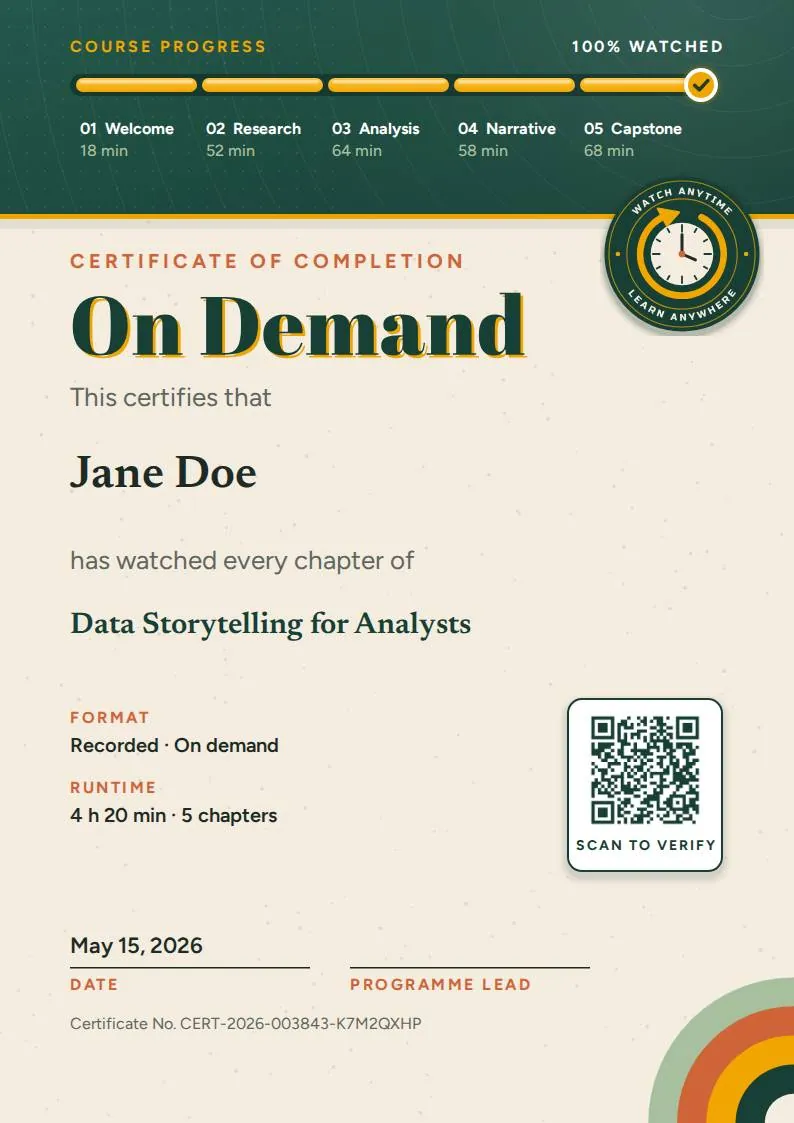
A calm, modern certificate for on-demand webinars and recorded courses. A deep forest-green header carries a full-width progress bar at 100%, split into five saffron chapter segments with a ticked knob at the end, and every chapter is labelled underneath with its title and running time.
Below, Abril Fatface "On Demand" lettering leads the text, beside a "watch anytime, learn anywhere" replay badge, a saffron bookmark, editable format and runtime lines and a QR code for verification. Chapter titles and times are editable text; set in Figtree and Newsreader.
Wording
What the certificate says
Every line of text on this template, top to bottom. Highlighted parts fill in for each recipient, and you can reword any line in the editor.
- COURSE PROGRESS · 100% WATCHED
- 01 Welcome · 02 Research · 03 Analysis · 04 Narrative · 05 Capstone
- 18 min · 52 min · 64 min · 58 min · 68 min
- CERTIFICATE OF COMPLETION
- This certifies that
- Recipient name
- has watched every chapter of
- FORMAT
- Recorded · On demand
- RUNTIME
- 4 h 20 min · 5 chapters
- Course or achievement
Show the other 5 lines
- Date
- DATE
- PROGRAMME LEAD
- SCAN TO VERIFY
- No. Certificate ID
Typography
Fonts used in this template
Swap, mix, or replace any of these in the editor — every CertSeal template ships with 1,000+ Google Fonts plus your own brand uploads.
-
Font family
Figtree
Figtree
-
Font family
Newsreader
Newsreader
Color palette
Colors used in this template
The five most prominent colors sampled straight from the rendered design. Recolor any of them in the editor to match your brand.
-
#f4ece1
-
#265449
-
#c9c7ba
-
#9d9351
-
#d4a537
How to use it
From template to issued credential in four steps
- 01
Open the template
Click "Use this template" to open the Forest and Saffron On-Demand Recorded Course Certificate with Chapter Progress Bar in the CertSeal editor, or customize it free without signing up.
- 02
Fill in the details
- Recipient name
- Course or achievement
- Date
Type these in, or upload a spreadsheet to make one for every recipient.
- 03
Add your brand
Swap the Figtree and Newsreader fonts and the colors, and add your logo.
- 04
Issue & verify
Generate PDFs and verifiable links your recipients can share anywhere. The QR code on this design opens each certificate's verification page. Each certificate is printed with its own ID.
More templates
You might also like
-
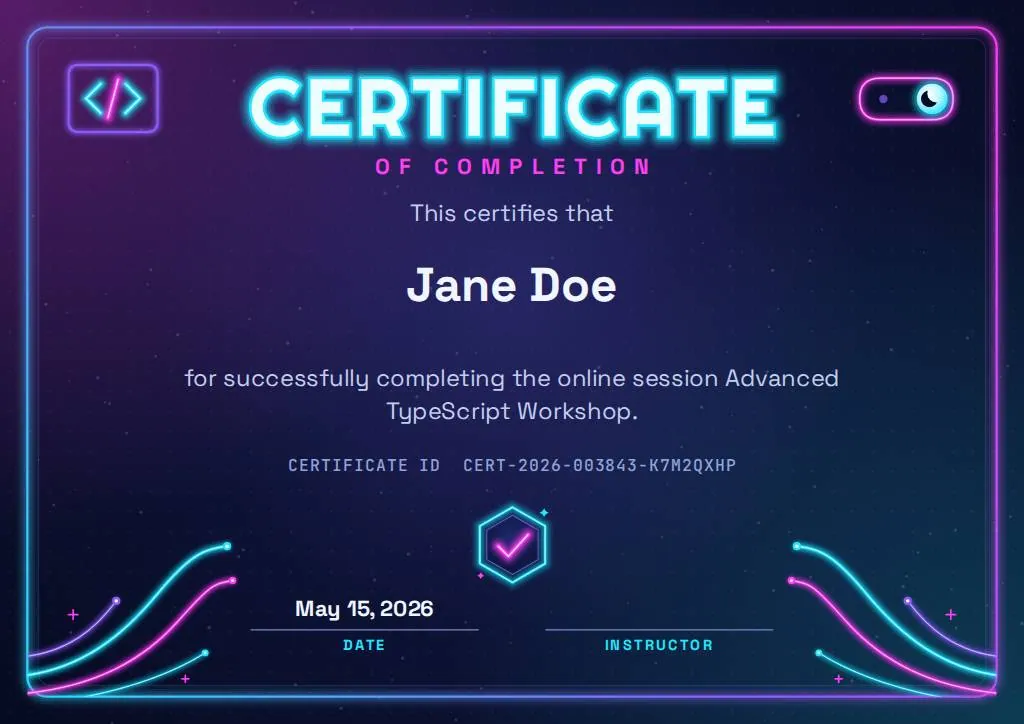
Neon Dark Mode Webinar Completion Certificate
Dark-mode completion certificate with glowing neon lettering, code brackets, a toggle switch and a check badge.
-
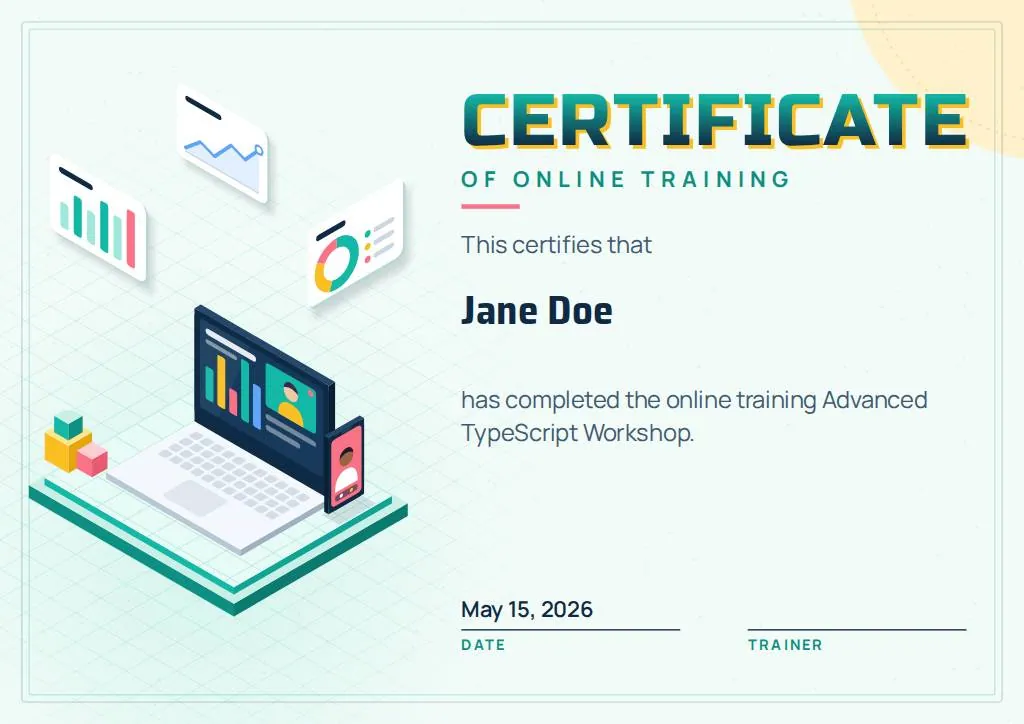
Isometric Devices Online Training Certificate
Mint certificate with an isometric laptop, phone, floating chart cards and cubes on a grid.
-
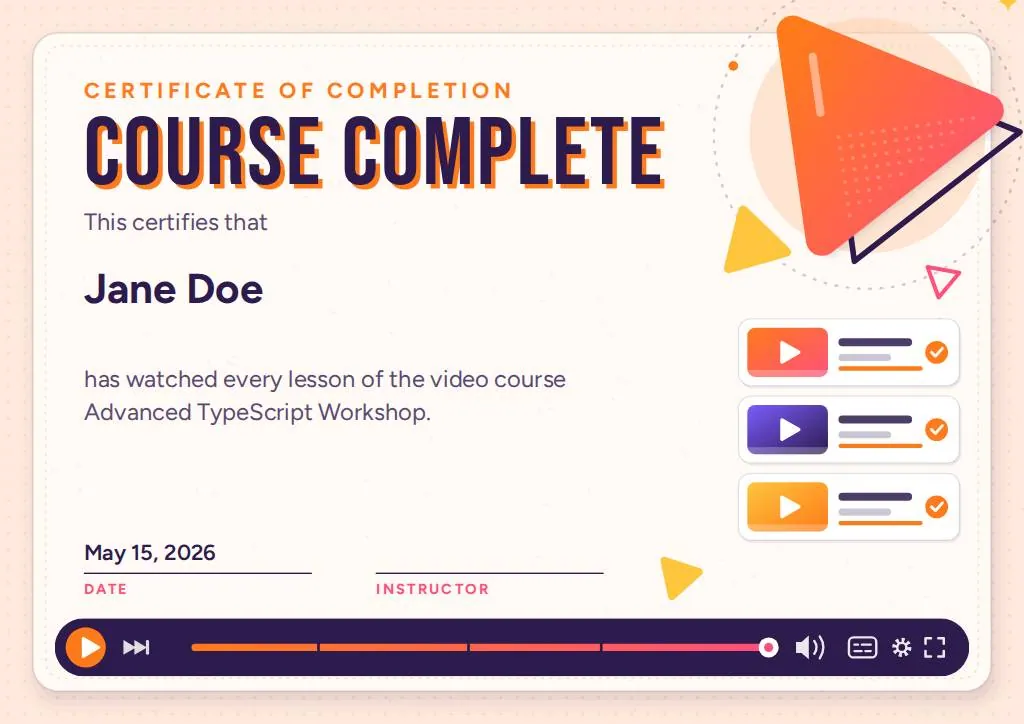
Play Button Video Course Completion Certificate
Video-player certificate with layered play triangles, a ticked lesson list and a full progress bar.
-
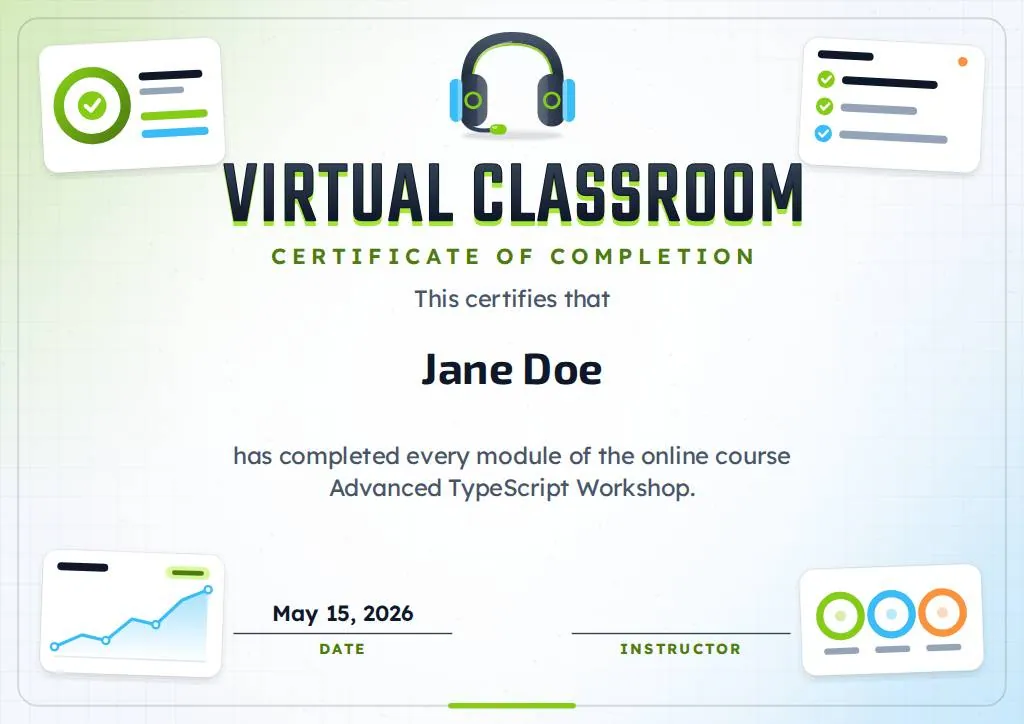
Headset Dashboard Virtual Classroom Completion Certificate
Clean dashboard-style completion certificate with a headset, progress rings, a checklist and a chart.
-
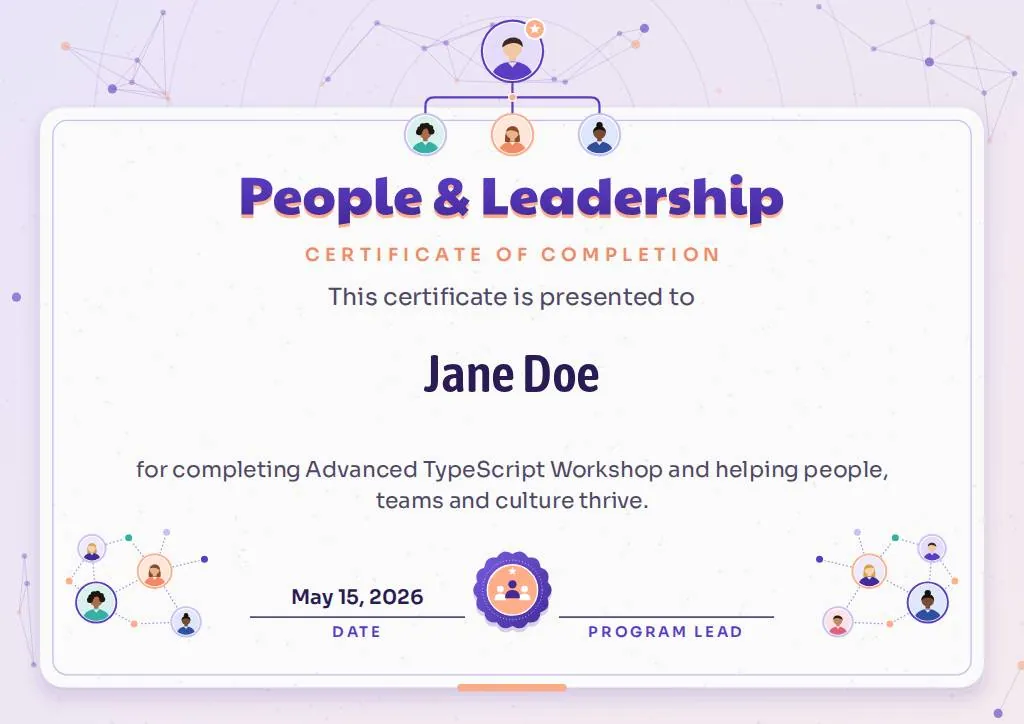
People and Leadership Webinar Certificate of Completion
Lavender HR and leadership webinar certificate with an org chart, people network and team badge.
-
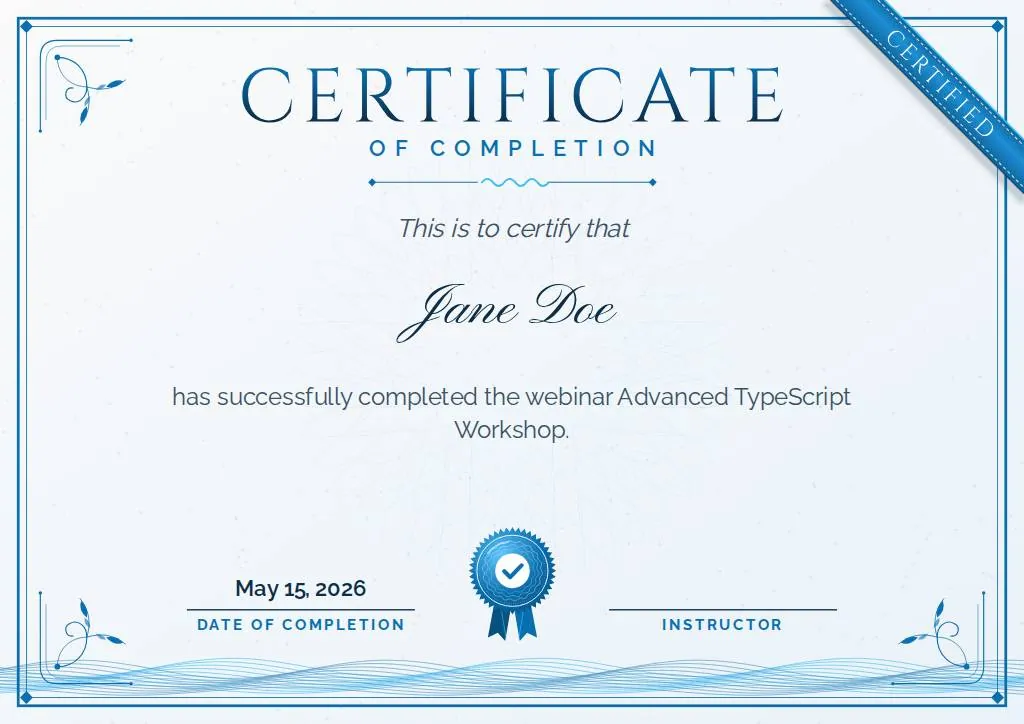
Certified Ribbon Webinar Certificate of Completion
Ocean-blue completion certificate with a diagonal "Certified" corner ribbon, guilloche and a seal.
-

Espresso and Copper Masterclass Series Certificate with Episode Cards
Dark espresso masterclass certificate with five fanned abstract episode cards, copper foil lettering and a seal.
-

Teal and Persimmon Audio Series Certificate with Radial Waveform
Cream and deep teal certificate for audio and podcast-style series, with a radial waveform and an episode list.
Issue your first credential today
Open this template in the CertSeal editor, customize in minutes, and send verifiable certificates your recipients can share anywhere.