Certificate template
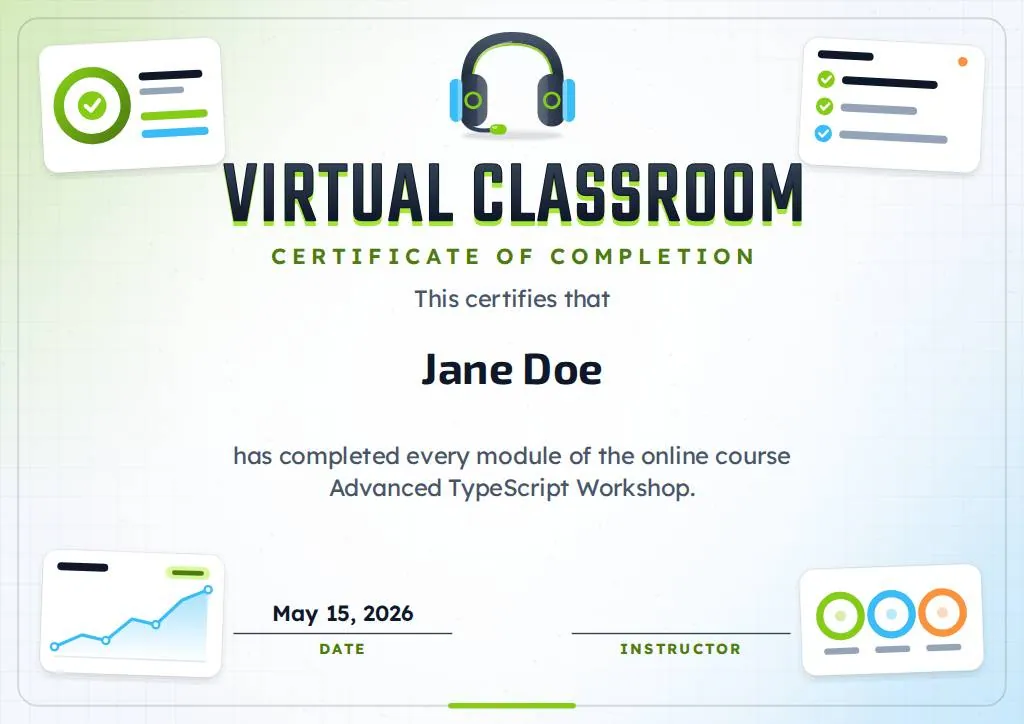
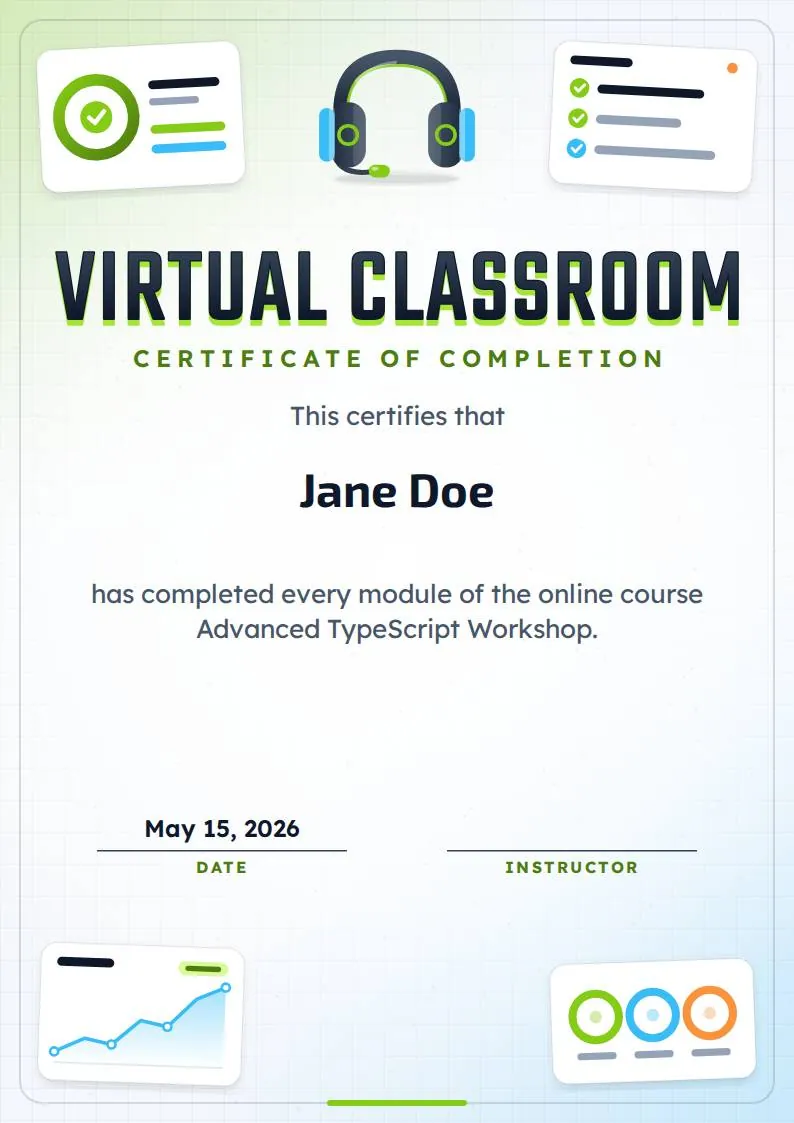
Headset Dashboard Virtual Classroom Completion Certificate
Clean dashboard-style completion certificate with a headset, progress rings, a checklist and a chart.
Free to customize. Issue verifiable credentials with a CertSeal account.
About this template
When to reach for it
A clean, data-driven certificate of completion for virtual classrooms, online courses and live training programmes. A headset crowns a bold "Virtual Classroom" headline, and floating dashboard cards in the corners show a full progress ring, a ticked module checklist, a rising chart and three completed activity rings.
A fine grid with soft lime and sky glows keeps it light. Every card and the headset are separate layers, so you can move, resize or remove them.
Wording
What the certificate says
Every line of text on this template, top to bottom. Highlighted parts fill in for each recipient, and you can reword any line in the editor.
- CERTIFICATE OF COMPLETION
- This certifies that
- Recipient name
- has completed every module of the online course Course or achievement.
- Date
- DATE · INSTRUCTOR
Typography
Fonts used in this template
Swap, mix, or replace any of these in the editor — every CertSeal template ships with 1,000+ Google Fonts plus your own brand uploads.
-
Font family
Lexend
Lexend
Color palette
Colors used in this template
The five most prominent colors sampled straight from the rendered design. Recolor any of them in the editor to match your brand.
-
#fafcfc
-
#d8e9c7
-
#cae8f8
-
#979ca5
-
#b7bcc4
How to use it
From template to issued credential in four steps
- 01
Open the template
Click "Use this template" to open the Headset Dashboard Virtual Classroom Completion Certificate in the CertSeal editor, or customize it free without signing up.
- 02
Fill in the details
- Recipient name
- Course or achievement
- Date
Type these in, or upload a spreadsheet to make one for every recipient.
- 03
Add your brand
Swap the Lexend font and the colors, and add your logo.
- 04
Issue & verify
Generate PDFs and verifiable links your recipients can share anywhere.
More templates
You might also like
-
Isometric Devices Online Training Certificate
Mint certificate with an isometric laptop, phone, floating chart cards and cubes on a grid.
-
People and Leadership Webinar Certificate of Completion
Lavender HR and leadership webinar certificate with an org chart, people network and team badge.
-
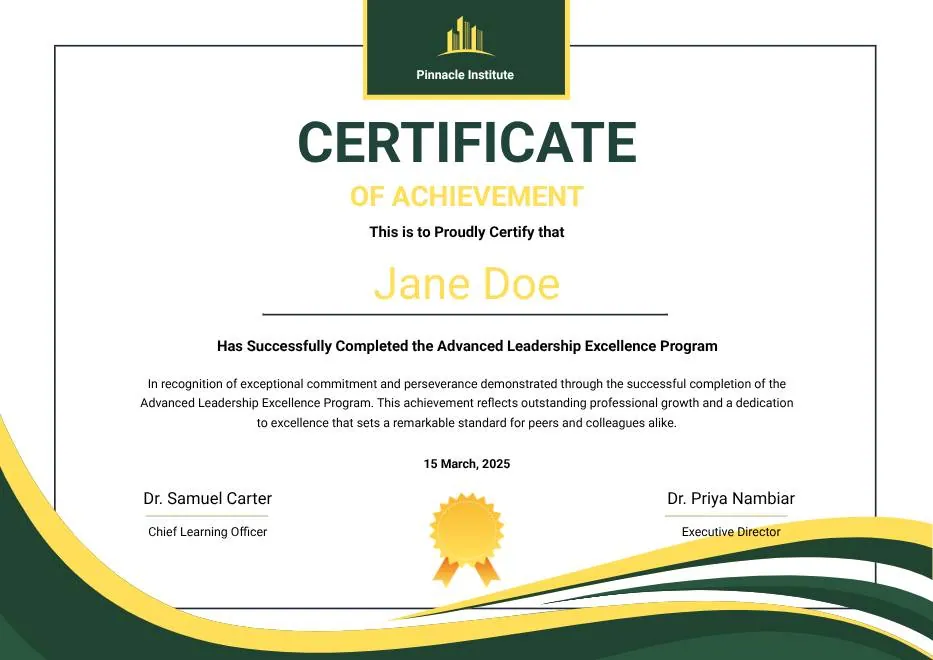
Green and Gold Modern Leadership Achievement Certificate
A clean, modern portrait certificate in dark green and gold for recognizing program completions and professional achievements.
-
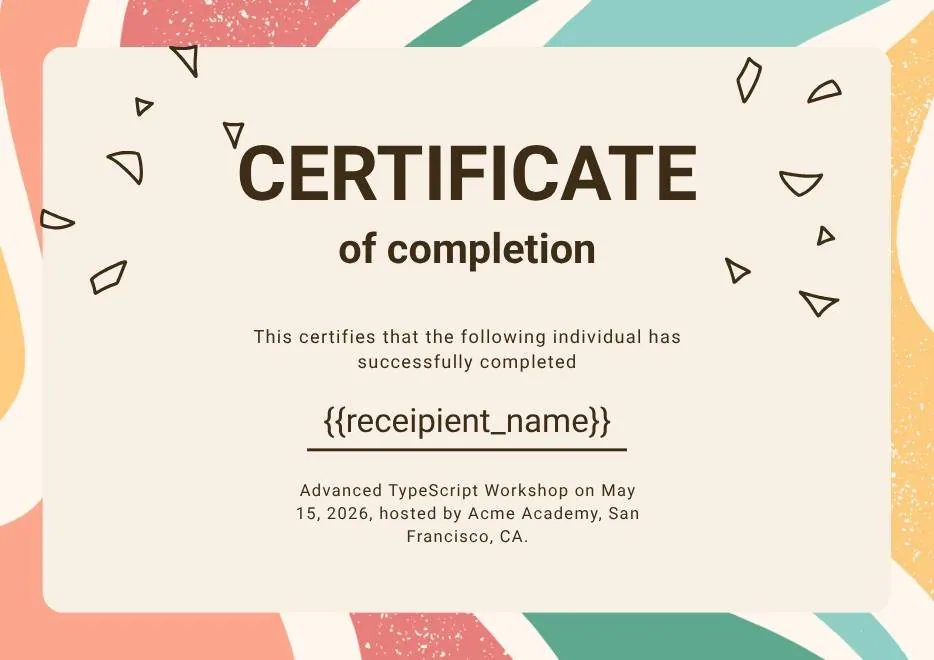
Certificate of Completion in Colorful Abstract Modern Style
A vibrant, modern completion certificate featuring abstract swirling shapes in coral, teal, and gold on a clean cream background.
-

Classic Floral Border Certificate of Achievement
An elegant, formal certificate with ornate floral corner flourishes and a muted ivory background, ideal for academic or professional recognition.
-

Red and Gold Achievement Certificate
A formal portrait certificate with deep crimson accents, gold corner brackets, a script name field, and a classic wax-seal ribbon badge.
-

Beige Classic Certificate of Achievement
An elegant, formal portrait certificate with an ornate teal border, gold corner accents, and a cream background — ideal for workshops and training programs.
-
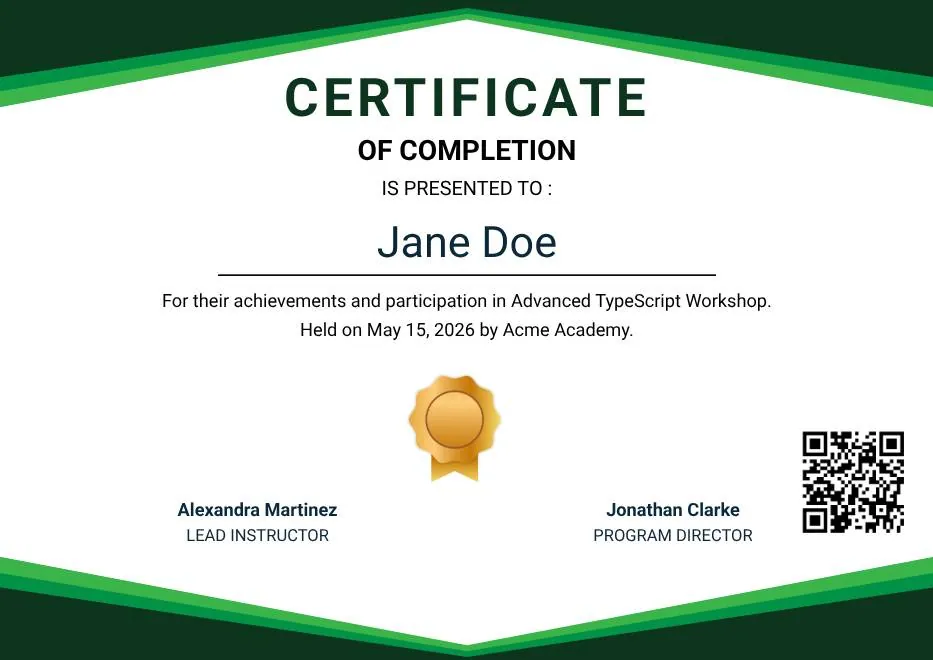
Green Modern Event Completion Certificate
A sleek green-and-white landscape certificate ideal for workshops, courses, and training events with dual signatures and QR verification.
Issue your first credential today
Open this template in the CertSeal editor, customize in minutes, and send verifiable certificates your recipients can share anywhere.