Certificate template
Royal Blue and Gold Approved Member Firm Window Certificate
Approved member firm certificate for the shop window, with a big badge, valid-until date and QR.
Free to customize. Issue verifiable credentials with a CertSeal account.


About this template
When to reach for it
For trade associations whose member firms display their membership to customers. A royal-blue panel lit by soft rays carries a large die-cut "Approved Member · Accredited Firm" badge with a white shield and check, the valid-until date, the member number and a QR code customers can scan to check the firm.
Beside it, a white page with blue and gold frame lines holds an Alfa Slab "Approved Member" headline, the firm's name, an editable sector line and two signature lines. Put it in a frame in the window or at reception.
Wording
What the certificate says
Every line of text on this template, top to bottom. Highlighted parts fill in for each recipient, and you can reword any line in the editor.
- CERTIFICATE OF ACCREDITATION
- This is to certify that the firm
- Recipient name
- is an approved member firm of Issued by, working to its code of practice and standards.
- VALID UNTIL
- Expiry date
- MEMBER NO.
- Certificate ID
- SECTOR · MEMBER SINCE
- Electrical Contracting · Date
- Scan to check this firm is a current member
- CHIEF EXECUTIVE · CHAIR
Typography
Fonts used in this template
Swap, mix, or replace any of these in the editor — every CertSeal template ships with 1,000+ Google Fonts plus your own brand uploads.
-
Font family
Archivo
Archivo
-
Font family
Archivo Narrow
Archivo Narrow
-
Font family
Montserrat
Montserrat
Color palette
Colors used in this template
The five most prominent colors sampled straight from the rendered design. Recolor any of them in the editor to match your brand.
-
#fbfcfe
-
#2959c6
-
#17347b
-
#b8c7e8
-
#5977b7
How to use it
From template to issued credential in four steps
- 01
Open the template
Click "Use this template" to open the Royal Blue and Gold Approved Member Firm Window Certificate in the CertSeal editor, or customize it free without signing up.
- 02
Fill in the details
- Recipient name
- Issued by
- Expiry date
- Date
Type these in, or upload a spreadsheet to make one for every recipient.
- 03
Add your brand
Swap the Archivo, Archivo Narrow and Montserrat fonts and the colors, and add your logo.
- 04
Issue & verify
Generate PDFs and verifiable links your recipients can share anywhere. The QR code on this design opens each certificate's verification page. Each certificate is printed with its own ID. It also shows when the certificate expires.
More templates
You might also like
-

Burgundy and Gold Classic Club Membership Certificate
Ivory membership certificate with a gold-rope burgundy border, a star crest and a wax seal.
-
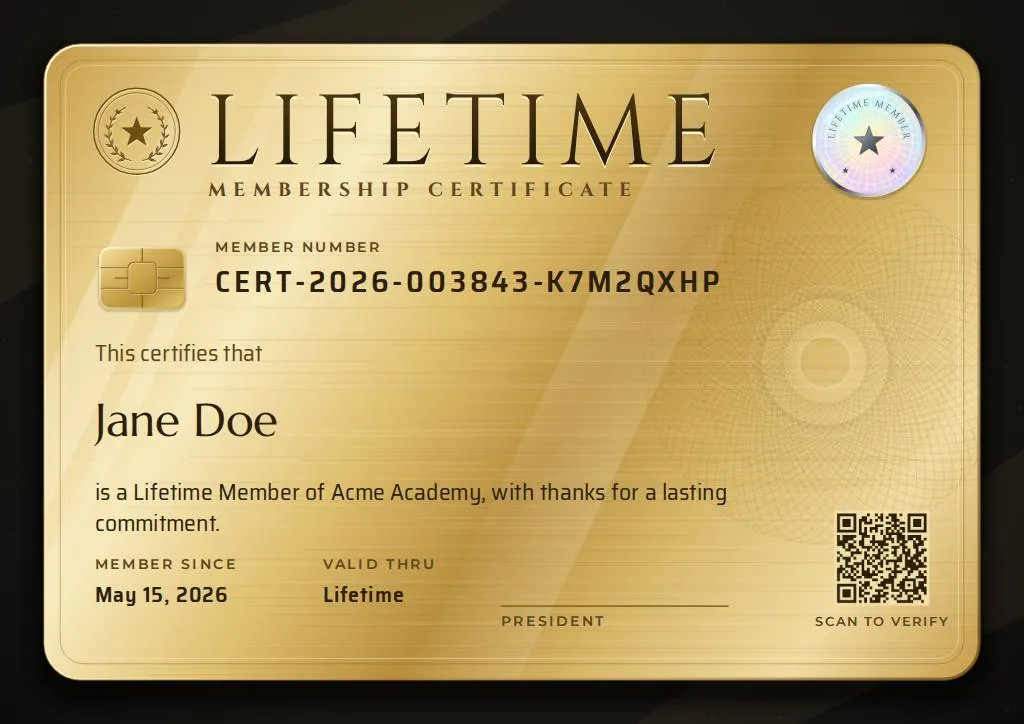
Black and Gold Lifetime Membership Card Certificate
Lifetime membership certificate laid out as an oversized brushed-gold member card.
-

Navy and White Country Club Membership Certificate
Navy and white country club certificate with a striped awning, lawn and lanterns.
-

Navy Guilloche Professional Association Membership Certificate
Security-paper membership credential with a navy guilloche panel, member number and QR.
-

City Skyline Business Network Membership Certificate
Modern business network membership with a dusk skyline header, member badge and QR code.
-

Mint Geometric Co-working Space Membership Certificate
Fresh mint co-working membership with mid-century shapes, a pendant lamp, plant and member card.
-

Bronze Tools Heraldry Trade Guild Membership Certificate
Parchment trade guild membership with bronze tool friezes, guild arms and a cog seal.
-

Bottle Green and Gold Institute Certificate of Admission to Membership
Institute admission certificate with a gold lamp medallion and a post-nominal grade line.
Issue your first credential today
Open this template in the CertSeal editor, customize in minutes, and send verifiable certificates your recipients can share anywhere.