Certificate template
Navy and White Country Club Membership Certificate
Navy and white country club certificate with a striped awning, lawn and lanterns.
Free to customize. Issue verifiable credentials with a CertSeal account.


About this template
When to reach for it
Clubhouse elegance in navy and white. A striped awning with a scalloped valance runs across the top, a freshly mown lawn and boxwood hedge across the bottom, with glowing carriage lanterns on either side, ball topiaries in white urns and a navy rope-ring member medallion.
The headline is set in Cinzel Decorative, the name in Playfair Display. Member number, member since and valid until dates sit in a centred row, with signature lines for the general manager and the president.
Wording
What the certificate says
Every line of text on this template, top to bottom. Highlighted parts fill in for each recipient, and you can reword any line in the editor.
- CERTIFICATE OF MEMBERSHIP
- This is to certify that
- Recipient name
- is a member of Issued by, entitled to all the privileges of the club.
- MEMBER NO. · MEMBER SINCE · VALID UNTIL
- Certificate ID · Date · Expiry date
- GENERAL MANAGER · PRESIDENT
Typography
Fonts used in this template
Swap, mix, or replace any of these in the editor — every CertSeal template ships with 1,000+ Google Fonts plus your own brand uploads.
-
Font family
Crimson Pro
Crimson Pro
-
Font family
Marcellus SC
Marcellus SC
-
Font family
Montserrat
Montserrat
-
Font family
Playfair Display
Playfair Display
Color palette
Colors used in this template
The five most prominent colors sampled straight from the rendered design. Recolor any of them in the editor to match your brand.
-
#fcfbf7
-
#223557
-
#77a365
-
#d7d8d9
-
#8c95a3
How to use it
From template to issued credential in four steps
- 01
Open the template
Click "Use this template" to open the Navy and White Country Club Membership Certificate in the CertSeal editor, or customize it free without signing up.
- 02
Fill in the details
- Recipient name
- Issued by
- Date
- Expiry date
Type these in, or upload a spreadsheet to make one for every recipient.
- 03
Add your brand
Swap the Crimson Pro, Marcellus SC, Montserrat and Playfair Display fonts and the colors, and add your logo.
- 04
Issue & verify
Generate PDFs and verifiable links your recipients can share anywhere. Each certificate is printed with its own ID. It also shows when the certificate expires.
More templates
You might also like
-

Burgundy and Gold Classic Club Membership Certificate
Ivory membership certificate with a gold-rope burgundy border, a star crest and a wax seal.
-
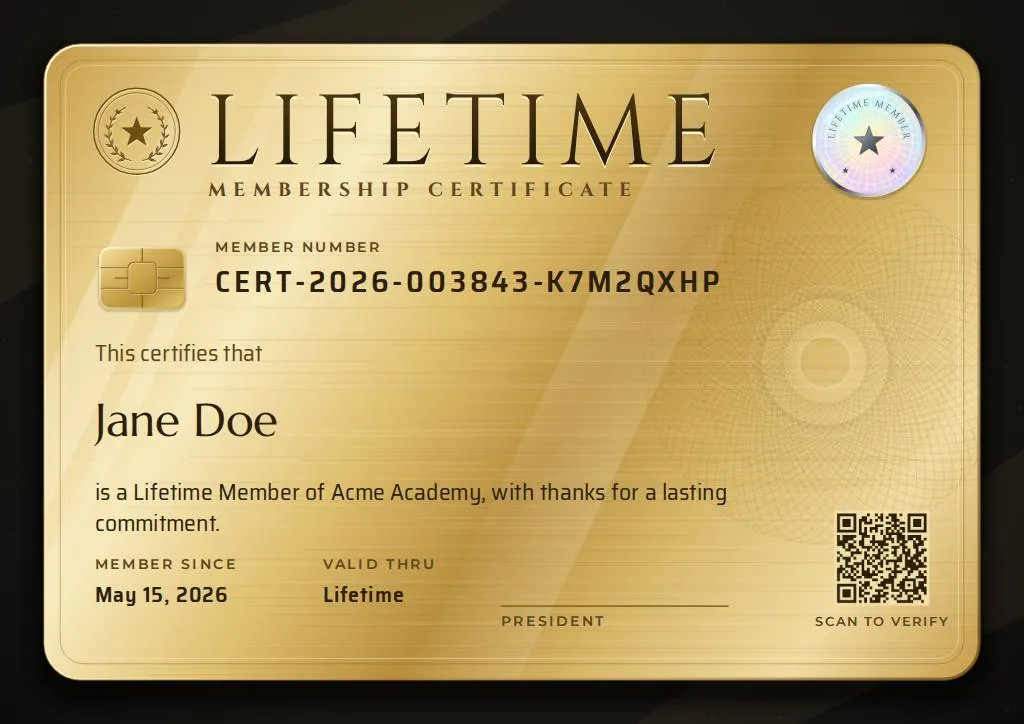
Black and Gold Lifetime Membership Card Certificate
Lifetime membership certificate laid out as an oversized brushed-gold member card.
-

Cherry Red and Chrome Classic Car Club Membership Certificate
Retro classic car club certificate with a cherry-red roadster, chrome lettering and flags.
-

Teal and Orange Hiking Club Membership Certificate
Outdoor hiking club certificate with mountains, a trail signpost and topographic lines.
-
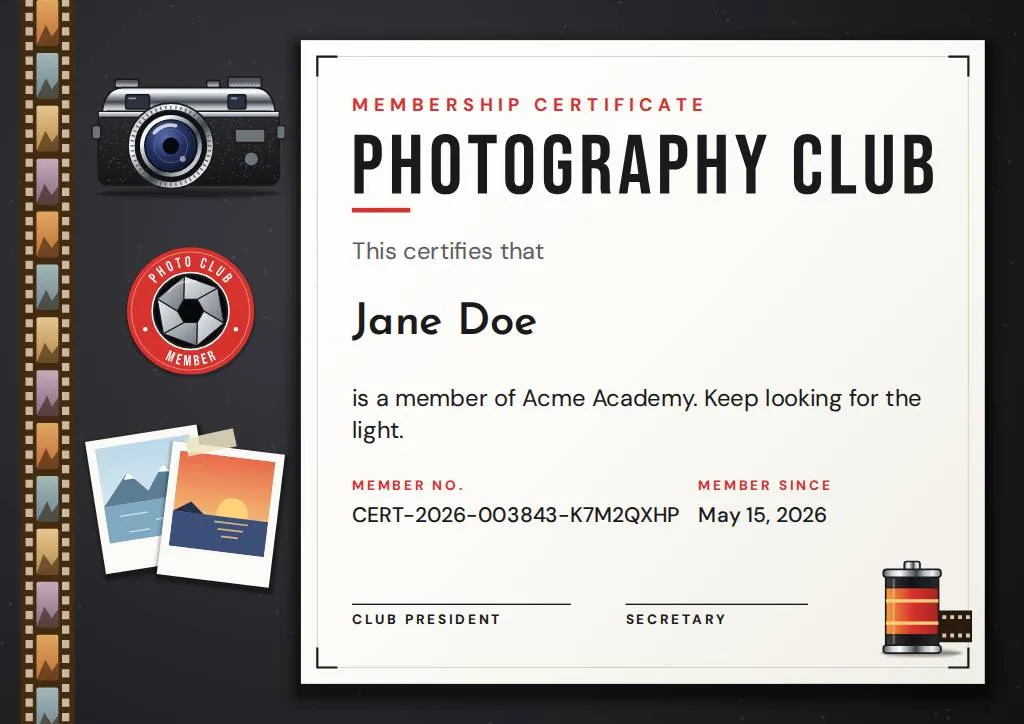
Charcoal and Print White Photography Club Membership Certificate
Photography club certificate with a vintage camera, film strip and prints on charcoal.
-

Kids Adventure Club Membership Certificate with Compass and Map
Bright kids adventure club certificate with a compass, a folded map and patch badges.
-

Navy Guilloche Professional Association Membership Certificate
Security-paper membership credential with a navy guilloche panel, member number and QR.
-

Ivory and Gold Laurel Honorary Membership Certificate
Ivory honorary membership with a gold laurel crest, script headline and gold seal.
Issue your first credential today
Open this template in the CertSeal editor, customize in minutes, and send verifiable certificates your recipients can share anywhere.