Certificate template
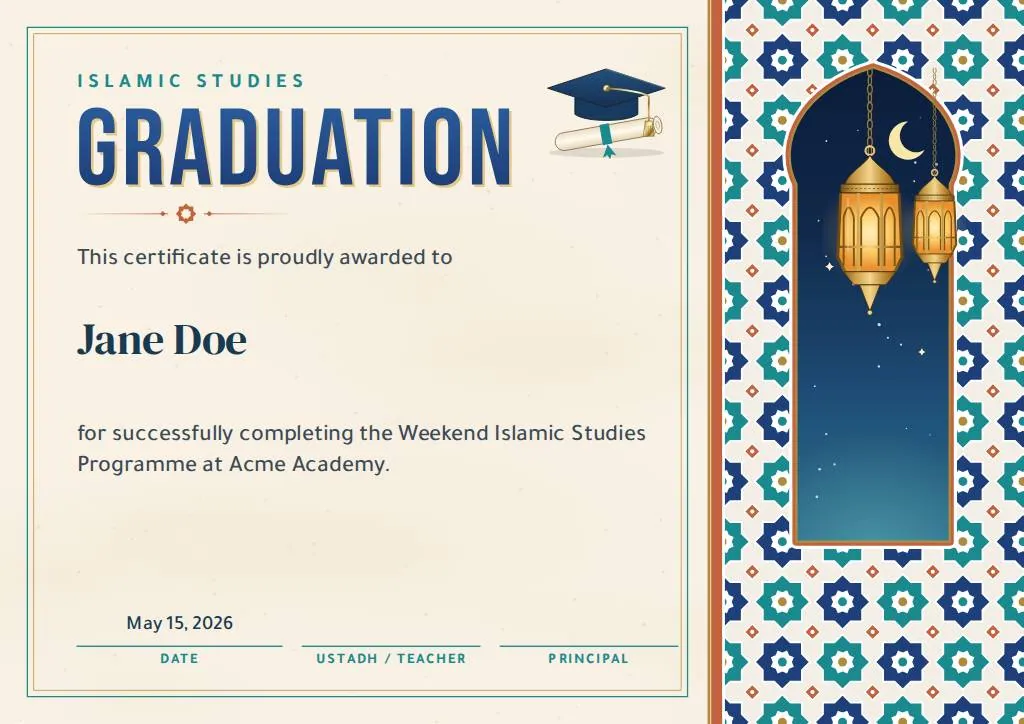
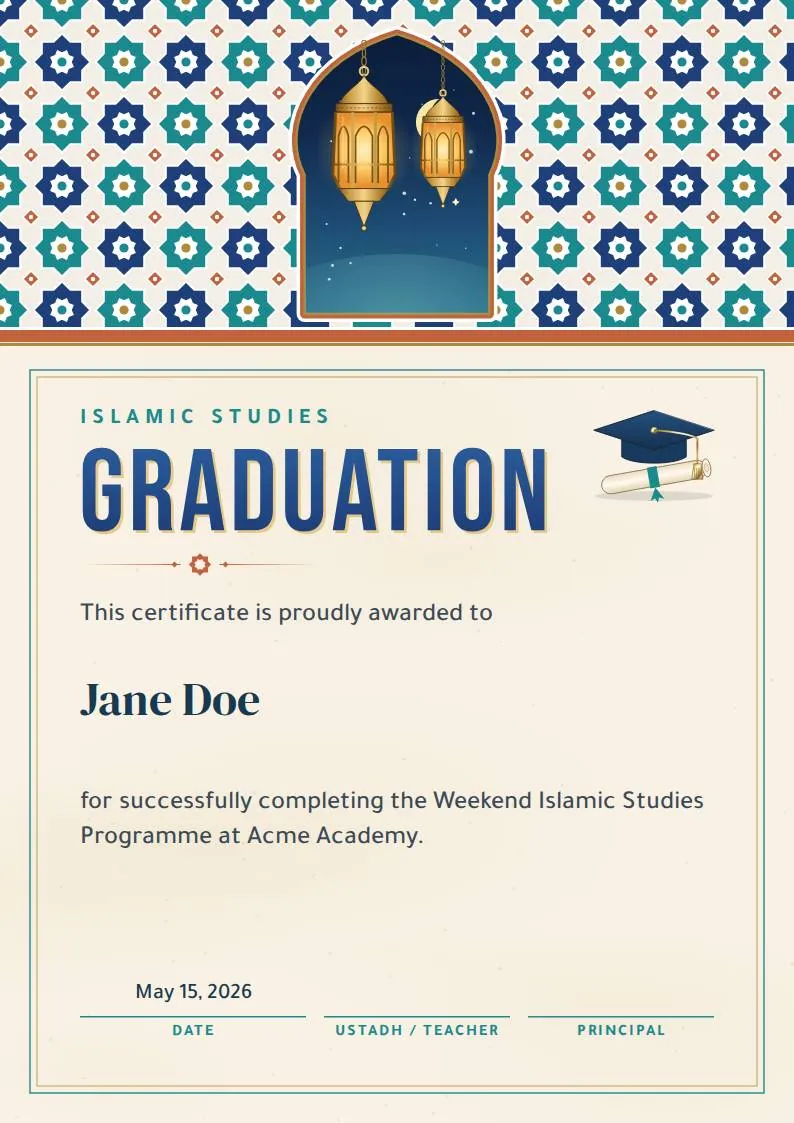
Zellige Tile and Lantern Islamic School Graduation Certificate
Sand and turquoise Islamic school graduation certificate with zellige tiles, an arch window and brass lanterns.
Free to customize. Issue verifiable credentials with a CertSeal account.
About this template
When to reach for it
A bright, modern graduation certificate for Islamic schools. A panel of turquoise, cobalt and terracotta zellige stars runs down the side (across the top in portrait), opening into a horseshoe arch window onto a starry night sky with a crescent moon, where two pierced brass lanterns glow. The text is set flush left on warm sand paper beside a mortarboard and rolled diploma.
For madrasas, weekend Islamic schools and Quran academies. The programme name comes from your course field, and the date, teacher and principal lines sit together at the foot; the lanterns, cap and divider are separate layers.
Wording
What the certificate says
Every line of text on this template, top to bottom. Highlighted parts fill in for each recipient, and you can reword any line in the editor.
- ISLAMIC STUDIES
- This certificate is proudly awarded to
- Recipient name
- for successfully completing Course or achievement at Issued by.
- Date
- DATE · USTADH / TEACHER · PRINCIPAL
Typography
Fonts used in this template
Swap, mix, or replace any of these in the editor — every CertSeal template ships with 1,000+ Google Fonts plus your own brand uploads.
-
Font family
DM Serif Display
DM Serif Display
-
Font family
Tajawal
Tajawal
Color palette
Colors used in this template
The five most prominent colors sampled straight from the rendered design. Recolor any of them in the editor to match your brand.
-
#f9f1e5
-
#d9d7cb
-
#496696
-
#b9bab5
-
#37999e
How to use it
From template to issued credential in four steps
- 01
Open the template
Click "Use this template" to open the Zellige Tile and Lantern Islamic School Graduation Certificate in the CertSeal editor, or customize it free without signing up.
- 02
Fill in the details
- Recipient name
- Course or achievement
- Issued by
- Date
Type these in, or upload a spreadsheet to make one for every recipient.
- 03
Add your brand
Swap the DM Serif Display and Tajawal fonts and the colors, and add your logo.
- 04
Issue & verify
Generate PDFs and verifiable links your recipients can share anywhere.
More templates
You might also like
-
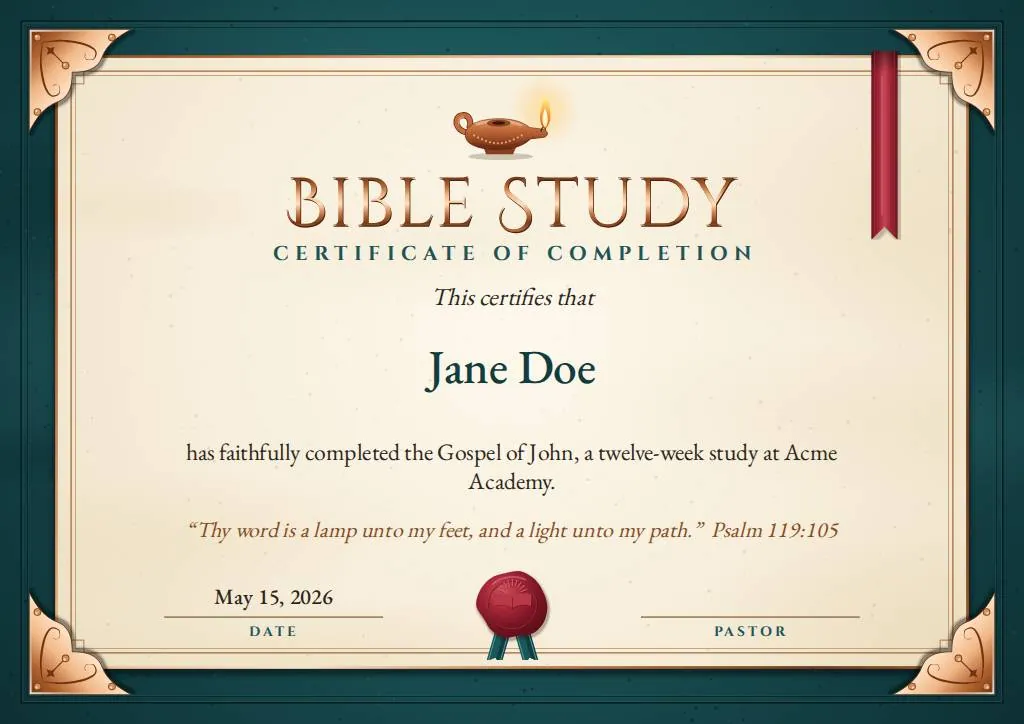
Lamp unto My Feet Bible Study Completion Certificate
Bible study completion certificate styled as a teal leather Bible cover with copper corners.
-
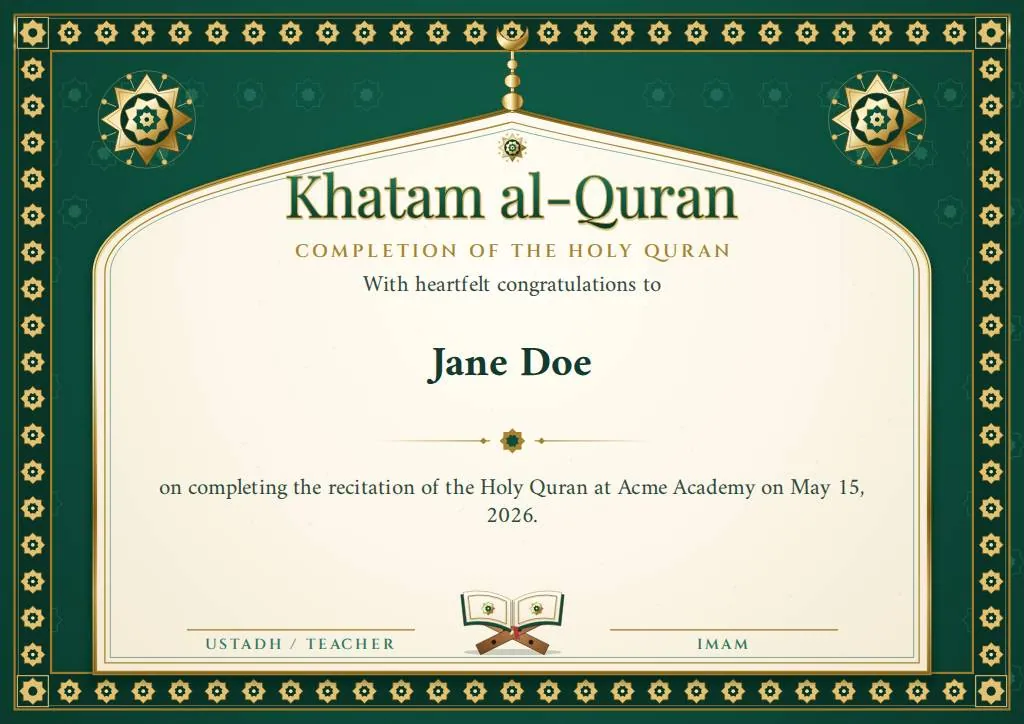
Emerald and Gold Arch Khatam al-Quran Certificate
Emerald Khatam al-Quran certificate with an ivory pointed arch, gold star geometry and a book on a rehal.
-
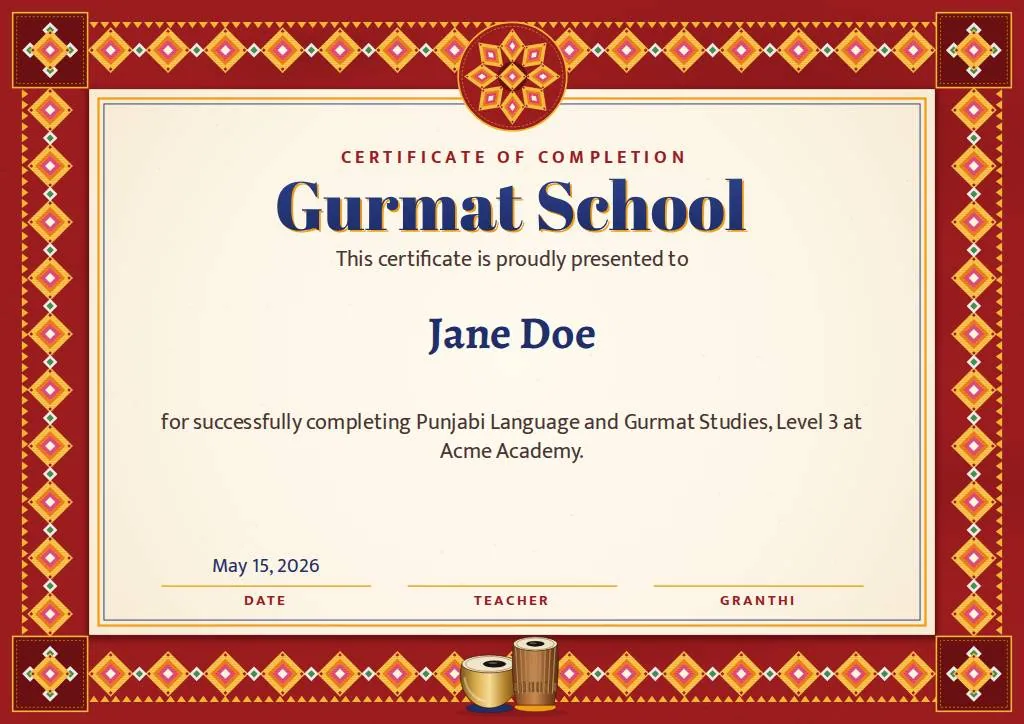
Phulkari Gurmat and Punjabi School Certificate
Red and gold phulkari certificate for Gurmat and Punjabi school, with silk-stitch borders and a tabla.
-
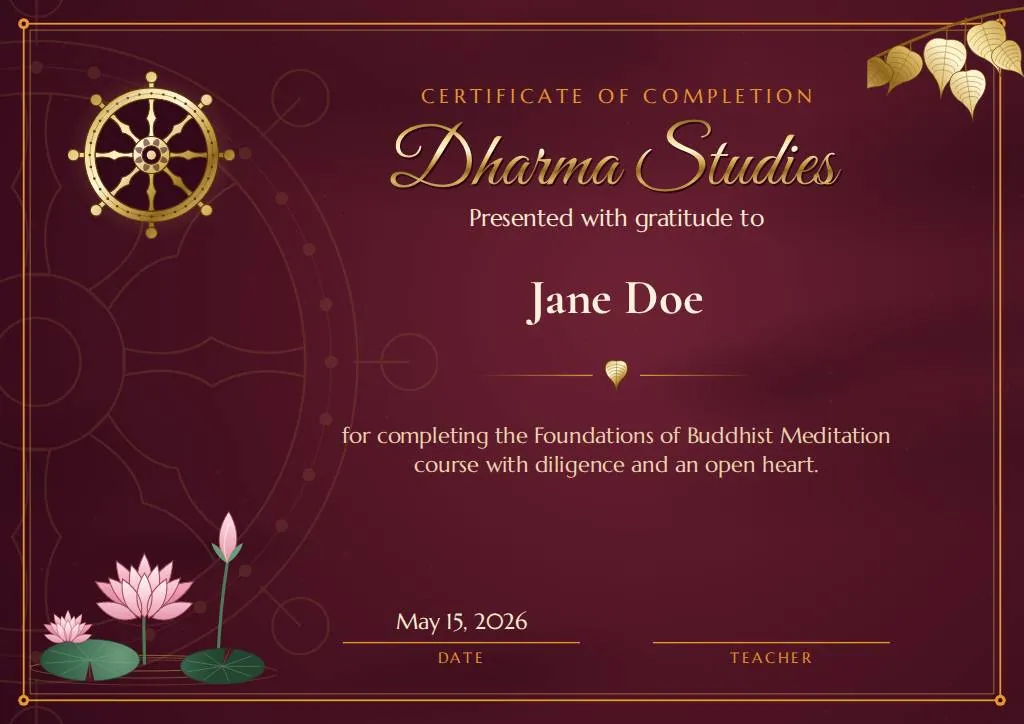
Lotus and Dharma Wheel Buddhist Studies Certificate
Deep maroon Buddhist studies certificate with a gold Dharma wheel, pink lotus and golden Bodhi leaves.
-
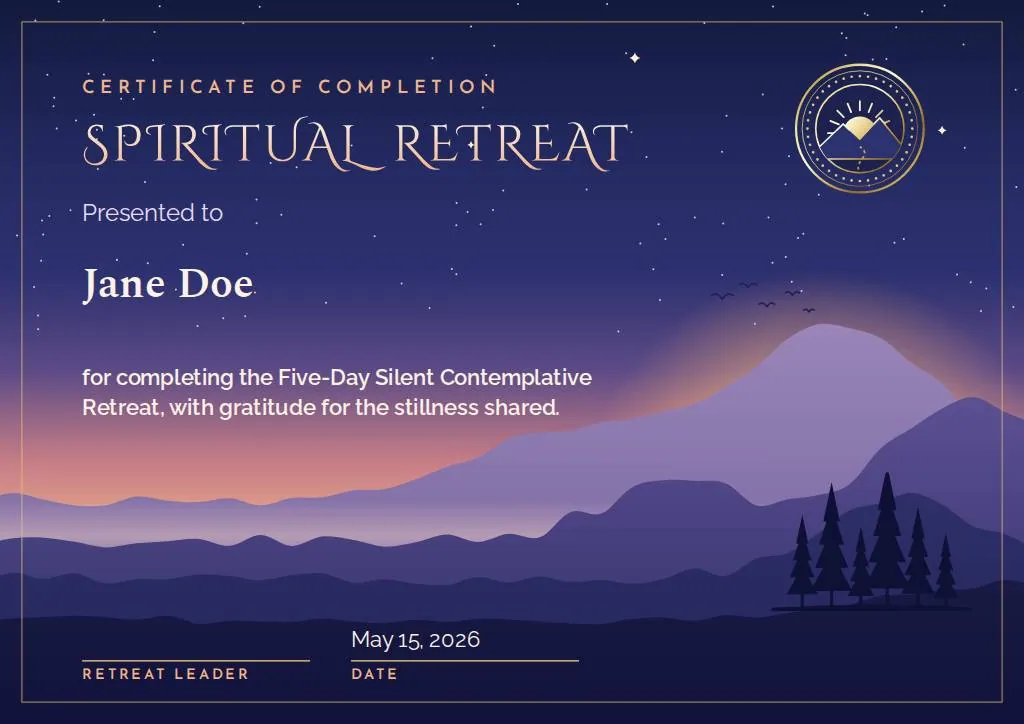
Mountain Dawn Spiritual Retreat Certificate
Indigo dawn spiritual retreat certificate with layered mountains, a rising sun, pines and a gold seal.
-

Blue Modern Certificate of Completion
A clean, modern completion certificate featuring soft blue abstract blob shapes on a white background with bold typography.
-
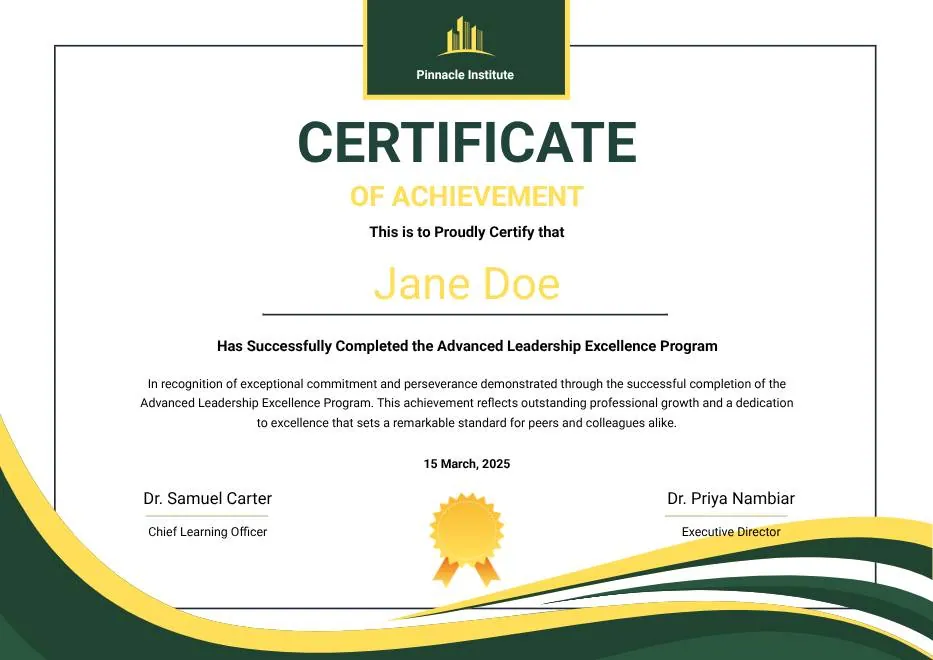
Green and Gold Modern Leadership Achievement Certificate
A clean, modern portrait certificate in dark green and gold for recognizing program completions and professional achievements.
-

Green Gold and White Modern Excellence Certificate
A sleek, modern certificate featuring deep green and gold accents with a bold medal emblem, ideal for professional recognition.
Issue your first credential today
Open this template in the CertSeal editor, customize in minutes, and send verifiable certificates your recipients can share anywhere.