Certificate template
Wallet Stack Mobile CE Pass
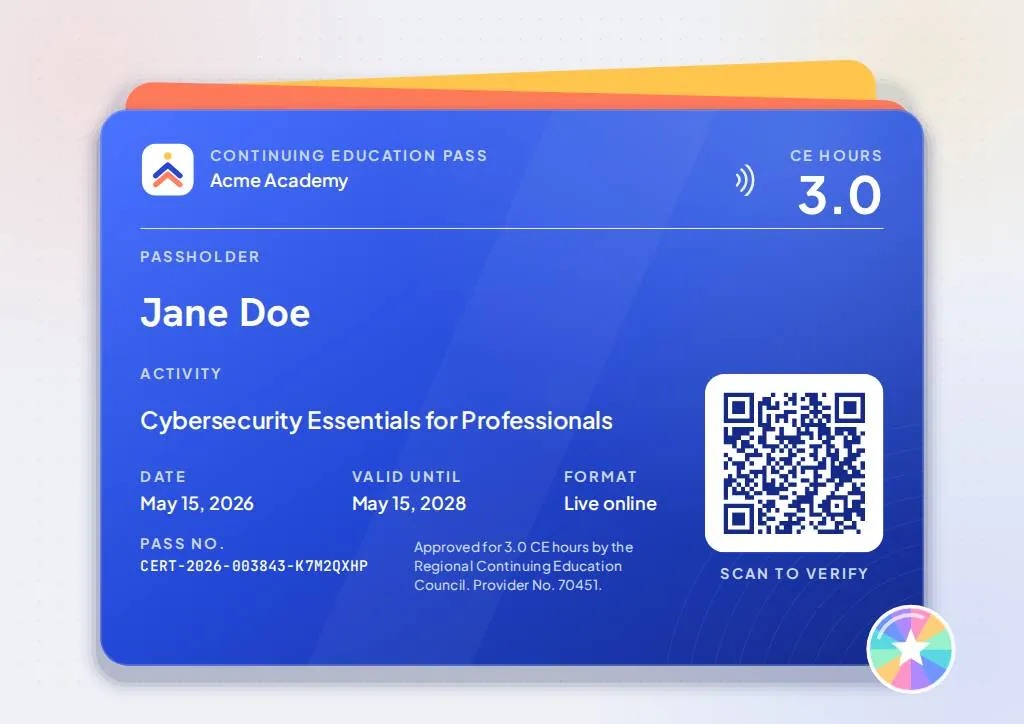
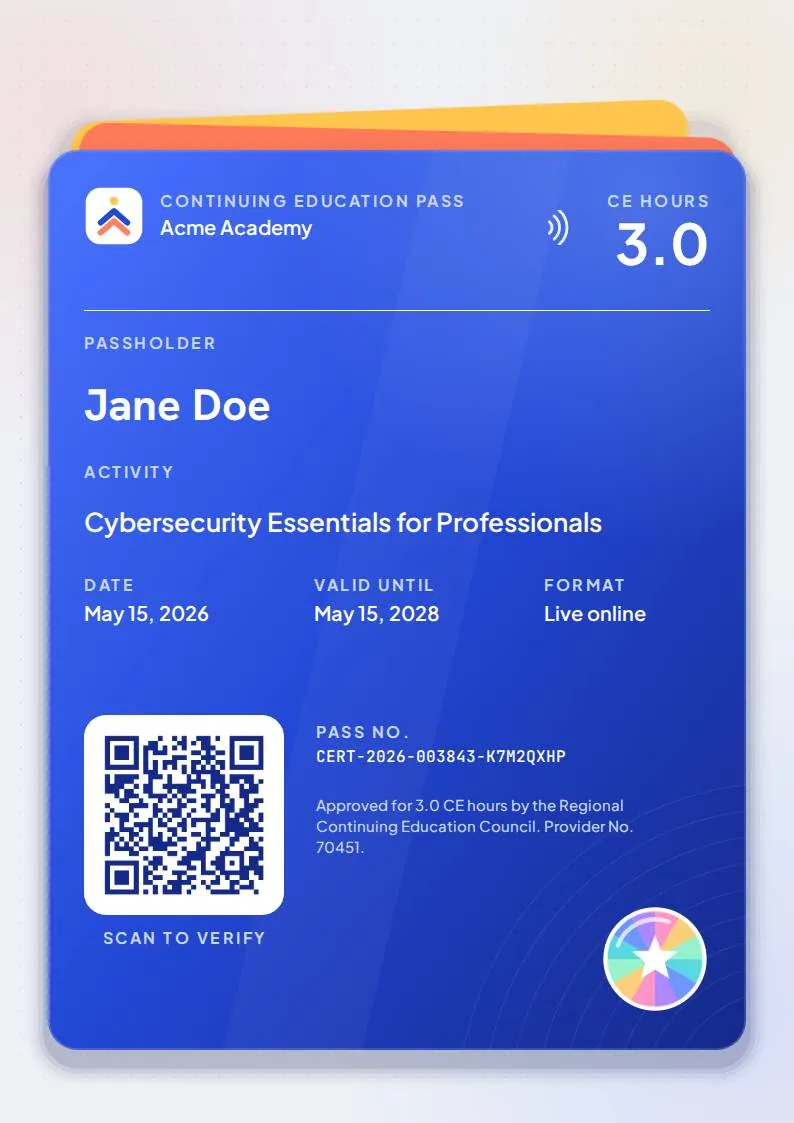
Mobile-wallet style CE pass: an ultramarine pass card on a stack of cards, with credits, pass fields and a QR tile.
Free to customize. Issue verifiable credentials with a CertSeal account.
About this template
When to reach for it
Continuing education as a pass in a phone wallet. On a pale page with soft colour light and a dot grid, a coral and a mustard card peek out behind an ultramarine pass with a glossy sheen and guilloche arcs; a provider tile, contactless waves and a holographic sticker are separate layers.
Like a real pass, everything sits in labelled fields: the provider, the CE hours set large, the passholder, the activity, the date, the valid-until date, the format and the pass number, with the accreditation statement and a QR code on a white tile for check-in or verification. Set in Plus Jakarta Sans.
Wording
What the certificate says
Every line of text on this template, top to bottom. Highlighted parts fill in for each recipient, and you can reword any line in the editor.
- CONTINUING EDUCATION PASS · CE HOURS
- Issued by · 3.0
- PASSHOLDER
- Recipient name
- ACTIVITY
- Course or achievement
- DATE · VALID UNTIL · FORMAT
- Date · Expiry date · Live online
- PASS NO. · Approved for 3.0 CE hours by the Regional Continuing Education Council. Provider No. 70451.
- Certificate ID · SCAN TO VERIFY
Typography
Fonts used in this template
Swap, mix, or replace any of these in the editor — every CertSeal template ships with 1,000+ Google Fonts plus your own brand uploads.
-
Font family
Hanken Grotesk
Hanken Grotesk
-
Font family
JetBrains Mono
JetBrains Mono
-
Font family
Plus Jakarta Sans
Plus Jakarta Sans
Color palette
Colors used in this template
The five most prominent colors sampled straight from the rendered design. Recolor any of them in the editor to match your brand.
-
#2646c8
-
#eaecf4
-
#466ae7
-
#b6bcd4
-
#dd7675
How to use it
From template to issued credential in four steps
- 01
Open the template
Click "Use this template" to open the Wallet Stack Mobile CE Pass in the CertSeal editor, or customize it free without signing up.
- 02
Fill in the details
- Issued by
- Recipient name
- Course or achievement
- Date
- Expiry date
Type these in, or upload a spreadsheet to make one for every recipient.
- 03
Add your brand
Swap the Hanken Grotesk, JetBrains Mono and Plus Jakarta Sans fonts and the colors, and add your logo.
- 04
Issue & verify
Generate PDFs and verifiable links your recipients can share anywhere. The QR code on this design opens each certificate's verification page. Each certificate is printed with its own ID. It also shows when the certificate expires.
More templates
You might also like
-
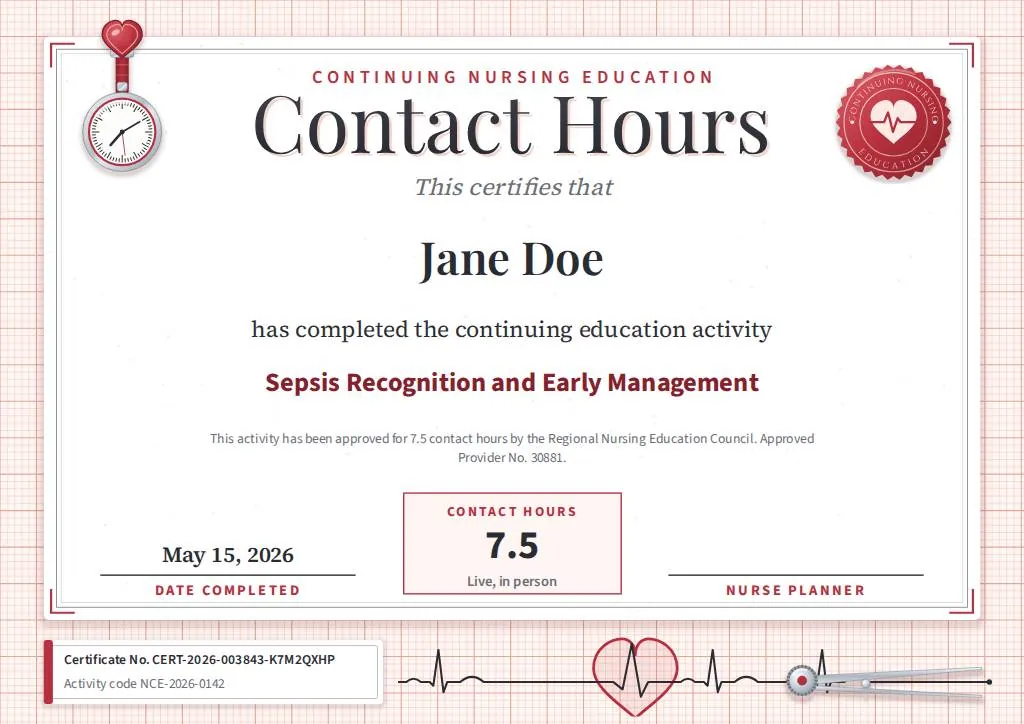
ECG Paper Nursing Contact Hours Certificate
Nursing CE certificate on ECG grid paper with a heartbeat trace, fob watch, calipers and a red contact-hours seal.
-
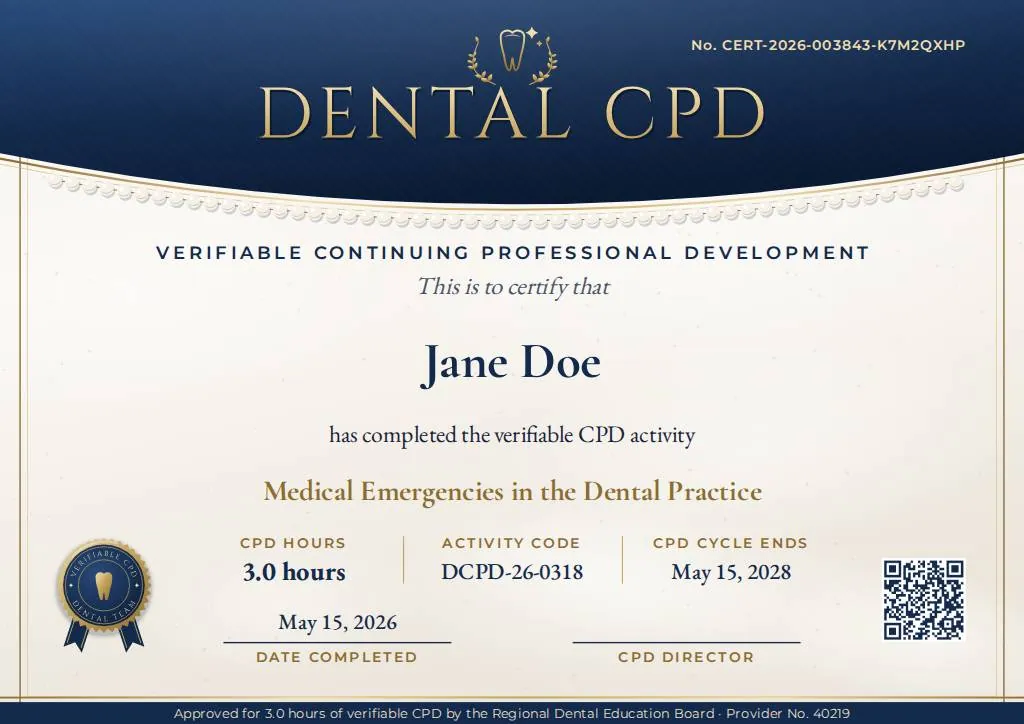
Pearl and Navy Dental CPD Certificate
Verifiable dental CPD certificate with a navy smile-curve header, a pearl strand, gold tooth emblem, seal and QR code.
-

Midnight and Gold Grand Rounds CME Certificate
Dark premium CME certificate for grand rounds with gold Art Deco frame, foil lettering and a laurel stethoscope crest.
-

Pinstripe Private Wealth Financial Planning CE Certificate
Charcoal chalk-pinstripe frame around an ivory card with champagne foil, a compass medallion and a credit row.
-
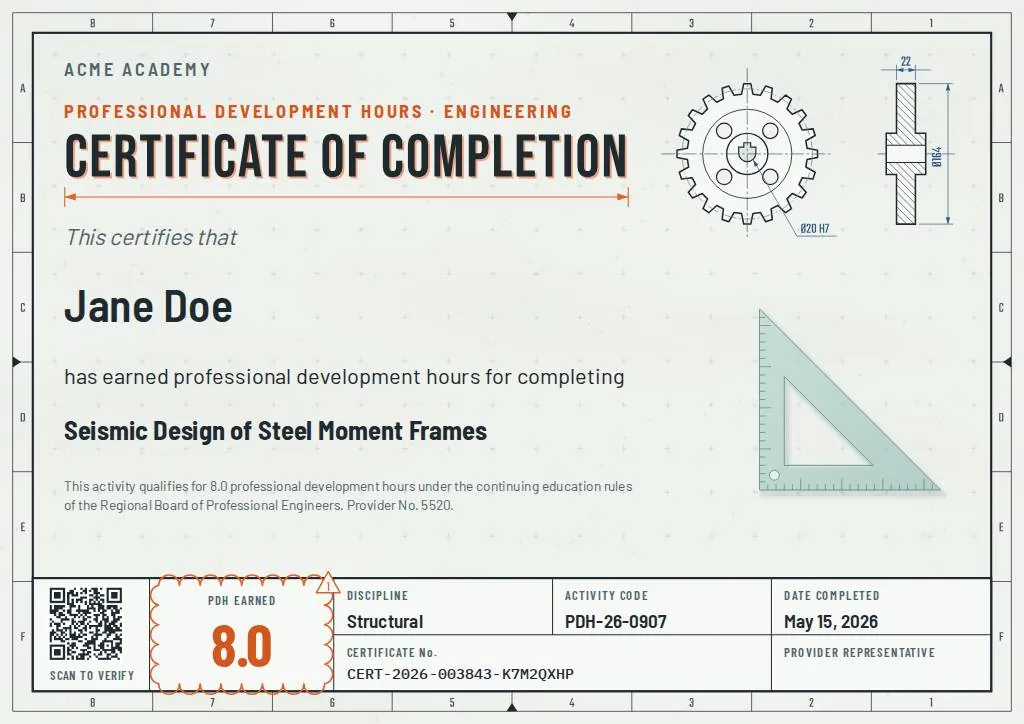
Drafting Title Block Engineering PDH Certificate
Drafting vellum with a zoned border, a gear drawing, a set square and a title block holding the PDH.
-
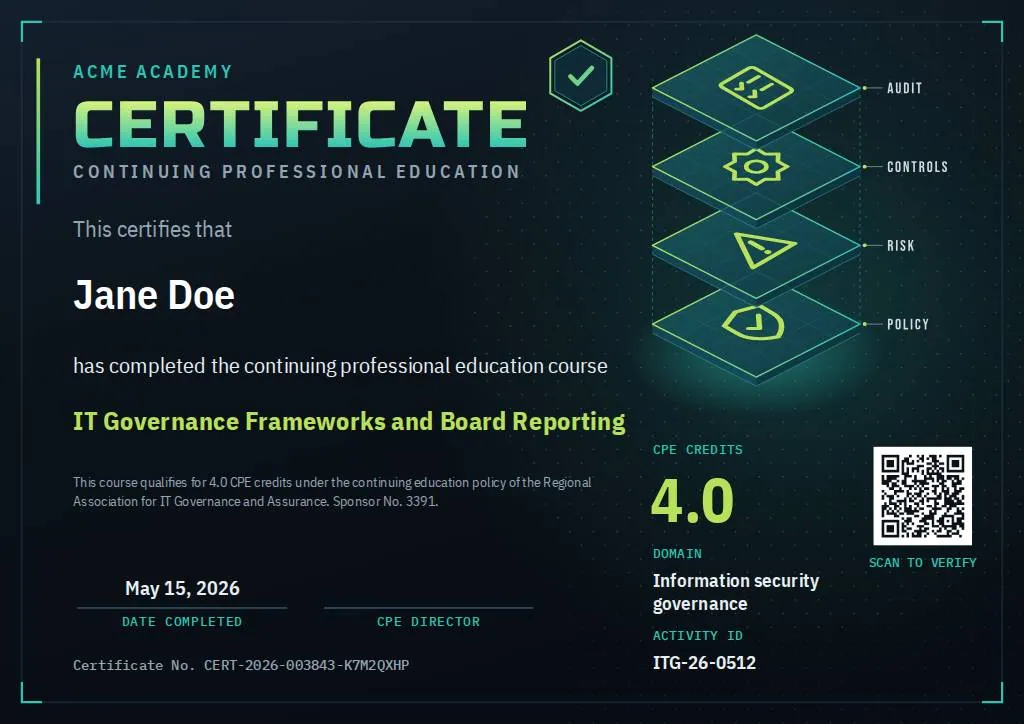
Control Layers IT Governance CPE Certificate
Dark graphite with a glowing isometric stack of policy, risk, controls and audit layers, CPE credits and a QR code.
-
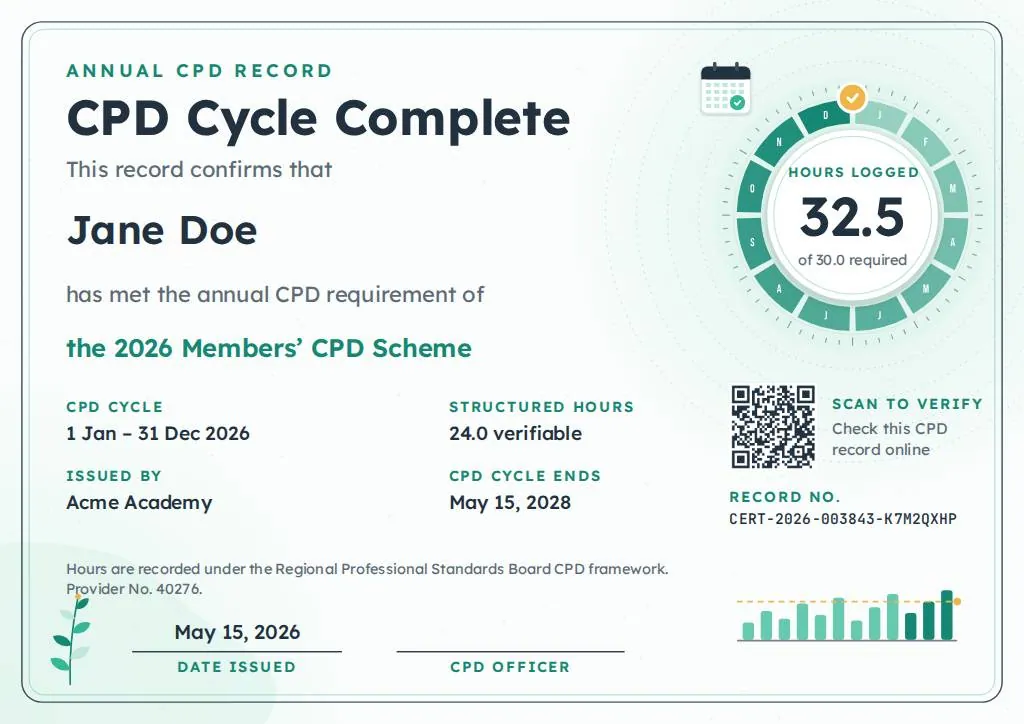
Seafoam Cycle Ring Annual CPD Record
Annual CPD cycle certificate with a twelve-month progress ring showing hours logged against the hours required.
-
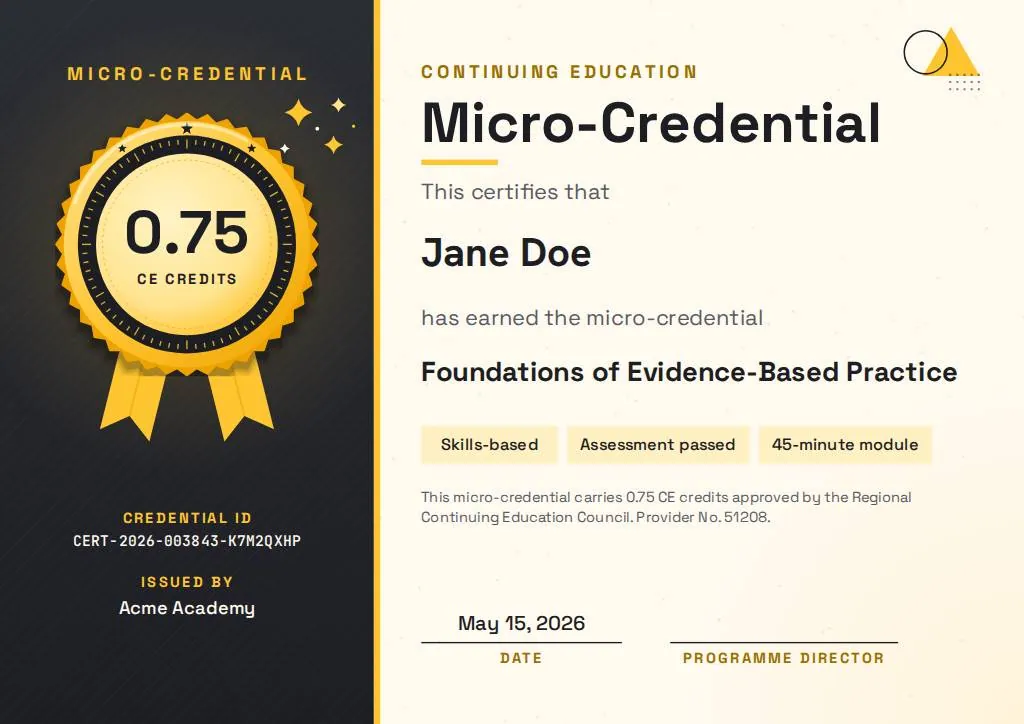
Sunflower Credit Badge Micro-Credential CE Certificate
Micro-credential CE certificate with a large sunflower credit badge on a hatched charcoal panel and skill chips.
Issue your first credential today
Open this template in the CertSeal editor, customize in minutes, and send verifiable certificates your recipients can share anywhere.