Certificate template
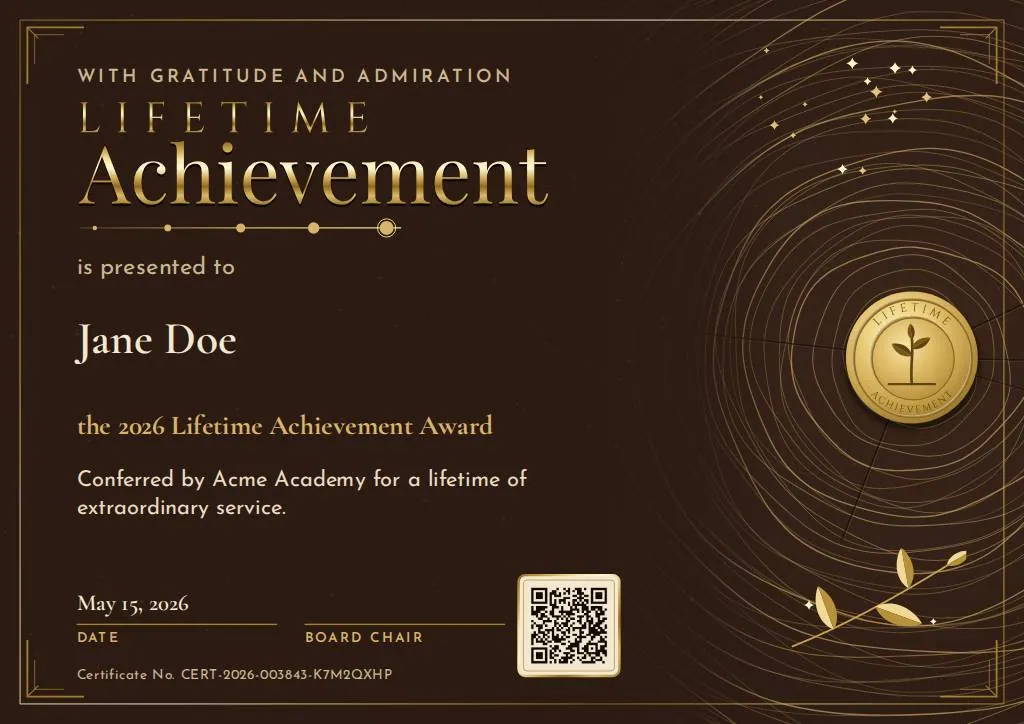
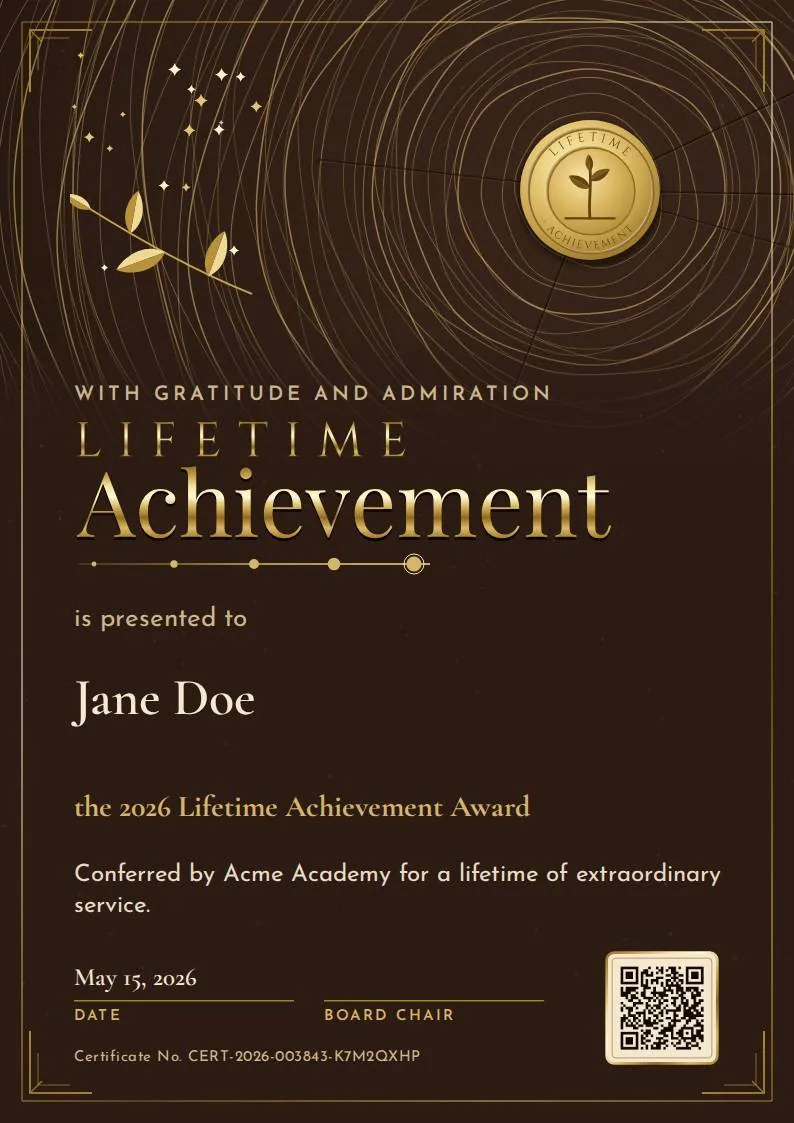
Espresso and Gold Tree Rings Lifetime Achievement Award
Lifetime achievement award with the growth rings of a great tree in gold on espresso, and a QR code.
Free to customize. Issue verifiable credentials with a CertSeal account.
About this template
When to reach for it
For boards, associations, institutes and communities honouring a life's work. The growth rings of a great tree, a year for every line, spread in fine champagne gold across a deep espresso ground and fade softly behind the text; a gold medallion with a sapling marks the heart of the rings, with a gilded twig and a scatter of gold dust.
The "Lifetime Achievement" headline is gold foil lettering above a milestone line. The honouree's name, the award's name, the presenting body, the date, the chair's signature, the certificate number and a QR code for verification are all editable.
Wording
What the certificate says
Every line of text on this template, top to bottom. Highlighted parts fill in for each recipient, and you can reword any line in the editor.
- WITH GRATITUDE AND ADMIRATION
- is presented to
- Recipient name
- Course or achievement
- Conferred by Issued by for a lifetime of extraordinary service.
- Date
- DATE · BOARD CHAIR
- Certificate No. Certificate ID
Typography
Fonts used in this template
Swap, mix, or replace any of these in the editor — every CertSeal template ships with 1,000+ Google Fonts plus your own brand uploads.
-
Font family
Cormorant Garamond
Cormorant Garamond
-
Font family
Josefin Sans
Josefin Sans
Color palette
Colors used in this template
The five most prominent colors sampled straight from the rendered design. Recolor any of them in the editor to match your brand.
-
#2c1b13
-
#574637
-
#867969
-
#ba9646
-
#d7b766
How to use it
From template to issued credential in four steps
- 01
Open the template
Click "Use this template" to open the Espresso and Gold Tree Rings Lifetime Achievement Award in the CertSeal editor, or customize it free without signing up.
- 02
Fill in the details
- Recipient name
- Course or achievement
- Issued by
- Date
Type these in, or upload a spreadsheet to make one for every recipient.
- 03
Add your brand
Swap the Cormorant Garamond and Josefin Sans fonts and the colors, and add your logo.
- 04
Issue & verify
Generate PDFs and verifiable links your recipients can share anywhere. The QR code on this design opens each certificate's verification page. Each certificate is printed with its own ID.
More templates
You might also like
-

Art Deco Gold Award of Excellence
Black lacquer and gold Award of Excellence with a stepped deco frame and a ziggurat sunrise.
-

Academic Laurel Certificate of Merit
Ivory certificate with a burgundy satin ribbon, a gold laurel medal and "Academic Merit".
-

Excellence in Research Molecule Award
Teal header band with silver molecules and stars, silver "Excellence" and an orbit seal.
-
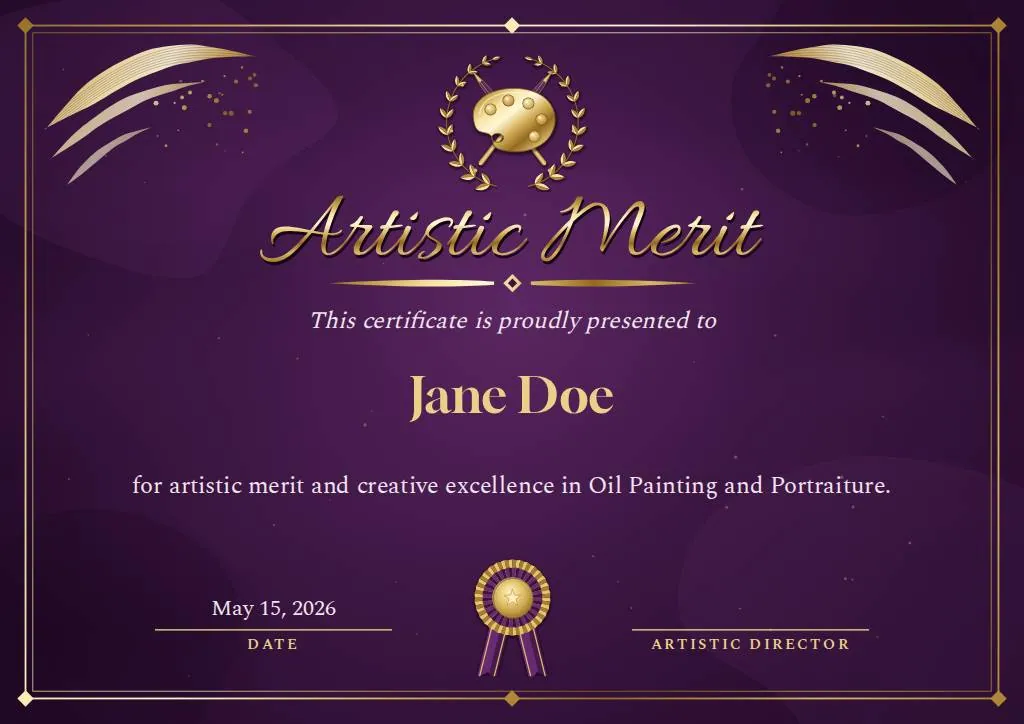
Artistic Merit Gold Palette Certificate
Deep plum certificate with a gold foil palette and laurel, brush swashes and script lettering.
-
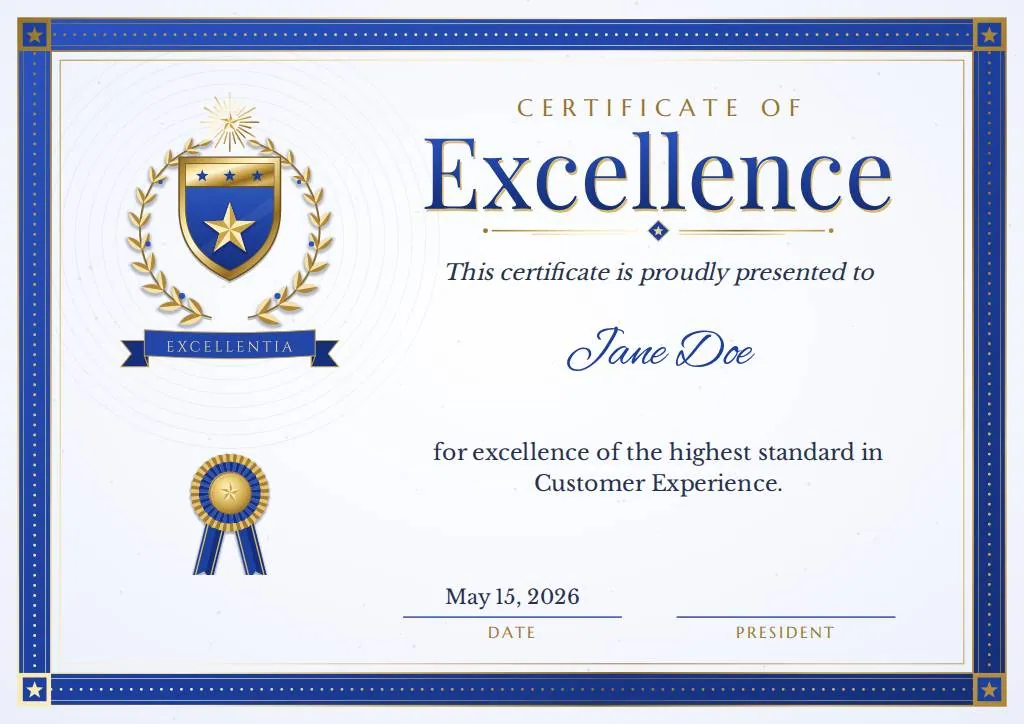
Royal Blue Crest Award of Excellence
Royal blue border with gold beading, a laurel-wrapped star crest and a gold rosette.
-
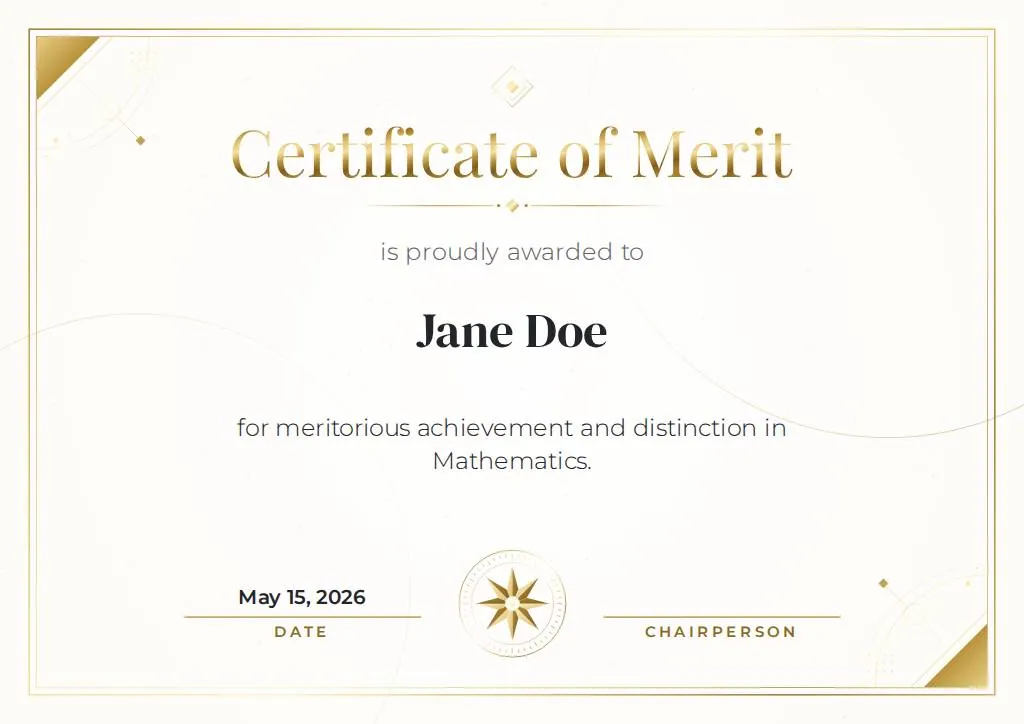
Minimal Geometric Gold Certificate of Merit
Airy white Certificate of Merit with fine gold line geometry and a star medallion.
-
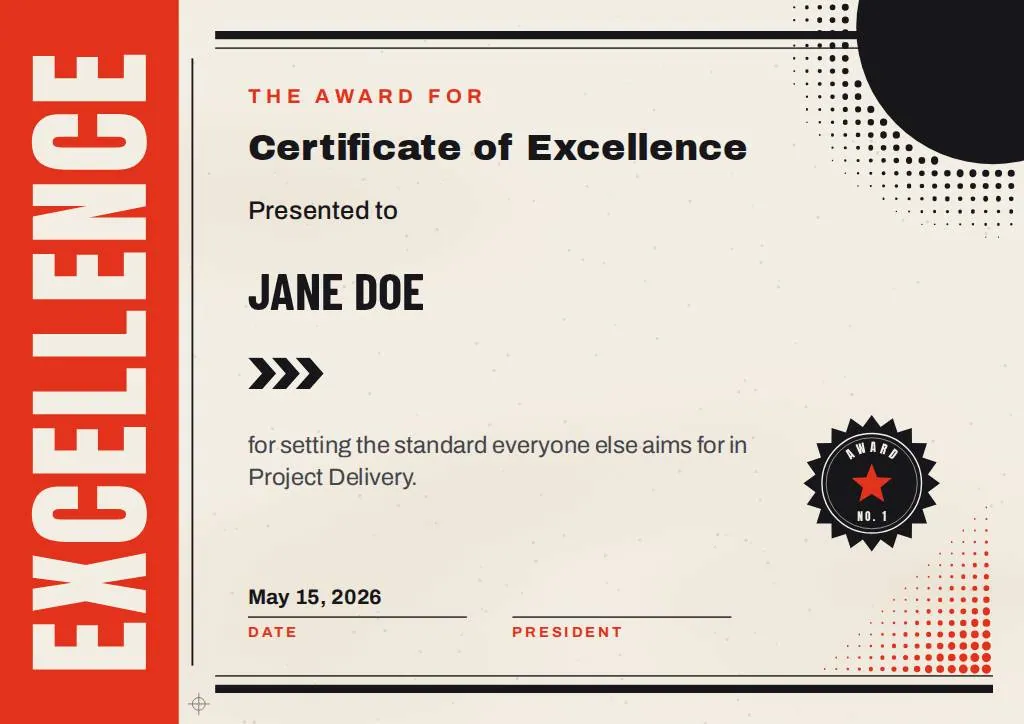
Bold Red and Black Typographic Excellence Poster
Two-colour poster award: a giant vertical EXCELLENCE, heavy rules and a starburst.
-

Navy and Orange Sales Excellence Award with Trophy
Navy header with a rising sales chart, an orange-gold trophy and bold slab lettering.
Issue your first credential today
Open this template in the CertSeal editor, customize in minutes, and send verifiable certificates your recipients can share anywhere.