Certificate template
Black and Yellow Top of the Class Certificate
Bold, modern top of the class award in black and signal yellow with a big "#1" laurel emblem.
Free to customize. Issue verifiable credentials with a CertSeal account.


About this template
When to reach for it
A bold, contemporary award for the student with the highest grade: a near-black page with a yellow edge strip, crop marks and faint rings radiating from a big "#1" emblem (a yellow starburst round a black disc with a laurel and three stars). "Top of the Class" is set in tall condensed capitals, white with "Class" in yellow, over flush-left type and geometric confetti.
For teachers and schools recognising the top-ranked student in a class, subject, grade or term. The emblem, confetti and underline are separate layers.
Wording
What the certificate says
Every line of text on this template, top to bottom. Highlighted parts fill in for each recipient, and you can reword any line in the editor.
- Issued by
- Academic Achievement Award
- Presented to
- Recipient name
- for achieving the highest overall grade in Course or achievement.
- Date
- DATE · TEACHER
Typography
Fonts used in this template
Swap, mix, or replace any of these in the editor — every CertSeal template ships with 1,000+ Google Fonts plus your own brand uploads.
-
Font family
Archivo
Archivo
Color palette
Colors used in this template
The five most prominent colors sampled straight from the rendered design. Recolor any of them in the editor to match your brand.
-
#16171c
-
#544828
-
#e1b53d
-
#55565c
-
#85868a
How to use it
From template to issued credential in four steps
- 01
Open the template
Click "Use this template" to open the Black and Yellow Top of the Class Certificate in the CertSeal editor, or customize it free without signing up.
- 02
Fill in the details
- Issued by
- Recipient name
- Course or achievement
- Date
Type these in, or upload a spreadsheet to make one for every recipient.
- 03
Add your brand
Swap the Archivo font and the colors, and add your logo.
- 04
Issue & verify
Generate PDFs and verifiable links your recipients can share anywhere.
More templates
You might also like
-

Navy and Gold Crest Honor Roll Certificate
Formal honor roll certificate in navy and gold with a school crest, foil lettering and a gold seal.
-

Emerald and Silver Principal's List Certificate
Distinguished honor roll certificate on deep emerald marble with silver deco frame, laurels and a rosette.
-

Black and Gold Laurel Academic Excellence Certificate
Academic excellence award with a black panel, a gold-foil laurel wreath and star, and foil lettering.
-

Burgundy and Gold Valedictorian Certificate with Medal
Formal valedictorian certificate in burgundy and gold with a medal on a striped ribbon and foil script.
-

Teal and Coral Science Excellence Certificate
Modern science award with flat lab illustrations on a graph-paper panel and bold teal and coral type.
-

Chestnut and Parchment English and Literature Award with Photo
English and literature award with a bookshop photograph in a leather panel, a quill and inkwell and books.
-
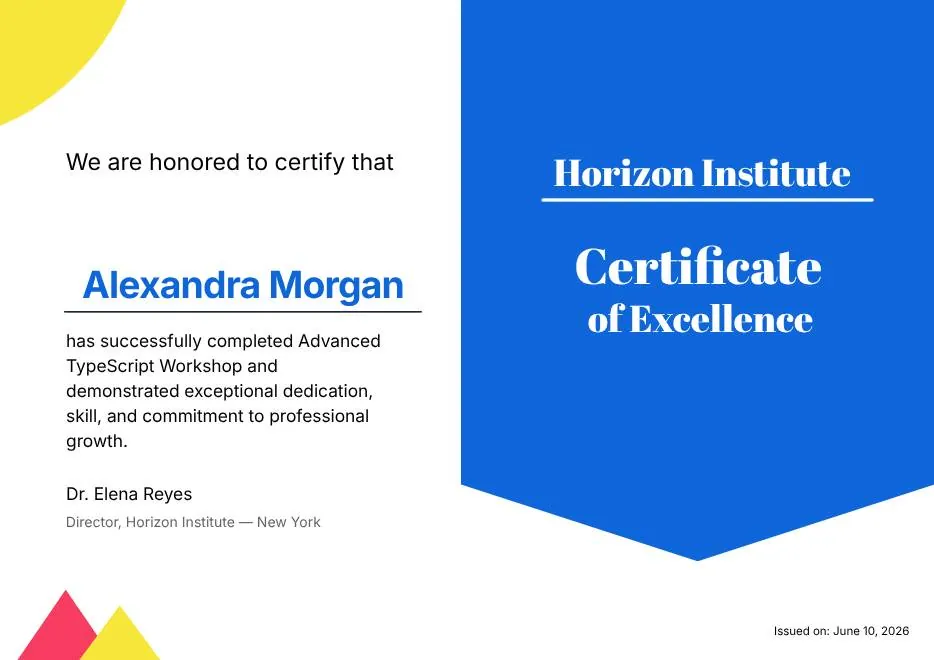
Blue and Yellow Modern Certificate of Excellence
Bold two-panel landscape design with a vivid blue banner and geometric accents for recognizing outstanding achievement.
-

Modern White and Green Certificate of Excellence
A clean, modern portrait template with bold green typography and geometric shapes for recognizing outstanding achievement.
Issue your first credential today
Open this template in the CertSeal editor, customize in minutes, and send verifiable certificates your recipients can share anywhere.