Certificate template
Tooth Fairy Lost Tooth Kids Certificate
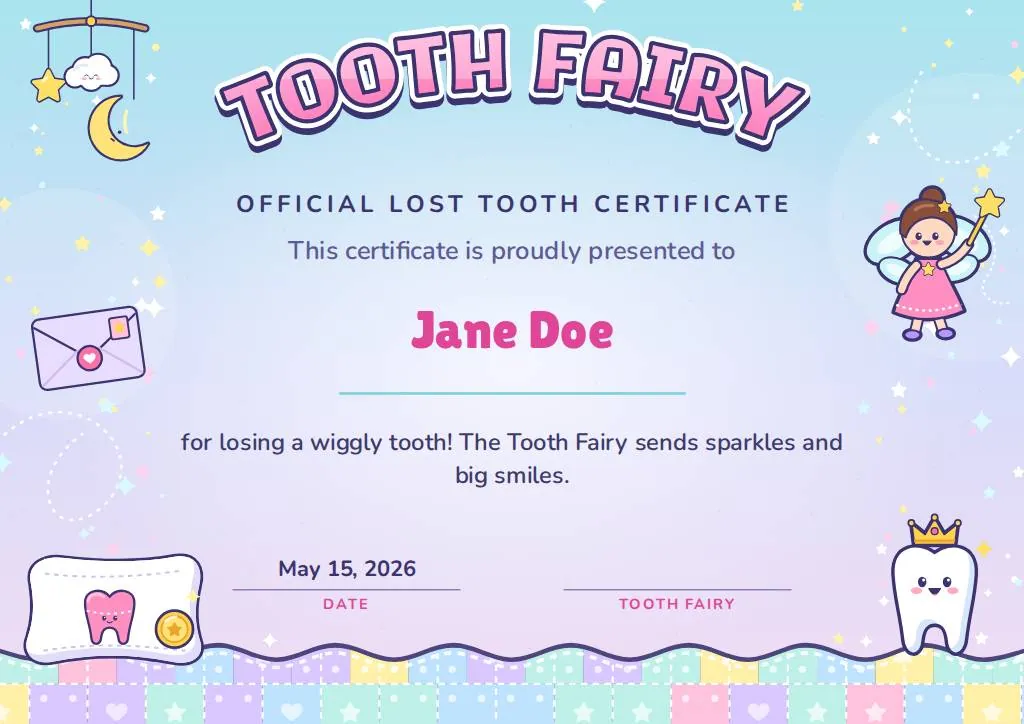
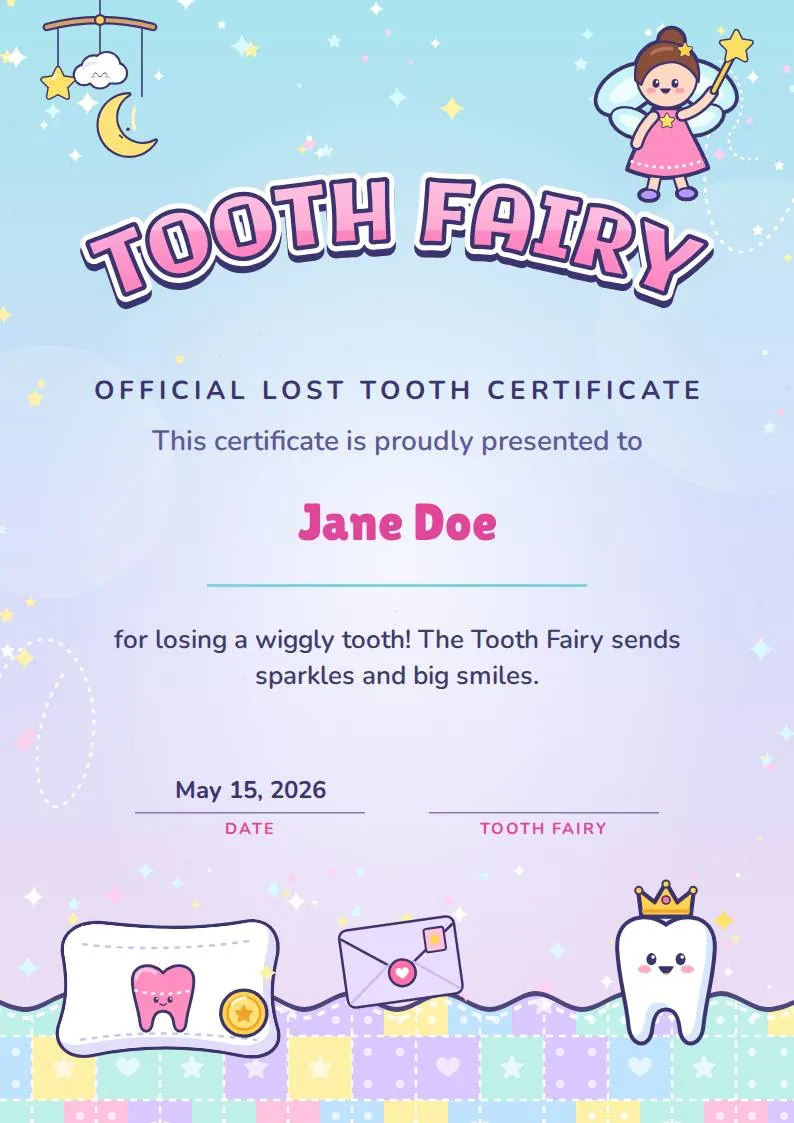
Dreamy lost-tooth certificate with a tooth fairy, a smiling tooth in a crown, a tooth pillow with a gold coin and a patchwork quilt.
Free to customize. Issue verifiable credentials with a CertSeal account.
About this template
When to reach for it
A magical keepsake for a wiggly tooth: a little tooth fairy waves her star wand across an aqua-to-lilac bedtime sky, a smiling tooth in a gold crown sits on a patchwork quilt beside a tooth pillow with a gold coin, and a cloud, moon and star mobile hangs over a sparkly "Tooth Fairy" headline.
A sweet surprise to leave under the pillow for a first lost tooth, or for any tooth after that. The fairy, tooth, pillow and mobile are separate layers.
Wording
What the certificate says
Every line of text on this template, top to bottom. Highlighted parts fill in for each recipient, and you can reword any line in the editor.
- OFFICIAL LOST TOOTH CERTIFICATE
- This certificate is proudly presented to
- Recipient name
- for losing a wiggly tooth! The Tooth Fairy sends sparkles and big smiles.
- Date
- DATE · TOOTH FAIRY
Typography
Fonts used in this template
Swap, mix, or replace any of these in the editor — every CertSeal template ships with 1,000+ Google Fonts plus your own brand uploads.
-
Font family
Lilita One
Lilita One
-
Font family
Nunito
Nunito
Color palette
Colors used in this template
The five most prominent colors sampled straight from the rendered design. Recolor any of them in the editor to match your brand.
-
#e8e7fa
-
#b6e3f3
-
#b9bad5
-
#fef2a7
-
#9898b9
How to use it
From template to issued credential in four steps
- 01
Open the template
Click "Use this template" to open the Tooth Fairy Lost Tooth Kids Certificate in the CertSeal editor, or customize it free without signing up.
- 02
Fill in the details
- Recipient name
- Date
Type these in, or upload a spreadsheet to make one for every recipient.
- 03
Add your brand
Swap the Lilita One and Nunito fonts and the colors, and add your logo.
- 04
Issue & verify
Generate PDFs and verifiable links your recipients can share anywhere.
More templates
You might also like
-
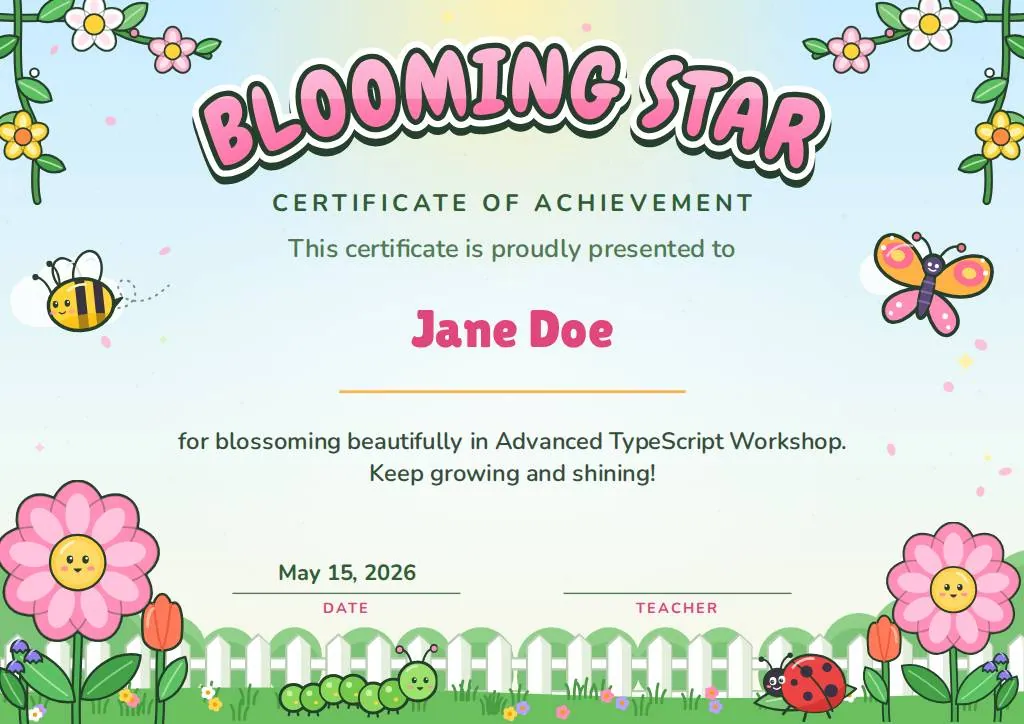
Blooming Star Kids Garden Certificate of Achievement
Spring garden certificate with a smiling flower, a butterfly, a bee, a ladybug, a caterpillar and a picket fence.
-

Green Gold and White Modern Excellence Certificate
A sleek, modern certificate featuring deep green and gold accents with a bold medal emblem, ideal for professional recognition.
-
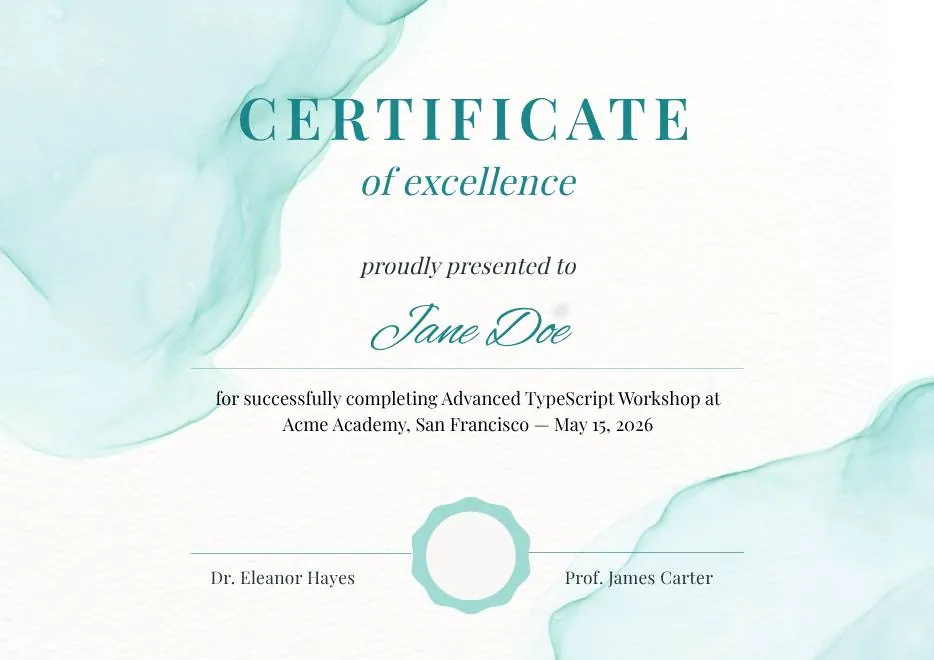
Teal Watercolor Elegant Certificate of Excellence
A modern, airy portrait certificate with soft teal watercolor accents, script recipient name, and dual signature lines.
-

Ivory Victorian Vintage Certificate of Excellence
A classic, formal certificate with a teal ornate border, aged ivory background, gold seal, and elegant serif typography.
-
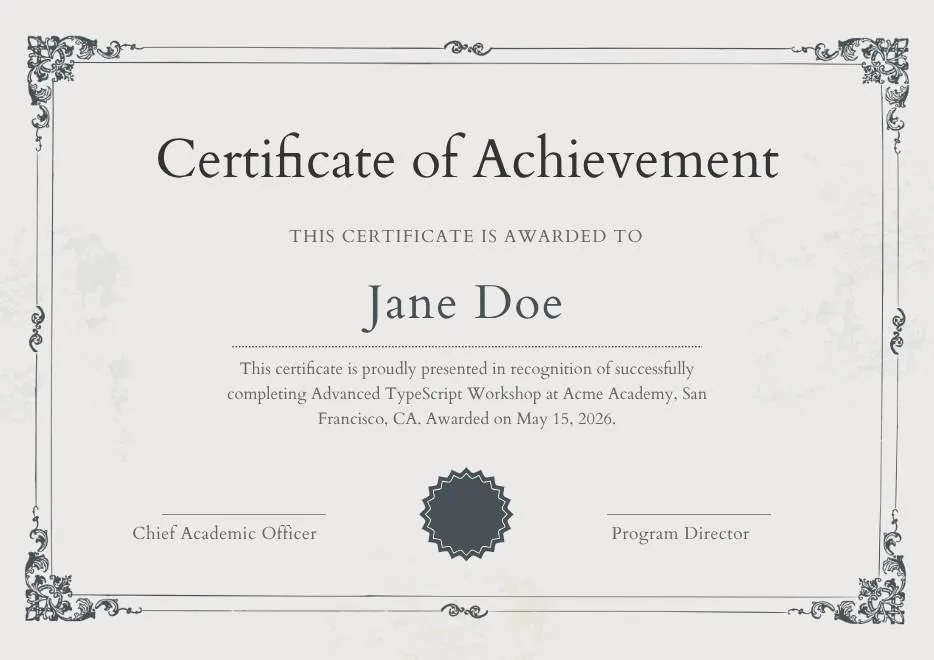
Modern Vintage Certificate of Achievement
A classic-meets-contemporary portrait certificate with ornate corner borders, marble texture, and dual signature lines.
-
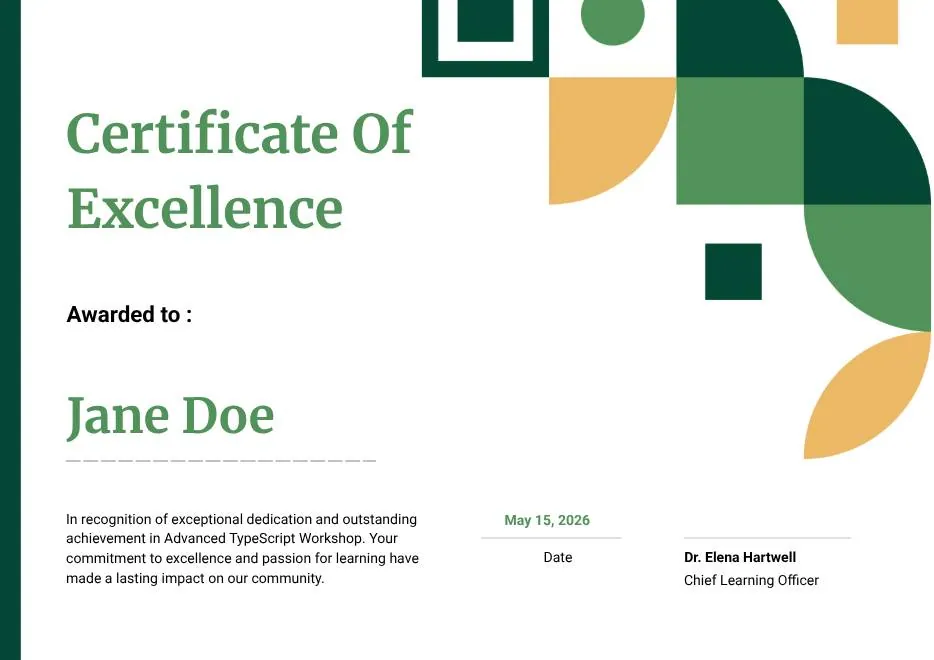
Modern White and Green Certificate of Excellence
A clean, modern portrait template with bold green typography and geometric shapes for recognizing outstanding achievement.
-
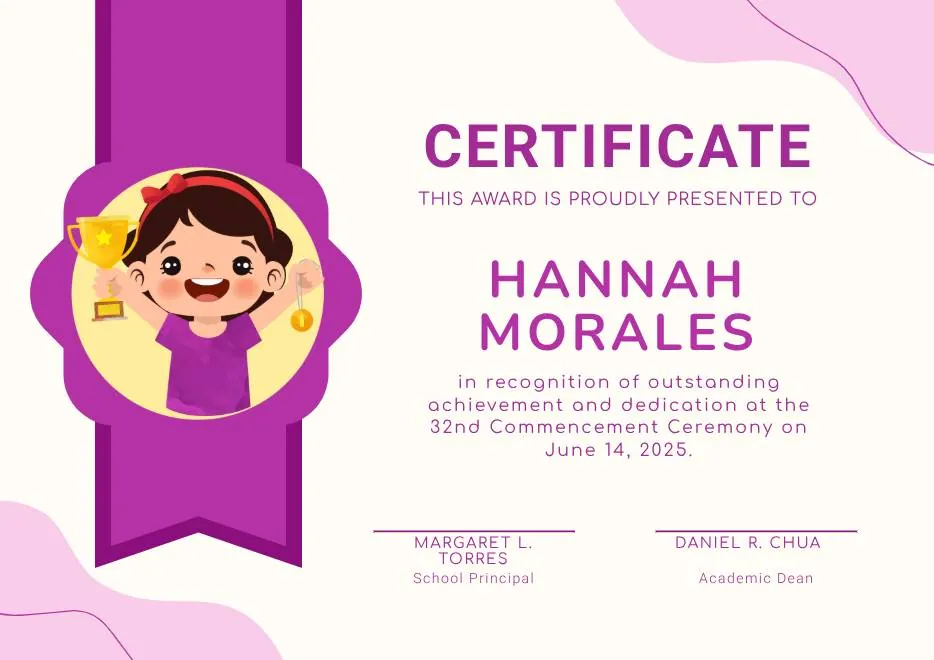
Purple Playfun Kids Award Certificate
A vibrant, playful kids' award certificate in purple and pink with a cute cartoon girl illustration, ideal for school ceremonies.
-
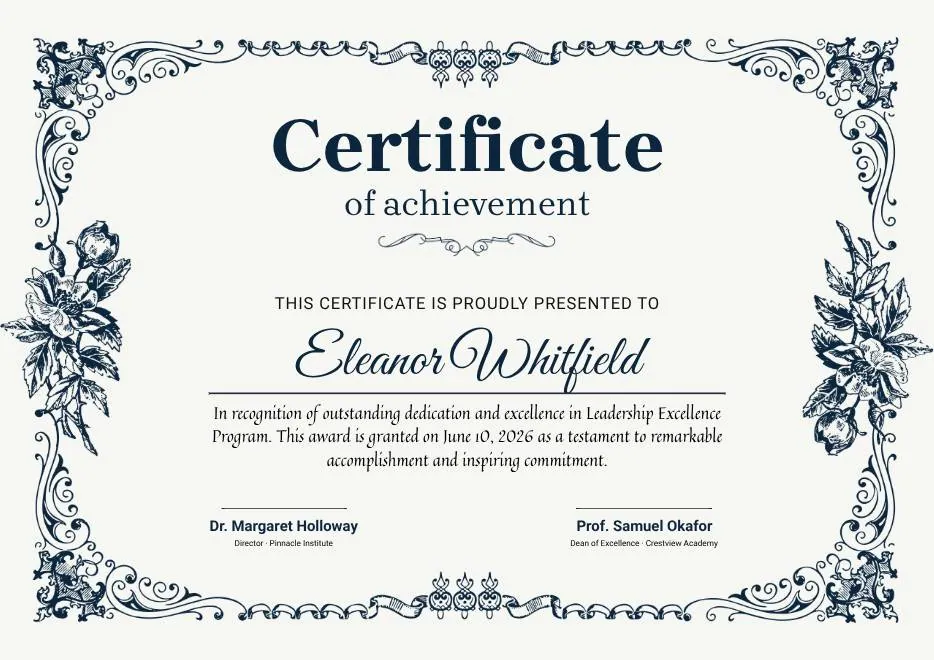
Navy Floral Vintage Certificate of Achievement
An elegant, vintage-style achievement certificate with intricate navy floral borders and classic serif typography on a cream background.
Issue your first credential today
Open this template in the CertSeal editor, customize in minutes, and send verifiable certificates your recipients can share anywhere.