Certificate template
Tablet Lesson EdTech for Educators PD Certificate
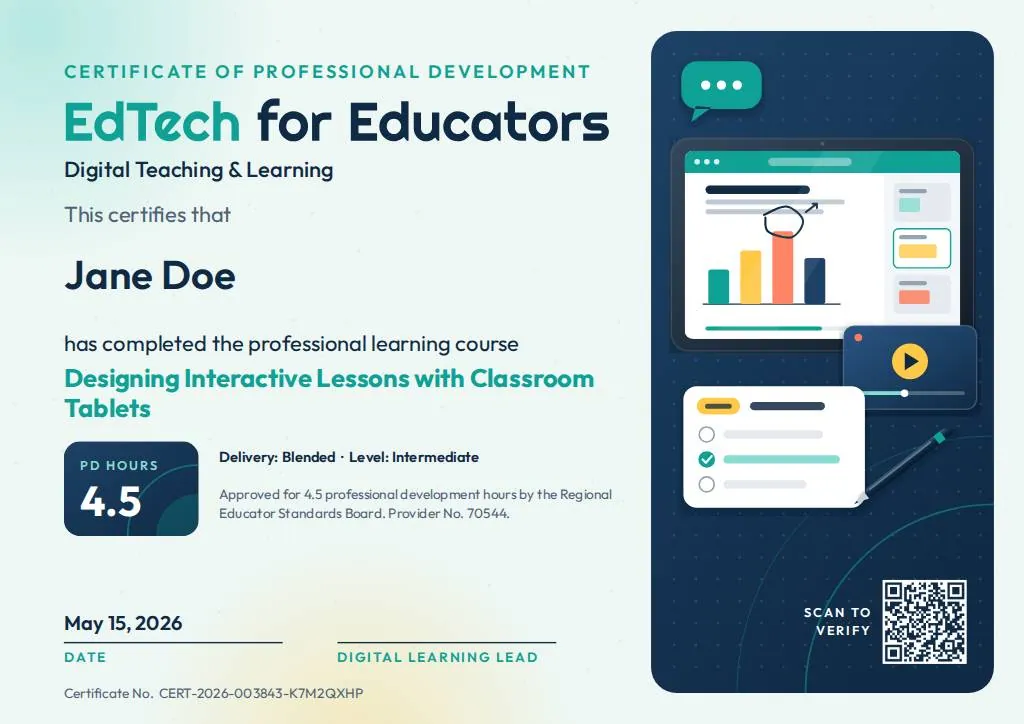
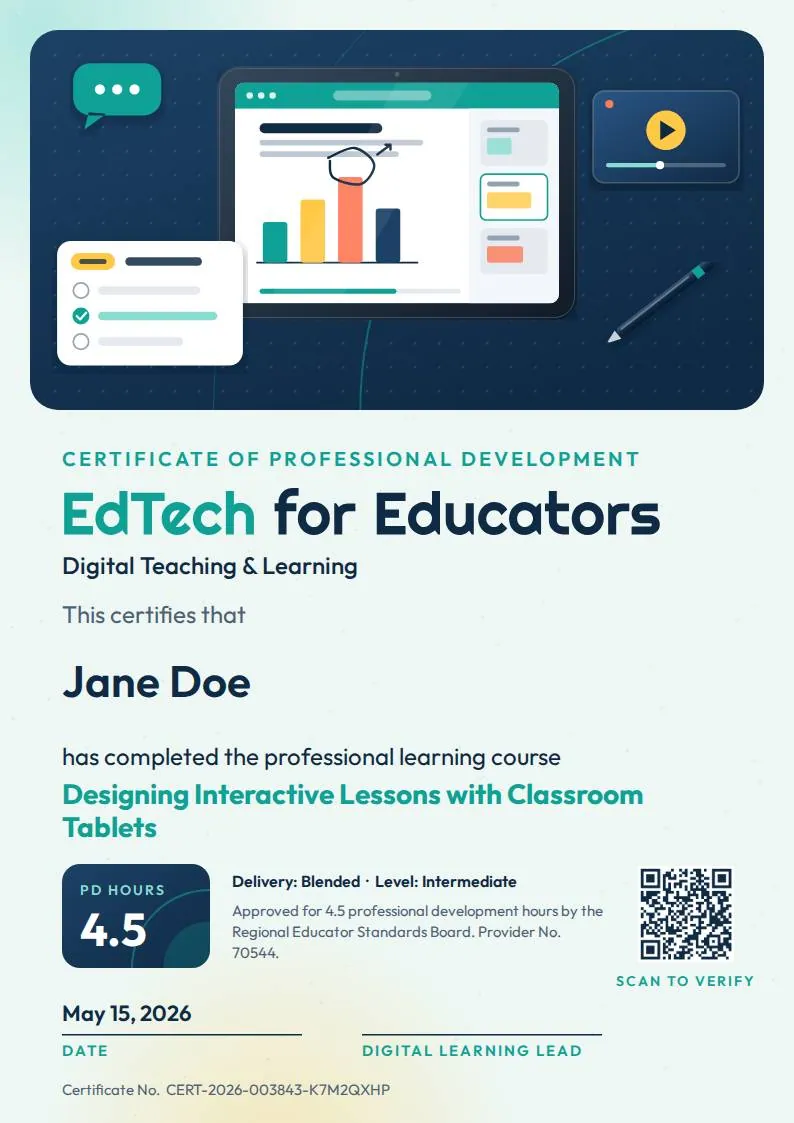
Mint, navy and teal edtech PD certificate with a tablet lesson, stylus, quiz and video cards, a PD-hours tile and QR code.
Free to customize. Issue verifiable credentials with a CertSeal account.
About this template
When to reach for it
A bright, modern certificate for educational technology professional development. A rounded navy panel with a dot grid holds a tablet showing an interactive lesson (a bar chart circled in stylus ink, slide thumbnails and a progress bar), with a stylus, a quiz card, a video lesson tile and a chat bubble floating around it, beside a fresh mint page with soft teal and sunflower glows.
The headline "EdTech for Educators" is two-tone Righteous lettering; the text is set in Outfit. A navy tile shows the PD hours next to editable delivery and level lines and an accreditation note, and a QR code verifies the certificate. Every illustration is its own layer.
Wording
What the certificate says
Every line of text on this template, top to bottom. Highlighted parts fill in for each recipient, and you can reword any line in the editor.
- CERTIFICATE OF PROFESSIONAL DEVELOPMENT
- Digital Teaching & Learning
- This certifies that
- Recipient name
- has completed the professional learning course
- Course or achievement
- PD HOURS
- 4.5
- Delivery: Blended · Level: Intermediate
- Approved for 4.5 professional development hours by the Regional Educator Standards Board. Provider No. 70544.
- Date
- DATE · DIGITAL LEARNING LEAD
- Certificate No. Certificate ID
- SCAN TO VERIFY
Typography
Fonts used in this template
Swap, mix, or replace any of these in the editor — every CertSeal template ships with 1,000+ Google Fonts plus your own brand uploads.
-
Font family
Outfit
Outfit
Color palette
Colors used in this template
The five most prominent colors sampled straight from the rendered design. Recolor any of them in the editor to match your brand.
-
#edf7f4
-
#183859
-
#c8d3d6
-
#788a99
-
#97aab5
How to use it
From template to issued credential in four steps
- 01
Open the template
Click "Use this template" to open the Tablet Lesson EdTech for Educators PD Certificate in the CertSeal editor, or customize it free without signing up.
- 02
Fill in the details
- Recipient name
- Course or achievement
- Date
Type these in, or upload a spreadsheet to make one for every recipient.
- 03
Add your brand
Swap the Outfit font and the colors, and add your logo.
- 04
Issue & verify
Generate PDFs and verifiable links your recipients can share anywhere. The QR code on this design opens each certificate's verification page. Each certificate is printed with its own ID.
More templates
You might also like
-

Floor Plan Architecture Continuing Education Certificate
Warm stone paper with a terracotta floor plan in the corner, a north arrow, a scale bar and a provider seal.
-

Gothic Tracery Faculty Development Certificate
Limestone and Oxford navy faculty development certificate with a stained-glass lancet window, contact hours and QR code.
-
Letterpress Literacy Institute Teacher PD Certificate
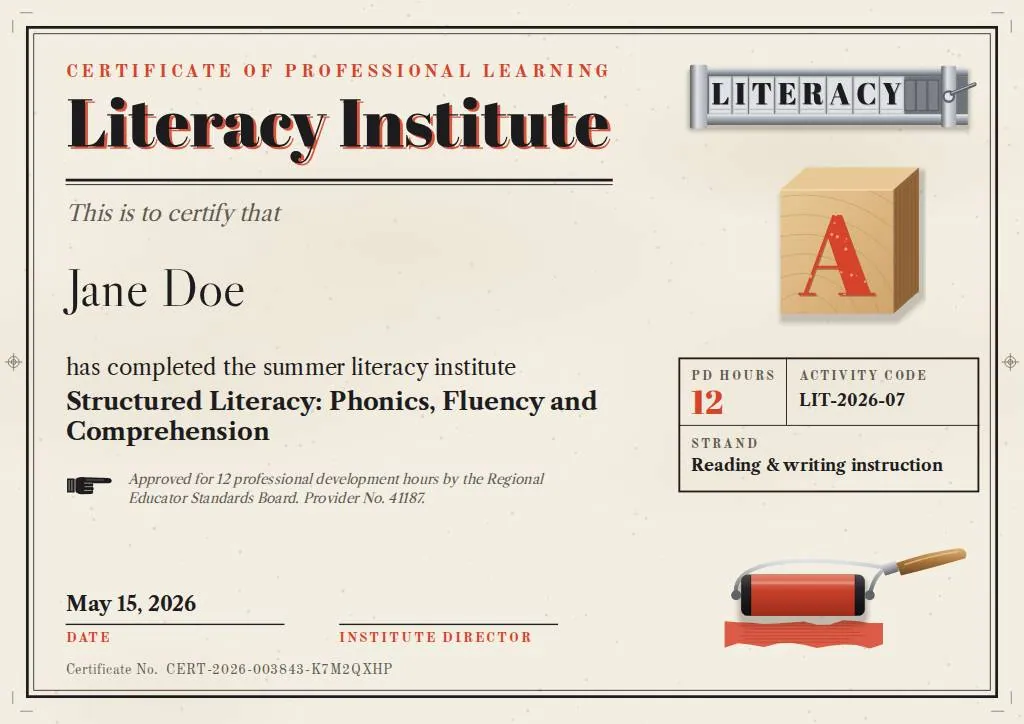
Newsprint, ink black and vermilion literacy institute certificate with a composing stick of metal type, a wood type block and a brayer.
-
Catalogue Card Librarian Continuing Education Certificate
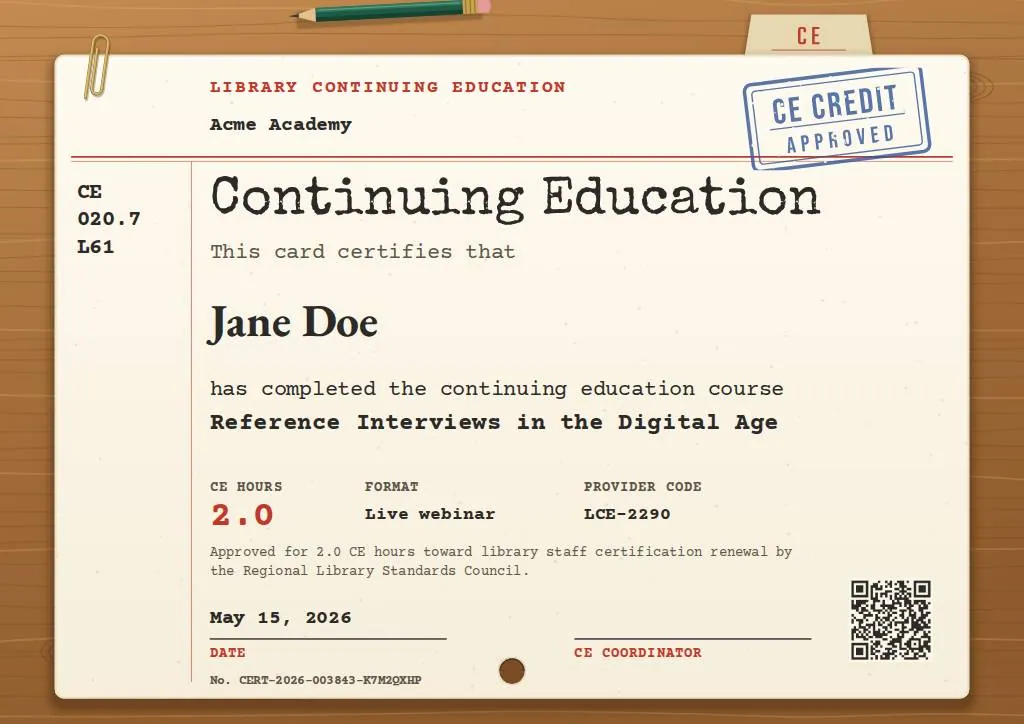
Oak and cream librarian CE certificate styled as a typed library catalogue card, with a CE guide tab, blue approval stamp and QR code.
-

Charcoal and Saffron Extension School Short Course Certificate
Charcoal page with saffron accents, a monoline crest and a gridded side panel with course details.
-

Spruce and Copper Professional Short Course Certificate
Stone paper under a spruce header band with copper foil "Professional Certificate" and a copper seal.
-
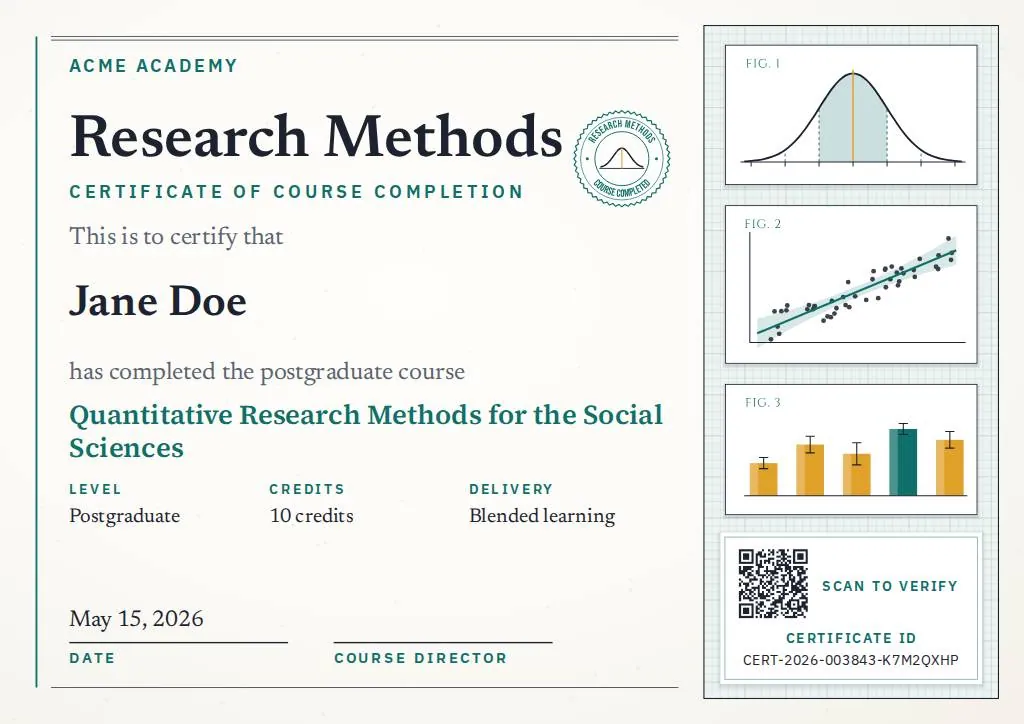
Figure Plates Research Methods Course Certificate
Journal-style page with a graph-paper plate of figures: a bell curve, a scatter plot and a bar chart.
-
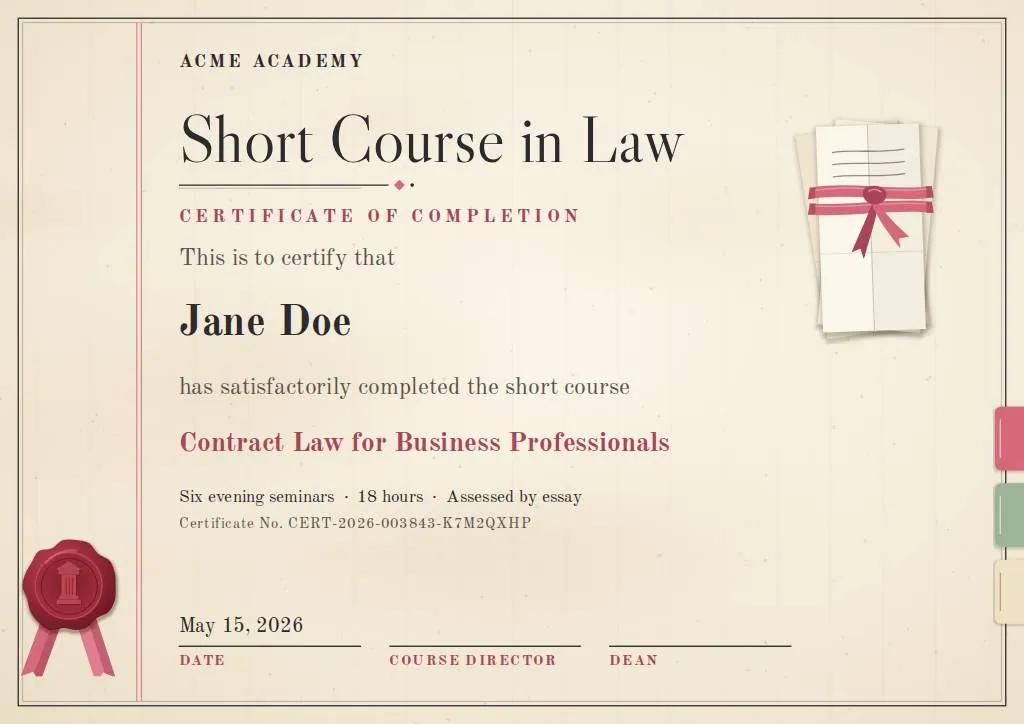
Pink Tape Brief Law Short Course Certificate
Parchment with a ruled pink margin, folded briefs tied in pink tape, index tabs and a red wax seal.
Issue your first credential today
Open this template in the CertSeal editor, customize in minutes, and send verifiable certificates your recipients can share anywhere.