Certificate template
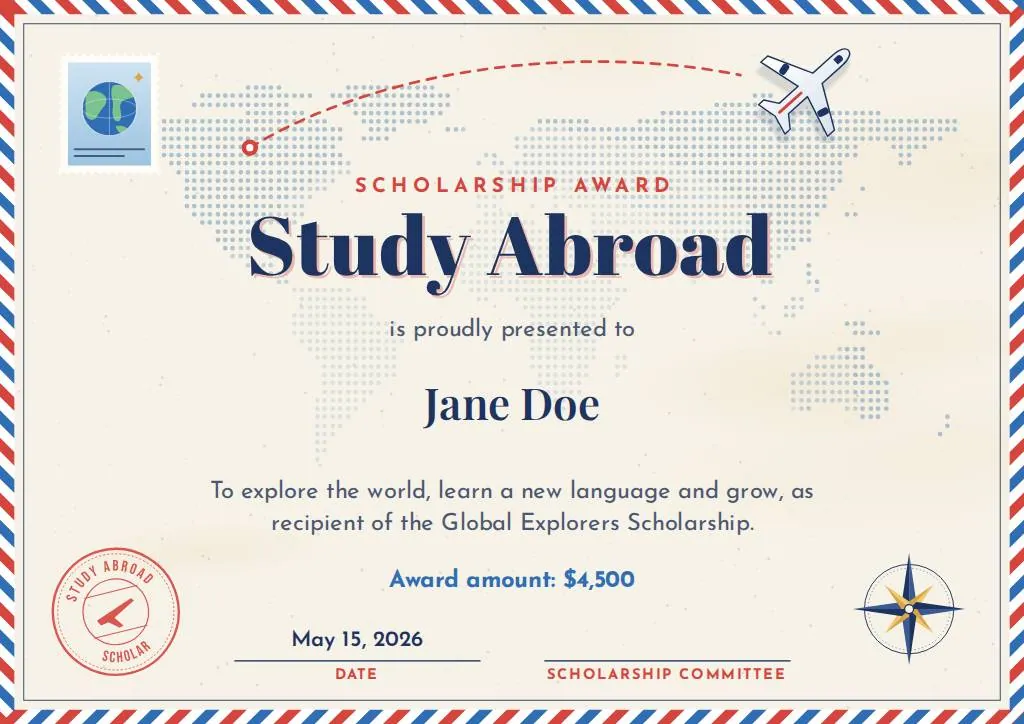
Study Abroad Scholarship Award
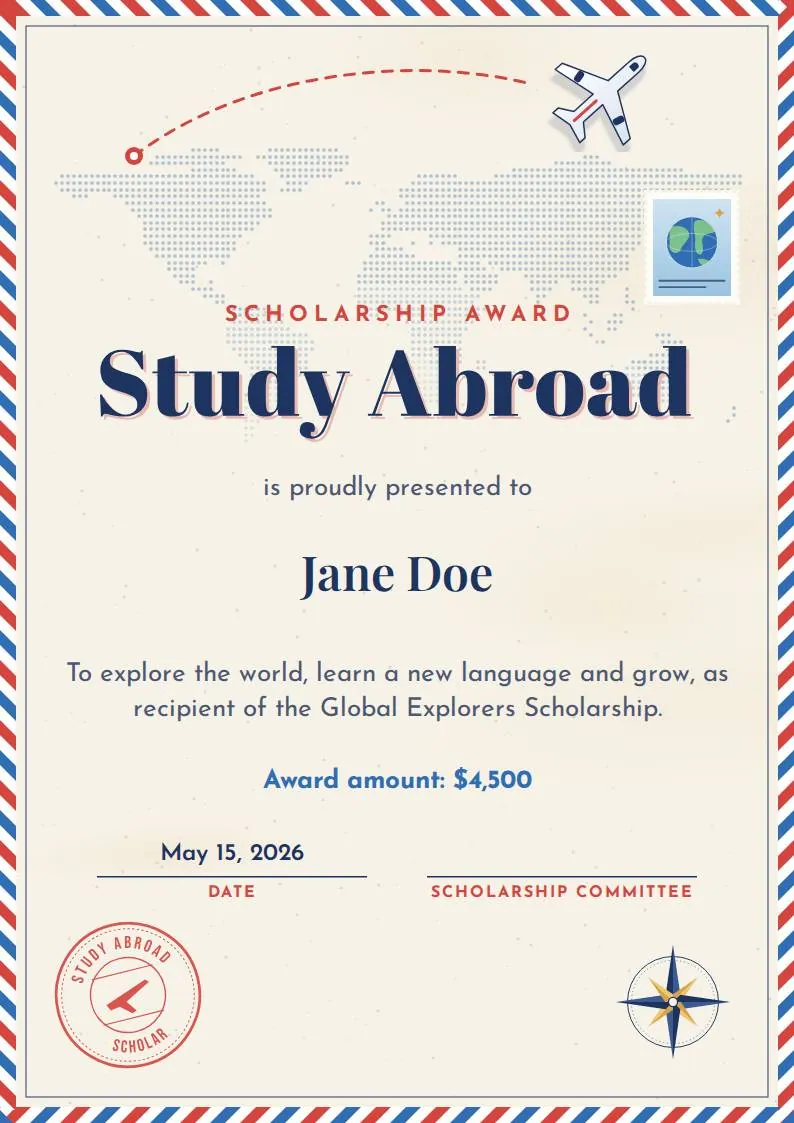
Airmail-bordered study abroad scholarship with a dotted world map, a jet and passport stamps.
Free to customize. Issue verifiable credentials with a CertSeal account.
About this template
When to reach for it
A scholarship certificate for students heading overseas: cream airmail paper with a red-and-blue chevron border, a dotted world map that fades softly behind the text, and a jet on a dashed flight path. A passport-style stamp, a postage stamp with a globe and a compass rose finish the travel theme.
For study abroad and exchange scholarships, international offices, language schools and global education foundations. The plane, path, stamps and compass are separate layers.
Wording
What the certificate says
Every line of text on this template, top to bottom. Highlighted parts fill in for each recipient, and you can reword any line in the editor.
- SCHOLARSHIP AWARD
- is proudly presented to
- Recipient name
- To explore the world, learn a new language and grow, as recipient of the Course or achievement.
- Award amount: $4,500
- Date
- DATE · SCHOLARSHIP COMMITTEE
Typography
Fonts used in this template
Swap, mix, or replace any of these in the editor — every CertSeal template ships with 1,000+ Google Fonts plus your own brand uploads.
-
Font family
Josefin Sans
Josefin Sans
-
Font family
Playfair Display
Playfair Display
Color palette
Colors used in this template
The five most prominent colors sampled straight from the rendered design. Recolor any of them in the editor to match your brand.
-
#f7f2e7
-
#c8c8c8
-
#e9b4ab
-
#5689c4
-
#9698a6
How to use it
From template to issued credential in four steps
- 01
Open the template
Click "Use this template" to open the Study Abroad Scholarship Award in the CertSeal editor, or customize it free without signing up.
- 02
Fill in the details
- Recipient name
- Course or achievement
- Date
Type these in, or upload a spreadsheet to make one for every recipient.
- 03
Add your brand
Swap the Josefin Sans and Playfair Display fonts and the colors, and add your logo.
- 04
Issue & verify
Generate PDFs and verifiable links your recipients can share anywhere.
More templates
You might also like
-
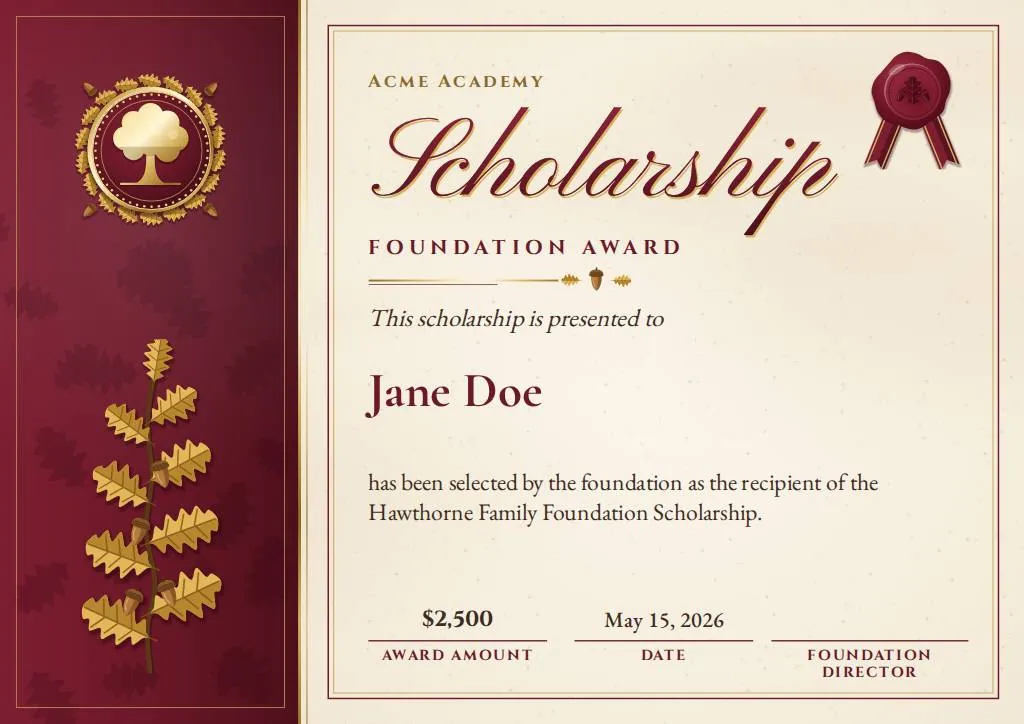
Oak Foundation Scholarship Certificate
Burgundy and cream foundation scholarship with an oak-tree medallion, gold oak leaves and a wax seal.
-

Lily Memorial Scholarship Certificate
Soft grey and silver memorial scholarship with white lilies, an arched panel and an "In memory of" line.
-
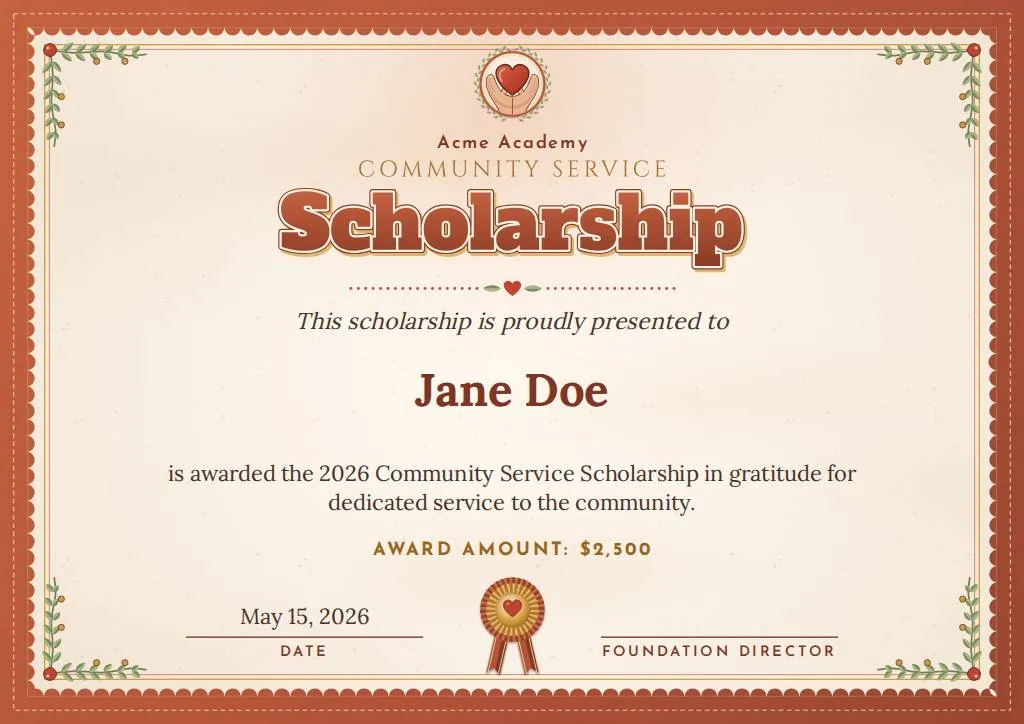
Hands and Heart Community Service Scholarship
Warm terracotta community service scholarship with hands holding a heart, sage sprigs and a heart rosette.
-

Torch Leadership Scholarship Award
Black and gold leadership scholarship with a lit ceremonial torch in an arched niche and an Art Deco seal.
-
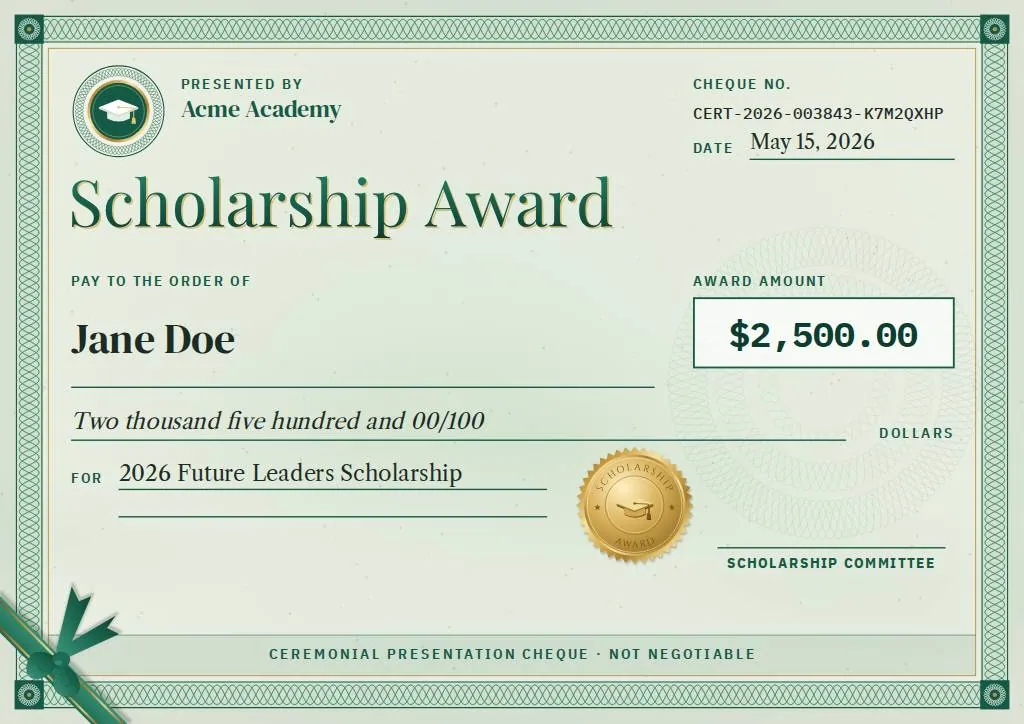
Presentation Cheque Scholarship Award
Ceremonial big-cheque scholarship award on mint guilloche paper, with a gold seal and green sash.
-
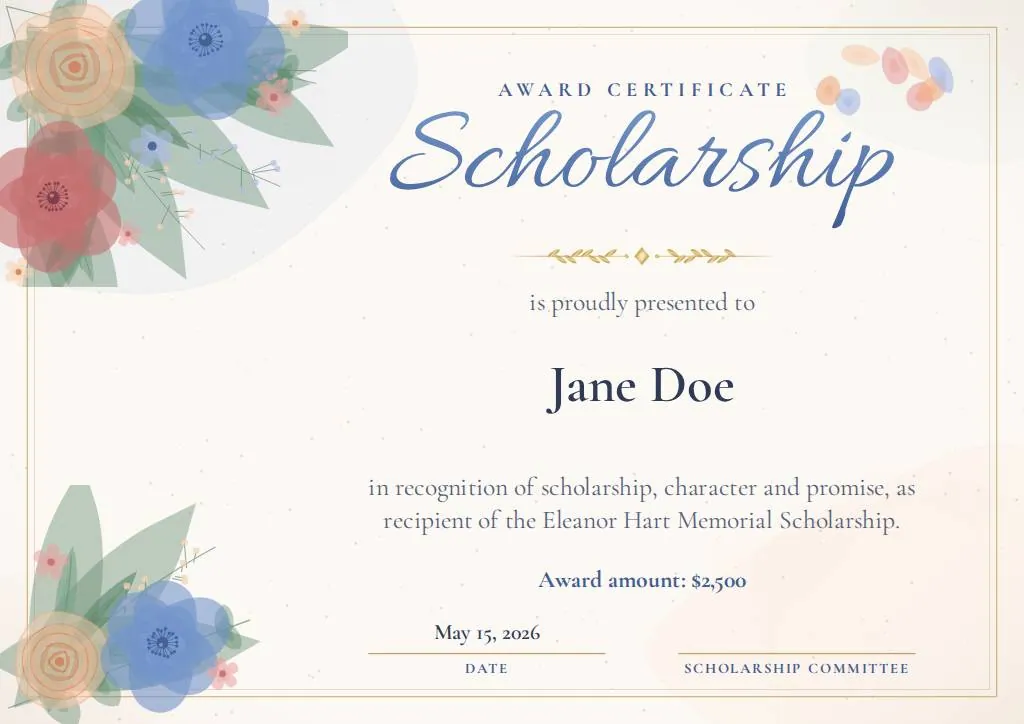
Watercolour Floral Scholarship Award
Soft watercolour anemones and ranunculus in dusty blue and apricot, with a flowing script headline.
-
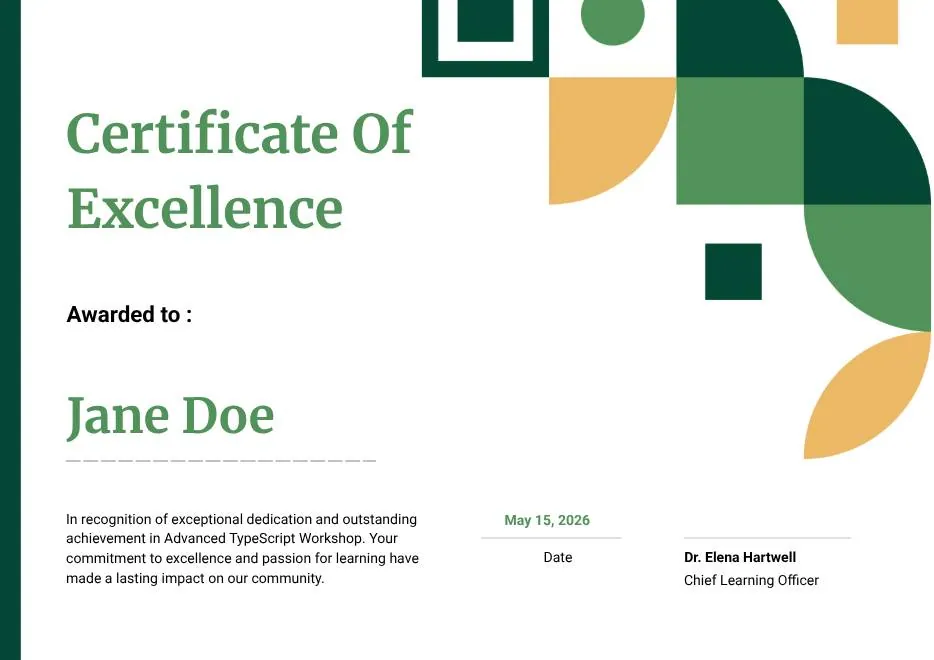
Modern White and Green Certificate of Excellence
A clean, modern portrait template with bold green typography and geometric shapes for recognizing outstanding achievement.
-
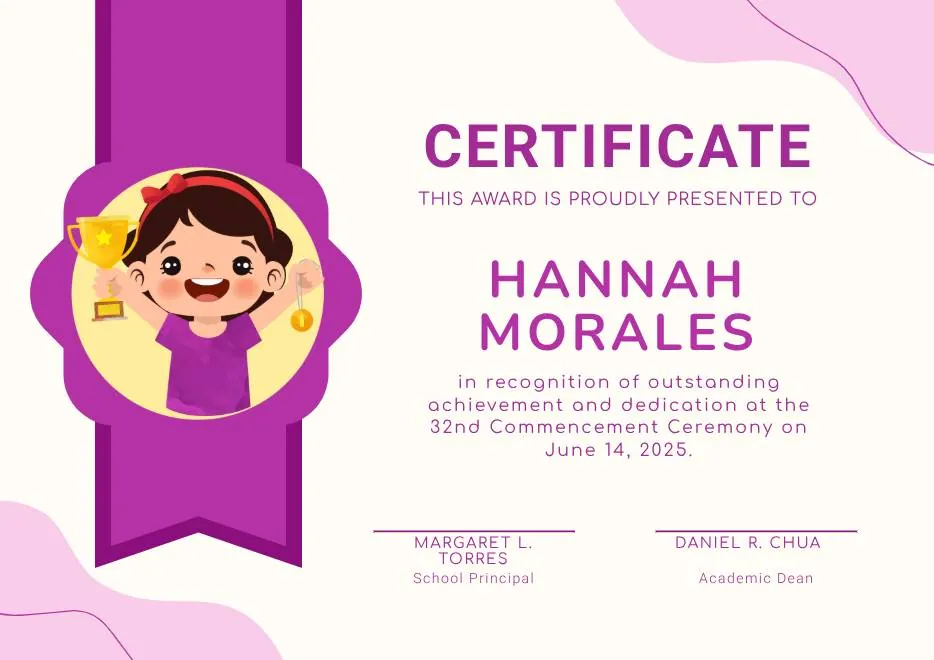
Purple Playfun Kids Award Certificate
A vibrant, playful kids' award certificate in purple and pink with a cute cartoon girl illustration, ideal for school ceremonies.
Issue your first credential today
Open this template in the CertSeal editor, customize in minutes, and send verifiable certificates your recipients can share anywhere.