Certificate template
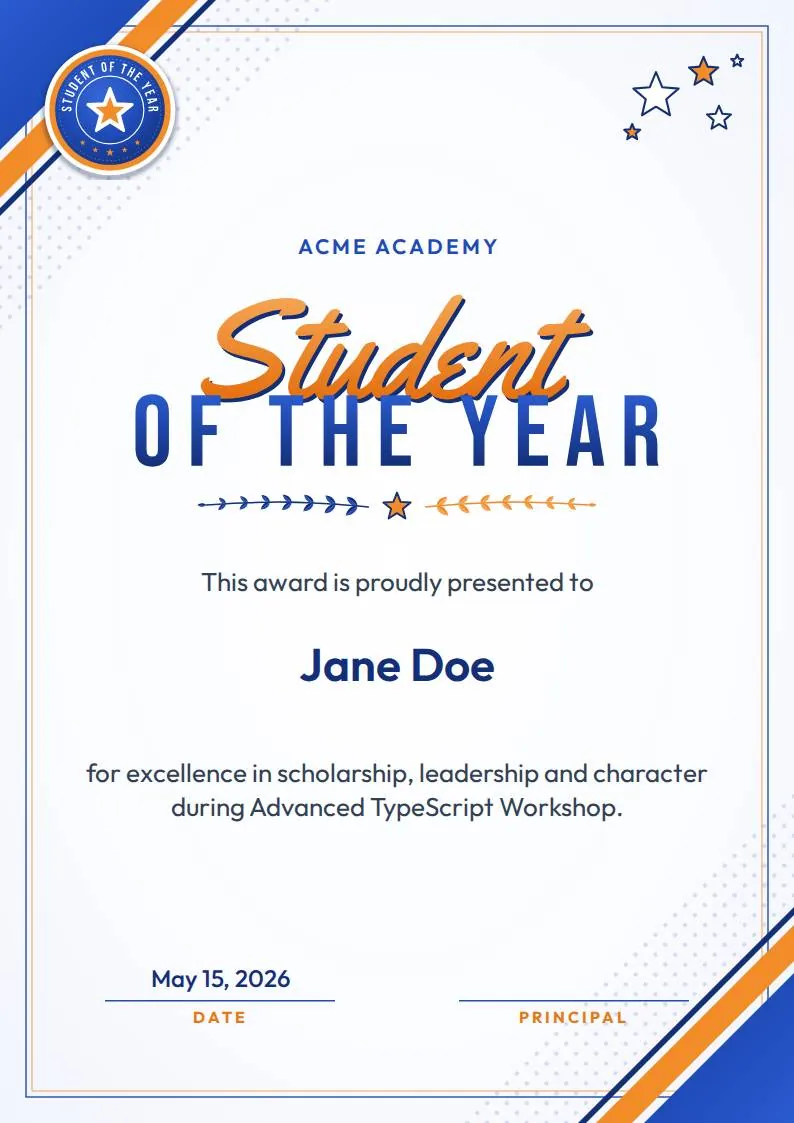
Royal Blue and Orange Student of the Year Certificate
Contemporary student of the year award with royal blue and orange school-colour stripes and a star badge.
Free to customize. Issue verifiable credentials with a CertSeal account.

About this template
When to reach for it
A bright, contemporary certificate in school colours: royal blue, orange and navy stripes sweep across two corners of a clean white page with a halftone fade and a thin blue-and-orange frame. A round "Student of the Year" star badge sits on the stripes, "Student" is written in an orange brush script over spaced blue capitals, and a laurel underline in both colours finishes the headline.
For middle and high schools naming a student of the year for scholarship, leadership and character. Recolour the stripes to your school colours in the editor; the badge, stars and underline are separate layers.
Wording
What the certificate says
Every line of text on this template, top to bottom. Highlighted parts fill in for each recipient, and you can reword any line in the editor.
- Issued by
- This award is proudly presented to
- Recipient name
- for excellence in scholarship, leadership and character during Course or achievement.
- Date
- DATE · PRINCIPAL
Typography
Fonts used in this template
Swap, mix, or replace any of these in the editor — every CertSeal template ships with 1,000+ Google Fonts plus your own brand uploads.
-
Font family
Outfit
Outfit
Color palette
Colors used in this template
The five most prominent colors sampled straight from the rendered design. Recolor any of them in the editor to match your brand.
-
#fafbfe
-
#dadce8
-
#2653c5
-
#b6bbc4
-
#8699c5
How to use it
From template to issued credential in four steps
- 01
Open the template
Click "Use this template" to open the Royal Blue and Orange Student of the Year Certificate in the CertSeal editor, or customize it free without signing up.
- 02
Fill in the details
- Issued by
- Recipient name
- Course or achievement
- Date
Type these in, or upload a spreadsheet to make one for every recipient.
- 03
Add your brand
Swap the Outfit font and the colors, and add your logo.
- 04
Issue & verify
Generate PDFs and verifiable links your recipients can share anywhere.
More templates
You might also like
-

Navy and Gold School Crest Principal’s Award Certificate
Semi-formal cream certificate in a navy and gold frame with a school crest and gold seal.
-

Modern White and Green Certificate of Excellence
A clean, modern portrait template with bold green typography and geometric shapes for recognizing outstanding achievement.
-
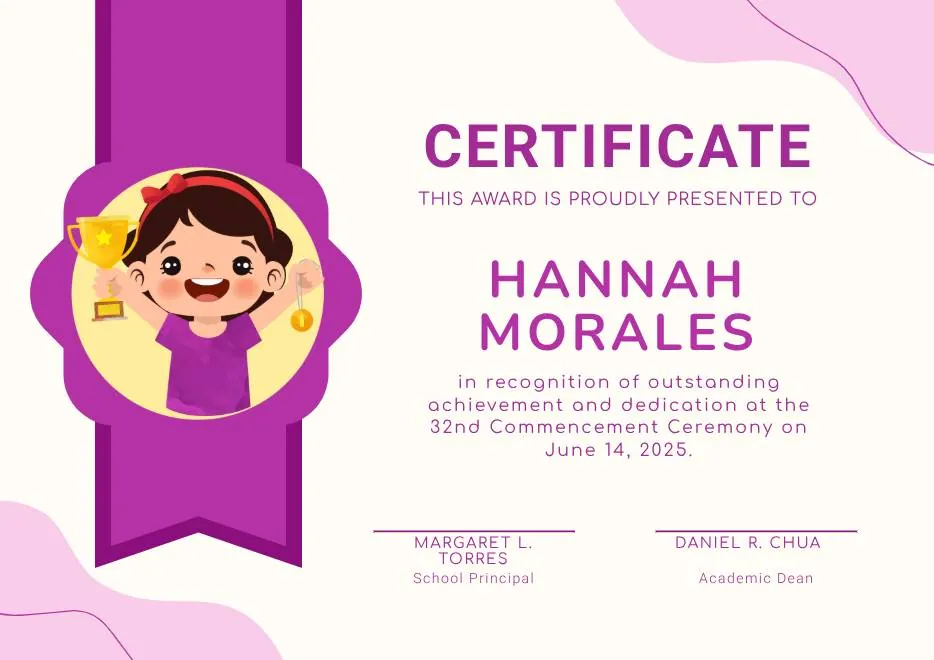
Purple Playfun Kids Award Certificate
A vibrant, playful kids' award certificate in purple and pink with a cute cartoon girl illustration, ideal for school ceremonies.
-
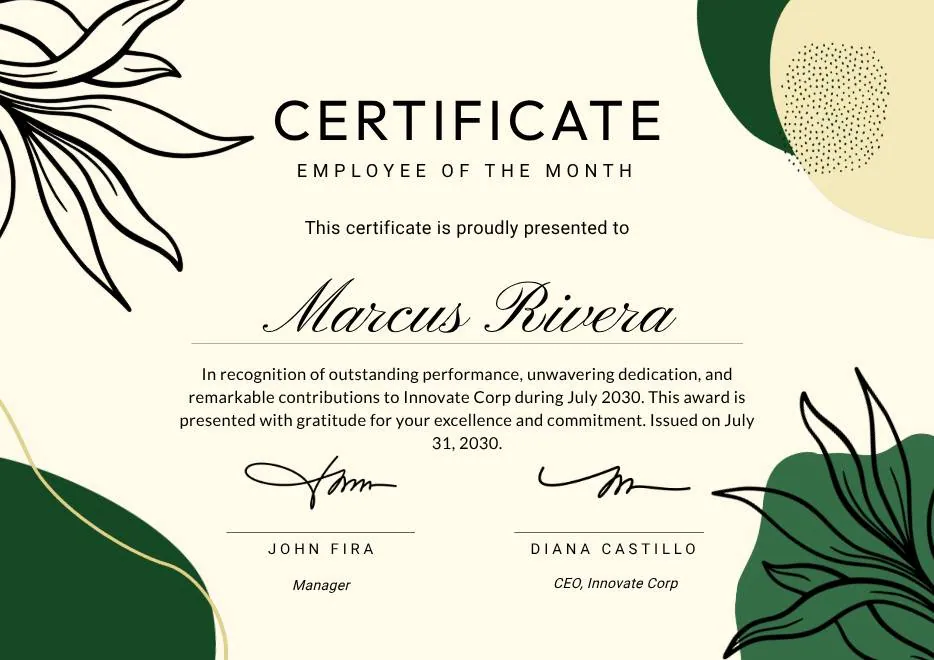
Green and Beige Botanical Employee of the Month Certificate
A modern, nature-inspired Employee of the Month certificate featuring botanical line art and bold green abstract shapes on a warm beige background.
-
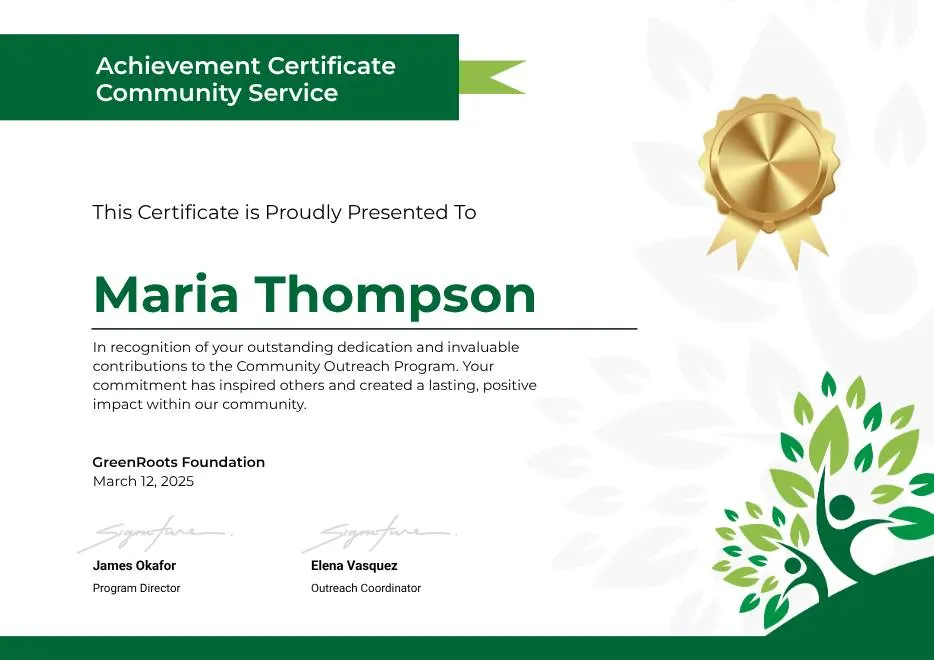
Green Clean Achievement Community Service Certificate
A clean, nature-themed portrait certificate honoring outstanding community service contributions with a gold seal and green tree motif.
-
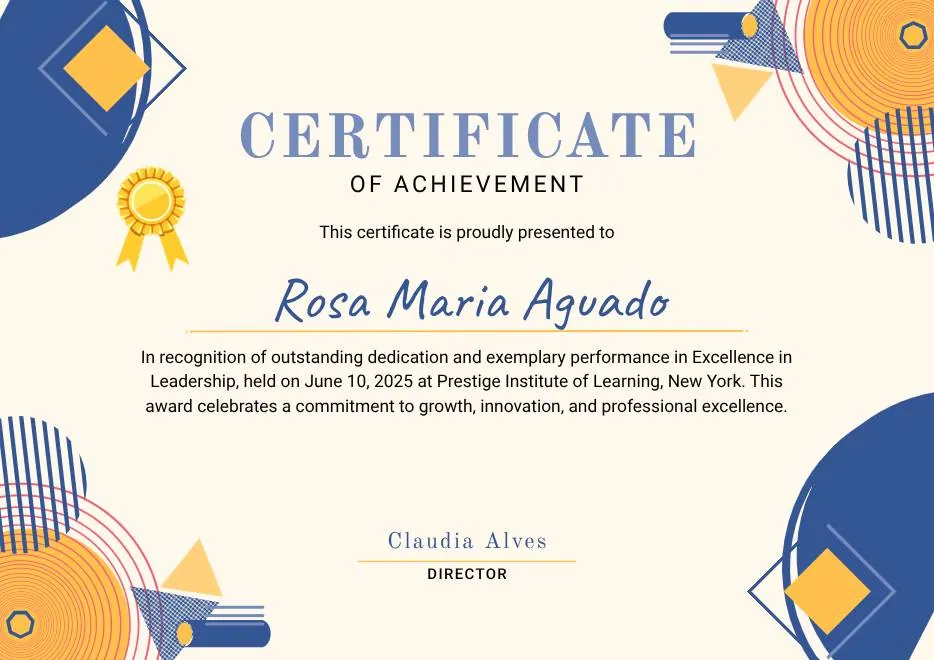
Blue Orange Modern Memphis Certificate of Achievement
A vibrant Memphis-style portrait certificate with bold blue and orange geometric shapes, ideal for recognizing outstanding achievement.
-
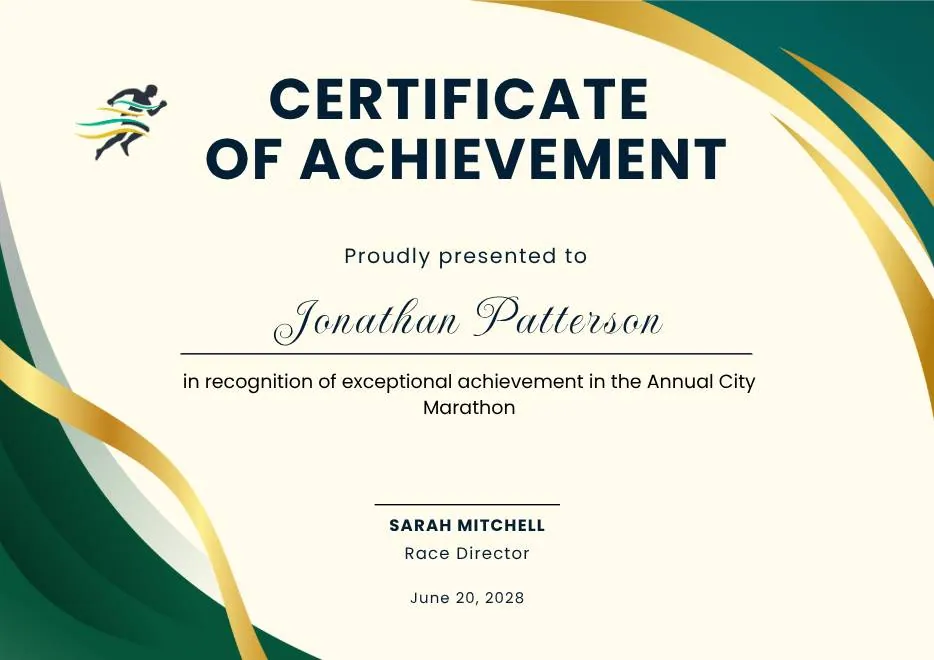
Green and Gold Modern Elegant Sport Achievement Certificate
A sleek sport-themed certificate with green and gold wave accents, a runner icon, and elegant script typography on a cream background.
-
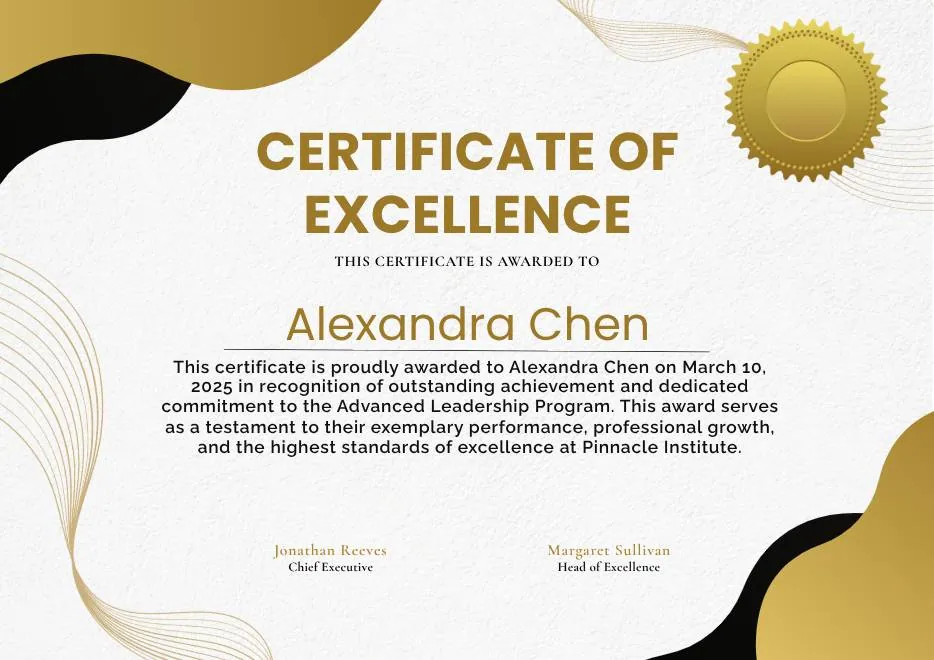
White and Gold Modern Awards Certificate
Elegant portrait certificate with gold-and-black wave accents, a gold seal, and dual signature lines for formal recognition.
Issue your first credential today
Open this template in the CertSeal editor, customize in minutes, and send verifiable certificates your recipients can share anywhere.