Certificate template
Spruce Ledger CE Transcript with Session Table
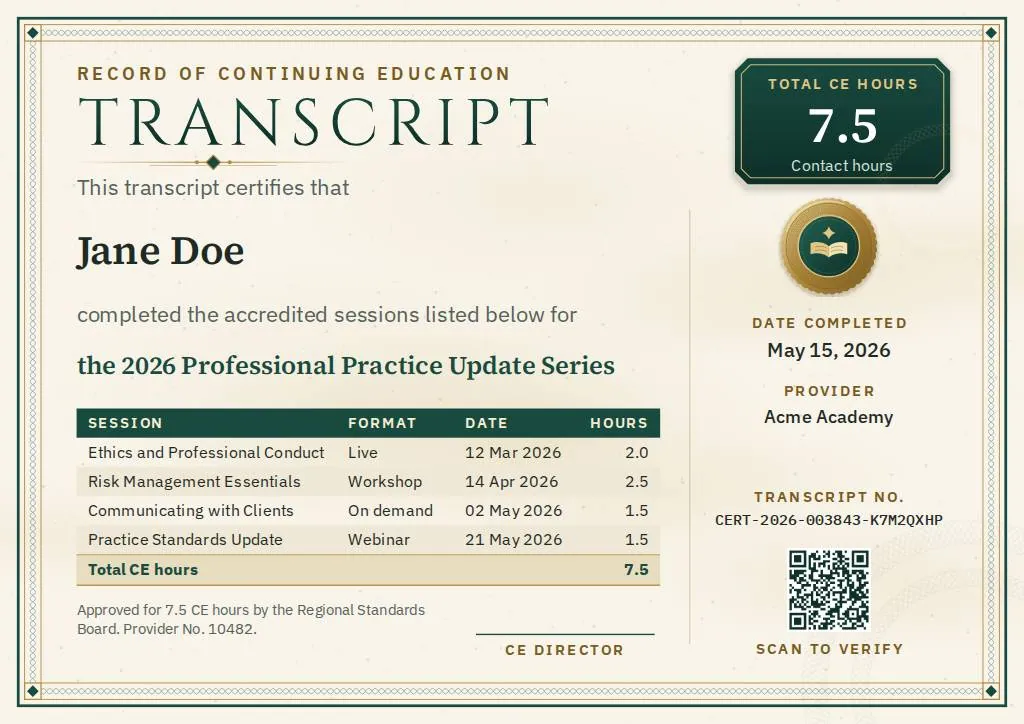
Record-style CE transcript on ivory paper: an editable session table with hours and a total, brass seal and QR code.
Free to customize. Issue verifiable credentials with a CertSeal account.
About this template
When to reach for it
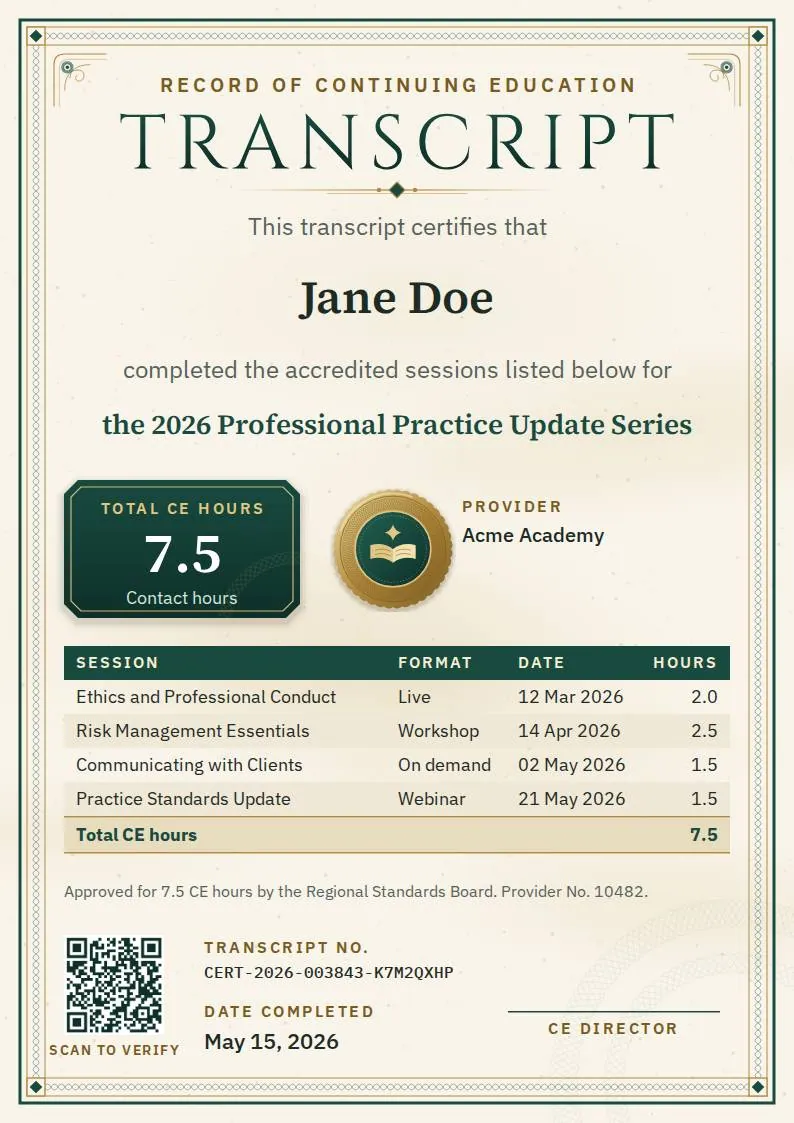
A continuing education transcript in the manner of an official record. Ivory paper with a spruce and brass security border carries Cinzel "TRANSCRIPT" lettering, a notched spruce plaque for the total CE hours, a brass guilloche seal with an open-book emblem and a faint rosette watermark.
The session table is built from editable text cells on a grid: session title, format, date and hours for four sessions plus a total row, so a provider can retitle each line. The record number, completion date, provider, accreditation statement, CE director signature and a verification QR code complete the record. Set in Source Serif 4 and IBM Plex Sans.
Wording
What the certificate says
Every line of text on this template, top to bottom. Highlighted parts fill in for each recipient, and you can reword any line in the editor.
- RECORD OF CONTINUING EDUCATION
- This transcript certifies that
- Recipient name
- completed the accredited sessions listed below for
- Course or achievement
- SESSION · FORMAT · DATE · HOURS
- Ethics and Professional Conduct · Live · 12 Mar 2026 · 2.0
- Risk Management Essentials · Workshop · 14 Apr 2026 · 2.5
- Communicating with Clients · On demand · 02 May 2026 · 1.5
- Practice Standards Update · Webinar · 21 May 2026 · 1.5
- Total CE hours · 7.5
- Approved for 7.5 CE hours by the Regional Standards Board. Provider No. 10482.
Show the other 11 lines
- CE DIRECTOR
- TOTAL CE HOURS
- 7.5
- Contact hours
- DATE COMPLETED
- Date
- PROVIDER
- Issued by
- TRANSCRIPT NO.
- Certificate ID
- SCAN TO VERIFY
Typography
Fonts used in this template
Swap, mix, or replace any of these in the editor — every CertSeal template ships with 1,000+ Google Fonts plus your own brand uploads.
-
Font family
IBM Plex Mono
IBM Plex Mono
-
Font family
IBM Plex Sans
IBM Plex Sans
Color palette
Colors used in this template
The five most prominent colors sampled straight from the rendered design. Recolor any of them in the editor to match your brand.
-
#f9f4e9
-
#d9d8c9
-
#b7b8a9
-
#174339
-
#6c877b
How to use it
From template to issued credential in four steps
- 01
Open the template
Click "Use this template" to open the Spruce Ledger CE Transcript with Session Table in the CertSeal editor, or customize it free without signing up.
- 02
Fill in the details
- Recipient name
- Course or achievement
- Date
- Issued by
Type these in, or upload a spreadsheet to make one for every recipient.
- 03
Add your brand
Swap the IBM Plex Mono and IBM Plex Sans fonts and the colors, and add your logo.
- 04
Issue & verify
Generate PDFs and verifiable links your recipients can share anywhere. The QR code on this design opens each certificate's verification page. Each certificate is printed with its own ID.
More templates
You might also like
-
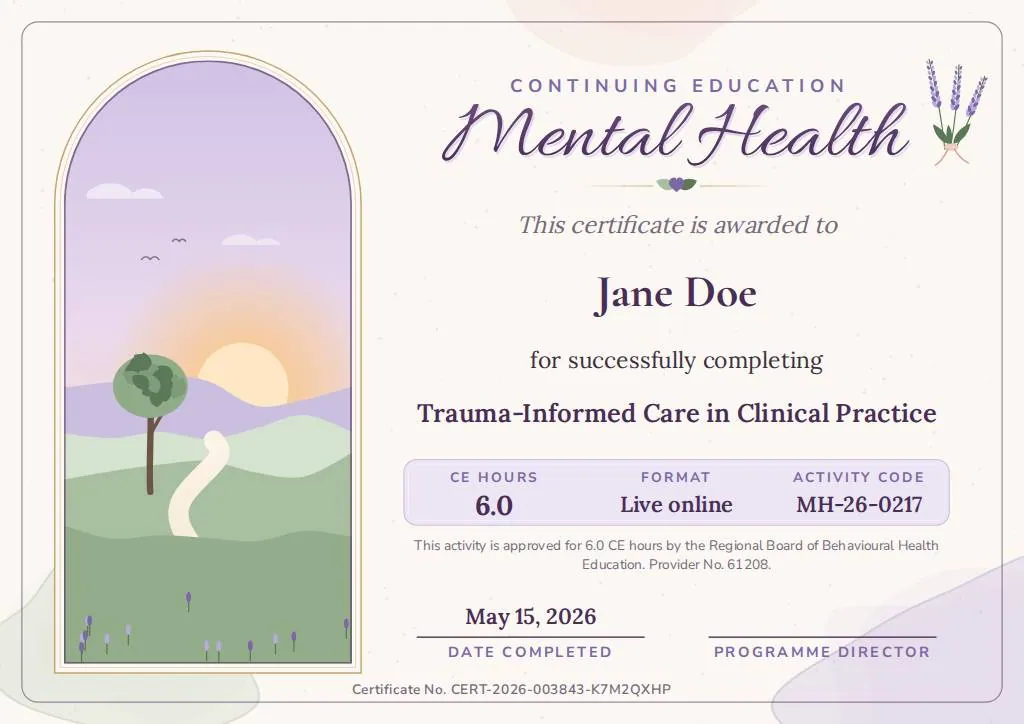
Lavender Arch Mental Health CE Certificate
Calm mental health CE certificate with a dawn landscape in an arch window, lavender sprigs and a script headline.
-
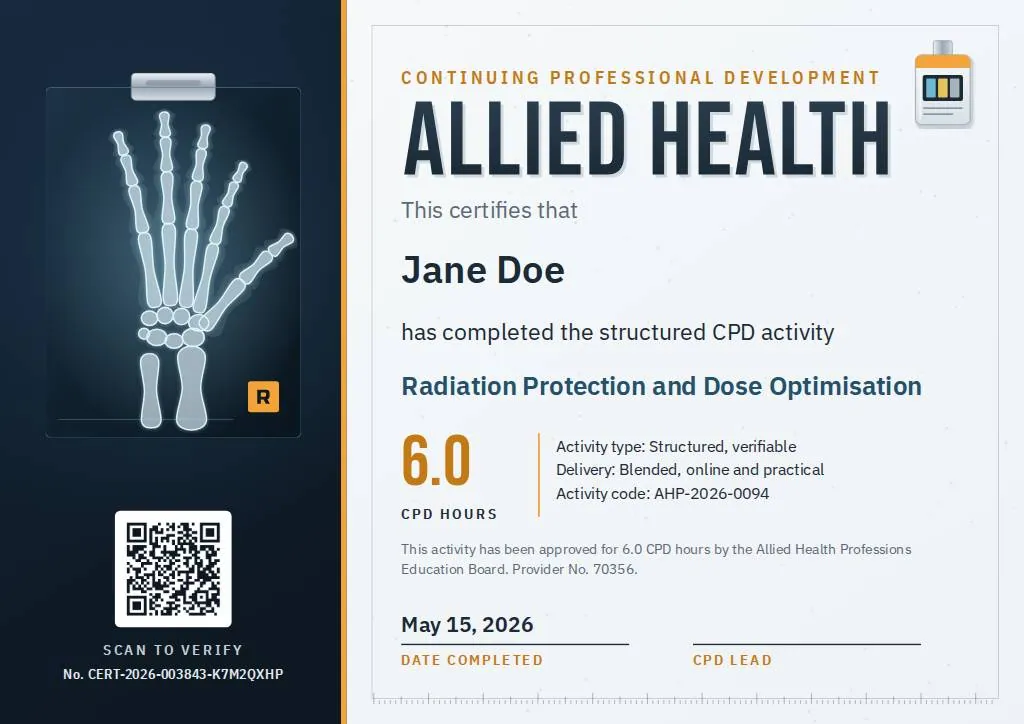
X-Ray Lightbox Allied Health CPD Certificate
Allied health CPD certificate with a glowing hand radiograph on a dark lightbox panel, dosimeter badge and QR code.
-
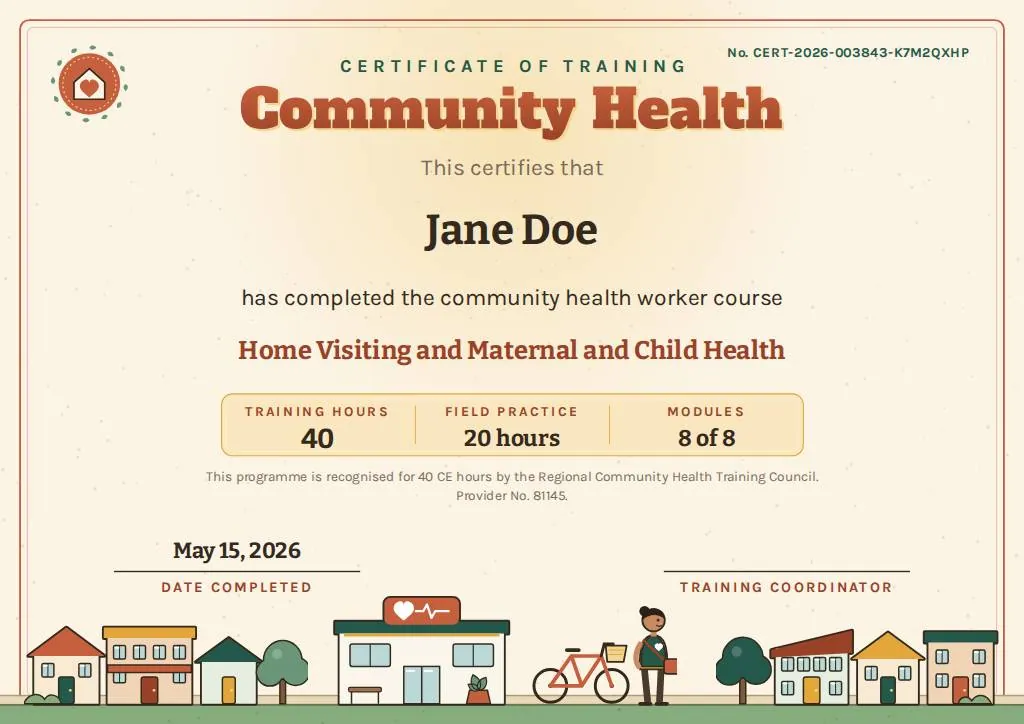
Neighbourhood Community Health Worker Training Certificate
Warm community health worker training certificate with an illustrated street, a health post and a worker with a bicycle.
-
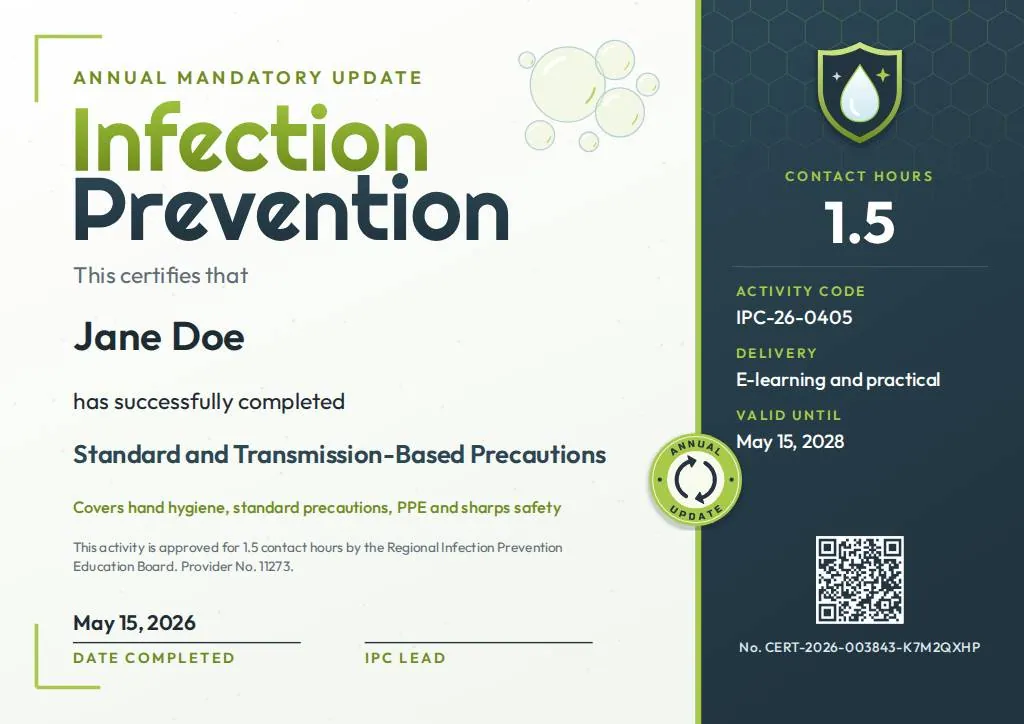
Lime and Slate Infection Prevention Annual Update Certificate
Fresh infection prevention annual update certificate with a slate transcript panel, droplet shield, valid-until date and QR.
-
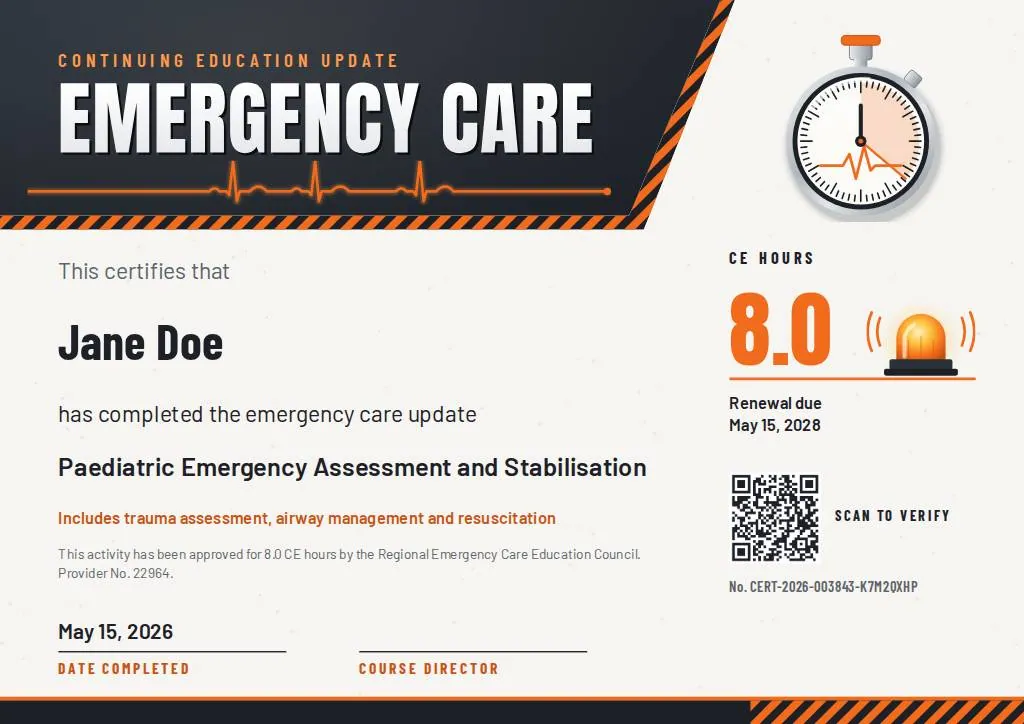
Signal Orange Emergency Care Update Certificate
Bold emergency care CE certificate with a charcoal hazard-striped header, glowing pulse line, stopwatch, beacon and QR.
-
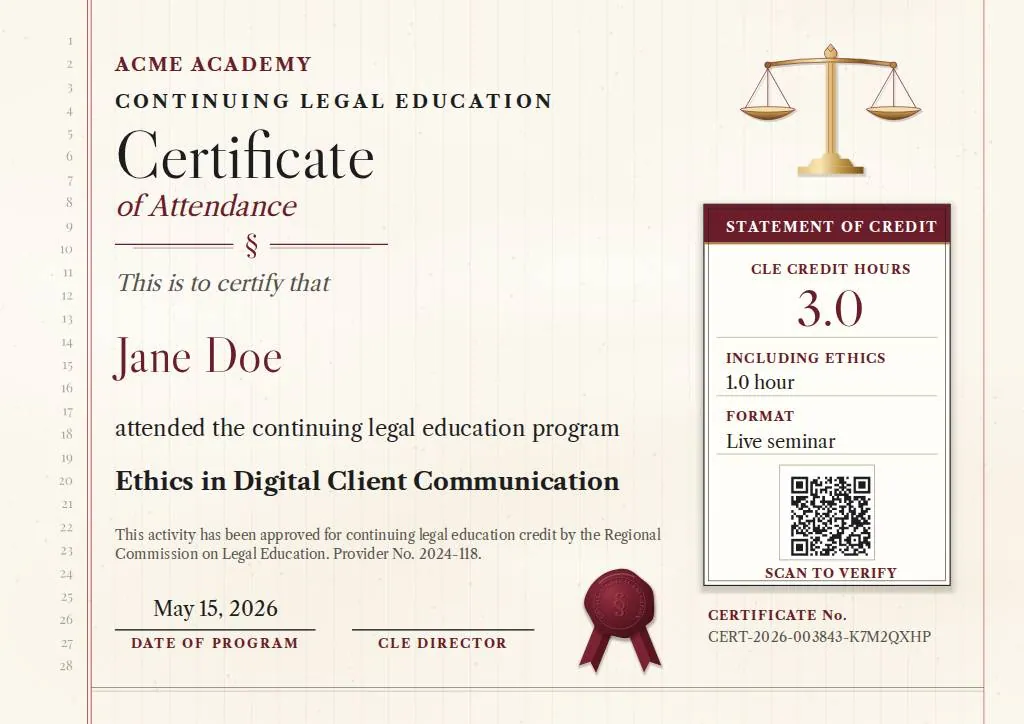
Pleading Paper Continuing Legal Education Certificate
Numbered pleading paper with a red margin rule, scales of justice, a statement of credit and a wax seal.
-
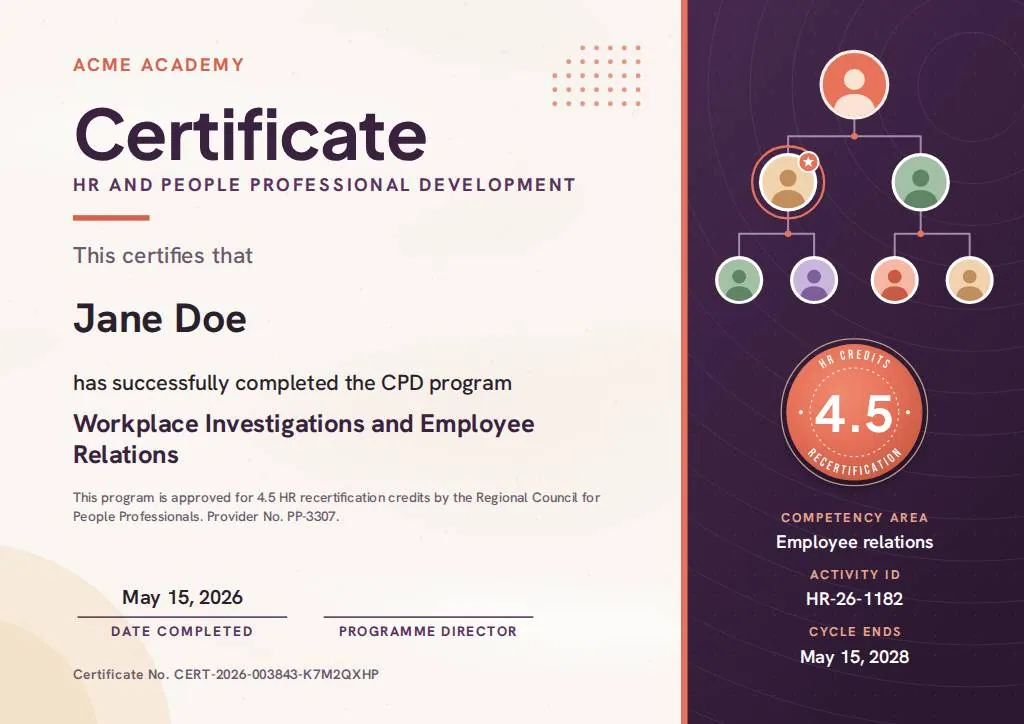
Org Chart HR and People Professional CPD Certificate
Warm white with an aubergine panel holding an illustrated org chart and a coral HR credit badge.
-
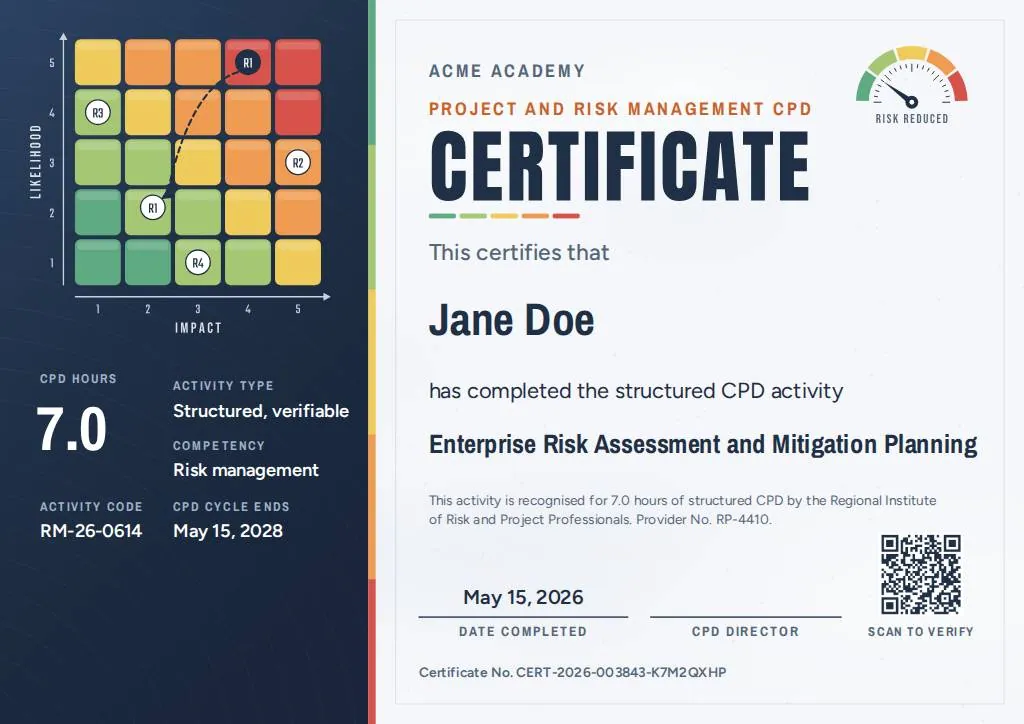
Risk Heat Map Project and Risk Management CPD Certificate
Slate panel with a five-by-five likelihood and impact heat map, a risk gauge, CPD hours and a QR code.
Issue your first credential today
Open this template in the CertSeal editor, customize in minutes, and send verifiable certificates your recipients can share anywhere.