Certificate template
Spotlight Stage Startup Accelerator Demo Day Graduation Certificate
Dark stage, two amber spotlights, a microphone, a traction slide and a bold DEMO DAY headline.
Free to customize. Issue verifiable credentials with a CertSeal account.


About this template
When to reach for it
A graduation certificate for startup accelerators, incubators and venture studios to hand founders on Demo Day: a dark indigo stage lit by two warm spotlights hanging from a truss, crossing over the graduate's name, with confetti streamers, a microphone on a stand and a pitch screen showing a rising traction chart.
"Demo Day" is lettered in tall amber-to-coral capitals under an editable cohort line, and the programme name stands out in amber. A verification QR code and the certificate ID sit on the stage floor. The spotlights, confetti, microphone and screen are separate layers.
Wording
What the certificate says
Every line of text on this template, top to bottom. Highlighted parts fill in for each recipient, and you can reword any line in the editor.
- ACCELERATOR GRADUATION · COHORT 12
- Congratulations to
- Recipient name
- for graduating from the
- Course or achievement
- Issued by
- Date
- DATE · MANAGING PARTNER
- Certificate ID Certificate ID
Typography
Fonts used in this template
Swap, mix, or replace any of these in the editor — every CertSeal template ships with 1,000+ Google Fonts plus your own brand uploads.
-
Font family
Space Grotesk
Space Grotesk
Color palette
Colors used in this template
The five most prominent colors sampled straight from the rendered design. Recolor any of them in the editor to match your brand.
-
#221b39
-
#674a3c
-
#fb984a
-
#837a78
-
#07060e
How to use it
From template to issued credential in four steps
- 01
Open the template
Click "Use this template" to open the Spotlight Stage Startup Accelerator Demo Day Graduation Certificate in the CertSeal editor, or customize it free without signing up.
- 02
Fill in the details
- Recipient name
- Course or achievement
- Issued by
- Date
Type these in, or upload a spreadsheet to make one for every recipient.
- 03
Add your brand
Swap the Space Grotesk font and the colors, and add your logo.
- 04
Issue & verify
Generate PDFs and verifiable links your recipients can share anywhere. The QR code on this design opens each certificate's verification page. Each certificate is printed with its own ID.
More templates
You might also like
-
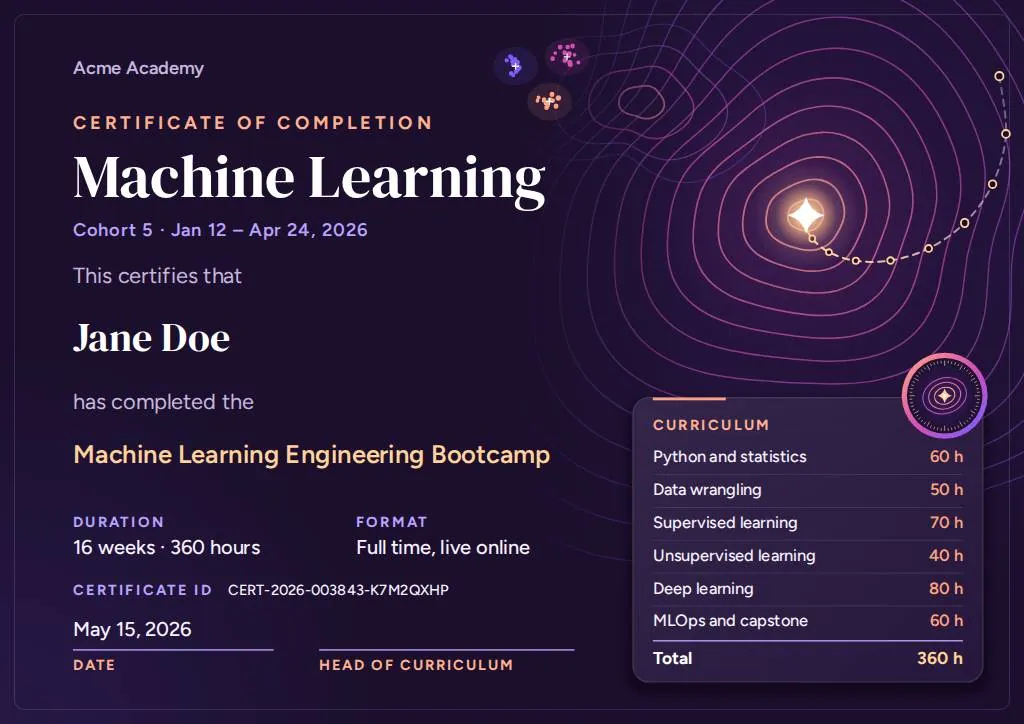
Plum Contour Machine Learning Bootcamp Certificate
Deep plum machine learning bootcamp certificate with a loss-landscape contour map, a gradient-descent path and a module card with hours.
-

Obsidian Chip AI Engineering Bootcamp Certificate
Obsidian AI engineering bootcamp certificate with an iridescent processor chip, radiating circuit traces, gradient lettering, skill chips and a QR code.
-
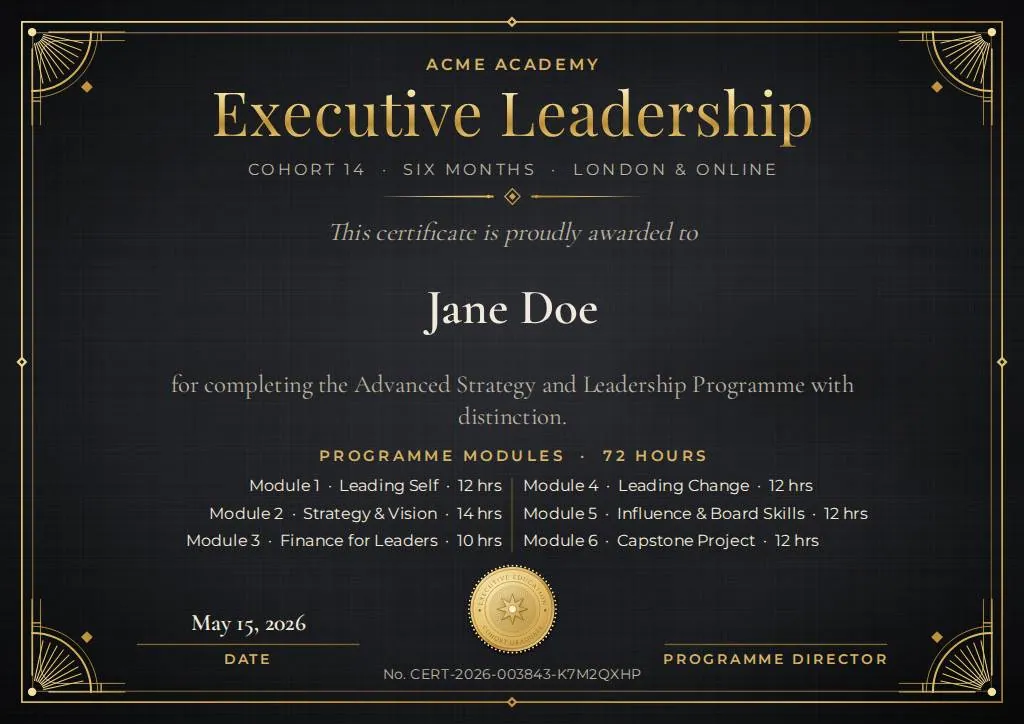
Black Linen and Gold Executive Leadership Programme Certificate
Charcoal linen certificate with gold foil lettering, an Art Deco frame and a module list.
-
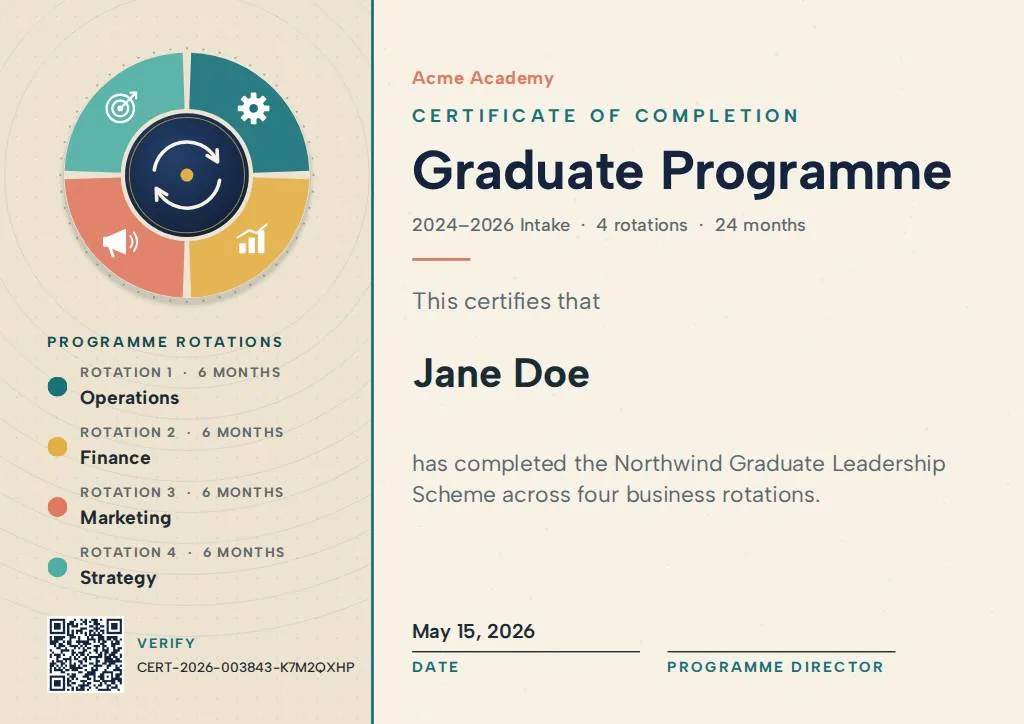
Rotation Wheel Graduate Trainee Programme Certificate
Warm sand certificate with a four-part rotation wheel and a colour-keyed rotations list.
-
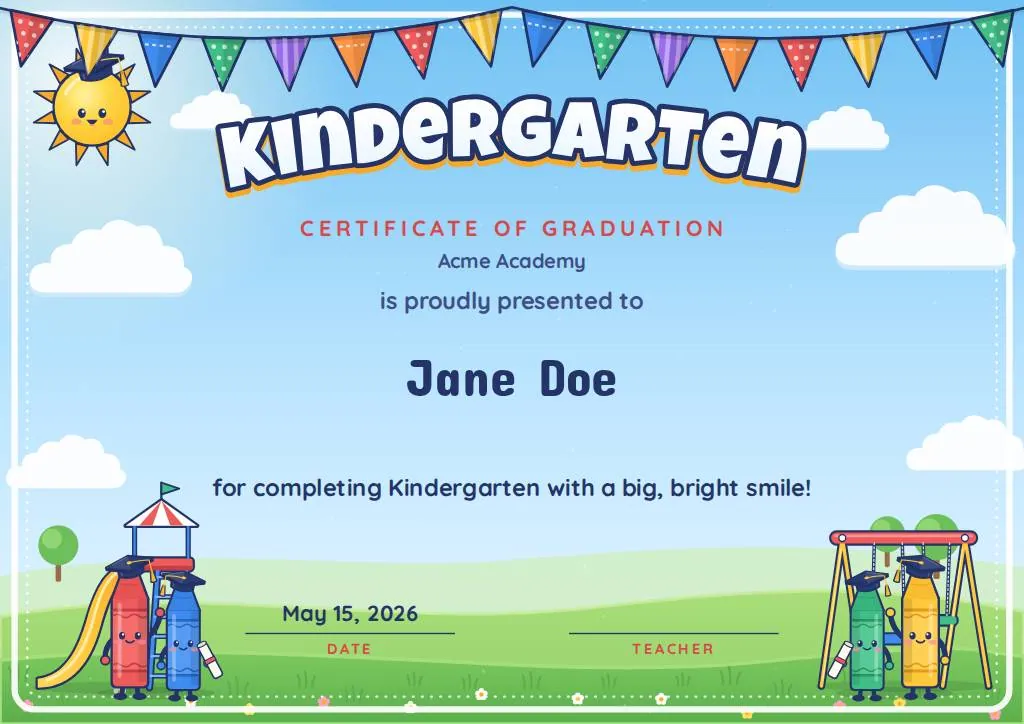
Sunny Playground Kindergarten Graduation Certificate
Blue-sky playground with bunting, a slide, swings and crayon graduates in tiny mortarboards.
-
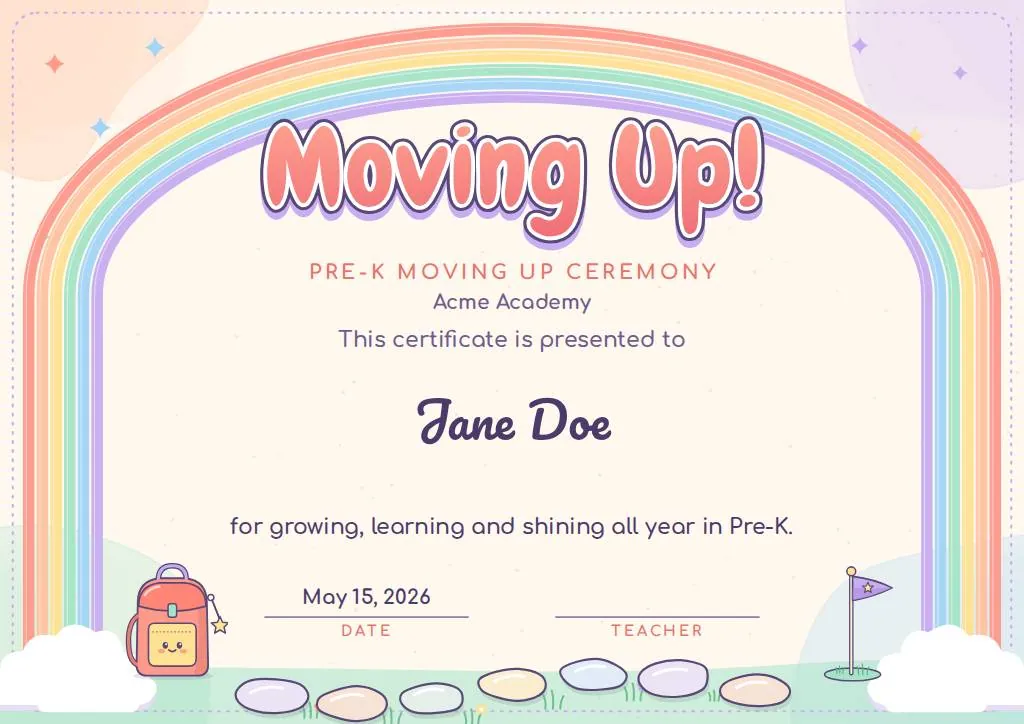
Pastel Rainbow Stepping Stones Pre-K Moving Up Certificate
Soft pastel rainbow arch framing the page, with stepping stones, a little backpack and a star flag.
-
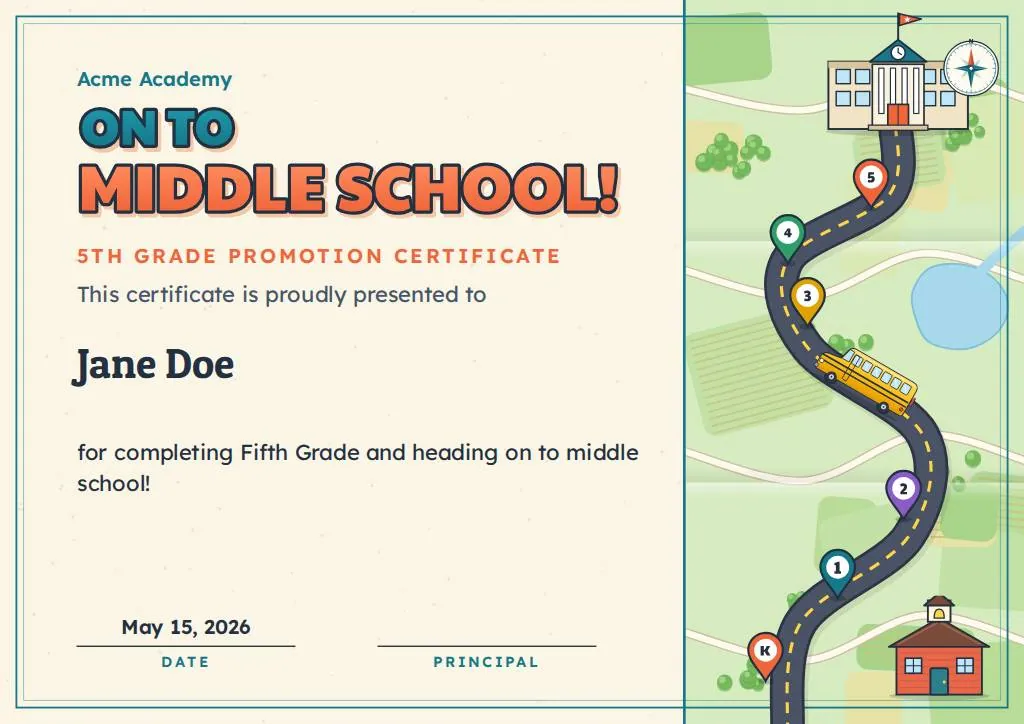
Road Map On to Middle School 5th Grade Promotion Certificate
Folded road map with milestone pins from K to 5, a yellow school bus and the middle school ahead.
-
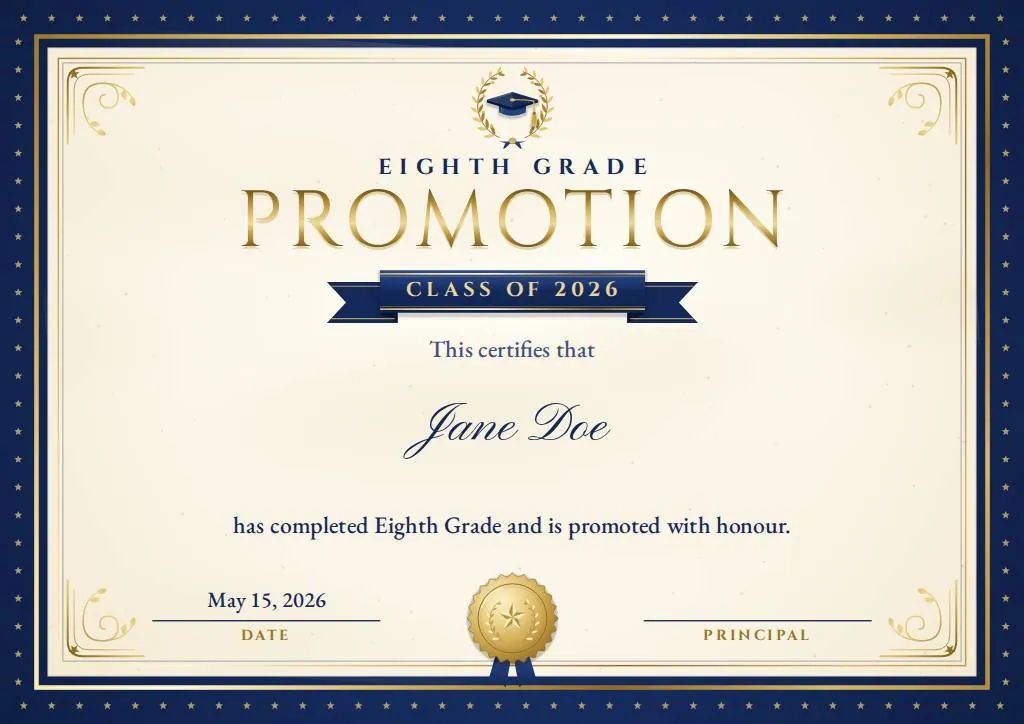
Navy and Gold Laurel Crest 8th Grade Promotion Certificate
Starred navy border, gold foil frame, a laurel-wreathed cap and an editable Class of 2026 ribbon.
Issue your first credential today
Open this template in the CertSeal editor, customize in minutes, and send verifiable certificates your recipients can share anywhere.