Certificate template
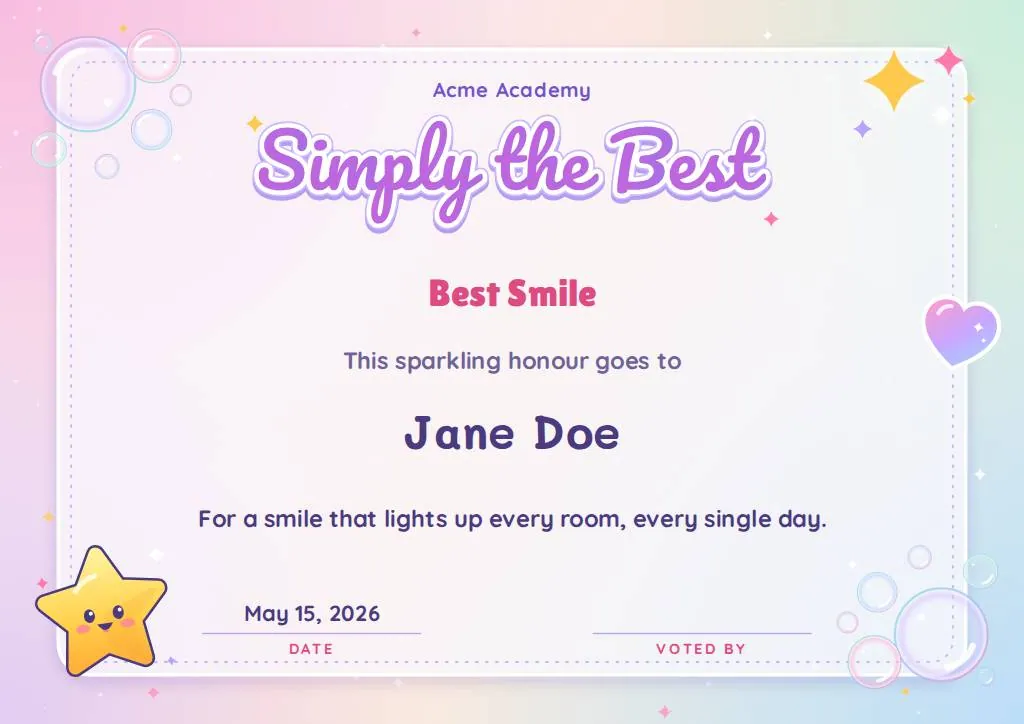
Pastel Sparkle Best Smile Superlative Certificate
Dreamy pastel superlative with iridescent bubbles, twinkles, a smiling star and a frosted card.
Free to customize. Issue verifiable credentials with a CertSeal account.
About this template
When to reach for it
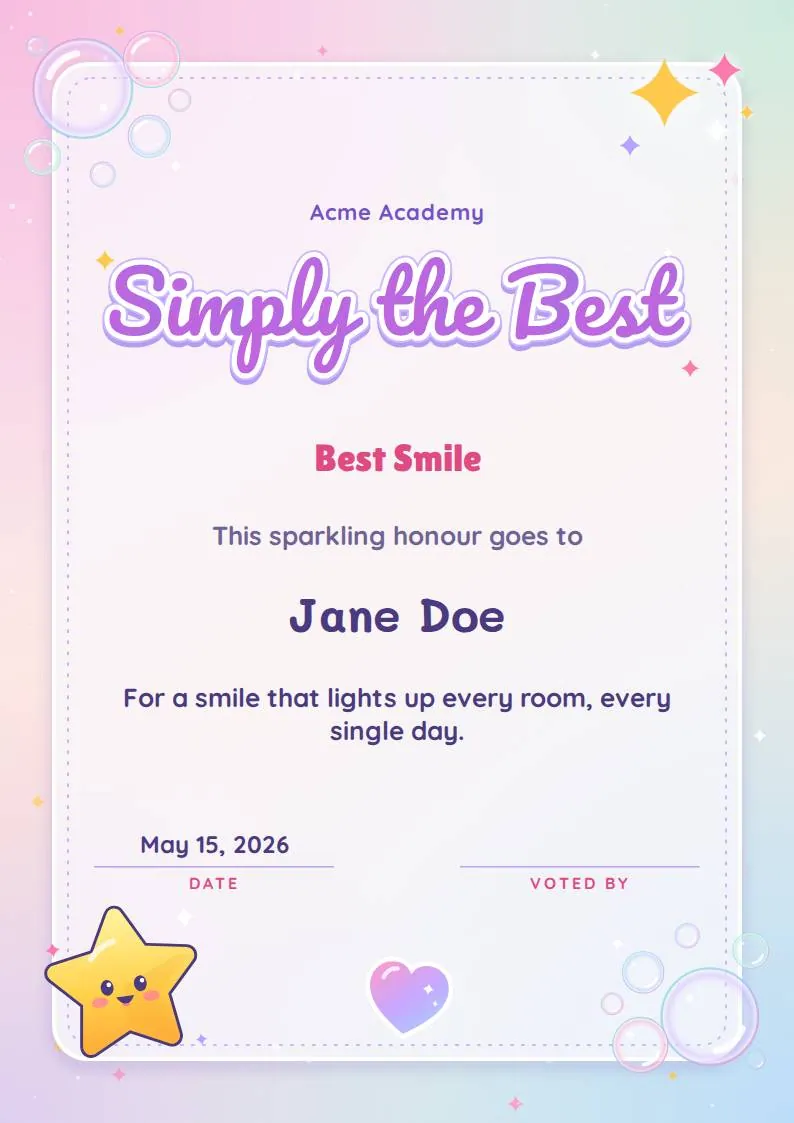
A sweet, shimmery superlative for the brightest smiles in class. A pastel sky shifts from pink and lilac to peach, mint and baby blue, with twinkles scattered around a frosted white card with a stitched edge. Iridescent soap bubbles float in the corners, a puffy smiling star and an iridescent heart sticker add a little joy, and the headline "Simply the Best" is set in a pink-to-blue shimmer script.
Put the superlative in the course field, for example "Best Smile", "Best Laugh" or "Most Likely to Brighten Your Day".
Wording
What the certificate says
Every line of text on this template, top to bottom. Highlighted parts fill in for each recipient, and you can reword any line in the editor.
- Issued by
- Course or achievement
- This sparkling honour goes to
- Recipient name
- For a smile that lights up every room, every single day.
- Date
- DATE · VOTED BY
Typography
Fonts used in this template
Swap, mix, or replace any of these in the editor — every CertSeal template ships with 1,000+ Google Fonts plus your own brand uploads.
-
Font family
Lilita One
Lilita One
-
Font family
Mali
Mali
-
Font family
Quicksand
Quicksand
Color palette
Colors used in this template
The five most prominent colors sampled straight from the rendered design. Recolor any of them in the editor to match your brand.
-
#f7f4f7
-
#c8e2f3
-
#d7a5ed
-
#f4c7da
-
#b5abc7
How to use it
From template to issued credential in four steps
- 01
Open the template
Click "Use this template" to open the Pastel Sparkle Best Smile Superlative Certificate in the CertSeal editor, or customize it free without signing up.
- 02
Fill in the details
- Issued by
- Course or achievement
- Recipient name
- Date
Type these in, or upload a spreadsheet to make one for every recipient.
- 03
Add your brand
Swap the Lilita One, Mali and Quicksand fonts and the colors, and add your logo.
- 04
Issue & verify
Generate PDFs and verifiable links your recipients can share anywhere.
More templates
You might also like
-
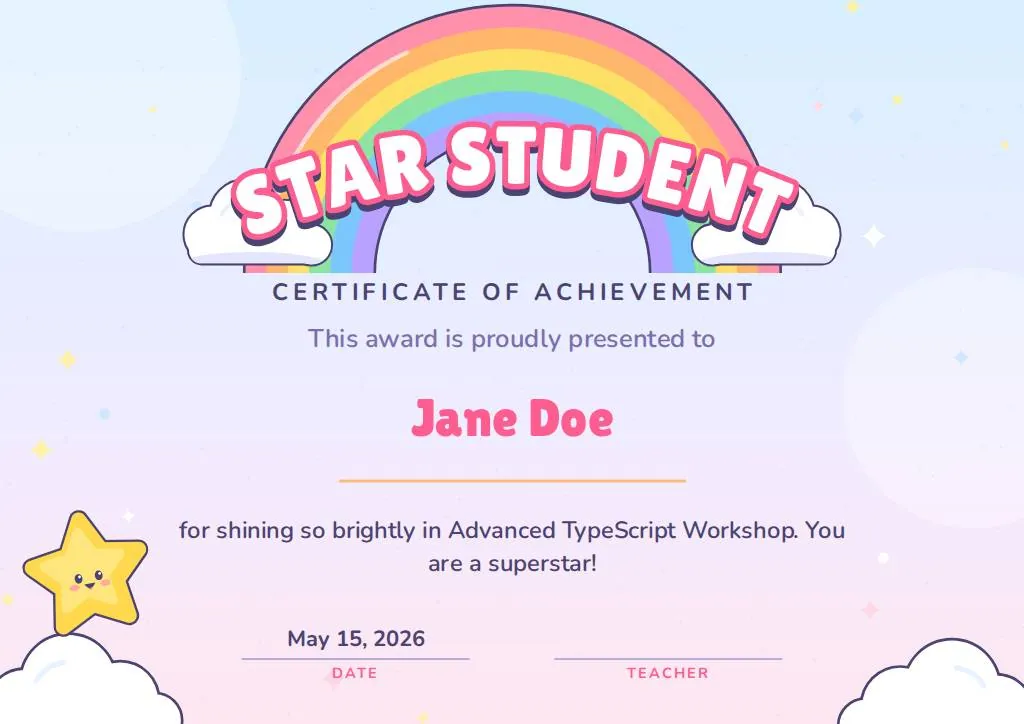
Rainbow Star Student Kids Award Certificate
Pastel sky with a rainbow, fluffy clouds, a smiling star and a "Star Student" headline.
-
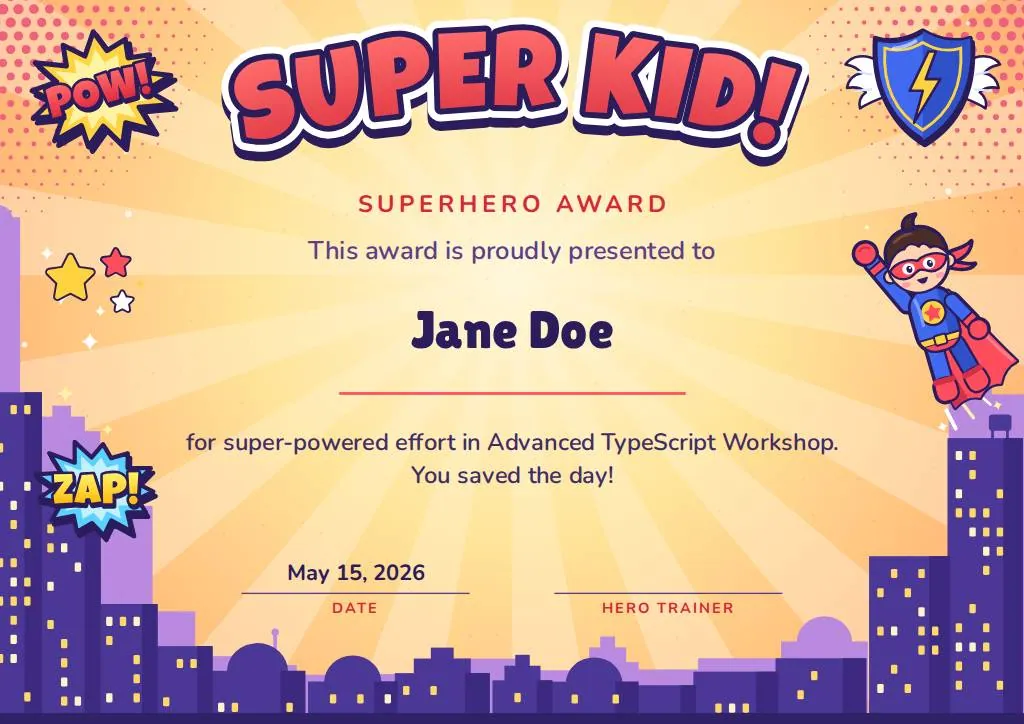
Super Kid Superhero Kids Award Certificate
Comic-book superhero award with a flying caped kid, a city skyline at dusk and POW! bursts.
-
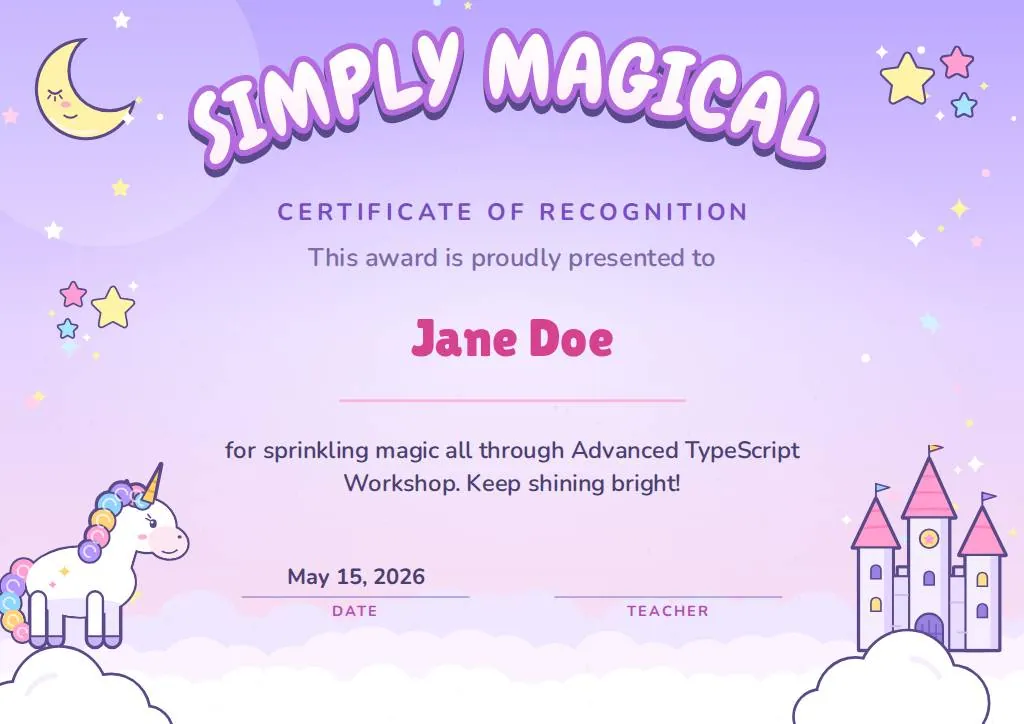
Magical Unicorn Kids Award Certificate
Dreamy pastel certificate with a unicorn, a fairy-tale castle, a sleepy moon and sparkles.
-
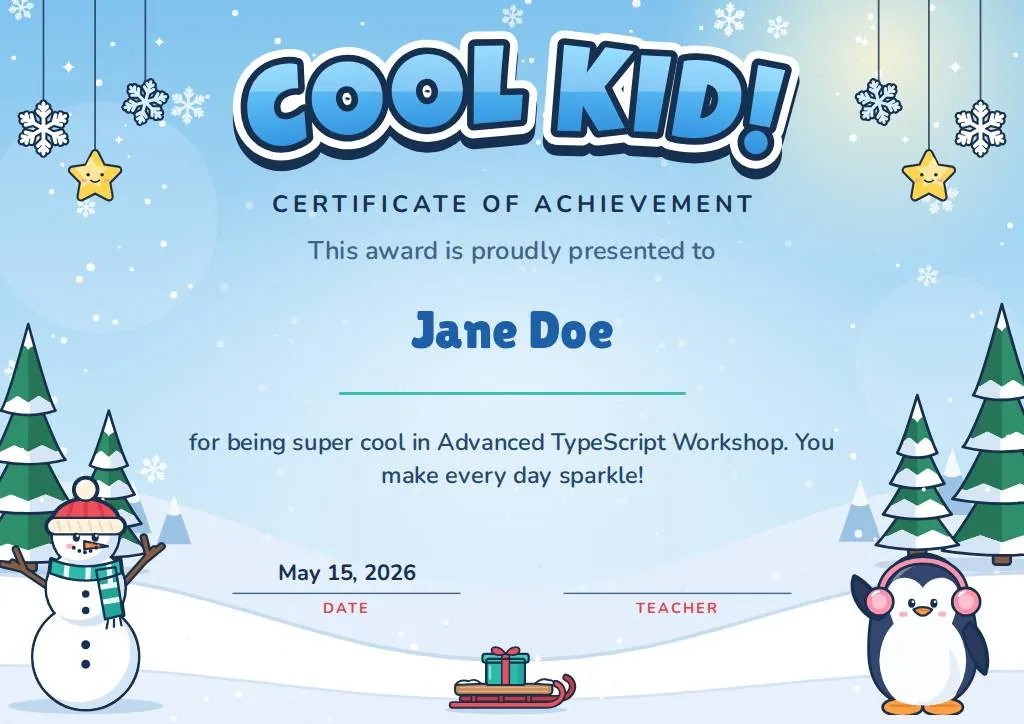
Winter Star Kids Award Certificate
Snowy winter certificate with a snowman, a penguin in earmuffs, snowy pines and a "Cool Kid!" headline.
-
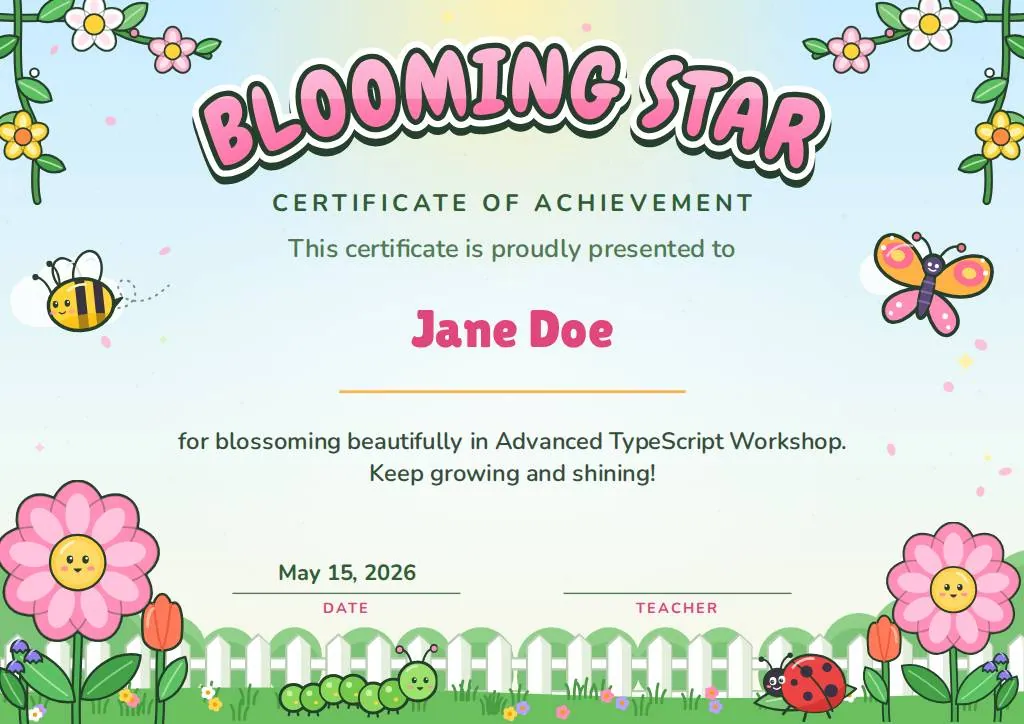
Blooming Star Kids Garden Certificate of Achievement
Spring garden certificate with a smiling flower, a butterfly, a bee, a ladybug, a caterpillar and a picket fence.
-
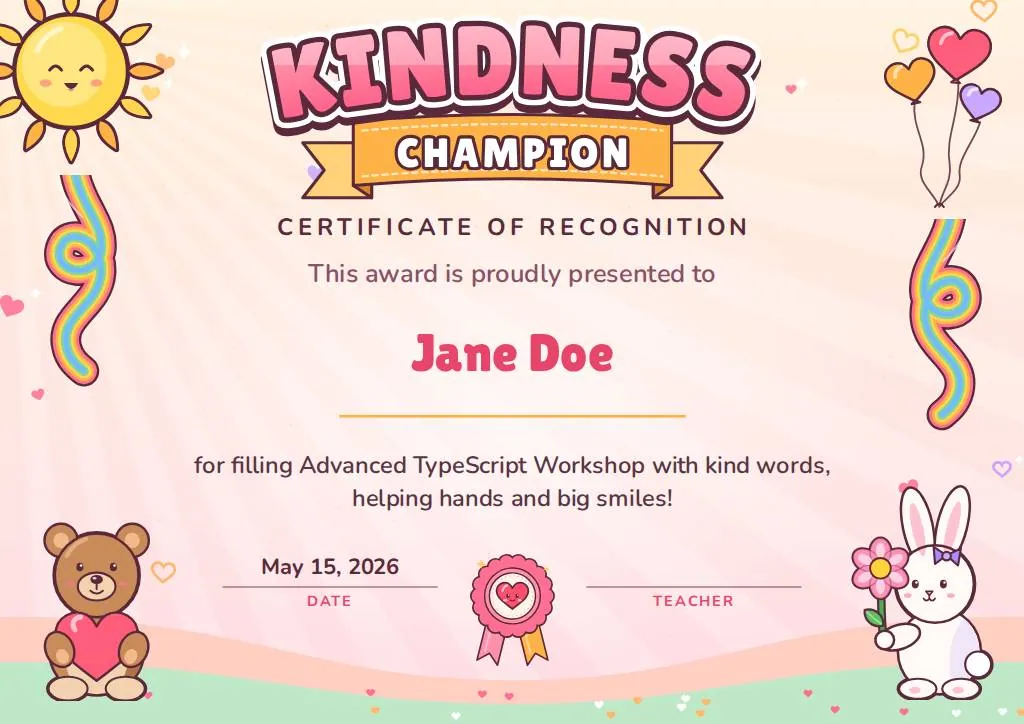
Kindness Champion Kids Award Certificate
Warm kindness award with a teddy bear hugging a heart, a bunny sharing a flower, a smiling sun and a heart badge.
-
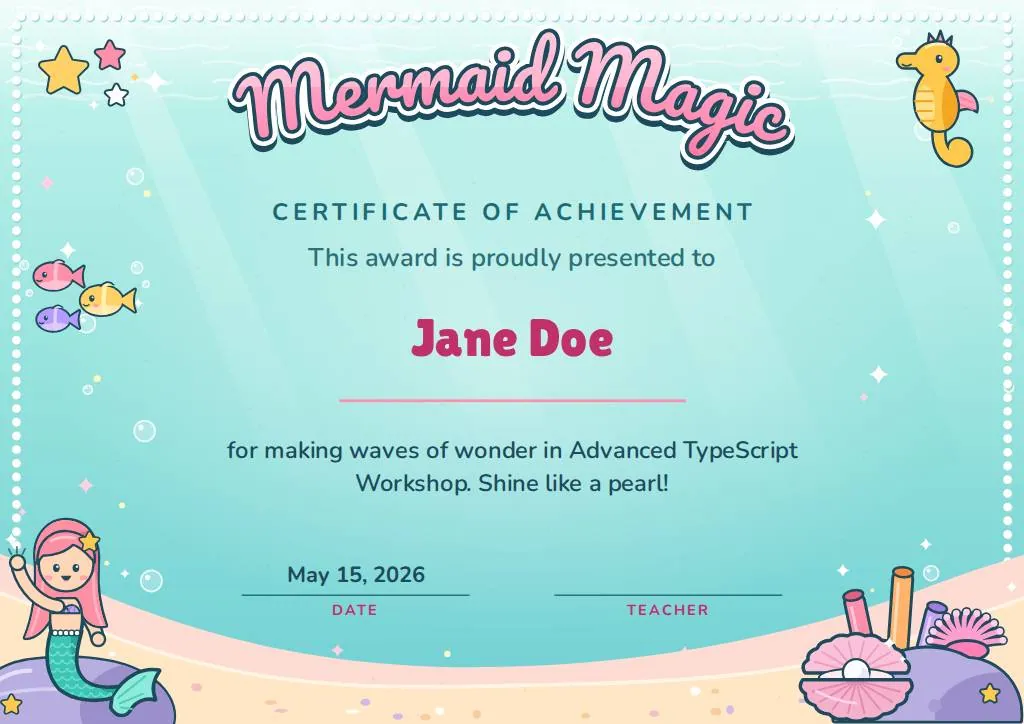
Mermaid Lagoon Kids Award Certificate
Pastel lagoon certificate with a mermaid on a rock, a seahorse, coral, an open pearl clam and little fish.
-
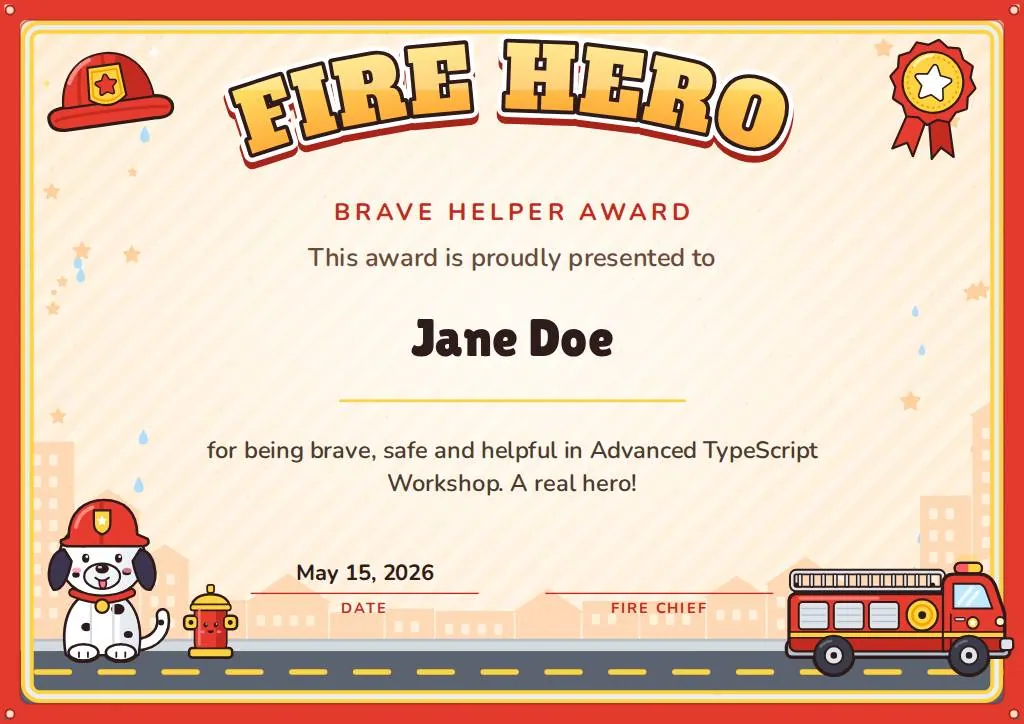
Firefighter Hero Kids Award Certificate
Fire station certificate with a red fire engine, a dalmatian pup in a helmet, a hydrant and a hero badge.
Issue your first credential today
Open this template in the CertSeal editor, customize in minutes, and send verifiable certificates your recipients can share anywhere.