Certificate template
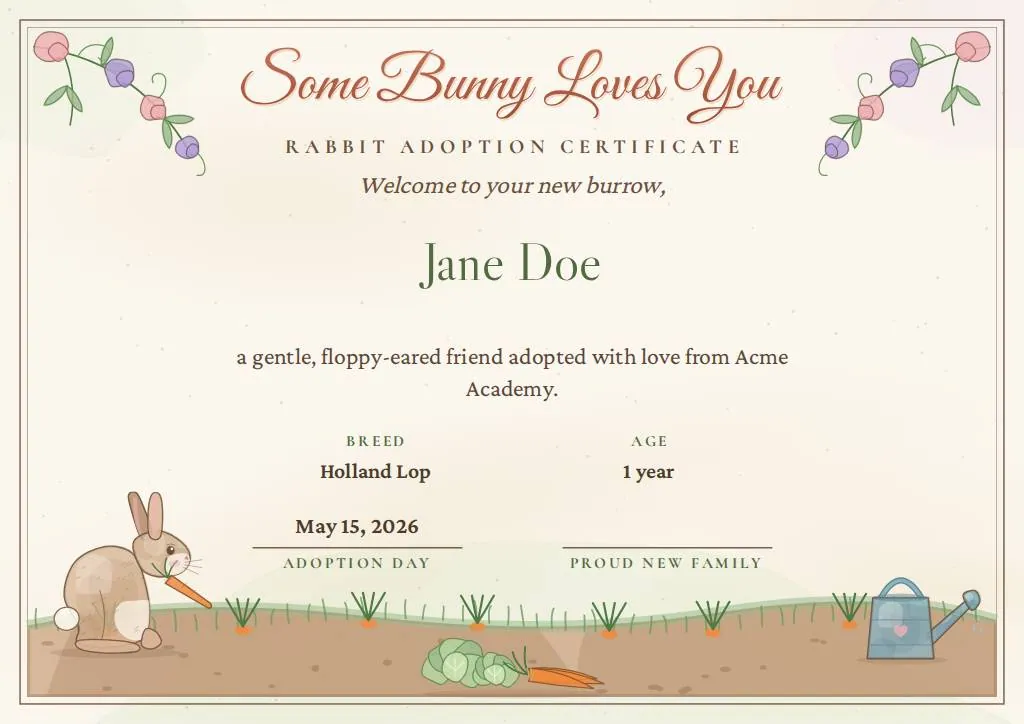
Watercolour Vegetable Garden Some Bunny Loves You Rabbit Adoption Certificate
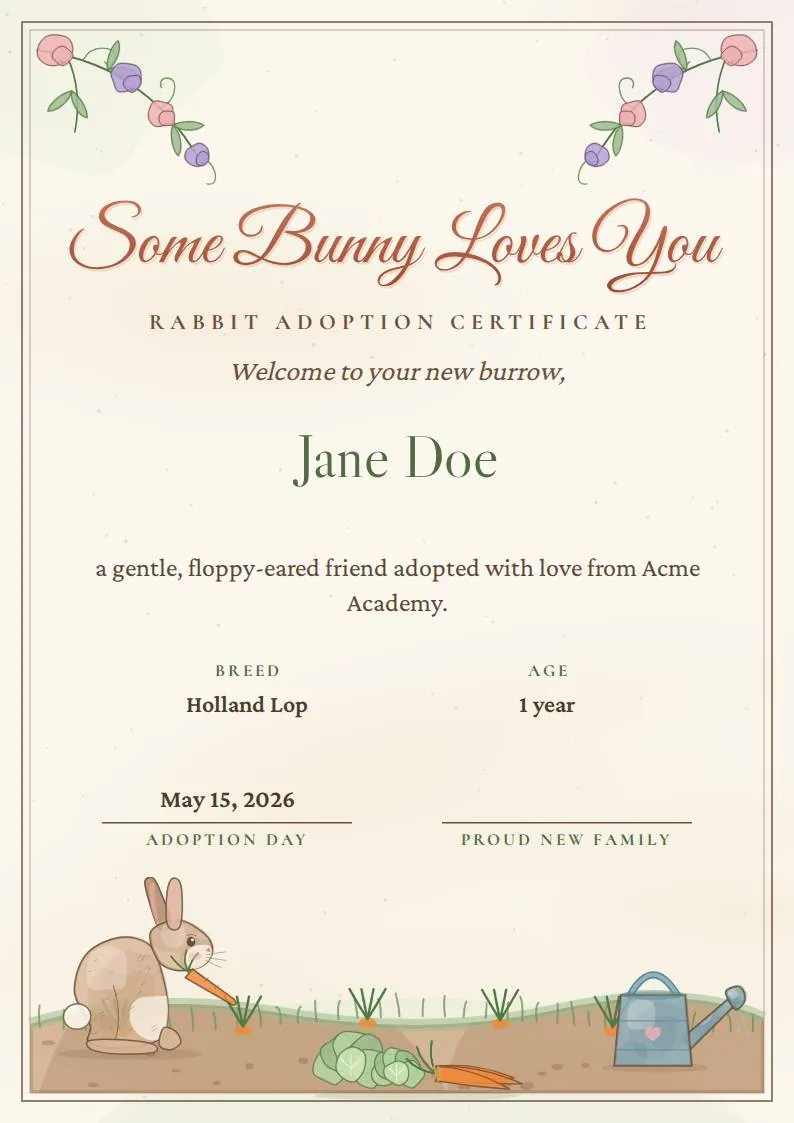
Storybook watercolour rabbit with a carrot, a vegetable patch, a watering can and sweet peas.
Free to customize. Issue verifiable credentials with a CertSeal account.
About this template
When to reach for it
A soft, storybook-style certificate for rabbit adoptions. A watercolour rabbit with sepia linework nibbles a carrot at the edge of a vegetable patch, with lettuces, a bunch of carrots, a blue tin watering can and sprays of pink and lavender sweet peas in the corners.
The headline "Some Bunny Loves You" is lettered in a flowing script, and the rabbit’s name is set in Libre Caslon Display. The rescue goes in the issuer field and the adoption date in the date field; the new family signs on the right.
Wording
What the certificate says
Every line of text on this template, top to bottom. Highlighted parts fill in for each recipient, and you can reword any line in the editor.
- RABBIT ADOPTION CERTIFICATE
- Welcome to your new burrow,
- Recipient name
- a gentle, floppy-eared friend adopted with love from Issued by.
- BREED · AGE
- Holland Lop · 1 year
- Date
- ADOPTION DAY · PROUD NEW FAMILY
Typography
Fonts used in this template
Swap, mix, or replace any of these in the editor — every CertSeal template ships with 1,000+ Google Fonts plus your own brand uploads.
-
Font family
Cormorant SC
Cormorant SC
-
Font family
Crimson Pro
Crimson Pro
-
Font family
Libre Caslon Display
Libre Caslon Display
Color palette
Colors used in this template
The five most prominent colors sampled straight from the rendered design. Recolor any of them in the editor to match your brand.
-
#faf5eb
-
#c6a585
-
#e6d8ca
-
#b9c6a8
-
#89a4ab
How to use it
From template to issued credential in four steps
- 01
Open the template
Click "Use this template" to open the Watercolour Vegetable Garden Some Bunny Loves You Rabbit Adoption Certificate in the CertSeal editor, or customize it free without signing up.
- 02
Fill in the details
- Recipient name
- Issued by
- Date
Type these in, or upload a spreadsheet to make one for every recipient.
- 03
Add your brand
Swap the Cormorant SC, Crimson Pro and Libre Caslon Display fonts and the colors, and add your logo.
- 04
Issue & verify
Generate PDFs and verifiable links your recipients can share anywhere.
More templates
You might also like
-
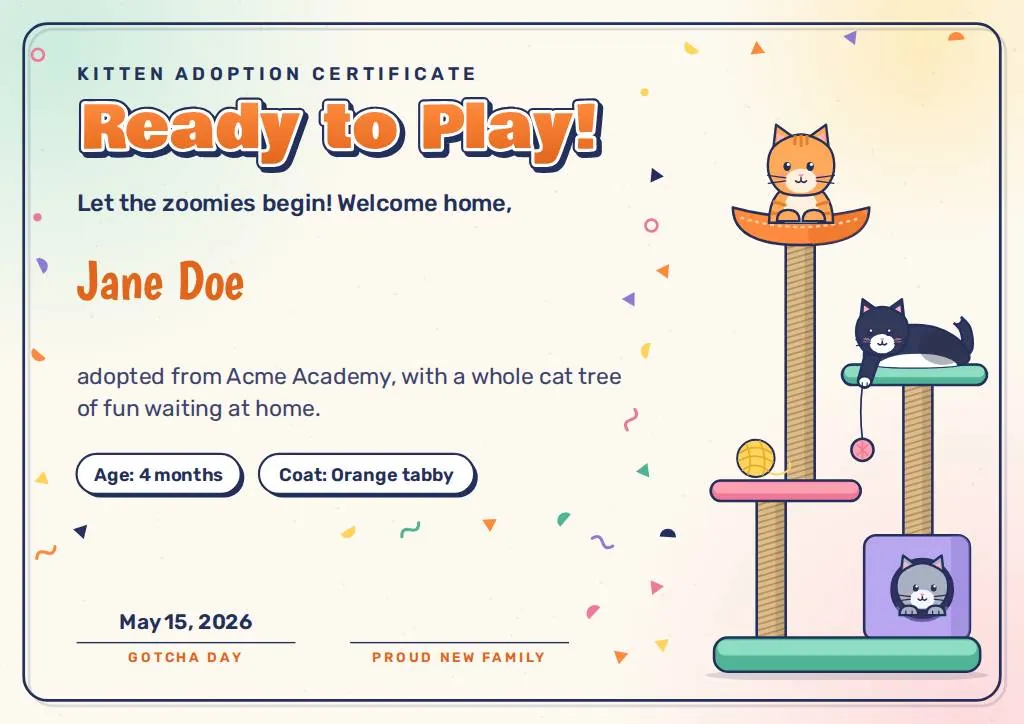
Mint and Tangerine Cat Tree Playground Kitten Adoption Certificate
Three kittens play on a sisal cat tree with a cube condo, a top bed and a pom-pom toy.
-
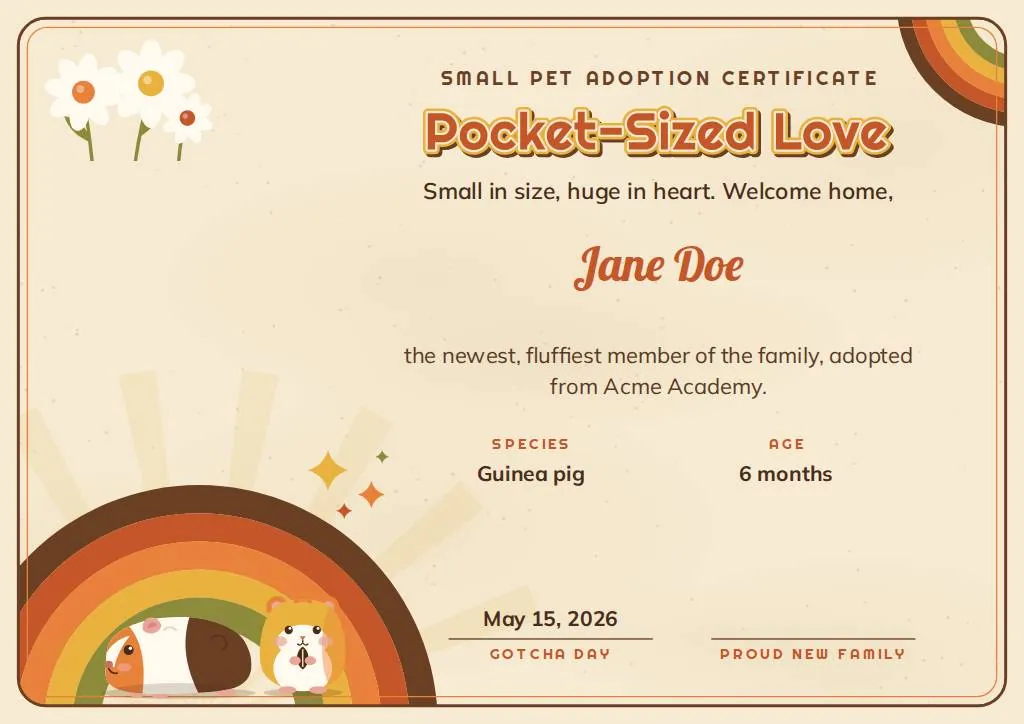
Seventies Rainbow Guinea Pig and Hamster Small Pet Adoption Certificate
Groovy earth-tone rainbow with a flat retro guinea pig, a hamster, daisies and sparkles.
-
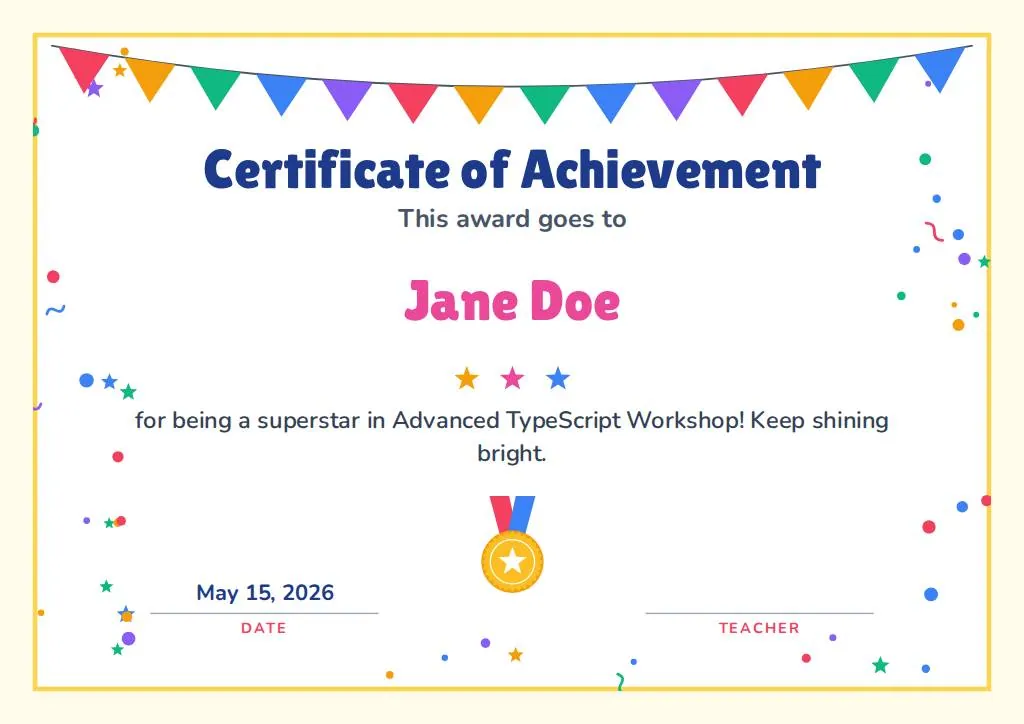
Rainbow Confetti Kids Star Award Certificate
Cheerful kids certificate with rainbow bunting, confetti and a star medal.
-
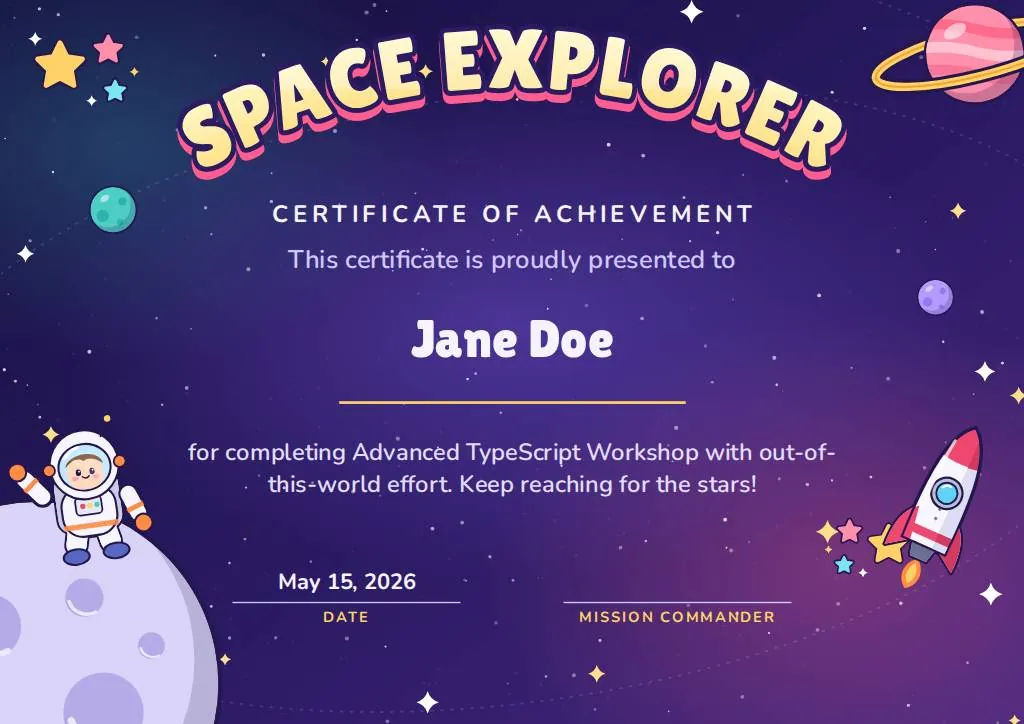
Space Explorer Kids Certificate of Achievement
Illustrated outer-space certificate with an astronaut, rocket, planets and an arched headline.
-
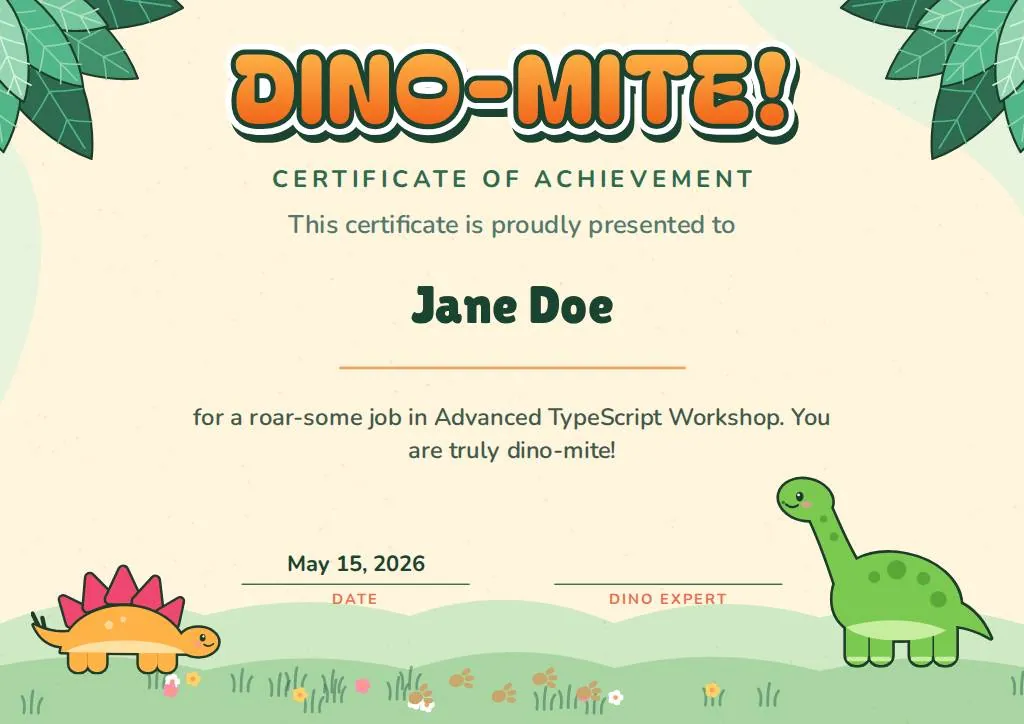
Dino-Mite Kids Certificate of Achievement
Jungle certificate with friendly dinosaurs, tropical leaves, footprints and a "Dino-mite!" headline.
-
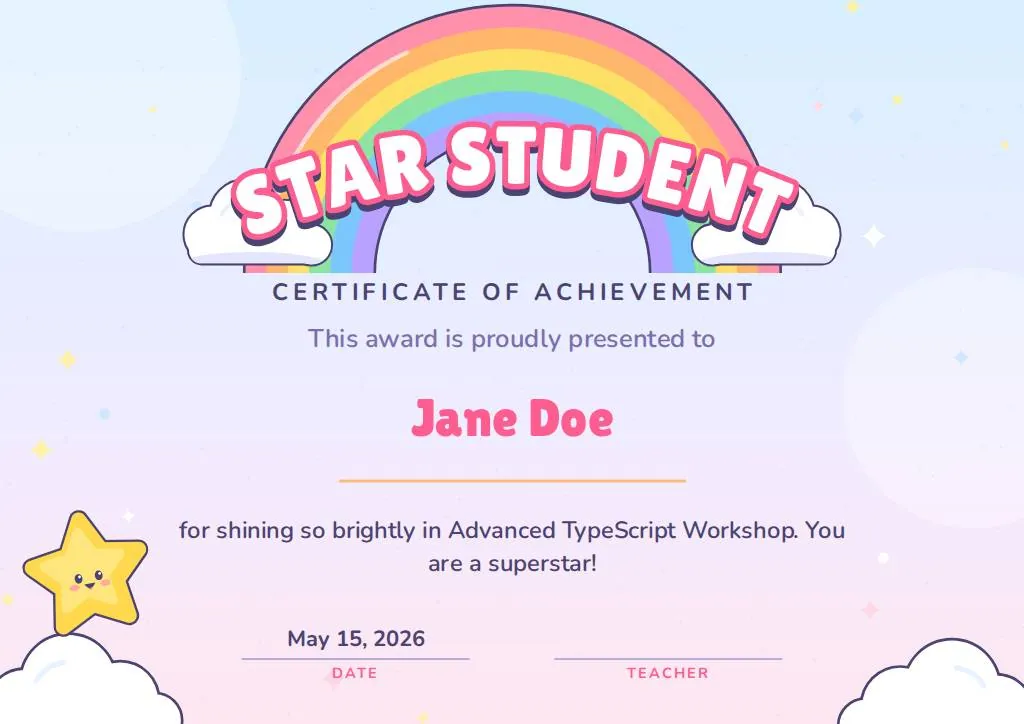
Rainbow Star Student Kids Award Certificate
Pastel sky with a rainbow, fluffy clouds, a smiling star and a "Star Student" headline.
-
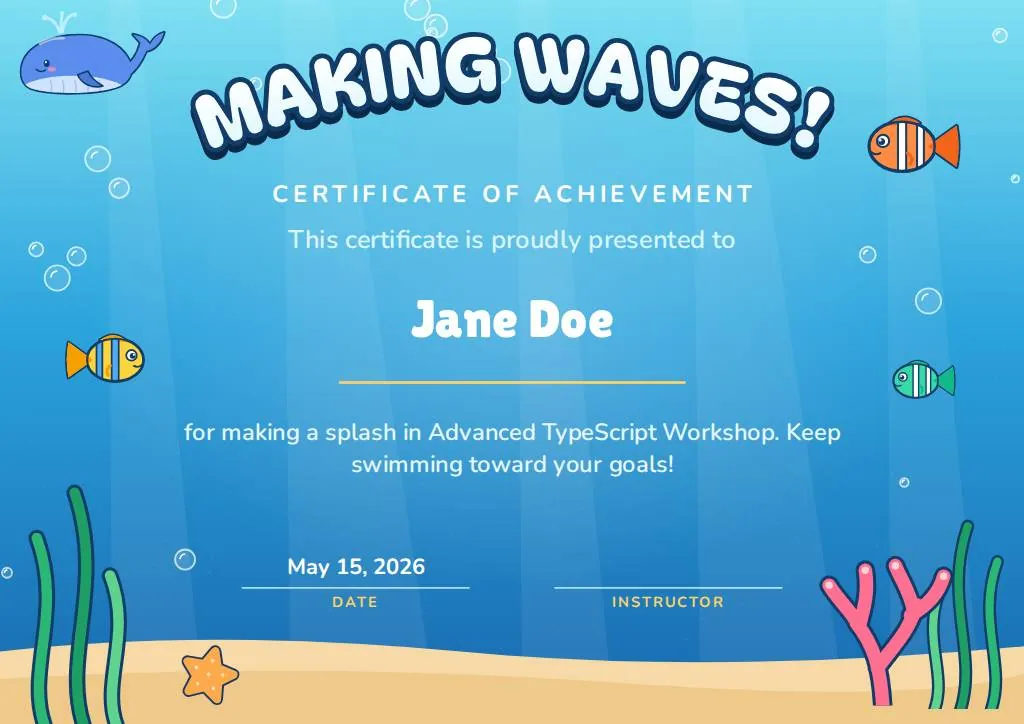
Making Waves Kids Swimming and Ocean Award Certificate
Underwater certificate with a whale, tropical fish, seaweed, coral and a "Making Waves!" headline.
-
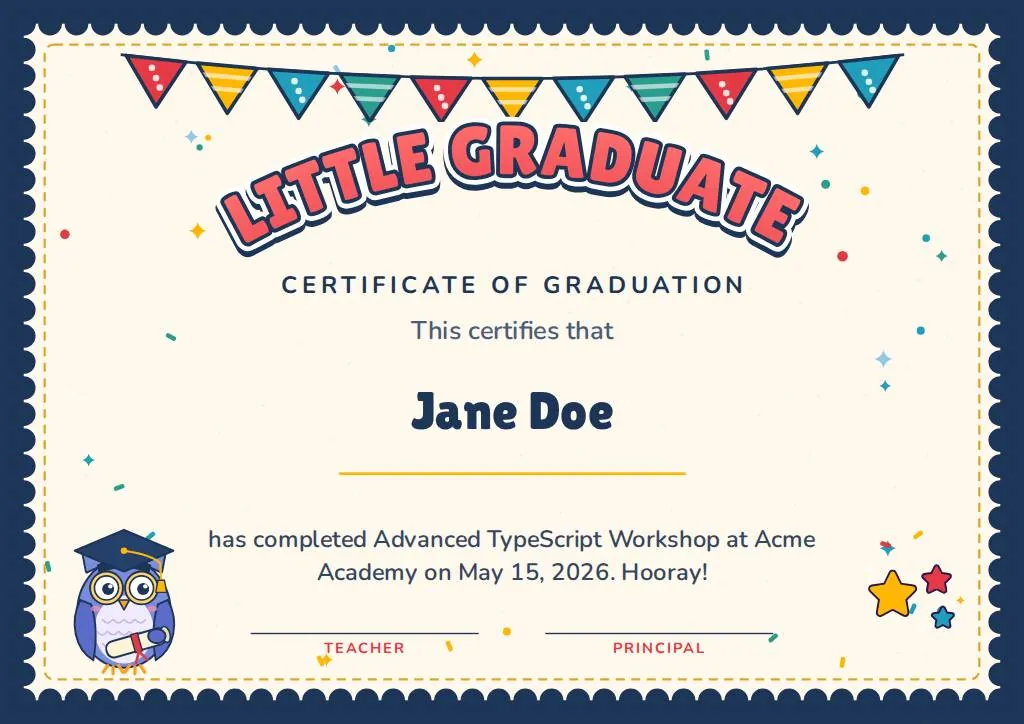
Little Graduate Kids Diploma
Preschool and kindergarten diploma with a graduate owl, bunting, confetti and a scalloped frame.
Issue your first credential today
Open this template in the CertSeal editor, customize in minutes, and send verifiable certificates your recipients can share anywhere.