Certificate template
Service Record Student Service Learning Community Service Certificate
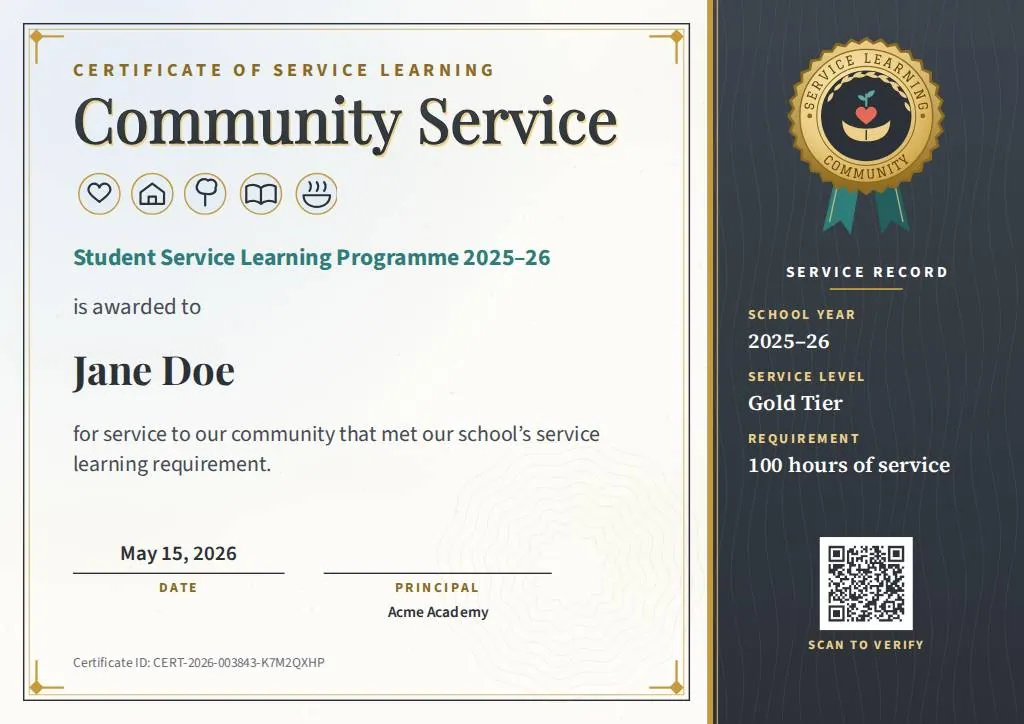
Graphite and gold student community service certificate with a tier medallion and record panel.
Free to customize. Issue verifiable credentials with a CertSeal account.
About this template
When to reach for it
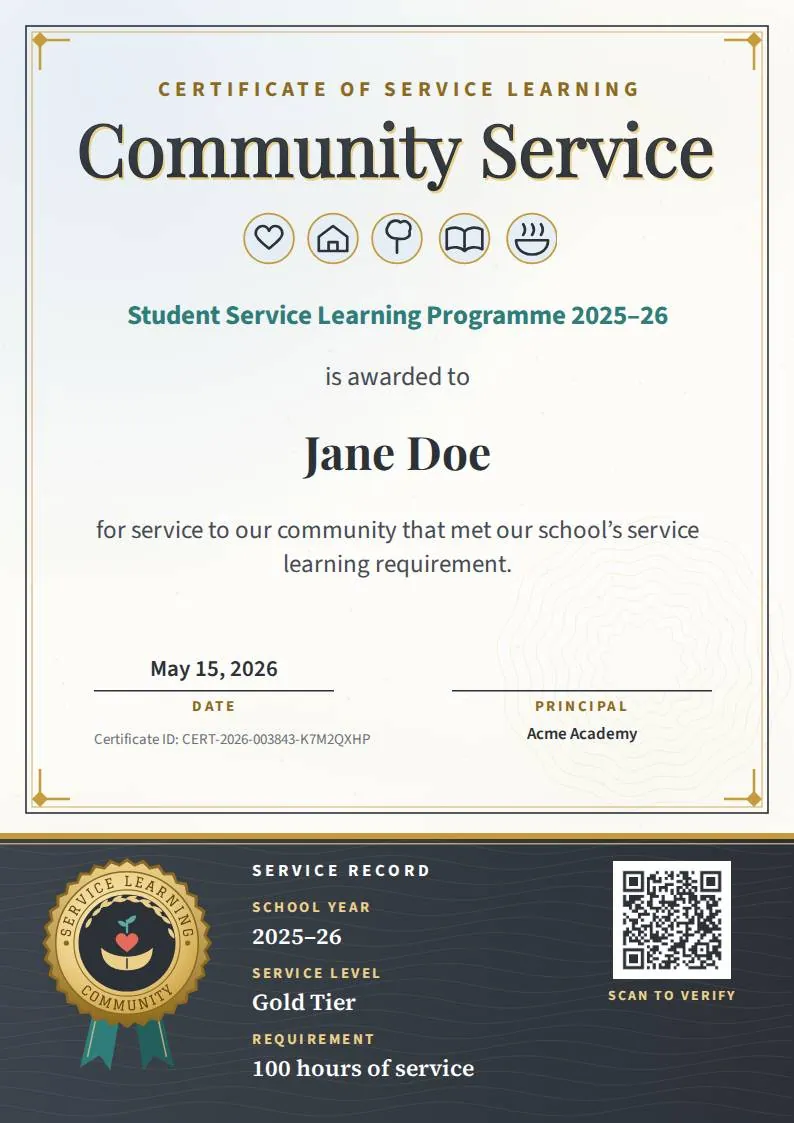
A community service and service-learning certificate for middle schools, high schools and colleges, the kind students add to applications and portfolios. Ivory paper with a fine gold-bracketed frame carries "Community Service" in Playfair lettering above a row of service-area icons, beside a graphite record panel with fine gold wave lines.
The panel holds a gold tier medallion with a laurel and cupped hands around a sprouting heart, editable School Year, Service Level and Requirement fields (set your own tier or hours), and a verification QR code. The medallion and icons are separate layers you can move or remove, and the programme line and certificate ID are built in.
Wording
What the certificate says
Every line of text on this template, top to bottom. Highlighted parts fill in for each recipient, and you can reword any line in the editor.
- CERTIFICATE OF SERVICE LEARNING
- Course or achievement · SERVICE RECORD
- is awarded to
- Recipient name
- for service to our community that met our school’s service learning requirement.
- SCHOOL YEAR
- 2025–26
- SERVICE LEVEL
- Gold Tier
- REQUIREMENT
- 100 hours of service
- Date
Show the other 4 lines
- DATE · PRINCIPAL
- Issued by
- Certificate ID: Certificate ID
- SCAN TO VERIFY
Typography
Fonts used in this template
Swap, mix, or replace any of these in the editor — every CertSeal template ships with 1,000+ Google Fonts plus your own brand uploads.
-
Font family
Playfair Display
Playfair Display
Color palette
Colors used in this template
The five most prominent colors sampled straight from the rendered design. Recolor any of them in the editor to match your brand.
-
#fafaf7
-
#343b43
-
#d9d8d4
-
#cdb786
-
#86888a
How to use it
From template to issued credential in four steps
- 01
Open the template
Click "Use this template" to open the Service Record Student Service Learning Community Service Certificate in the CertSeal editor, or customize it free without signing up.
- 02
Fill in the details
- Course or achievement
- Recipient name
- Date
- Issued by
Type these in, or upload a spreadsheet to make one for every recipient.
- 03
Add your brand
Swap the Playfair Display font and the colors, and add your logo.
- 04
Issue & verify
Generate PDFs and verifiable links your recipients can share anywhere. The QR code on this design opens each certificate's verification page. Each certificate is printed with its own ID.
More templates
You might also like
-
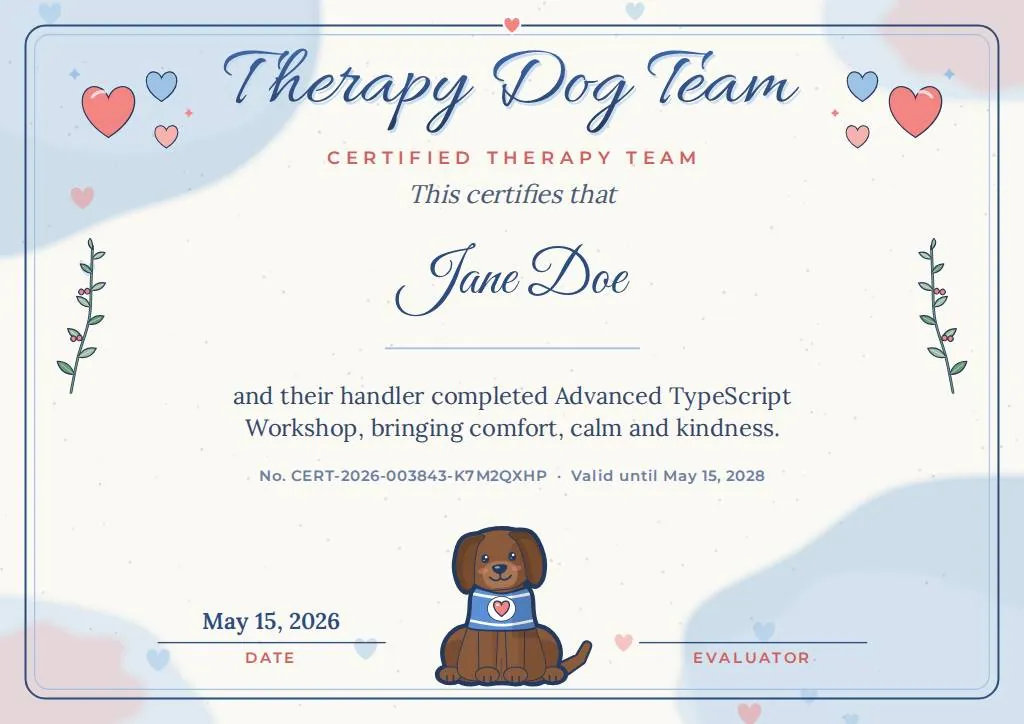
Therapy Dog Team Dog Training Certificate
Soft blue watercolour certificate with a calm chocolate labrador in a heart vest, hearts and leafy branches.
-
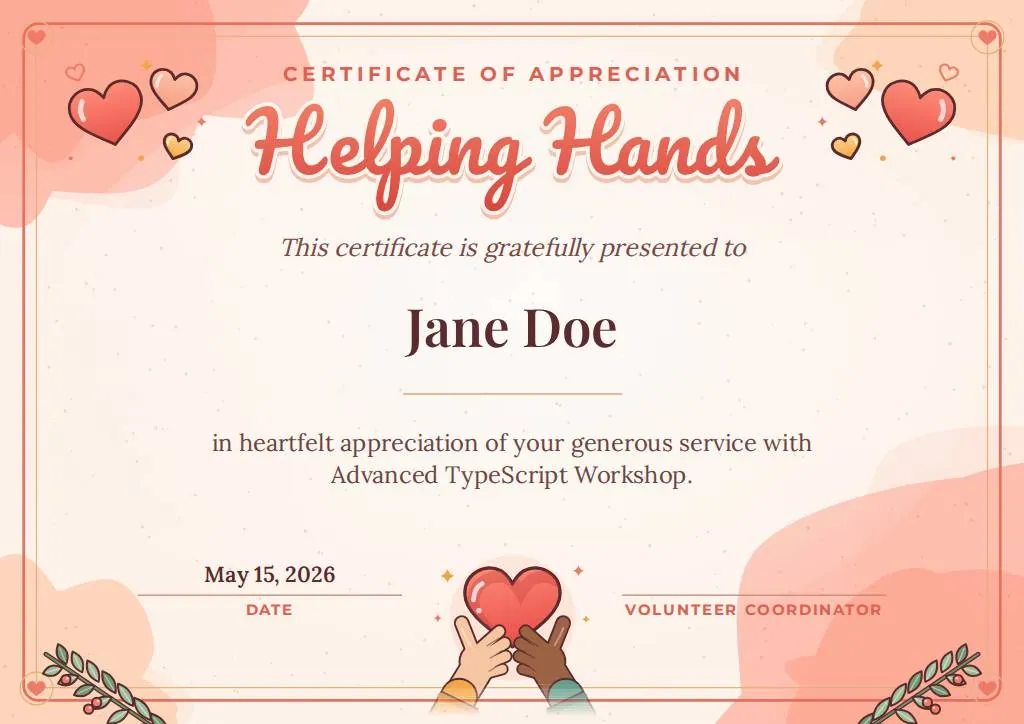
Helping Hands Heart Volunteer Appreciation Certificate
Warm coral watercolour certificate with two hands holding a glossy heart and a script headline.
-
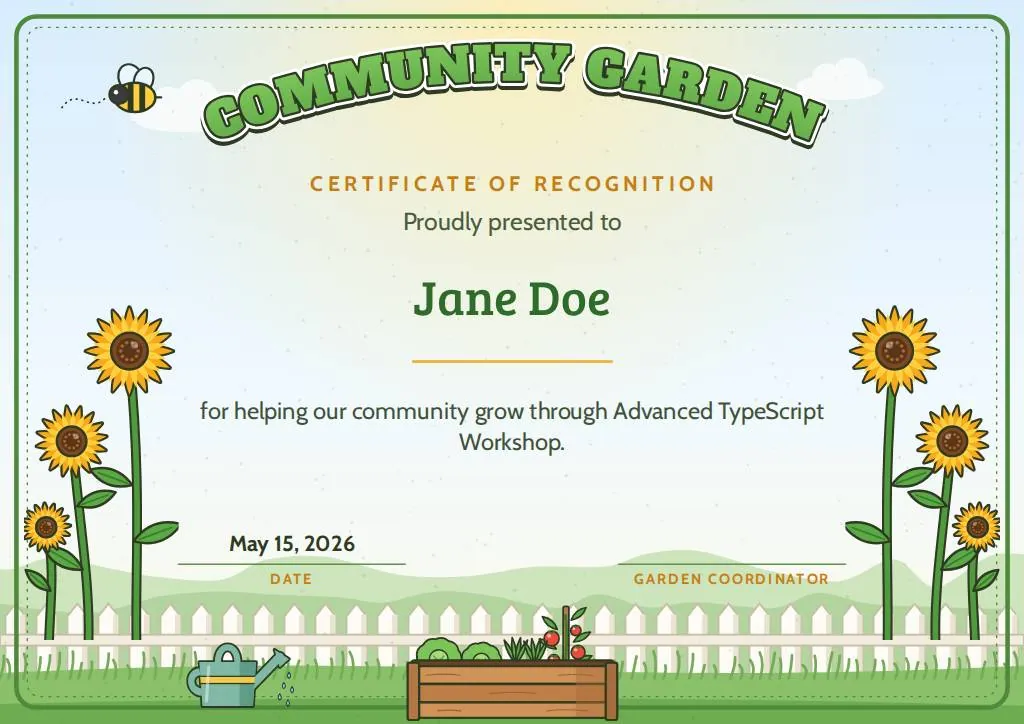
Community Garden Volunteer Recognition Certificate
Sunny garden scene with sunflowers, a raised vegetable bed, a watering can and an arched headline.
-
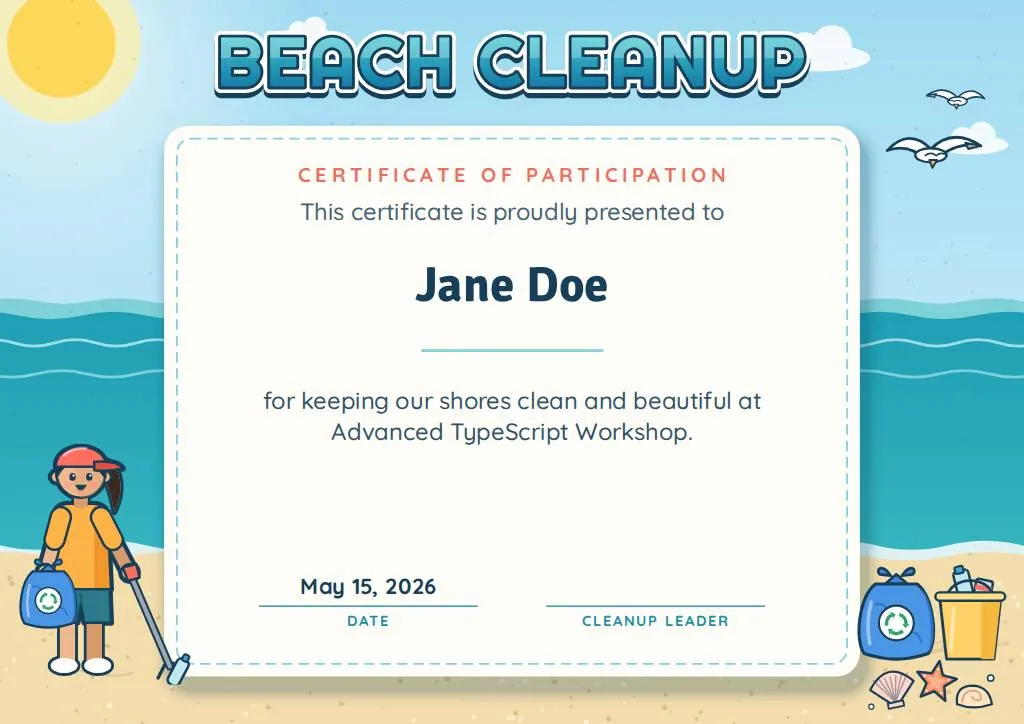
Beach Cleanup Volunteer Participation Certificate
Sunny beach postcard with a volunteer, a recycling bag, shells and a white card for the text.
-
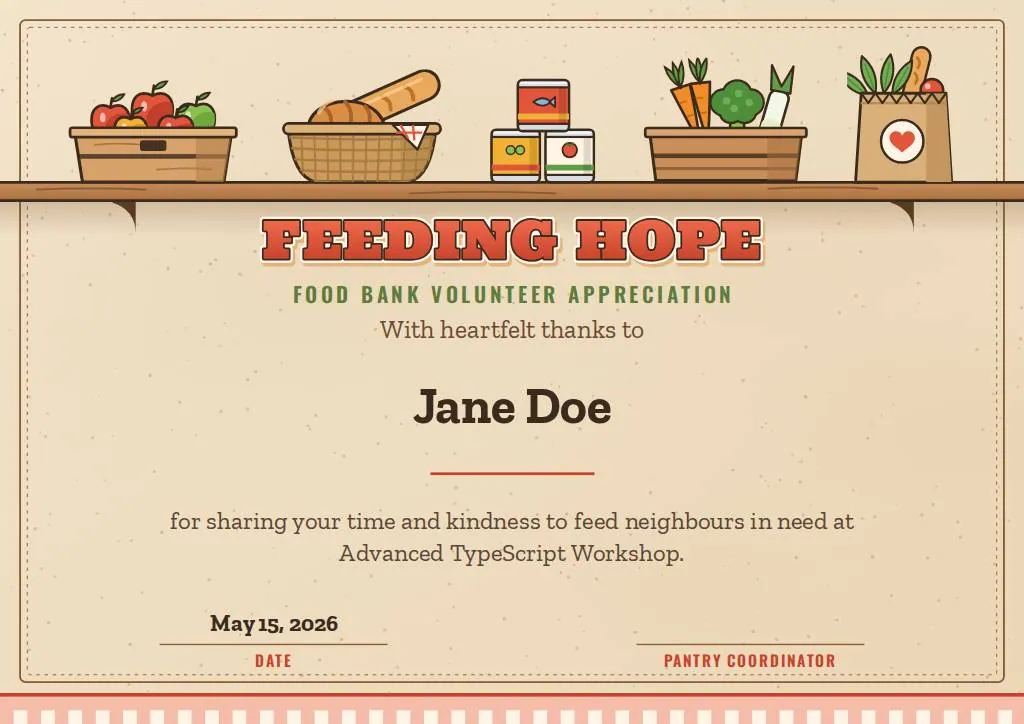
Food Bank Volunteer Appreciation Certificate
Kraft-paper pantry certificate with a shelf of apples, bread, tins and vegetables and gingham trim.
-

Tree Planting Volunteer Participation Certificate
Sunrise hillside with a volunteer holding a sapling, young trees and a script headline, left-aligned.
-
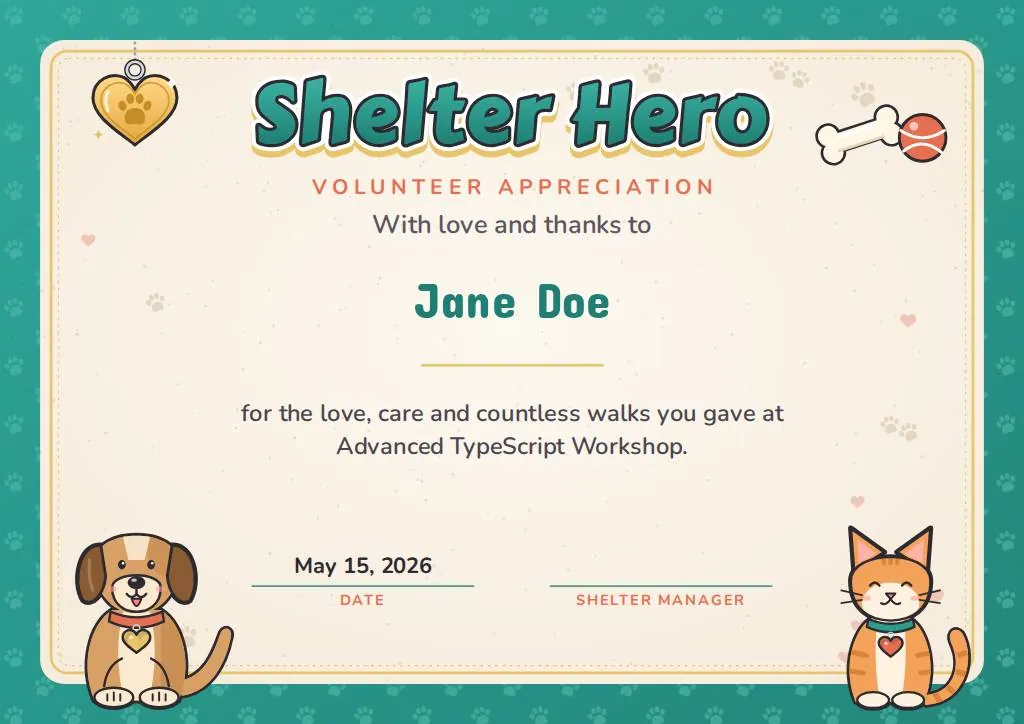
Animal Shelter Volunteer Appreciation Certificate
Teal paw-print border with a friendly dog and cat wearing heart tags and a "Shelter Hero" headline.
-
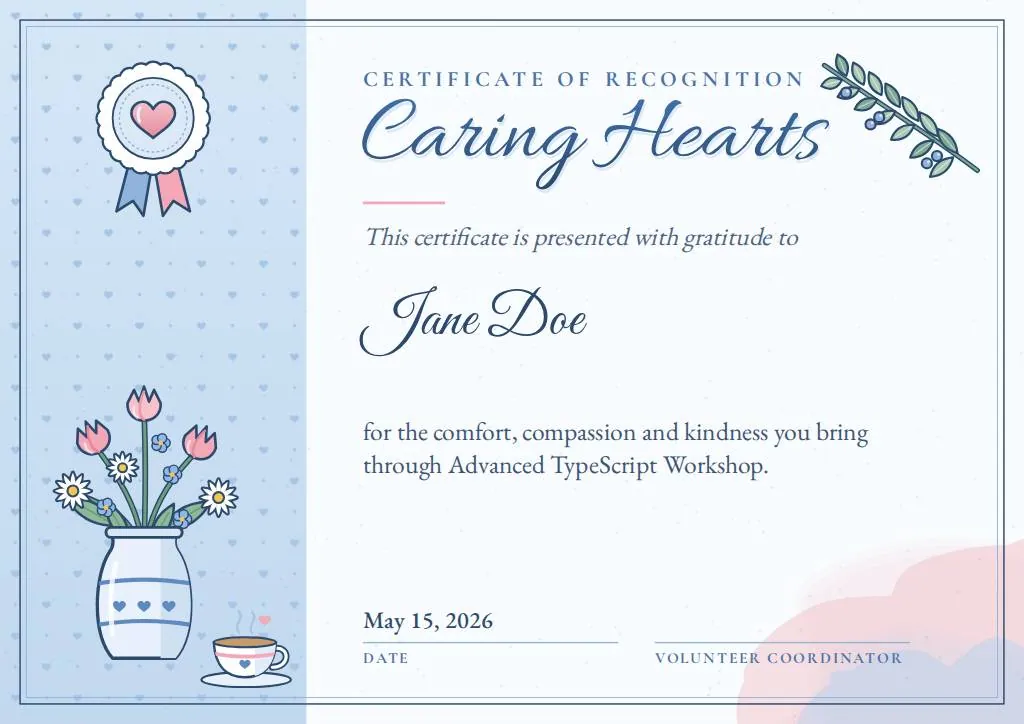
Caring Hearts Care Volunteer Recognition Certificate
Soft blue side panel with a vase of tulips, a teacup and a heart rosette beside elegant left-aligned text.
Issue your first credential today
Open this template in the CertSeal editor, customize in minutes, and send verifiable certificates your recipients can share anywhere.