Certificate template
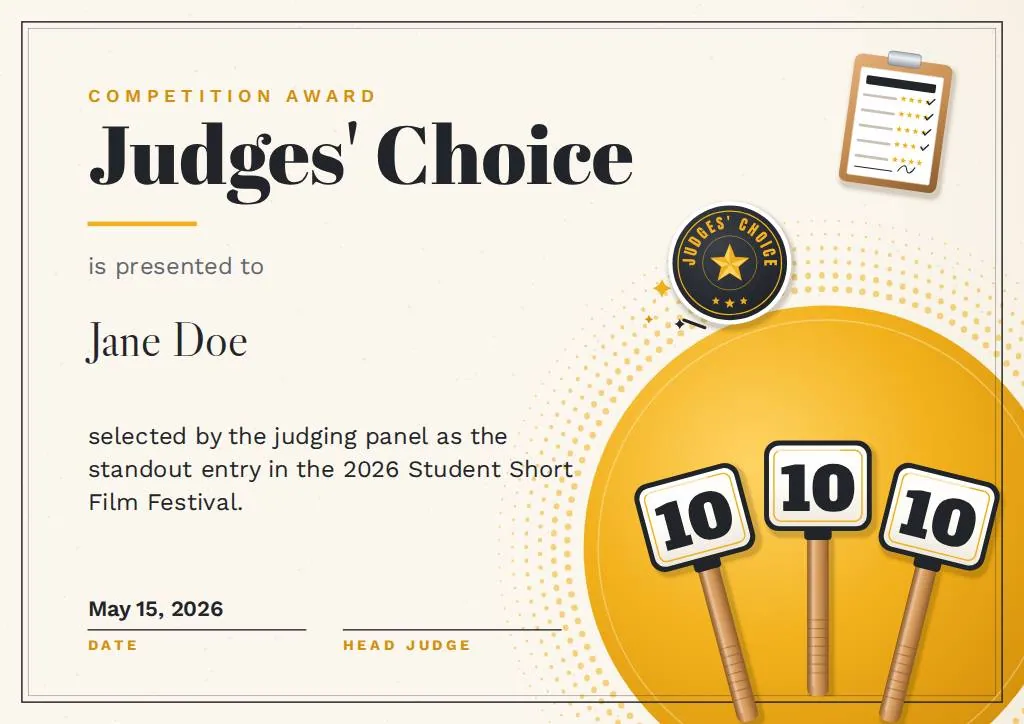
Mustard and Charcoal Score Paddles Judges' Choice Certificate
Judges' choice award with three "10" score paddles, a mustard disc and a sticker badge.
Free to customize. Issue verifiable credentials with a CertSeal account.

About this template
When to reach for it
A perfect score. Three judges' paddles reading "10" rise in front of a big mustard disc ringed with halftone dots, a JUDGES' CHOICE sticker and a clipboard score sheet with star ratings sit beside them, and pop marks add a little drama on warm off-white paper with a charcoal hairline frame.
The headline is charcoal Abril Fatface "Judges' Choice", the name is set in Libre Caslon Display and the text in Work Sans. Use the course field for the competition, festival or show.
Wording
What the certificate says
Every line of text on this template, top to bottom. Highlighted parts fill in for each recipient, and you can reword any line in the editor.
- COMPETITION AWARD
- is presented to
- Recipient name
- selected by the judging panel as the standout entry in Course or achievement.
- Date
- DATE · HEAD JUDGE
Typography
Fonts used in this template
Swap, mix, or replace any of these in the editor — every CertSeal template ships with 1,000+ Google Fonts plus your own brand uploads.
-
Font family
Libre Caslon Display
Libre Caslon Display
-
Font family
Work Sans
Work Sans
Color palette
Colors used in this template
The five most prominent colors sampled straight from the rendered design. Recolor any of them in the editor to match your brand.
-
#fbf6ed
-
#fac648
-
#e8a618
-
#dddad3
-
#bab8b5
How to use it
From template to issued credential in four steps
- 01
Open the template
Click "Use this template" to open the Mustard and Charcoal Score Paddles Judges' Choice Certificate in the CertSeal editor, or customize it free without signing up.
- 02
Fill in the details
- Recipient name
- Course or achievement
- Date
Type these in, or upload a spreadsheet to make one for every recipient.
- 03
Add your brand
Swap the Libre Caslon Display and Work Sans fonts and the colors, and add your logo.
- 04
Issue & verify
Generate PDFs and verifiable links your recipients can share anywhere.
More templates
You might also like
-
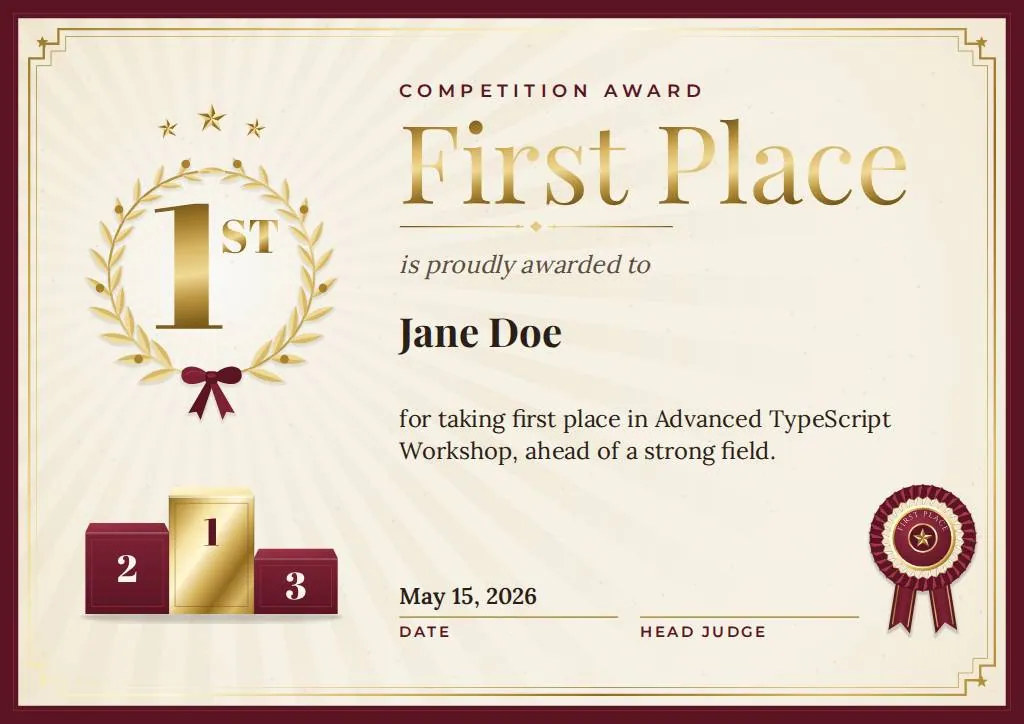
Gold and Oxblood First Place Competition Certificate
Ivory first-place certificate with a gold laurel, a podium and a prize rosette.
-
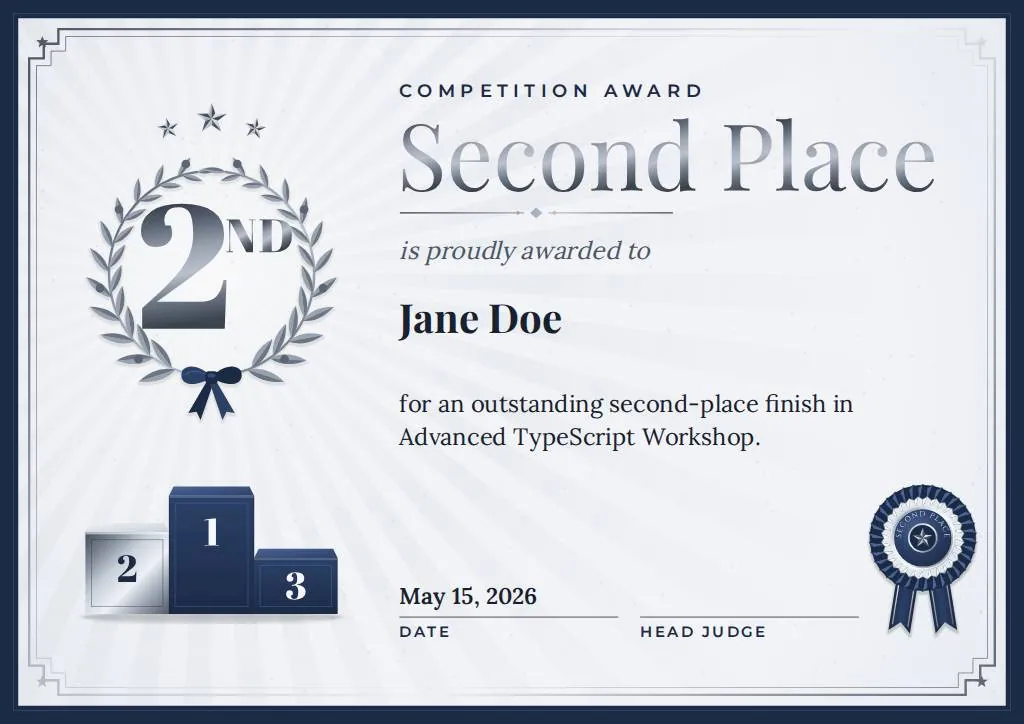
Silver and Navy Second Place Competition Certificate
Cool white second-place certificate with a silver laurel, podium and navy rosette.
-
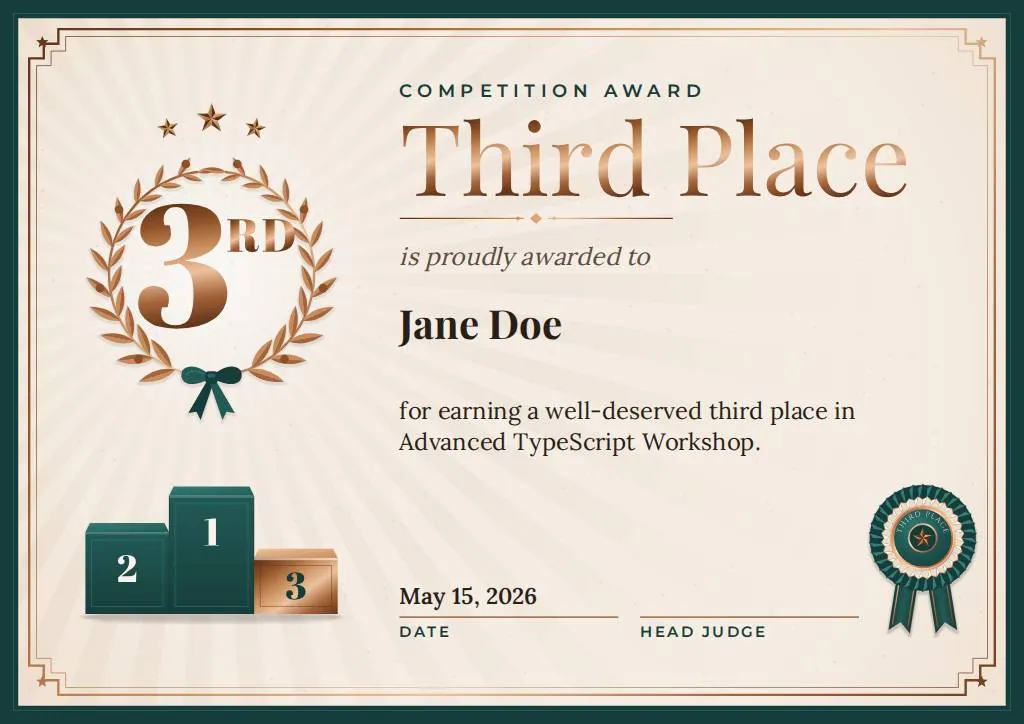
Bronze and Teal Third Place Competition Certificate
Warm third-place certificate with a bronze laurel, podium and deep teal rosette.
-

Crimson and Gold Royal Grand Champion Certificate
Regal crimson damask certificate with a jewelled gold crown and a gold seal.
-
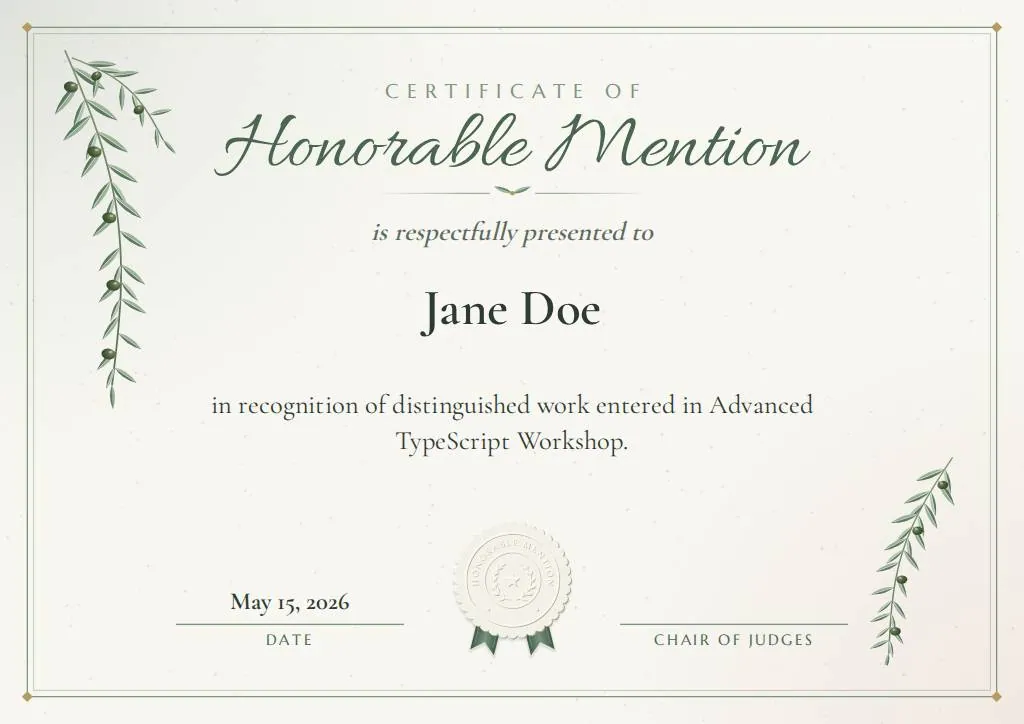
Sage and Ivory Honorable Mention Certificate
Understated ivory certificate with an olive branch and a blind-embossed seal.
-

Navy and Blue Science Fair Winner Certificate
Graph-paper science fair certificate with a tri-fold board, glassware and a blue ribbon.
-

Navy and Copper Circuit Hackathon Winner Certificate
Dark circuit-board hackathon certificate with a glowing chip, laptop and countdown.
-
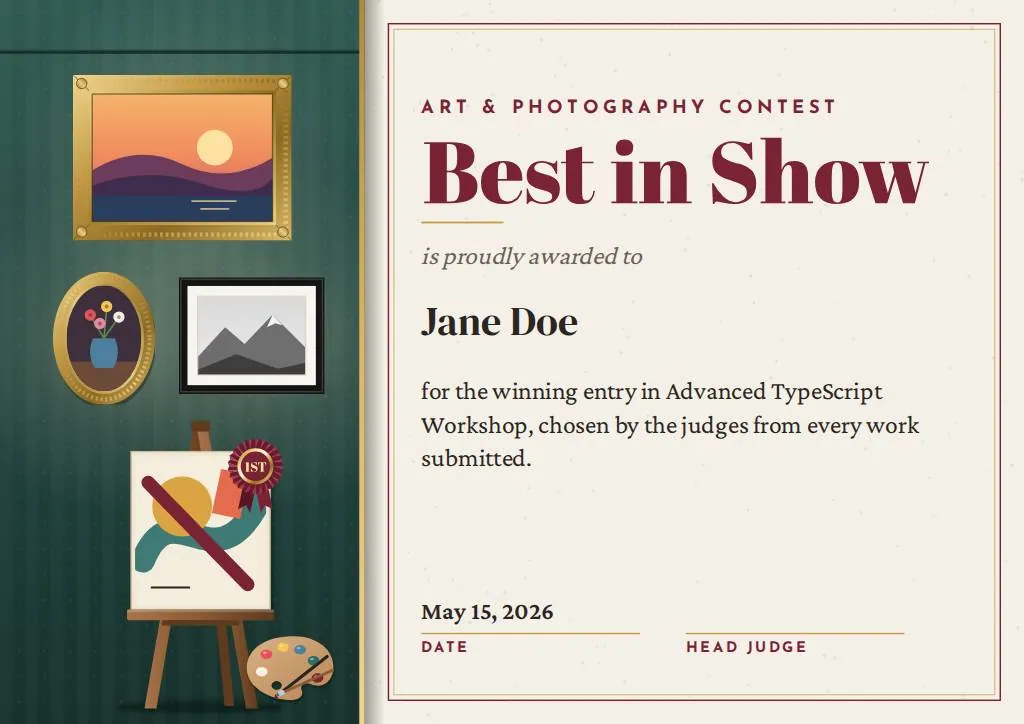
Gallery Green and Claret Art and Photography Contest Certificate
Gallery-wall certificate with gilded frames, a photograph and an easel with a prize rosette.
Issue your first credential today
Open this template in the CertSeal editor, customize in minutes, and send verifiable certificates your recipients can share anywhere.